Personal Finance
TradingView, Inc.
PC
Windows 10 version 19042.0 or higher
Integrated Keyboard
Integrated Mouse
English (United States)
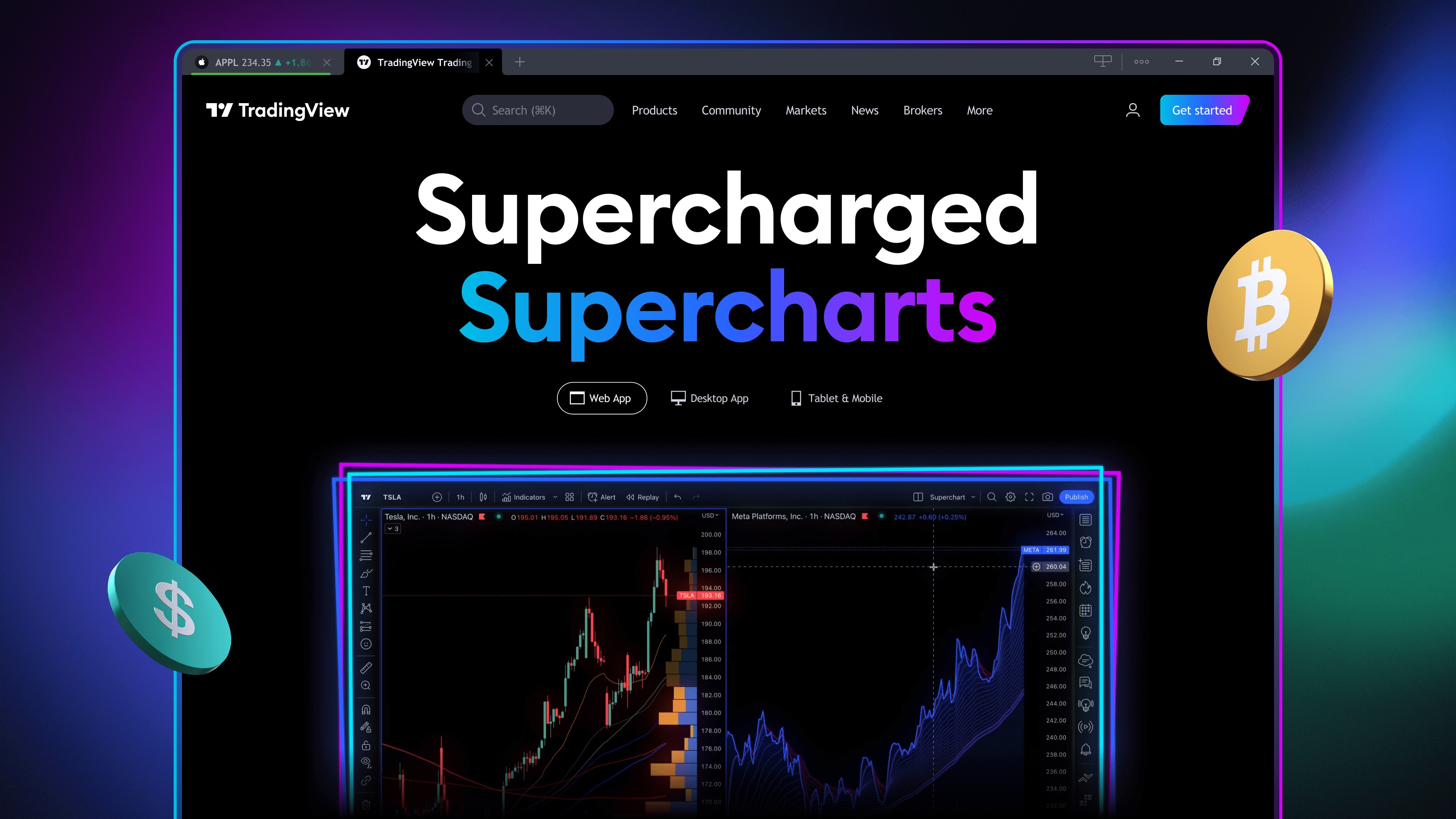
TradingView for Windows offers a comprehensive and user-friendly platform tailored for traders and investors looking to analyze markets with powerful charting tools and real-time data. Designed by TradingView, Inc., this application seamlessly integrates the web-based trading community experience into the Windows environment, making market analysis more accessible and interactive than ever before.
TradingView, Inc., the renowned developer behind this app, specializes in financial visualization tools and social trading platforms. The Windows version emphasizes delivering an intuitive experience for traders who prefer desktop setups.
From the moment you launch TradingView for Windows, you're greeted by a sleek, dark-themed interface that resembles a high-performance cockpit rather than a sterile data center. Navigating through charts feels like a well-orchestrated dance—smooth, responsive, and visually inviting. With intuitive toolbar placement and customizable workspace layouts, even novice traders can find their footing quickly, while seasoned analysts enjoy the depth of options available at their fingertips.
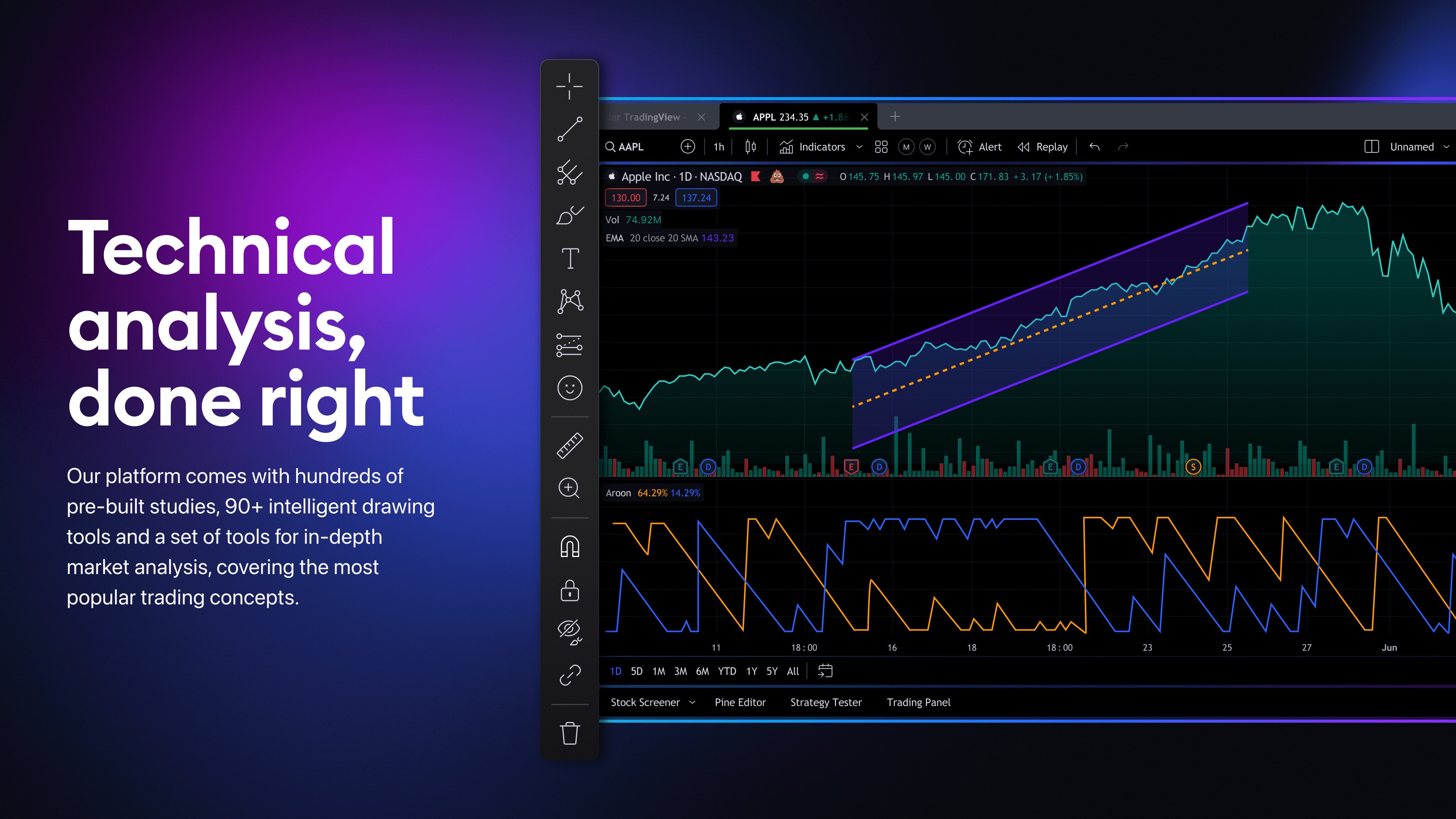
This platform shines brightest in its charting capabilities. The app offers an impressive array of over 100 technical indicators, drawing tools, and chart types. Whether you are performing a detailed candlestick analysis or overlaying multiple indicators, the process is seamless thanks to drag-and-drop functionality and smooth zooming features. The ability to save custom chart templates simplifies repetitive analysis, saving traders precious time during fast-moving markets.
One of TradingView's most compelling features is its real-time data feeds, which ensure traders stay ahead of market movements. Coupled with an integrated social community, users can share ideas, discuss strategies, and access a wealth of insights from thousands of traders worldwide. This embedded social element fosters a collaborative environment, making market analysis more interactive and less isolating—much like having a global trading floor right on your desktop.
The app's responsiveness and fluidity significantly enhance user experience. Unlike some desktop charting tools that can feel clunky or overly complex, TradingView for Windows maintains a delicate balance between depth and simplicity. Its learning curve is manageable, especially for those familiar with web-based charts, though newcomers may find the comprehensive menu system initially overwhelming. However, with accessible tutorials and a supportive community, most users will adapt quickly.
A standout feature that sets this application apart is its integration of collaborative social features directly into a professional trading platform. This is a game-changer for traders who thrive on community insights or wish to showcase their ideas in a shared space. Additionally, the platform's ability to sync layouts and settings across devices ensures consistency, no matter where you trade from—a crucial advantage for mobile and multi-device traders.
Overall, TradingView for Windows is a highly capable and well-designed application suitable for active traders and serious analysts. Its most notable strengths—robust charting tools combined with real-time social community features—offer a unique hybrid of technical analysis and collaborative learning. While it may seem feature-rich at first glance, its intuitive interface and customizable options make it accessible to traders of varying skill levels.
For those seeking a reliable desktop counterpart to the popular web-based platform, this app is highly recommended, especially if you value community engagement and comprehensive technical analysis in your trading toolkit. However, beginners should consider dedicating some time to tutorials or community forums to fully harness its capabilities. With its blend of professional-grade tools and social features, TradingView for Windows stands out as a versatile and valuable resource in the competitive arena of trading applications.
Intuitive Charting Tools
Real-time Data Updates
User-friendly Interface
Extensive Indicator Library
Free Access With Essential Features
Limited Customization Options
Occasional Data Latency
Ads Interrupt User Experience
Learning Curve for Advanced Tools
Offline Access Not Available

for Windows
 5
5

for Windows
5

for Windows
5

for Windows
5

for Windows
5

for Windows
5

for Windows
5

for Windows
5

for Windows
5

for Windows
5