Simulation
PC, Mobile, Surface Hub, HoloLens
Windows 10 version 17763.0 or higher
Arabic, Chinese (Simplified), Chinese (Traditional), Dutch, English (United States), French, German, Indonesian, Italian, Japanese, Korean , Portuguese (Portugal), Russian, Spanish (Spain), Turkish
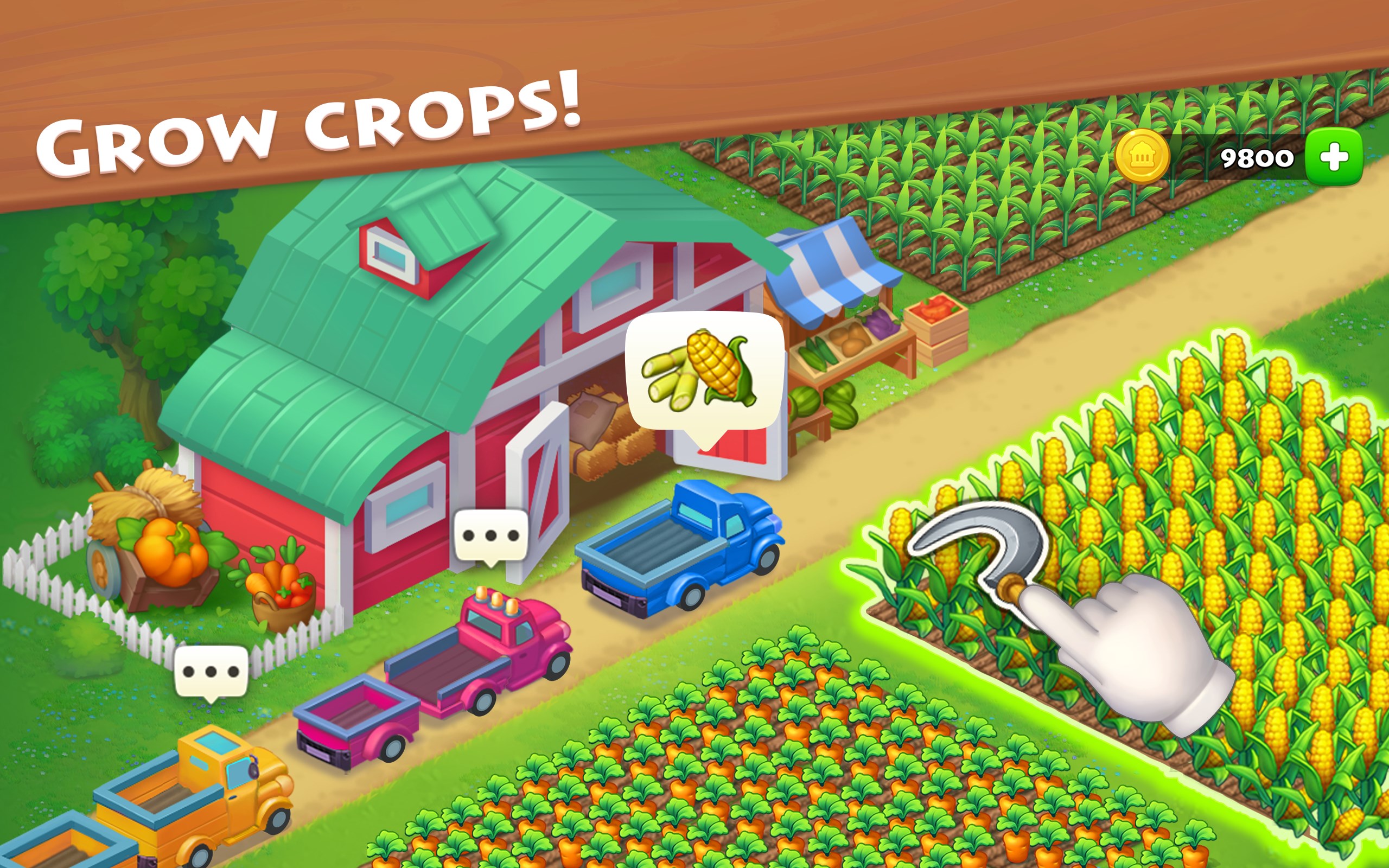
Township for Windows is a delightful simulation game that combines city-building, farming, and community management into an engaging experience. Perfect for players who enjoy laid-back yet strategic gameplay, this app offers a cozy virtual world where you can create and customize your own town while restoring a bustling farm.
Developed by Playrix, a well-established name in the casual gaming industry, Township benefits from years of experience in crafting immersive social simulation games. Their portfolio boasts popular titles like Gardenscapes and Homescapes, emphasizing intuitive design and engaging gameplay. For Township, Playrix focuses on creating a balanced experience that appeals to a broad audience, combining creativity and casual strategic thinking.
The target audience mainly includes casual gamers, farming enthusiasts, and fans of city-building simulation, typically aged 12 and above, seeking a relaxing yet goal-oriented gaming experience.
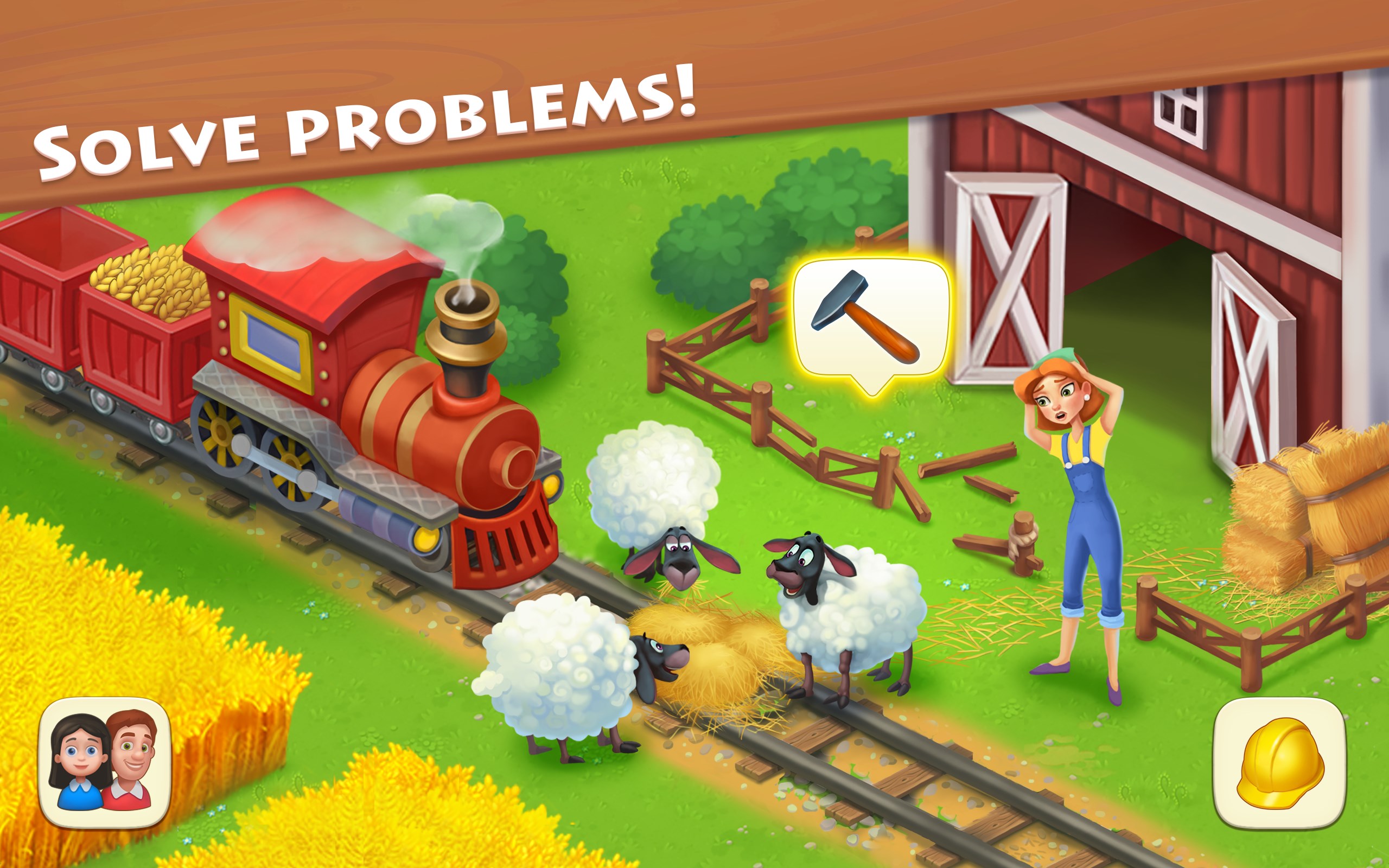
Township greets players with a colorful, cartoonish aesthetic that immediately evokes feelings of nostalgia and comfort. The interface is intuitive, where icons guide you clearly through farming activities, city construction, and social interactions. Navigating between different modules feels smooth, much like strolling through a lively, well-organized fairground. The design strikes a fine balance—visually appealing without overwhelming, making it accessible even for newcomers or those less experienced with gaming controls.
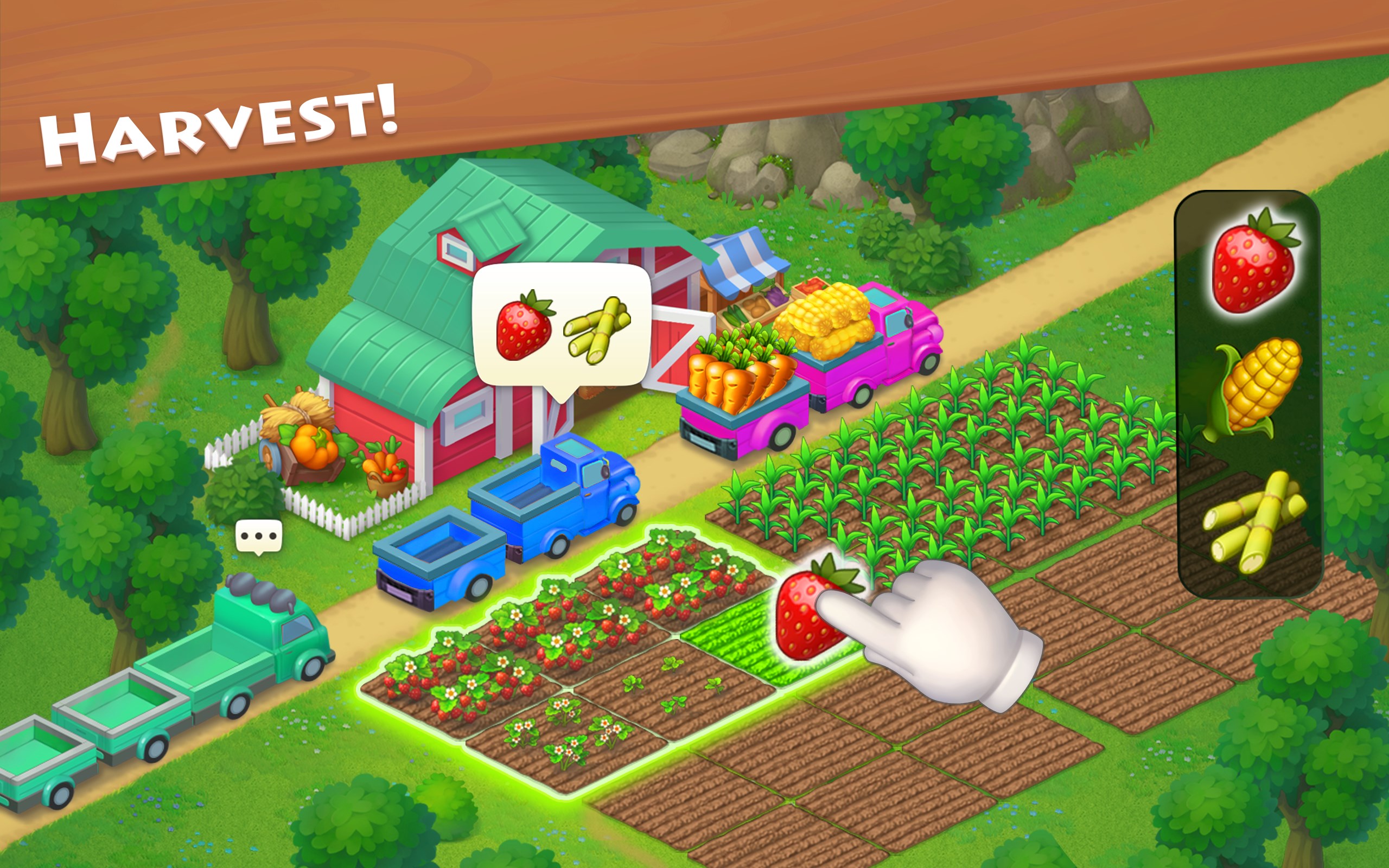
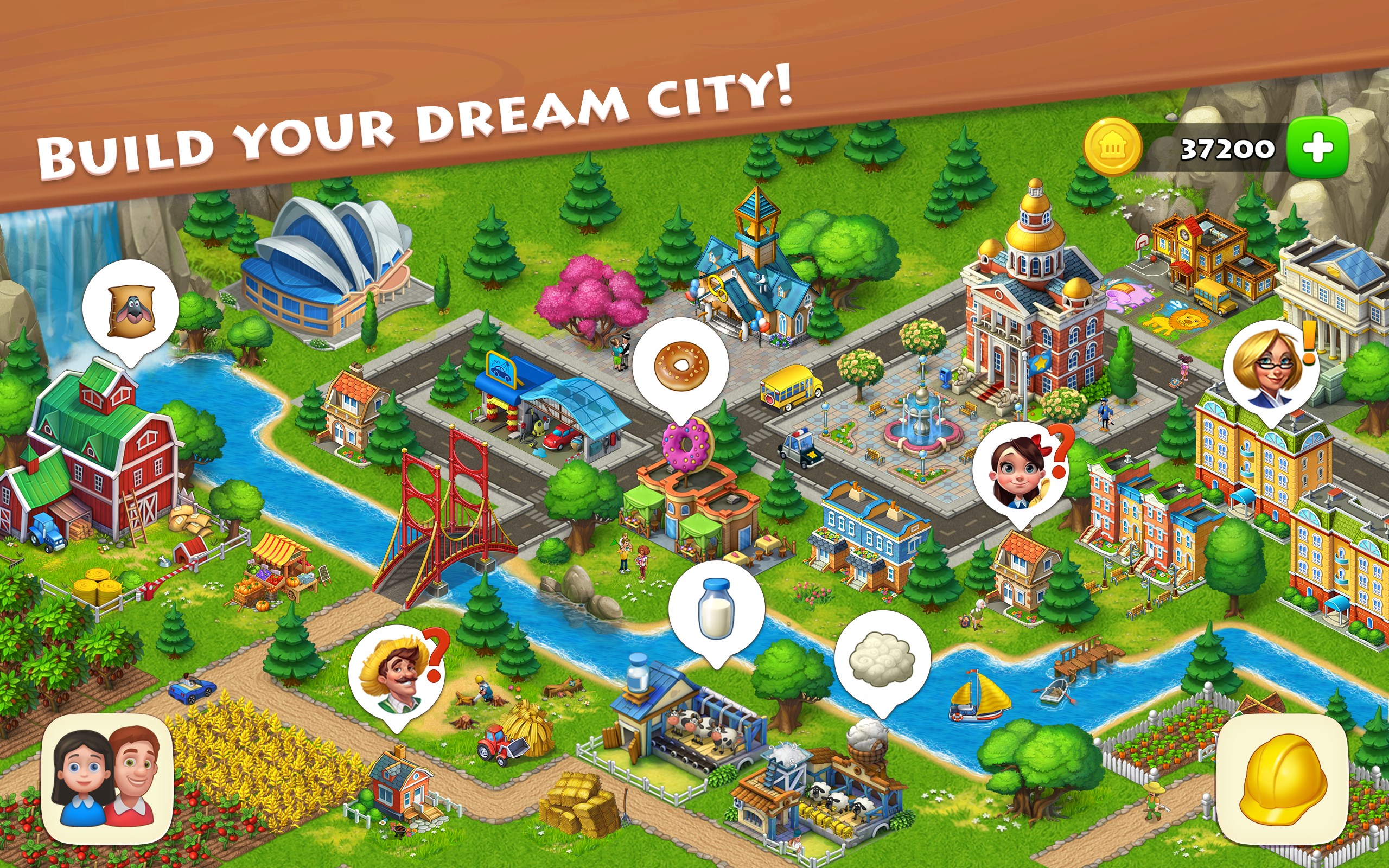
The core gameplay revolves around two harmonized pillars: farming and city building. Harvesting crops and caring for animals is straightforward, with a nice touch of realism in the timing mechanics—crops take actual minutes to grow, and animals require regular tending. Meanwhile, constructing buildings and unlocking new zones fosters a sense of progression. You're not just planting and harvesting; you're also shaping your town's skyline, which provides satisfying creative input.
The social aspect shines through. Visiting friends' towns and participating in cooperative events injects lively interaction, reminiscent of a friendly community fair. These features add layers of motivation and social connectivity, elevating Township from a solo simulation to a shared experience.
Movement through the game feels fluid, thanks to optimized loading times and responsive controls—akin to flipping through a well-curated photo album. The game's learning curve is gentle; new players can start farming or building with minimal effort while gradually unlocking more complex features as they grow familiar.
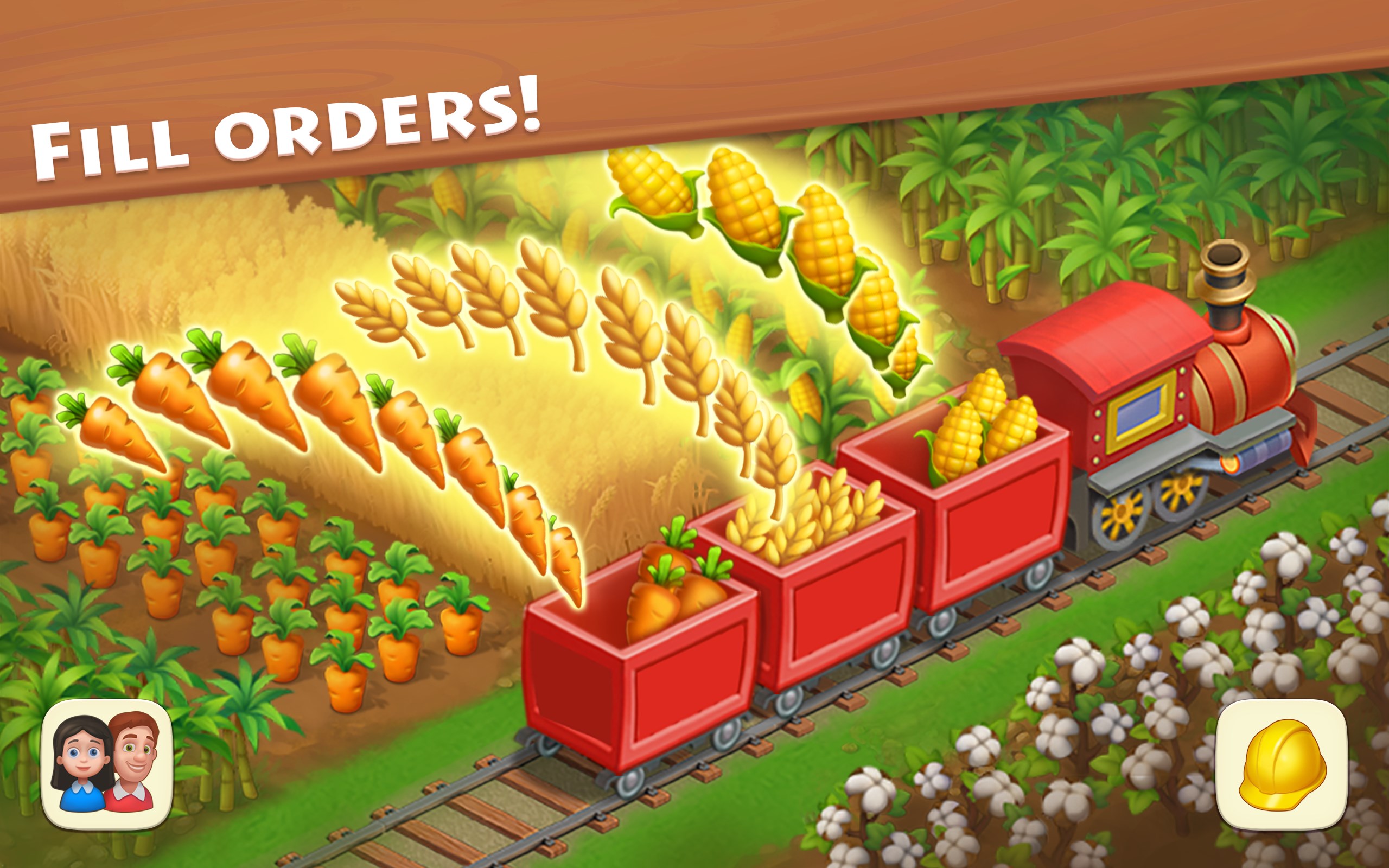
What truly sets Township apart from similar simulation apps is its realistic mechanics combined with a pragmatic approach to learning transfer. For instance, the mechanics of resource management—balancing crops, production chains, and financial decisions—mirror real-world principles of logistics and planning. This subtle realism can encourage players to develop better organizational skills or strategic thinking applicable beyond the game. Unlike overly fantastical simulators, Township's mechanistic authenticity offers a subtle educational benefit wrapped in entertainment.
If you're someone who enjoys creative projects wrapped in a relaxing, informal environment, Township for Windows is highly recommended. Its balance of straightforward gameplay with meaningful progression and social features makes it suitable for casual play during short breaks or longer sessions. While it may not satisfy players craving complex economic simulations or high-stakes challenges, it excels at providing a wholesome, engaging experience that can subtly enhance resource management and planning skills.
In conclusion, Township stands out with its harmonious blend of farming and city-building, bolstered by accurate mechanics and social elements. For those seeking a cozy digital sandbox with a realistic touch, it's definitely worth exploring. Just like tending to a real garden or managing a community project, it offers slow-paced yet rewarding gameplay that's sure to brighten your day.
Engaging city-building gameplay
High-quality graphics and colorful visuals
Regular updates with new content
User-friendly interface
Free-to-play with optional in-app purchases
In-app purchases can be costly
Progression can be slow at early stages
Limited offline play functionality
Ads occasionally interrupt gameplay
Some in-game events may be repetitive
for Windows
 4.8
4.8

for Windows
4.8

for Windows
4.8

for Windows
4.8

for Windows
4.8

for Windows
4.7

for Windows
4.7
for Windows
4.7

for Windows
4.7

for Windows
4.7

for Windows
4.7

for Windows
4.6

for Windows
5

for Windows
5

for Windows
5

for Windows
5

for Windows
5

for Windows
5

for Windows
5

for Windows
5

for Windows
5

for Windows
5