Security
PC, Mobile, Surface Hub, HoloLens
Windows 10 version 17763.0 or higher
English, English (United States)
Imagine browsing the web as if you're strolling through a city with the wind gently guiding you—free, open, and secure. TouchVPN for Windows by Pango Inc. aims to provide users with a straightforward yet reliable VPN experience, freeing you from geo-restrictions and online surveillance without overwhelming complexity.
TouchVPN is a free VPN service designed specifically for Windows users who want quick, unencumbered internet access. Developed by Pango Inc., a reputable name in digital privacy tools, the app emphasizes ease of use and reliable protection. It offers several compelling features, including effortless connection setup, high-speed browsing, and robust security protocols. Its target audience includes students, remote workers, and casual internet users seeking a hassle-free VPN experience to safeguard their online activity without the need for expert knowledge.
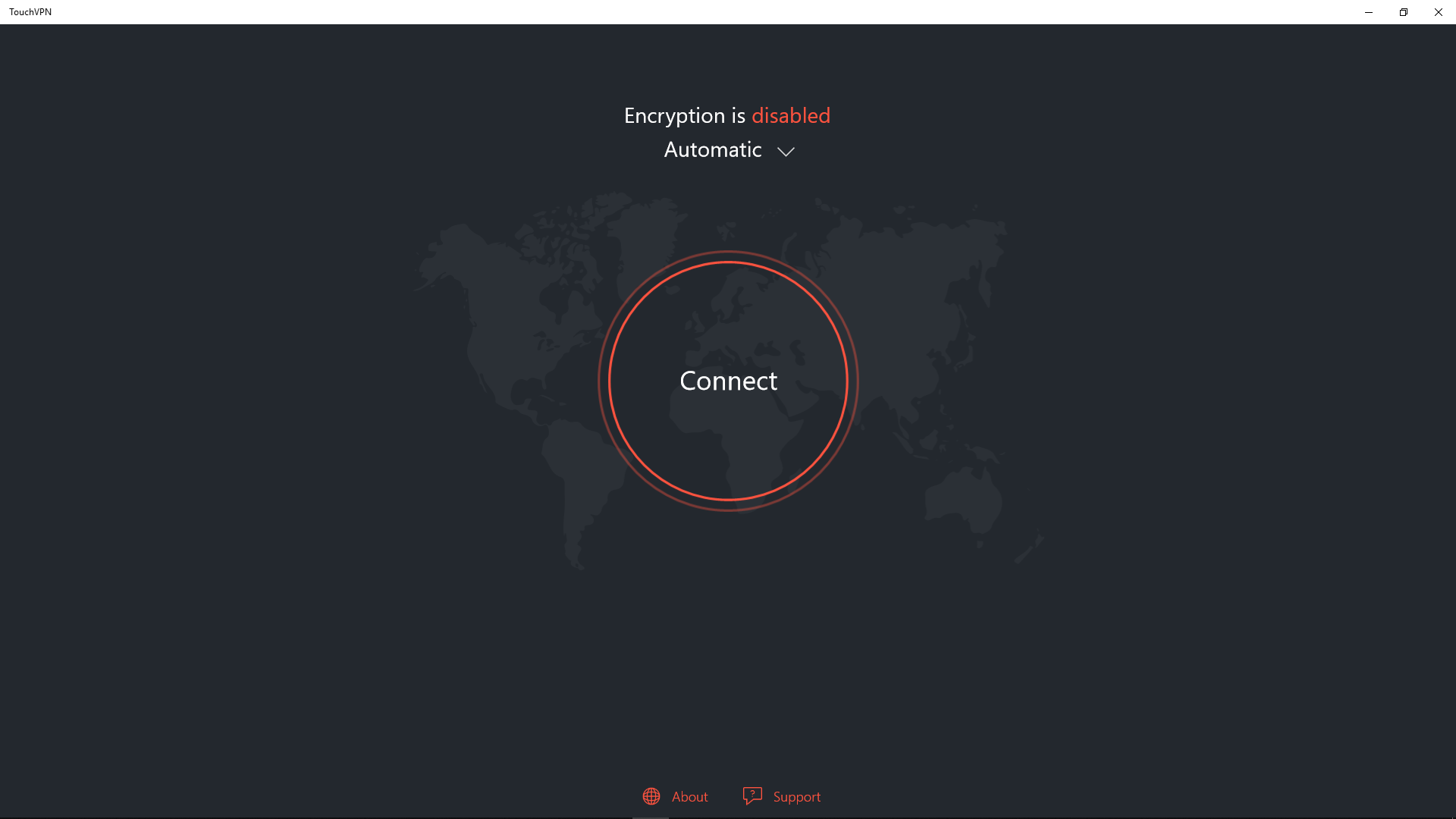
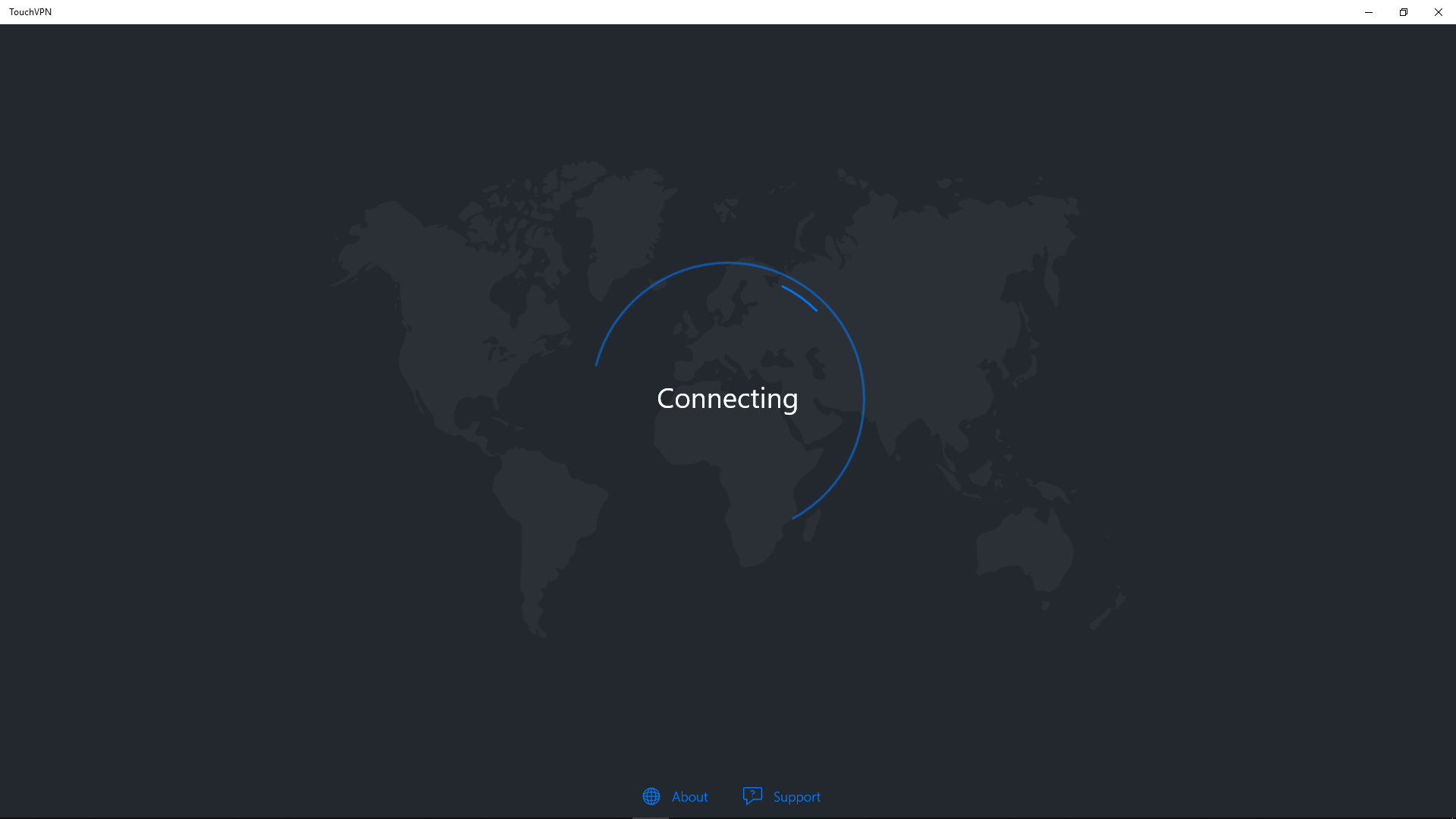
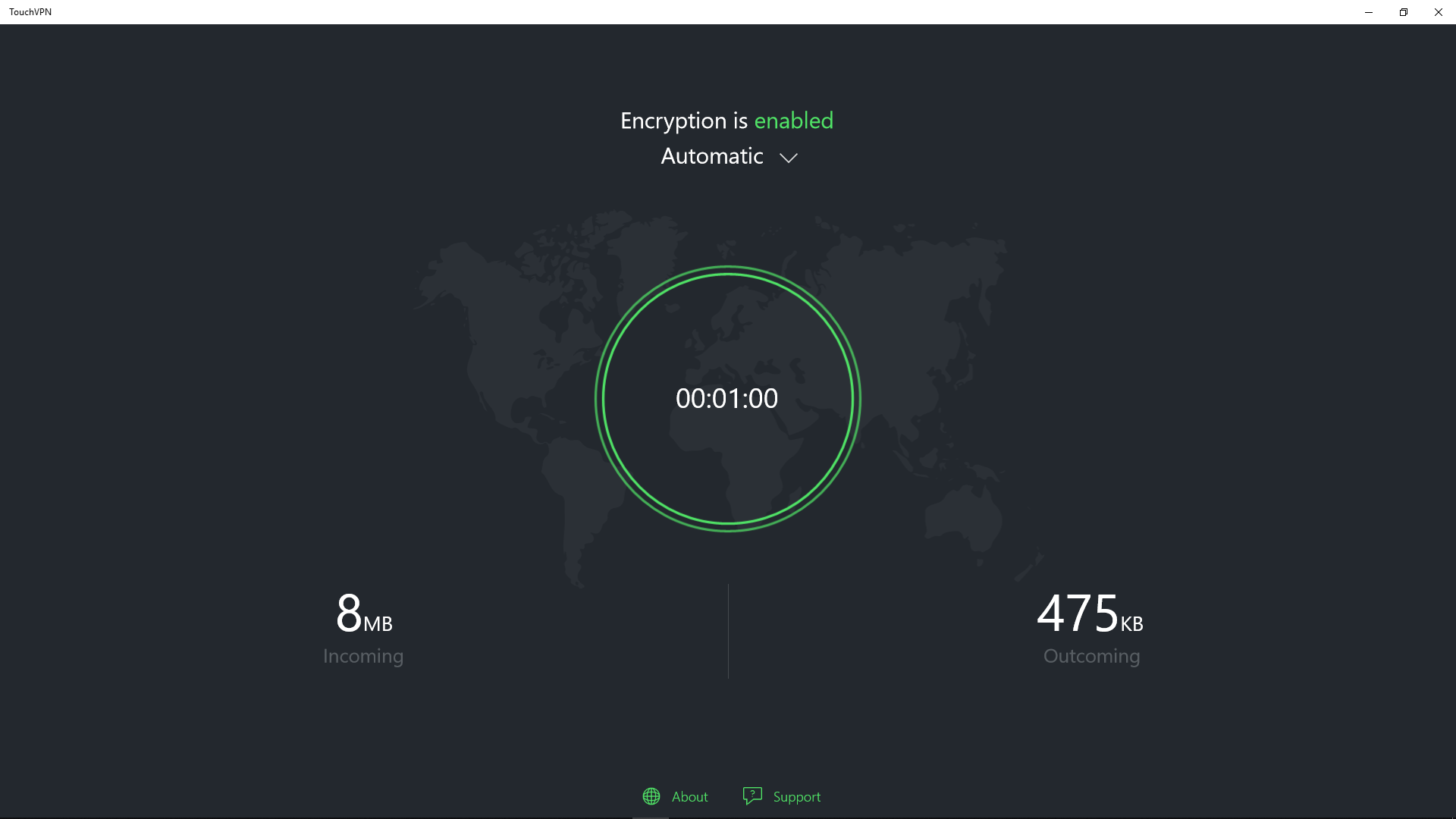
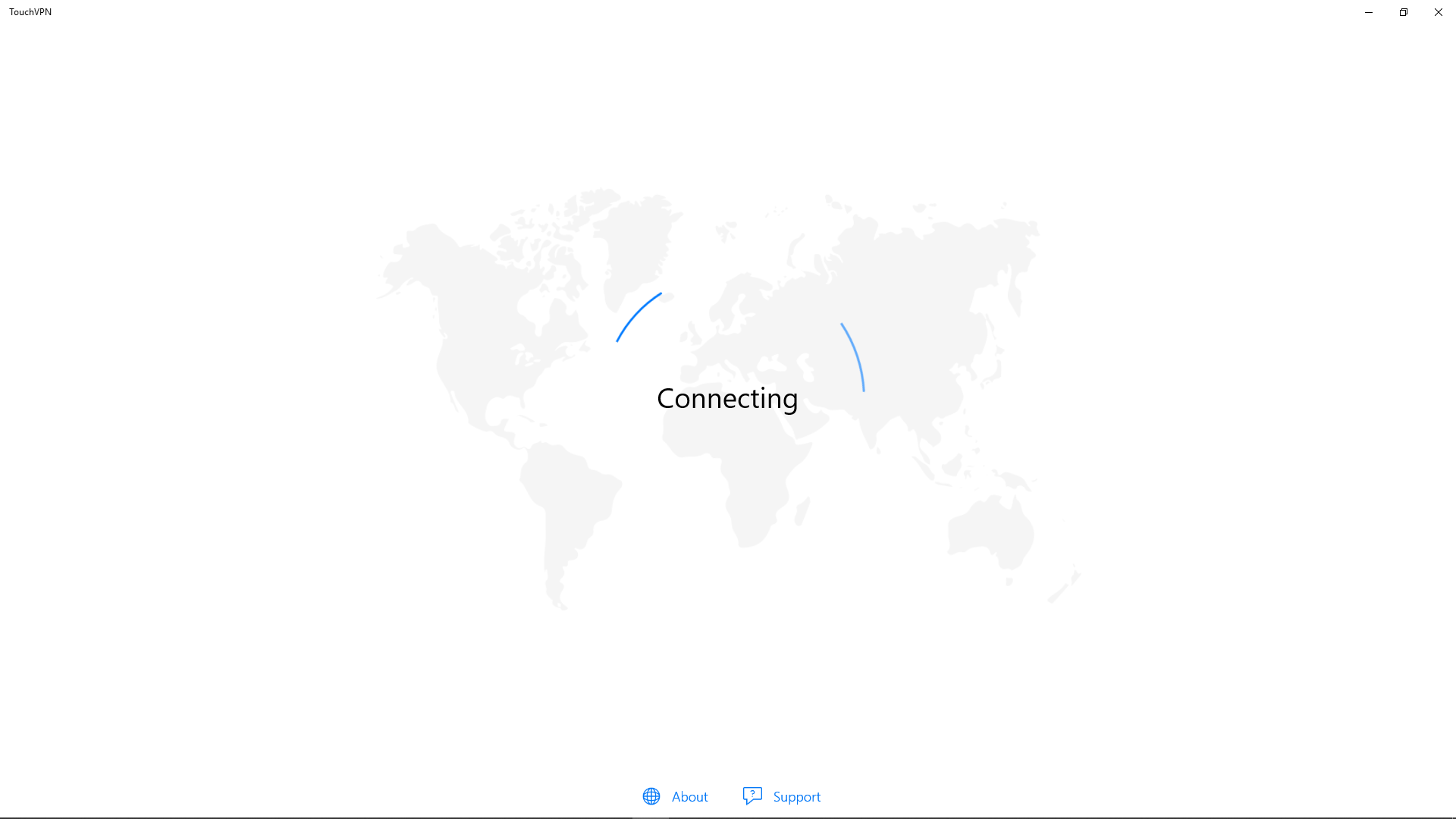
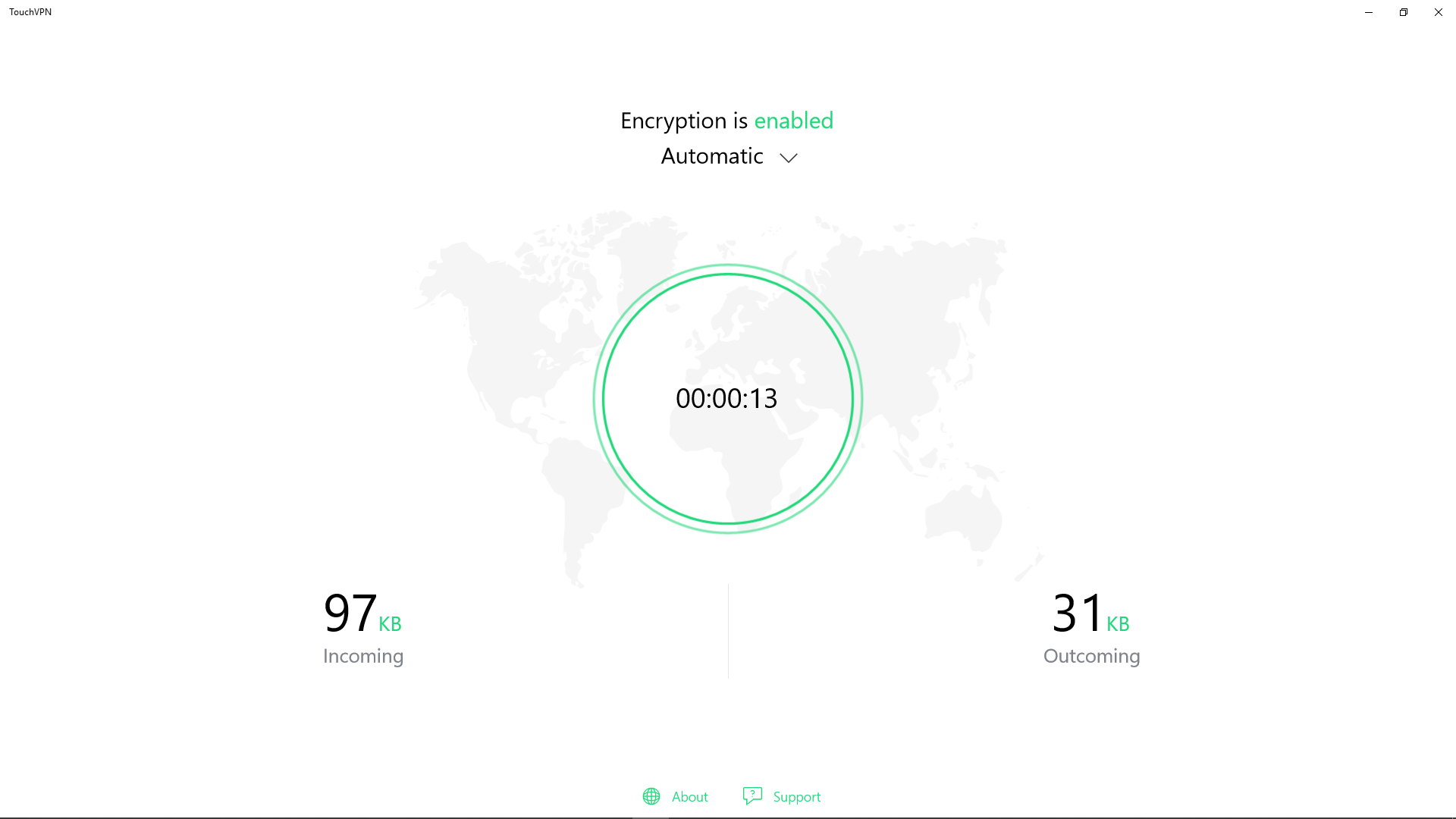
From the moment you launch TouchVPN, it feels less like configuring a high-tech security system and more like chatting with a helpful tech-savvy friend. The user interface sports a clean, minimalist design with a prominent connect button—a visual that invites even the most novice users to dive in confidently. Connecting to a VPN server takes just one click, making it ideal for quick protection on the go. The app's responsiveness ensures that transitions between states are smooth; there's no lag or frustrating delays, so your browsing remains uninterrupted. For users new to VPNs, the straightforward layout reduces the learning curve, making privacy accessible to all ages and tech proficiency levels.
Unlike many VPNs that bombard you with settings and options, TouchVPN takes pride in its simplicity. Its one-click connect feature is akin to flipping a switch—instantaneous and effortless. Under the hood, it relies on robust encryption standards to keep your data safe from prying eyes, whether you're using public Wi-Fi or at a coffee shop. This minimalistic approach ensures that users don't need to be cybersecurity experts to enjoy online privacy.
Speed isn't just an afterthought here; it's a core focus. Many free VPNs struggle with lag and buffering, but TouchVPN offers surprisingly stable and swift connections for everyday browsing, streaming, and even light downloading. This feature is particularly beneficial for remote workers or students attending online classes, where a lagging connection can be frustrating or disruptive.
The app intelligently suggests optimal servers based on your location, minimizing latency and maximizing speed. It also allows you to switch virtual locations effortlessly, unlocking content geo-restrictions. Whether you want to watch a show available only in other regions or access websites banned in your country, TouchVPN makes it straightforward—imagine it as a digital teleportation device for your browser.
Compared to comparable security applications, TouchVPN's most notable strength is its balance between simplicity and effectiveness. Many free VPNs compromise on speed or security to attract users, but TouchVPN manages to deliver solid encryption combined with a user-friendly experience—no intimidating menus, no confusing settings. Its automatic server selection and seamless connectivity are akin to having a personal digital concierge ensuring your privacy needs are met instantly and effortlessly. Furthermore, being a free service with no recurring payments lowers the entry barrier, making it an attractive choice for casual users wary of subscription costs.
All things considered, TouchVPN for Windows earns a strong recommendation for users who want straightforward online protection without the fuss. It's ideal for those new to VPNs or anyone seeking a quick, reliable safeguard while browsing or streaming. While it may not offer the exhaustive customization of premium VPN services, its ease of use and core features make it a dependable choice for everyday privacy needs. For users craving a “plug-and-play” experience that shields their digital footprints, TouchVPN is like having a trusted digital shield always at your side.
Strong encryption protocols
Easy to use interface
Free to use
Multiple server locations
No bandwidth limitations
Limited server options compared to premium VPNs
Potentially slower connection speeds during peak hours
Lack of advanced security features like kill switch or DNS leak protection
Possible connectivity issues on certain networks
Limited customization and settings options

for Windows
 4.8
4.8

for Windows
4.7

for Windows
4.7

for Windows
4.7

for Windows
4.6

for Windows
4.6

for Windows
4.5

for Windows
4.4

for Windows
4.4

for Windows
4.3

for Windows
4.3

for Windows
4.3

for Windows
5

for Windows
5

for Windows
5

for Windows
5

for Windows
5

for Windows
5

for Windows
5

for Windows
5

for Windows
5

for Windows
5