Productivity
Elevenworks LLC
PC, Surface Hub, HoloLens
Windows 10 version 17134.0 or higher
English (United States)
If you're someone who loves combining creative sketches with detailed notes or diagrams, TouchDraw 2 might just be your new best friend on Windows. Designed as a versatile drawing and diagramming tool, it offers a smooth blend of simplicity and power, making your workflows not only efficient but also enjoyable to navigate.
Developed and published by Elevenworks LLC, TouchDraw 2 is the evolution of a trusted name in productivity apps. Their focus centers on crafting intuitive tools that seamlessly merge visual creativity with organizational clarity, catering to users who demand both flexibility and precision in their digital workspace.
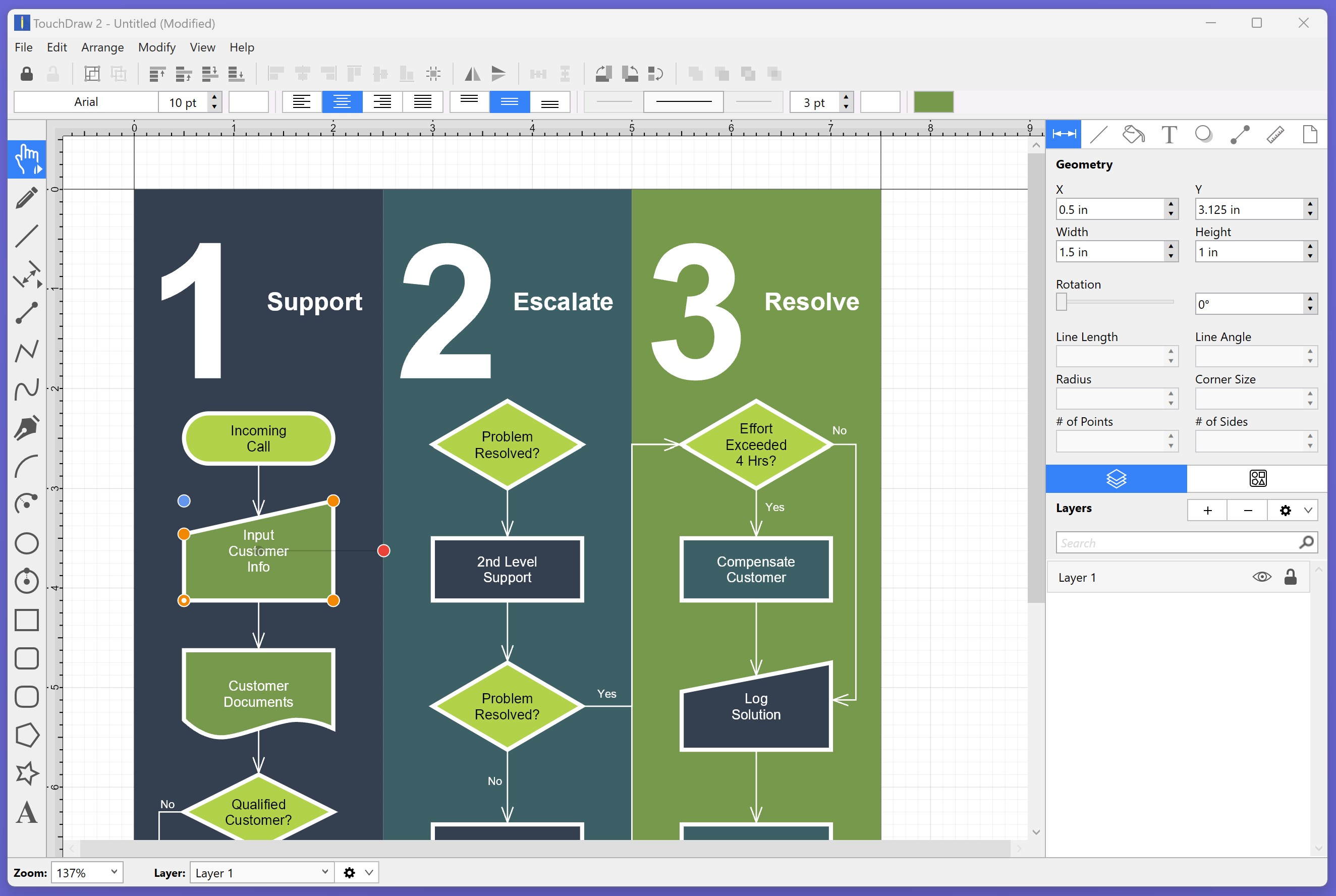
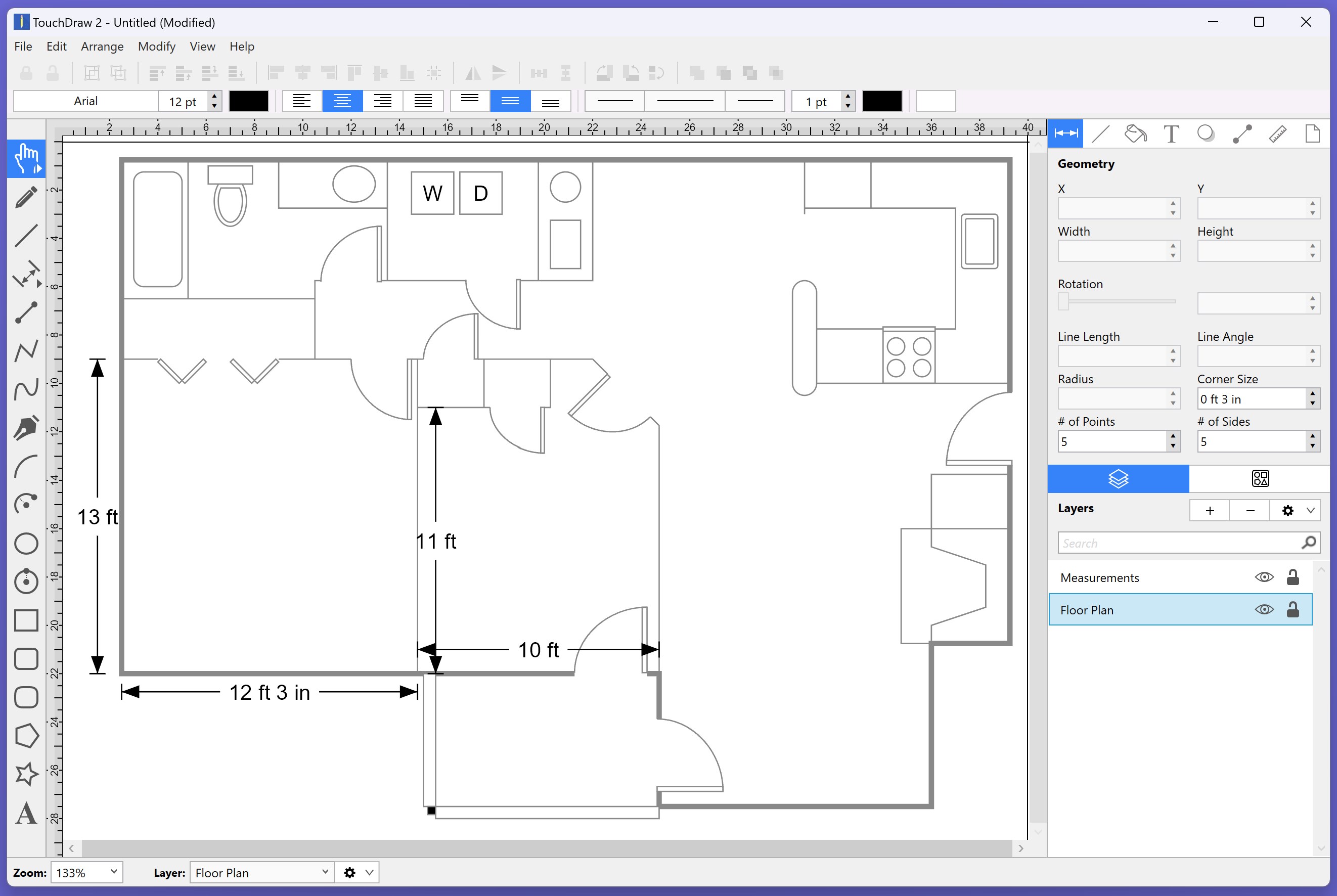
1. **Flexible Drawing and Diagramming Capabilities** — Whether you're sketching quick ideas, creating detailed flowcharts, or designing complex diagrams, TouchDraw 2 provides a robust set of tools that adapt to your needs without overcomplicating the process.
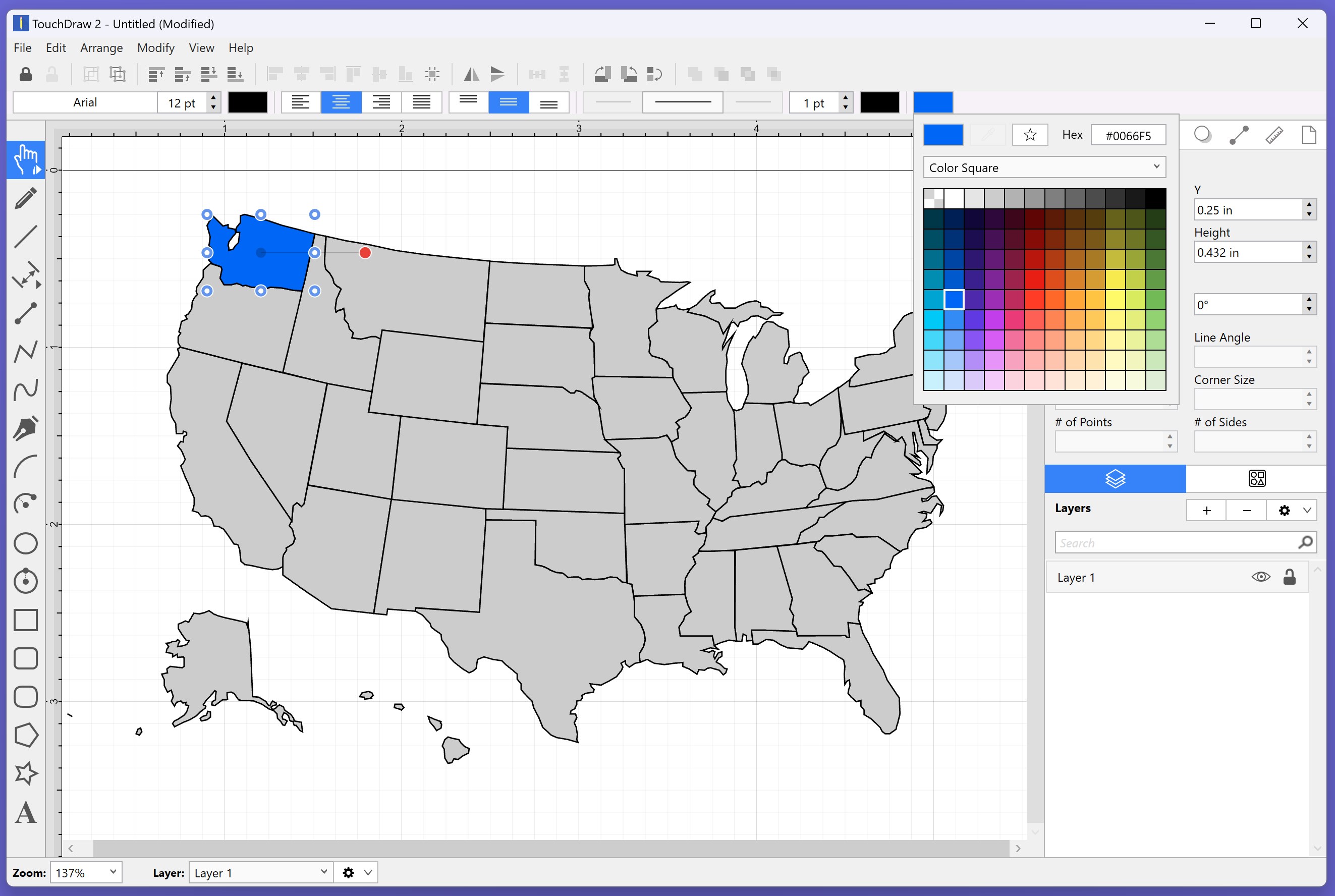
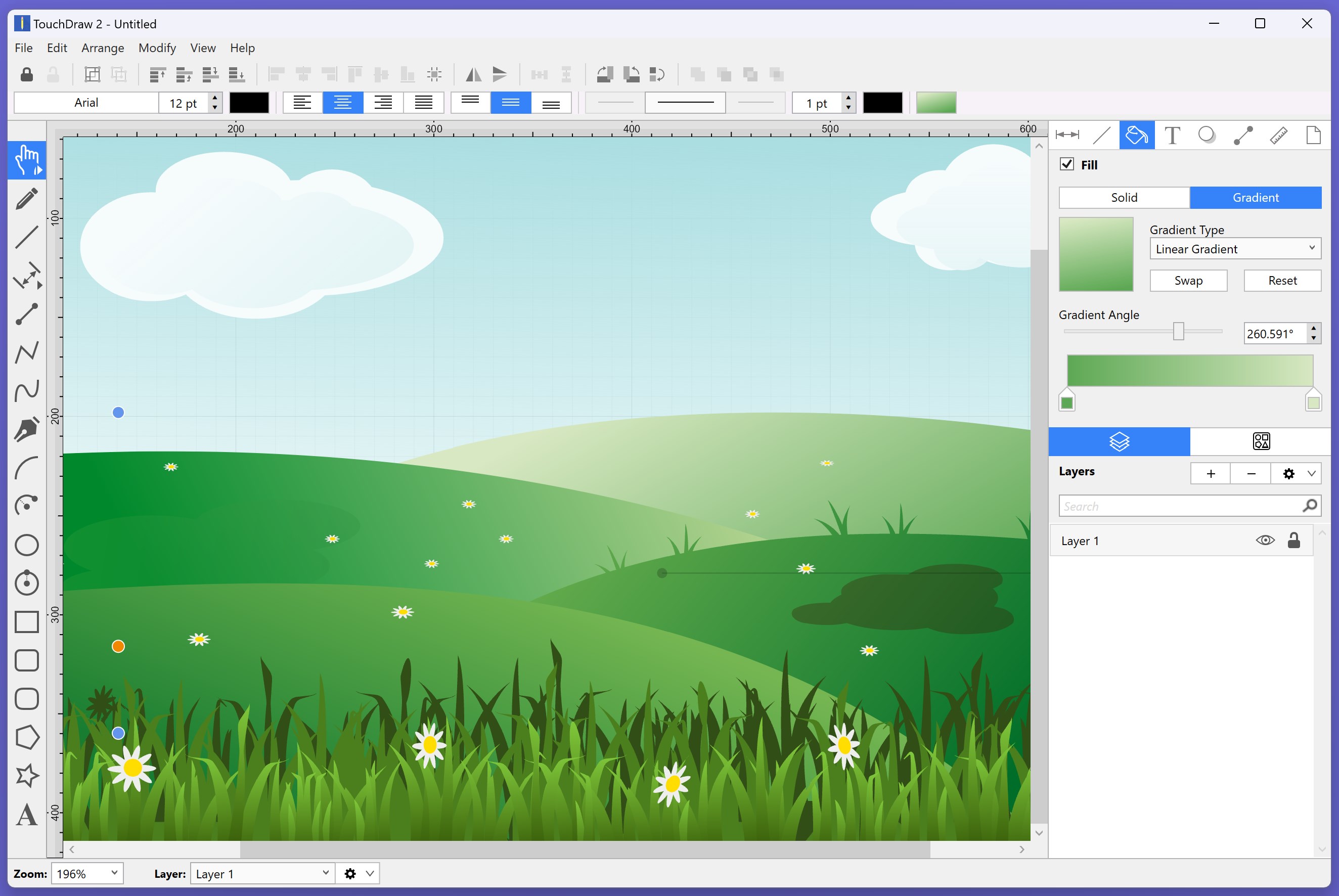
2. **Layered and Object-Oriented Editing** — Like a professional artist layering paints, users can manipulate objects independently, enabling intricate designs and clean revisions without hassle. This feature makes editing a breeze and enhances creative control.
3. **Intuitive User Interface with Seamless Workflow Integration** — The app's clean layout ensures a minimal learning curve. It integrates effortlessly into your Windows environment, supporting smooth transitions between tasks and reducing cognitive effort.
TouchDraw 2's interface is like a well-organized artist's studio—clutter-free yet equipped with every tool you might need, logically arranged for quick access. Its design feels both modern and familiar, making it approachable even for newcomers.
In terms of operation, the app exhibits impressive fluidity. Drawing and editing are responsive, without lags or delays that often frustrate users of more complex graphic tools. The learning curve is gentle; familiar gestures and straightforward menus allow new users to be productive within minutes, while seasoned designers can find advanced features that kicked off their creativity.
Compared to other visual note-taking or diagramming applications, TouchDraw 2 stands out through its dedication to balancing feature richness with cognitive simplicity. Its standout feature is the **workflow-focused design**—the app prioritizes reducing cognitive load by avoiding unnecessary complexity. The layered editing system keeps tasks manageable, while the drag-and-drop interface streamlines the entire process. Unlike some tools that bombard users with every possible feature upfront, TouchDraw 2 emphasizes core functionalities critical for effective diagramming, allowing users to focus on ideas rather than fighting the interface.
This approach means you spend less time figuring out how to do things and more time bringing your ideas to life—making it especially suitable for professionals, students, or teams aiming for efficient brainstorming and planning sessions.
TouchDraw 2 offers a thoughtfully crafted environment for anyone seeking a reliable and straightforward diagramming solution on Windows. Its blend of intuitive design and powerful features makes it a compelling choice for users who value workflow efficiency without sacrificing creative flexibility.
We recommend this app to professionals who need to visualize ideas swiftly, educators creating engaging diagrams, or students organizing complex projects. If your priority is reducing cognitive strain while maintaining comprehensive drawing capabilities, TouchDraw 2 deserves a spot in your productivity toolkit.
Intuitive User Interface
Versatile Drawing Tools
Smooth Performance
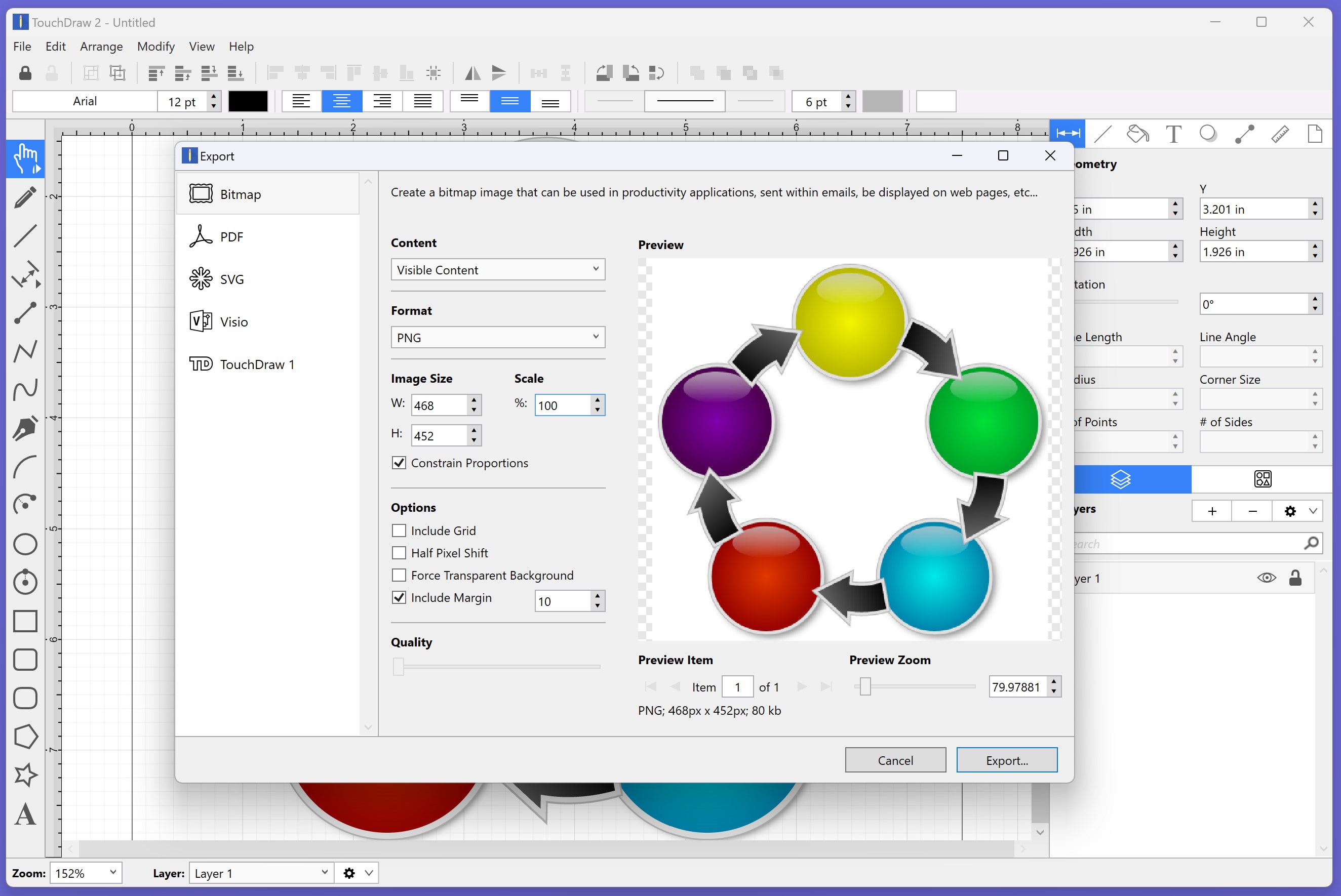
Export Options
Good Compatibility
Limited Shape Libraries
Less Advanced Text Editing
No Cloud Sync
Limited Customization of Brushes
Tutorials and Help Resources

for Windows
 5
5

for Windows
5

for Windows
4.9

for Windows
4.9

for Windows
4.9

for Windows
4.8

for Windows
4.8

for Windows
4.8

for Windows
4.8

for Windows
4.8

for Windows
4.8

for Windows
4.8

for Windows
5
for Windows
5

for Windows
5

for Windows
5

for Windows
5

for Windows
5

for Windows
5

for Windows
5

for Windows
5
for Windows
5