Productivity
PC
Windows 10 version 17134.0 or higher
Chinese (Simplified), Dutch, English, English (United States), French, German, Italian, Japanese, Russian, Spanish
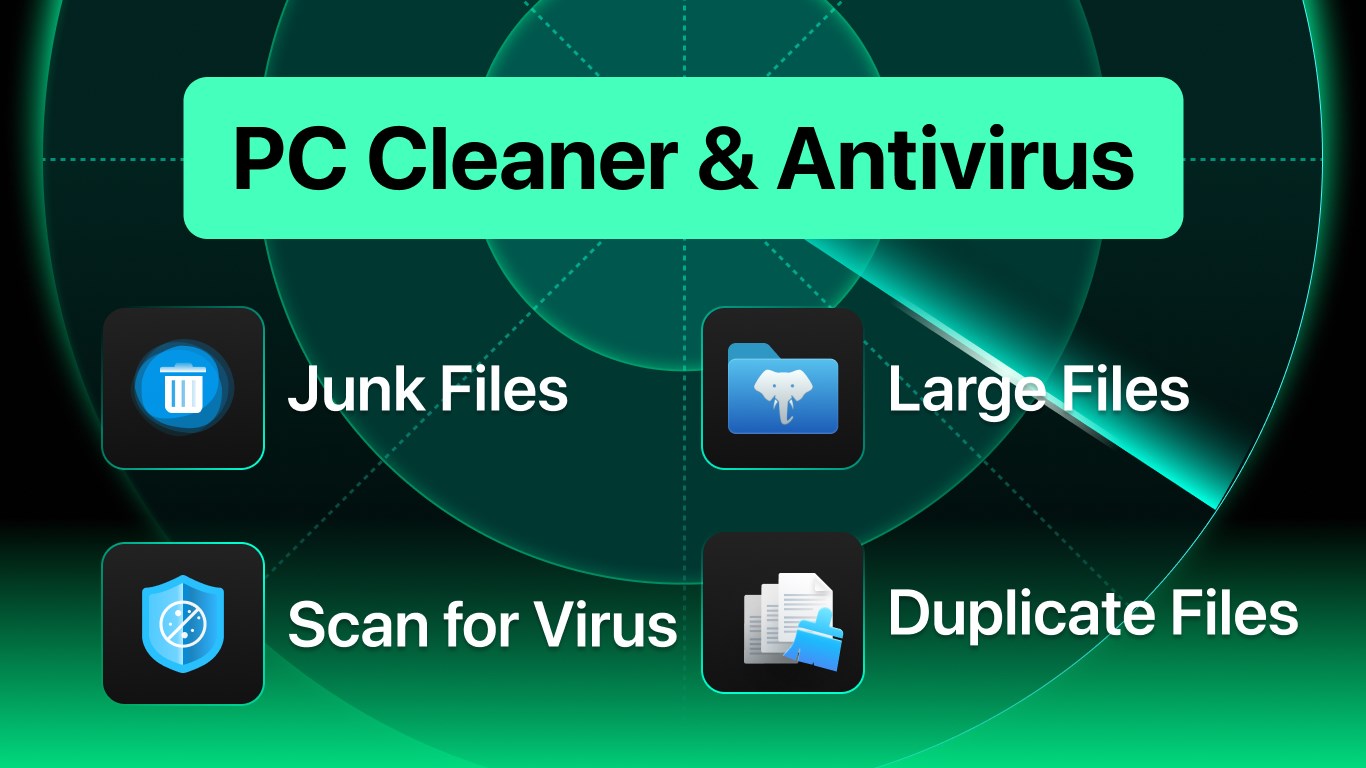
Total PC Cleaner is a comprehensive utility designed to keep your Windows PC running smoothly by combining disk cleaning, antivirus protection, and system optimization in one lightweight app. Its user-friendly approach makes routine maintenance accessible for both tech novices and seasoned users alike.
Developed by Total PC Cleaner, a team dedicated to creating straightforward yet effective PC utility tools, this app aims to simplify system health management. With a focus on real-time protection and cleaning, the developer's goal is to provide a stress-free experience that boosts productivity and keeps your device secure.
Key features include:
Targeting everyday Windows users—from casual users seeking a hassle-free cleanup to professionals requiring reliable system security—this app strives to deliver a dependable all-in-one solution.
Imagine your PC as a busy city—over time, clutter and unseen threats pile up like traffic congestion and smog. Total PC Cleaner steps in as the diligent city cleaner, sweeping away digital debris and shooing away harmful intruders to keep your digital city pristine and bustling with vitality. Its charm lies in blending multiple maintenance tools into a single, intuitive interface that demands minimal effort but offers maximum impact.
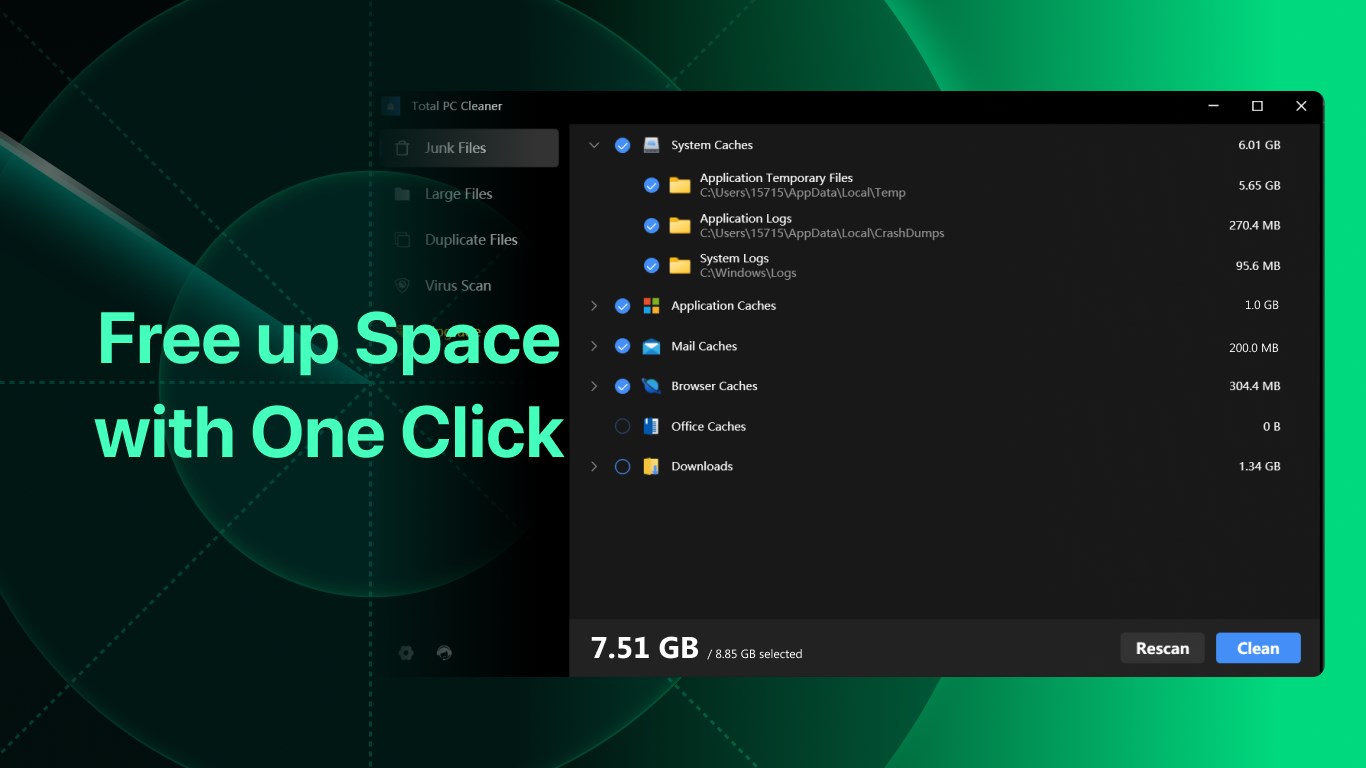
This app's standout feature is its efficient disk cleaning module. It scans your system rapidly, identifies unnecessary files—like temporary data, cache files, and residual installer files—and safely removes them. This process not only frees up disk space but also reduces system load, leading to quicker startup times and smoother operation. Thanks to an intelligent algorithm, it targets only the clutter without risking essential files, ensuring peace of mind.
Unlike many tools that simply clean, Total PC Cleaner integrates a lightweight antivirus engine. It performs real-time scans and periodic checks, alerting you about potential threats before they can cause harm. The antivirus is unobtrusive yet reliable, ideal for casual users wary of complex security setups. It's like having a vigilant guard dog—steadfast without barking at every noise.
Beyond cleaning, the app offers options to improve your PC's performance. It manages startup items, closes unnecessary background processes, and suggests system tweaks—all within a straightforward interface. This holistic approach ensures your device not only feels faster but is actually performing at its best, much like tuning a car engine for that perfect drive.
The interface design is clean, with icons and menus that guide users intuitively through the cleanup and security process. Operation flows smoothly, with lightning-fast scans and clear prompts. The learning curve is minimal—most users can navigate all functions confidently after a few clicks, turning routine maintenance from a chore into a quick, satisfying task.
Compared with typical productivity tools that lump numerous complex features together, Total PC Cleaner emphasizes reducing cognitive load. Its streamlined workflow means less decision fatigue, enabling users to achieve their goals swiftly—be it cleaning up obsolete files or running a security scan—without being overwhelmed by options.
What makes Total PC Cleaner particularly exceptional is its dual focus on simplicity and efficacy. Its core strengths—automatic cleaning paired with lightweight antivirus protection—set it apart from more fragmented solutions that require multiple apps or complex configurations. This synergy enhances workflow efficiency by allowing users to maintain system health with minimal interruption, akin to having a trusty sidekick managing routine chores seamlessly.
For users seeking a straightforward yet reliable tool to maintain their Windows PC's performance and security, this app comes highly recommended. It's especially suitable for those who prefer an unobtrusive, all-in-one solution that “just works” in the background. However, tech enthusiasts with advanced security needs may want to complement it with specialized tools.
In conclusion, Total PC Cleaner offers a balanced blend of essential functions wrapped in an accessible interface. Its standout features—particularly its integrated antivirus and intelligent cleanup—make it a valuable tool for everyday PC maintenance. For anyone aiming to keep their Windows system lean, fast, and secure without the fuss, this app is a dependable partner worth considering.
Effective Disk Cleaning
User-Friendly Interface
Built-in Antivirus Protection
Automatic Scheduling
Enhanced Privacy Features
Limited Free Version
Possible False Positives
Performance Impact During Scans
Regular Updates Needed
Limited Customization Options

for Windows
 5
5

for Windows
5

for Windows
4.9

for Windows
4.9

for Windows
4.9

for Windows
4.8

for Windows
4.8

for Windows
4.8

for Windows
4.8

for Windows
4.8

for Windows
4.8

for Windows
4.8

for Windows
5
for Windows
5

for Windows
5

for Windows
5

for Windows
5

for Windows
5

for Windows
5

for Windows
5

for Windows
5
for Windows
5