Classics
Yuriy Yakimenko
PC
Windows 10 version 17763.0 or higher
Integrated Mouse
English (United States)
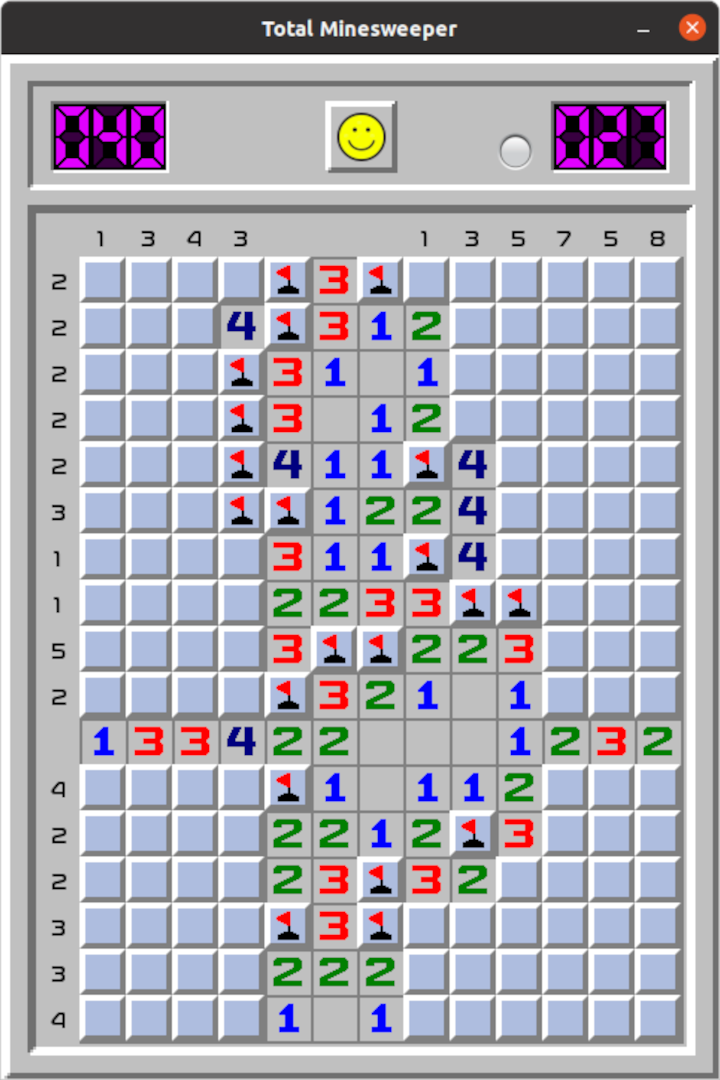
If you're a fan of logic puzzles and nostalgic games, Total Minesweeper offers a fresh yet familiar experience that invites both veterans and newcomers to enjoy the timeless challenge of uncovering safe squares while avoiding hidden mines—delivered with a modern touch to Windows users.
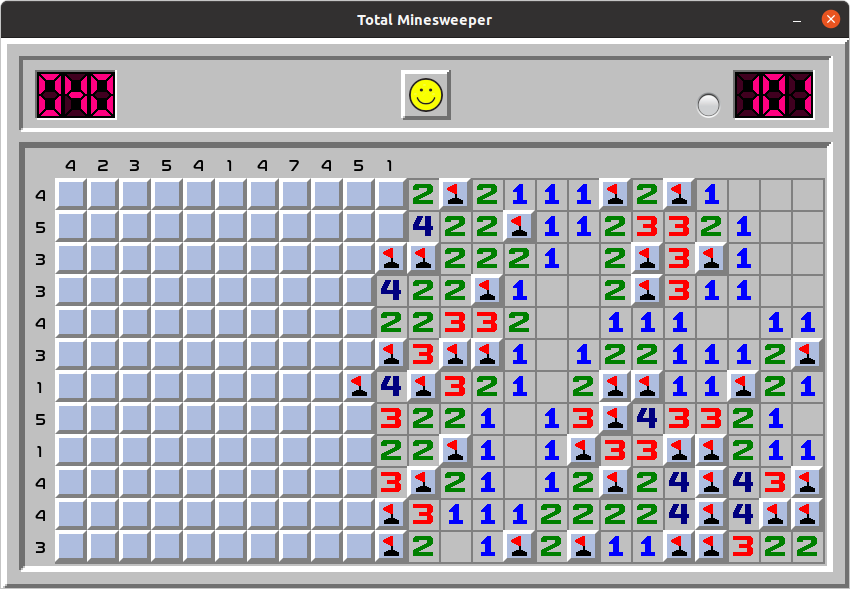
Developed and published by Yuriy Yakimenko, Total Minesweeper aims to revitalize the classic minesweeper experience with enhanced visuals and usability. Key features include customizable difficulty levels, an intuitive interface optimized for smooth gameplay, and a variety of visual themes to personalize your gaming environment, making each session both engaging and tailored to your preferences. Its straightforward yet flexible design caters especially to casual players seeking quick yet challenging entertainment, as well as puzzle enthusiasts eager to test their logic skills.
Imagine stepping into your favorite puzzle game, one that feels like slipping into a well-worn pair of shoes—comforting, familiar, but now with a sleek new design. Total Minesweeper captures this feeling perfectly, weaving the classic gameplay into a fresh coat of digital paint. Whether you're passing time during a coffee break or looking to sharpen your mind during a lazy weekend, this app offers a cozy yet stimulating puzzle environment. Its charming visuals and responsive controls make each click satisfying, like a well-placed puzzle piece clicking into place.
The first standout feature is the game's easy-to-navigate interface. The layout is clean, with clearly labeled buttons and a minimalist design that doesn't distract from the core challenge. The game supports multiple difficulty levels—from beginner with fewer mines to expert with a dense minefield—catering to different skill levels and encouraging progressive mastery. This scalability makes it suitable for both quick sessions and prolonged challenges, allowing you to gradually hone your strategy.
Another compelling aspect is the app's focus on user experience. The gameplay runs smoothly thanks to optimized performance, even on lower-end devices. The touch and click mechanics are fluid, with minimal lag, ensuring that your logical deductions aren't hindered by technical hiccups. Visual customization options, such as different themes and color schemes, are a thoughtful touch—imagine switching from the classic green minefield to a sleek dark mode for late-night puzzling. These personalized touches cultivate a cozy gaming vibe, making each session uniquely yours.
Compared to other minesweeper applications, Total Minesweeper's most distinctive feature is its strong emphasis on customization and accessibility. Unlike traditional versions that often stick to a uniform look and feel, this app offers a variety of themes and adjustable settings, allowing players to craft their ideal puzzle environment. Additionally, its clean interface and smooth operation stand out, especially for those who value a seamless gaming experience without clutter or distractions. These enhancements transform the classic game into a contemporary, user-centric puzzle experience.
If you appreciate the nostalgia of minesweeper but crave an experience that's accessible and polished, Total Minesweeper is a solid choice. Its user-friendly design, customizable visuals, and smooth gameplay make it suitable for both casual players and dedicated puzzle enthusiasts. While it doesn't revolutionize the minesweeper formula, its thoughtful enhancements and aesthetic options set it apart from basic implementations. I'd recommend giving it a try, especially if you're looking for a refined, distraction-free universe to enjoy the timeless challenge of clearing mines. With its approachable yet robust features, it's a game you'll keep coming back to—like finding that perfect spot in a familiar patch of grass to sit and think.
Intuitive interface
Classic Minesweeper gameplay with modern graphics
Customizable difficulty levels
Progress tracking and achievements
Smooth performance on various devices
Limited game modes
Small hitboxes on some tiles
Lacks a tutorial for new players
No background music or sound options
Score leaderboard updates occasionally delayed

for Windows
 4.9
4.9

for Windows
4.9

for Windows
4.9

for Windows
4.8

for Windows
4.8

for Windows
4.8

for Windows
4.8

for Windows
4.7

for Windows
4.7

for Windows
4.7

for Windows
4.7

for Windows
4.7

for Windows
5

for Windows
5

for Windows
5

for Windows
5

for Windows
5

for Windows
5

for Windows
5

for Windows
5

for Windows
5

for Windows
5