Security
Total Defense LLC, 1393 Veterans Memorial Highway, Hauppauge, NY 11788
PC
Windows 10 version 0.0 or higher
Integrated Keyboard
Integrated Mouse
1 GB
English, Spanish
If you're seeking a dependable antivirus solution that balances protection with user-friendliness, Total Defense Essential Anti-Virus offers a reassuring shield against digital threats without overwhelming you with complex features.
Developed by Total Defense LLC, based in Hauppauge, NY, this company has built a solid reputation for creating security solutions that prioritize simplicity and effective protection, catering to a broad user base seeking peace of mind online.
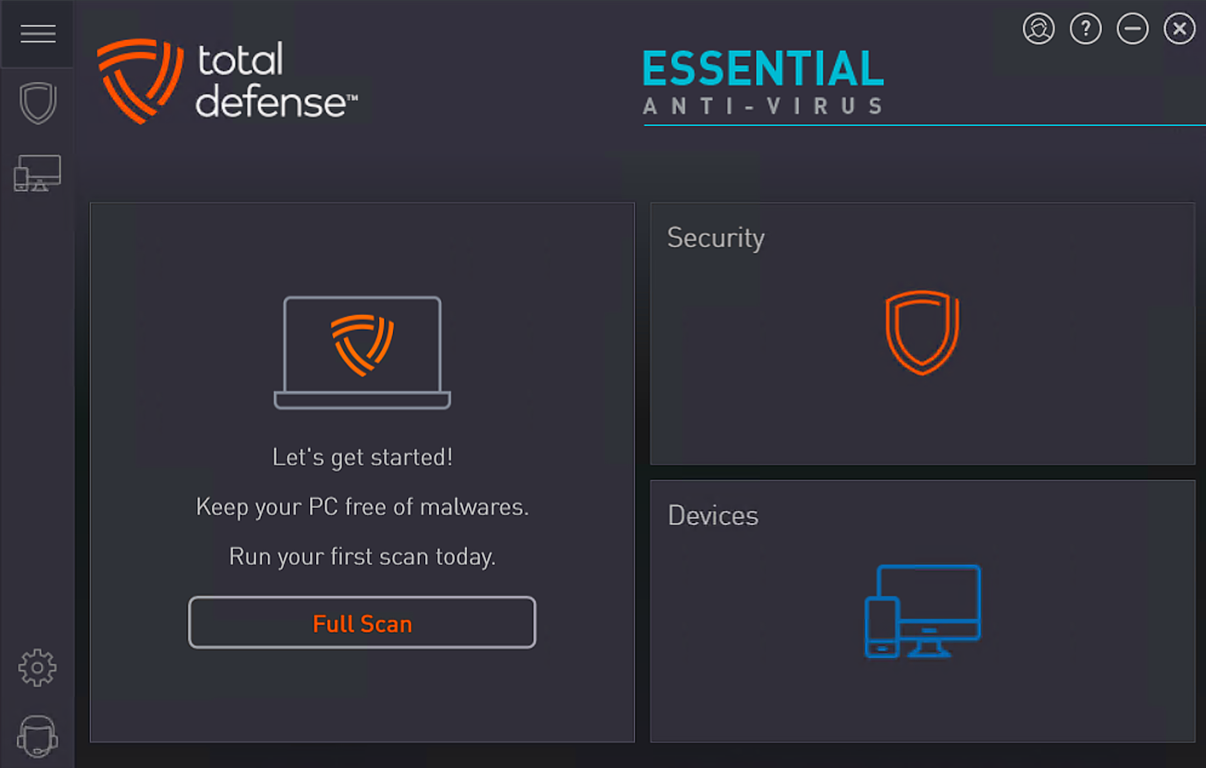
Launching Total Defense Essential Anti-Virus feels like greeting a trusted friend at the front door—friendly, unobtrusive, yet always ready. The intuitive interface employs a clear dashboard with visual cues, making navigation a breeze even for tech novices. The layout reveals essential functions upfront, which adds to the feeling of trustworthiness—no clutter, no confusing menus. The application's responsiveness is smooth, with quick access to scans, updates, and settings, providing a seamless user experience akin to flipping through a well-organized notebook. For those concerned about learning curves, the initial setup is straightforward, with guided prompts that demystify every step.
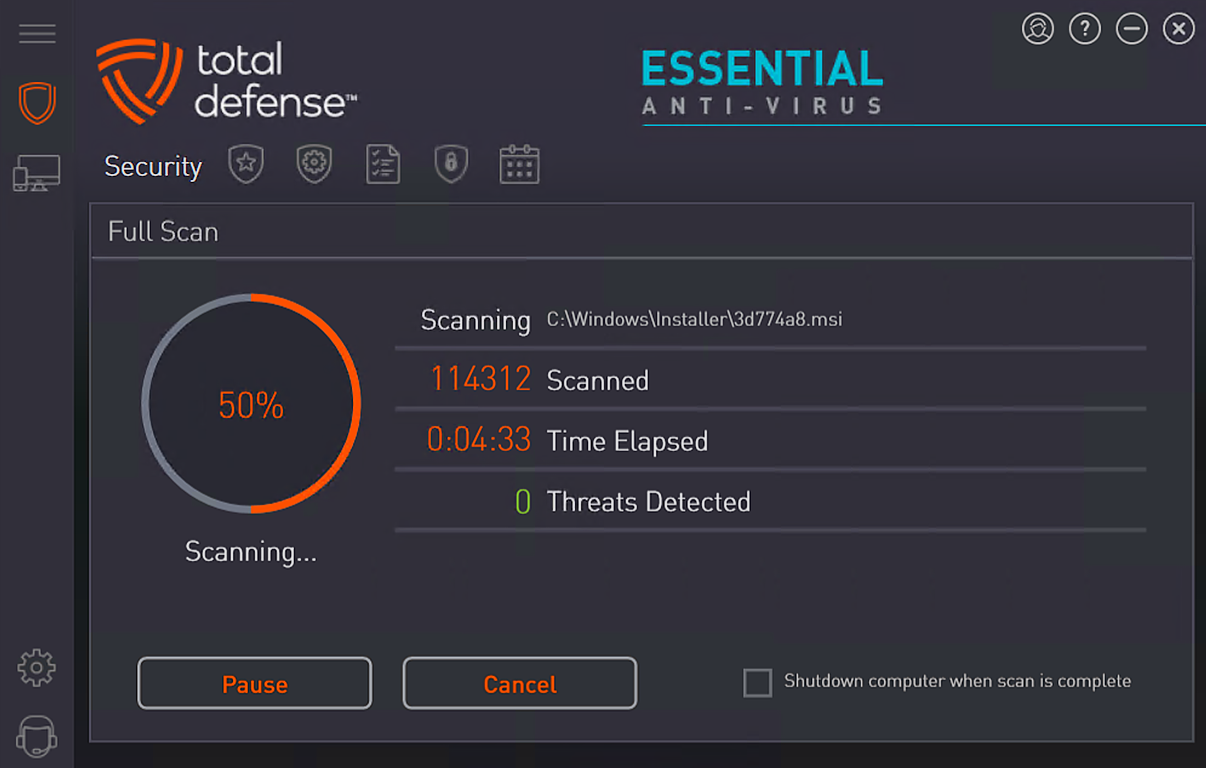
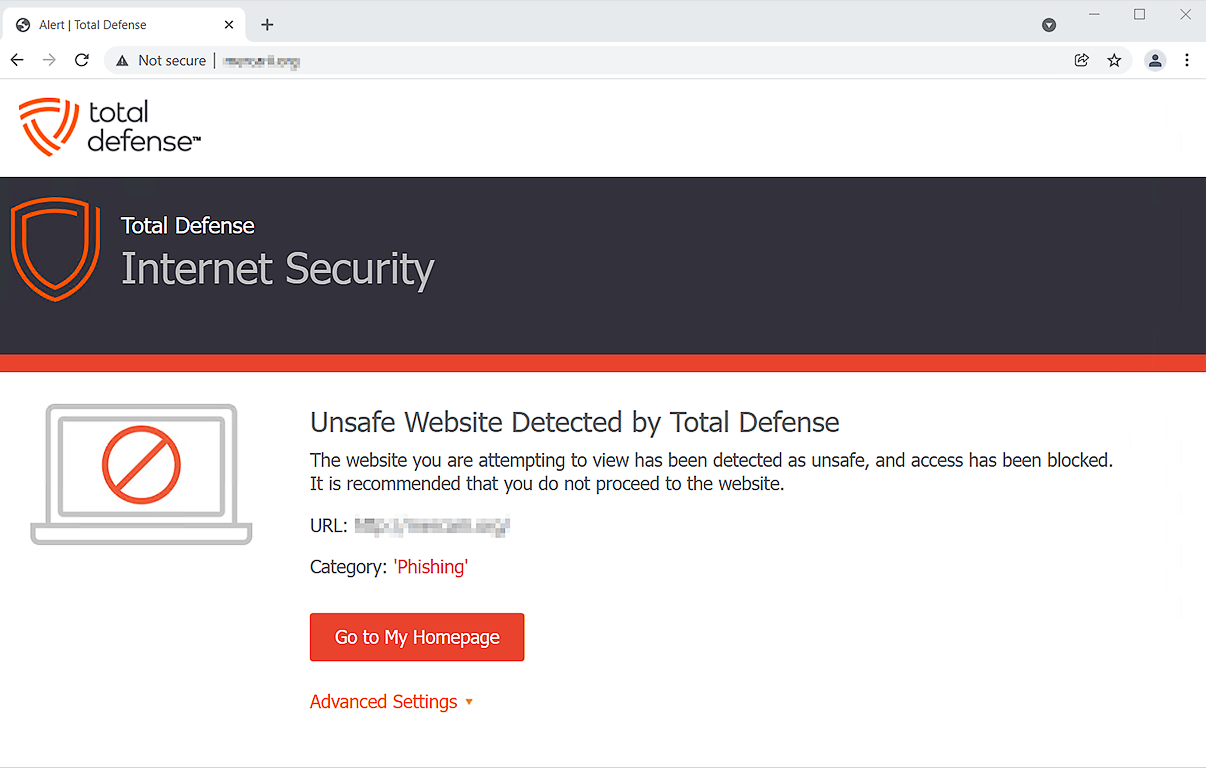
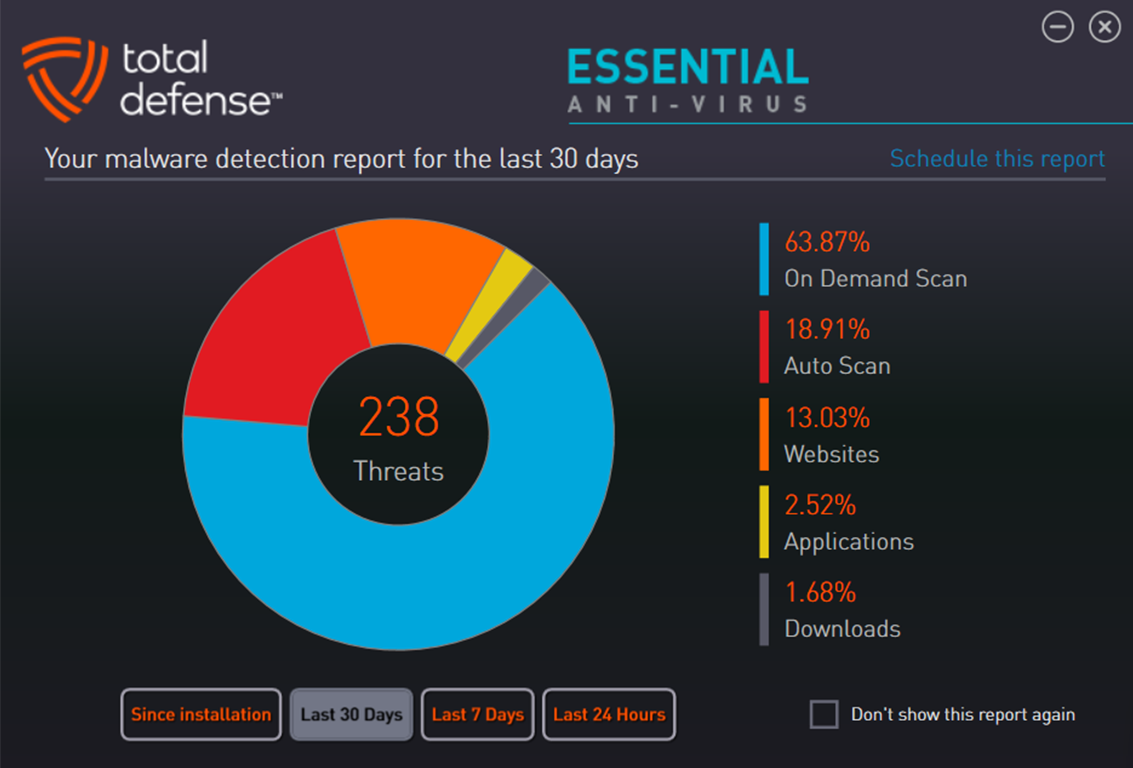
One of the application's strongest suits is its proactive defense mechanism. Once active, it keeps watch like a vigilant security guard, scanning files and websites in real-time. This feature is particularly crucial in today's environment where malware lurks on seemingly innocent downloads or fake links. During testing, the system swiftly identified and quarantined simulated threats, demonstrating its robust detection capabilities. Its performance slows, if at all, are minimal, showcasing careful optimization—important for users wary of security tools draining their system resources.
Automatic updates ensure your protection remains current. Think of it as having a security system that refreshes its lock combinations without your intervention. The process is silent yet thorough, keeping all malware signatures and system heuristics up-to-date. This reduces the chances of new strains slipping through, much like updating a security code regularly to prevent break-ins. The application schedules updates at convenient times, so your work or play isn't interrupted, maintaining a balance between safety and usability.
Beyond antivirus, the app offers basic privacy controls and system scans, giving you extra layers of confidence. While not as feature-rich as some high-end security suites, it covers essential needs without overwhelming users—making it ideal for those who want effective protection without unnecessary complexity.
Compared to other security apps like Norton or McAfee, Total Defense Essential Anti-Virus distinguishes itself through its focus on simplicity and minimal system impact. Unlike some bloated suites that bombard users with options, this software prioritizes core protection with a clean, approachable interface. Its real-time detection, combined with automatic updates, offers dependable security—akin to having a discreet but attentive bodyguard who never sleeps. This makes it particularly attractive for users who need reliable protection without the distraction of excessive features or complicated settings.
If your priority is a straightforward, unobtrusive, and effective antivirus solution, Total Defense Essential Anti-Virus comes highly recommended. It excels in core functionalities and offers a user experience that feels both accessible and dependable. For casual users, small business owners, or anyone overwhelmed by overly complex security tools, this app delivers peace of mind without demanding a steep learning curve. While it may not have all the bells and whistles of premium suites, its core strengths make it a solid choice for everyday protection. My suggestion is to give it a try—it's like having a dependable digital guardian that's always alert, yet never intrusive.
Real-time malware detection
User-friendly interface
Quick scan features
Auto-updates for virus definitions
Lightweight installation
Limited advanced features
Occasional false positives
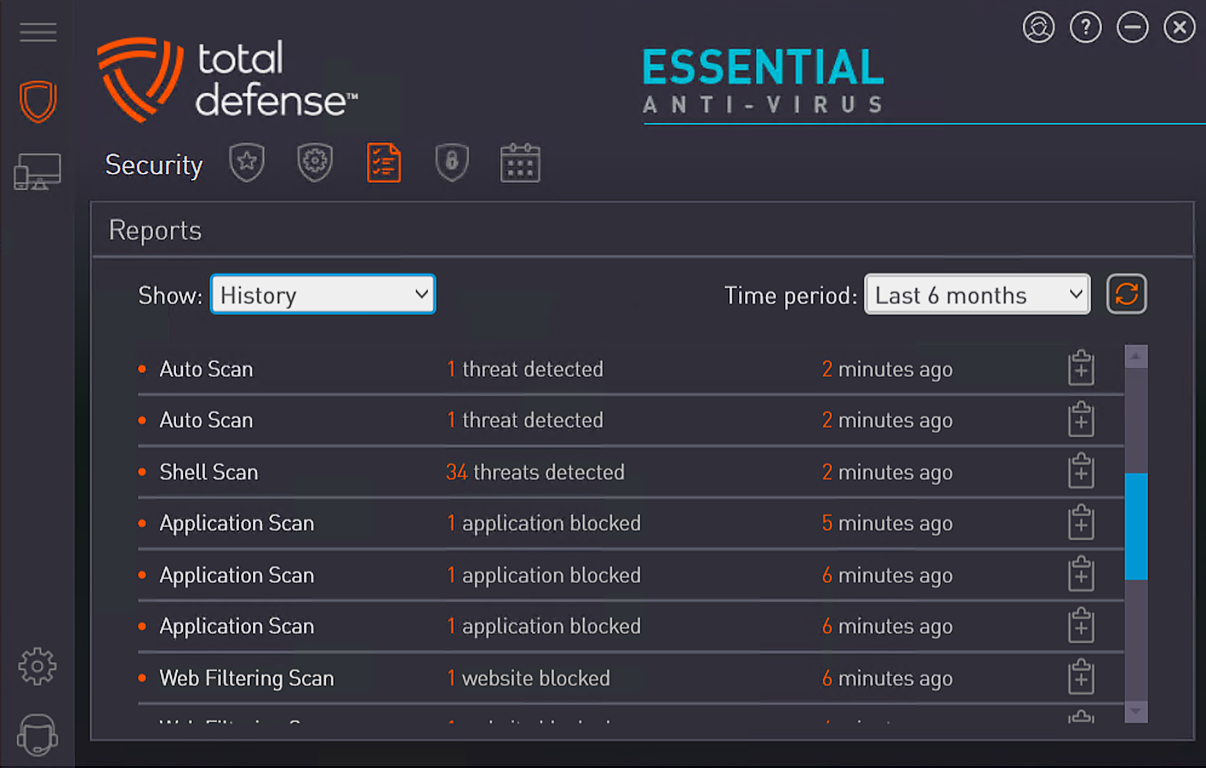
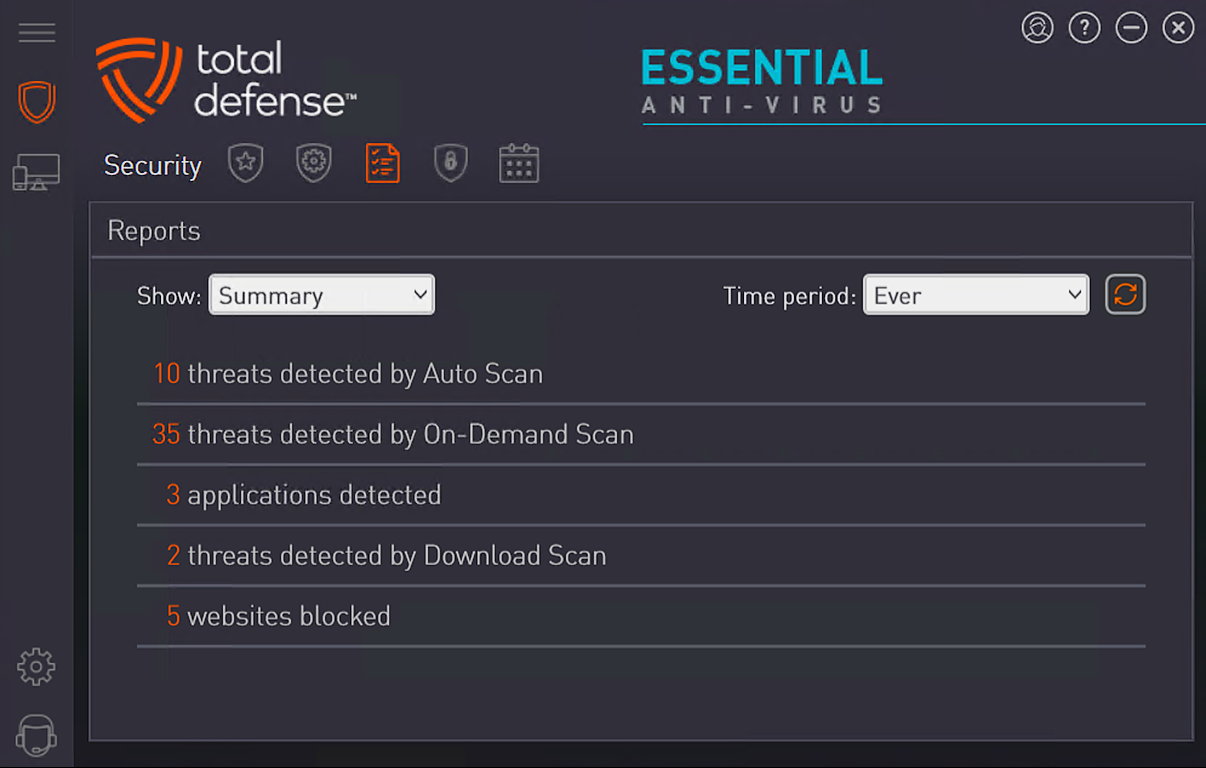
Less detailed scan reports
In-app notifications can be frequent
Limited support channels

for Windows
 4.8
4.8

for Windows
4.7

for Windows
4.7

for Windows
4.7

for Windows
4.6

for Windows
4.6

for Windows
4.5

for Windows
4.4

for Windows
4.4

for Windows
4.3

for Windows
4.3

for Windows
4.3

for Windows
5

for Windows
5

for Windows
5

for Windows
5

for Windows
5

for Windows
5

for Windows
5

for Windows
5

for Windows
5

for Windows
5