Entertainment
PC
Windows 10 version 14393.0 or higher
Chinese (Simplified), Dutch, English (United States), French, German, Italian, Japanese, Korean, Portuguese, Russian, Spanish
Torrent Downloader HD is a neatly designed Windows application aimed at simplifying the torrent downloading experience, offering quick access to your favorite content with a straightforward interface.
The app positions itself as a reliable and easy-to-use torrent client tailored for Windows users seeking efficient download management. Developed by Better App, a team dedicated to creating streamlined multimedia tools, it emphasizes simplicity paired with core functionalities. Key highlights include support for multiple torrent formats, a built-in media player, and an optimized download process that minimizes resource consumption. Its target audience primarily comprises casual users, students, and content consumers who prefer a no-fuss approach to downloading media via torrents without delving into complex configurations.
If you've ever felt overwhelmed by the maze of torrent clients out there, Torrent Downloader HD offers a breath of fresh air — a straightforward yet robust tool that feels like a trusted friend helping you fetch your favorite movies, music, or eBooks. Its minimalist design conceals powerful features that make downloading enjoyable rather than daunting, turning what's usually a technical chore into a smooth, almost effortless task.
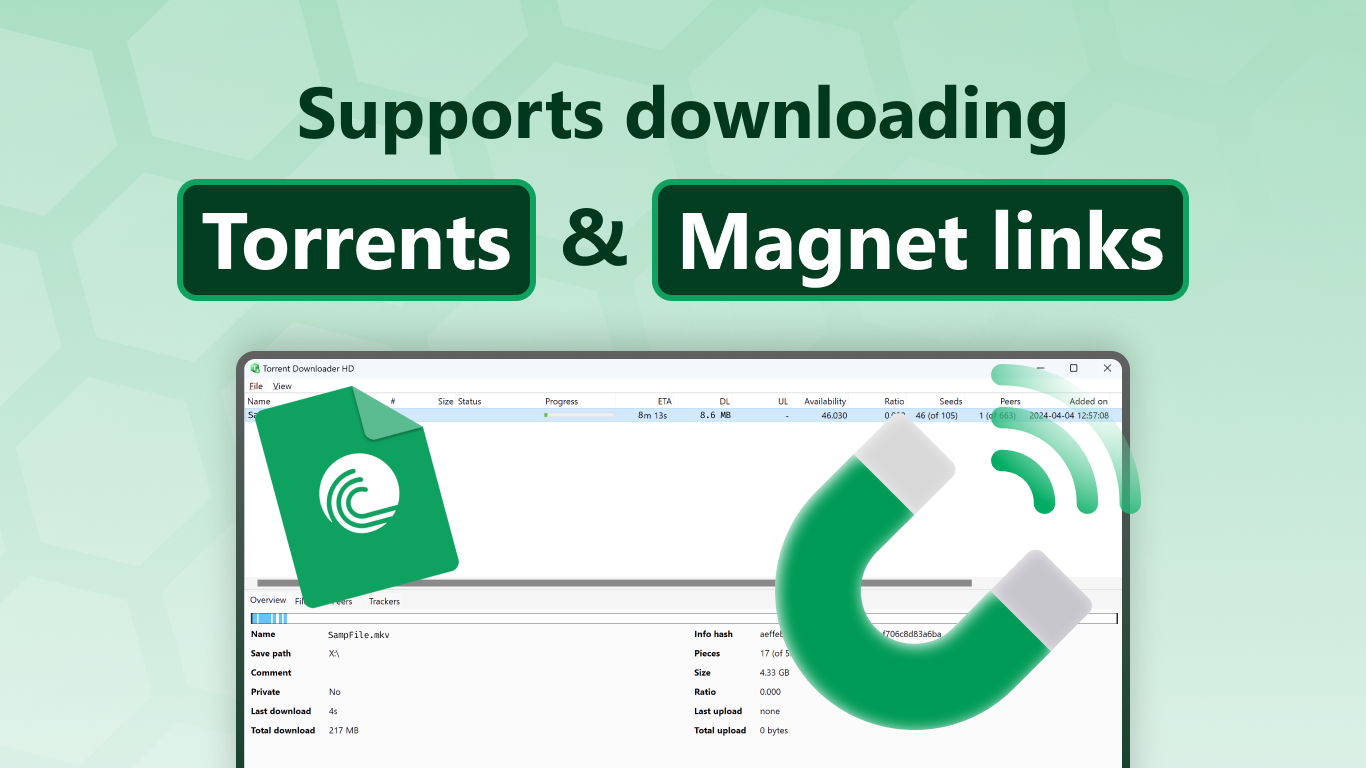
Right upon launching the app, users are greeted with a clean interface where they can add torrents via magnet links or torrent files. The process is intuitive — a simple drag-and-drop or copy-paste action suffices. Once a torrent is added, the app automatically fetches metadata, prioritizes files, and displays detailed progress information. Its smart queue system ensures you can manage multiple downloads effectively without the typical crashes or freezes that plague lesser clients. The download speed management is transparent, giving users control over bandwidth allocation while maintaining a steady flow of progress.
One of Torrent Downloader HD's standout features is its integrated media player, allowing you to preview videos or listen to music directly as they download, saving time and extra steps. This reduces the need for third-party apps and streamlines your media consumption workflow. Additionally, the app offers a simple yet effective organization system — users can categorize their downloaded content into custom folders, making retrieval effortless and neat. The media player supports popular formats and offers basic controls, contributing to a cohesive ecosystem for content management.
The app's interface resembles a minimalist workspace, very much like a tidy desk where everything is at your fingertips — it's simple enough for beginners but also satisfying for seasoned torrent users. Operation feels fluid thanks to optimized backend processes; clicking a button results in immediate action, making the experience feel responsive and smooth. Its learning curve is gentle, akin to riding a bike with training wheels — you're up and running in minutes, with ample guidance along the way.
What sets Torrent Downloader HD apart from typical torrent clients is its emphasis on content discovery algorithms and personalized recommendations. Unlike traditional apps that merely download what you tell them, this app subtly integrates intelligent suggestions based on your previous downloads, potential trending content, and media preferences. It critiques the relevance of recommendations effectively, helping users find interesting content without sifting through endless options — a feature more commonly associated with entertainment streaming services rather than torrent clients.
Considering its streamlined interface, effective core functionalities, and clever content suggestions, Torrent Downloader HD stands out as a well-rounded choice for Windows users who want efficiency without complexity. While it may not be packed with advanced customization options, for everyday downloading needs, it's more than capable. I'd recommend it to casual users, media enthusiasts, or anyone seeking a no-nonsense torrent tool that combines simplicity with smart features.
If you're tired of clunky clients with cluttered interfaces, give Torrent Downloader HD a shot — it might just become your new go-to for hassle-free torrenting on Windows.
User-Friendly Interface
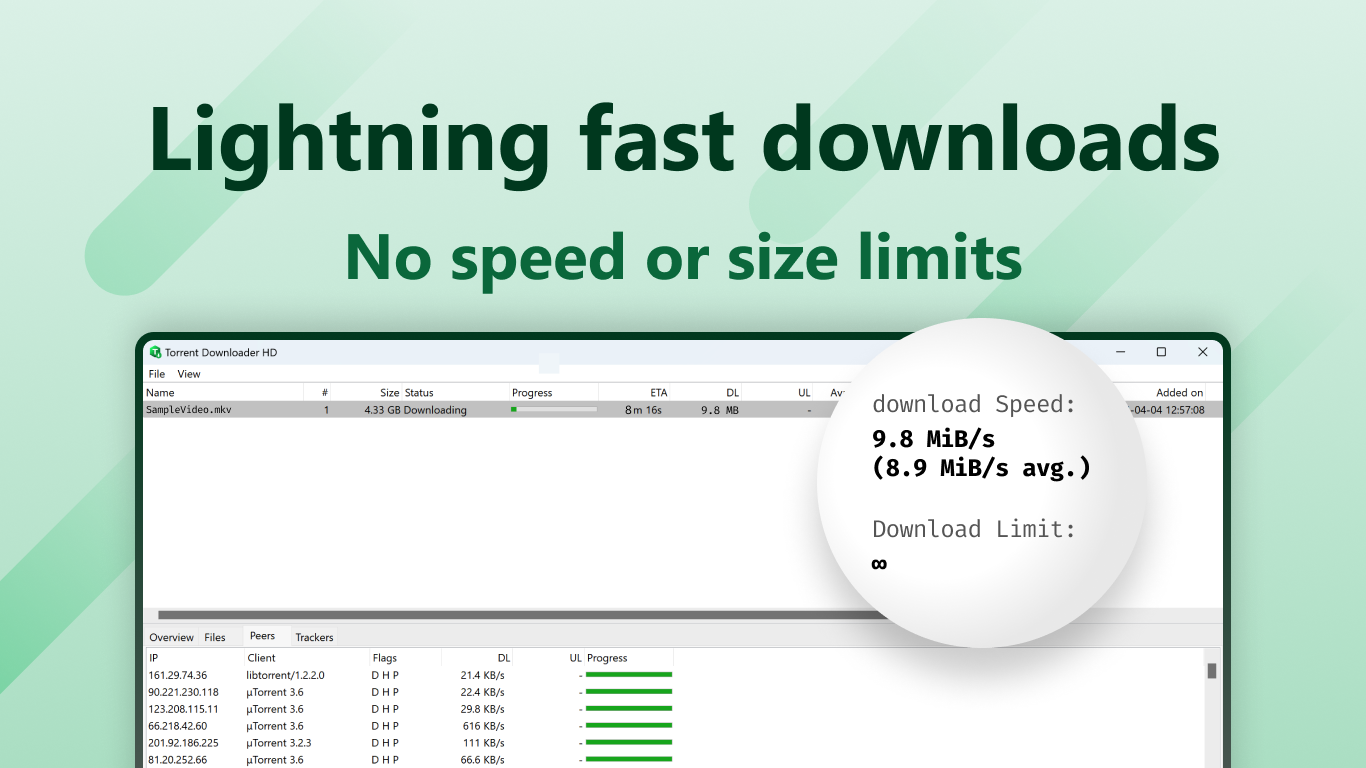
Fast Download Speeds
Supports Multiple Torrent Sources
Resume Interrupted Downloads
Built-in Media Player
Limited Search Functionality
Ads in Free Version
occasional Connectivity Issues
Limited Customization Options
App Stability Concerns

for Windows
 5
5

for Windows
4.8

for Windows
4.8

for Windows
4.8

for Windows
4.7

for Windows
4.6

for Windows
4.6

for Windows
4.6

for Windows
4.6

for Windows
4.6

for Windows
4.6

for Windows
4.6

for Windows
5

for Windows
5

for Windows
5

for Windows
5
for Windows
5

for Windows
5

for Windows
5

for Windows
5

for Windows
5

for Windows
5