Family & kids
Kitty Studios
PC, Mobile, Surface Hub, HoloLens
Windows 10 version 17763.0 or higher
English (United States)
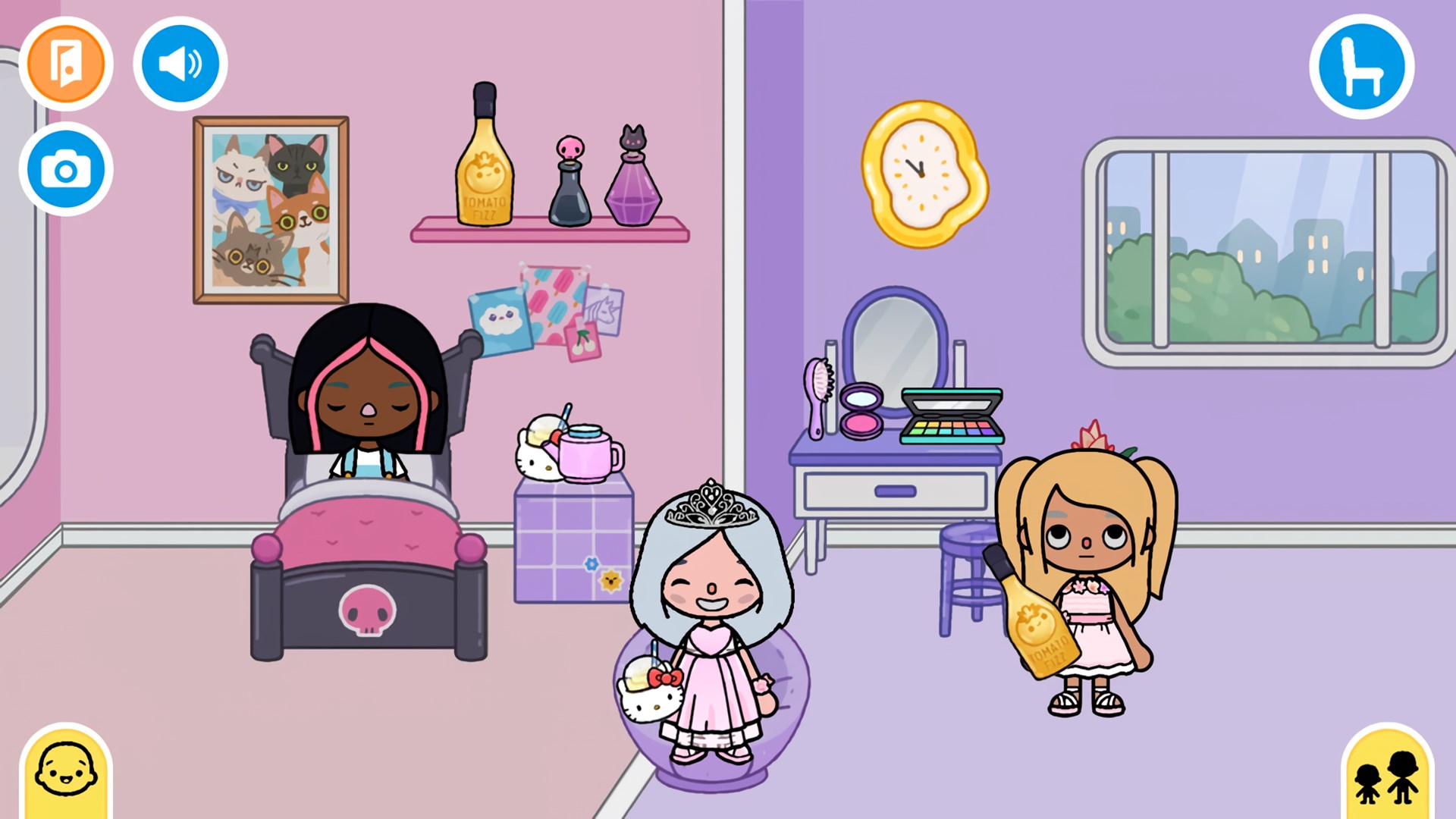
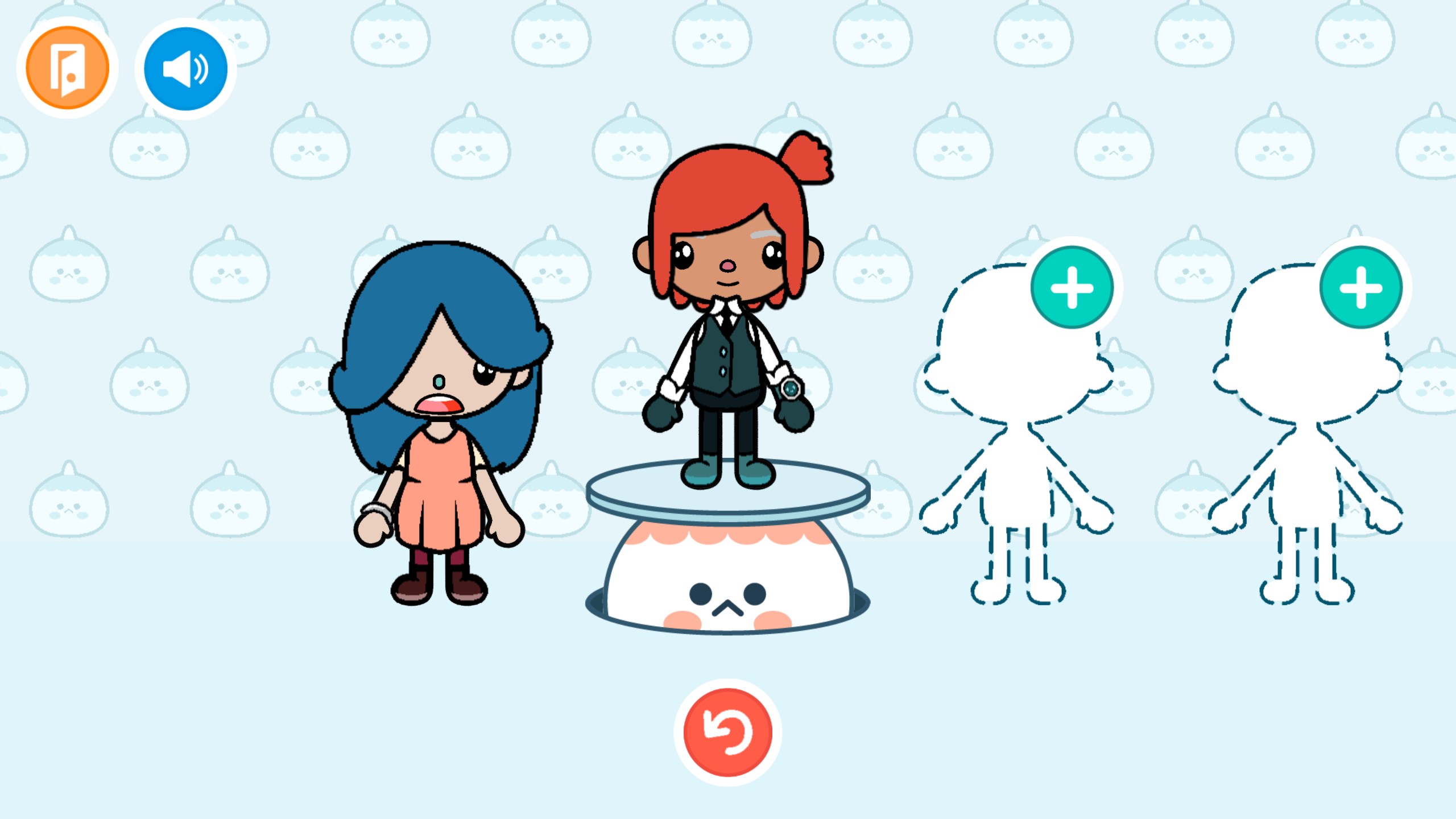
Toca World Adventure for Windows is a charming sandbox-style virtual world that invites children to explore, create, and learn through open-ended play. With its vibrant graphics and intuitive interface, it offers an engaging environment where imagination runs wild, making it an excellent digital playground for young explorers.
Developed and published by Kitty Studios, a developer known for their inventive and child-friendly digital content, Toca World Adventure focuses on fostering creativity and imaginative storytelling. The platform's main features include a customizable virtual world filled with diverse characters and environments, immersive role-playing scenarios, and a plethora of interactive activities that encourage learning through play. The app's design emphasizes accessibility, ensuring that children can navigate and enjoy the experience with minimal guidance. Its user-centric approach makes it a standout choice among family and kids-focused applications.
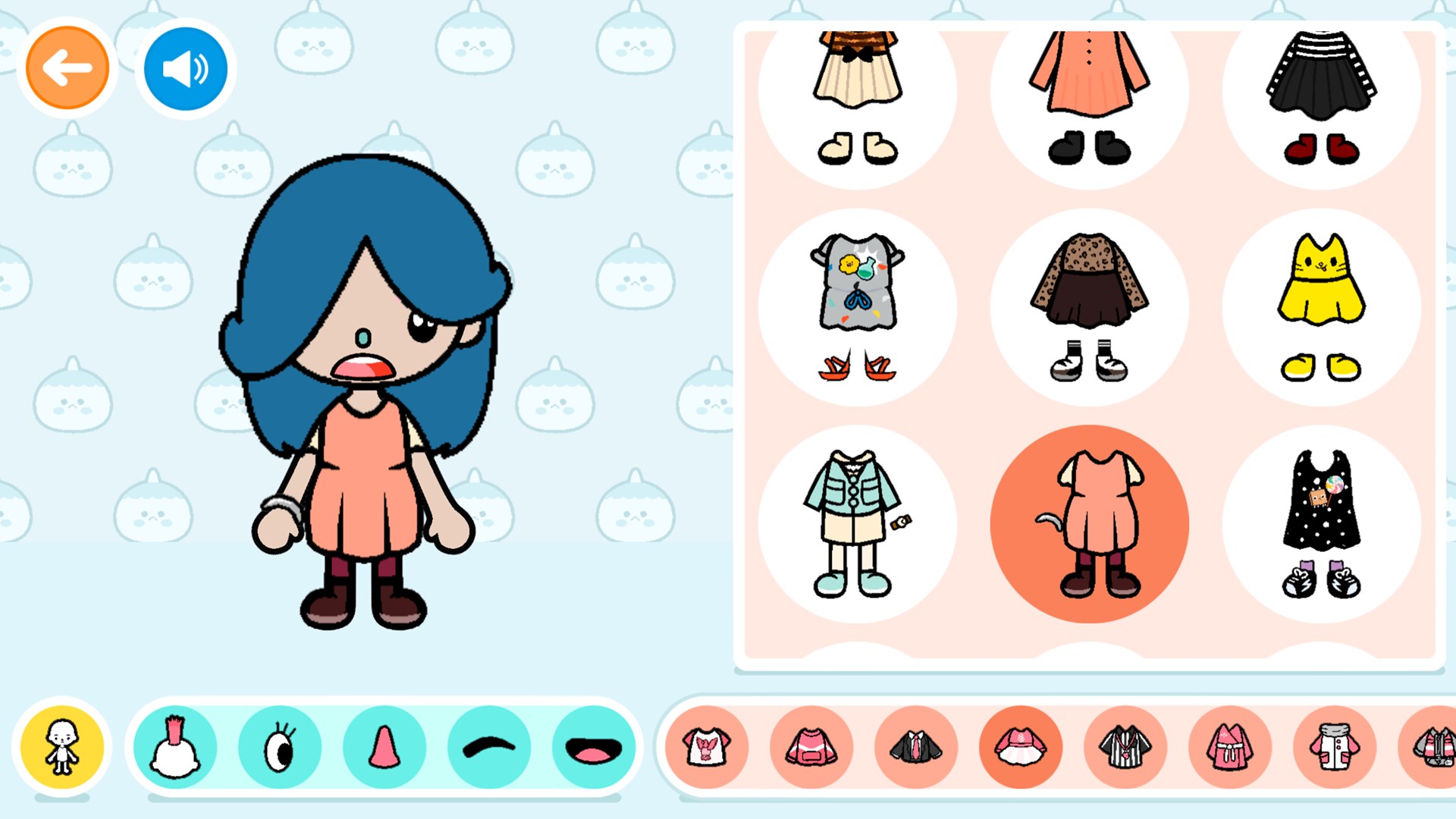
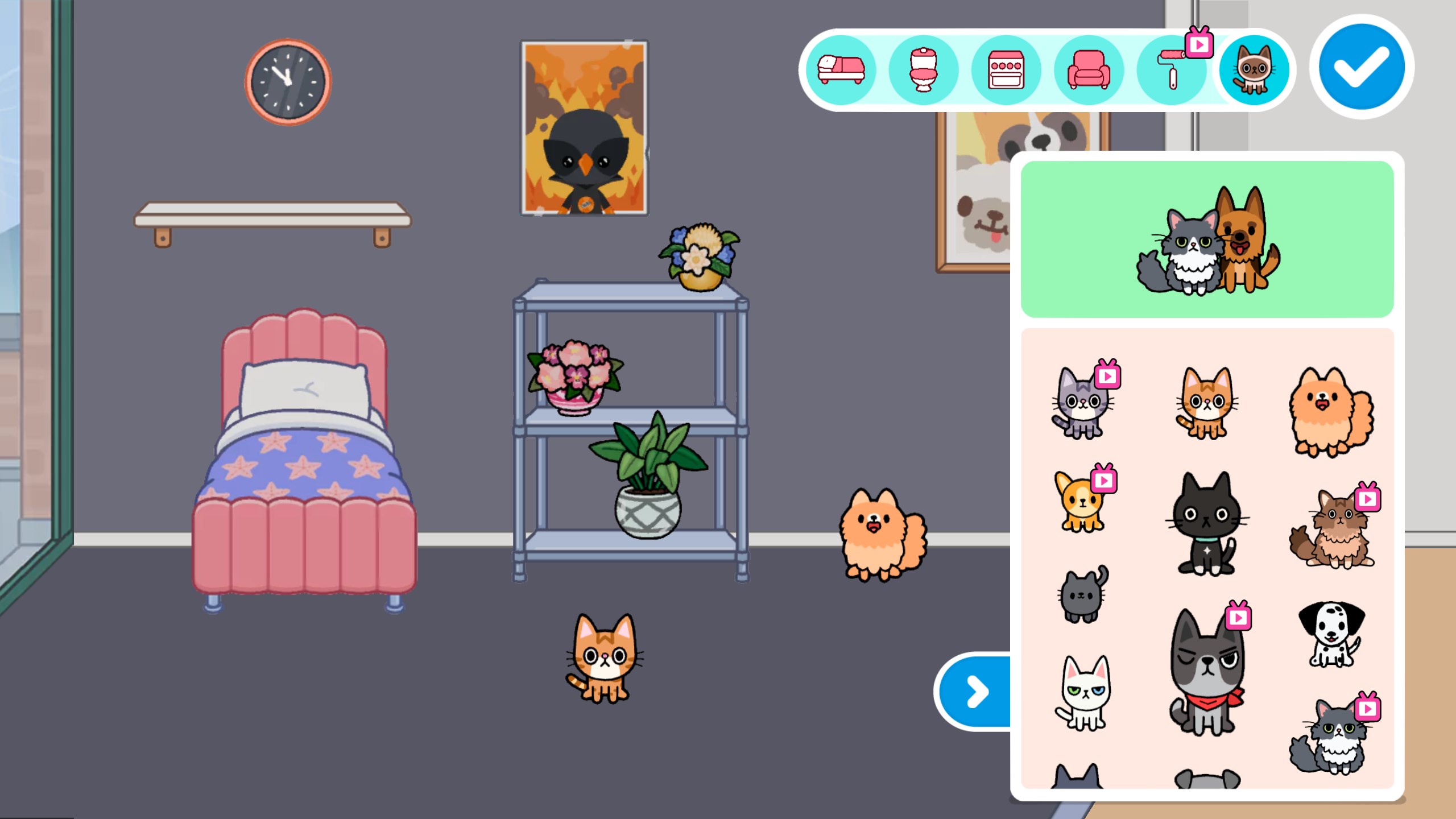
From the moment you launch Toca World Adventure, you're greeted with a lively, colorful universe brimming with potential. Picture a sprawling digital town where every building, character, and item can be modified and personalized—this is the core charm of this app. Children can craft their own stories by dressing characters, designing homes, or exploring different locations like shops, parks, and adventure zones. The platform's sandbox nature means no rigid rules—kids are free to experiment, invent, and bring their unique visions to life, much like playing with a versatile digital toy set.
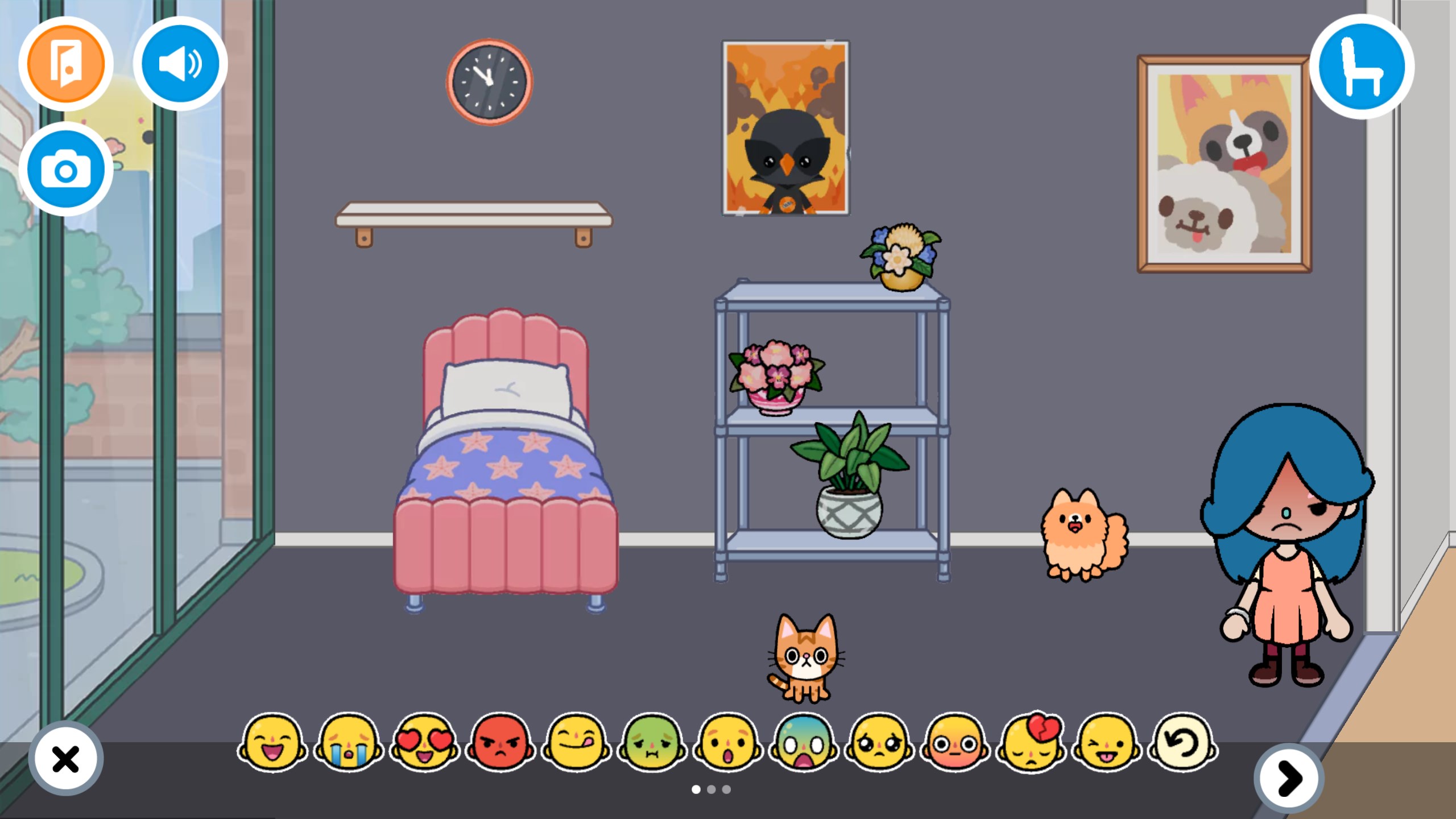
The interface is designed with simplicity in mind, resembling familiar play environments that children easily recognize. Large, colorful buttons and clear icons guide users seamlessly through various menus, making navigation intuitive even for the youngest users. The app runs smoothly on Windows, with minimal lag, allowing children to switch between activities effortlessly—a vital aspect supporting engaging play without frustration. The learning curve is gentle; kids can jump in and start creating within minutes, fostering instant gratification and ongoing curiosity.
One of the standout features of Toca World Adventure is its high degree of customization. Unlike other family-oriented apps that limit character or environment modifications, this app offers extensive options to personalize almost every aspect—from characters' outfits to entire cityscapes. This depth of creative control provides a unique value, encouraging children to develop their storytelling skills and aesthetic sensibilities. Additionally, the app's non-competitive, open-ended gameplay sets it apart from many similar titles by emphasizing free exploration and self-expression over preset challenges.
Overall, Toca World Adventure for Windows is a thoughtfully designed application that combines creative freedom with user-friendly mechanics. It's particularly effective for children who enjoy imaginative play and hands-on customization. While it may not feature structured educational content, its emphasis on storytelling and creativity can subtly support cognitive development and language skills.
I would recommend this app for parents seeking a safe, engaging digital environment where children can experiment and express themselves freely. Its simplicity and rich visual world make it suitable for a wide age range, especially from preschool to early elementary levels. Just keep in mind that, like all sandbox environments, supervising play to guide and inspire storytelling can enhance its educational value even further.
Creative freedom enhances player engagement
Intuitive and user-friendly interface
Educational elements promote learning
Vast variety of virtual environments
Offline mode available for uninterrupted play
Limited interaction with other players
Occasional app crashes on older devices
In-app purchases may be confusing for young children
Lack of guided tutorials for new users
Graphics quality varies across devices

for Windows
 4.8
4.8

for Windows
4.7

for Windows
4.7

for Windows
4.6

for Windows
4.6

for Windows
4.5

for Windows
4.5

for Windows
4.4

for Windows
4.4

for Windows
4.2
for Windows
4.2

for Windows
4.2

for Windows
5

for Windows
5

for Windows
5

for Windows
5

for Windows
5

for Windows
5

for Windows
5

for Windows
5

for Windows
5

for Windows
5