Classics
RV AppStudios
PC
Windows 10 version 10240.0 or higher
Version 10
Chinese (Simplified), Chinese (Traditional Chinese), Czech, Danish, Dutch, English (United States), Finnish, French, German, Greek, Hindi, Indonesian, Italian, Japanese, Korean, Malay, Norwegian, Polish, Portuguese, Russian, Spanish, Swedish, Thai, Turkish, Vietnamese
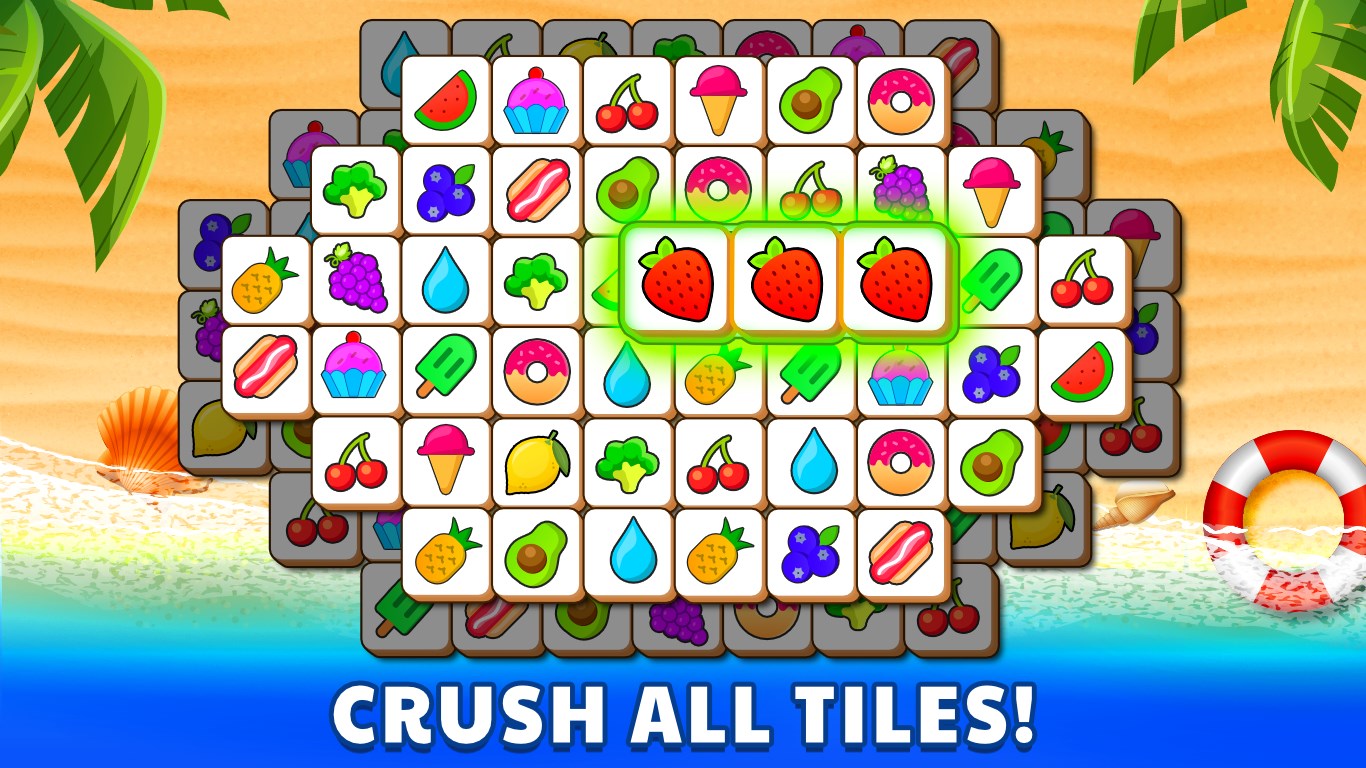
Tile Puzzle Game: Tiles Match is a relaxing yet stimulating puzzle app designed to enhance spatial reasoning and pattern recognition through colorful tile-matching challenges. With its intuitive mechanics and elegant visuals, it aims to entertain users of all ages looking for a casual cognitive workout.
Developed and published by RV AppStudios, this team focuses on creating engaging, straightforward puzzle experiences that blend classic gameplay with modern design, appealing to casual gamers and puzzle enthusiasts alike.
Step into the colorful universe of Tile Puzzle Game: Tiles Match, where every tile you slide and match is like connecting pieces of a vibrant mosaic. Imagine spending a quiet afternoon with a jigsaw—only here, the pieces dance to their own rhythm, inviting you to orchestrate order from chaos. Whether you're seeking a gentle mental exercise or a relaxing distraction, this game offers a calm yet engaging escape that feels as inviting as a cozy corner with a warm cup in hand.
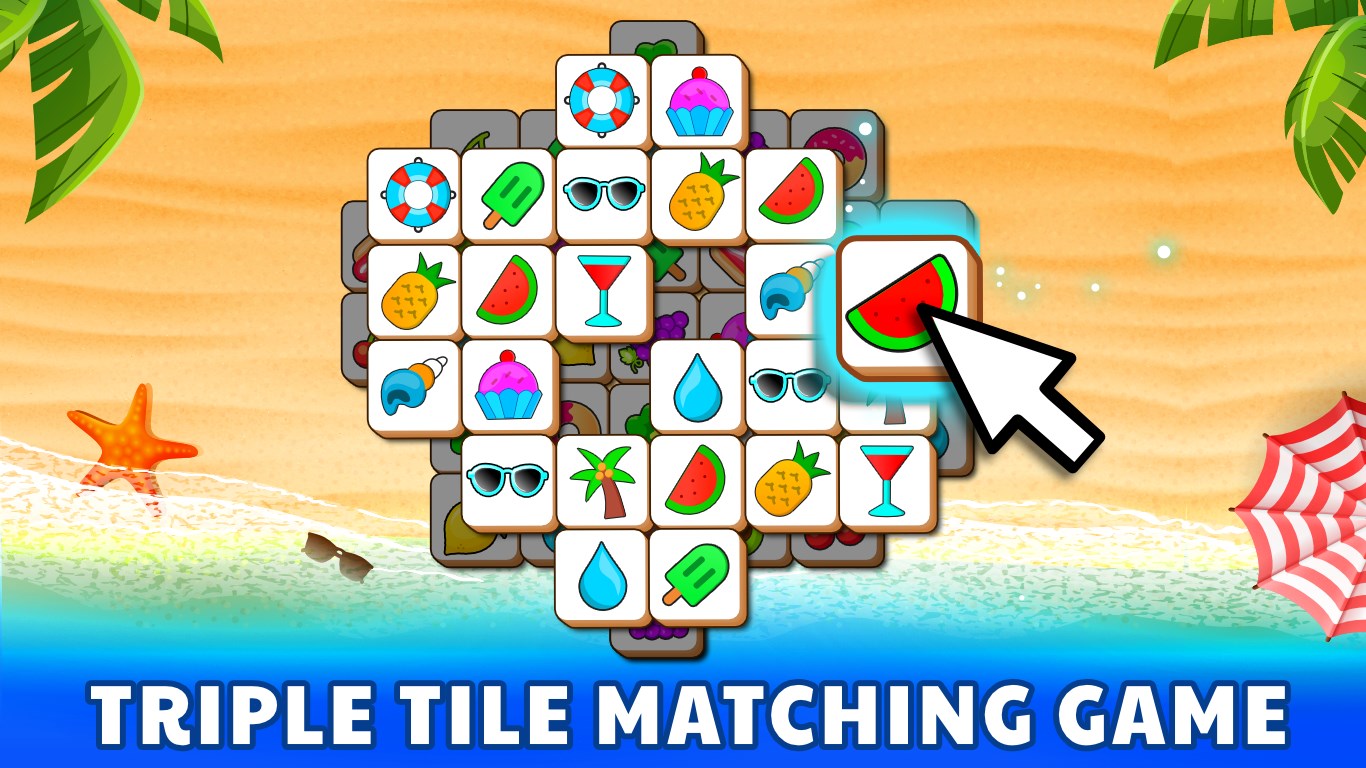
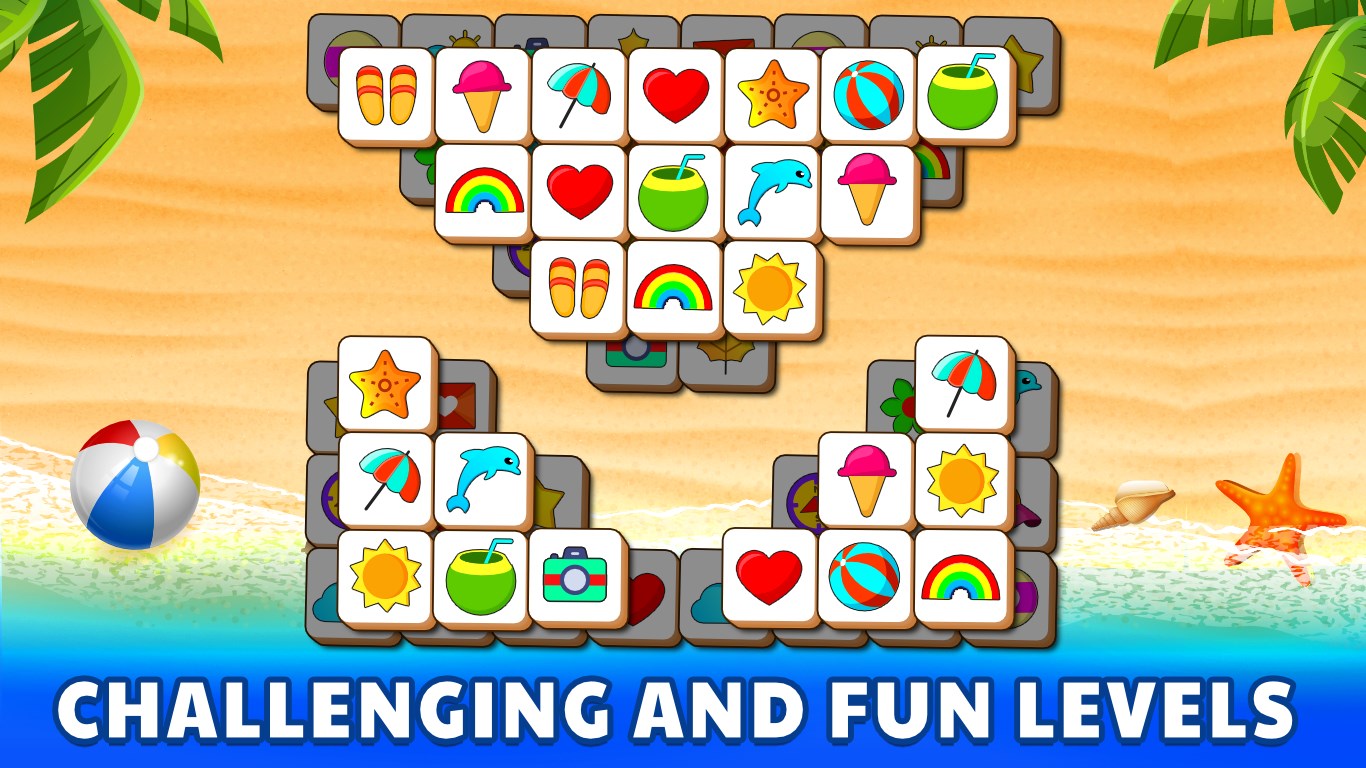
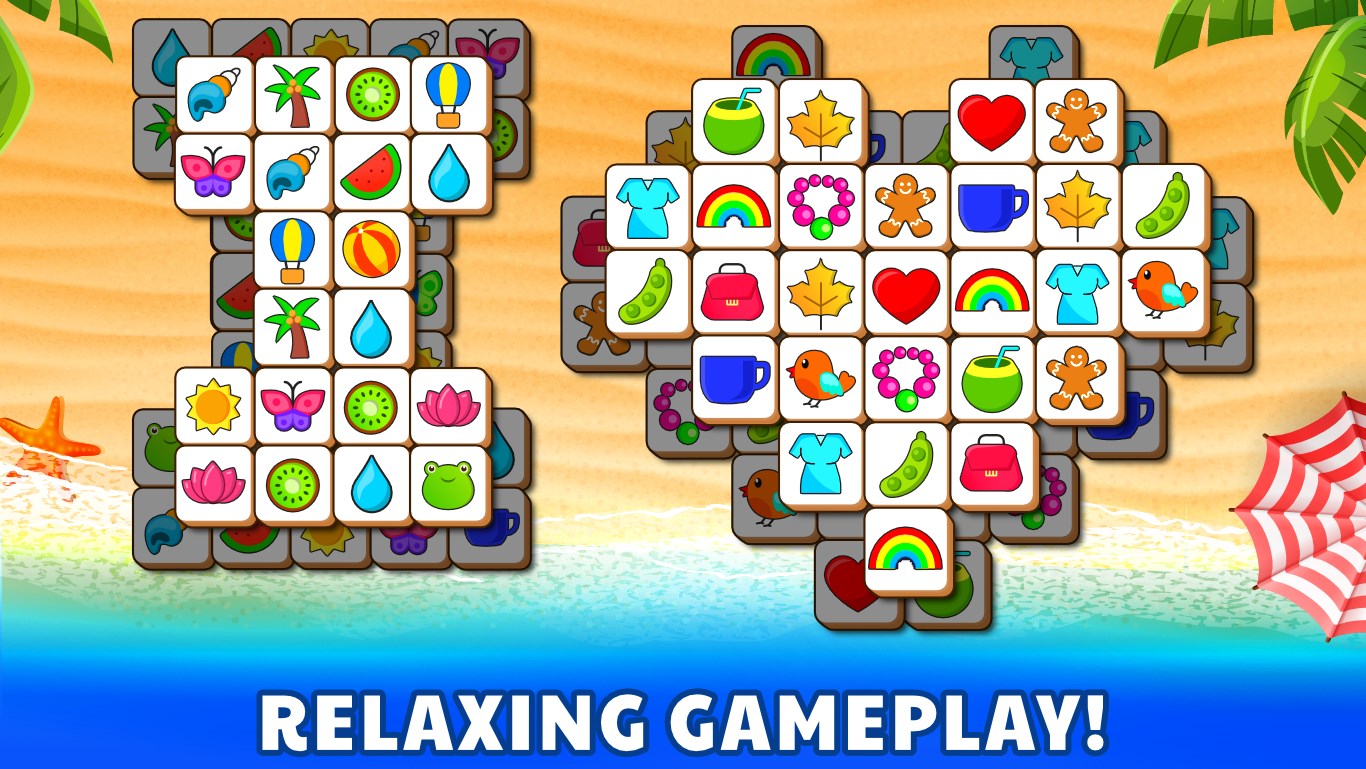
The heart of the game lies in its tile-matching mechanic, which is elegantly simple. Players are presented with a grid of colorful tiles and are tasked with matching pairs or completing patterns to clear the board. The mechanics are akin to a well-choreographed dance—smooth, predictable, yet requiring strategic foresight. The game gradually introduces new challenges—like limited moves or time constraints—to ramp up the difficulty, providing a sense of progression that keeps the experience fresh without overwhelming the player.
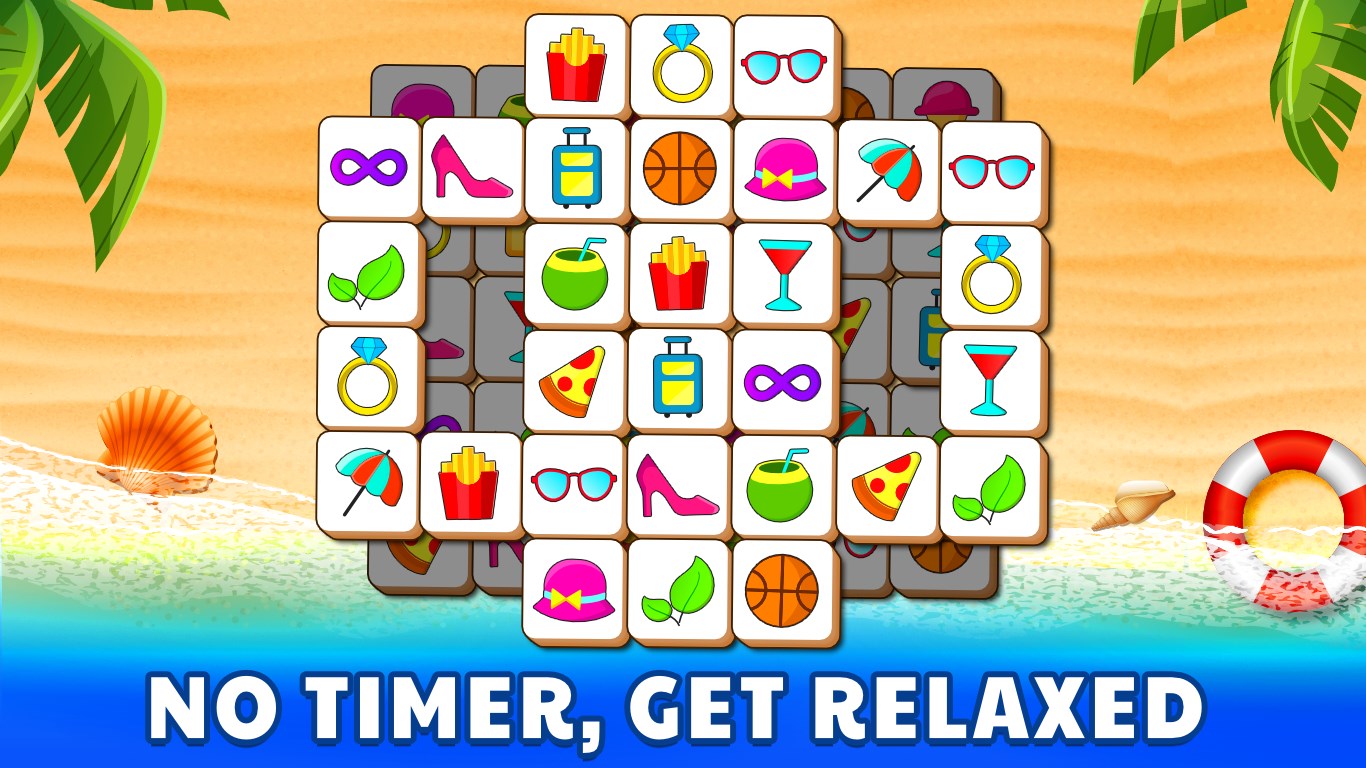
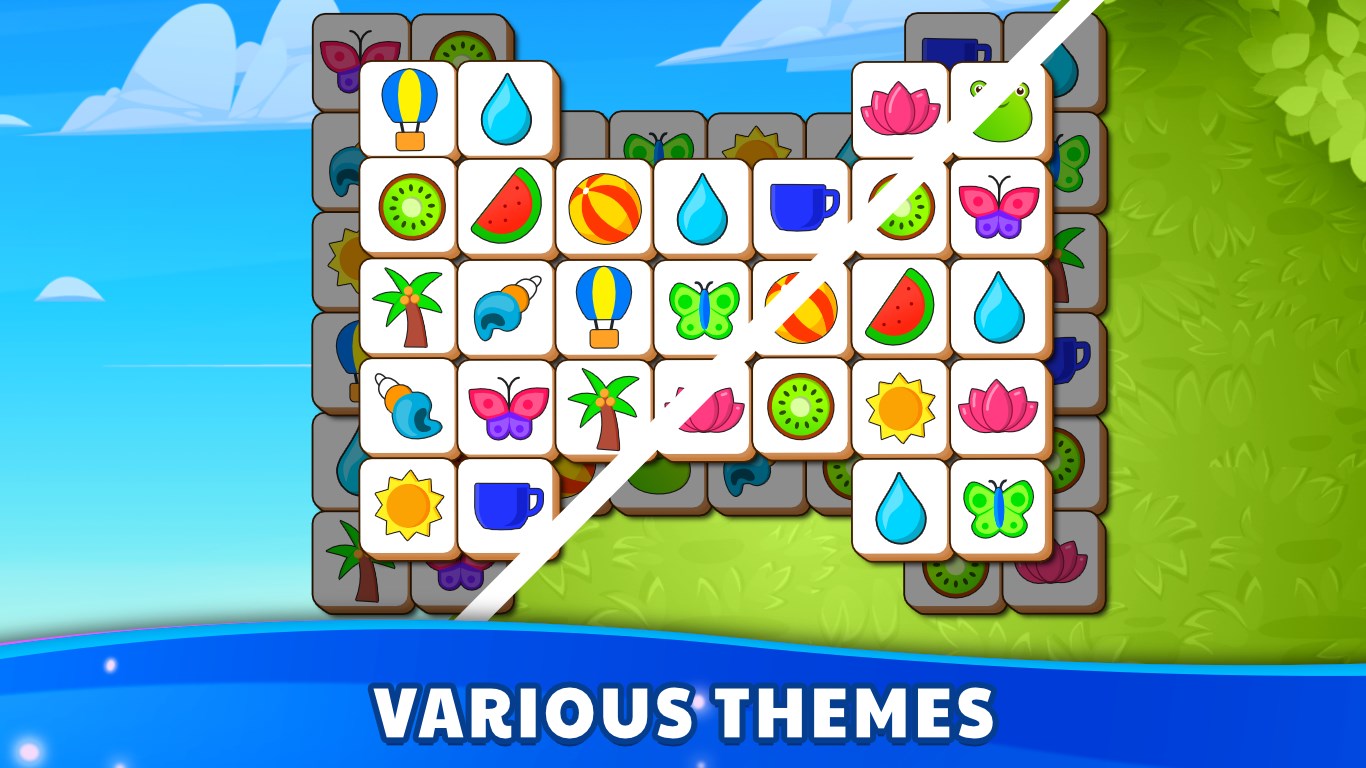
The visual design of Tile Puzzle Game: Tiles Match is akin to a well-curated art gallery—sober but striking, pleasing to the eye without unnecessary clutter. The vibrant palette and clear iconography make it easy to identify tiles and plan moves. Navigating menus and options is effortless thanks to a clean, minimalist layout that resembles a gently flowing stream—calm, predictable, and welcoming. The app responds swiftly to user inputs, offering a seamless experience that feels like gliding on smooth ice, with no lags or frustrating delays.
Compared to traditional tile-matching games or classic puzzle apps, this game shines in its thoughtful layering of difficulty and its focus on user-friendly design. Unlike many counterparts that often rely on aggressive scoring or flashy effects, Tile Puzzle Game: Tiles Match emphasizes calm, meditative gameplay that encourages focus and relaxation. Its ability to gently challenge players, coupled with a visually soothing environment, makes it a stand-out choice for those seeking a mentally engaging yet peaceful pastime. Additionally, its straightforward mechanics make it accessible for users of all ages, from young children developing spatial skills to seniors enjoying gentle cognitive stimulation.
For anyone looking for an unobtrusive puzzle game that combines clarity, aesthetic allure, and just enough challenge to keep you engaged, Tile Puzzle Game: Tiles Match comes highly recommended. It's particularly suited for casual play sessions—perfect for winding down after work or while commuting. Newcomers will find the learning curve gentle, while seasoned players can enjoy the progressive difficulty levels that come with each stage. Keep in mind, the game's reliance on pattern recognition makes it a delightful brain teaser, but if you prefer high-stakes or fast-paced puzzles, this might not be your daily go-to. Overall, it's a well-crafted, thoughtfully designed app that accomplishes its goal: providing satisfying, stress-free puzzle entertainment.
Intuitive Gameplay
Visually Appealing Graphics
Variety of Levels
Smooth Performance
Free Access with Optional Ads
Limited Customization Options
Occasional Ads Interrupt Gameplay
Lack of Progress Saving Across Devices
Limited Sound Effects
Some Levels Tend to Be Repetitive

for Windows
 4.9
4.9

for Windows
4.9

for Windows
4.9

for Windows
4.8

for Windows
4.8

for Windows
4.8

for Windows
4.8

for Windows
4.7

for Windows
4.7

for Windows
4.7

for Windows
4.7

for Windows
4.7

for Windows
5

for Windows
5

for Windows
5

for Windows
5

for Windows
5

for Windows
5

for Windows
5

for Windows
5

for Windows
5

for Windows
5