Entertainment
PC, Mobile, Surface Hub, HoloLens
Windows 10 version 19041.0 or higher
English (United States)
TikTok for Windows offers users a way to enjoy the vibrant and engaging world of TikTok right on their computers, seamlessly integrating entertainment into the desktop environment. Whether you're a casual viewer or a content creator, this app aims to bring the TikTok experience to your fingertips beyond the mobile device.
Produced by TikTok Pte. Ltd., part of the ByteDance family, this application benefits from the company's vast resources and expertise in social media and content recommendation algorithms. Their goal is to deliver personalized, entertaining content to users across multiple platforms, including Windows desktops.
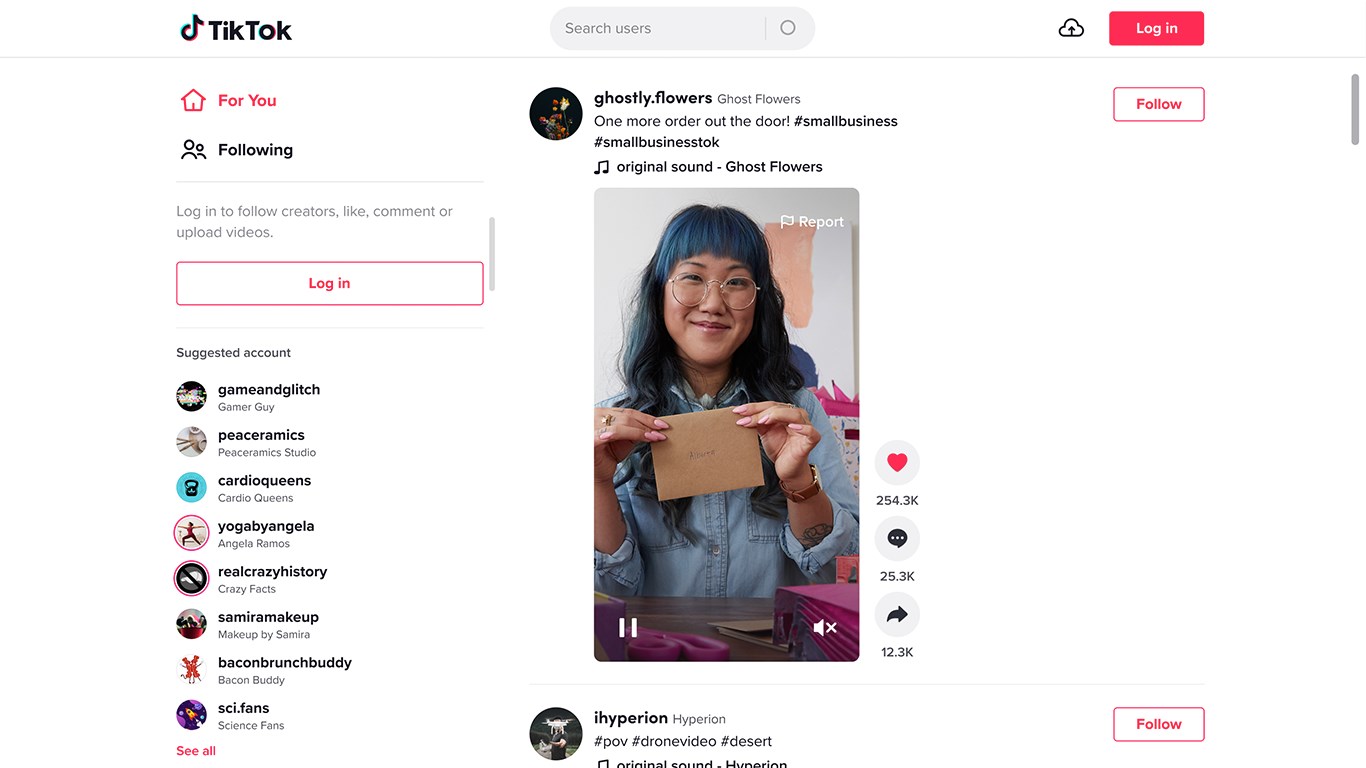
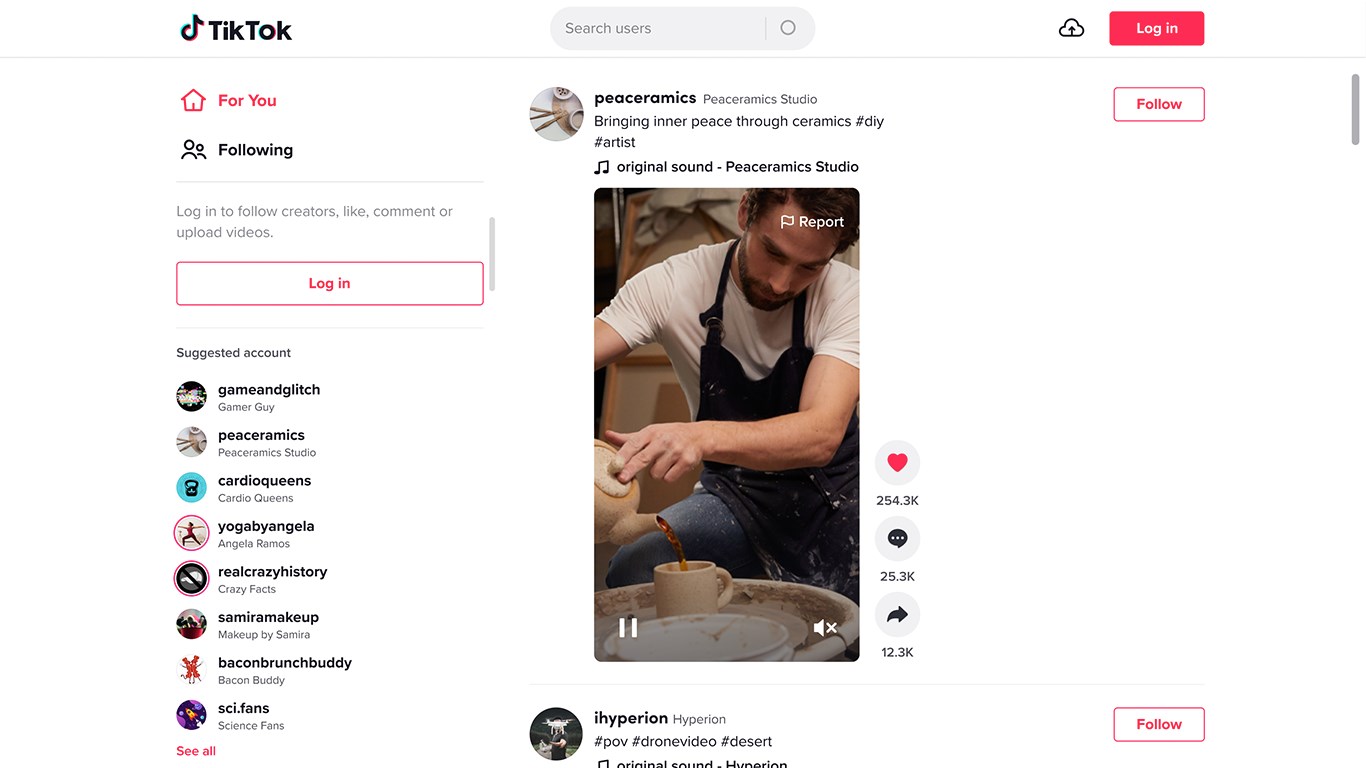
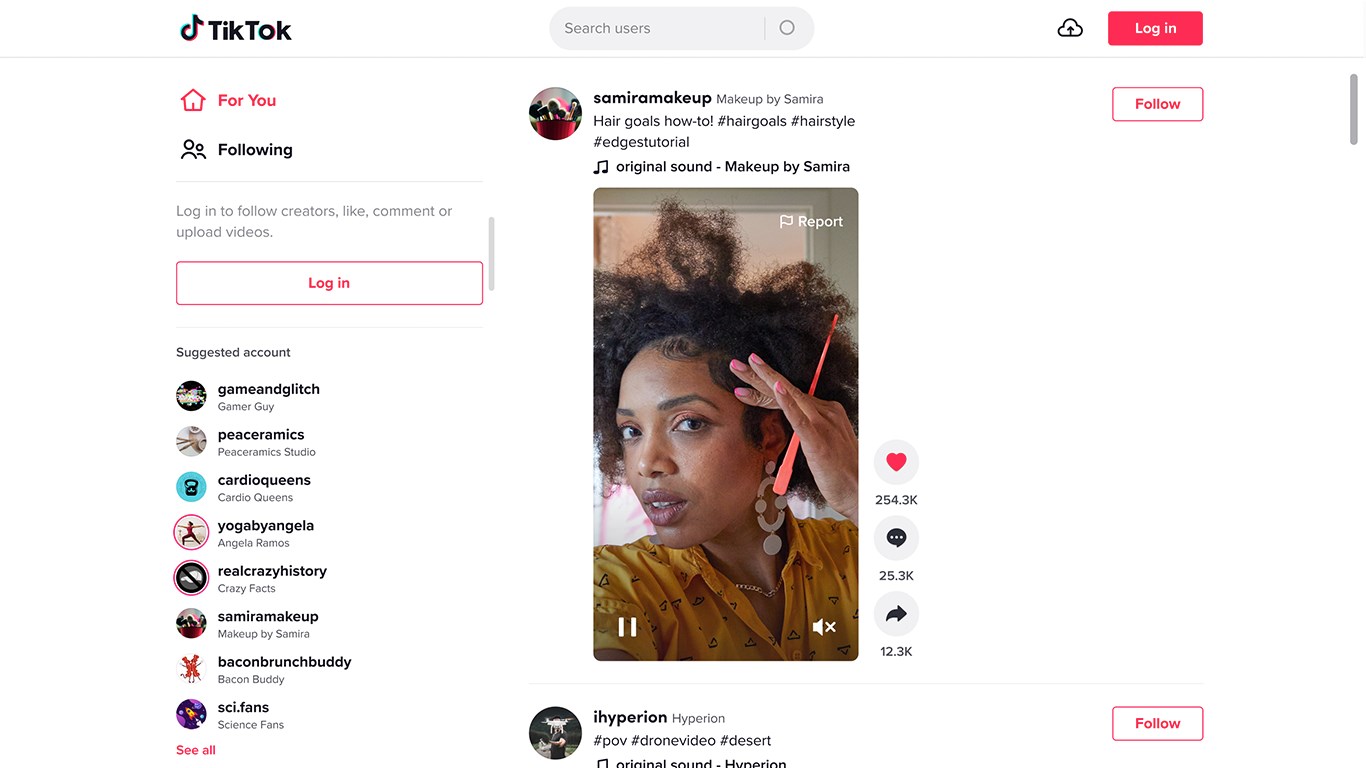
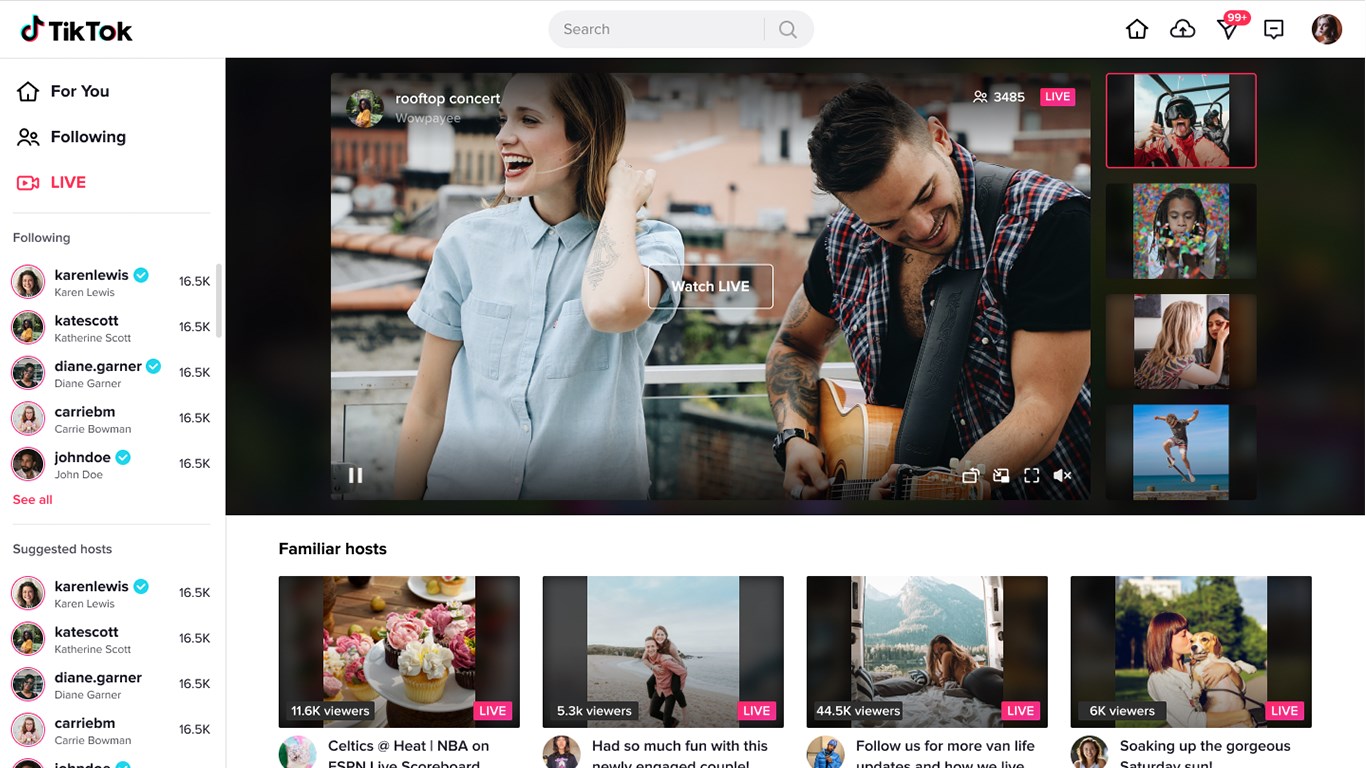
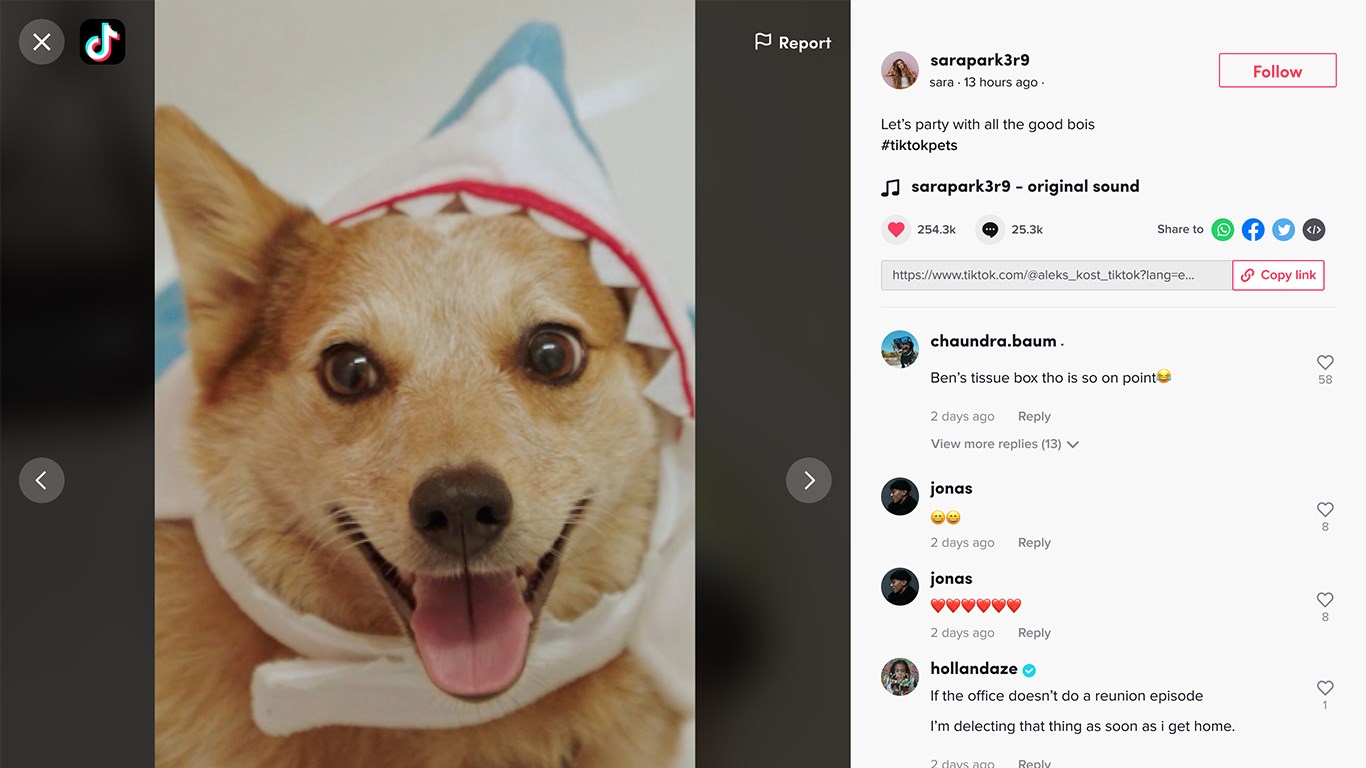
Imagine sitting comfortably at your desk, with TikTok's colorful, energetic interface illuminating your screen. The layout is clean yet vibrant, reminiscent of a lively street festival. Navigating through videos feels fluid—scrolling is smooth, with rapid transitions that keep your attention glued, just like flipping through a deck of popular cards. The interface design is intuitive; familiar icons guide you effortlessly from browsing to content creation, making the learning curve gentle even for newcomers.
This application's most striking feature is its content discovery system. By employing TikTok's advanced algorithms, it analyzes your viewing habits, preferences, and interactions to serve up a tailored stream of videos. Unlike some desktop apps that simply mirror mobile content or offer a limited browsing experience, TikTok for Windows adapts dynamically, ensuring each scroll reveals fresh, relevant content. This nuanced personalization helps users spend less time searching and more time enjoying videos that truly resonate.
While TikTok's mobile version is celebrated for ease of video creation, the Windows app introduces a more comfortable workspace for editing and uploading. With the larger screen and familiar keyboard, amateur creators can seamlessly trim clips, add effects, and write captions. The app integrates directly with your local files, streamlining the content creation process. This synergy between desktop convenience and TikTok's creative tools fosters opportunities for higher-quality content production and quicker sharing.
Using TikTok for Windows feels akin to having a mini cinema attached to your workstation but with the intimacy of a personalized playlist. The interface's design is non-intrusive, allowing the content to shine, while contact points—like swipe gestures and menu access—are snappy and responsive, making navigation feel organic. The learning curve is gentle, especially for users familiar with touch-screen devices or mobile apps.
Compared to other entertainment apps, TikTok for Windows stands out with its intelligent content recommendation engine. It doesn't just serve a random or generic stream; instead, it diligently crafts a personalized feed based on your unique interaction footprint. This focus on relevance significantly enhances the user experience, making each session more engaging and satisfying.
I would recommend this app to anyone who loves TikTok content—especially those who spend long hours at their desktops or laptops and desire a seamless transition from mobile to desktop entertainment. For content creators, it's a handy tool to manage, browse, and upload videos more comfortably than on smaller screens. However, for users expecting advanced editing features or a social networking hub, the desktop version complements but doesn't fully replace mobile app functionalities.
In conclusion, TikTok for Windows is a thoughtfully designed extension of the TikTok universe. Its standout personalized content discovery and user-friendly interface make it a compelling choice for dedicated fans and creators alike. I'd classify it as a highly recommended app for those wanting to stay connected with TikTok's vibrant ecosystem right from their desktops—an efficient, immersive, and entertaining tool worth trying out.
User-Friendly Interface
Robust Video Editing Tools
Discoverable Content Algorithm
Community Engagement Features
Regular Updates and Improvements
Limited Privacy Settings for Teen Users
Potential Content Moderation Delays
Battery Consumption Can Be High
Limited Download Options
Occasional Playback Glitches

for Windows
 5
5

for Windows
4.8

for Windows
4.8

for Windows
4.8

for Windows
4.7

for Windows
4.6

for Windows
4.6

for Windows
4.6

for Windows
4.6

for Windows
4.6

for Windows
4.6

for Windows
4.6

for Windows
5

for Windows
5

for Windows
5

for Windows
5
for Windows
5

for Windows
5

for Windows
5

for Windows
5

for Windows
5

for Windows
5