Social
PC
Windows 10 version 19041.0 or higher
2 GB
English (United States)
Threads, an official Instagram app designed for Windows, aims to bring the seamless social experience of the popular platform directly to your desktop environment. Whether you're a casual user or a social media enthusiast, this app offers a fresh way to stay connected, share moments, and discover content without jumping between devices.
One of Threads' standout features is its emphasis on authentic user interactions. The app incorporates trust signals like verified user profiles and dedicated options for profile customization, ensuring your network remains genuine and personalized. This helps foster real engagement and filters out fake or spam accounts.
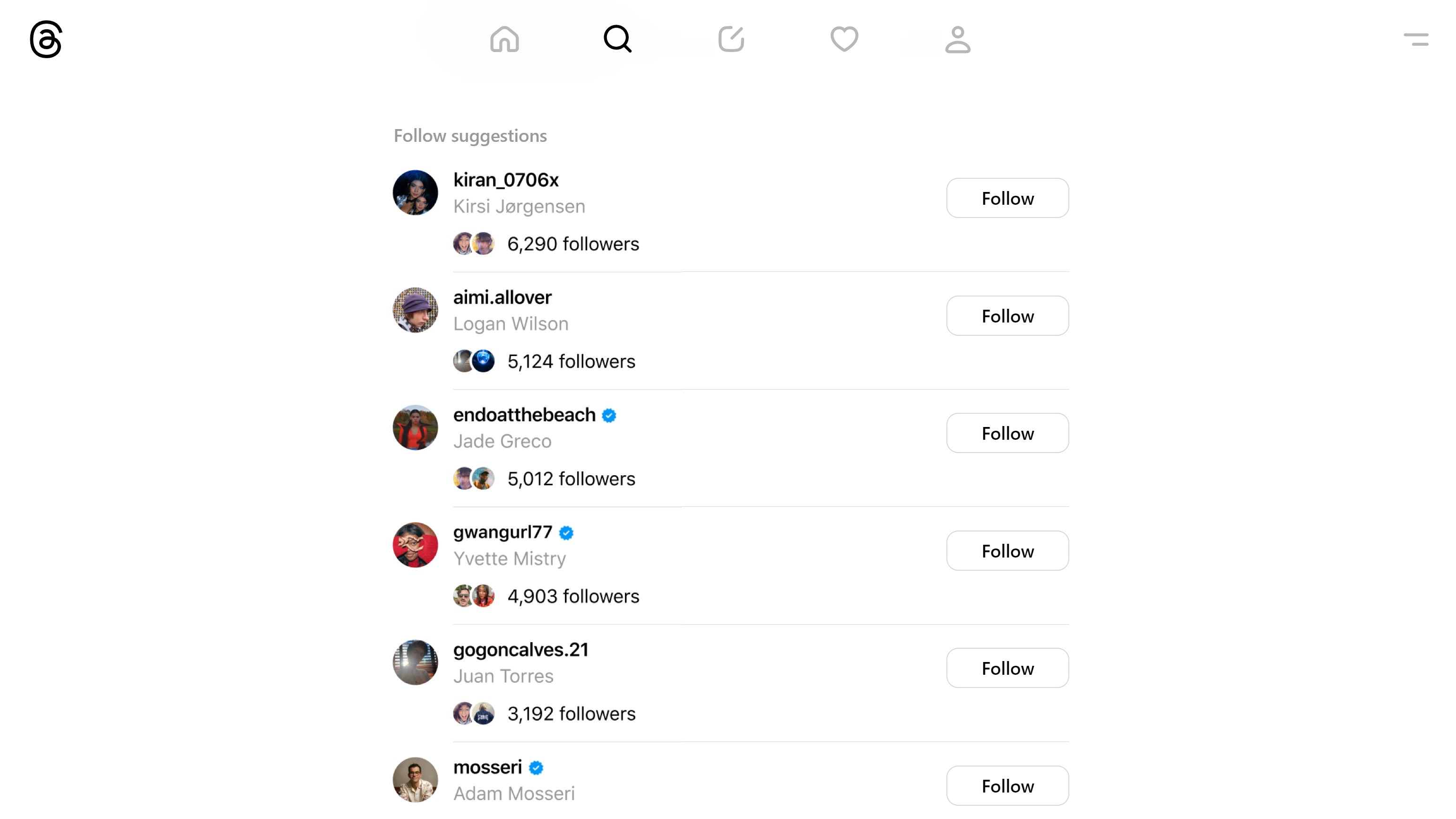
Threads simplifies the process of finding and connecting with friends, communities, or content creators. Its intuitive interface encourages exploration, allowing users to quickly discover new profiles based on interests or mutual friends. This feature makes expanding your digital social circle feel effortless, as if you're navigating a vibrant party where everyone you meet is relevant to your tastes.
The app adopts a clean, modern design reminiscent of Instagram's aesthetic, but optimized for Windows. Navigation feels intuitive, with minimal lag or bugs, thanks to efficient performance under the hood. Transitioning between feeds, messages, and profile settings is fluid, making the user experience both pleasant and efficient—even during intensive browsing sessions.
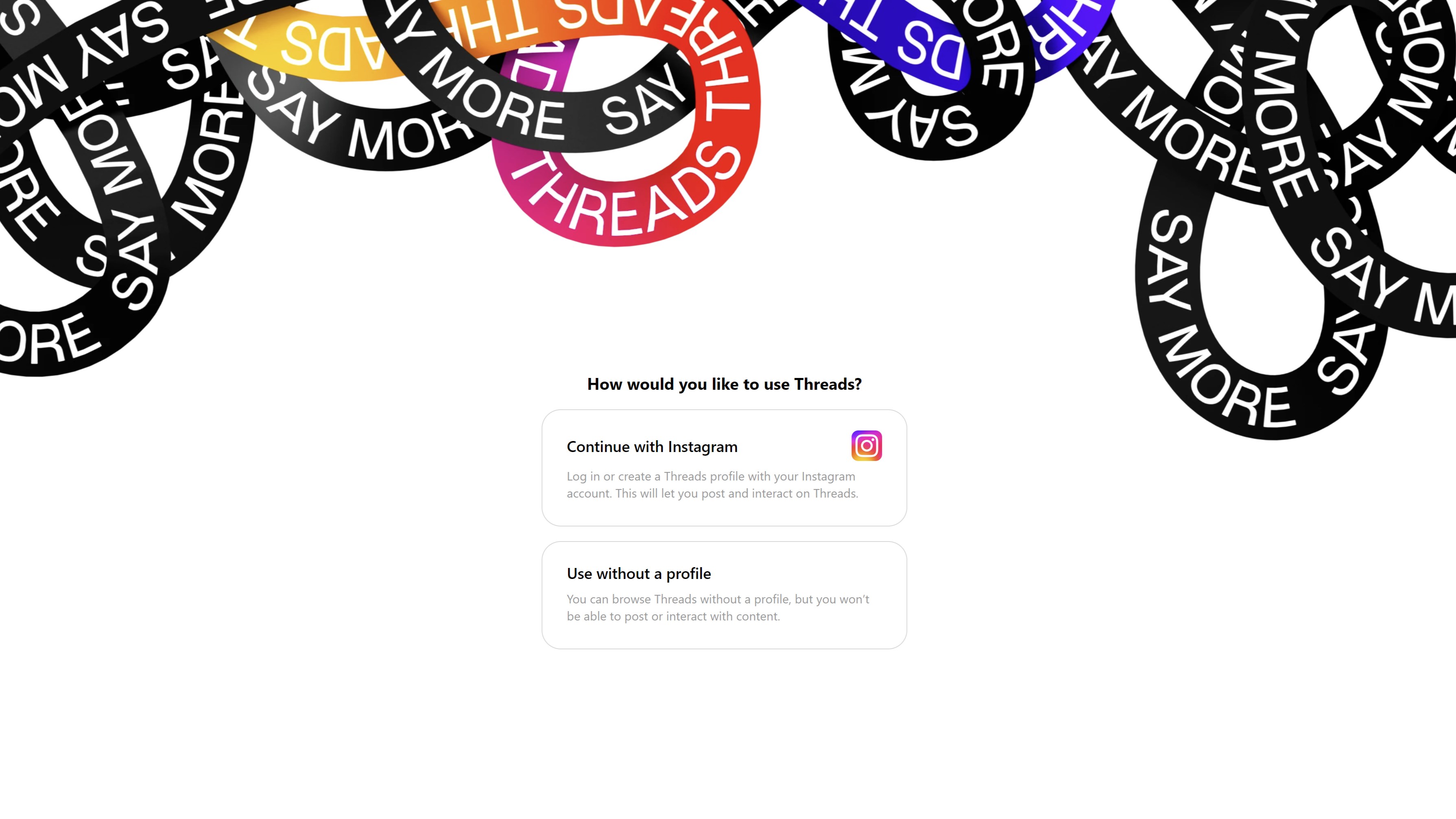
From the moment you open Threads, you're greeted with a visually appealing layout that invites exploration. Unlike many other social media apps, its interface balances simplicity with rich functionality—think of it as a well-organized digital art gallery where each piece is easy to find and interact with. The learning curve is gentle; even newcomers can quickly grasp how to customize profiles, follow new accounts, and send messages without feeling overwhelmed.
Performance-wise, the app demonstrates solid responsiveness, with swift load times and smooth scrolling. It's akin to gliding on a well-paved path compared to rough terrain—making daily interactions hassle-free. While some advanced features like in-depth profile customization or authenticity verification options are still evolving, they already set Threads apart by emphasizing genuine connections and personalized experiences.
Compared to typical social media clients, Threads' strongest points lie in its focus on authenticity and personalized discovery. Its profile customization tools allow users to craft a digital identity that truly represents them, while the verification options help weed out suspicious accounts—creating a safer, more trustworthy environment. Additionally, its connection discovery algorithm intelligently suggests new friends or communities based on your interactions, making social expansion organic rather than random.
If you're looking for a straightforward, polished way to connect with your Instagram network on your Windows device, Threads offers a promising experience. Its emphasis on authentic interactions and user-friendly design makes it a worthy addition to your social toolkit. For casual users or those already invested in Instagram's ecosystem, this app is recommended to enhance your social engagement from the comfort of your desktop.
However, if your priority is advanced social customization or a broad app ecosystem, you might want to wait for future updates as the app matures. Overall, I'd rate it as a solid choice for anyone seeking a reliable, sleek desktop social experience—definitely worth trying out to see how it fits into your digital life.
Seamless integration with Instagram
User-friendly interface
Strong privacy controls
Real-time notifications
Fast app performance
Limited feature set at launch
Occasional sync delays with Instagram
Battery consumption slightly higher during continuous use
Limited cross-platform support
Initial onboarding process can be confusing for new users

for Windows
 5
5

for Windows
4.9

for Windows
4.8

for Windows
4.7

for Windows
4.7

for Windows
4.6
for Windows
4.6

for Windows
4.5

for Windows
4.5

for Windows
4.5

for Windows
4.5

for Windows
4.4

for Windows
5

for Windows
5

for Windows
5

for Windows
5

for Windows
5
for Windows
5

for Windows
5

for Windows
5

for Windows
5

for Windows
5