Education
Pearson Education Inc
PC
Windows 10 version 14393.0 or higher
2 GB
English (United States)
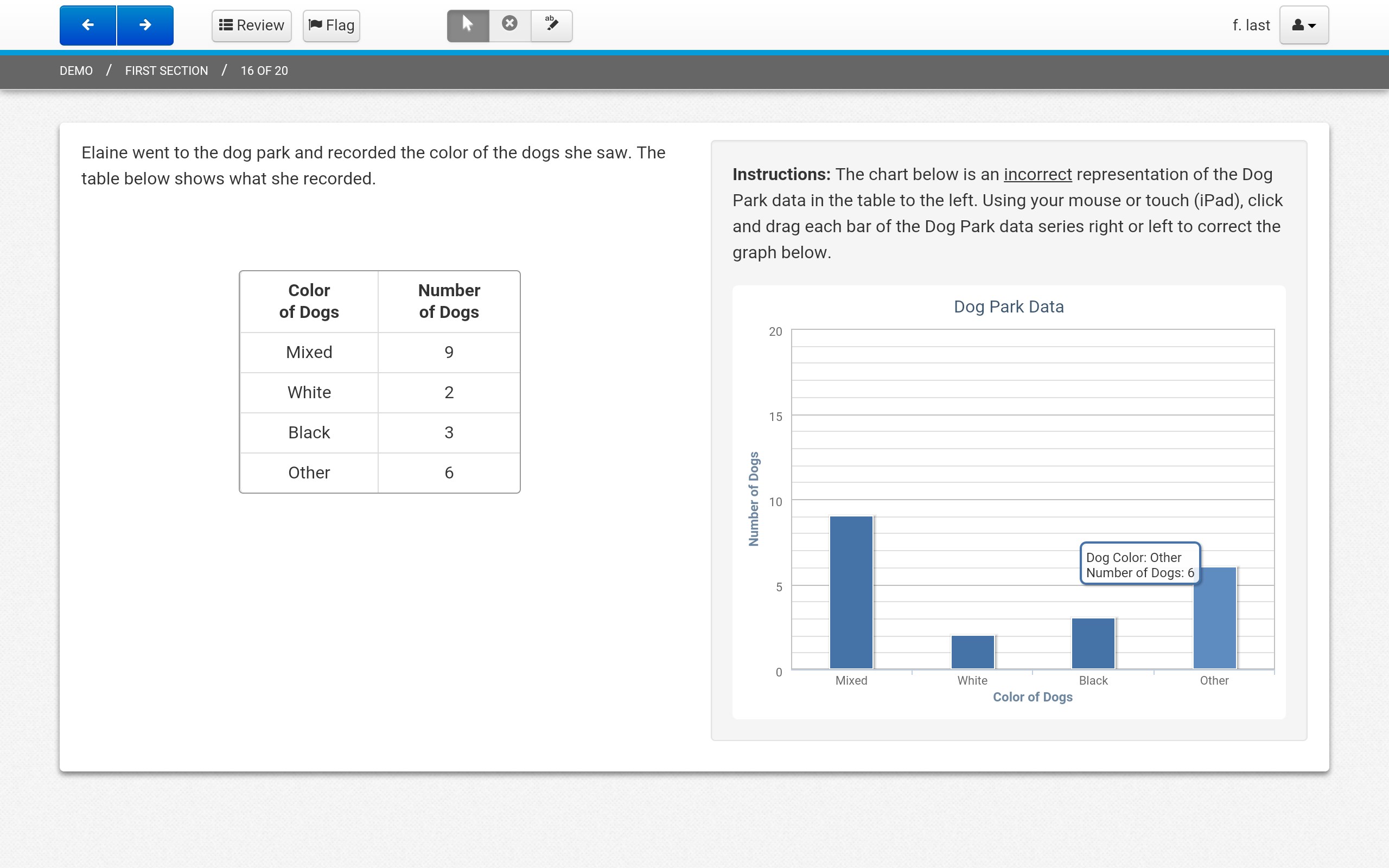
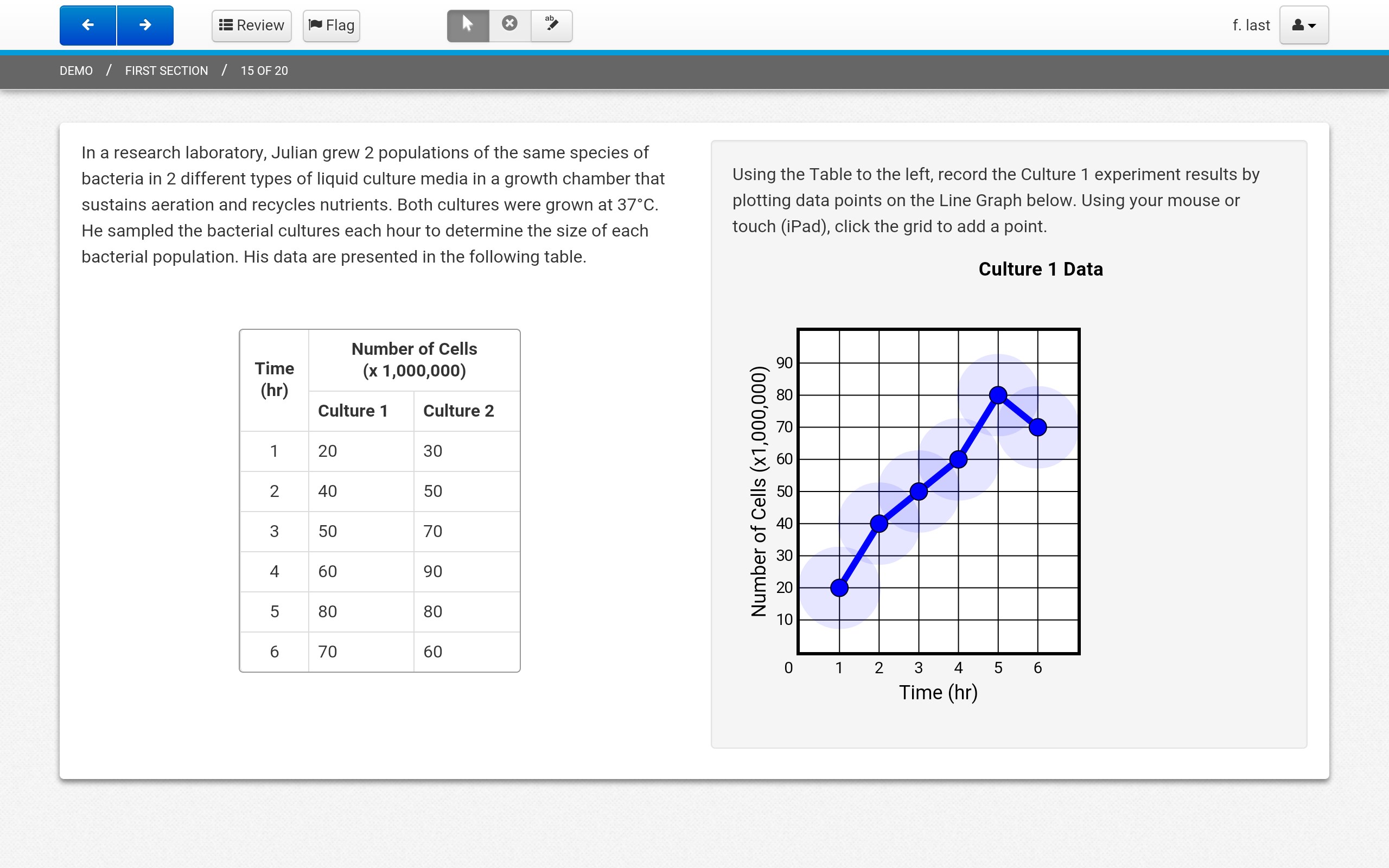
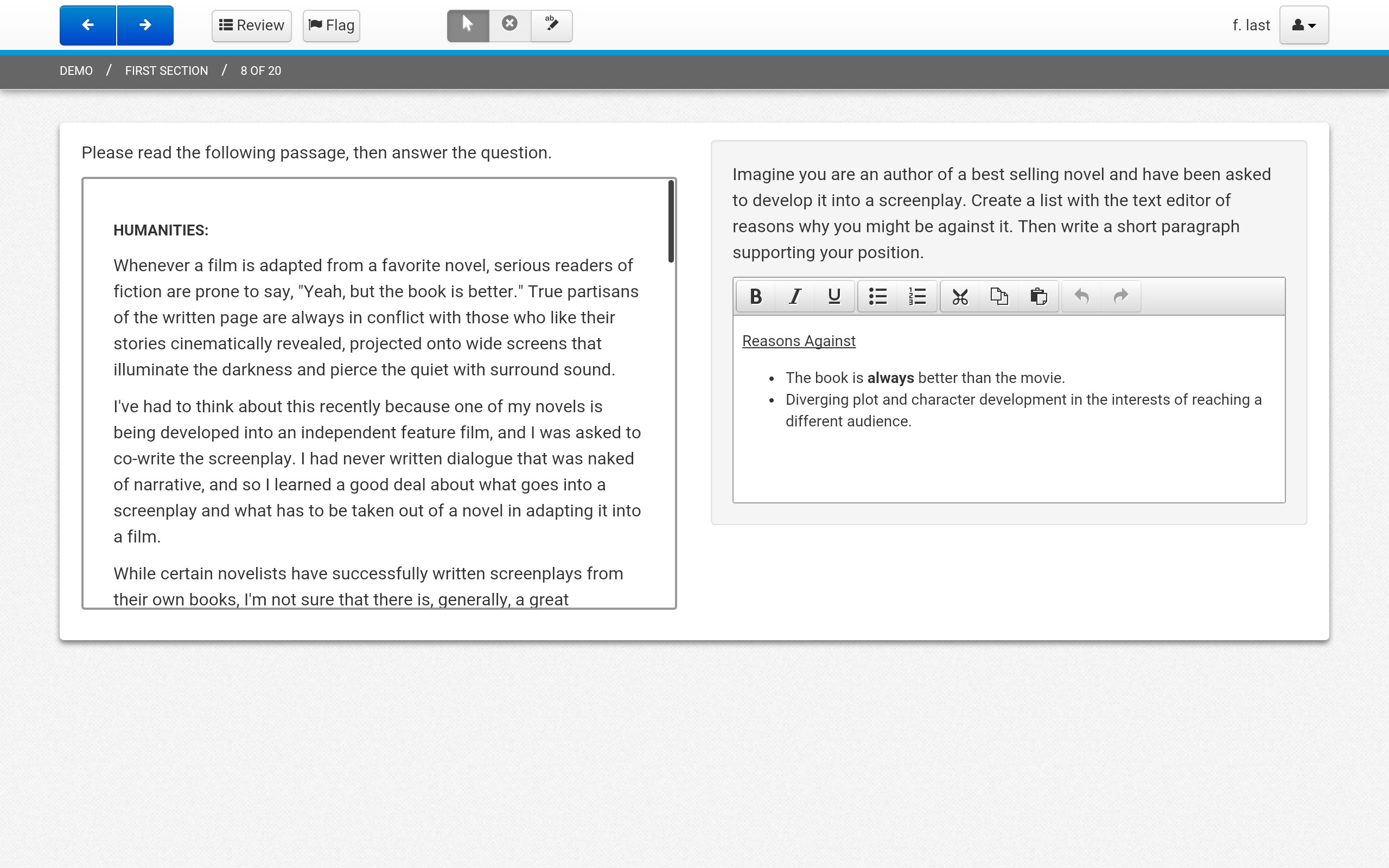
TestNav for Windows, developed by Pearson Education Inc., is an educational testing platform designed to streamline the assessment process in diverse learning environments. Whether you're a teacher preparing students for standardized exams or an educational administrator seeking a robust testing tool, TestNav aims to offer a seamless experience tailored for the digital age.
One of TestNav's main strengths is its secure, user-friendly interface that minimizes distractions and ensures test integrity. Its intuitive design allows students and educators to navigate effortlessly, with clear instructions and locking mechanisms to prevent cheating. The app creates a controlled environment that feels both safe and easy to operate, akin to having a quiet, focused testing room in the digital space.
What makes TestNav particularly compelling is its ability to deliver adaptive assessments. The platform intelligently adjusts question difficulty based on student responses, providing a personalized testing journey that better reflects each learner's abilities. This feature not only enhances the assessment's accuracy but also offers a tailored experience that encourages student confidence and minimizes frustration, akin to a guided tour through a complex landscape where each step is customized for the traveler.
Leveraging Pearson's extensive educational expertise, TestNav offers highly accurate and authoritative content aligned with standardized testing requirements. The platform also includes real-time monitoring and reporting tools, empowering educators to track progress instantly, identify learners who need support, and ensure the validity of results. Its focus on content fidelity and oversight distinguishes it from many other educational apps that often compromise on security and accuracy.
The application boasts a clean, modern interface that visually appeals and reduces cognitive load, making it inviting for users of all ages. Navigating through the app feels fluid—clicks and transitions are smooth, with minimal lag, akin to gliding effortlessly across a well-oiled machine. The learning curve is gentle; most users can become comfortable with the core functionalities within minutes, thanks to clear icons and straightforward workflows. This emphasis on usability ensures that neither teachers nor students are frustrated by technical hurdles, allowing the focus to remain on assessment rather than navigation.
Compared to other educational testing tools, TestNav's standout feature is its combination of personalized adaptive testing with rigorous security and content accuracy. Many apps provide standardized testing environments, but few integrate Pearson's authoritative content and adaptive technology as seamlessly as TestNav does. This dual focus ensures that assessments are not only fair and precise but also tailored, reflecting each student's unique learning trajectory. It's like having a smart exam proctor who intelligently adjusts questions while safeguarding the exam's integrity—quite a rare blend in the digital testing realm.
Overall, TestNav for Windows is a highly reliable and thoughtfully designed testing platform suitable for educational institutions aiming for high standards in digital assessments. I recommend it especially for standardized testing scenarios where content accuracy, assessment security, and adaptive questioning are priorities. For best results, ensure stable internet connectivity during exams to leverage real-time monitoring and reporting features fully.
In summary, if you're searching for a tool that combines authoritative content, adaptive personalization, and robust security—without sacrificing ease of use—TestNav is a commendable choice. Think of it as a high-performance vehicle built for precision and reliability in the fast-paced landscape of modern education.
User-friendly interface
Fast and reliable performance
Strong compatibility with various devices
Robust security features
Easy test creation and management
Occasional crashing during high system load
Limited customization options for test settings
Offline functionality needs improvement
Need for frequent updates to fix bugs
Limited reporting detail in analytics

for Windows
 4.8
4.8

for Windows
4.7

for Windows
4.7

for Windows
4.6

for Windows
4.6

for Windows
4.6

for Windows
4.5

for Windows
4.5

for Windows
4.4

for Windows
4.4

for Windows
4.4

for Windows
4.4

for Windows
5

for Windows
5

for Windows
5

for Windows
5

for Windows
5

for Windows
5

for Windows
5

for Windows
5

for Windows
5

for Windows
5