Productivity
PC, Mobile, Surface Hub, HoloLens
Windows 10 version 14393.0 or higher
English (United States)
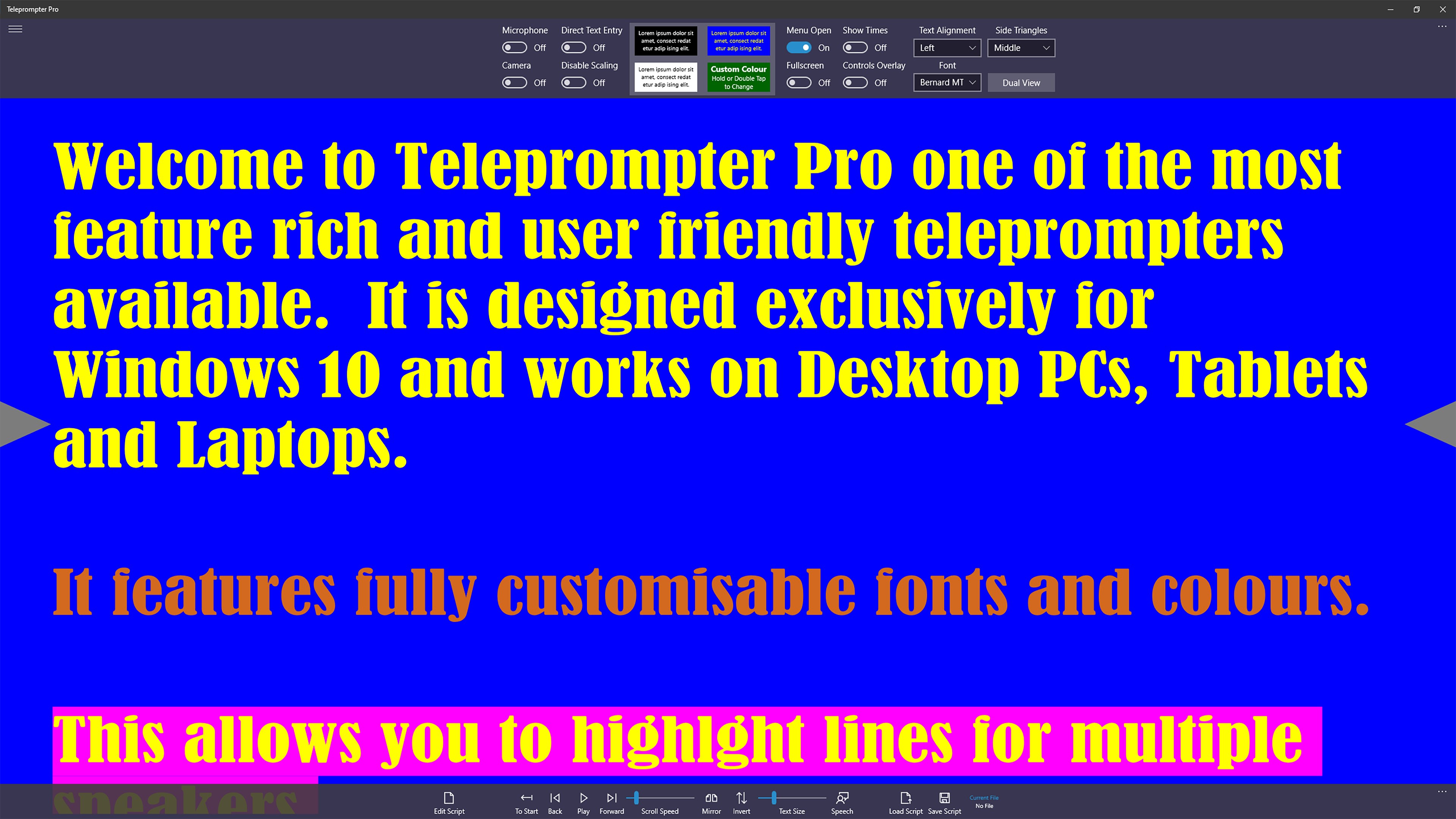
Teleprompter Pro for Windows, developed by Purple Wizard, is designed to streamline speeches, presentations, and recorded videos by providing a straightforward, efficient teleprompter experience tailored for desktop use.
Imagine standing before an audience or camera, your words flowing smoothly like a well-rehearsed performer — that's what Teleprompter Pro aims to bring to your daily routine. This app doesn't just deliver lines; it creates a supportive environment where your talk feels natural and effortless, kind of like having a trusty sidekick whispering cues in your ear. Whether you're a professional presenter, educator, or content creator, this tool turns the sometimes daunting task of remembering scripts into a manageable, even enjoyable experience.
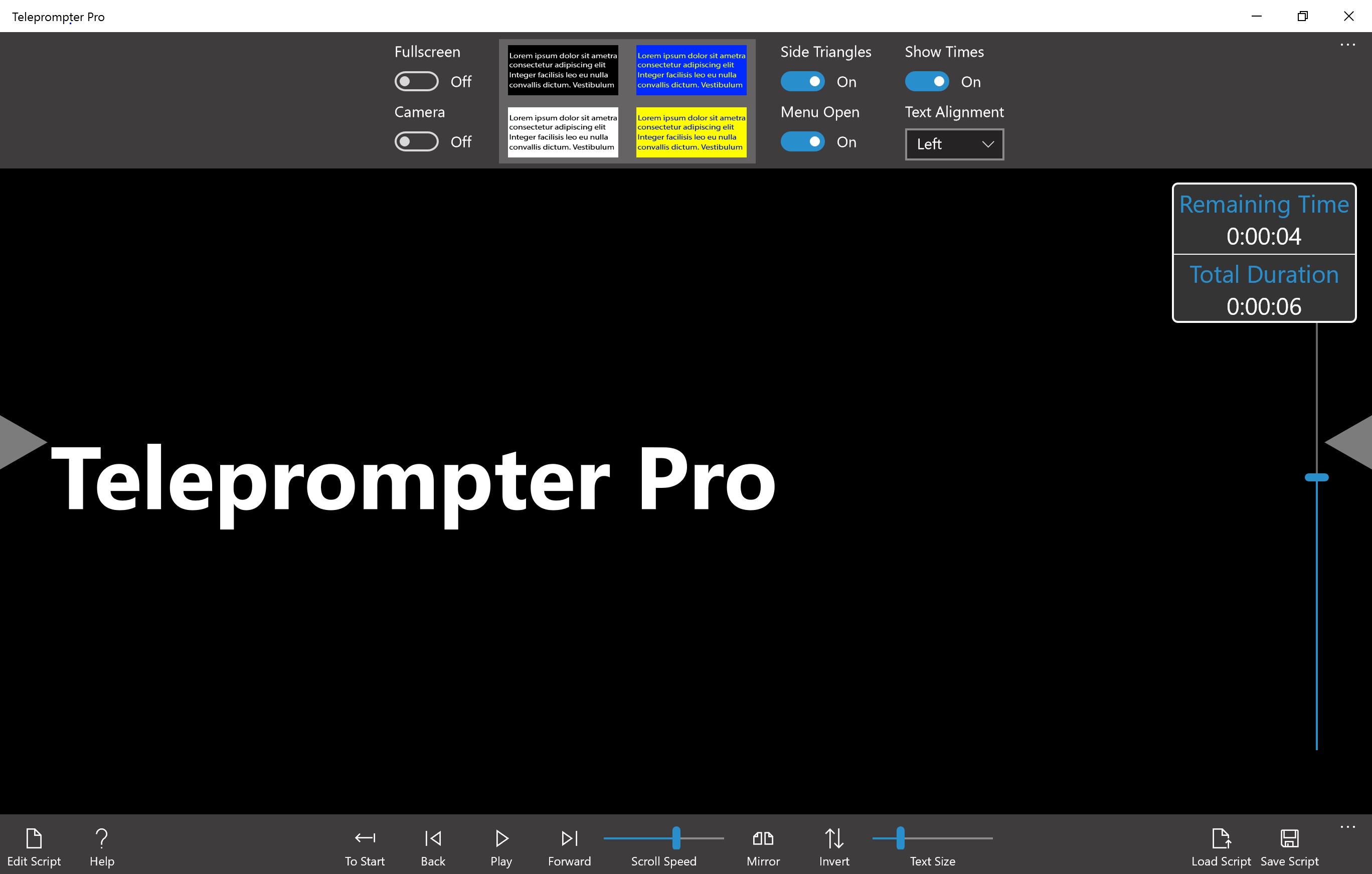
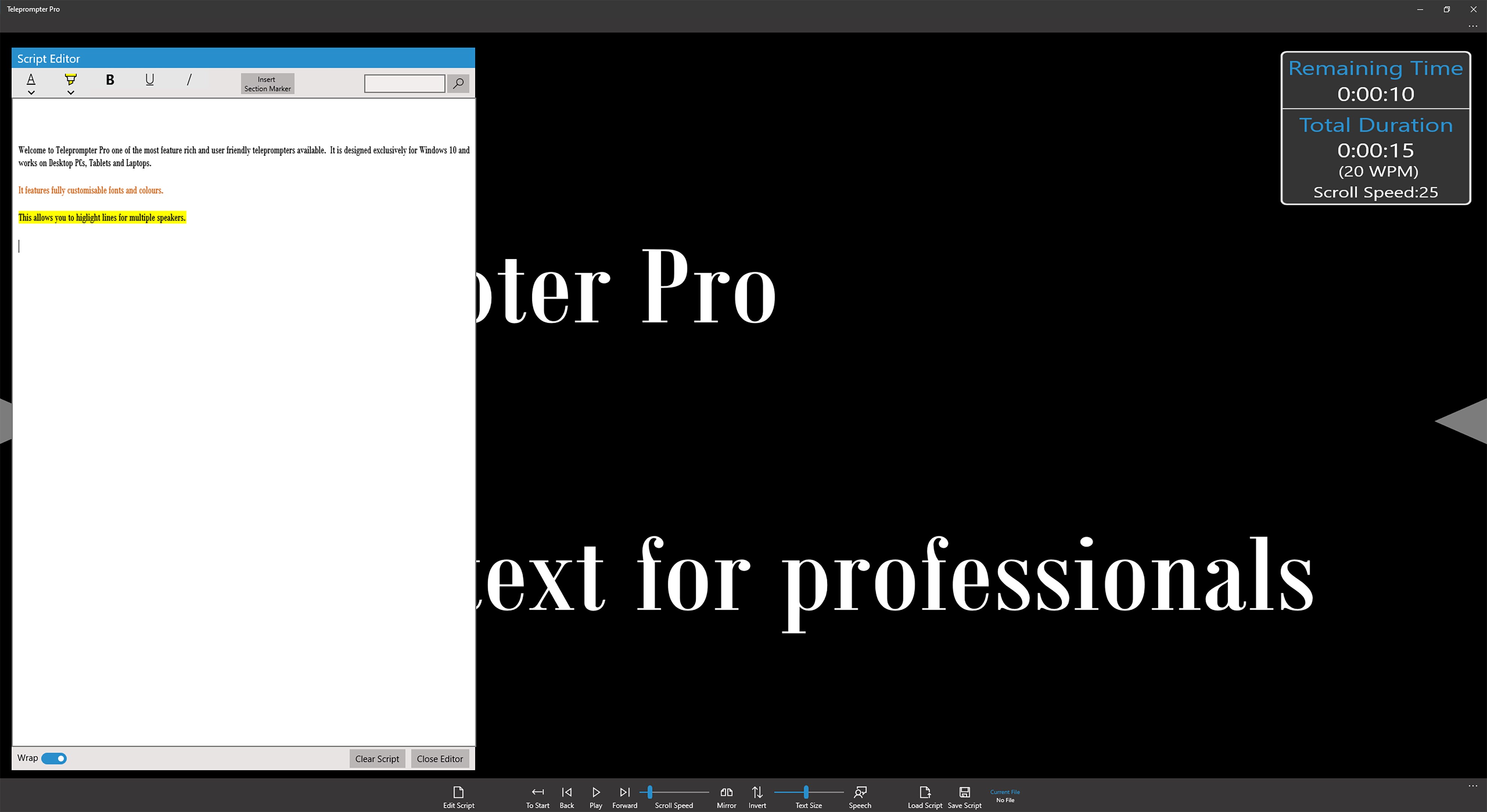
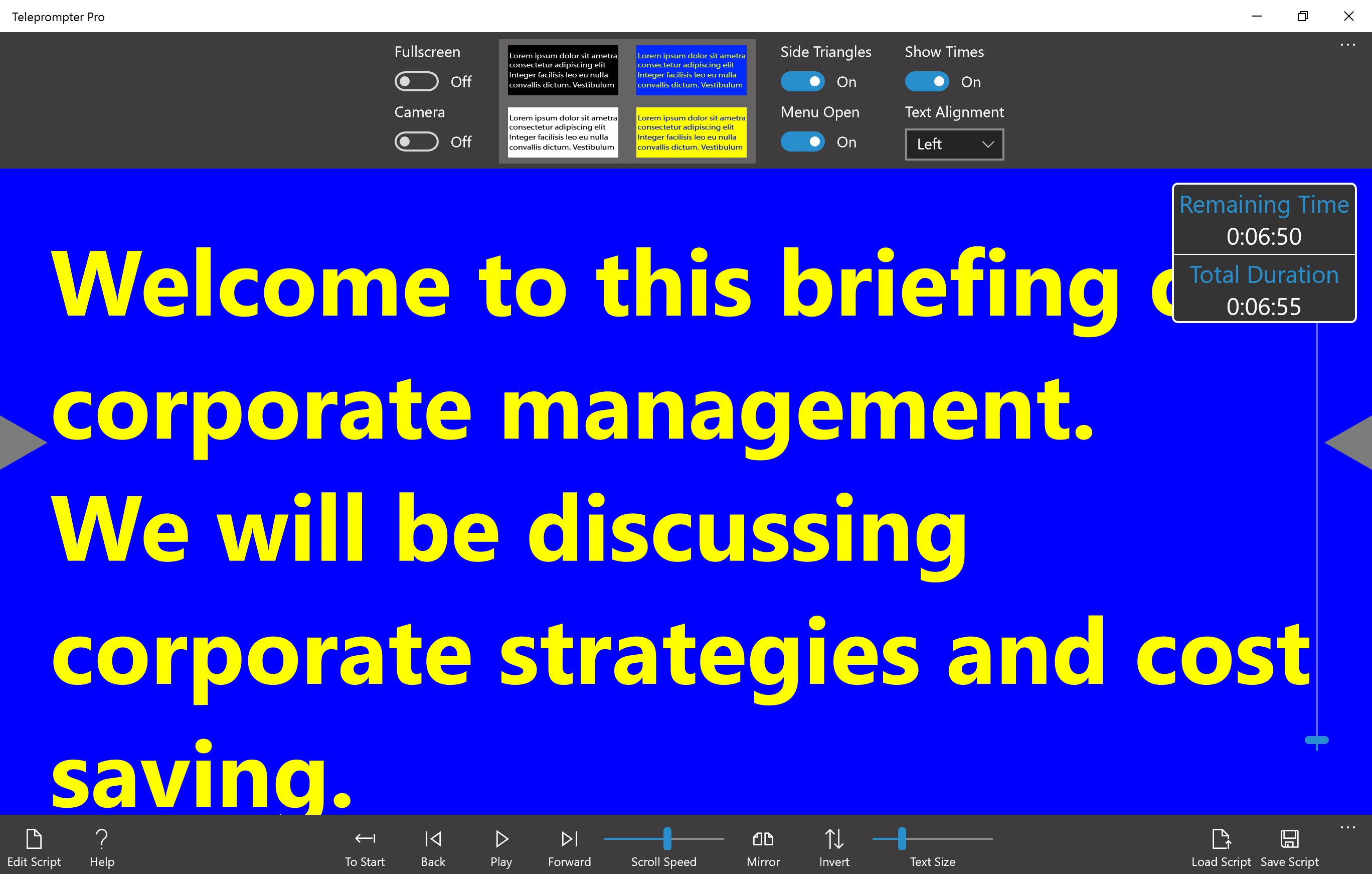
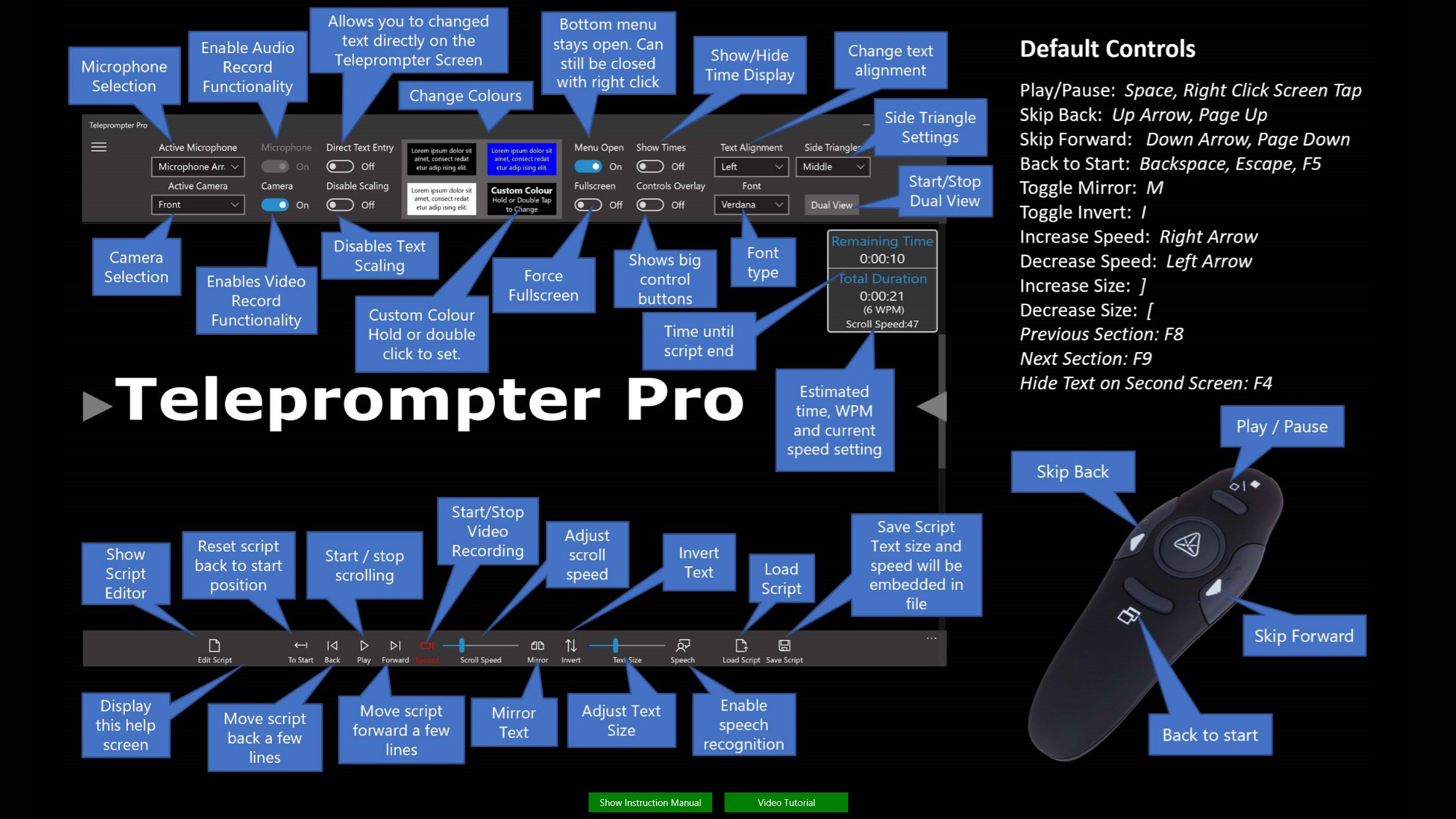
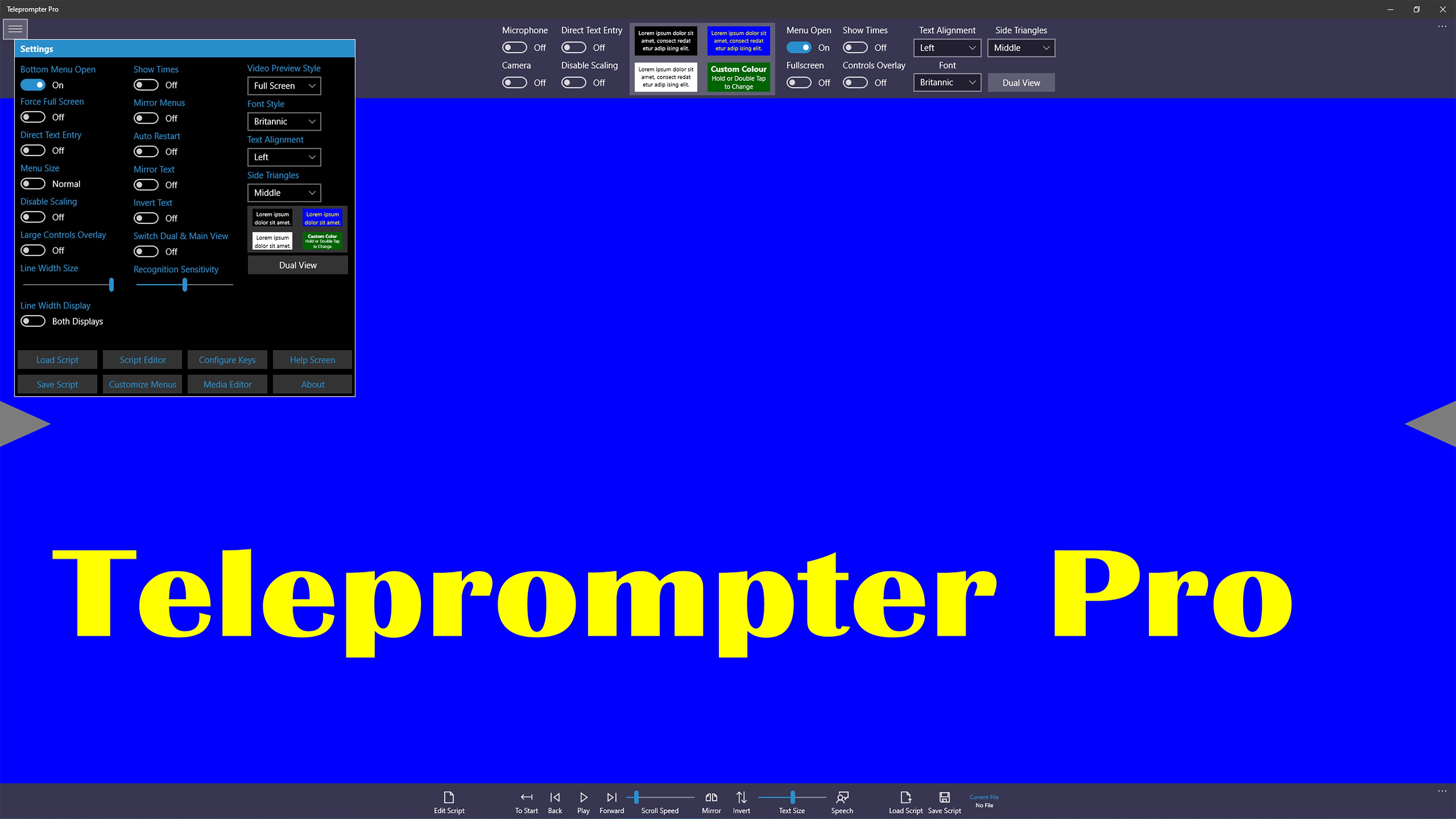
The heart of Teleprompter Pro is its robust script control system. Users can import scripts via simple drag-and-drop or file browsing, then customize scrolling speed and font size to match their speaking pace. The app's intuitive controls allow real-time adjustments so that speakers can stay naturally synchronized with their delivery, much like adjusting the cruise control on a car to maintain a steady speed on a long highway.
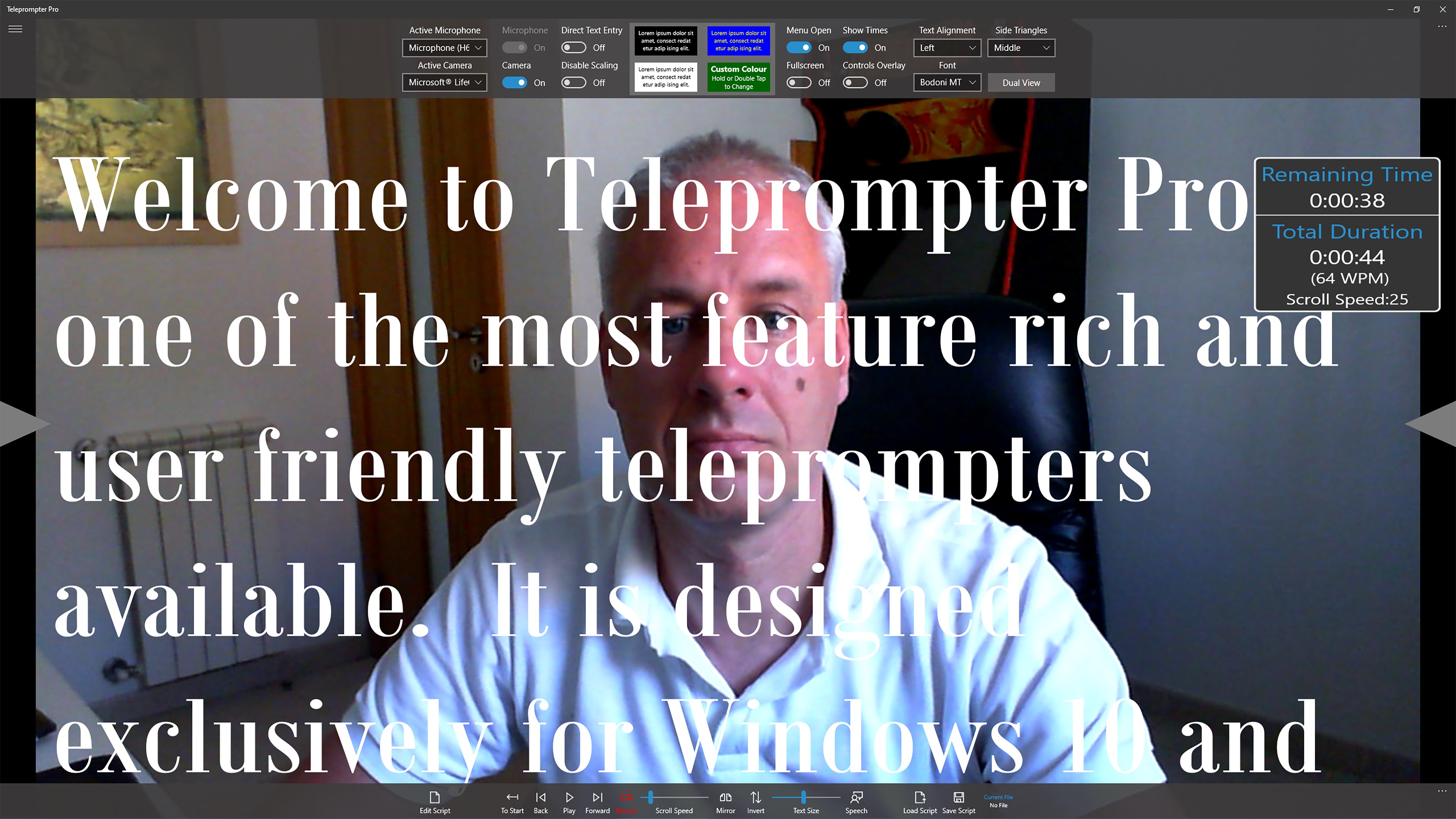
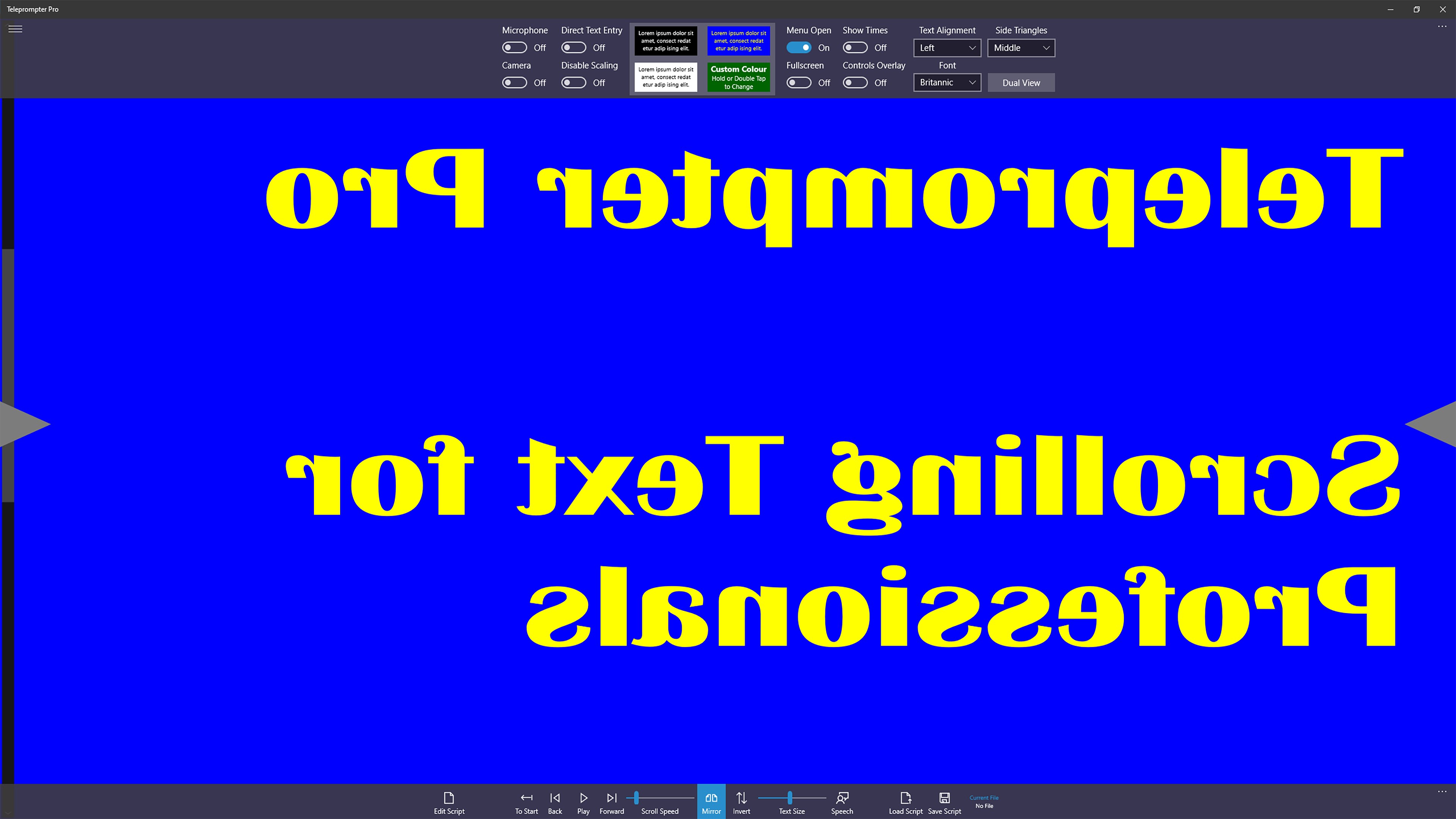
The split-screen mode enables dual monitor setups or mirror mode for physical teleprompters. This flexibility makes it suitable for both live events and pre-recorded videos. The app's mirror mode, for example, flips the script display horizontally for easy physical teleprompter setups, eliminating the need for additional hardware adjustments.
The interface is clean, minimalistic, and easy to navigate, akin to a well-organized workspace that invites productivity. The buttons and controls are logically placed, reducing the learning curve for new users. Response times are swift, with smooth scrolling that doesn't jitters or lag, making the experience feel natural and stress-free. Even users unfamiliar with teleprompter tech can quickly get up to speed, thanks to the straightforward design.
Compared to other productivity tools, Teleprompter Pro's standout feature is its focus on workflow efficiency and reducing cognitive load. Instead of overwhelming users with endless features, it emphasizes the essentials—simple script management and smooth delivery. Its seamless integration with external hardware (like physical teleprompters) and customizable display modes provide a professional feel without complicated setup. This sharply reduces the mental effort needed to switch between different prompts or settings, enabling speakers to concentrate solely on their performance rather than their technology.
Overall, Teleprompter Pro for Windows earns a strong recommendation for anyone who values reliability, simplicity, and customization in their teleprompting tools. It's particularly suited for educators, YouTubers, and public speakers who need a straightforward solution that integrates effortlessly into their workflow. For best results, pair this app with a quality external monitor or teleprompter hardware for a more professional setup.
In conclusion, Teleprompter Pro for Windows is not just another scrolling script tool—it's a thoughtfully designed assistant that can elevate your presentations from hesitant to polished. Its focus on user experience and workflow efficiency makes it a trustworthy choice for both beginners and seasoned professionals seeking a reliable teleprompter solution.
Intuitive interface
Customizable scrolling speed
Multiple formatting options
Export and sharing capabilities
Minimal lag and smooth scrolling
Limited free features
Basic customization options only
Occasional UI glitches
Lack of speech recognition support
Offline functionality limited

for Windows
 5
5

for Windows
5

for Windows
4.9

for Windows
4.9

for Windows
4.9

for Windows
4.8

for Windows
4.8

for Windows
4.8

for Windows
4.8

for Windows
4.8

for Windows
4.8

for Windows
4.8

for Windows
5
for Windows
5

for Windows
5

for Windows
5

for Windows
5

for Windows
5

for Windows
5

for Windows
5

for Windows
5
for Windows
5