Multimedia design
Tangra AI
PC, Mobile, Surface Hub
Windows 10 version 17763.0 or higher
English (United States), French, German, Spanish (Spain)
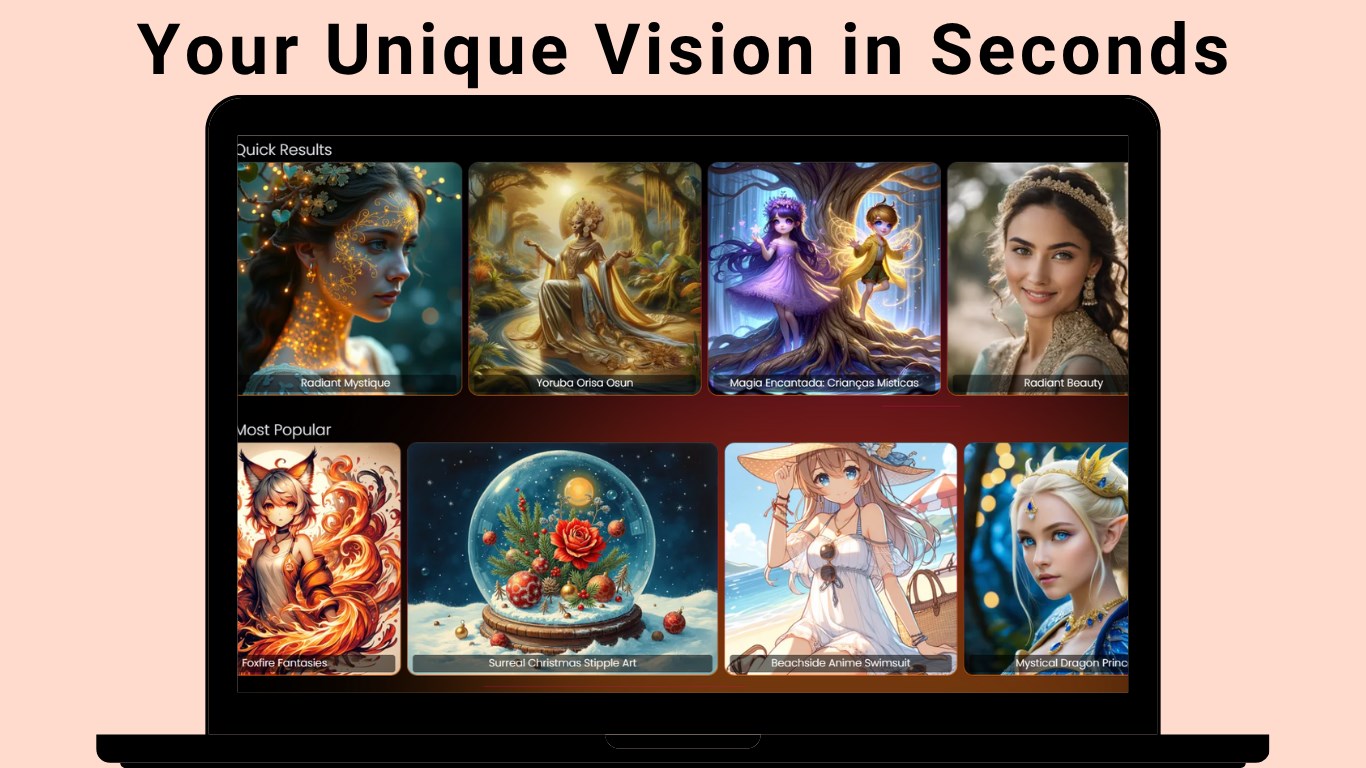
If you've ever dreamed of conjuring stunning images effortlessly, Tangra AI Image Generator for Windows might just be the tool to turn those visions into reality. Designed to streamline the creative process, this application offers a user-friendly experience packed with innovative features. Let's delve into what makes Tangra AI stand out in the crowded realm of multimedia design tools.
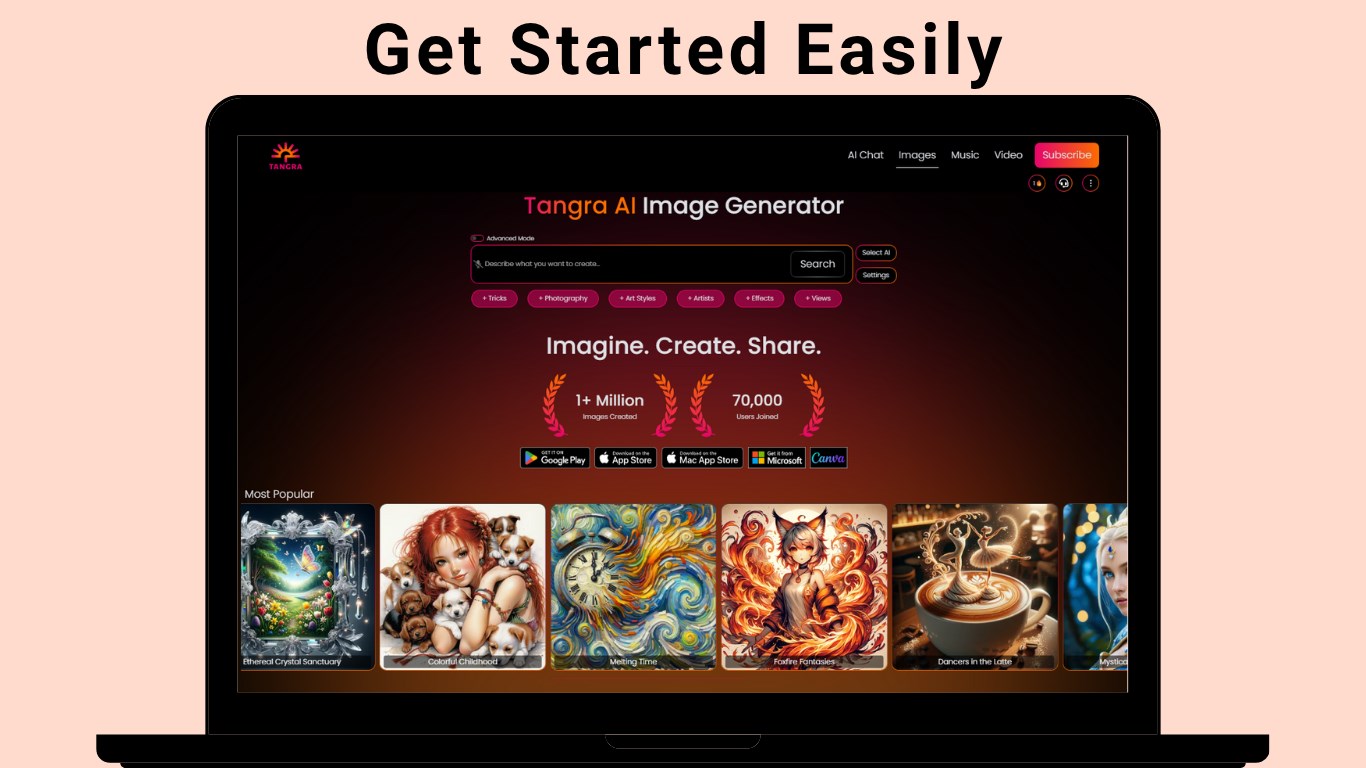
From the moment you launch Tangra AI, you're greeted by a clean, modern interface that feels more like stepping into a digital artist's studio than navigating complex menus. The layout emphasizes simplicity, allowing users—whether beginners or seasoned creators—to find functions effortlessly. The application responds smoothly to interactions, providing an experience akin to flipping through a well-organized art portfolio. Its learning curve is gentle; even those new to AI image generation can quickly get the hang of crafting their first visuals without feeling overwhelmed. This friendly design lowers the barrier for creative exploration, inviting users to experiment freely.
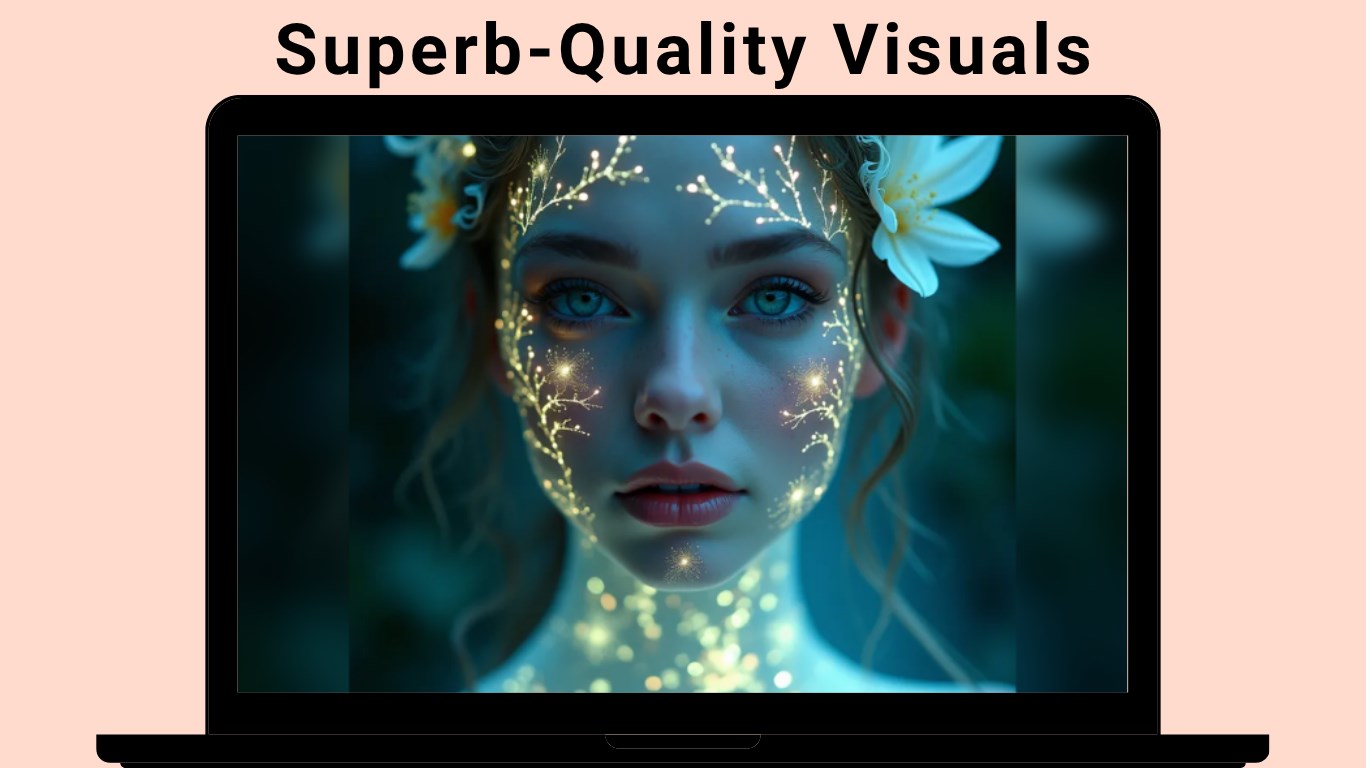
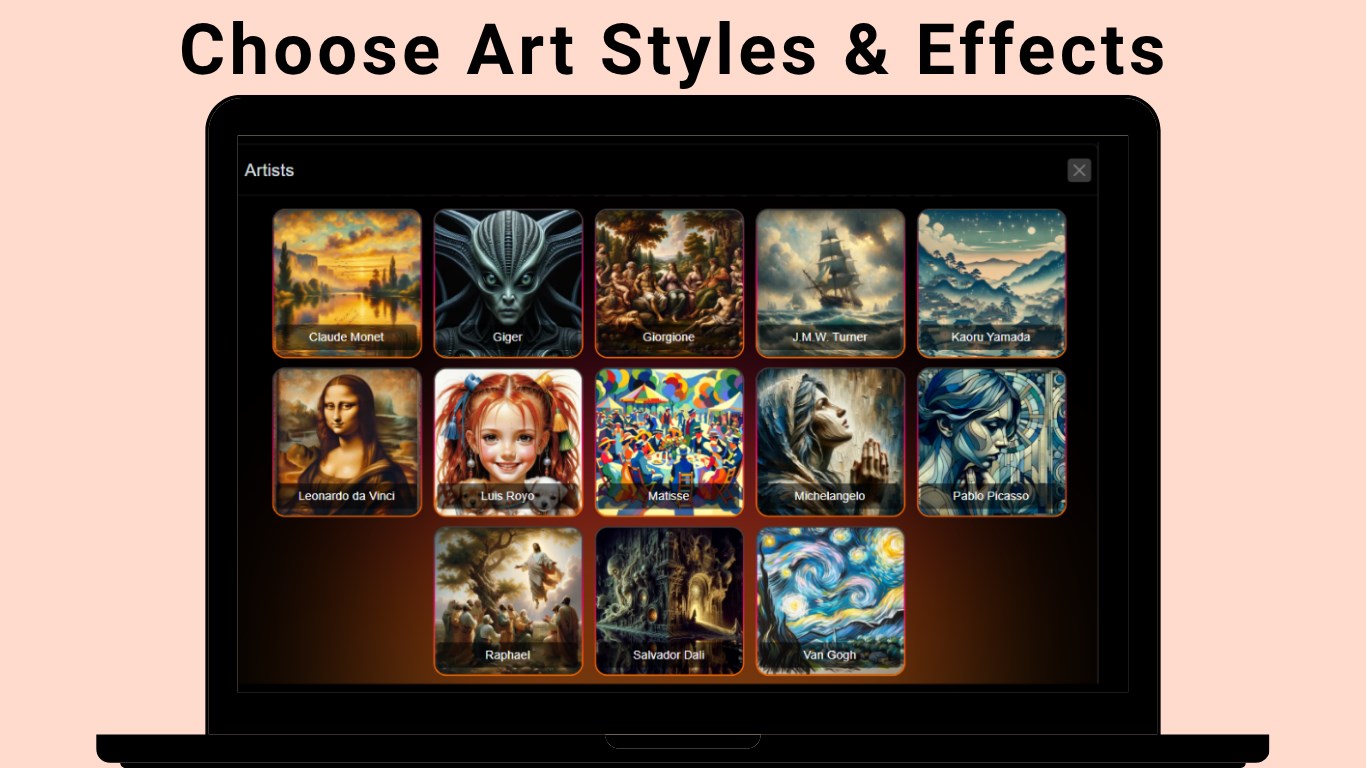
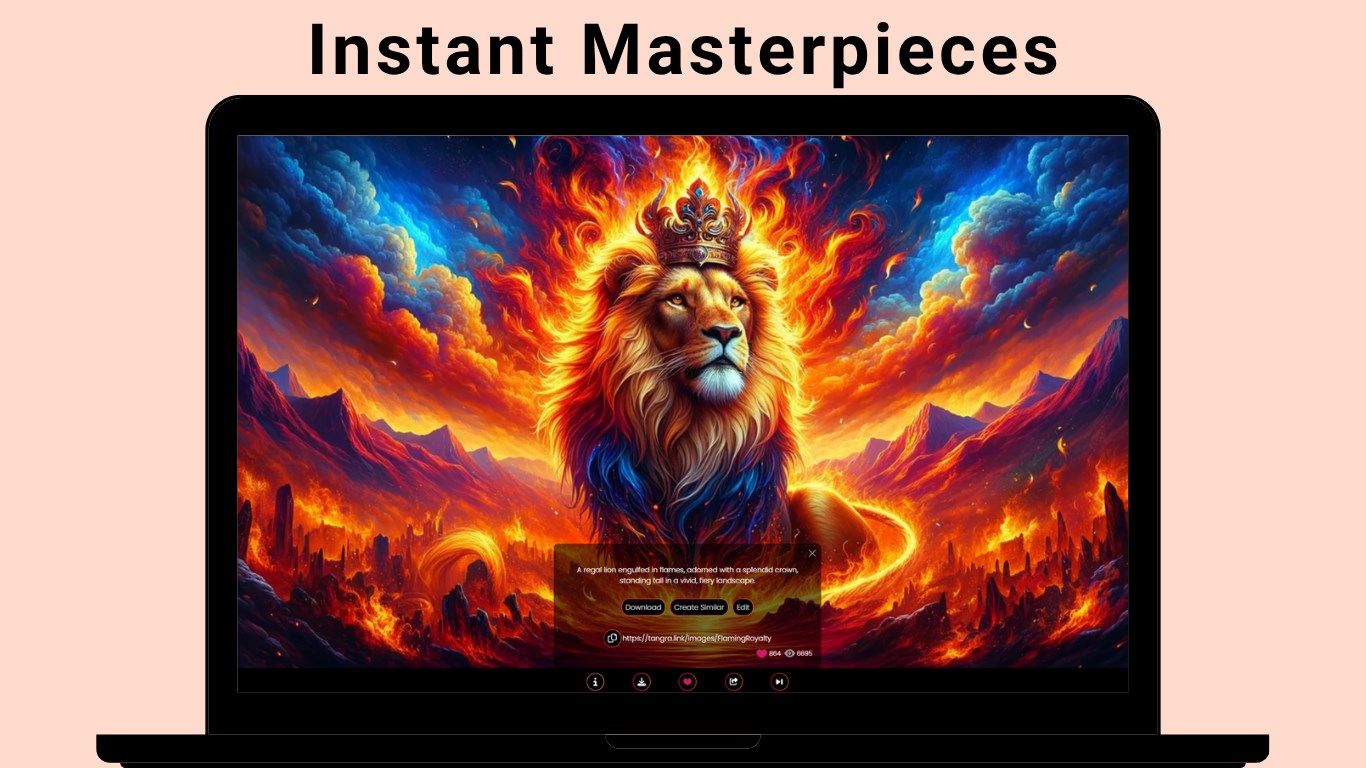
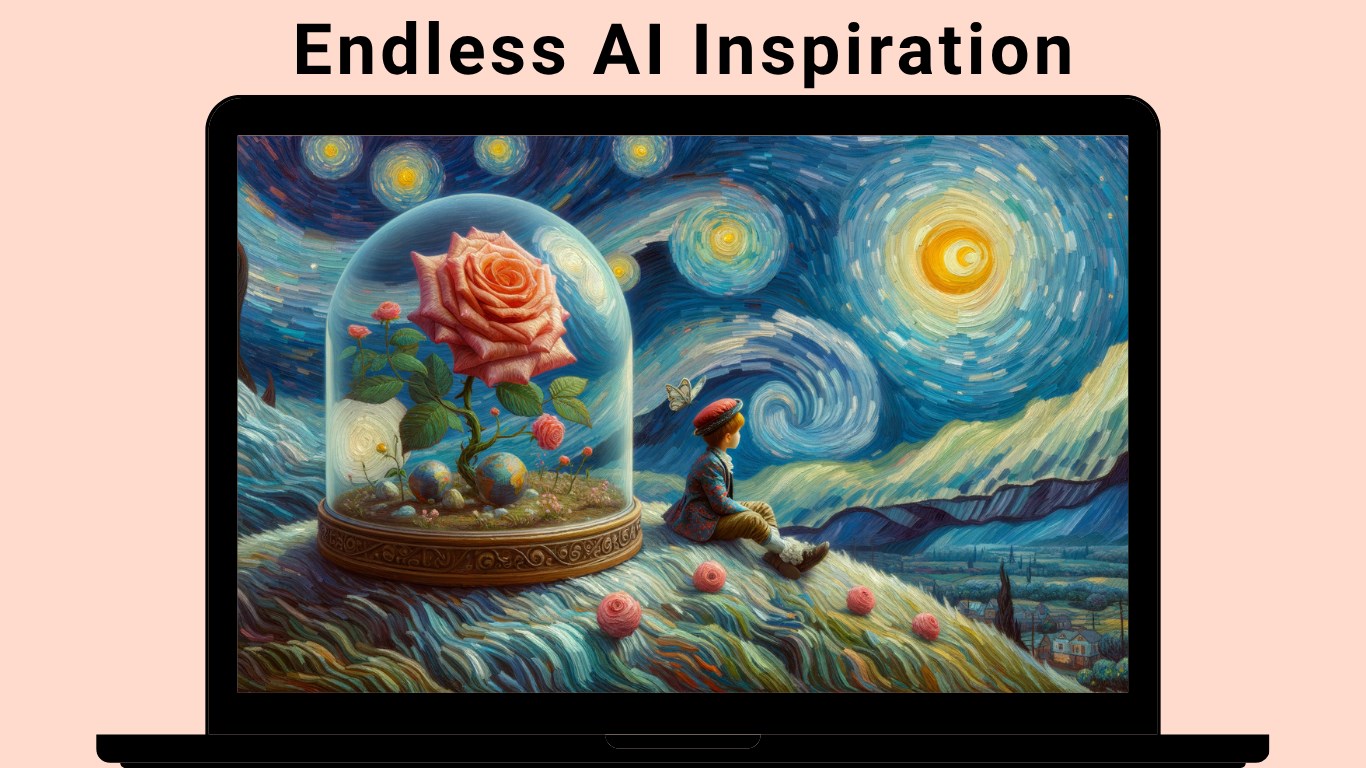
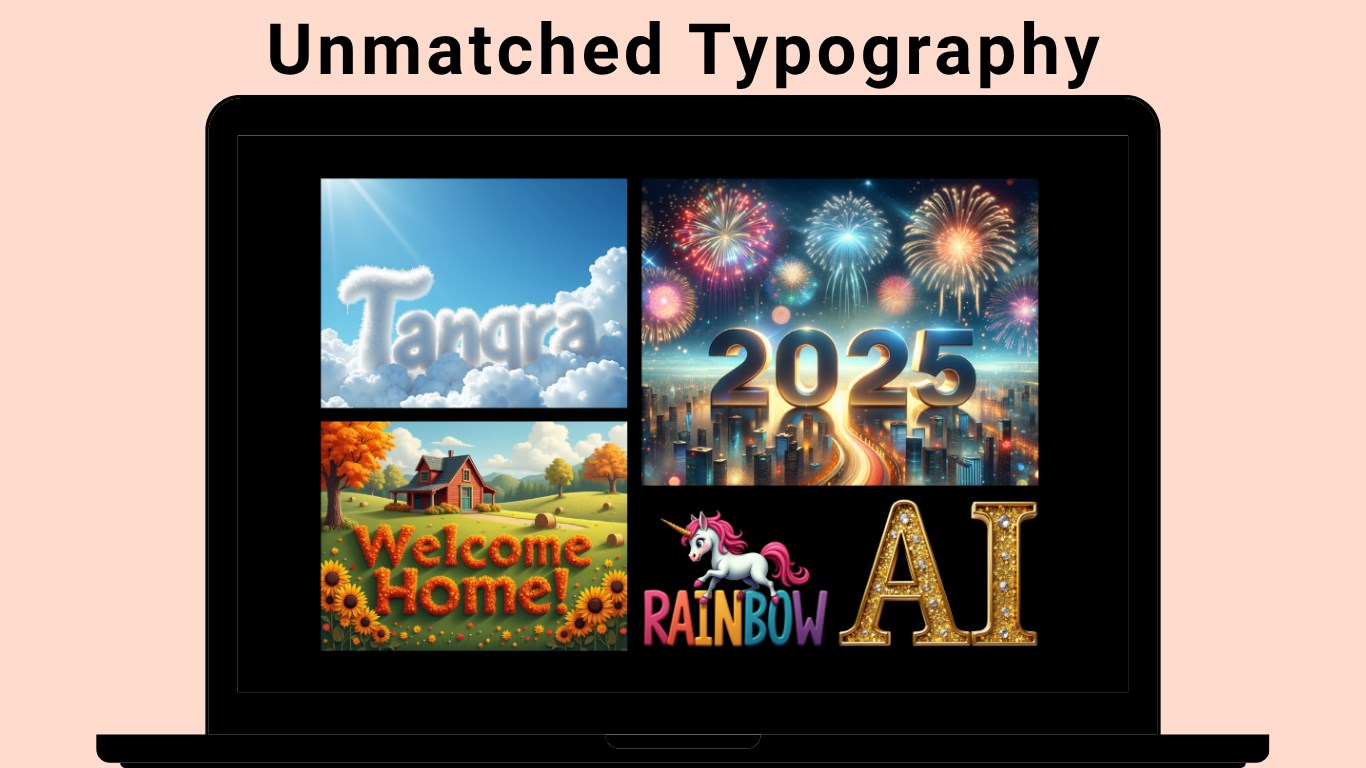
The highlight of Tangra AI is its powerful AI engine that transforms text prompts into vivid images. Unlike some competitors that offer limited styles, Tangra AI allows users to tweak parameters such as style, detail level, and color palette, adding a layer of personalization to each creation. Whether you're envisioning surreal landscapes or modern digital art, this flexibility enables a broad spectrum of artistic expression. The AI accurately interprets nuanced prompts, making it a reliable partner in the creative process.
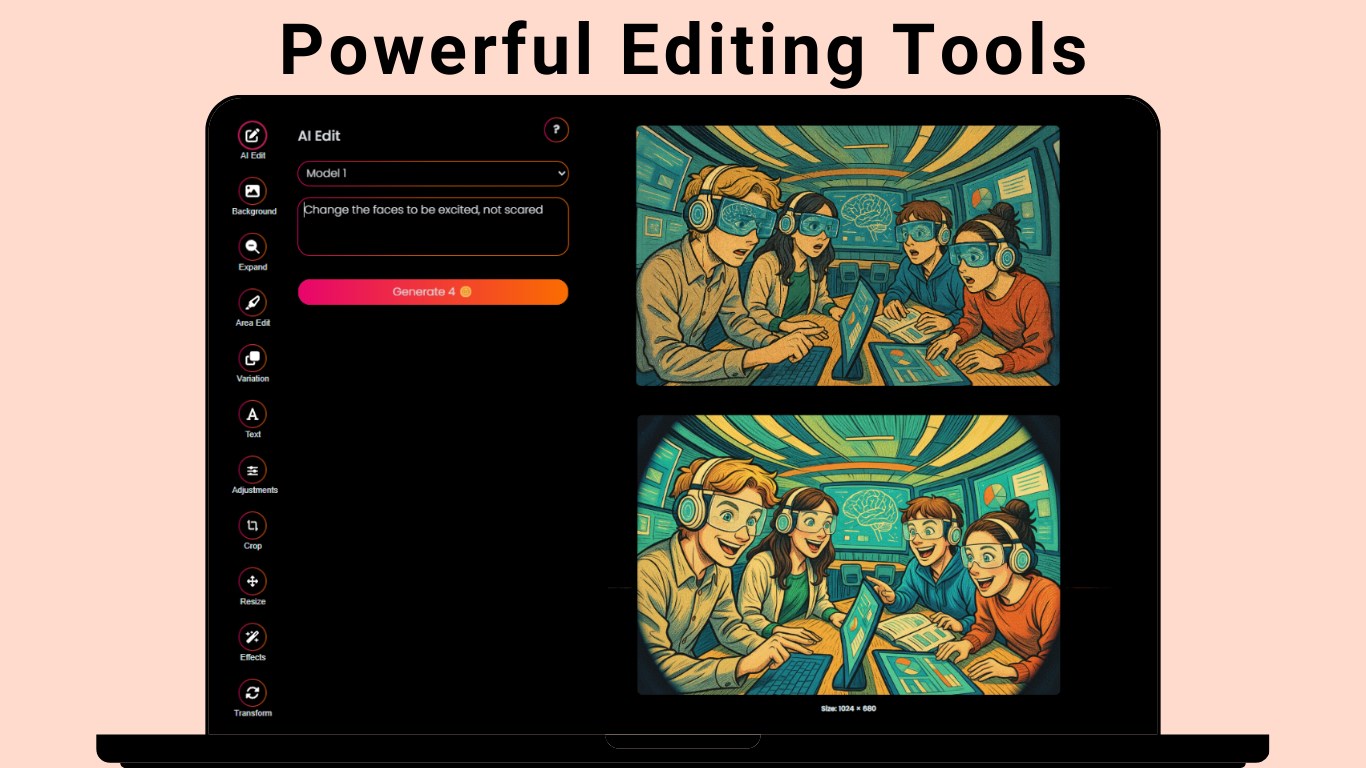
One of Tangra AI's standout features is its real-time preview capability. As you modify prompts or settings, changes are reflected instantly, giving you immediate visual feedback. This facilitates a more interactive workflow, akin to sketching and refining in a digital notebook. Additionally, integrated editing tools allow minor adjustments post-generation—such as cropping, color correction, or adding effects—reducing the need to switch between multiple apps and streamlining your creative journey.
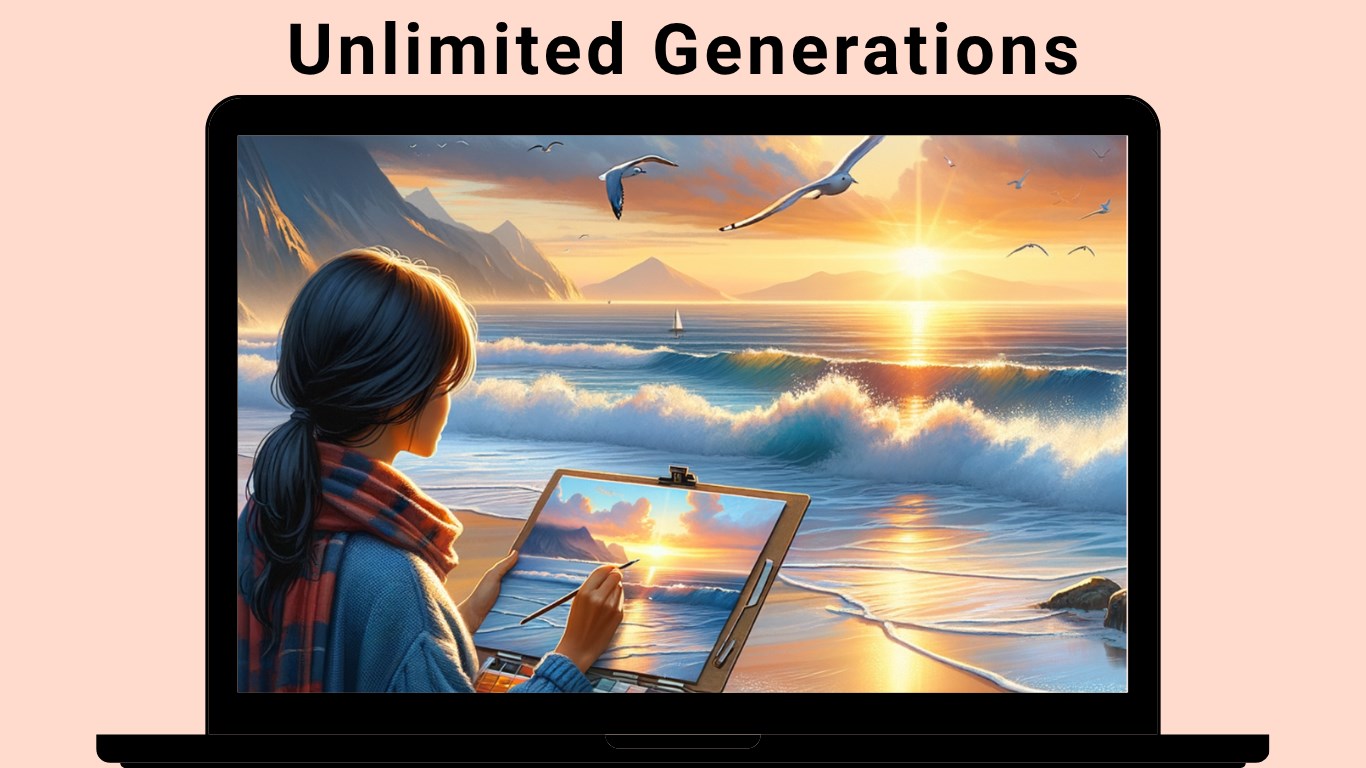
For users aiming to produce multiple images or experiment with variations, Tangra AI excels with its batch processing function. You can generate several images simultaneously by inputting different prompts or parameters, saving valuable time. This feature is especially useful for designers, marketers, or hobbyists who want a suite of options to choose from, enhancing productivity without sacrificing quality.
While numerous AI image generators exist, Tangra AI's differentiating factor is its focus on user control and customization coupled with ease of use. Many applications tend to lean heavily on automation, often resulting in generic outputs. In contrast, Tangra AI's adjustable settings empower users to steer the creative process, making each generated image more aligned with their vision. Its real-time feedback loop and integrated editing suite also stand out, enabling a seamless, all-in-one experience. Moreover, designed specifically for Windows, it integrates smoothly into the ecosystem, ensuring stability and performance that designers and casual users alike will appreciate.
Considering its balance of simplicity, power, and customization, I'd confidently recommend Tangra AI Image Generator for Windows to both beginners eager to explore AI art and experienced creators seeking a reliable tool for rapid prototyping. If you're looking for a user-friendly app that offers meaningful control over your generated images without steep learning curves, this app will serve you well. For those already familiar with AI art platforms, Tangra AI offers a fresh, approachable interface with competitive features that warrant exploration.
In summary, Tangra AI Image Generator for Windows is a noteworthy contender in the AI art domain. It champions user empowerment with its adjustable parameters and responsive design, making it a versatile tool for various creative needs. Whether you're crafting images for personal projects, professional design, or quick visual ideation, Tangra AI is worthy of a spot on your desktop.
High-Quality Image Generation
User-Friendly Interface
Fast Processing Speed
Customizable Prompts
Regular Updates and Improvements
Limited Free Credits
Occasional Image Artifacts
Learning Curve for Advanced Features
Limited Style Diversity in Free Version
Occasional Server Delays During Peak Times

for Windows
 4.8
4.8

for Windows
4.8

for Windows
4.7

for Windows
4.7

for Windows
4.6

for Windows
4.6

for Windows
4.6

for Windows
4.6

for Windows
4.5

for Windows
4.5

for Windows
4.5

for Windows
4.5

for Windows
5

for Windows
5

for Windows
5

for Windows
5

for Windows
5

for Windows
5

for Windows
5

for Windows
5

for Windows
5

for Windows
5