Lifestyle
Space Mushrooms
PC
Windows 10 version 17763.0 or higher
Integrated Mouse
Bulgarian, Chinese (Simplified), Chinese (Traditional), Czech, Dutch, English, Finnish, French, German, Greek, Hungarian, Italian, Japanese, Polish, Portuguese, Russian, Spanish, Swedish, Turkish, Vietnamese
Looking to turn your interior design dreams into reality without breaking the bank or investing in costly software? Sweet Home 3D offers a user-friendly platform that helps both beginners and enthusiasts craft detailed home layouts and interior visualizations with ease.
Space Mushrooms, a dedicated team with a passion for intuitive design tools, brings this application to life. Their goal is to empower users with accessible yet powerful interior design capabilities right from their Windows devices.
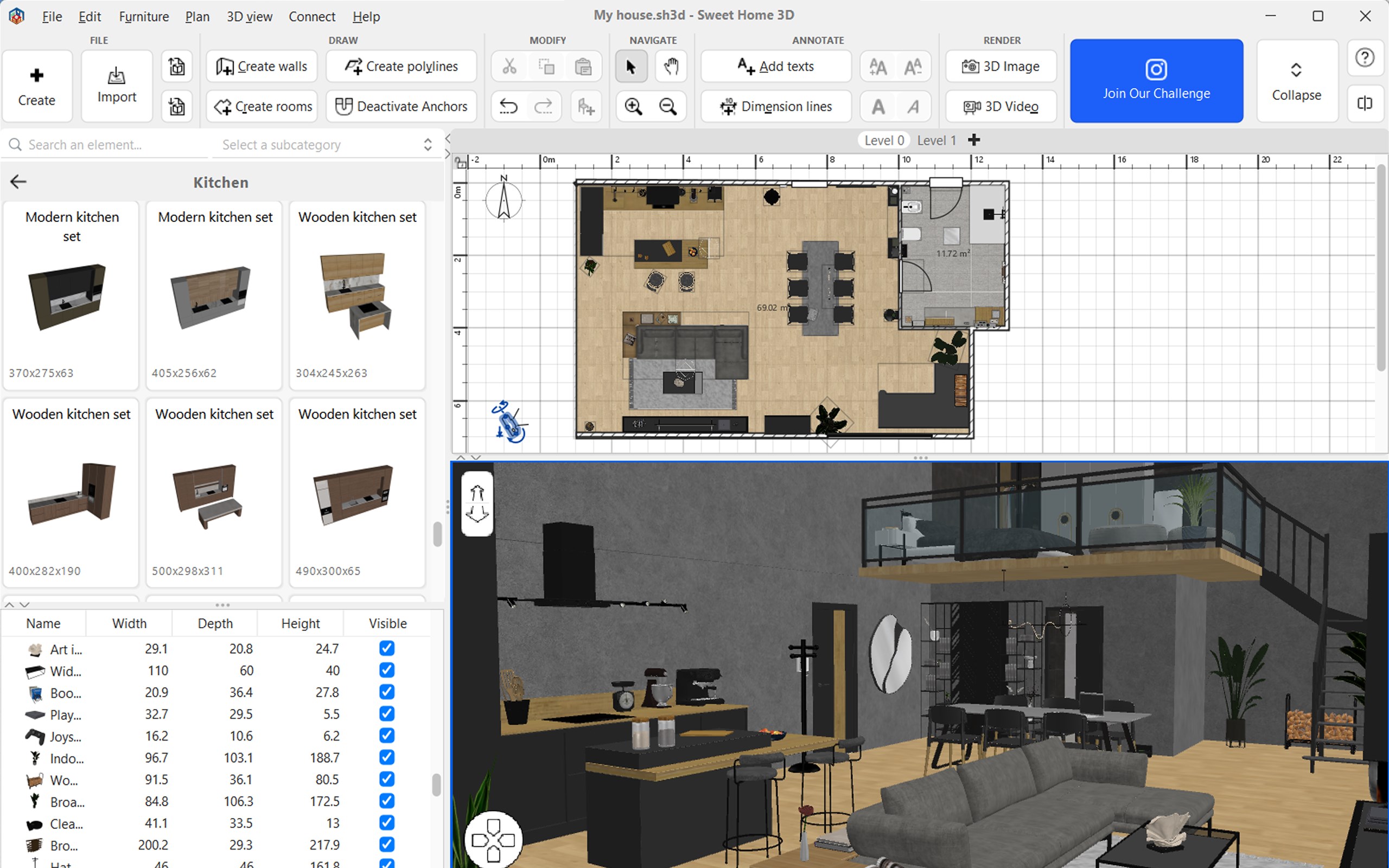
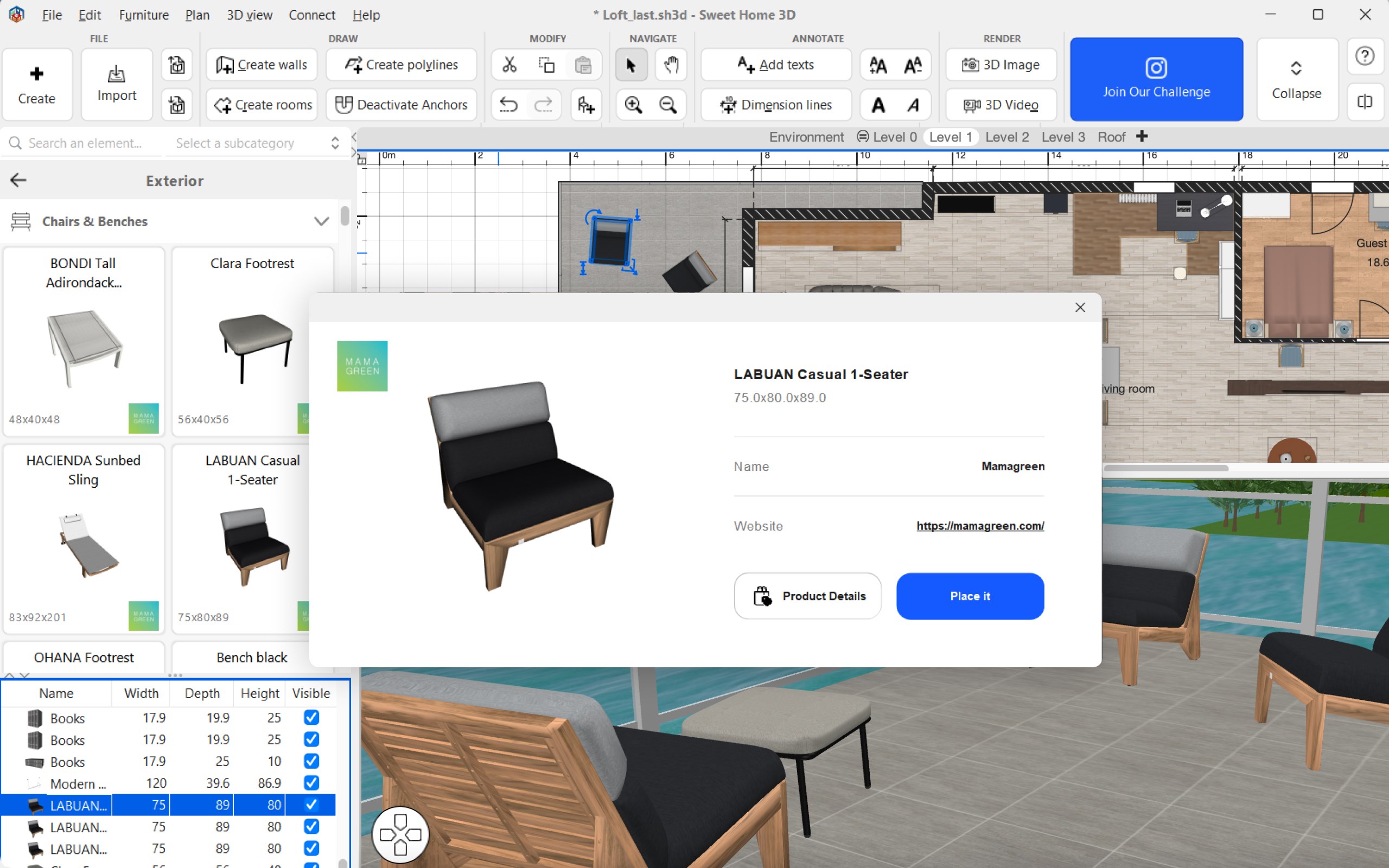
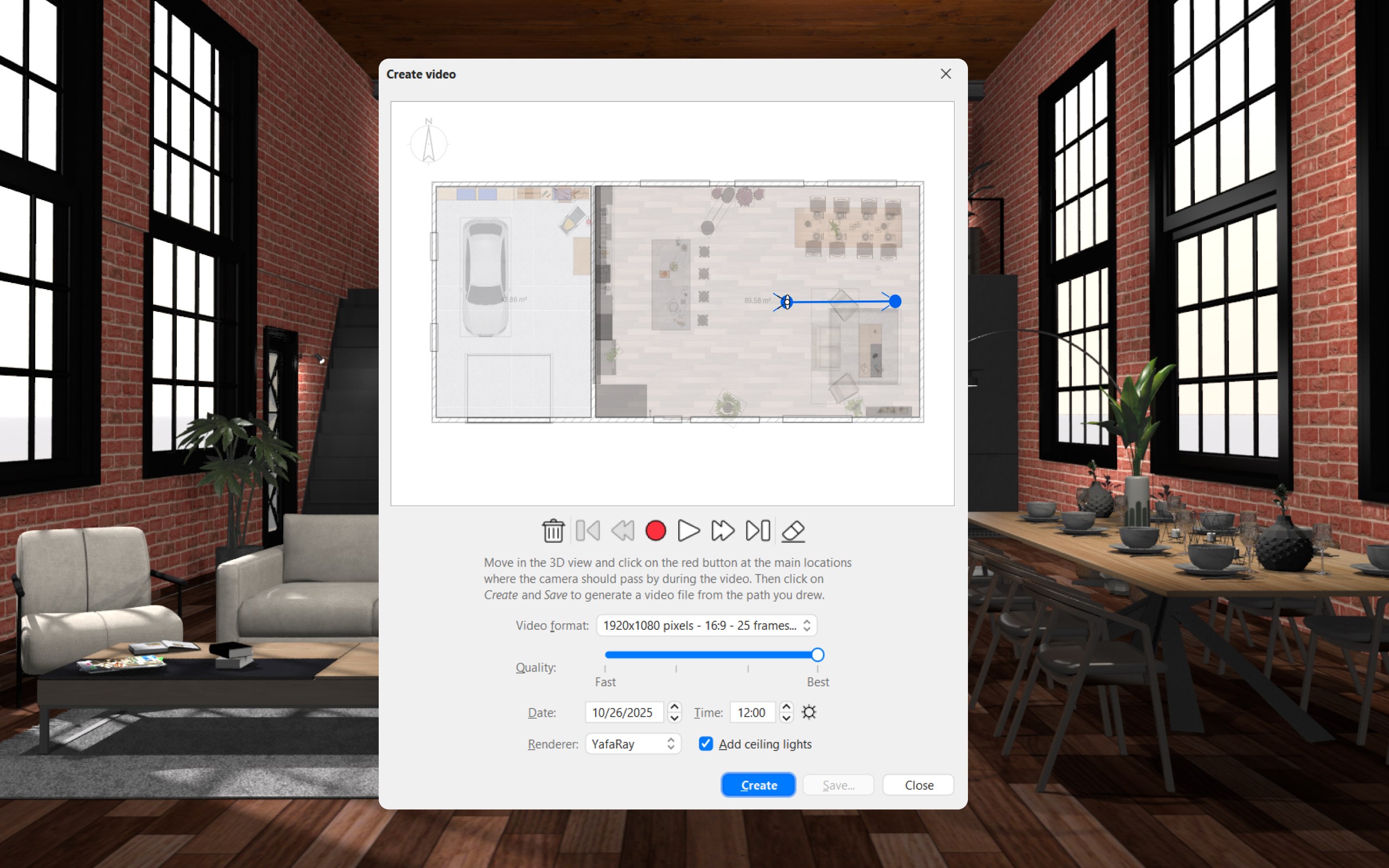
From the moment you open Sweet Home 3D, it's like stepping into a digital workshop designed for both play and precision. The interface sports a clean layout with intuitive icons, making navigation second nature. Designing a room feels less like assembling a puzzle and more like arranging furniture in a dollhouse — each piece snapping into place smoothly, without fuss.
Performance-wise, the app operates fluidly, even on modest hardware setups. The real-time rendering of 3D views is surprisingly responsive, allowing for quick adjustments and instant visual feedback. For newcomers, the learning curve is gentle: various tutorials and a comprehensive library of sample projects make it easy to get started and build confidence in your skills.
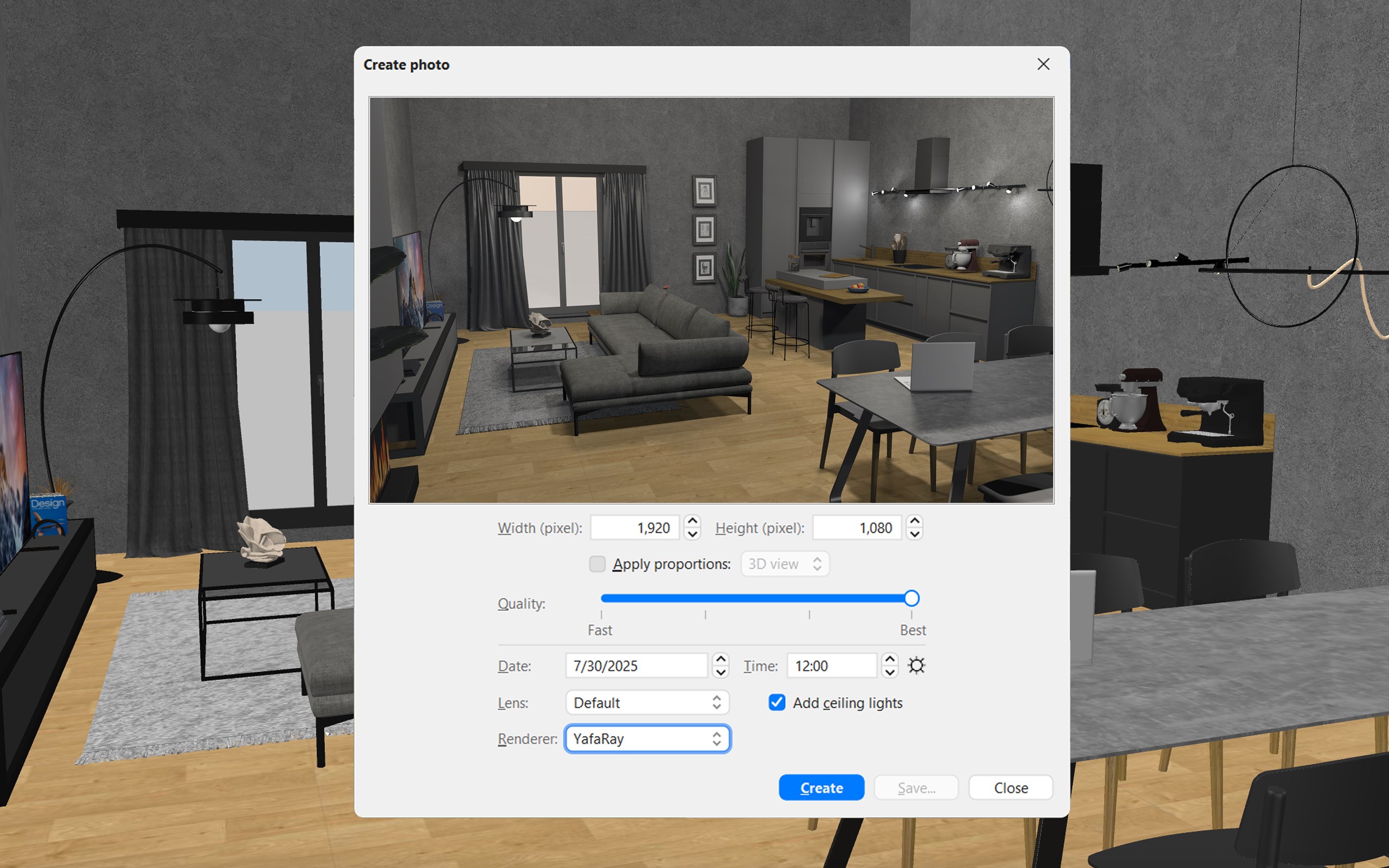
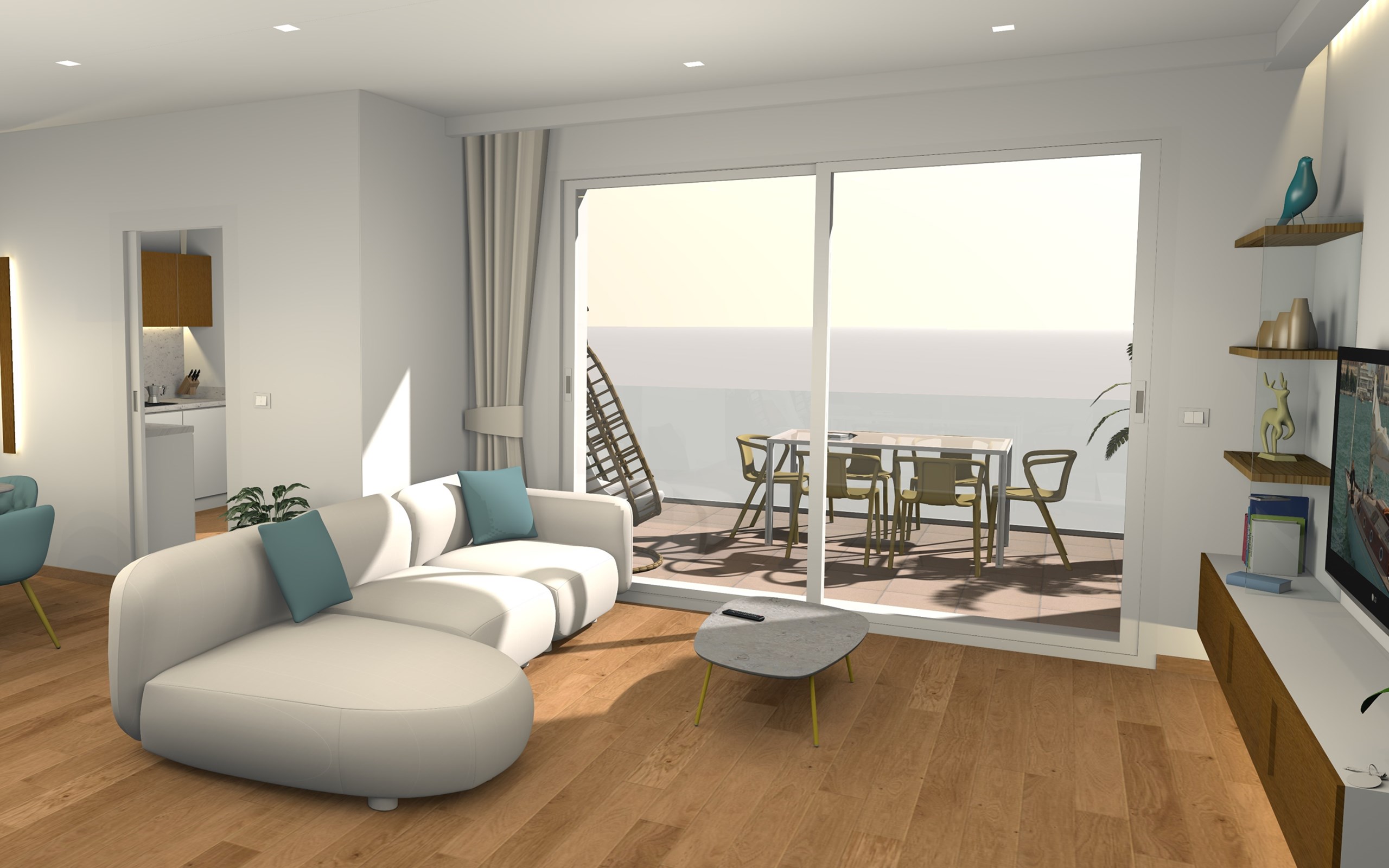
While many interior design apps focus on high-fidelity rendering or photo-realistic outputs, Sweet Home 3D's true strength lies in its balance of simplicity and detailed control. Unlike some competitors that overwhelm users with complexity, this tool offers a clear, accessible pathway to professional-looking results—even for hobbyists or those new to 3D home planning.
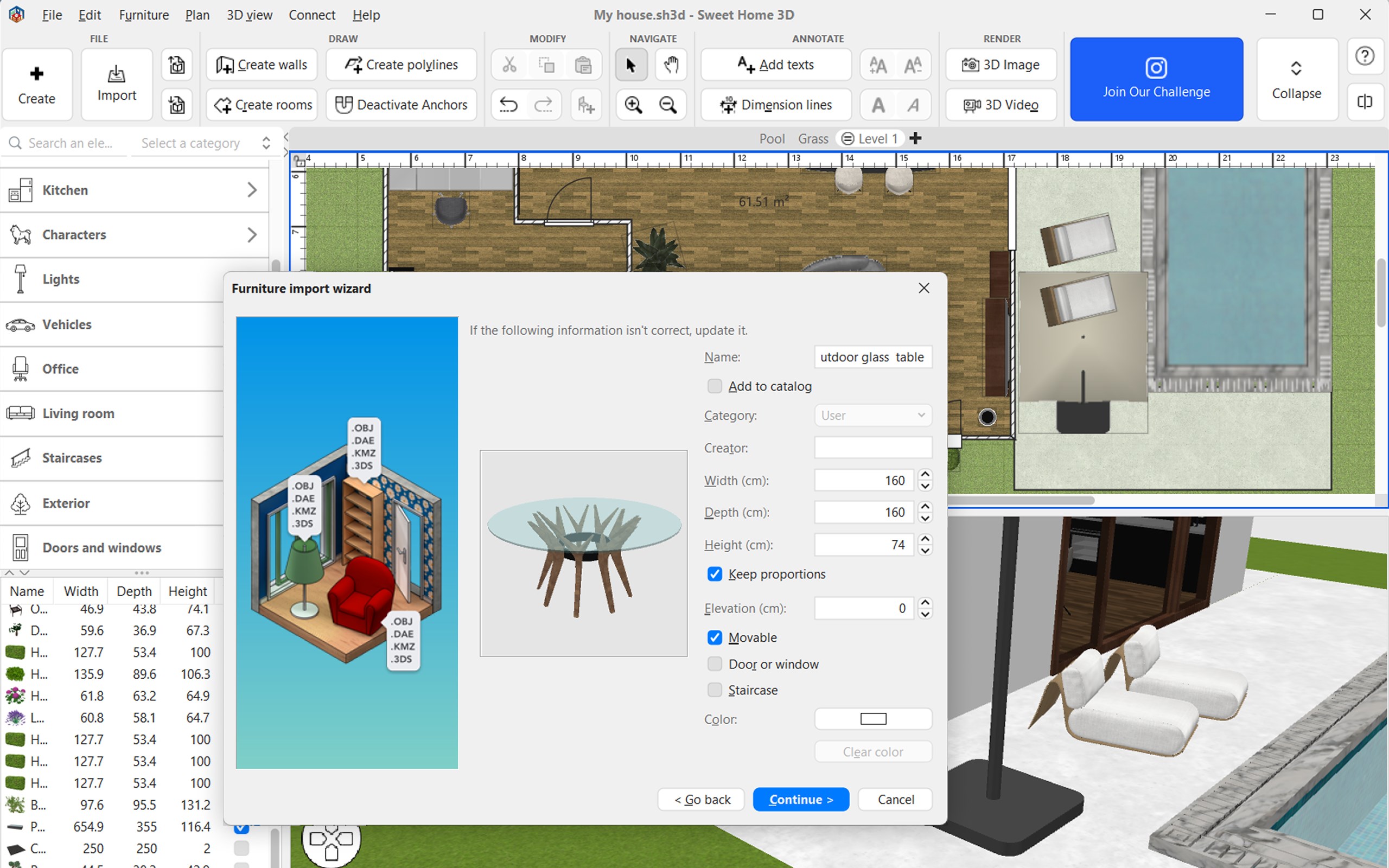
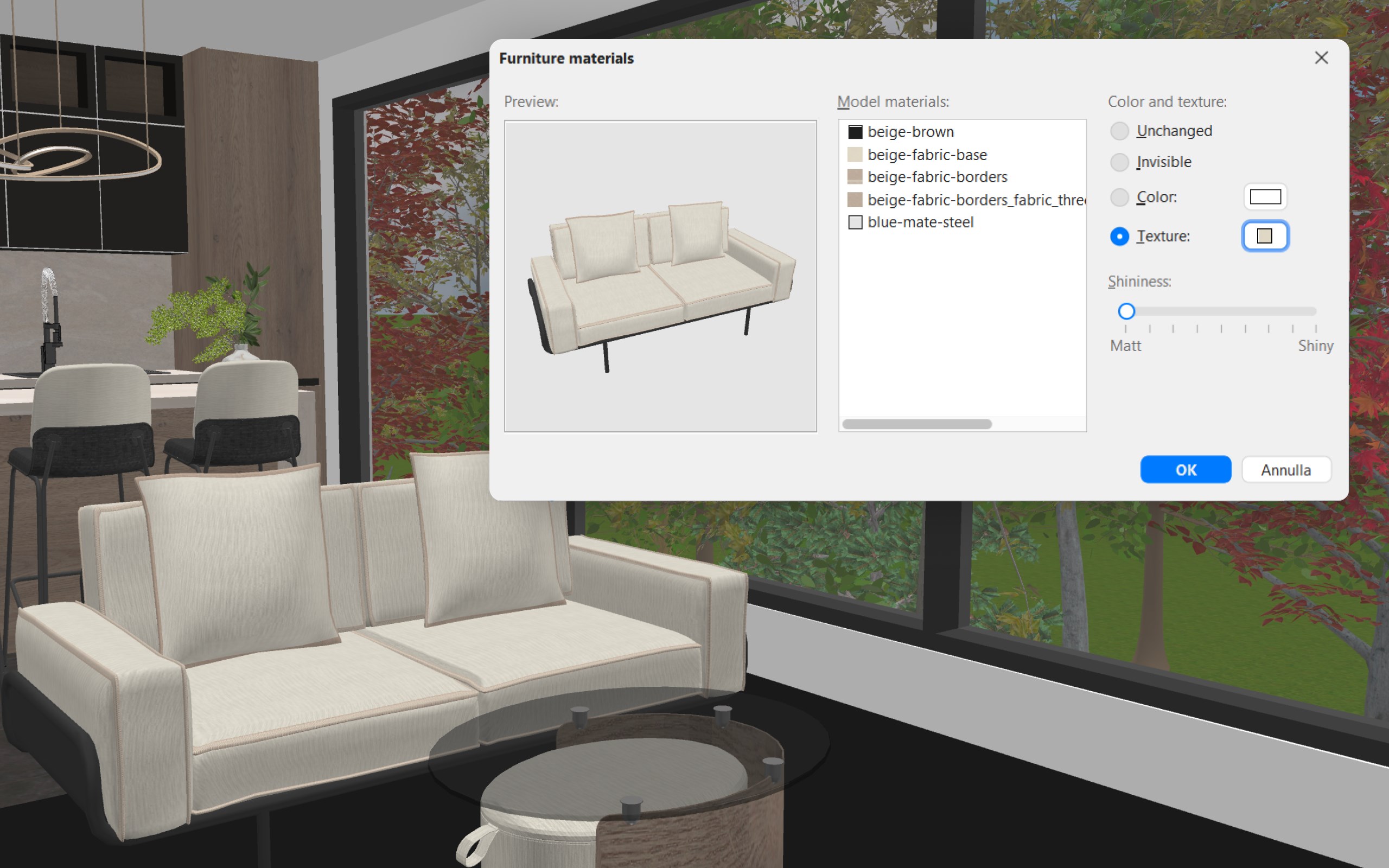
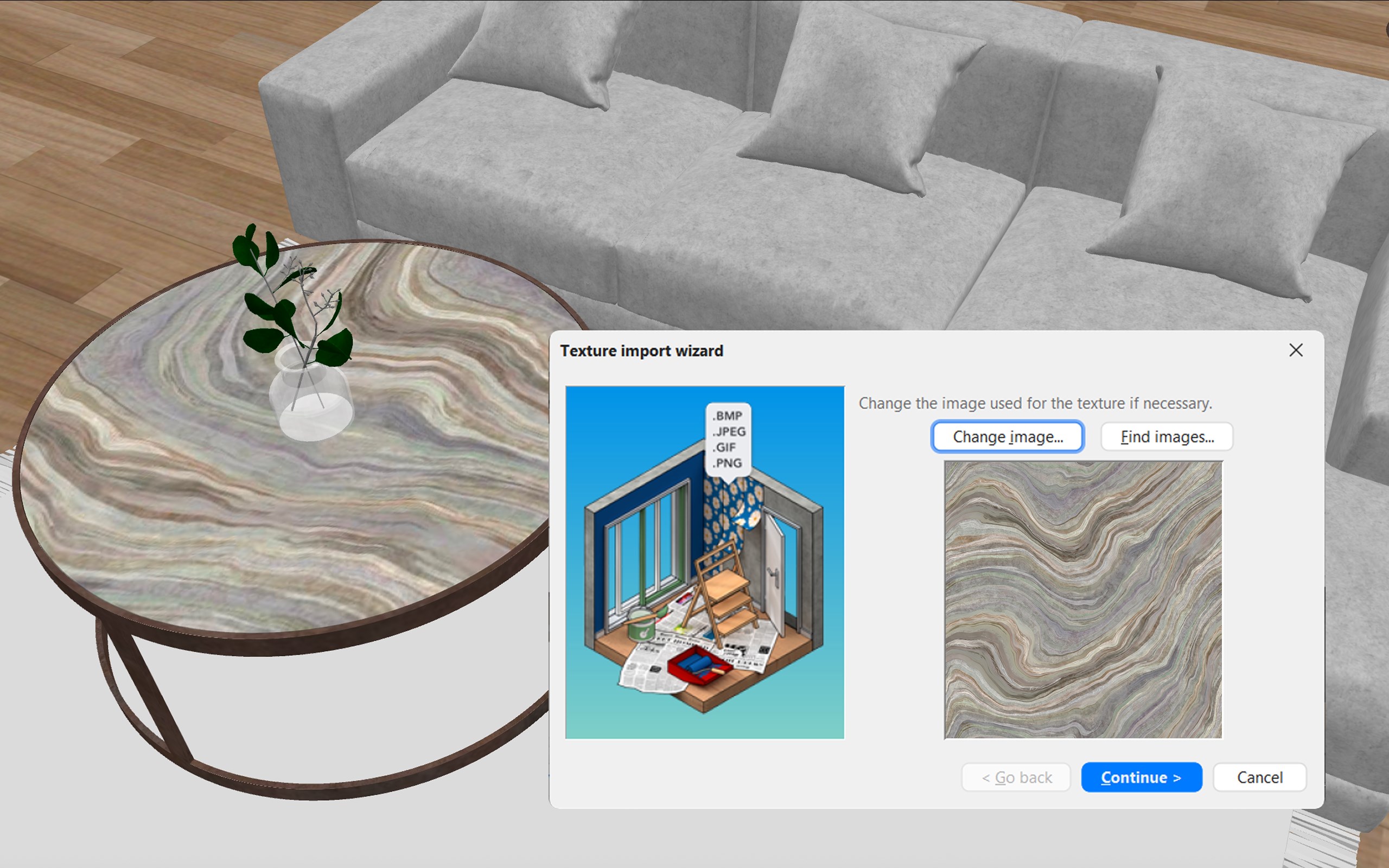
Its open-source-inspired flexibility, including the ability to import custom furniture models and textures, enhances credibility among DIY enthusiasts and design aficionados who value authenticity and creative freedom. This sets it apart from more commercialized, less adaptable solutions, making it a favorite among users seeking genuine content and reliable performance.
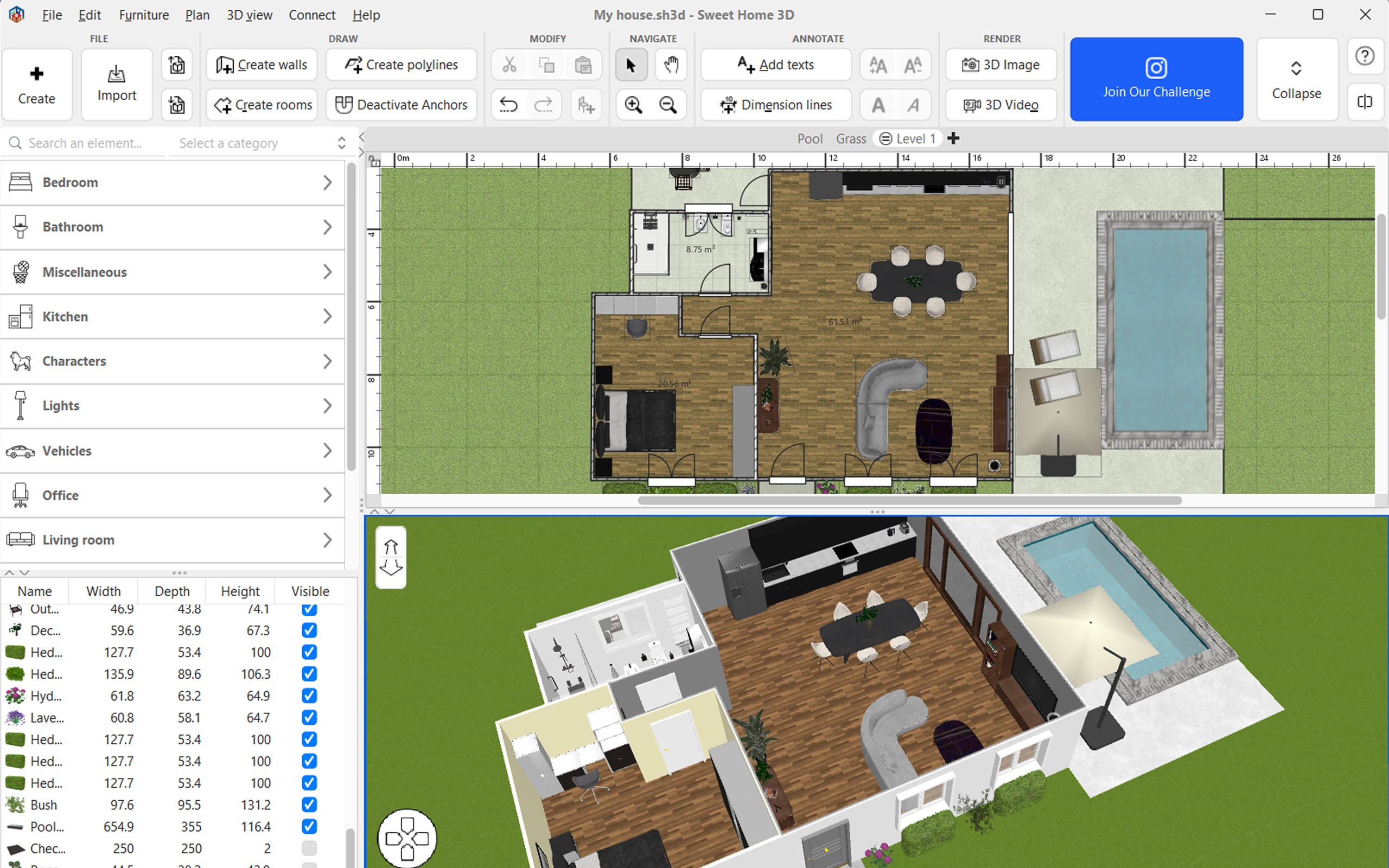
If you're someone eager to experiment with interior layouts or plan renovations on a tight budget, Sweet Home 3D is highly recommended. Its straightforward workflow and the most commendable feature — the seamless switch between 2D plans and 3D walkthroughs — make it particularly effective for visualizing space. For best results, start with small projects to familiarize yourself with its tools, and explore community forums for additional furniture models and design ideas.
While it may not match the photorealism of high-end professional software, it's an exceptional choice for conceptual planning and interior exploration. Whether you're redesigning your living room or staging an entire house, Sweet Home 3D offers a delightful, approachable experience. I'd rate it as a solid 'Recommended' for anyone interested in home design, especially those who value practicality and user engagement over bells and whistles.
Intuitive drag-and-drop interface
Extensive 3D library with realistic furniture and decor items
Supports detailed 2D and 3D views for comprehensive planning
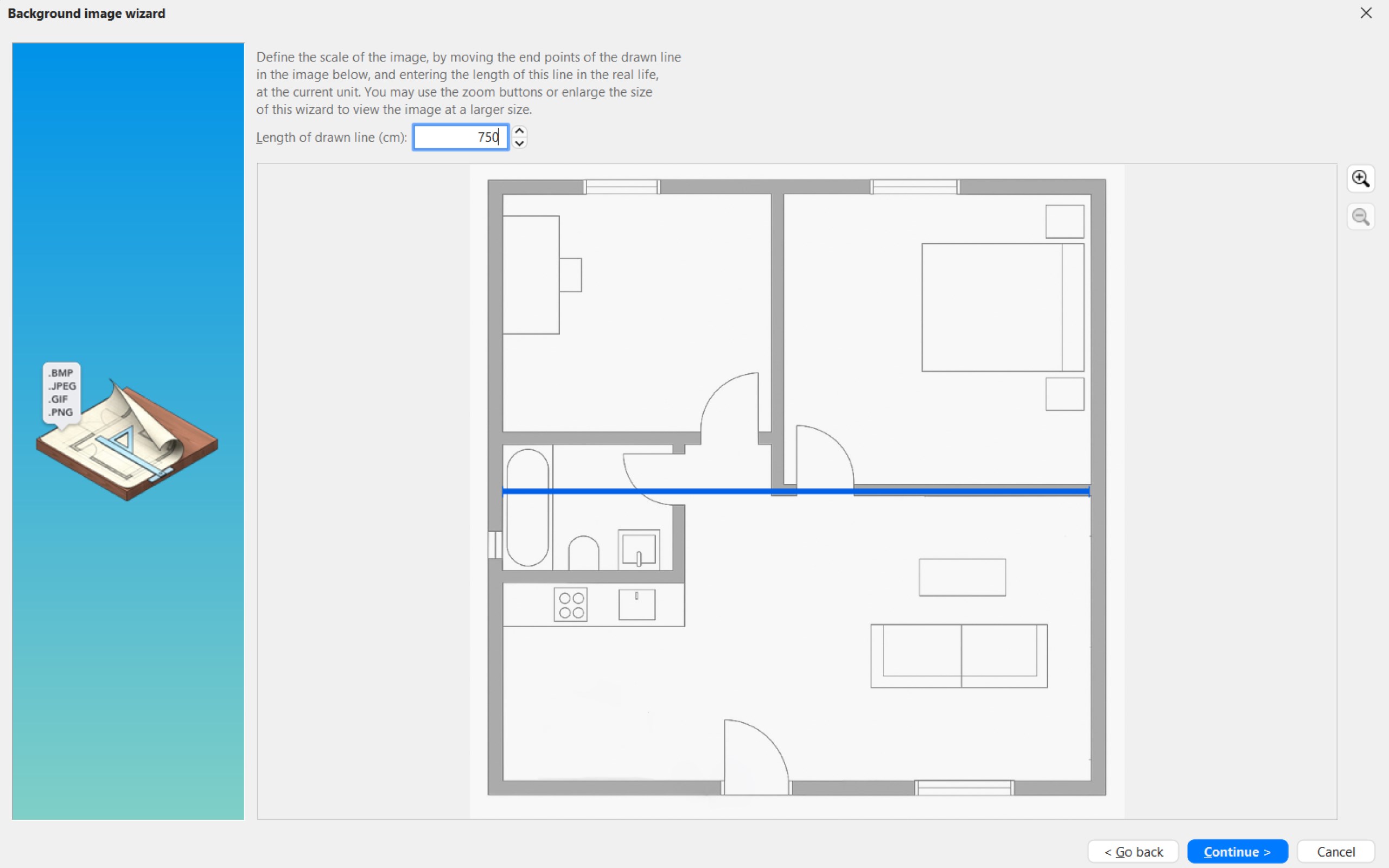
Import and export functions for seamless project sharing
Free to use with regular updates
Steep learning curve for advanced features
Limited customization options for certain furniture items
Performance issues with large or complex projects
Occasional bugs and software crashes
Limited support for real-time collaboration

for Windows
 4.9
4.9

for Windows
4.8

for Windows
4.8

for Windows
4.8

for Windows
4.7

for Windows
4.2
for Windows
4.2

for Windows
4

for Windows
3

for Windows
3

for Windows
2.4

for Windows
2.3

for Windows
5

for Windows
5

for Windows
5

for Windows
5

for Windows
5

for Windows
5

for Windows
5

for Windows
5

for Windows
5

for Windows
5