Puzzle & trivia
Fons Sonnemans
PC
Windows 10 version 17763.0 or higher
Dutch, English (United States), French, Spanish, Spanish (Spain)
Imagine the timeless allure of a classic number puzzle, seamlessly blended with a sleek digital interface—that's exactly what Sudoku Free for Windows delivers. Designed by Reflection IT and crafted by Fons Sonnemans, this app offers a straightforward yet engaging experience for puzzle enthusiasts seeking to tidy their minds or pass the time with a logical challenge. With a clean layout, intuitive gameplay, and features tailored for both casual players and Sudoku veterans, it aims to carve out its niche in the crowded puzzle app landscape.
Developed by Fons Sonnemans with support from Reflection IT, Sudoku Free for Windows stands as a testament to minimalist, user-focused design. Its primary features include an extensive library of puzzles across difficulty levels, an elegant and user-friendly interface, and smart assistance options to help players crack the more daunting grids. The app's lightweight nature means it won't bog down your system or overwhelm new players, making it a versatile choice for users ranging from beginners to seasoned puzzle solvers.
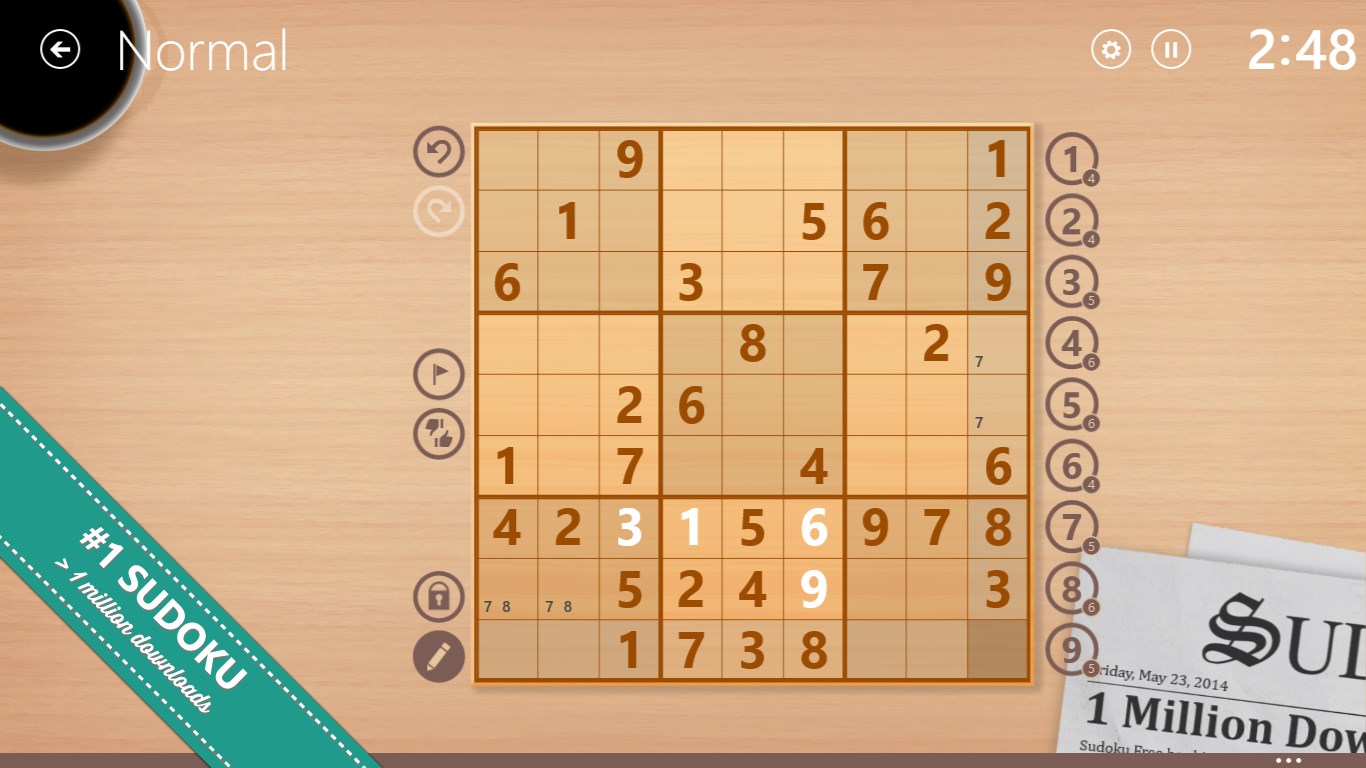
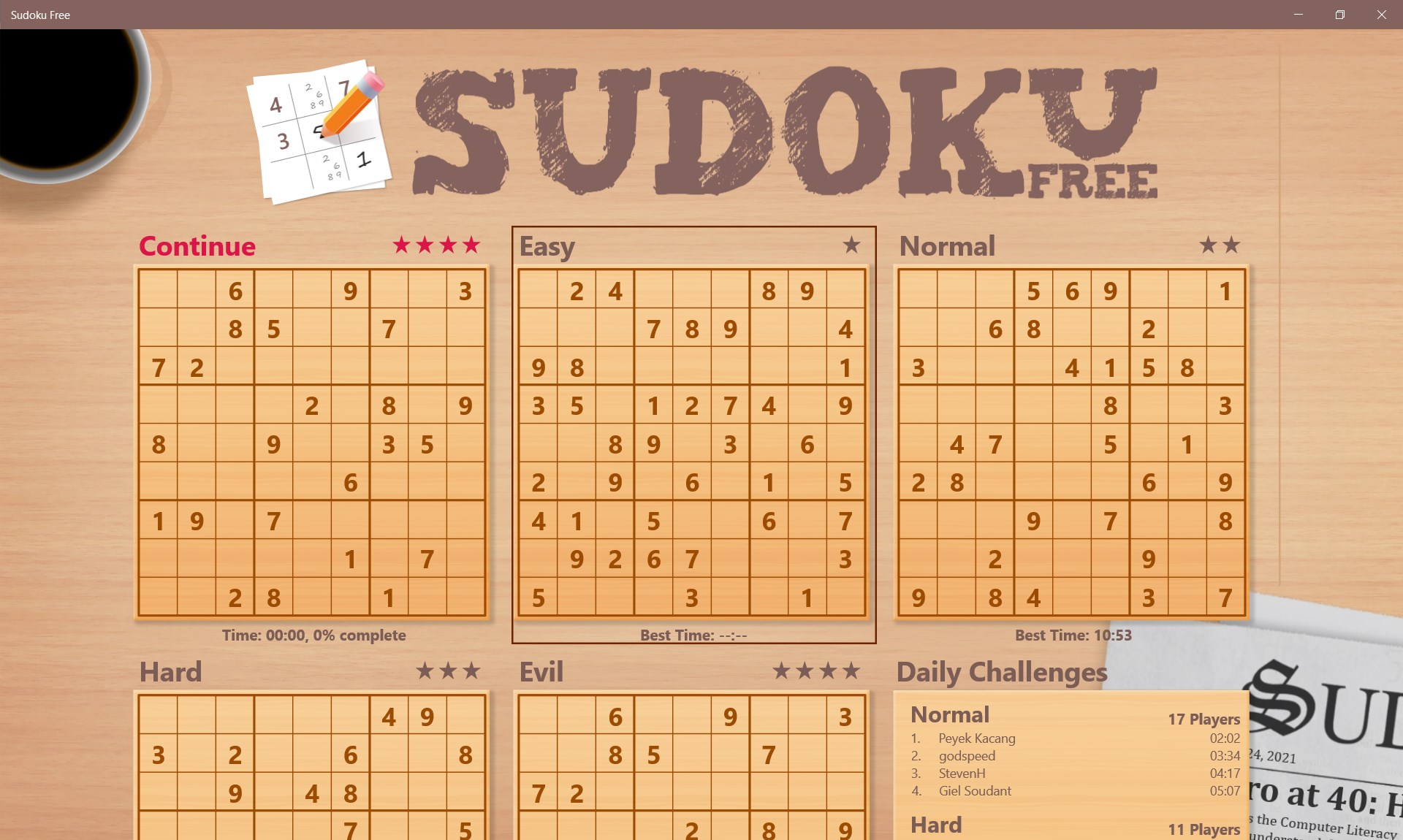
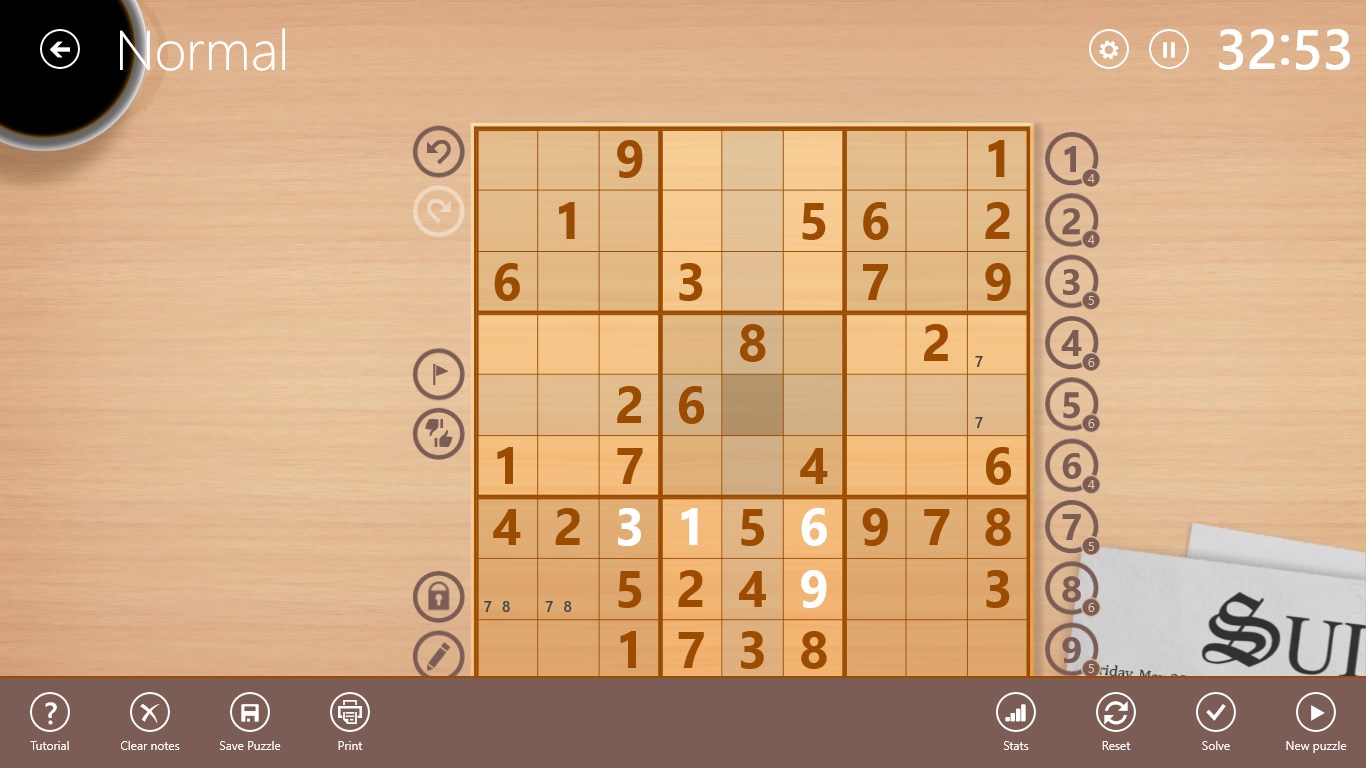
Stepping into Sudoku Free is like entering a cozy, well-organized library—calm, inviting, and just a touch stimulating. From the moment you launch the app, its uncluttered design makes navigation feel almost effortless, as if the interface is guiding your hand towards tranquility and mental stimulation simultaneously. The game opens up with a straightforward menu displaying various difficulty levels and puzzles increasingly challenging, inviting users to deepen their puzzle mastery progressively.
This app hosts a sizable collection of Sudoku puzzles that cater to all skill levels—from a relaxing warm-up routine to complex grids that resemble a seasoned cryptographer's challenge. The customization options allow players to choose grid sizes and difficulty settings, ensuring personalized gaming experiences. The algorithms behind puzzle generation seem robust, providing a new set of challenges each time, thus preventing replay boredom.
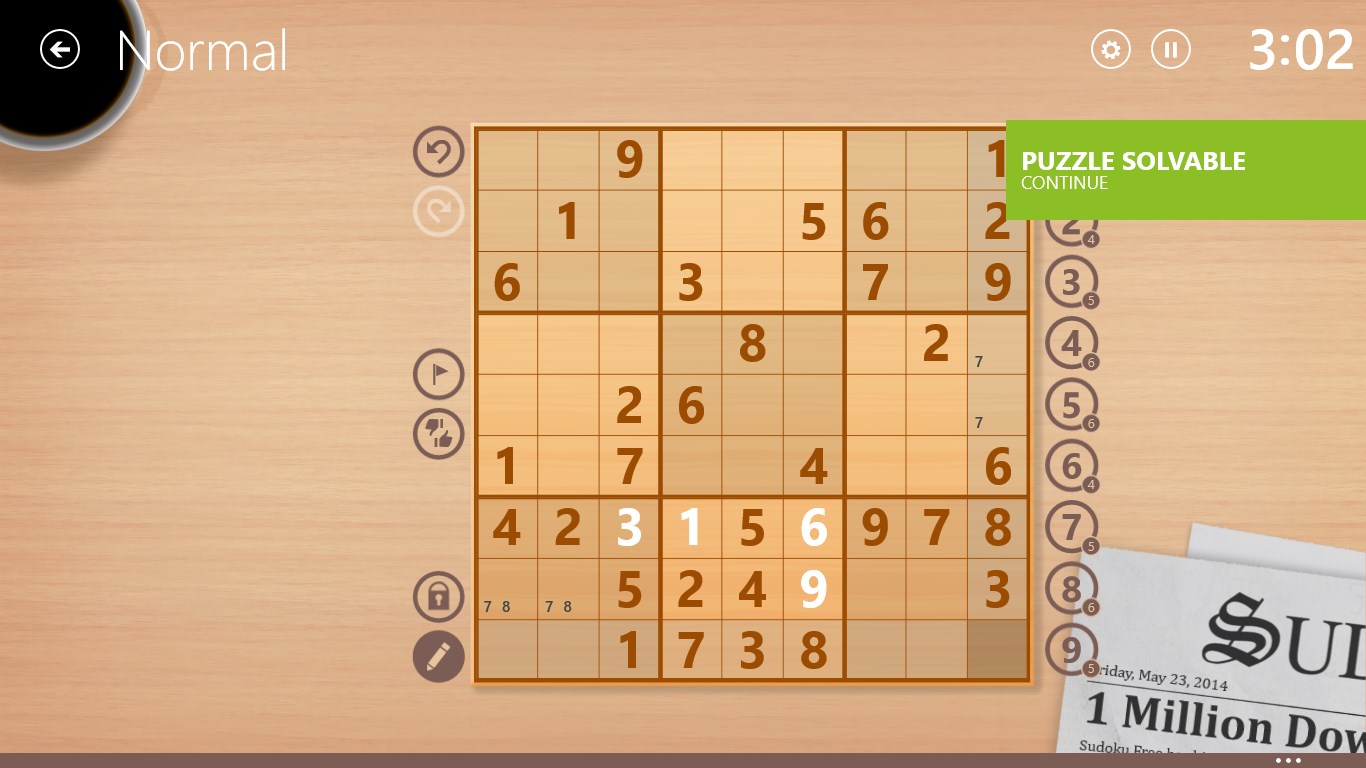
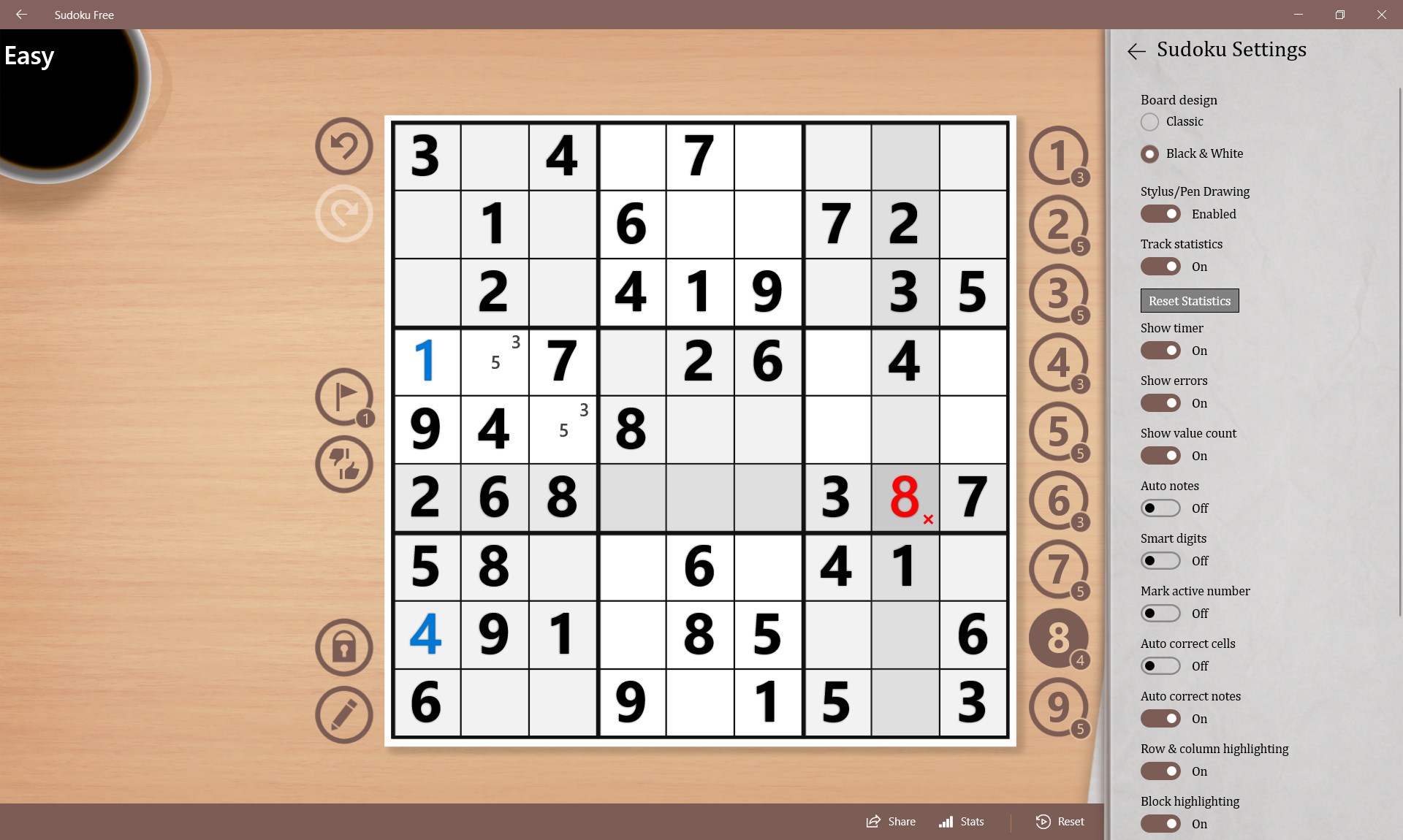
One of Sudoku Free's standout features is its assistance system. It offers hints and validation checks, which act as helpful training wheels for newcomers or those re-establishing their confidence. Unlike many Sudoku games that leave you to stumble blindly, this app gently guides users, making the game more accessible without compromising the puzzle's challenge. This feature exemplifies thoughtful design, emphasizing learning and satisfaction over mere gameplay.
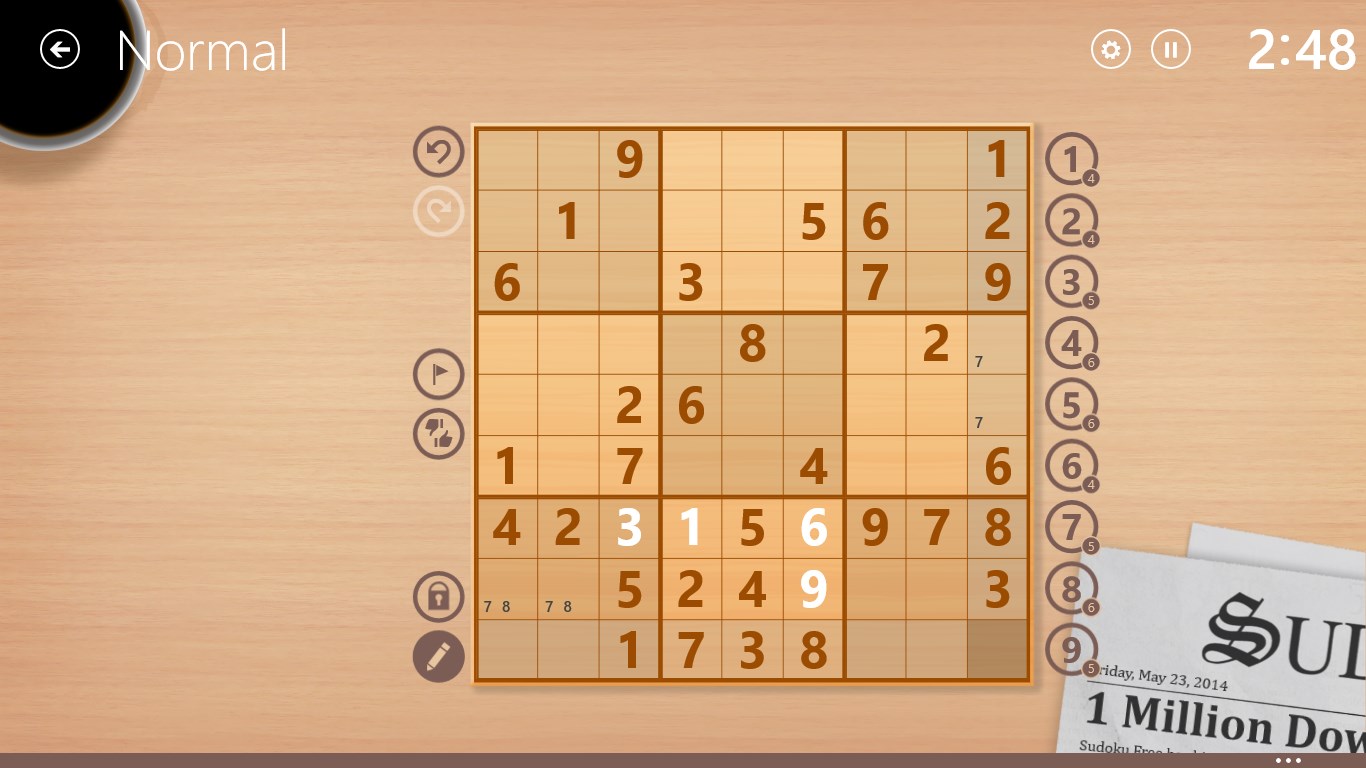
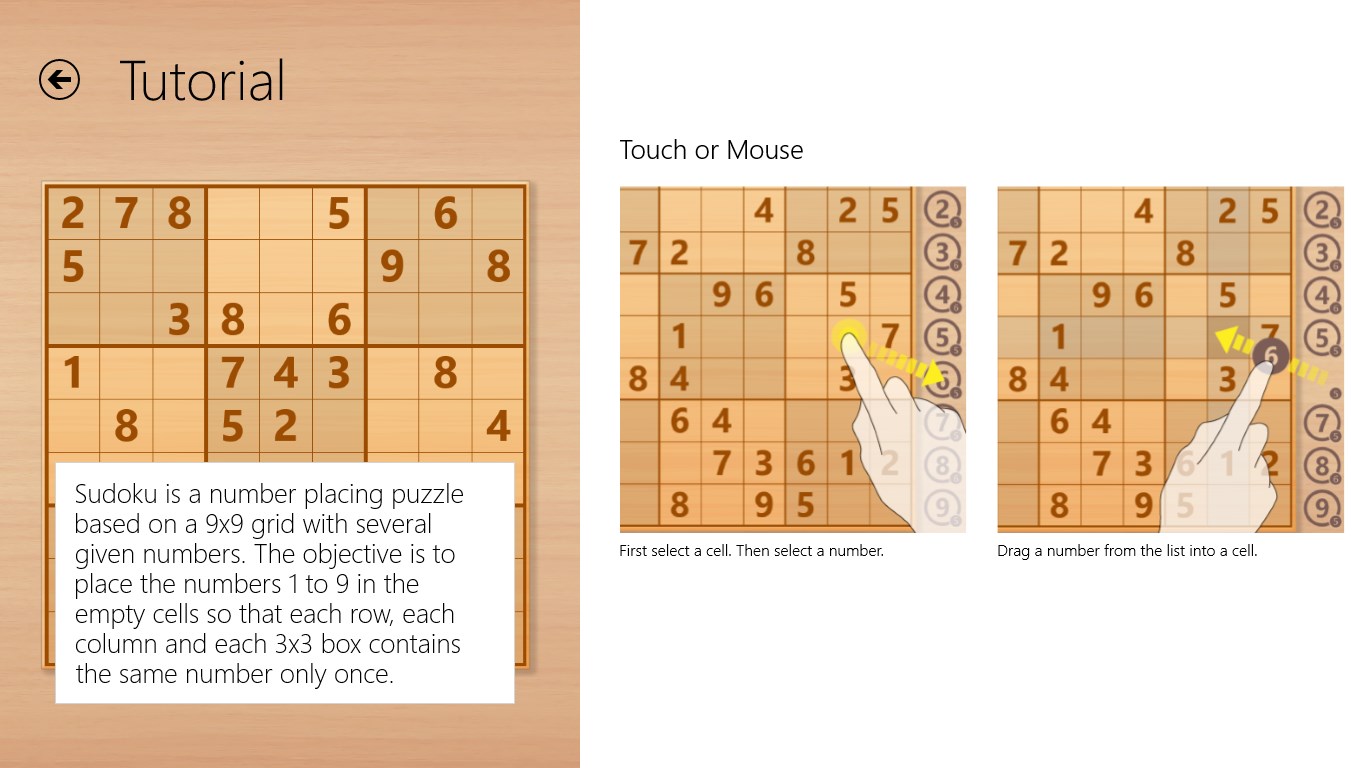
The interface adopts a minimalistic aesthetic—think of it as a clear, quiet surface awaiting your input. Touch or click responses are smooth, and the app performs reliably without lag or crashes. Its learning curve is gentle; the controls are straightforward, allowing new players to start solving puzzles right away. Color schemes are easy on the eyes, and volume and difficulty settings are conveniently located, providing an adaptable experience for different environments and user preferences.
While many puzzle apps focus solely on challenge, Sudoku Free emphasizes accessibility and user support. Its thoughtful assistance features—like hints and real-time error correction—distinguish it from more frustrating counterparts. Moreover, its commitment to a clutter-free, sleek interface means that players can immerse themselves fully in solving, without distractions. Compared to ad-heavy or overly complex Sudoku versions, this app's elegance and simplicity become its unique selling points, making it especially appealing for users who want quality without unnecessary fuss.
Considering its user-friendly design, robust puzzle variety, and helpful guidance features, Sudoku Free for Windows is a solid choice for puzzle lovers seeking a reliable and modest Sudoku experience. I'd recommend it especially for beginners or casual players who appreciate a straightforward interface and gentle learning curve. Serious Sudoku aficionados might find the features sufficient but may prefer more advanced tools or customizations. Overall, it's a well-crafted, approachable app that can serve as a relaxing mental workout during coffee breaks or quiet evenings.
Intuitive user interface
Wide range of difficulty levels
Offline mode available
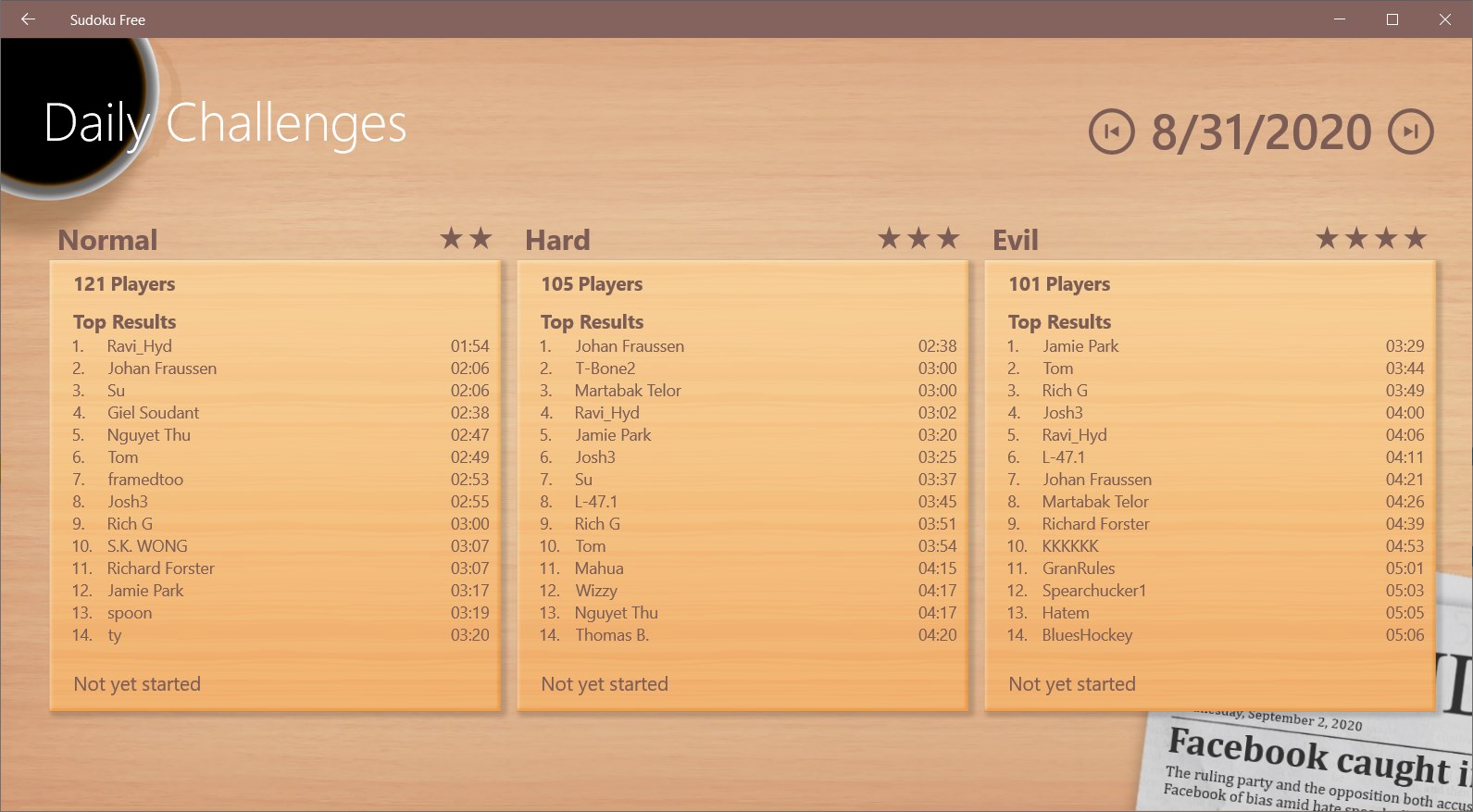
Daily puzzles and challenges
Advertisements are unobtrusive
Limited customization options
Lacks hints or puzzle-solving assistance
Achievements and leaderboards are basic
No undo button for mistakes
Occasional minor bugs

for Windows
 4.8
4.8

for Windows
4.8

for Windows
4.8

for Windows
4.8

for Windows
4.8

for Windows
4.8

for Windows
4.8

for Windows
4.8

for Windows
4.7

for Windows
4.7

for Windows
4.7

for Windows
4.7

for Windows
5

for Windows
5

for Windows
5

for Windows
5

for Windows
5

for Windows
5

for Windows
5

for Windows
5

for Windows
5

for Windows
5