Puzzle & trivia
Playoneer
PC, Mobile, Surface Hub
Windows 10 version 10240.0 or higher
English (United States), French, German, Italian, Portuguese (Brazil), Spanish
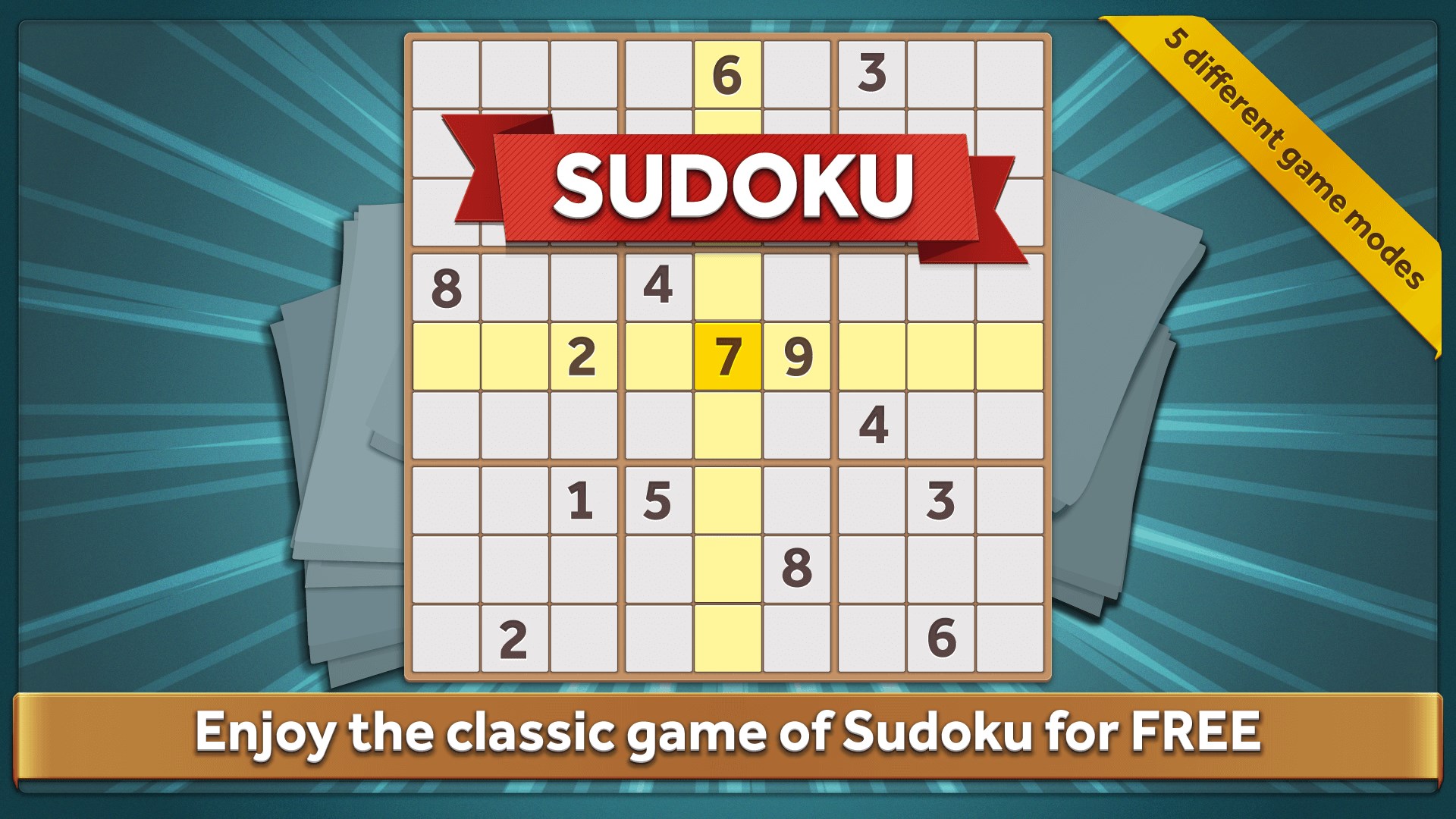
If you're a fan of brain-teasing numbers and enjoy the satisfying click of filling in a perfect grid, Sudoku: Classic for Windows offers a fresh yet familiar puzzle experience that aims to sharpen your mind one cell at a time.
Sudoku: Classic for Windows positions itself as a straightforward yet engaging digital rendition of the timeless numerical puzzle. Developed and published by Playoneer, a team known for creating accessible and user-friendly casual games, this app brings the classic game to your desktop environment with a focus on simplicity and clarity.
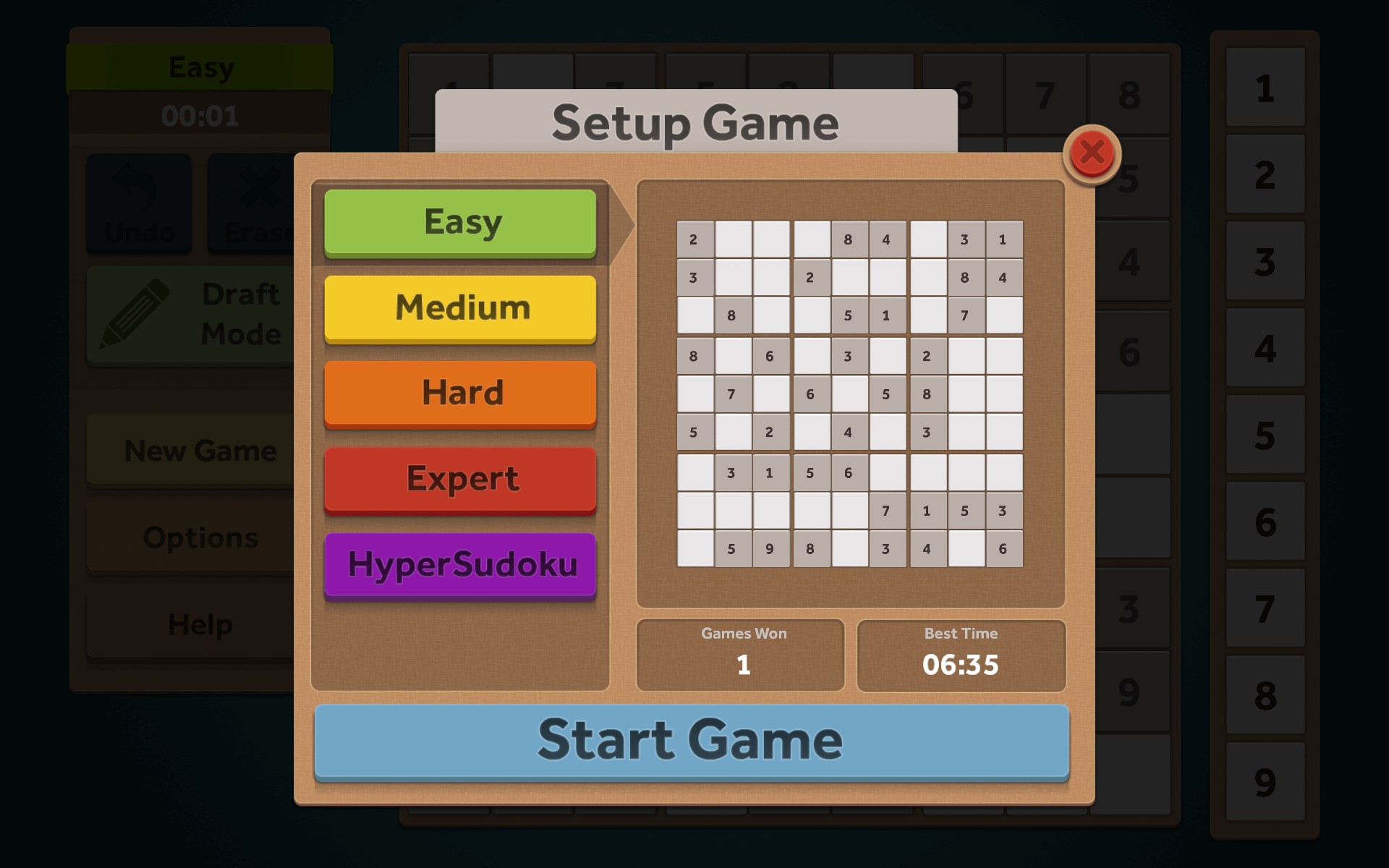
Key features include a smooth difficulty progression from easy to expert levels, multiple puzzle modes including timed challenges and daily puzzles, and customizable grid designs to personalize your experience. Designed primarily for puzzle enthusiasts, students, and casual gamers who enjoy mental exercises, the app caters to a broad audience aiming to improve logic skills or simply enjoy relaxing gameplay.
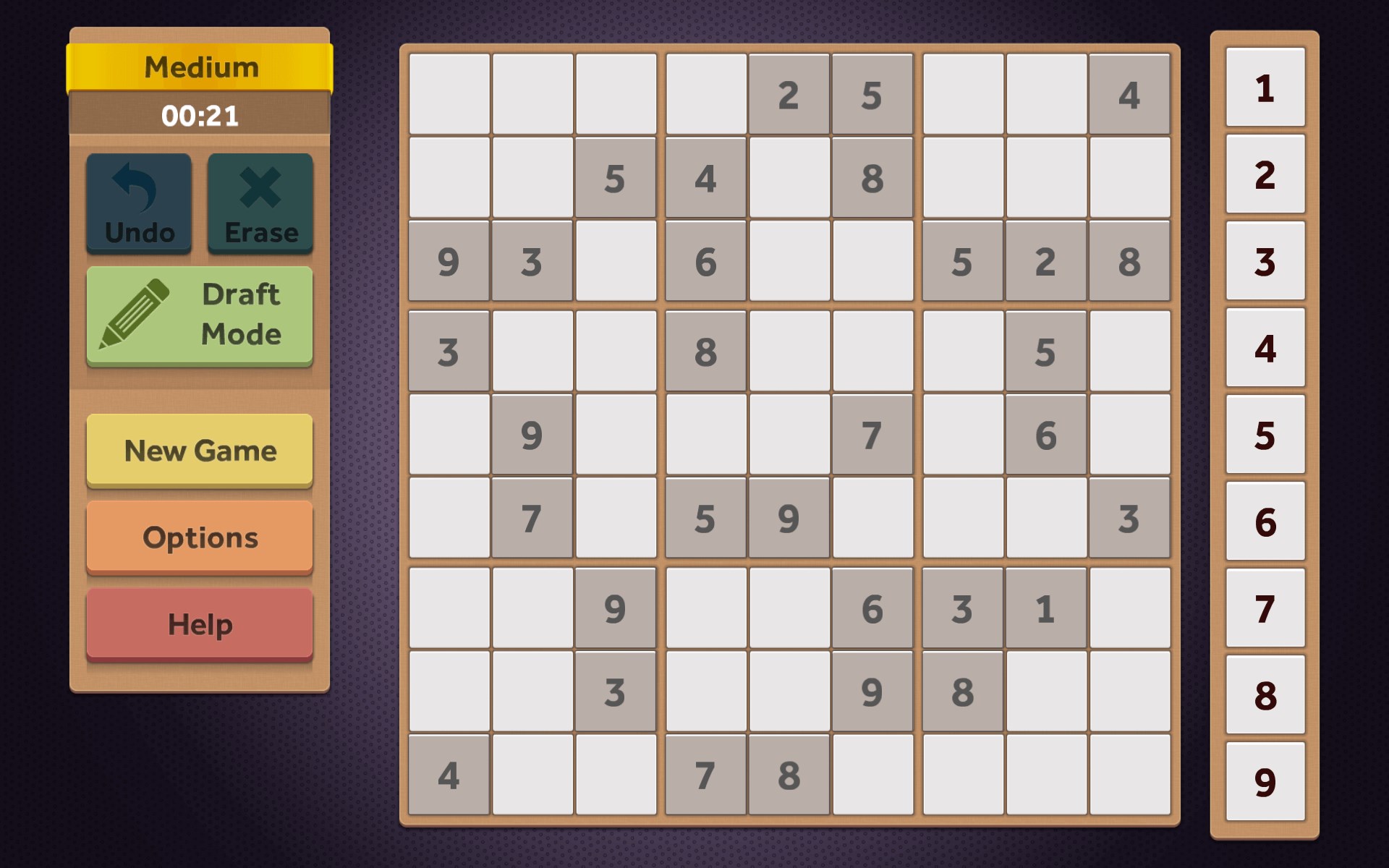
Stepping into Sudoku: Classic for Windows is like entering a tranquil garden of numbers—clean, organized, yet full of hidden complexities waiting to be unraveled. Its interface immediately invites both newcomers and seasoned players to dive into the puzzle, with a gentle aesthetic that eschews unnecessary clutter. The game's design strikes a balance between minimalism and functionality, making it perfect for quick sessions or extended brain workouts.
The first standout feature is its diverse difficulty levels. Whether you're just getting started or a Sudoku veteran seeking a formidable challenge, the app scales neatly, providing puzzles that sharpen your reasoning skills step by step. Each level comes with varied grid sizes and added complexity, ensuring you're never bored, yet not overwhelmed.
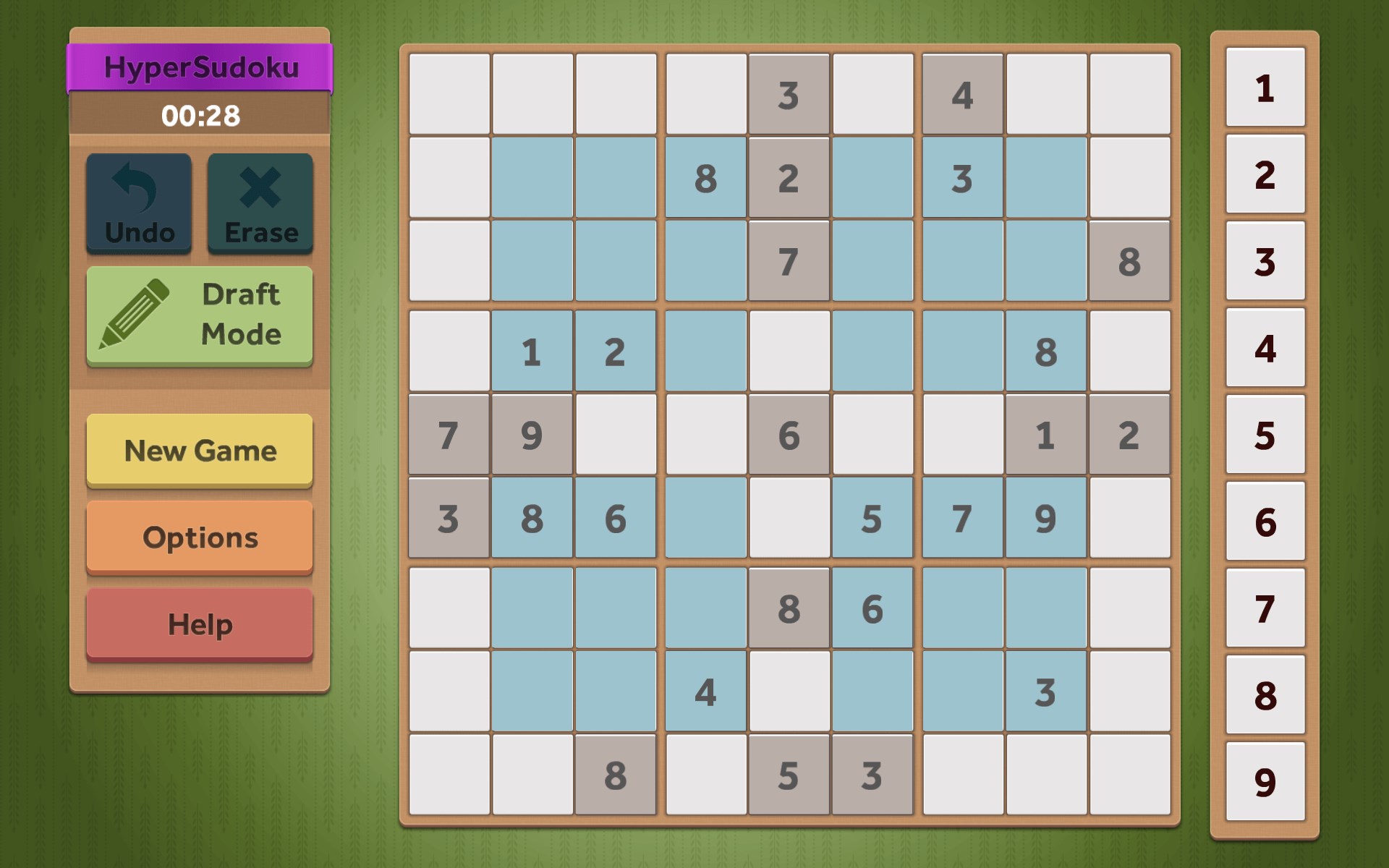
Another notable aspect is the inclusion of different game modes. The timed mode adds a layer of pressure for those who thrive on a bit of adrenaline, while the daily puzzles offer a consistent challenge that can help cultivate a routine. It also tracks your progress and statistics, which is like having a personal coach to monitor your growth and motivate improvement over time.
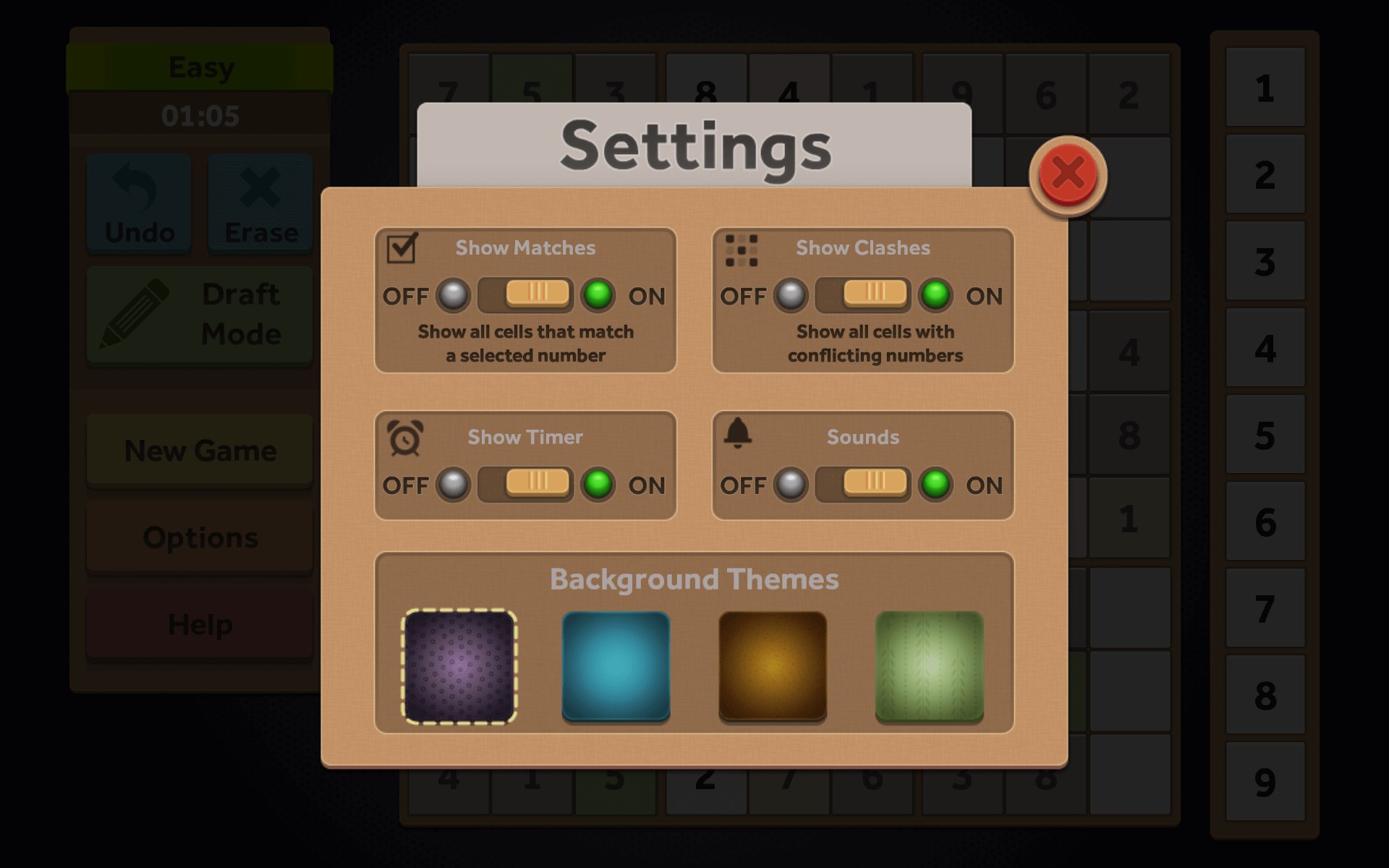
Lastly, the customization options—ranging from different grid styles to color themes—allow players to tailor the aesthetic to their liking, transforming a simple puzzle into a personalized mental exercise pod. These features collectively make the game adaptable, enjoyable, and accessible for various preferences and skill levels.
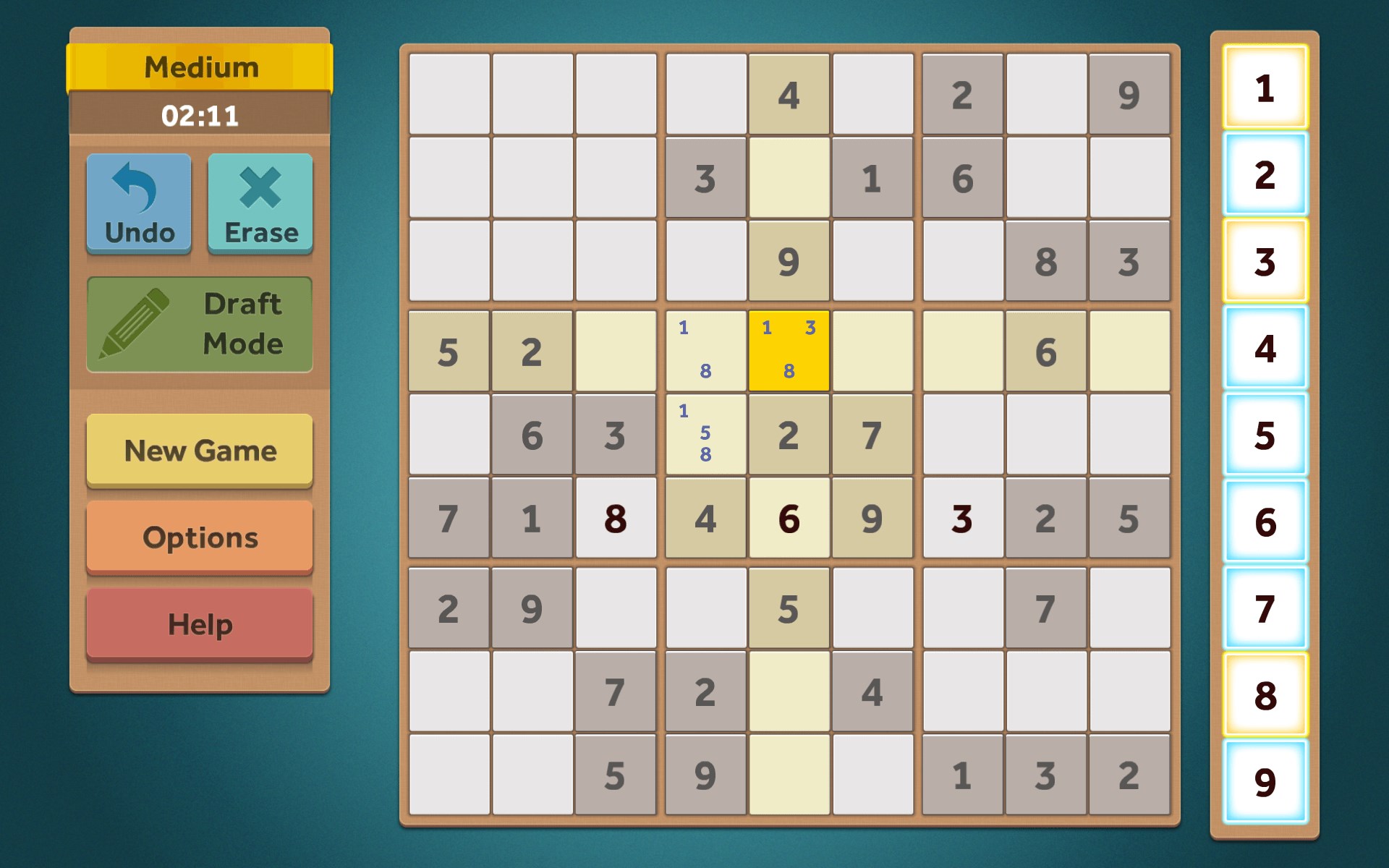
In terms of user experience, Sudoku: Classic for Windows shines with its intuitive interface—clicking, filling, highlighting—you can almost feel as if you're solving a puzzle on a real desk with pen and paper. The responsive controls and smooth transitions contribute to a satisfying gameplay loop, while its straightforward learning curve means you're never lost or frustrated trying to figure out how to make your next move.
Compared to other puzzle and trivia apps, this game's highlight is its emphasis on clarity and subtle sophistication. Unlike many quick-fix puzzle apps that bombard you with flashy animations or excessive features, Sudoku: Classic keeps it real—focusing on the essence of Sudoku and ensuring your cognitive engagement remains the primary focus. The inclusion of multiple difficulty levels and the ability to track statistics sets it apart as a tool for those who seek measurable progress rather than just casual play.
All considered, Sudoku: Classic for Windows is a recommendable puzzle app for anyone serious about Sudoku or looking to develop stronger logical thinking skills. Its thoughtful design, variety of modes, and attention to user experience make it a standout in the crowded puzzle app market. Whether you're a casual player seeking a relaxing pastime or a dedicated solver chasing the perfect streak, this app meets you where you are—and offers a trustworthy platform to hone your puzzle-solving muscles.
For best results, I'd suggest giving it a try if you enjoy structured brain-teasers, especially if you value a clean, distraction-free environment. Its straightforward approach makes it suitable for quick breaks or longer solving sessions, all while offering enough depth to keep you engaged. Overall, Sudoku: Classic stands out as a balanced, dependable choice that respects the user's desire for both challenge and clarity.
Intuitive user interface
Various difficulty levels
Hints and solution features
Daily challenges and achievements
Supports annotations
Limited customization options
No offline mode for some features
Basic sound effects and minimal background music
Occasional minor UI glitches
Limited hint options for advanced puzzles

for Windows
 4.8
4.8

for Windows
4.8

for Windows
4.8

for Windows
4.8

for Windows
4.8

for Windows
4.8

for Windows
4.8

for Windows
4.8

for Windows
4.7

for Windows
4.7

for Windows
4.7

for Windows
4.7

for Windows
5

for Windows
5

for Windows
5

for Windows
5

for Windows
5

for Windows
5

for Windows
5

for Windows
5

for Windows
5

for Windows
5