Card & board
PC, Mobile, Surface Hub, HoloLens
Windows 10 version 16299.0 or higher
English (United States), Spanish (Spain)
Sudoku Central for Windows, developed by Fasung Design, is a thoughtfully crafted application that aims to bring the timeless appeal of Sudoku puzzles to your desktop environment, blending traditional logic challenges with modern usability.
Fasung Design, the creator behind Sudoku Central, specializes in producing engaging and user-friendly puzzle applications. Their focus on quality and user experience is evident in this particular offering. The app's standout features include: (1) a vast collection of Sudoku puzzles categorized by difficulty, ensuring both beginners and seasoned players are challenged; (2) an intelligent hint system that assists without spoiling the thrill of the game; (3) customizable themes and interface options that allow users to personalize their playing environment; and (4) an elegant, uncluttered design that prioritizes readability and ease of use. The target audience primarily consists of Sudoku enthusiasts of all skill levels, casual players seeking a mental workout, and users who appreciate well-designed puzzle apps that complement their daily routine.
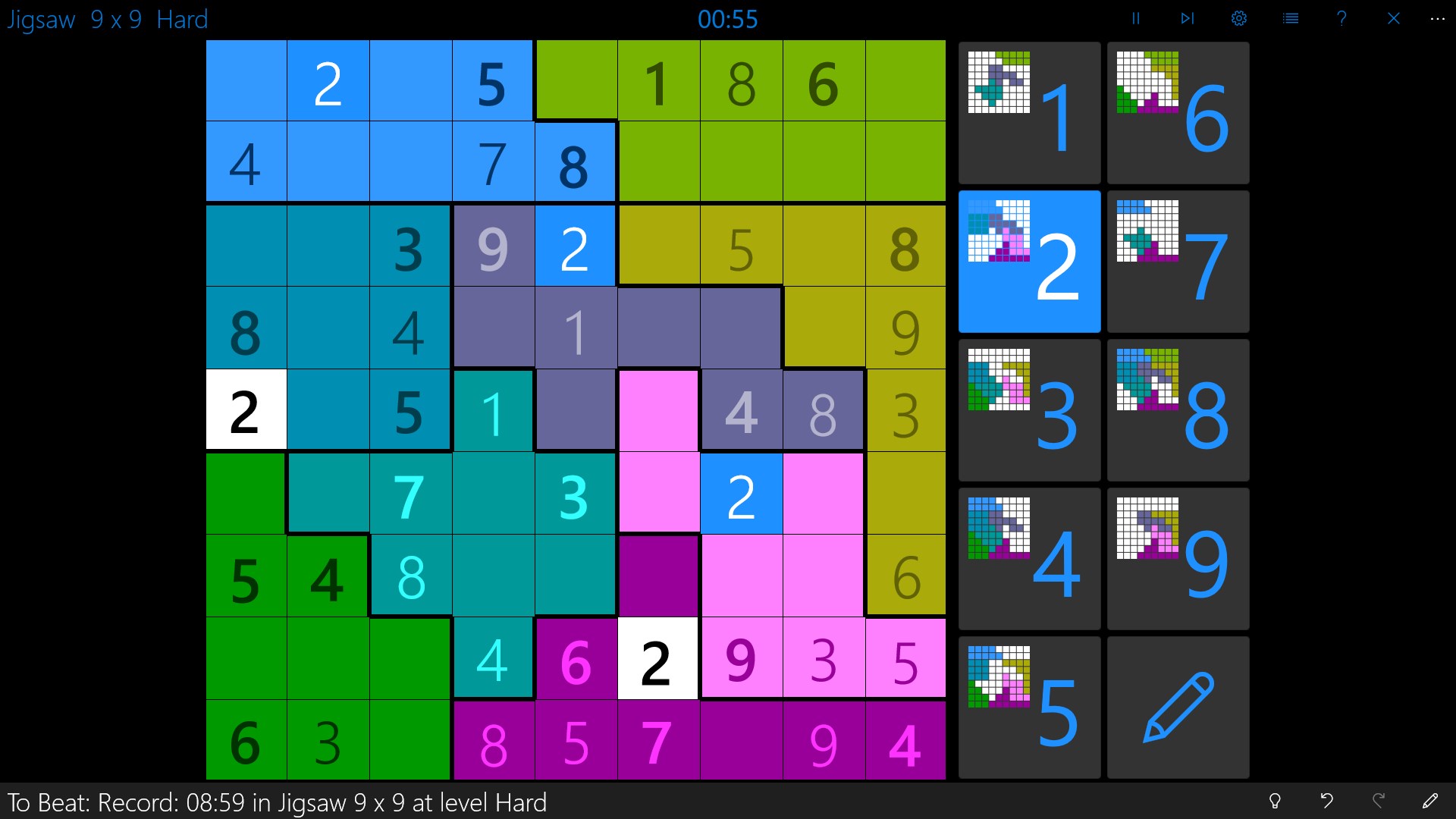
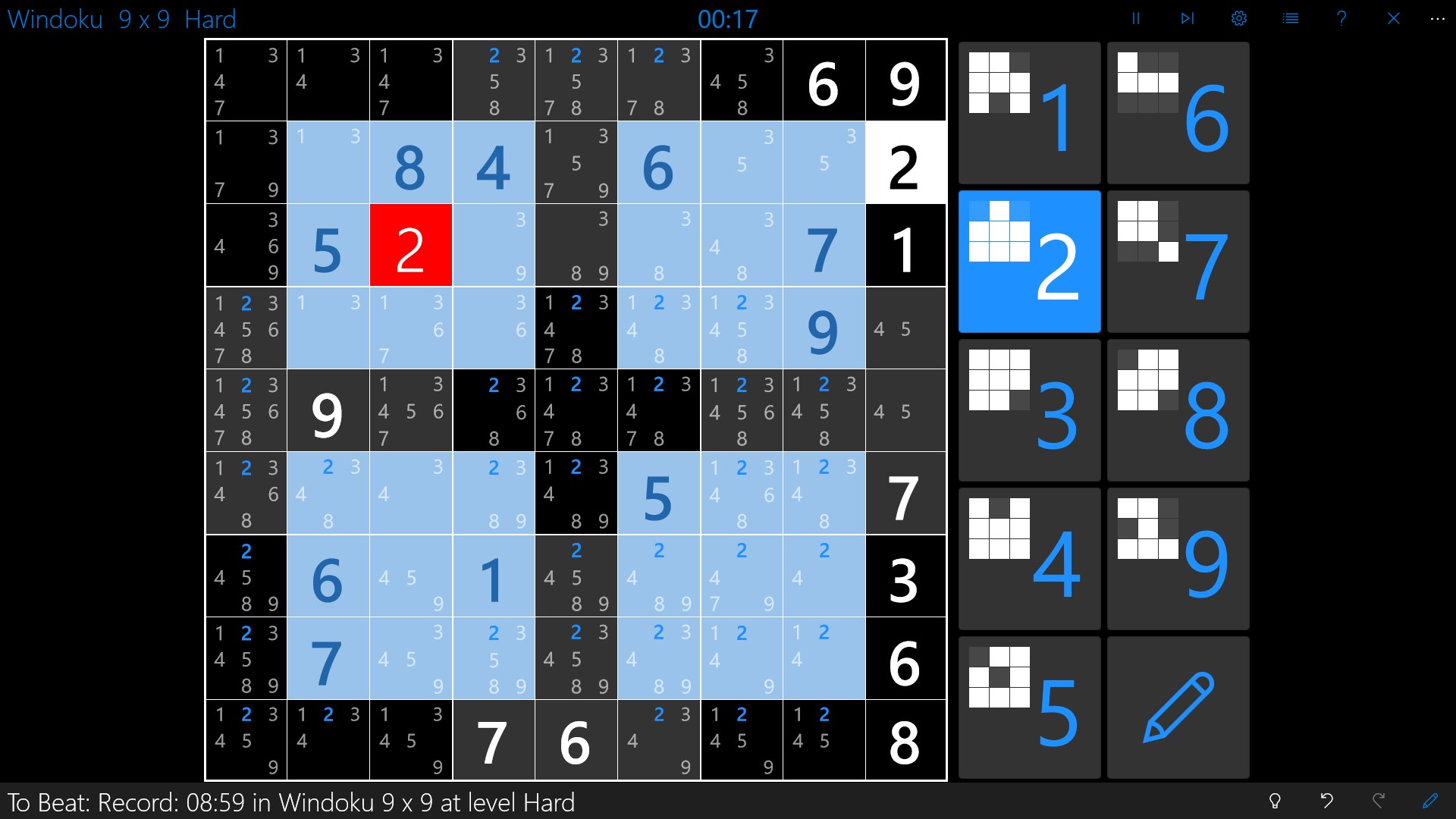
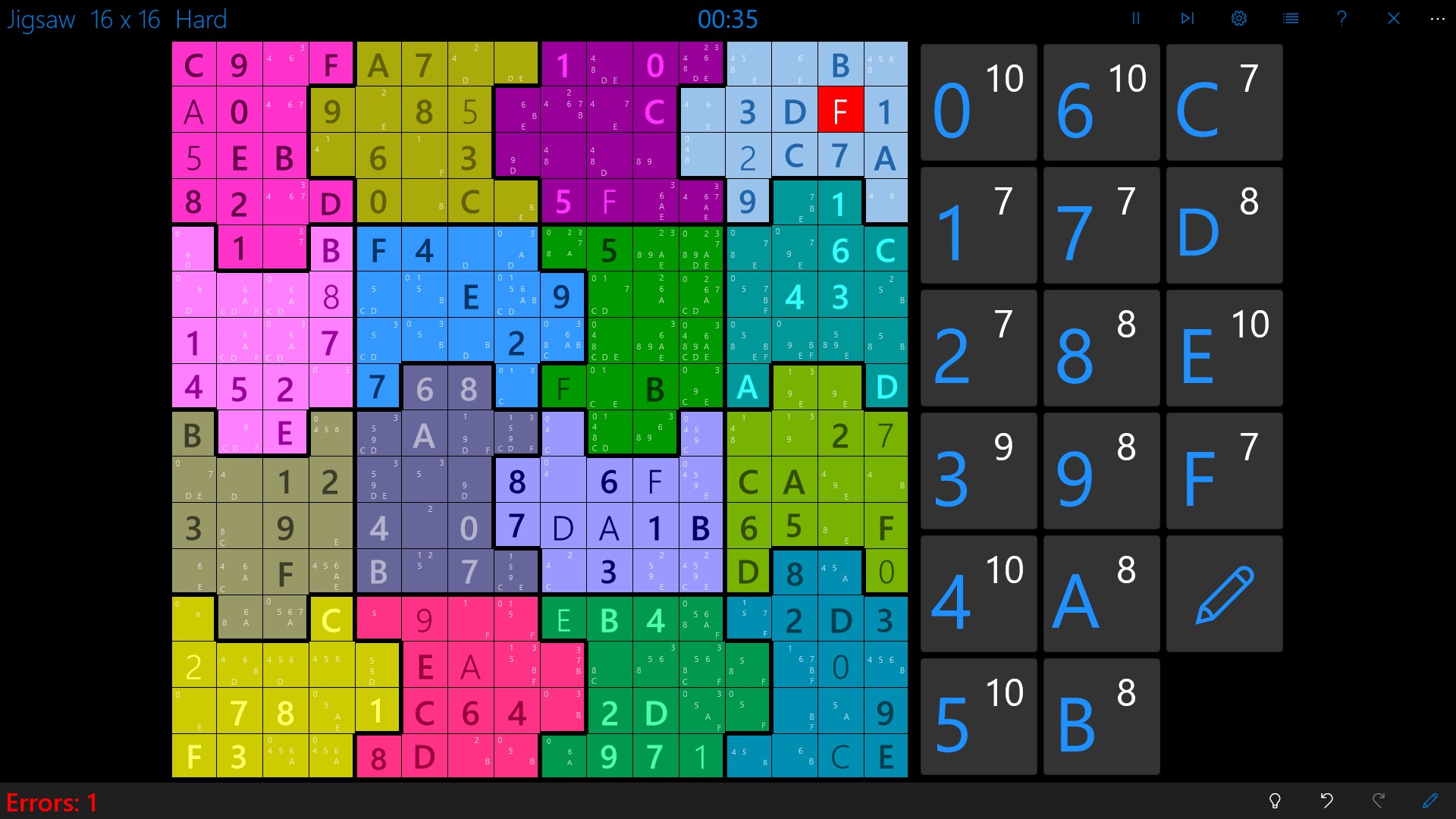
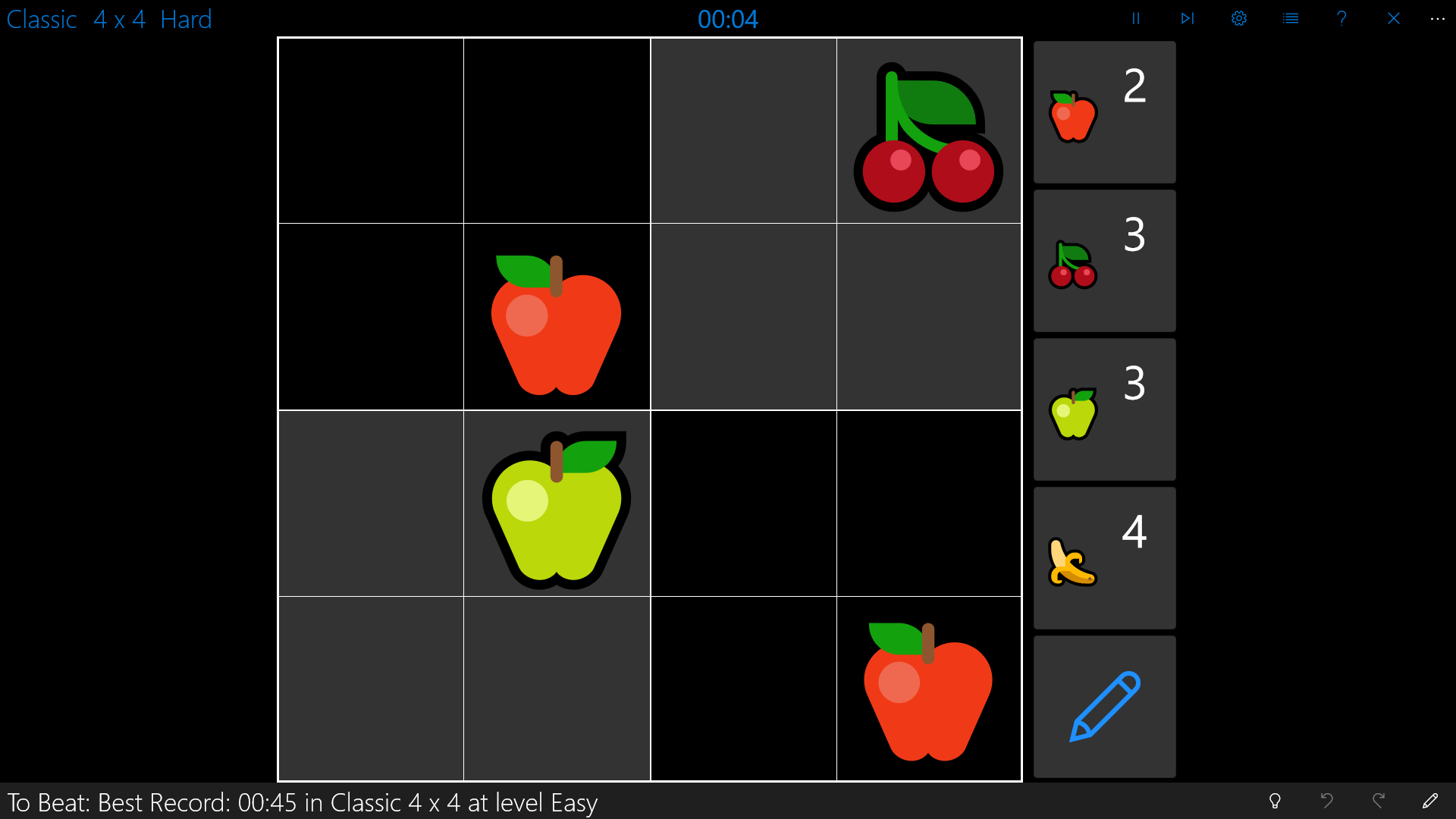
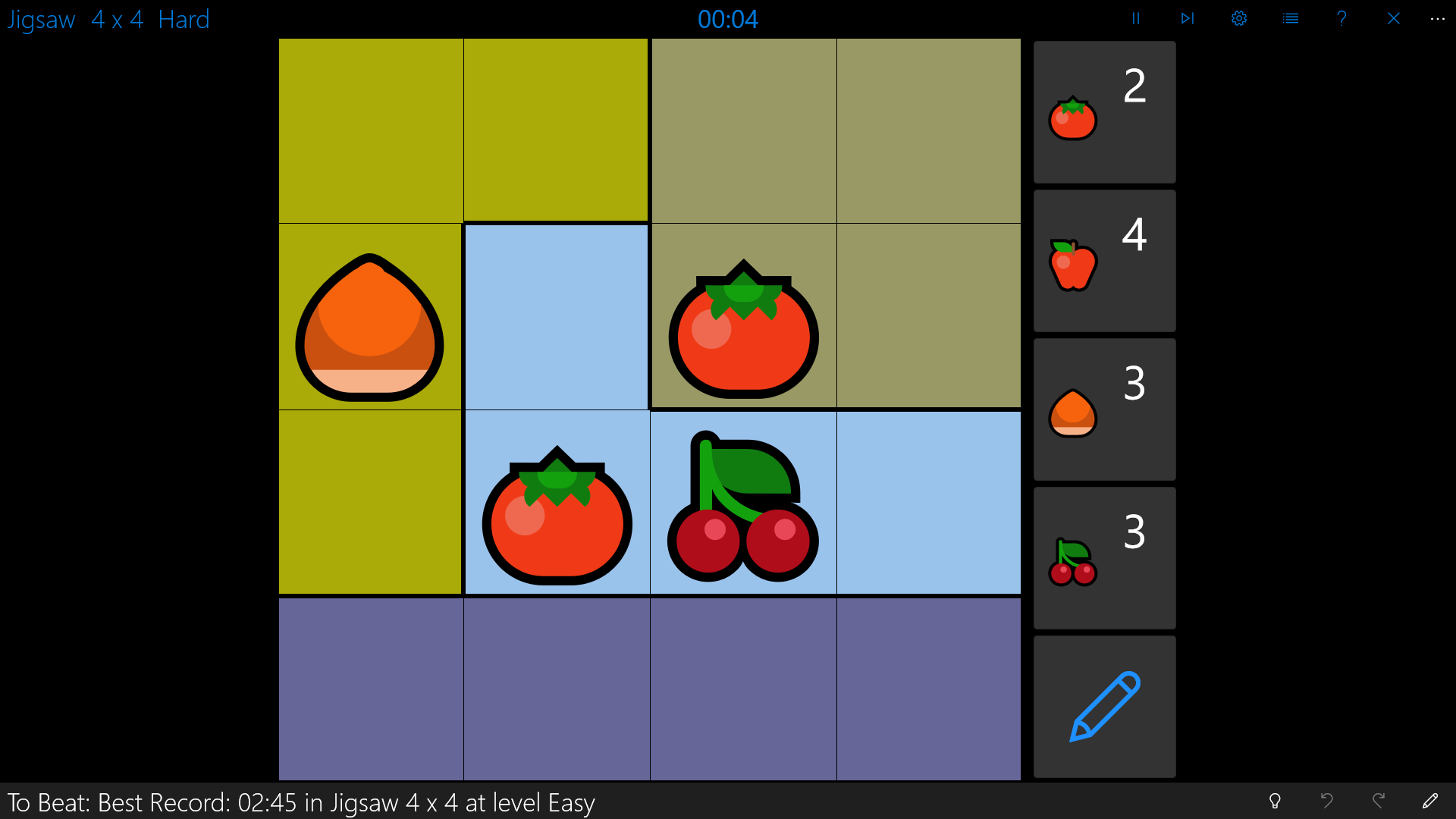
The first thing that hits you when launching Sudoku Central is its clean and modern interface—think of stepping into a calming, organized workspace after a chaotic day. Bright, contrasting colors and intuitive iconography make navigation a breeze. The design doesn't overwhelm but invites you to jump into solving puzzles seamlessly. The app responds smoothly to touches and clicks, with minimal lag, allowing for a fluid solving experience that keeps your focus on the puzzle, not on figuring out how to operate the app.
One of Sudoku Central's most compelling assets is its extensive library of puzzles. Whether you prefer gentle warm-up challenges or the mind-benders that make your head spin, this app offers a wide spectrum of difficulty levels. This variation caters to users seeking to gradually sharpen their skills or those craving a quick, stimulating session. The puzzles are well-crafted, ensuring a fair distribution of complexity with each game feeling rewarding.
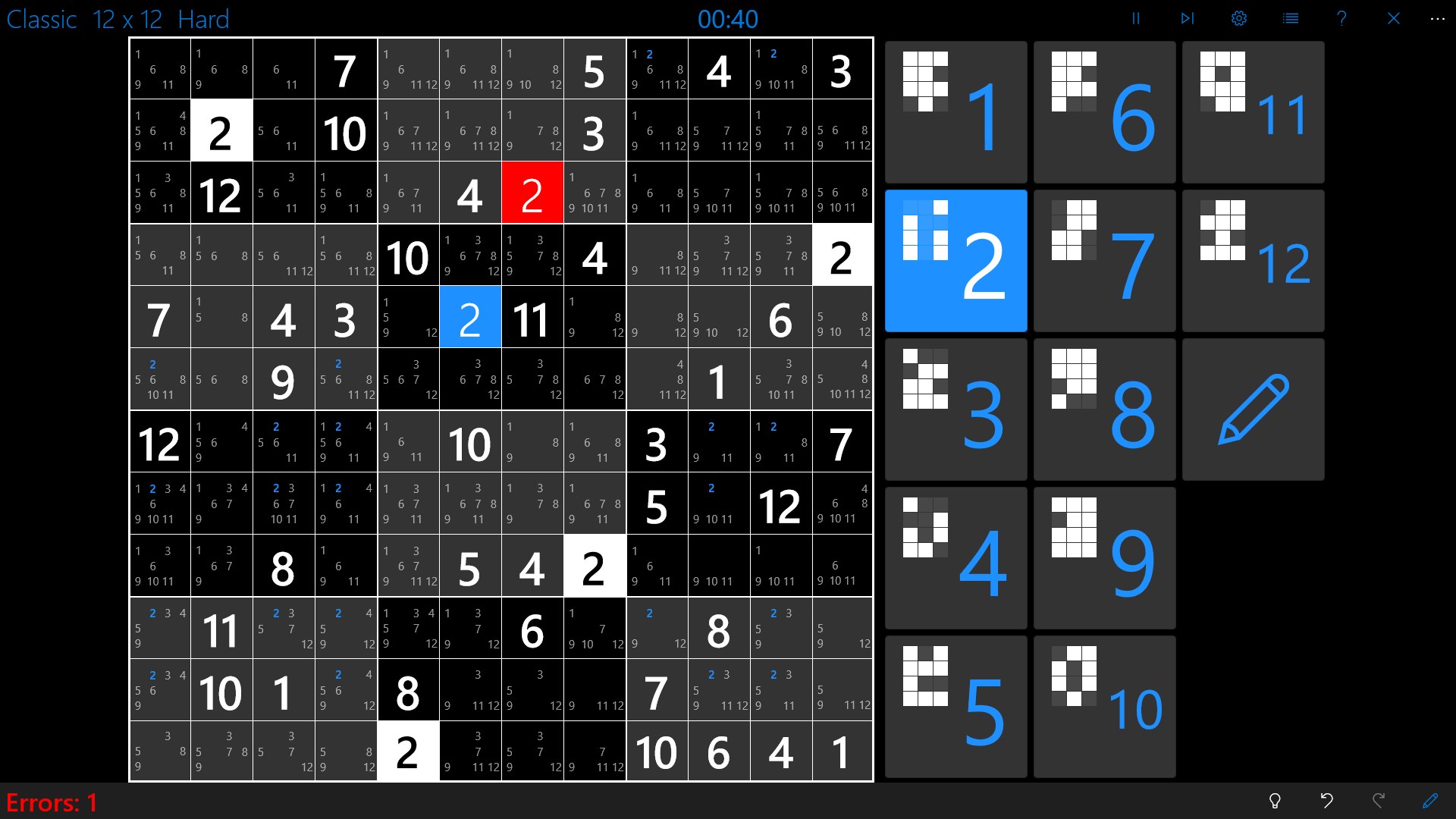
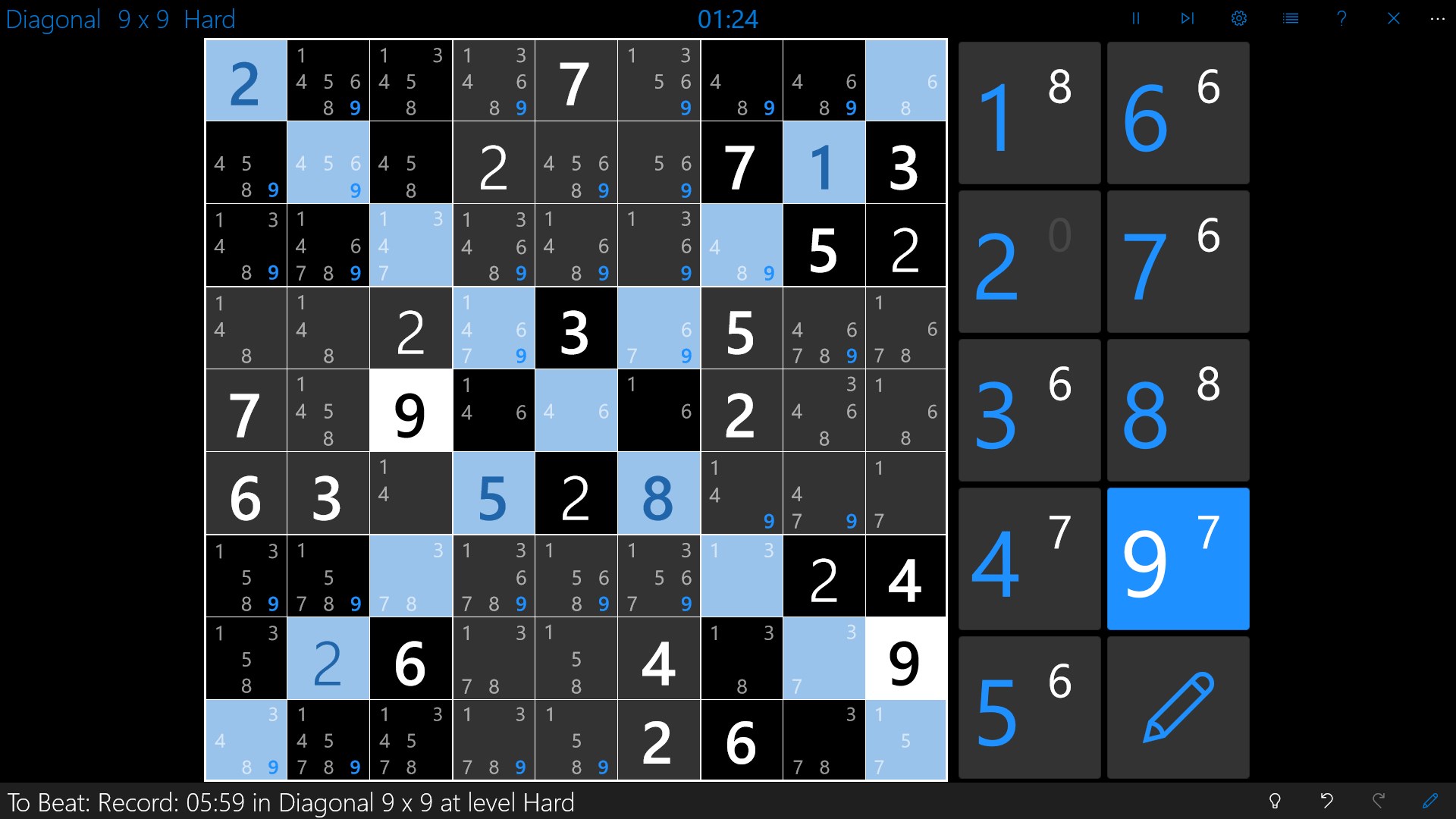
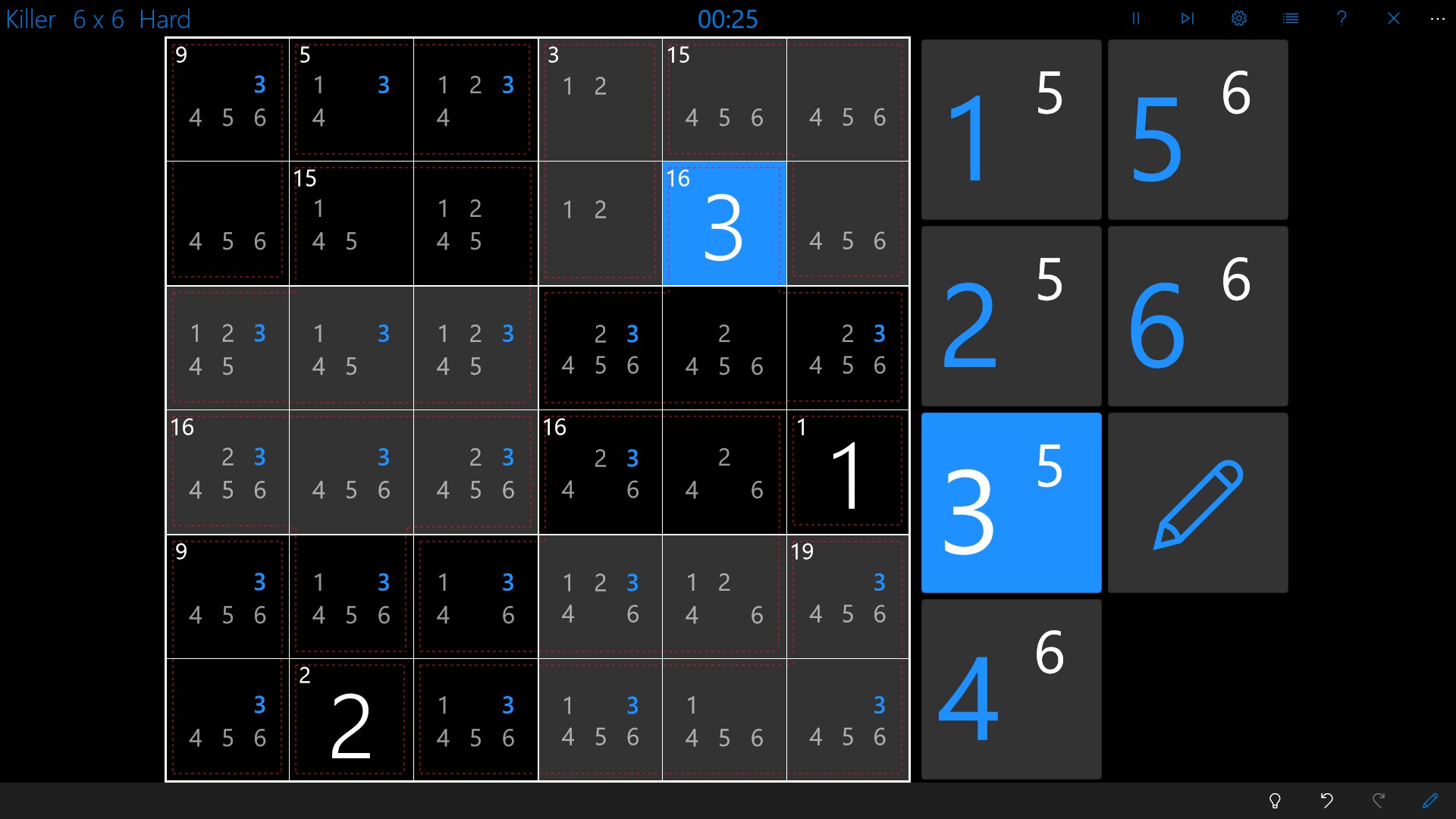
Unlike some Sudoku apps that abandon you in frustration when stuck, Sudoku Central features an intelligent hint system. This mechanism provides context-aware suggestions, guiding you subtly without spoon-feeding solutions. Additionally, real-time error detection alerts you to mistakes, allowing for immediate correction. These features make the app especially friendly for learners and casual players, transforming what can sometimes feel like a solitary, frustrating experience into a collaborative mental exercise.
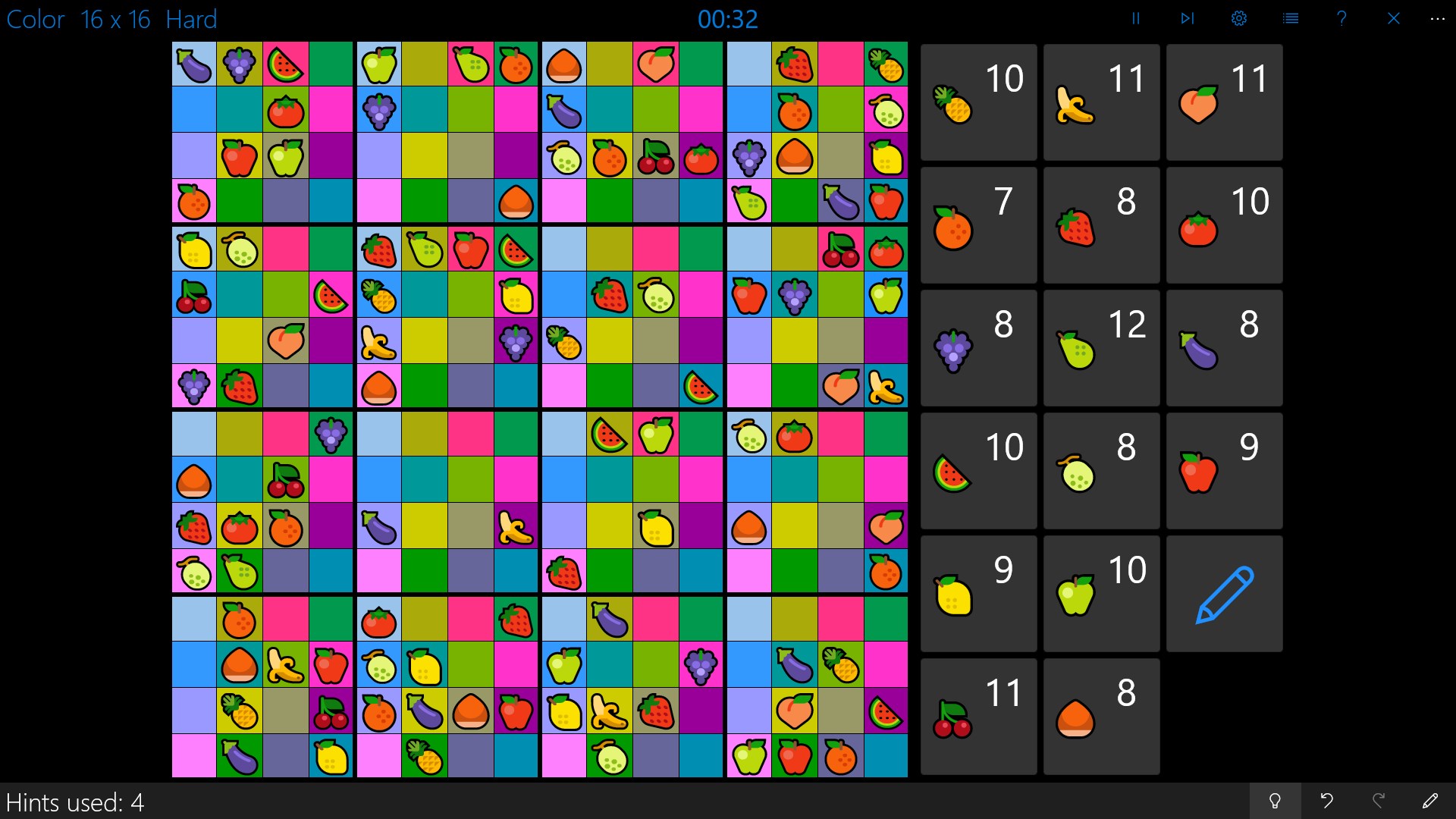
Another highlight is the customizable interface. Users can choose from several themes, adjust grid colors, and even select different numeral styles, creating a personalized ambiance that suits their mood or environment. Furthermore, the app's font sizes and contrast options improve readability, making it accessible for users with vision impairments. This emphasis on personalization ensures everyone can enjoy Sudoku at their own pace and comfort.
Compared to other digital Sudoku applications, Sudoku Central's sleek interface and thoughtful feature set set it apart. Its balance between offering a challenging experience and maintaining user-friendly design makes it accessible without sacrificing depth. The hint system's subtlety, combined with a broad puzzle library, creates a distinctive experience that feels both classic and innovative.
Overall, I'd recommend Sudoku Central for Windows to puzzle lovers looking for a reliable, visually pleasing, and thoughtfully designed app. Whether you're commuting, taking a break, or seeking a mental workout, this app adapts well to different contexts and skill levels. For anyone diving into Sudoku or looking to upgrade their current version, it's worth giving this app a try—especially if you value an interface that respects your time and cognitive effort.
Intuitive User Interface
Wide Range of Puzzles
Progress Tracking
Hints and Assistance
Offline Mode
Limited Customization Options
Ads Interrupt Gameplay
No Daily Challenges
Basic Statistic Display
Limited Puzzle Export Options

for Windows
 4.9
4.9

for Windows
4.8
for Windows
4.8

for Windows
4.8

for Windows
4.8

for Windows
4.8

for Windows
4.8

for Windows
4.7

for Windows
4.7

for Windows
4.7

for Windows
4.7

for Windows
4.7

for Windows
5

for Windows
5

for Windows
5

for Windows
5

for Windows
5

for Windows
5

for Windows
5

for Windows
5

for Windows
5

for Windows
5