Puzzle & trivia
Fons Sonnemans
PC, Surface Hub, HoloLens
Windows 10 version 17763.0 or higher
Not specified
Not specified
English (United States)
Sudoku for Windows is a thoughtfully crafted digital rendition of the classic number puzzle, designed to bring the timeless game to your desktop with simplicity and elegance. Perfect for puzzle enthusiasts and casual players alike, this app combines straightforward gameplay with a sleek interface, making it a reliable companion during your coffee break or a relaxing evening.
Developed by Fons Sonnemans and published by Reflection IT, this application stems from a team dedicated to bringing classic puzzle games into the digital age. Their focus appears to be on creating a smooth, user-friendly experience that respects the integrity of the original Sudoku while leveraging modern software capabilities.
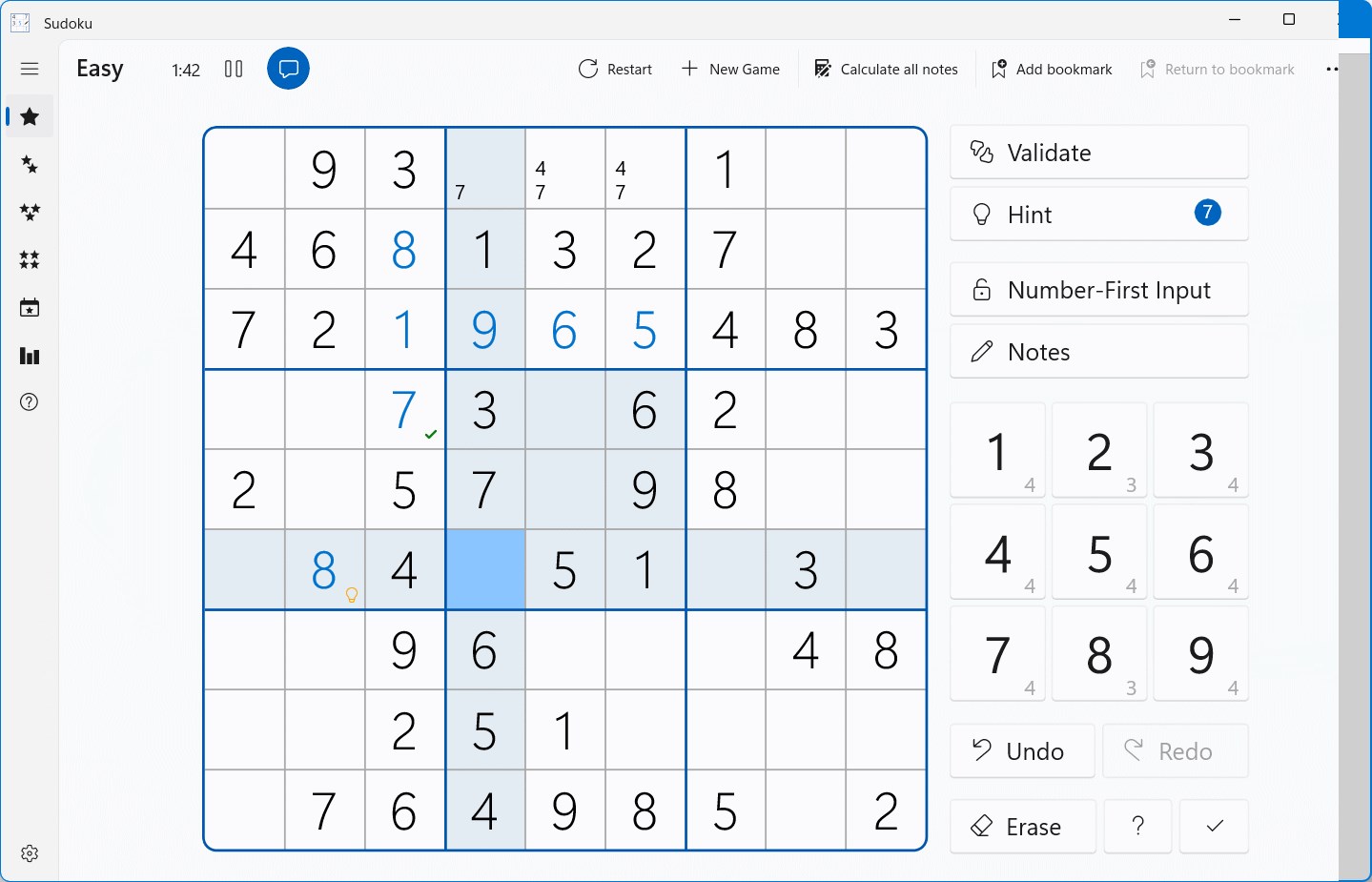
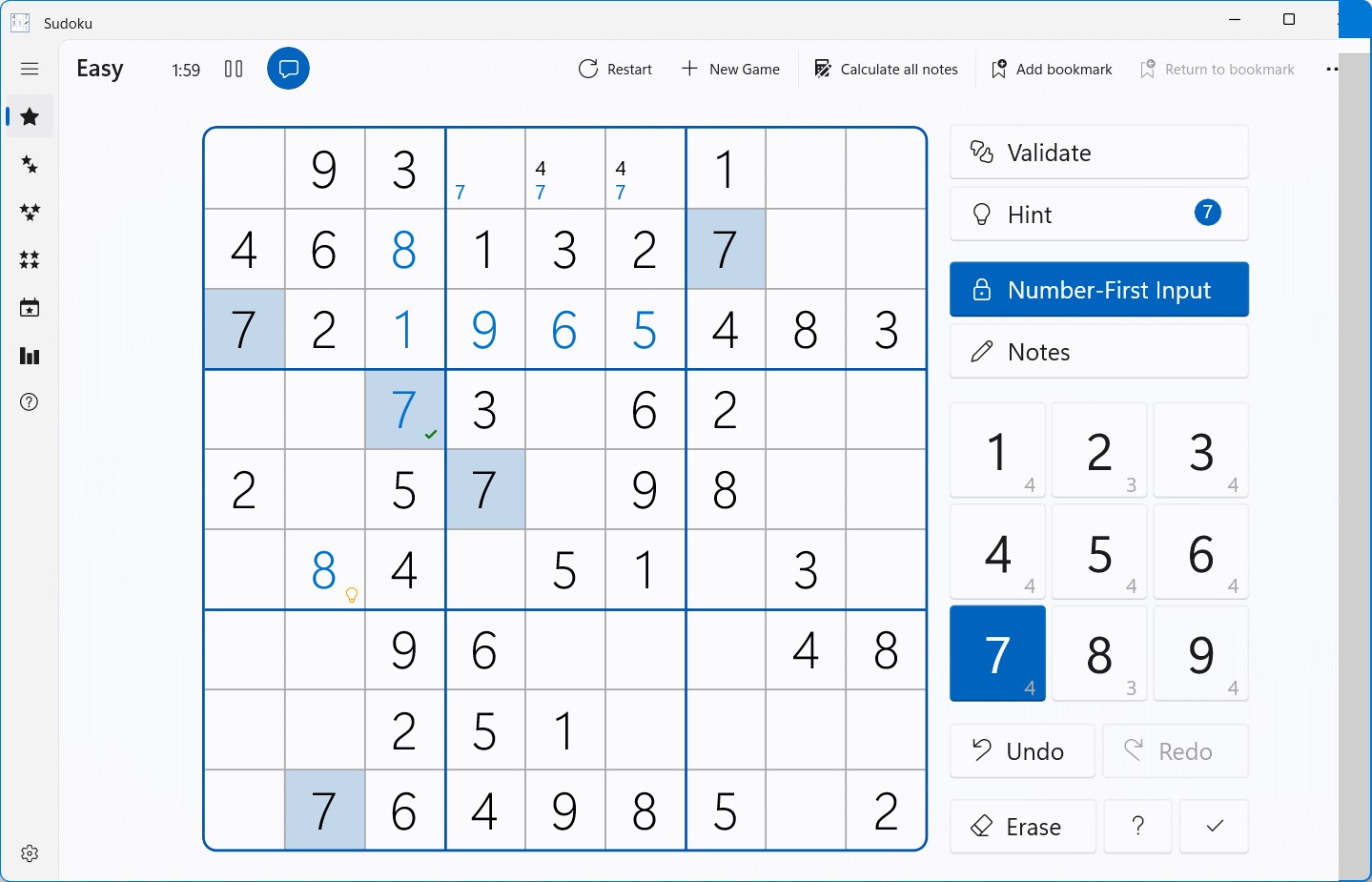
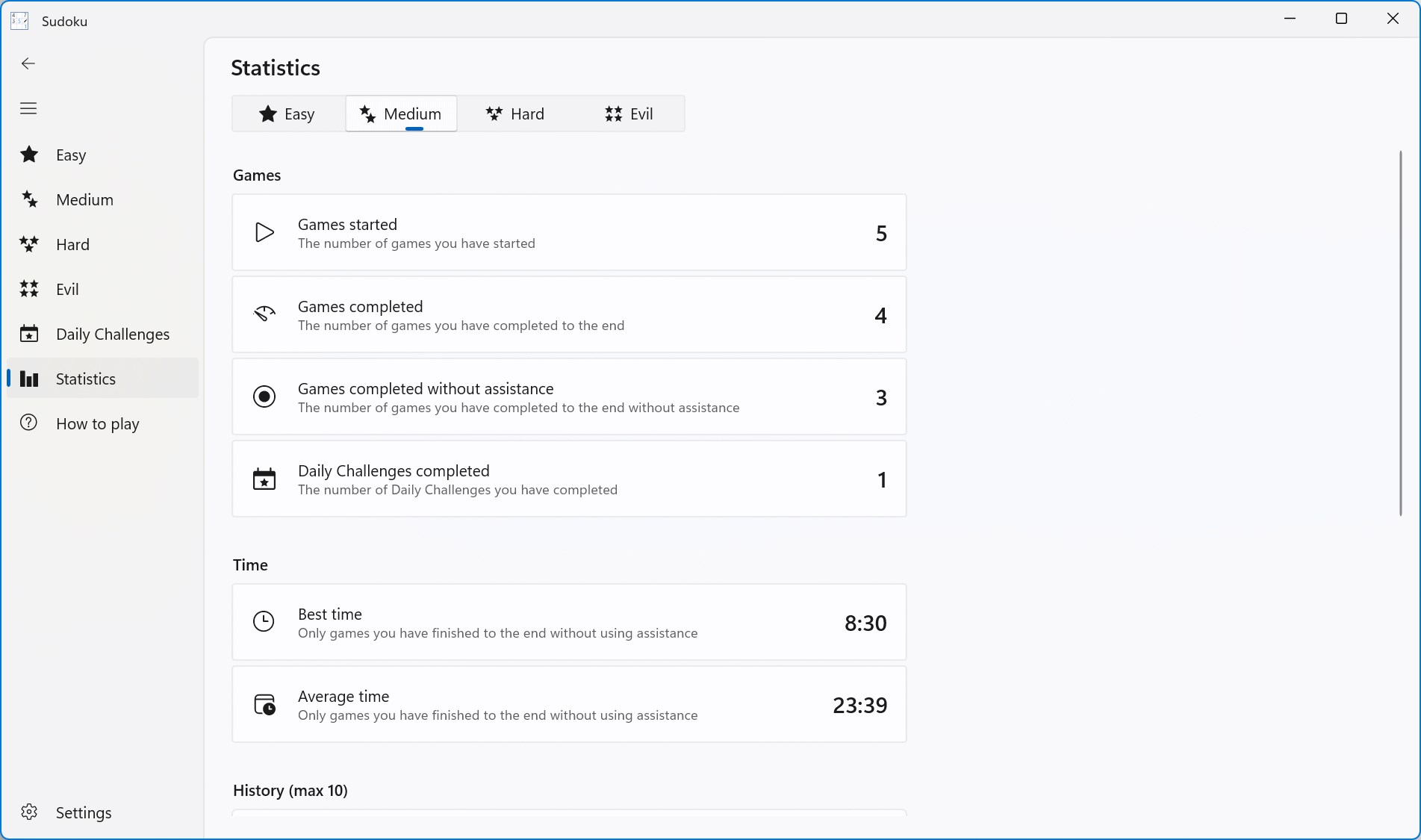
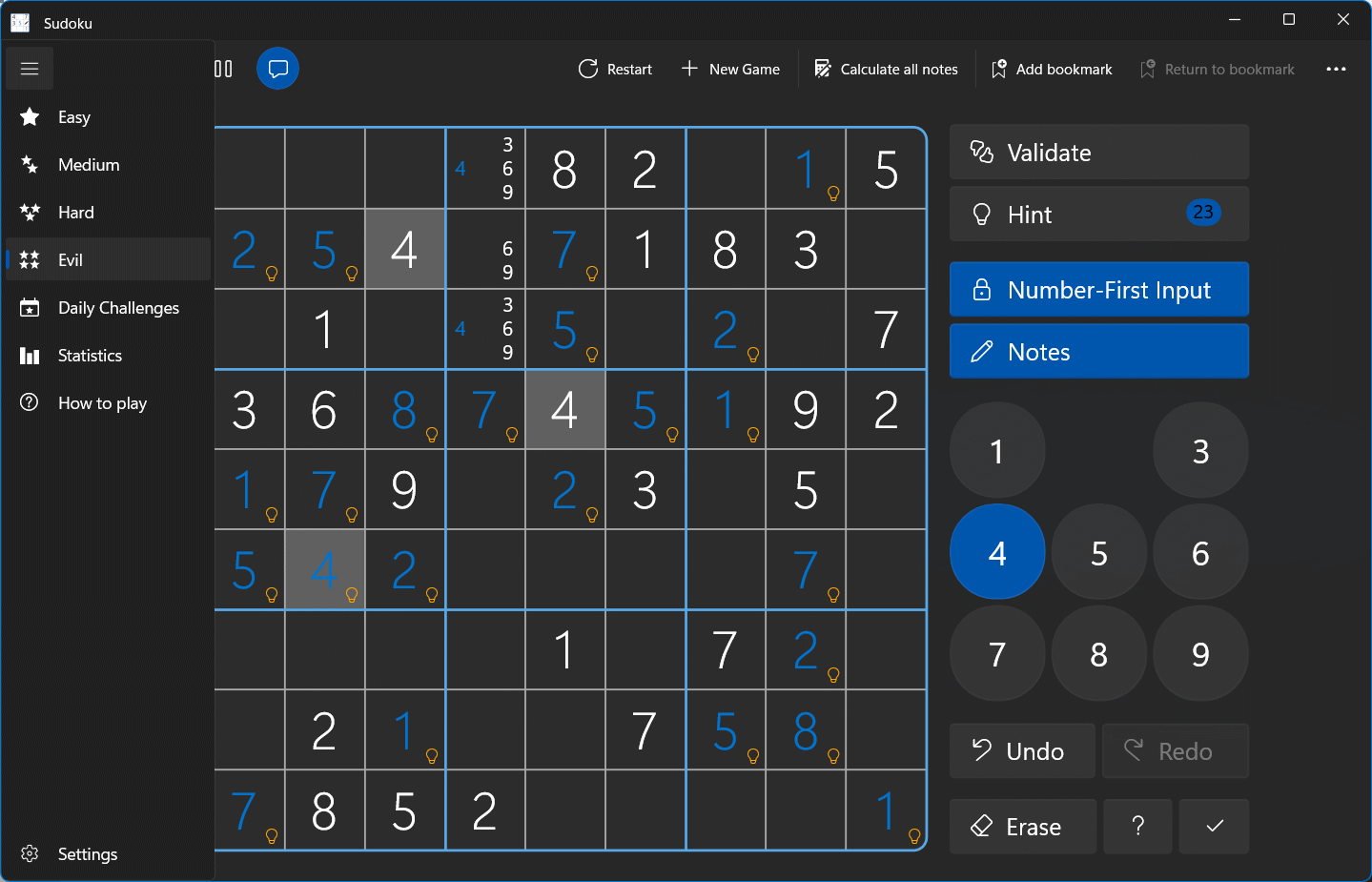
As soon as you launch Sudoku for Windows, you're greeted by a crisp, uncluttered interface that feels both modern and familiar—as if you've opened a well-loved puzzle book. Navigating through menus and selecting puzzles is intuitive, even for those new to digital Sudoku. The application's responsiveness ensures that filling in numbers feels natural, with no lag or distraction—it's like sliding pieces into a perfectly aligned jigsaw puzzle.
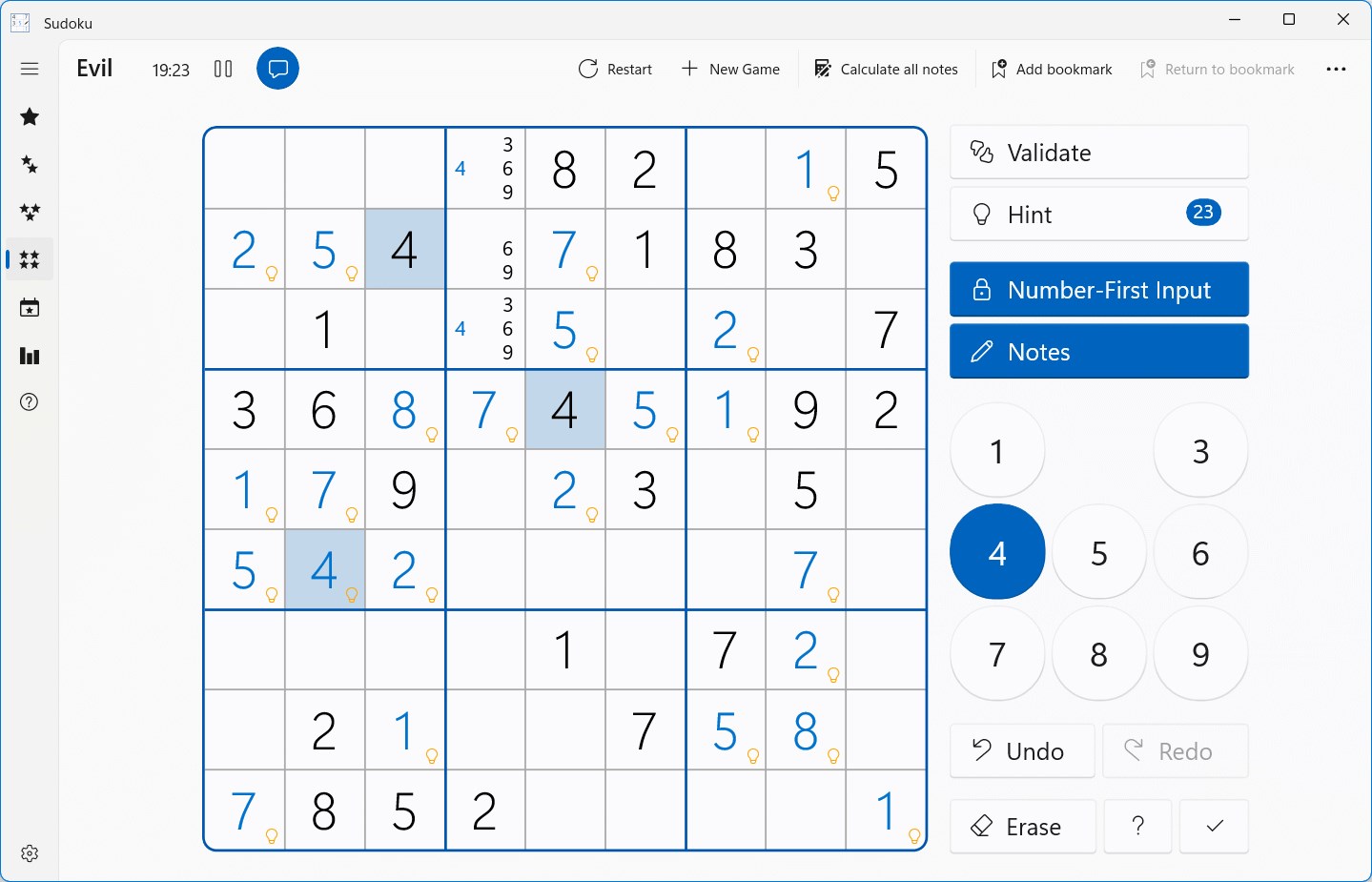
The learning curve here is gentle; players can jump into easier puzzles right away and ramp up difficulty at their own pace. For seasoned players, the game offers a challenge through its higher difficulty levels and optional time-trials, perfect for sharpening mental agility. Additionally, hints and error-checking features are available but unobtrusive, allowing users to learn and improve without frustration.
While many Sudoku apps exist, this one's true strength lies in its balance of simplicity and depth. Unlike some cluttered or overly feature-rich counterparts, Sudoku for Windows centers on core gameplay, making it accessible and enjoyable for all skill levels. Its auto-save feature and thoughtful difficulty progression make it particularly suited for busy individuals who want a quick puzzle without fuss, yet brave enough to take on more complex challenges when the mood strikes.
Another subtle yet significant advantage is the app's clean aesthetic—more akin to flipping through a minimalist puzzle magazine than navigating a cluttered interface. For users who appreciate a distraction-free experience that respects the essence of Sudoku, this app offers a refreshing alternative.
Overall, Sudoku for Windows by Reflection IT earns a solid recommendation for anyone looking for a straightforward, well-designed Sudoku tool. Its ease of use, coupled with thoughtful features like varied difficulty levels and auto-saving, makes it suitable for casual puzzle solvers and dedicated enthusiasts alike.
If you're new to Sudoku, start with the easier puzzles to familiarize yourself with the mechanics. To challenge yourself, gradually try the harder levels or set time-based goals to boost your mental agility. For seasoned players, the app can serve as a dependable platform to sharpen your skills or unwind after a hectic day.
In a marketplace crowded with puzzle apps, Sudoku for Windows stands out as a quietly reliable choice—offering just what a puzzle lover needs, with none of the distractions. A delightful companion for your digital puzzle collection, it's worth a try.
Intuitive User Interface
Variety of Difficulty Levels
Automatic Error Checking
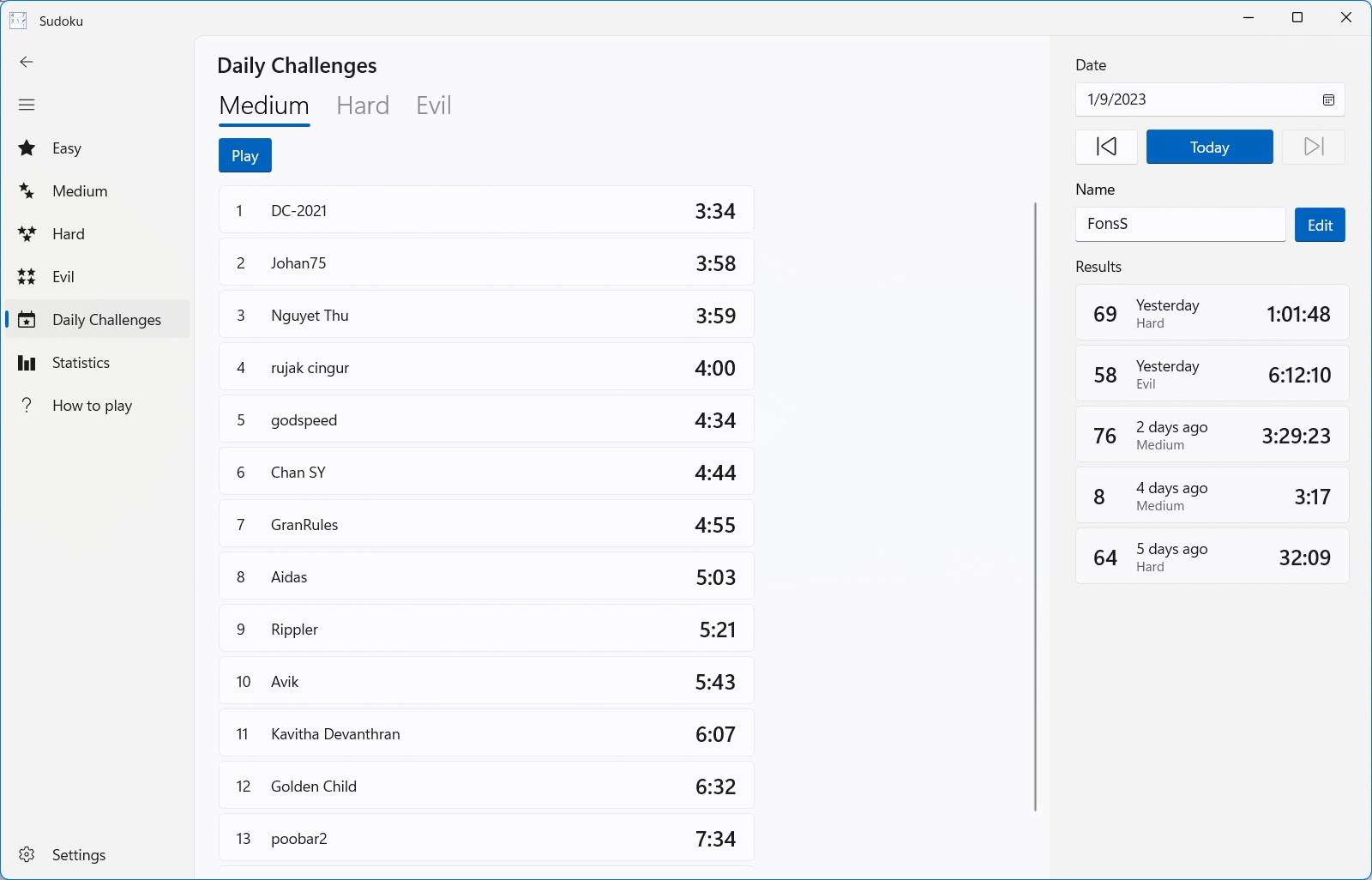
Daily Puzzles and Rewards
Offline Mode Available
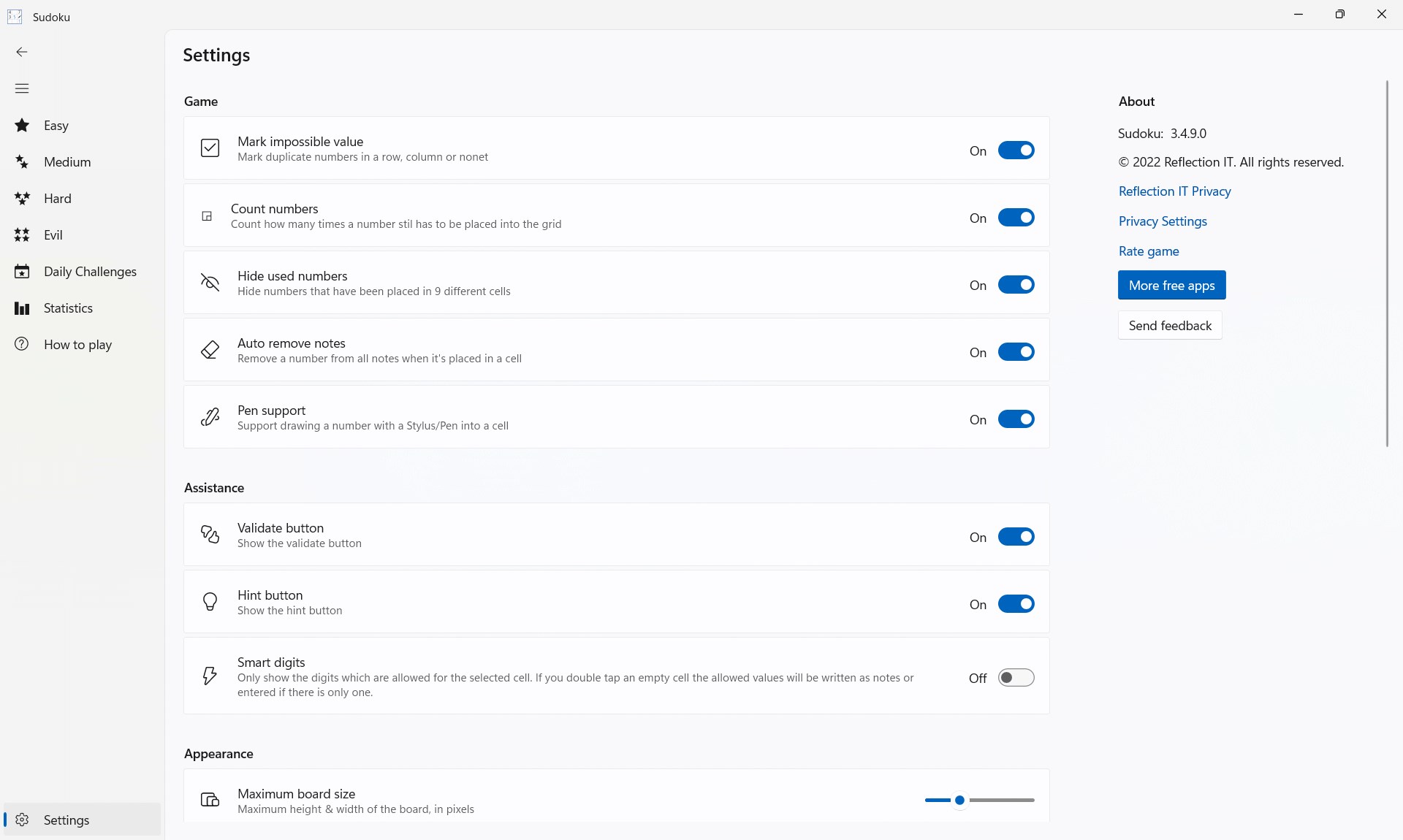
Limited Customization Options
No Undo Button for Mistakes
Occasional Lag During Puzzle Loading
Limited Audio Features
Lack of Multiplayer Functionality

for Windows
 4.8
4.8

for Windows
4.8

for Windows
4.8

for Windows
4.8

for Windows
4.8

for Windows
4.8

for Windows
4.8
for Windows
4.8

for Windows
4.7

for Windows
4.7

for Windows
4.7

for Windows
4.7

for Windows
5

for Windows
5

for Windows
5

for Windows
5

for Windows
5

for Windows
5

for Windows
5

for Windows
5

for Windows
5

for Windows
5