Multimedia design
StylusX
PC
Windows 10 version 14393.0 or higher
Version 11
8 GB
Not specified
Not specified
English (United States)
StylusX for Windows emerges as a versatile drawing and note-taking app tailored to elevate your digital artistic experience, combining intuitive design with powerful features. Perfectly suited for artists, designers, students, and professionals alike, it promises to transform your device into a creative hub.
Created and published by StylusX, a dedicated development team focused on enhancing digital art and productivity. Their goal is to bridge the gap between traditional artistry and the digital realm through tools that are both accessible and robust.
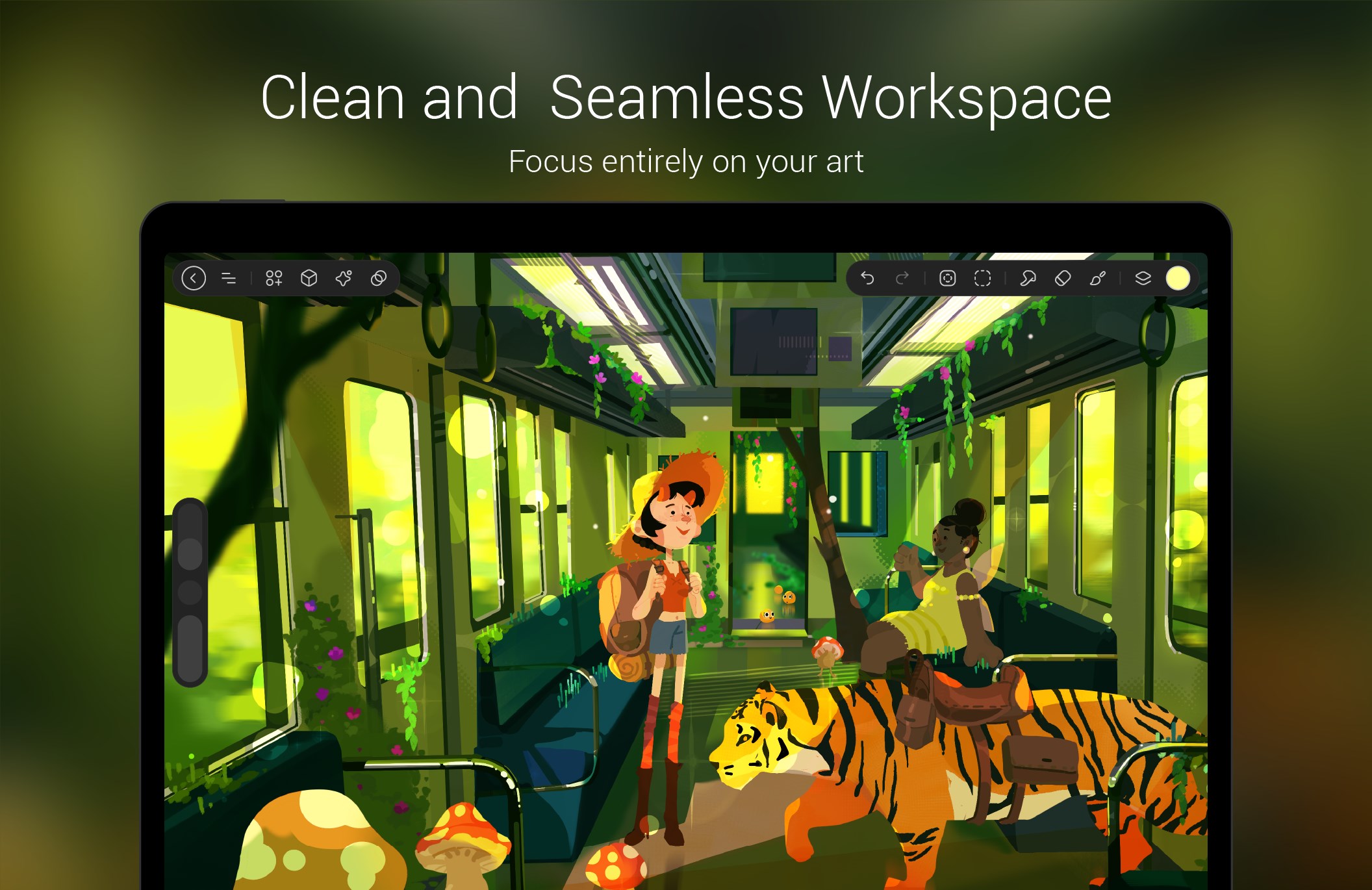
Think of stepping into StylusX as entering a well-organized artist's studio—clean, inviting, and ready for creativity. The interface design adopts a minimalist approach, highlighting essential tools without overwhelming the eye. Navigating through brushes, layers, and settings feels fluid, thanks to smooth animations and logical placement of options.
Operation speed is impressive; transitions between tools are snappy, ensuring minimal lag even during intensive projects. Learning curve-wise, the app strikes a good balance—offering enough customization for advanced users without intimidating newcomers. Helpful tooltips and an accessible tutorial section help new users find their footing quickly, making it suitable for both amateurs and seasoned digital artists.
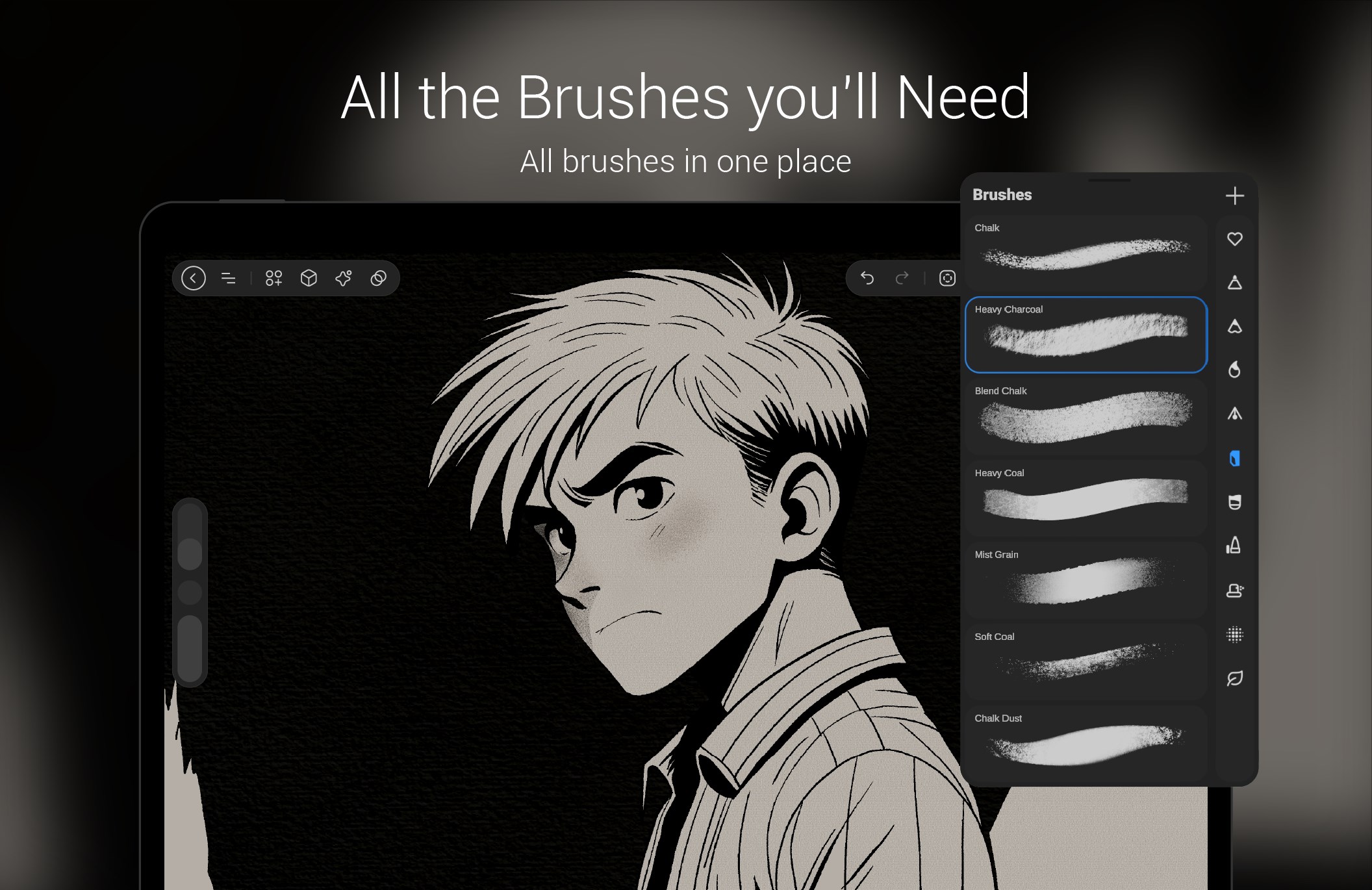
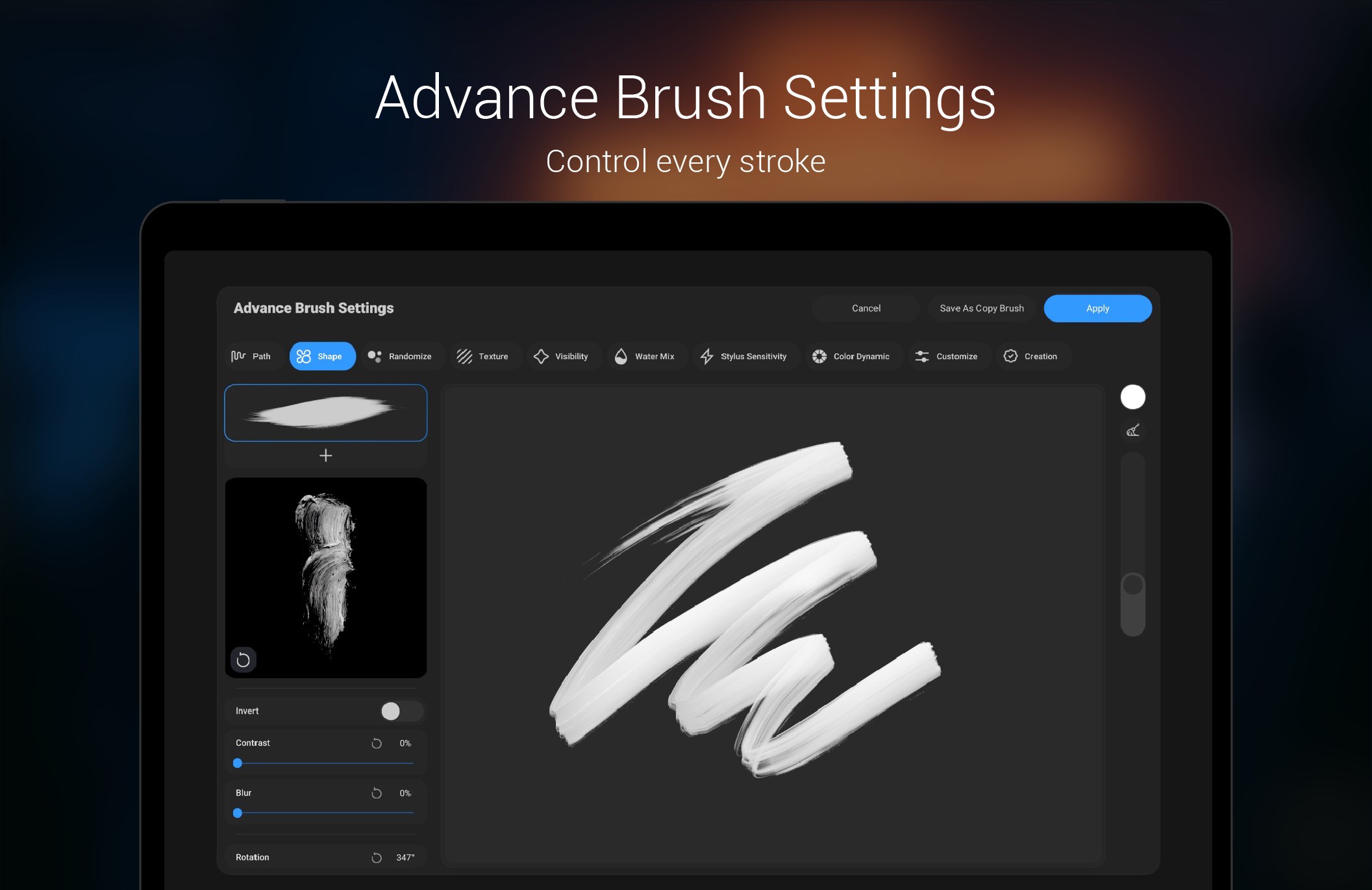
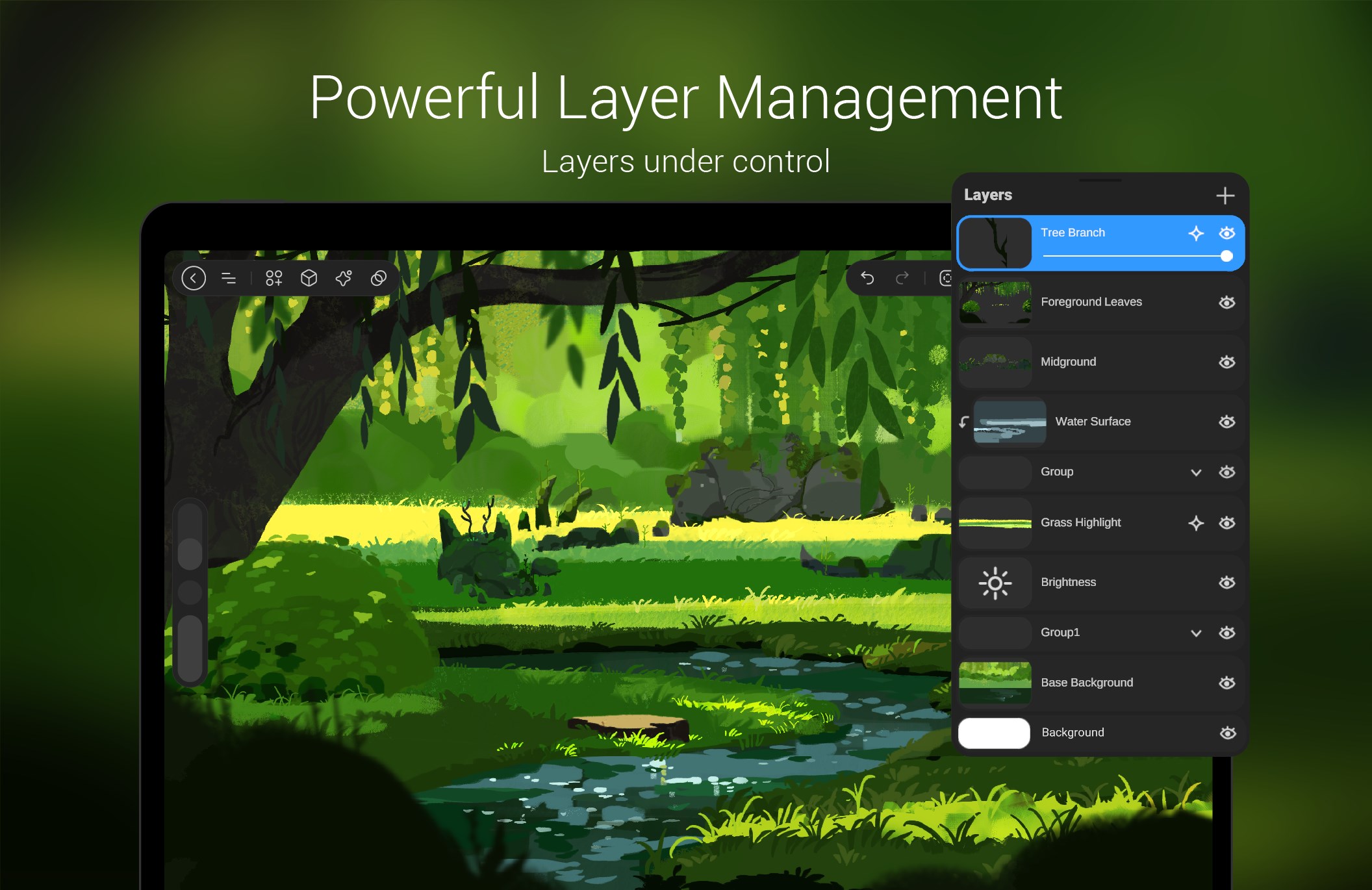
While many digital drawing applications exist, StylusX's standout feature is its focus on stylus device integration coupled with its layered workflow system. The pressure-sensitive brush arsenal offers a realism that feels remarkably close to traditional media, and the customizable interface adapts to various creative styles. Unlike many competitors that prioritize either simplicity or complexity, StylusX finds a middle ground, providing professional-grade tools accessible to hobbyists.
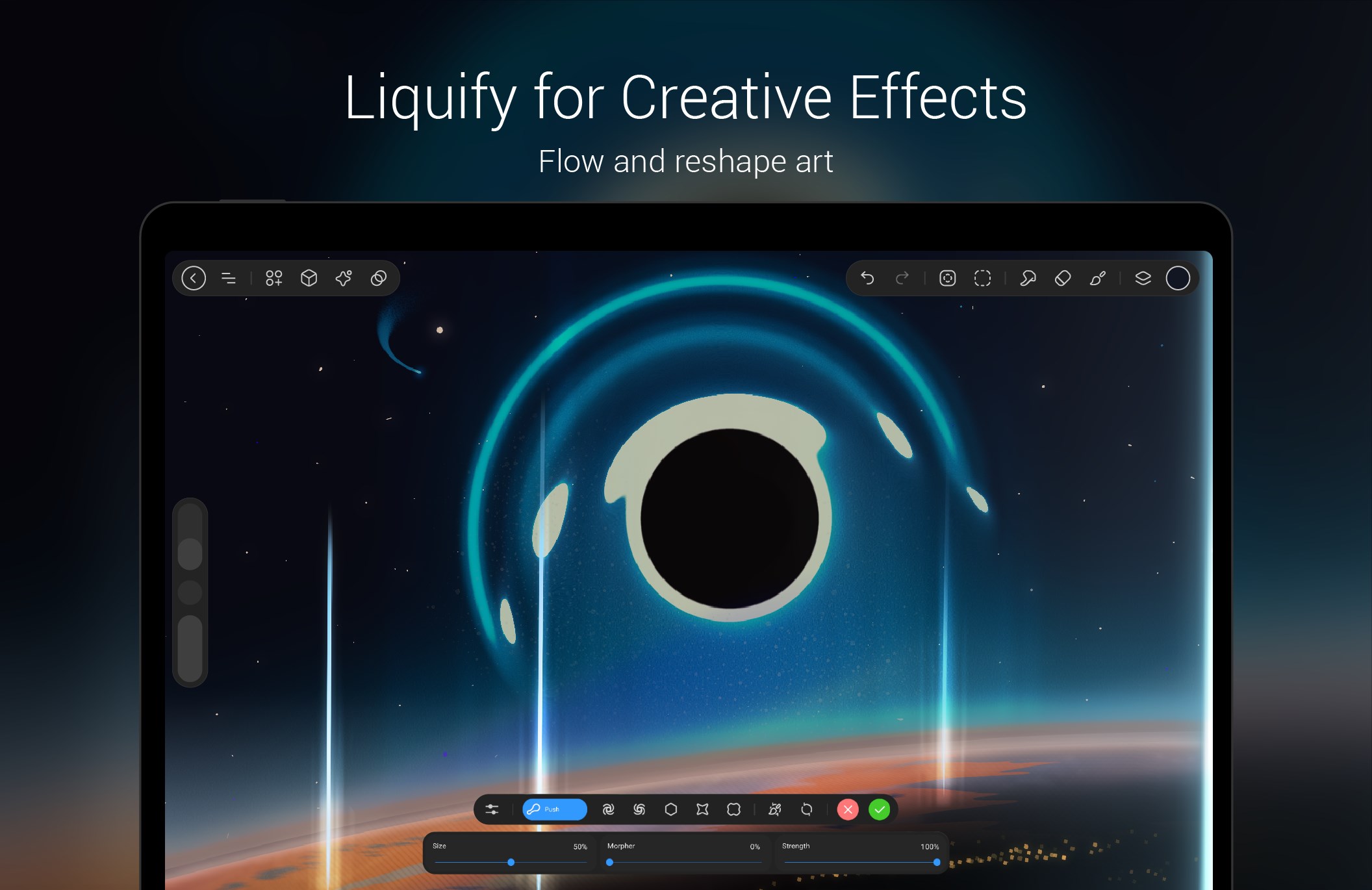
Another unique advantage is its export flexibility. With crisp format options and smooth sharing capabilities, it positions itself as an all-in-one creative companion—no need to jump between multiple apps. This integration ensures your workflow remains seamless from sketch to finish.
Considering its comprehensive feature set, user-friendly design, and focus on stylus compatibility, StylusX for Windows is an appealing choice for digital creators looking to experiment, sketch, or produce polished artworks. I would recommend it to artists seeking an intuitive yet powerful drawing app and to students taking notes with a stylus who desire more control and flexibility.
While it might not replace full professional software for highly complex projects, its balance of features makes it a delightful tool for daily use. Whether you're doodling in your spare time or working on detailed illustrations, StylusX offers reliable performance and a pleasant user experience that's worth trying out.
Intuitive user interface
High precision input
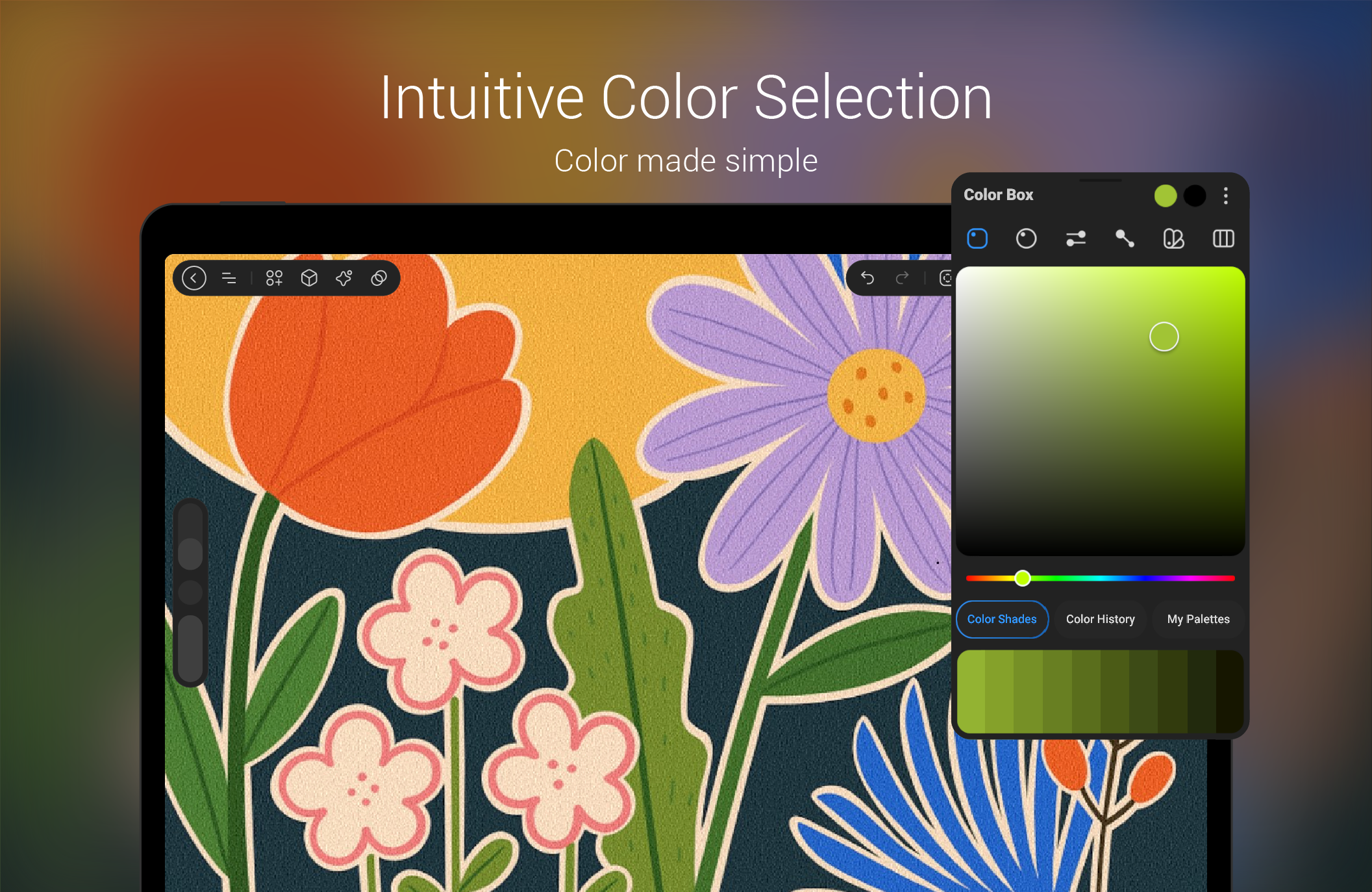
Customizable tools
Broad device compatibility
Regular updates
Limited file export options
Occasional lag with complex drawings
Learning curve for advanced features
Minor stability issues on certain devices
Some tools lack extensive editing features

for Windows
 4.8
4.8

for Windows
4.8

for Windows
4.7

for Windows
4.7

for Windows
4.6

for Windows
4.6

for Windows
4.6
for Windows
4.6

for Windows
4.5

for Windows
4.5

for Windows
4.5

for Windows
4.5

for Windows
5

for Windows
5

for Windows
5

for Windows
5

for Windows
5

for Windows
5

for Windows
5

for Windows
5

for Windows
5

for Windows
5