Utilities & tools
iDreamMoon Studio
PC
Windows 10 version 14316.0 or higher
English (United States)
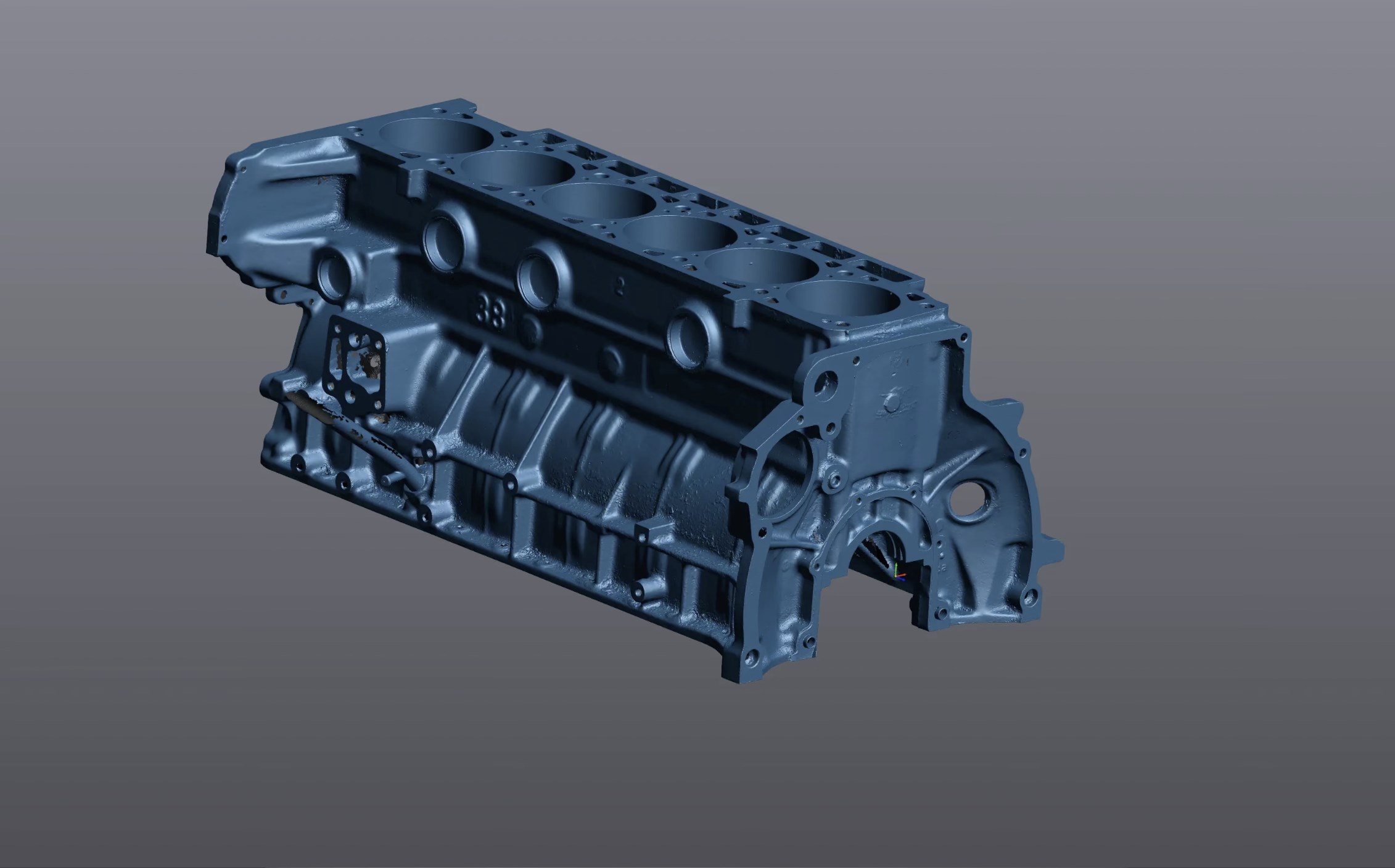
If you're a 3D modeling enthusiast or professional seeking a reliable way to visualize STL files, STL 3D Viewer Pro for Windows offers a straightforward yet powerful solution. Developed by iDreamMoon Studio, this app aims to bridge the gap between complex CAD software and simple file viewing, making it accessible for a broad audience including hobbyists, engineers, and educators.
iDreamMoon Studio is a dedicated team committed to providing user-friendly 3D visualization tools. With a focus on clean design and functional performance, their goal is to simplify 3D file management and inspection, ensuring users can quickly review their models without unnecessary complications.
Stepping into the app feels like entering a well-organized workspace—everything is designed to be as intuitive as flipping through a catalog. The interface is clean, with minimalistic icons that resemble the tools of a craftsman's toolkit, removing clutter and focusing on the task at hand. As someone who's used numerous 3D viewers, I can say that STL 3D Viewer Pro's streamlined layout minimizes the learning curve, making it friendly for novices yet robust enough for advanced users.
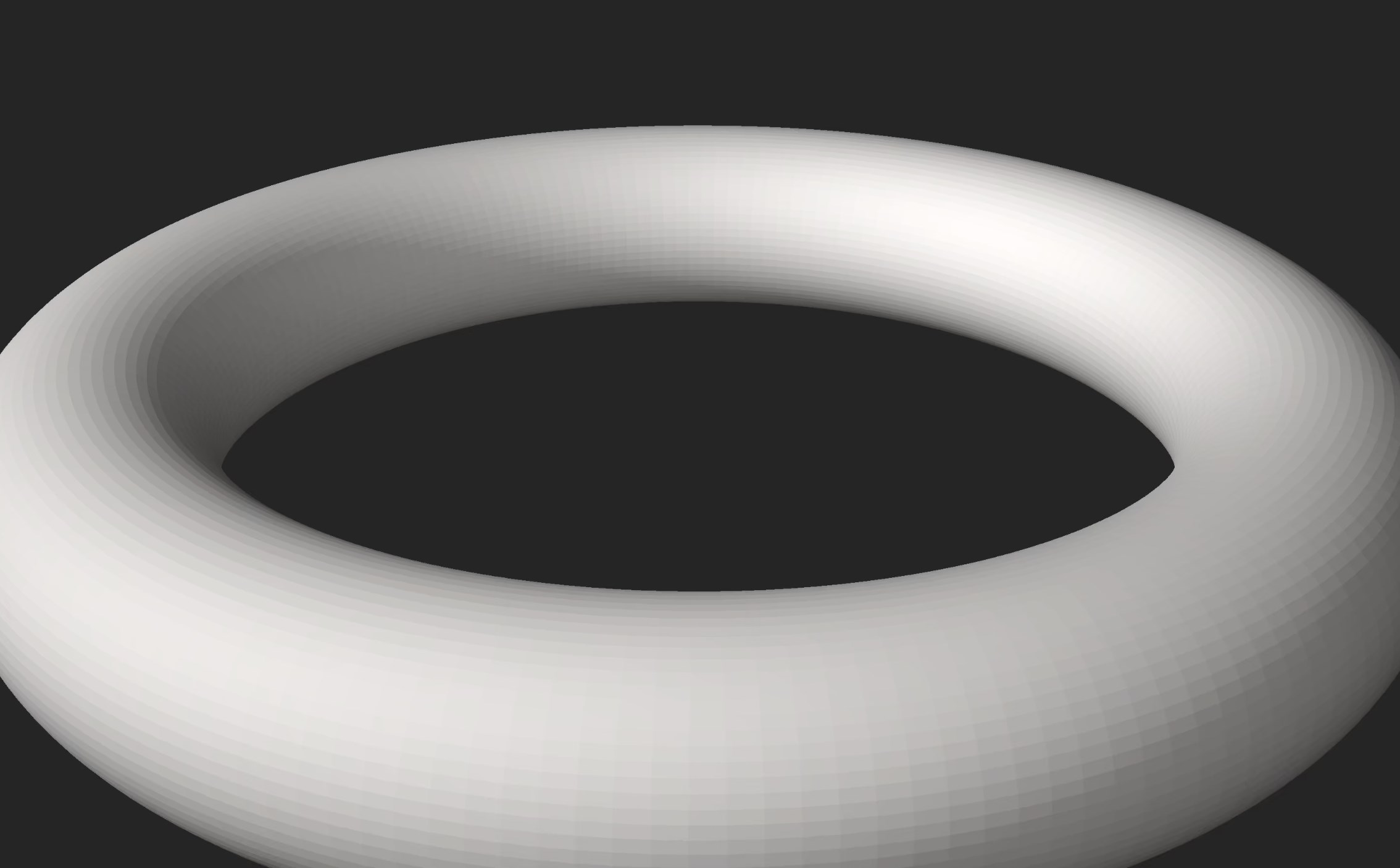
The app delivers remarkably smooth rotation and zooming, akin to flipping through a high-quality photo album. Even complex models load swiftly and display fluidly, thanks to optimized rendering engines. Navigating around models with mouse gestures is fluid, and the various viewing modes allow for detailed inspections—whether you're looking at the edges in wireframe or examining surfaces in shaded mode. This seamless experience makes model analysis engaging rather than tedious.
Among its standout features, the measurement tools are particularly practical—they function like a digital ruler that moves with your cursor, helping you verify dimensions without exporting the model to dedicated CAD applications. Additionally, exporting options support a variety of formats, making STL 3D Viewer Pro a versatile component in your 3D pipeline. These capabilities set it apart from more generic viewers that often lack in-depth analysis tools or flexible export functions.
While many free STL viewers focus solely on display, STL 3D Viewer Pro combines visualization with basic analysis, giving it a slight edge for users who need quick measurements or inspections. Its user interface is less cluttered than some counterparts like MeshLab or Microsoft 3D Viewer, emphasizing workflow simplicity. The app's focus on ease of use, combined with performance and measurement features, makes it an attractive option for those requiring both quick viewing and basic model assessment.
All in all, STL 3D Viewer Pro is a well-crafted tool that offers more than just visualizing STL files. Its sleek interface, smooth interaction, and measurement capabilities make it a valuable addition to your 3D toolkit—especially if you want something reliable and easy to use without sacrificing essential features. I recommend it to hobbyists, educators, or professionals who need a straightforward, no-fuss viewer that can double as a basic inspection utility. If you're tired of clunky software or overly complicated CAD viewers, give STL 3D Viewer Pro a shot; it might just become your go-to app for everyday 3D model review.
Intuitive user interface
Supports multiple 3D file formats
Real-time rendering and smooth navigation
Advanced measurement tools
Cloud integration for sharing models
Limited editing capabilities
Slow initial startup on some devices
Occasional rendering glitches with complex models
Limited annotation features
Some features require a Pro subscription

for Windows
 5
5

for Windows
5

for Windows
5

for Windows
5
for Windows
5

for Windows
4.9

for Windows
4.9

for Windows
4.9

for Windows
4.9

for Windows
4.9

for Windows
4.9

for Windows
4.9

for Windows
5

for Windows
5

for Windows
5
for Windows
5

for Windows
5

for Windows
5

for Windows
5

for Windows
5

for Windows
5

for Windows
5