Music
StaffPad Ltd
PC, Surface Hub
Windows 10 version 18362.0 or higher
2 GB
Arabic, Chinese (Simplified), Chinese (Traditional), English (United States), French, German, Italian, Japanese, Korean , Norwegian (Nynorsk), Polish , Portuguese (Portugal), Russian, Spanish (Spain)
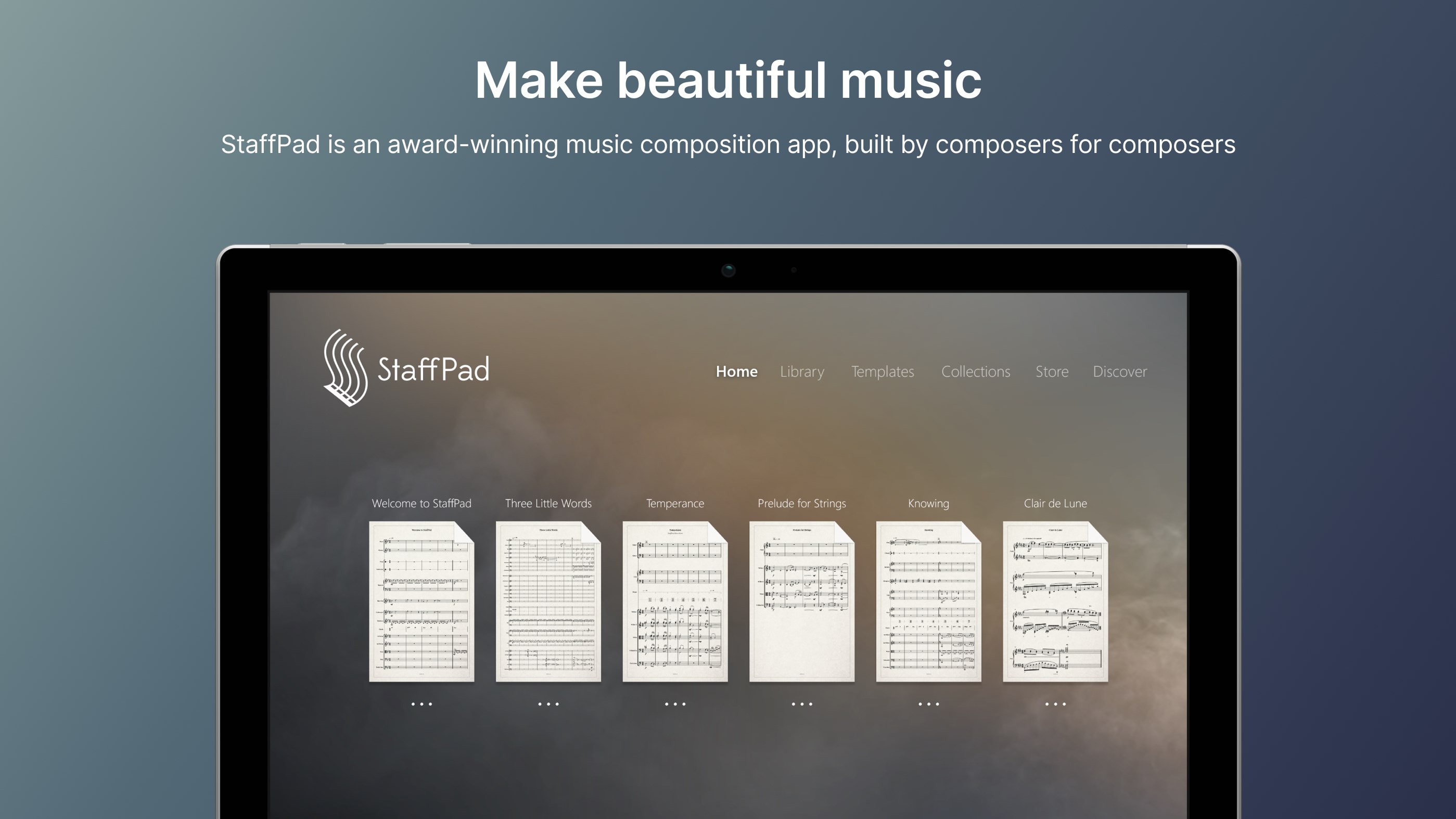
StaffPad for Windows is a sophisticated music composition app that transforms how musicians create, edit, and visualize music scores on a digital platform. Developed by StaffPad Ltd, it aims to bring the intuitive feel of handwritten notation into the digital realm, streamlining the workflow for composers, arrangers, and educators alike.
StaffPad Ltd, a dedicated team of music technology enthusiasts and engineers, specializes in creating innovative tools that bridge traditional music notation with modern digital workflows. Their flagship app, StaffPad for Windows, boasts key features including handwriting recognition, flexible playback options, and an intuitive score editing interface. These capabilities cater mainly to professional composers, music educators, and serious hobbyists seeking a seamless composition experience.
Imagine sitting at your keyboard or sitting comfortably with a stylus in hand, jotting down a melody or orchestrating a complex arrangement—all without the fuss of fiddly menus or clunky interfaces. StaffPad for Windows feels like having a talented musical assistant right on your desk, translating your handwritten scores into polished digital sheets with a few strokes of your pen. This app invites you into a world where creativity flows freely—whether you're sketching out a quick idea or polishing a full orchestral piece, StaffPad keeps your musical ideas alive and fully editable.
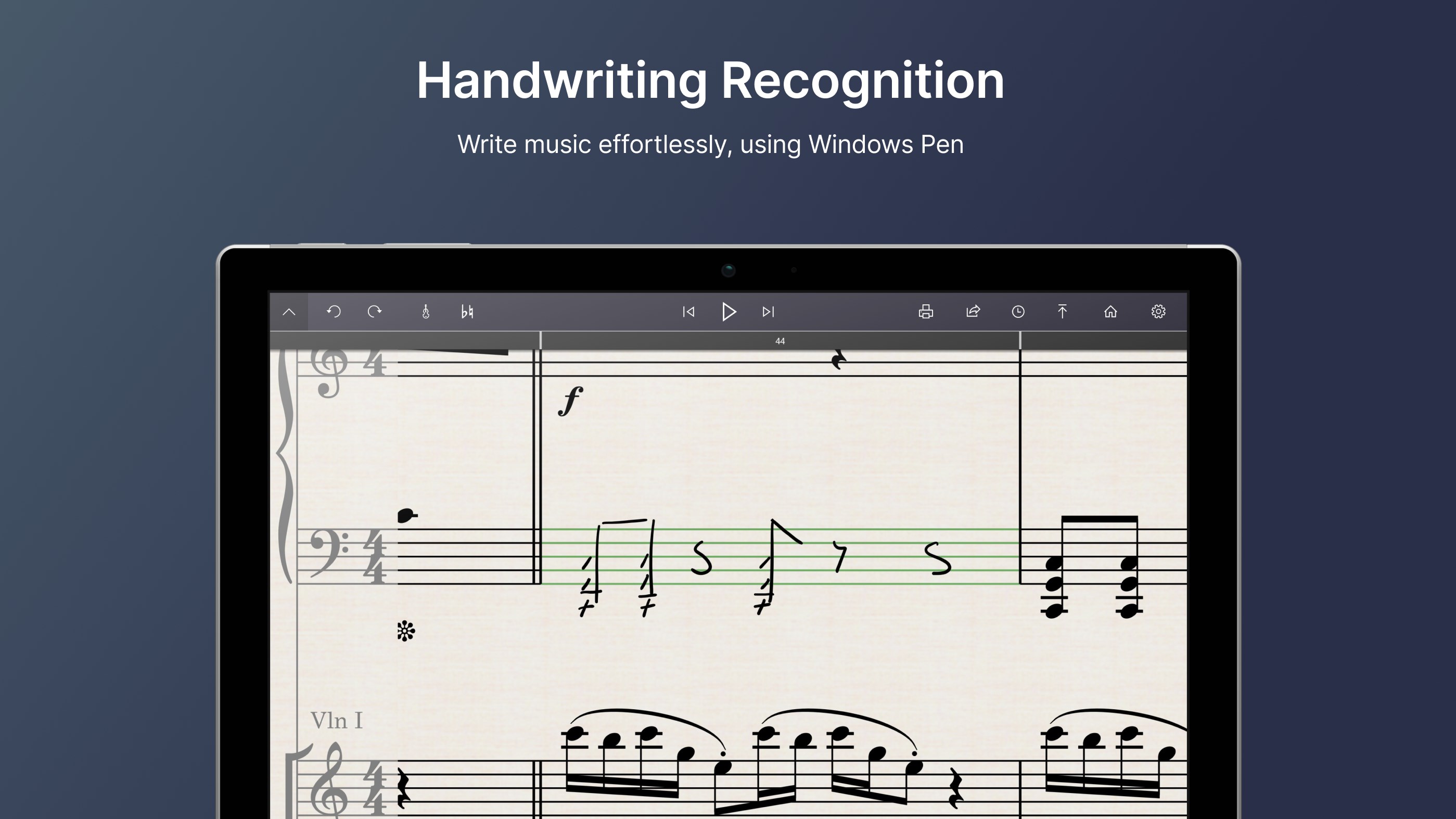
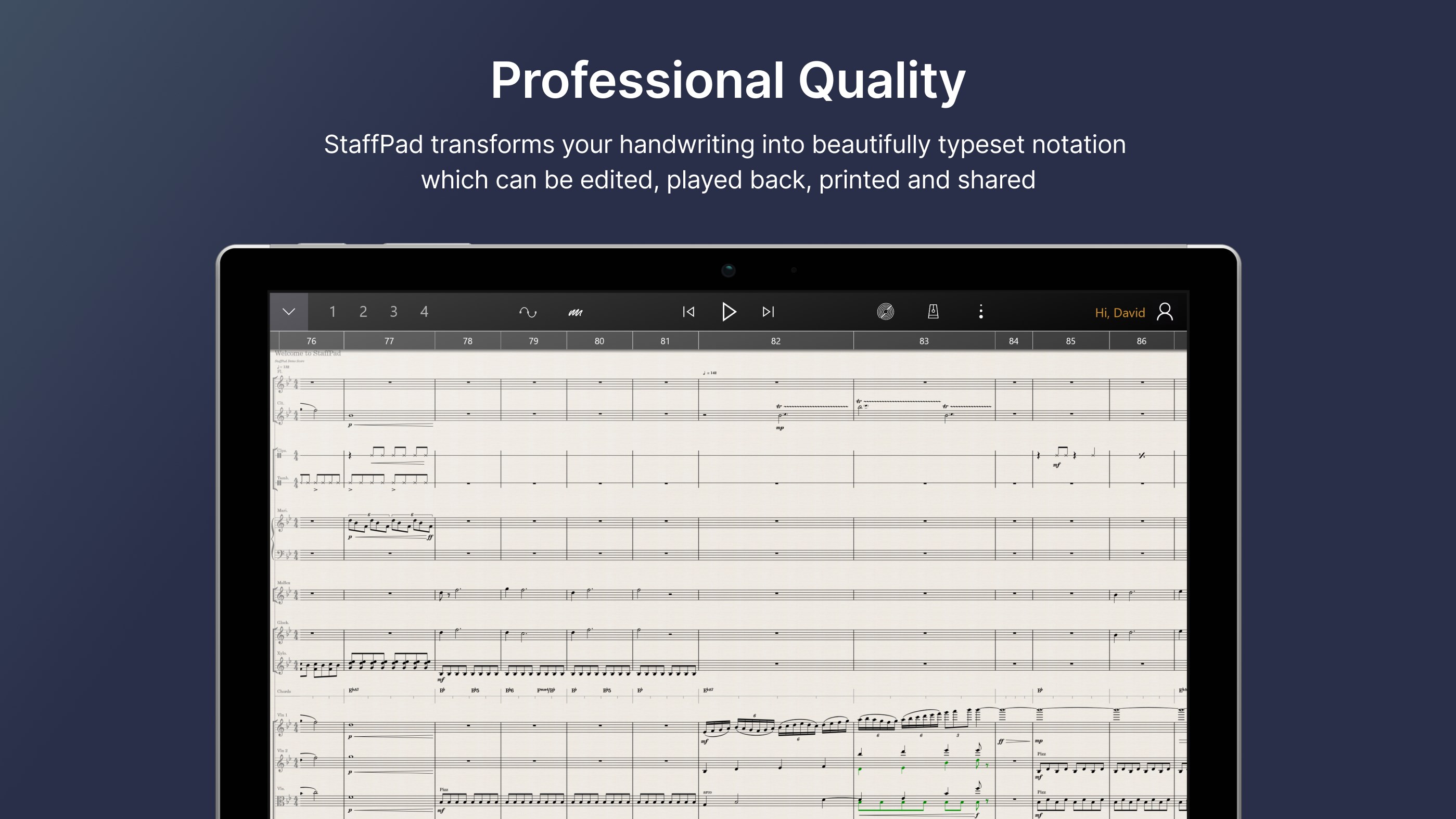
The standout feature of StaffPad is its powerful handwriting recognition. Using a stylus or digital pen, users can compose music directly onto the staff with natural hand movements. The app intelligently interprets handwritten notation—notes, rests, dynamics, articulations—and converts them into professional-quality digital scores. This approach mimics the familiar experience of writing on paper but offers the advantages of easy editing, playback, and sharing. For composers who cherish the tactile feel of writing and want a swift transition to digital, this feature provides a uniquely fluid and inspiring workflow.
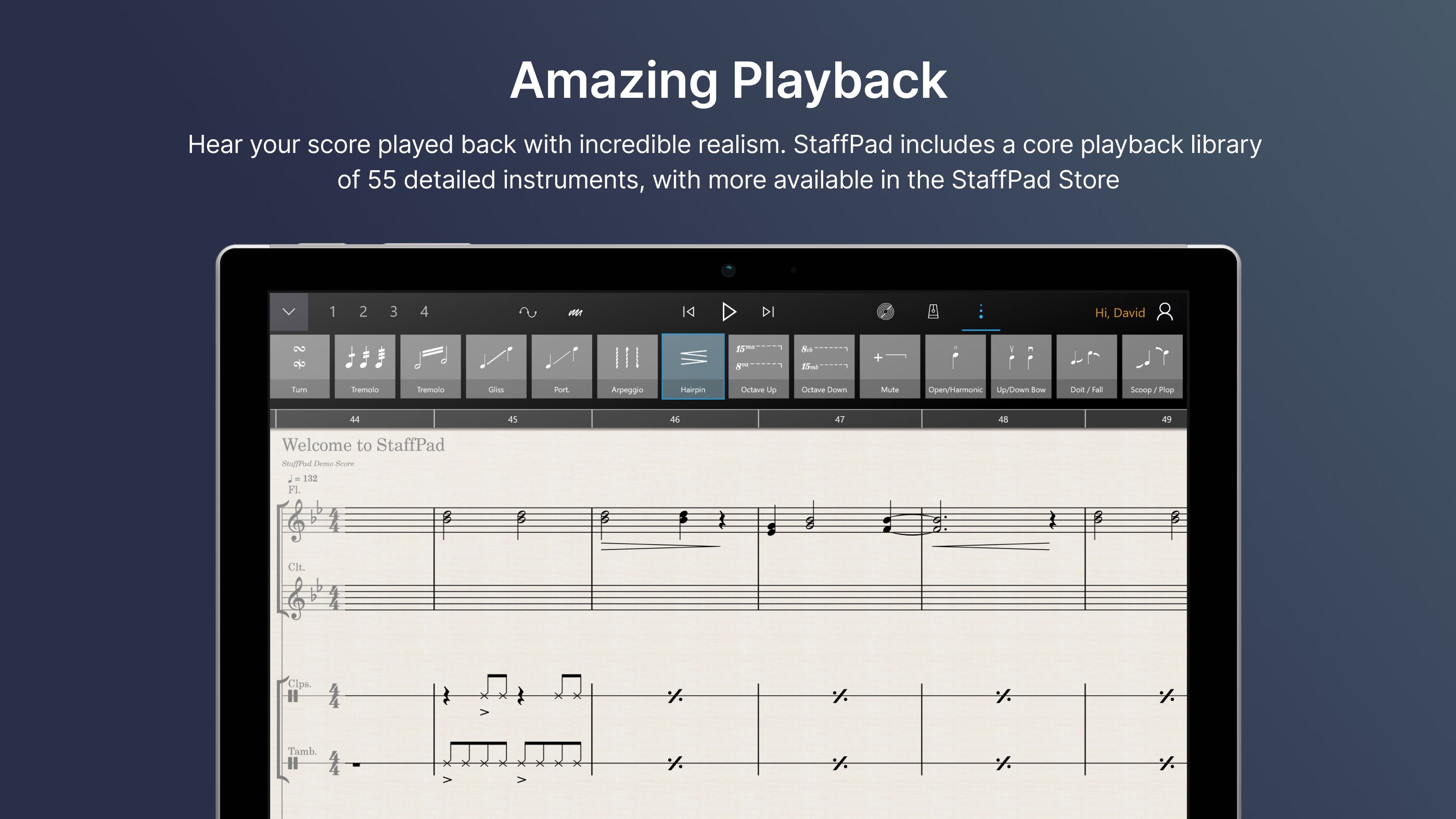
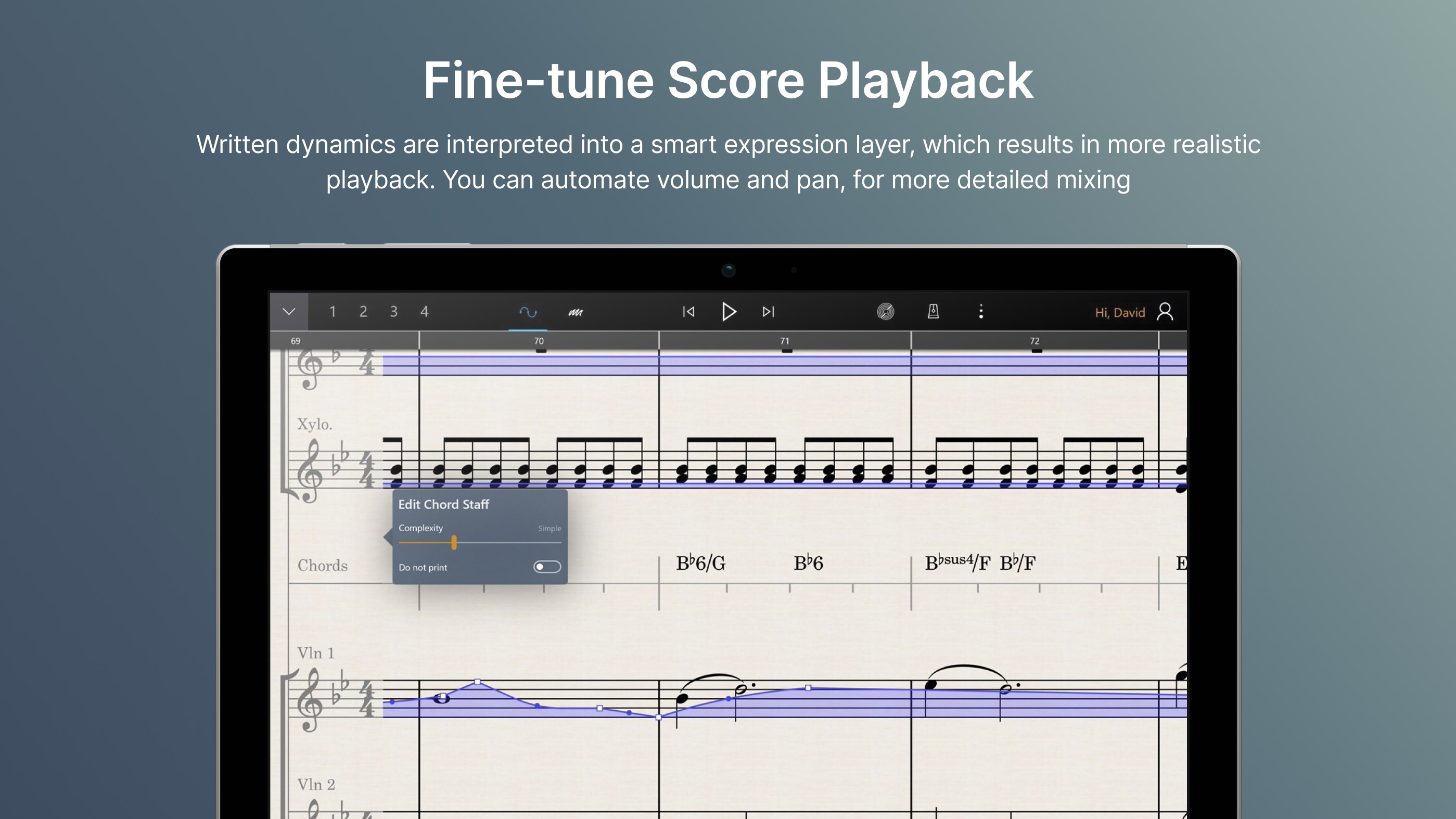
Beyond handwriting, StaffPad offers extensive tools for score editing and orchestration. You can add multiple instruments, rearrange sections, and customize playback to hear how your arrangements sound in real time. The app supports complex musical structures, making it suitable for arranging full symphonies or detailed film scores. Its intelligent note recognition ensures your handwritten inputs are accurately captured, even when writing quickly or with expressive flourishes, which is essential for capturing your musical ideas authentically.
The interface design of StaffPad for Windows strikes a delicate balance: it's clean enough to be accessible yet feature-rich for professional work. The layout resembles a traditional music studio, with a virtual sheet on which you can write freely. During use, the app exhibits smooth responsiveness—strokes are seamlessly recognized and transformed into notation with minimal lag, making the creative process feel natural. For new users, some initial familiarization is required, especially to master handwriting input, but the learning curve remains reasonable due to intuitive controls and helpful tutorials. Seasoned users will appreciate the efficient workflow that reduces the time spent on technical adjustments, allowing more focus on composition.
Compared to traditional music notation software like Finale or Sibelius, StaffPad's most distinctive advantage lies in its handwriting recognition with real-time note input latency tolerance. This means you can write naturally and quickly, without frustrating delays or complex input methods. Additionally, its ability to assess rhythm pattern variety—analyzing your handwritten input for rhythmic accuracy and suggesting adjustments—sets it apart. This feature acts like a attentive musical mentor, guiding you into more complex or diverse rhythmic structures with ease. Such capabilities make StaffPad particularly appealing for composers seeking a more organic, less mechanical interaction with their digital scores.
Overall, StaffPad for Windows is highly recommended for creative professionals who prefer the feel of handwriting combined with the convenience of digital editing. It excels as a rapid idea-generation tool and as a polished platform for scoring orchestral works, film music, or educational compositions. While it may require some initial learning to master the handwriting features, its unique workflow offers a compelling alternative to mouse-and-keyboard-based notation. For users craving a natural, expressive, and efficient composition experience, StaffPad presents a thoughtful and innovative solution.
Intuitive Notation Input
High-Quality Music Rendering
Cross-Platform Support
Real-Time Editing Features
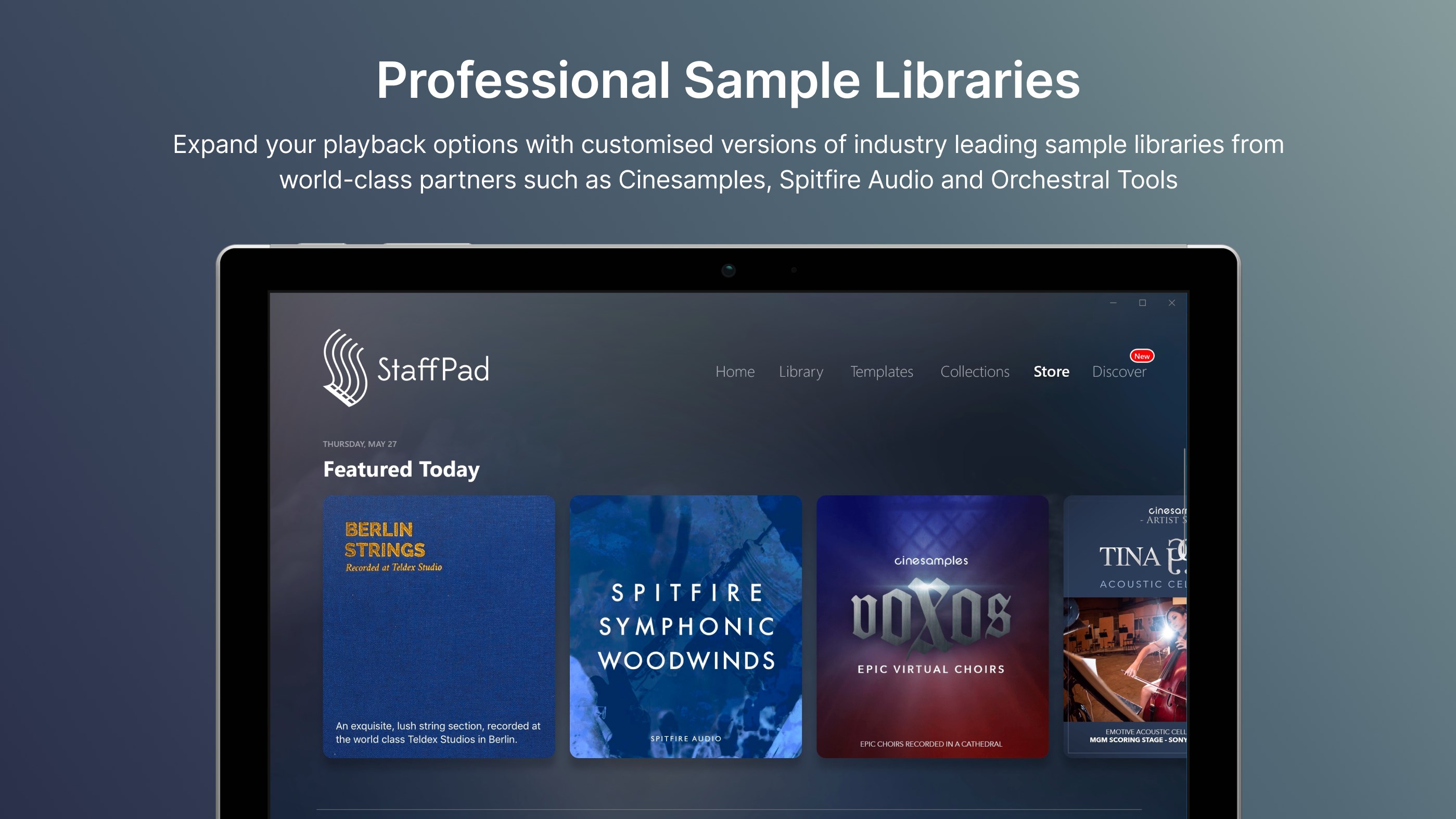
Integration with Digital Instruments
Limited Compatibility on Non-Windows Devices
Steep Learning Curve for Beginners
Occasional Lag During Complex Editing
Limited Export Formats
In-App Purchase Promotions

for Windows
 4.9
4.9

for Windows
4.9

for Windows
4.8

for Windows
4.8

for Windows
4.7

for Windows
4.7

for Windows
4.6

for Windows
4.6

for Windows
4.5

for Windows
4.5

for Windows
4.5

for Windows
4.5

for Windows
5

for Windows
5

for Windows
5

for Windows
5

for Windows
5

for Windows
5

for Windows
5

for Windows
5

for Windows
5

for Windows
5