Music
PC
Windows 10 version 17763.0 or higher
Not specified
Not specified
Afrikaans, Amharic, Arabic, Arabic (Egypt), Arabic (Morocco), Azerbaijani (Latin), Bangla, Basque, Bosnian (Latin), Bulgarian, Catalan, Chinese (Simplified), Chinese (Traditional Chinese), Chinese (Traditional), Chinese (Traditional) (Hong Kong), Croatian, Czech, Danish, Dutch, English (United Kingdom), English (United States), Estonian, Filipino, Finnish, French, French (Canada), Galician, German, Greek, Gujarati, Hebrew, Hindi, Hungarian, Icelandic, Indonesian, isiZulu, Italian, Japanese, Kannada, Kiswahili, Korean, Latvian, Lithuanian, Macedonian, Malay, Malayalam, Marathi, Nepali, Norwegian (Bokmål), Odia, Persian/Farsi, Polish, Portuguese (Brazil), Portuguese (Portugal), Punjabi (India), Romanian, Russian, Serbian (Latin), Slovak, Slovenian, Spanish, Spanish (Argentina), Spanish (Latin America), Spanish (Mexico), Swedish, Tamil, Telugu, Thai, Turkish, Ukrainian, Urdu, Vietnamese
Spotify's Windows application serves as a comprehensive platform that seamlessly integrates streaming music and podcasts into your desktop environment, making it easier than ever to enjoy your favorite audio content with just a few clicks.
Developed by Spotify AB, a global leader in audio streaming services, this Windows app leverages Spotify's extensive music catalog and user-friendly interface to create an immersive listening experience for users across the globe. The development team at Spotify AB is renowned for prioritizing user accessibility, feature innovation, and continuous platform improvements.
The application is designed for a broad audience—from casual listeners wanting background music to audiophiles craving high-fidelity streams, as well as podcast enthusiasts seeking a one-stop entertainment hub.
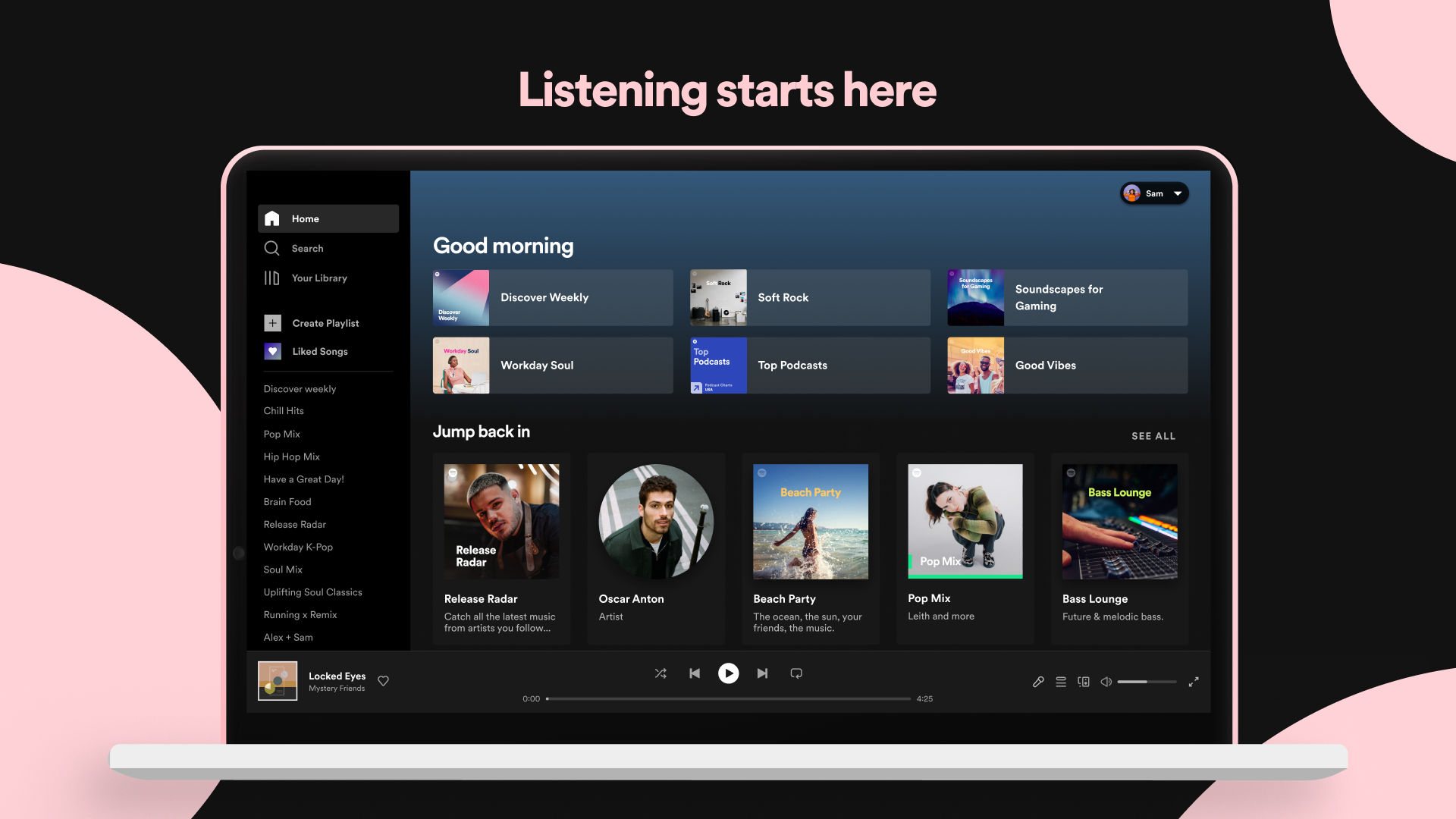
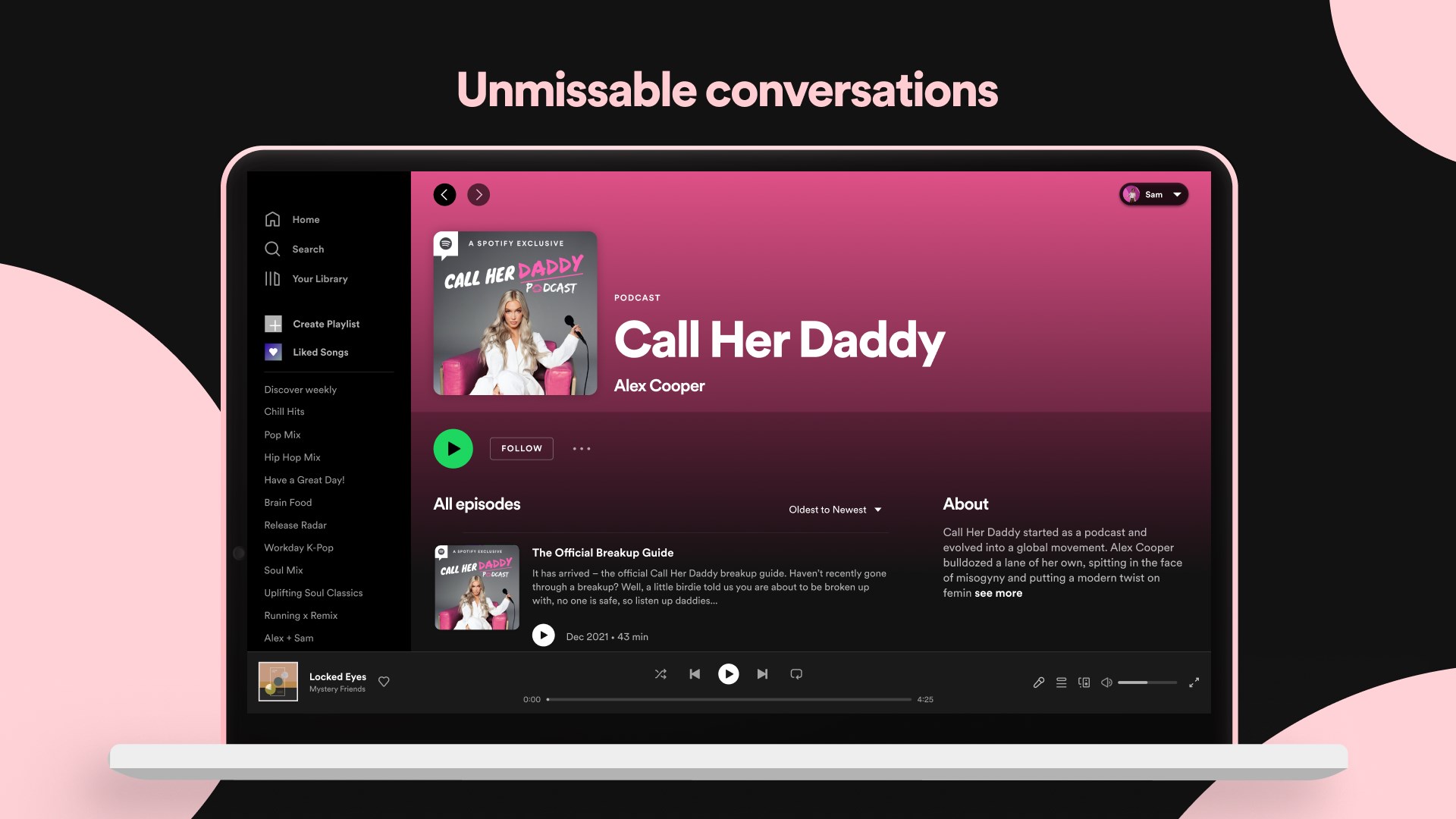
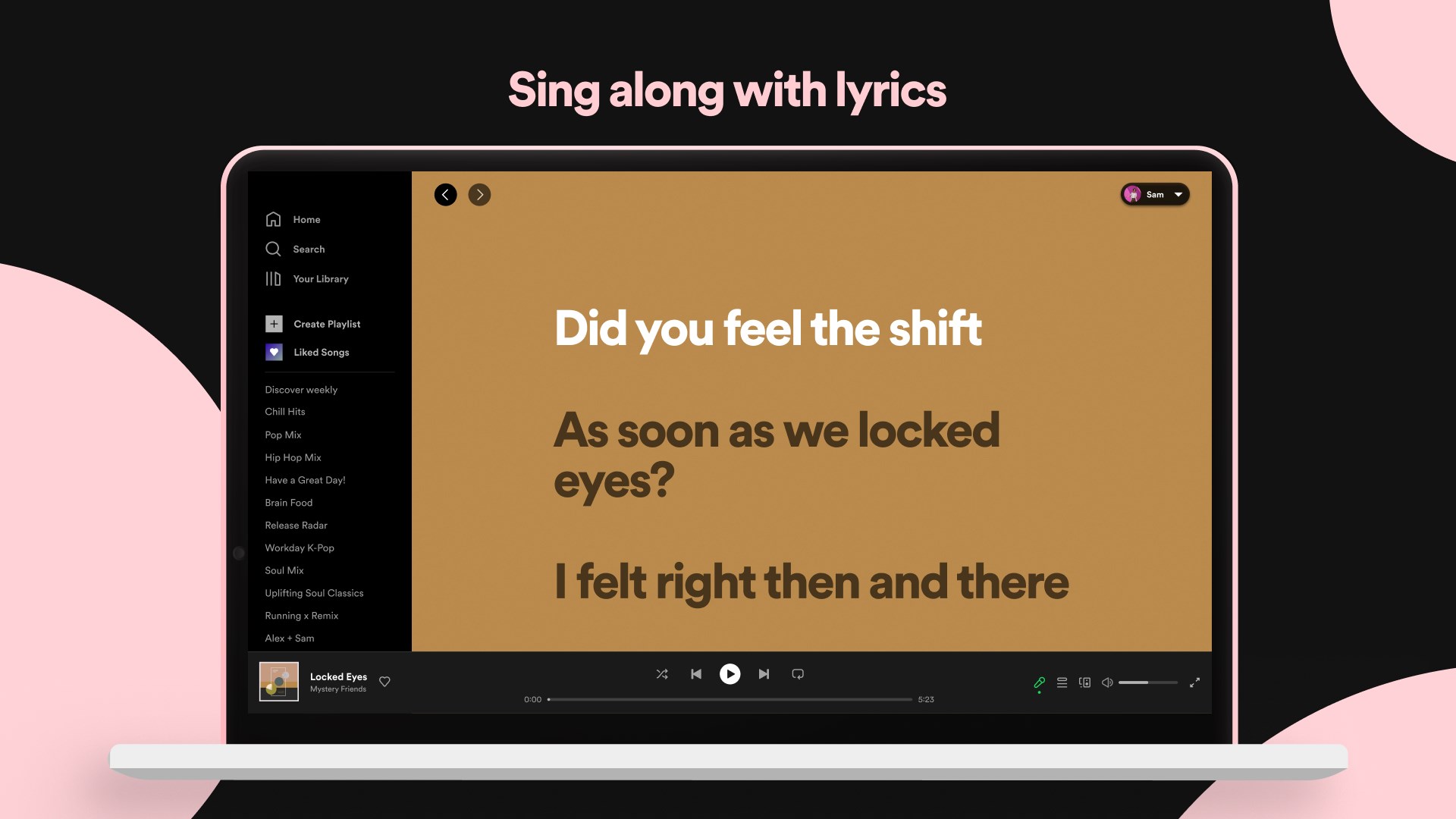
Opening Spotify on Windows is like stepping into a well-organized music library, inviting users with its sleek dark-themed interface that balances aesthetic appeal with functional clarity. Navigating through the app feels smoothly orchestrated, akin to a well-rehearsed symphony—fluid transitions and rapid response times make browsing, searching, and playlist management a breeze, even on modest systems.
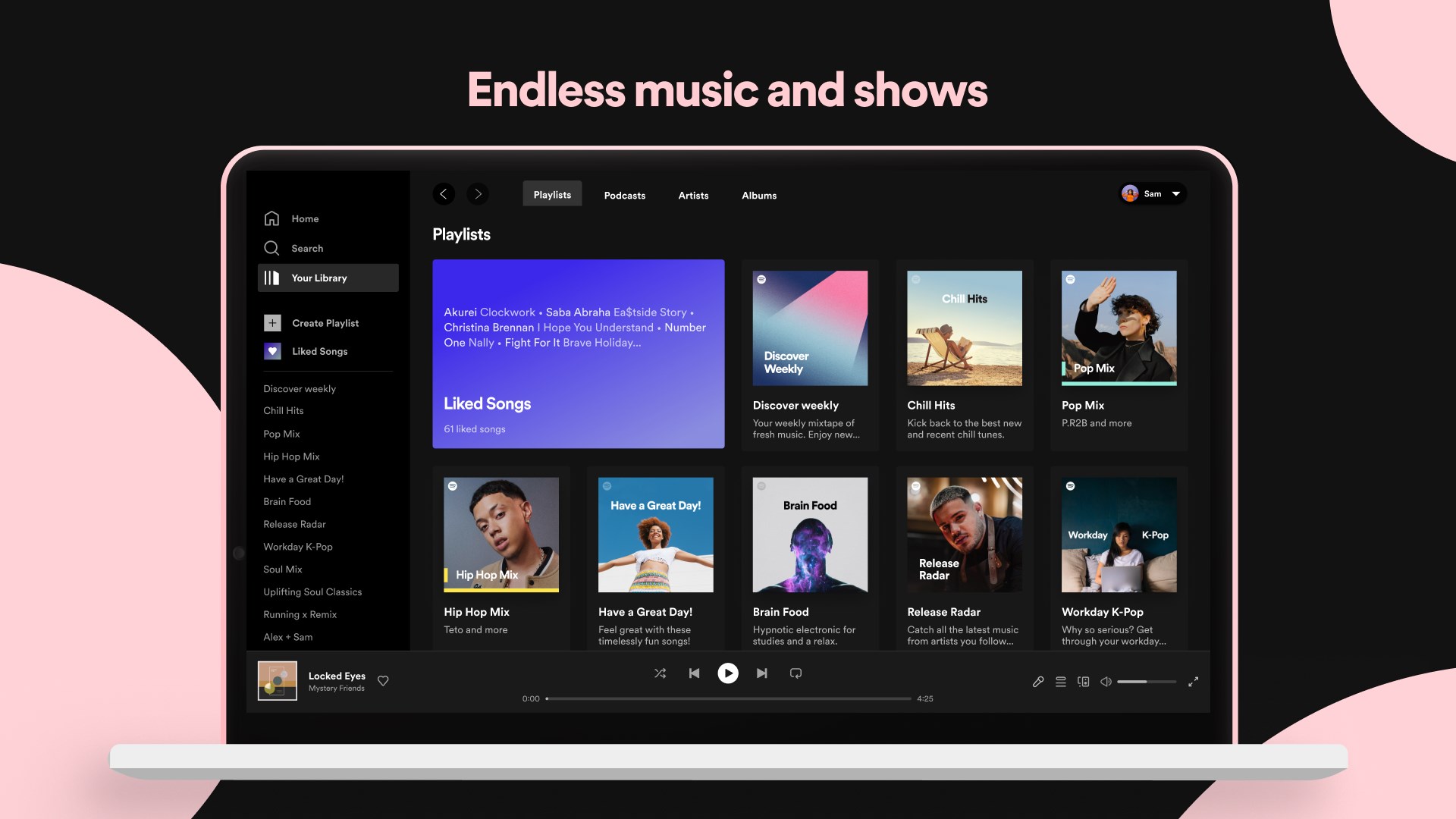
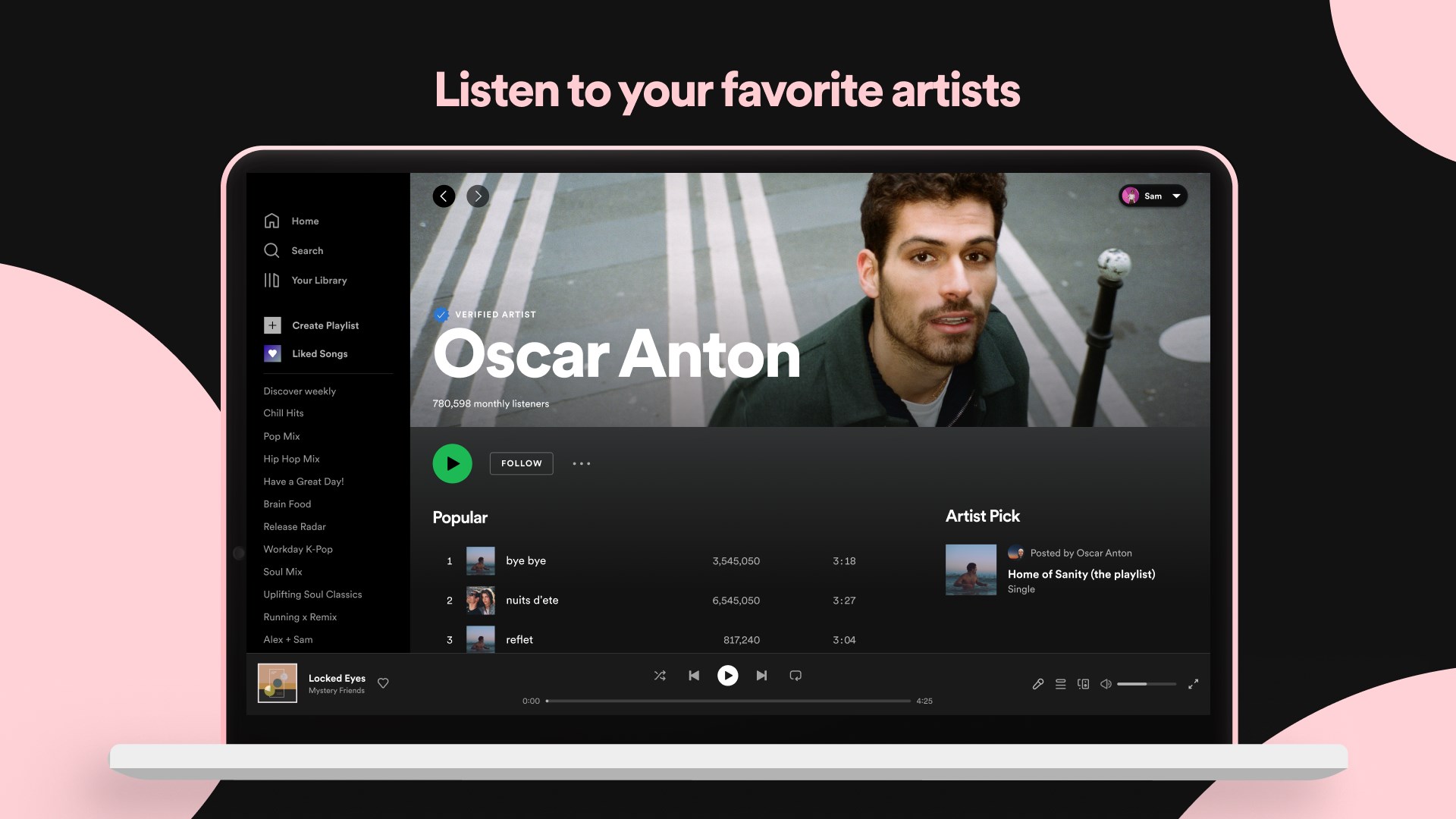
The interface design combines minimalism with practicality, featuring prominent search bars, easy-to-access playlists, and clear genre categories. This layout allows users to quickly find new music or podcasts without wading through clutter. The learning curve is gentle; most functions are immediately accessible, with tooltips and straightforward icons guiding new users along the way. For seasoned users, the customizable playlists and settings offer enough depth to keep engagement high without feeling overwhelming.
Rhythm Pattern Variety & Latency Tolerance: One particularly notable feature is the app's ability to assess rhythm pattern variety, which helps generate more dynamic and engaging playlists. The platform's optimized streaming engine demonstrates a low input latency tolerance—meaning, even with varying internet speeds, musical continuity remains intact, preserving the groove of your favorite tracks without annoying interruptions. This precision is akin to a well-tuned DJ's turntable, maintaining the beat even when conditions are less than perfect.
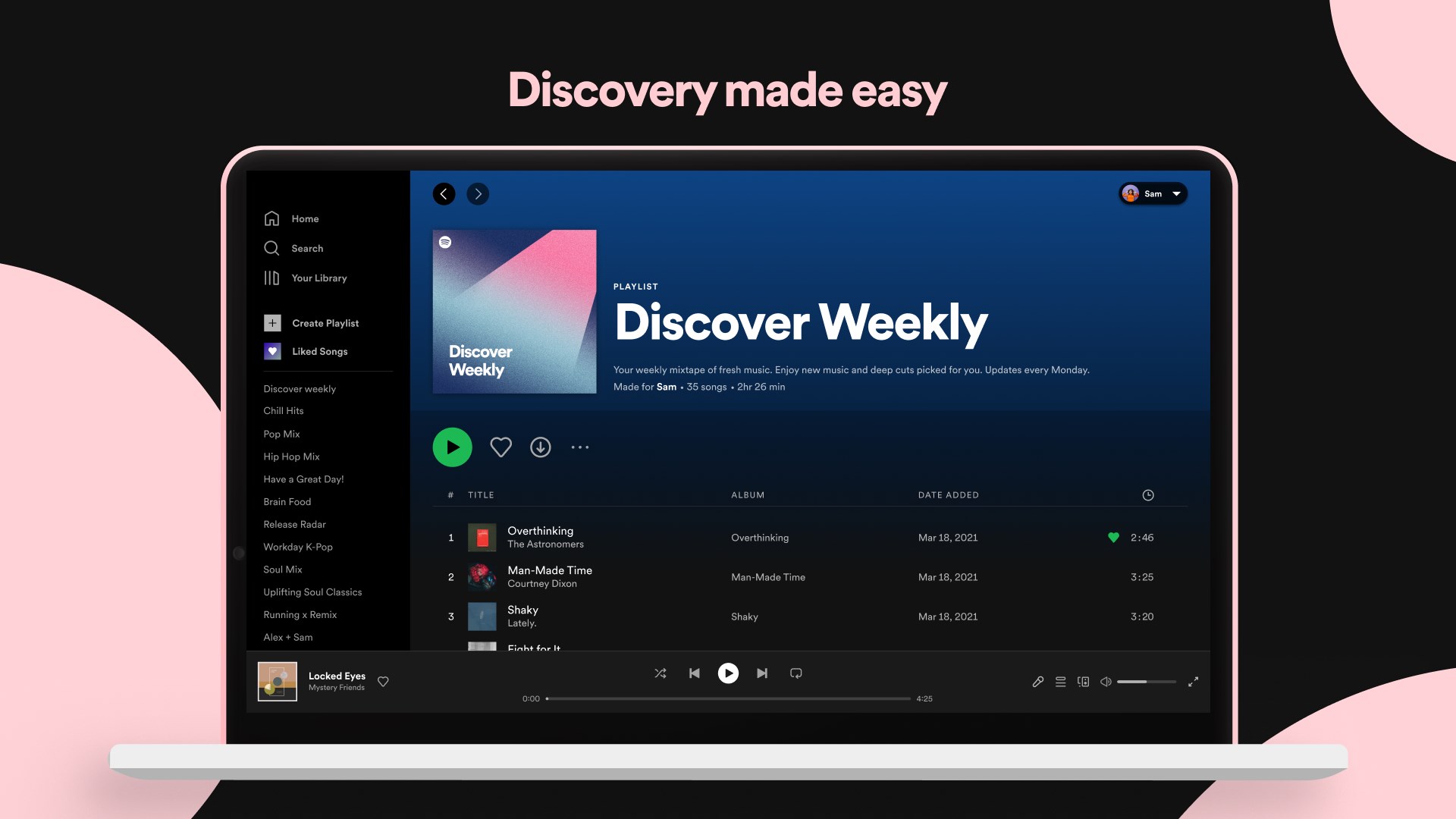
Personalization & Discoverability: Spotify stands out in its ability to analyze listening habits and adapt its recommendations accordingly. The app offers personalized playlist curation that feels like having a knowledgeable DJ who knows exactly what tune to drop next based on your mood and history. This level of customization is a key differentiator from more static music applications.
Overall, Spotify's Windows application delivers a reliable, user-friendly experience with particular strengths in music personalization and podcast integration. Its ability to assess rhythm pattern variety and handle input latency effectively makes it particularly suitable for users who value a seamless, engaging listening experience even under fluctuating network conditions. For regular users seeking a comprehensive platform that offers both extensive music catalog and smart recommendations, this app is highly recommended.
For those new to streaming or looking for a platform that combines intuitive design with powerful features, Spotify's Windows app is a solid choice—just prepare your playlist hand—you're about to press play on an endless musical journey.
Extensive Music Library
Personalized Playlists and Recommendations
Cross-Device Compatibility
Offline Listening Feature
User-Friendly Interface and Customization
Limited Free Mode Features
Occasional App Crashes or Slow Load Times
Podcast Discovery Can Be Cluttered
Offline Downloads Restricted to Premium Accounts
User Data Privacy Concerns

for Windows
 4.9
4.9

for Windows
4.9

for Windows
4.8

for Windows
4.8

for Windows
4.7

for Windows
4.7

for Windows
4.6

for Windows
4.6

for Windows
4.5
for Windows
4.5

for Windows
4.5

for Windows
4.5

for Windows
5

for Windows
5

for Windows
5

for Windows
5

for Windows
5

for Windows
5

for Windows
5

for Windows
5

for Windows
5

for Windows
5