Strategy
PC, Mobile, Surface Hub, HoloLens
Windows 10 version 10240.0 or higher
English (United States)
Spider Solitaire Free!! for Windows, developed by Dots2line, offers a classic yet modern twist on the timeless card game, emphasizing an intuitive experience with strategic depth. Perfectly suited for casual players and seasoned solitaire enthusiasts alike, this app strives to deliver a clean, engaging platform for relaxing gameplay.
Imagine sitting on a cozy Sunday afternoon, shuffling virtual cards with the ease of handling real ones—this is what Spider Solitaire Free!! aims to simulate, but with digital enhancements. Its straightforward interface and smooth gameplay make it accessible to anyone wanting to engage their brain with a familiar, yet thoughtfully crafted, card game experience.
Developed by Dots2line, the game leverages a dedicated team that focuses on delivering classic games with modern touches. What sets this version apart are its customizable difficulty levels, a variety of themes to personalize your experience, and a thoughtful design that minimizes unnecessary clutter, allowing players to focus solely on strategic moves. Designed mainly for puzzle lovers, casual gamers, and those seeking a low-pressure mental activity, it appeals broadly across age groups seeking entertainment and mental exercise.
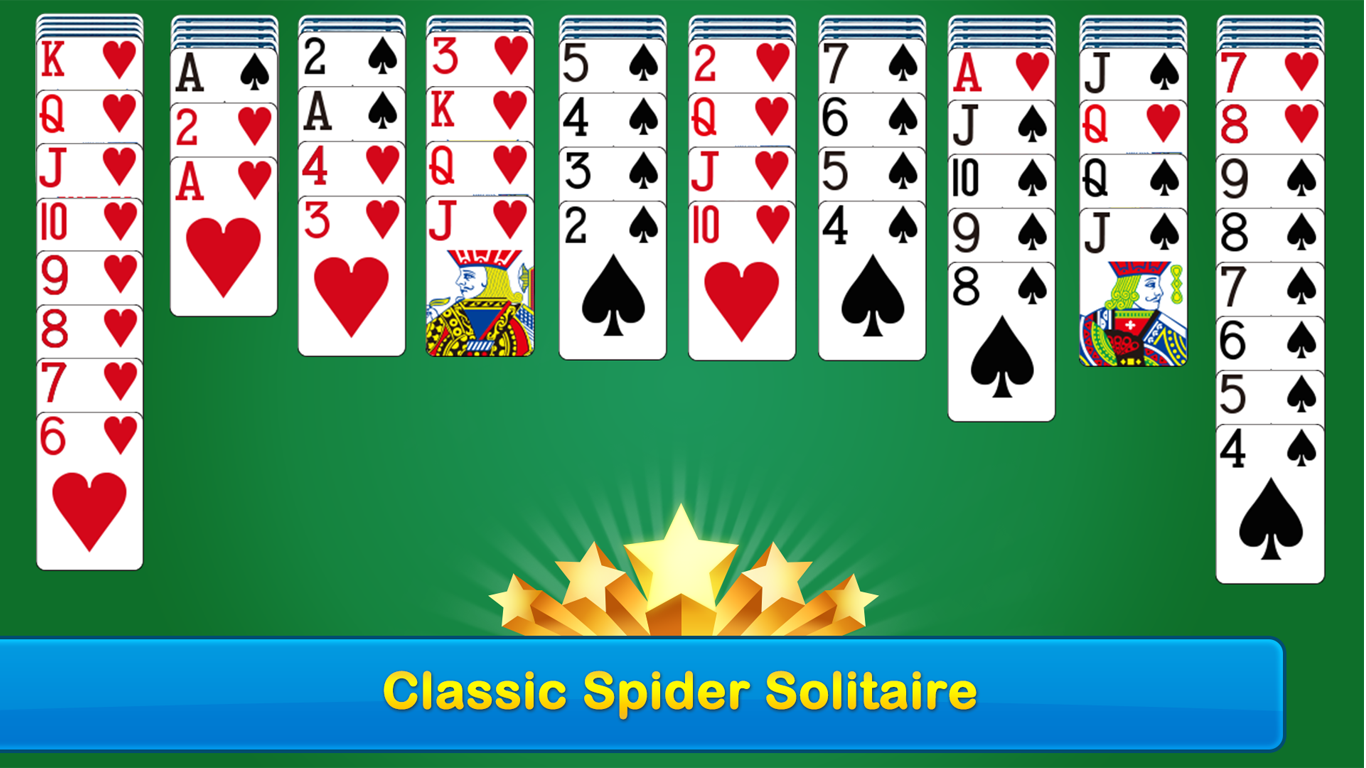
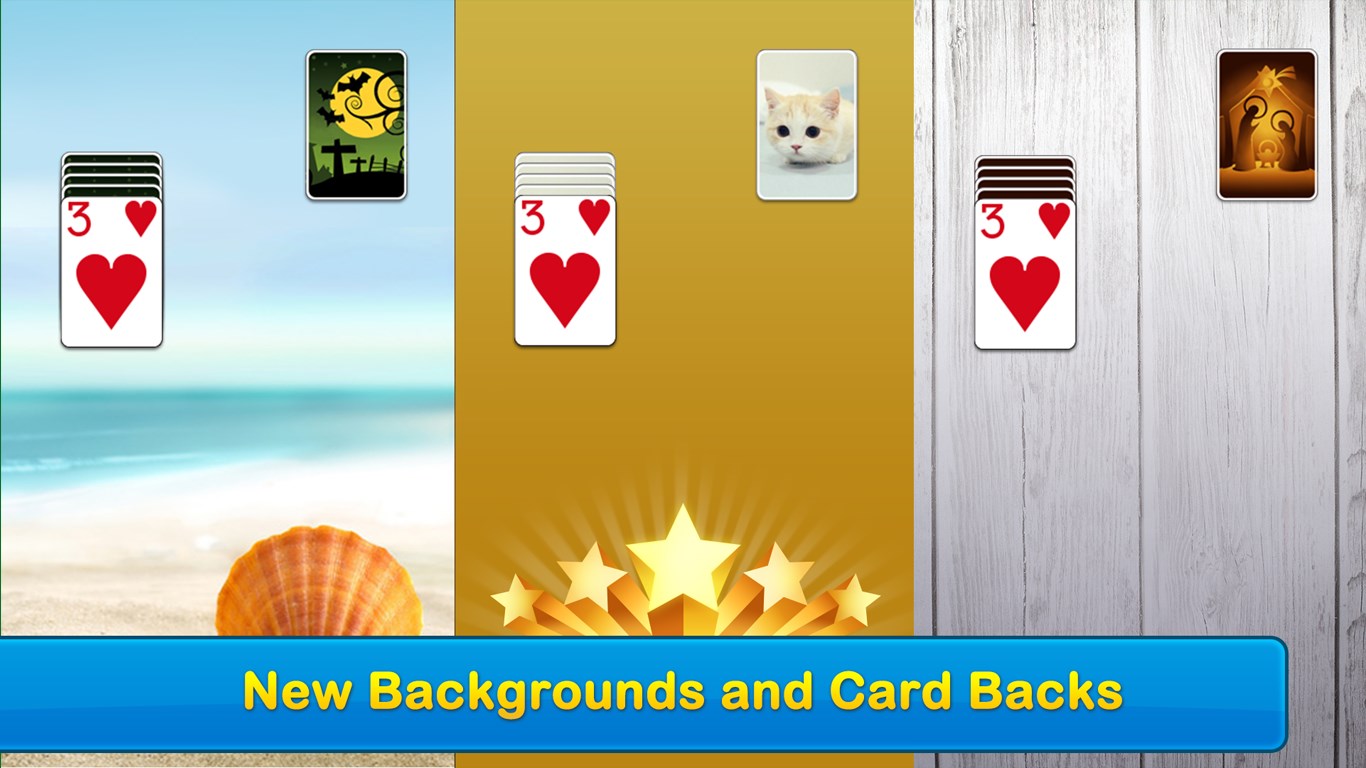
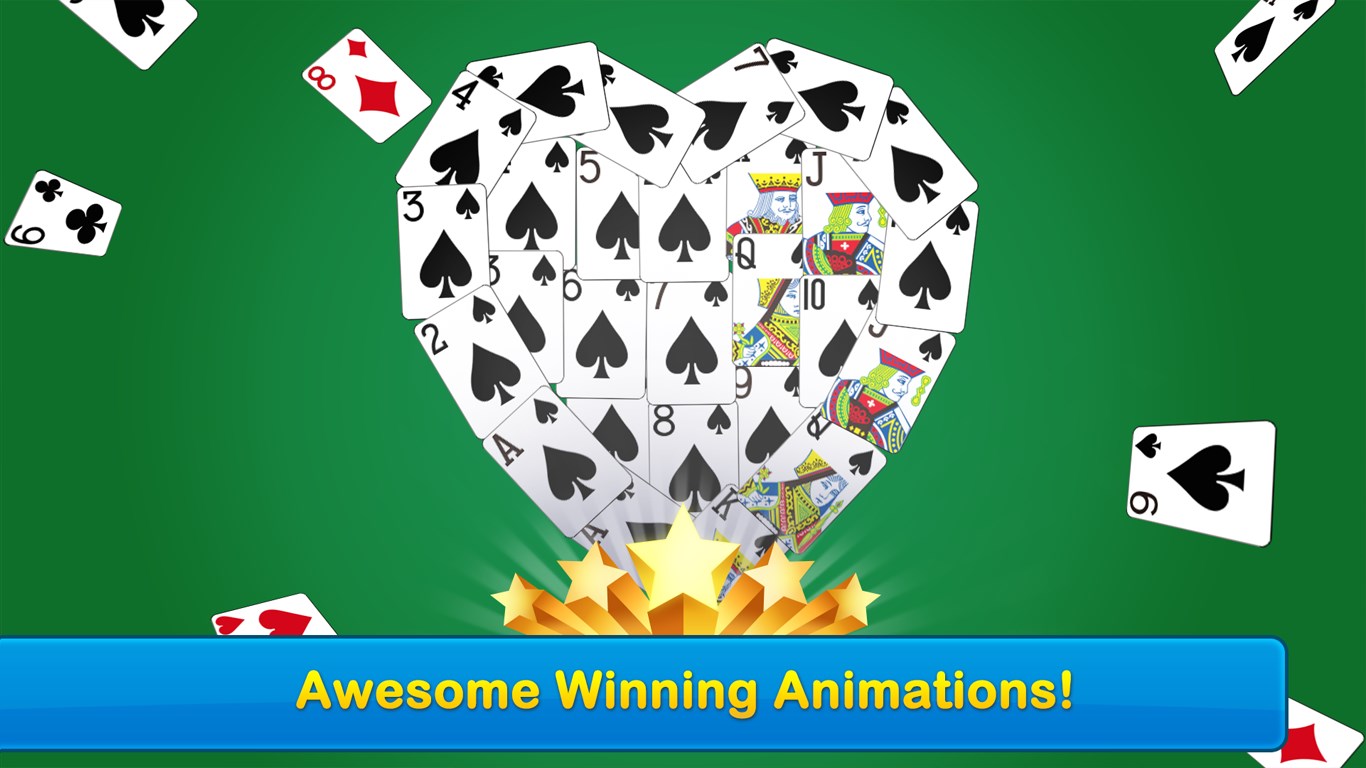
The first striking feature is its clean and sleek UI. The cards are visually crisp, with smooth animations that mimic real-life handling but without the sluggishness often associated with card simulations. The background themes provide visual variety—they're like selecting the mood of your game room, from classic green felt to modern dark modes. Navigating the game feels natural, almost like flipping through a deck of cards in your hand, thanks to responsive touch controls or mouse actions.
One of the game's most notable strengths is its approach to decision transparency, a crucial feature for any strategy card game. Players can easily anticipate potential moves with animated aids and subtle hints, allowing them to evaluate immediate consequences before committing. This visibility helps in managing risks and planning multi-step strategies—akin to using a map to chart a route through complex terrain. Unlike many other solitaire apps, Spider Solitaire Free!! emphasizes the visibility of decision consequences, making it suitable even for newcomers who want to learn strategies over time.
The app smartly avoids overwhelming the player with excessive information. It offers customizable settings: difficulty levels, number of suits, automatic move options, and undo features. These allow players to tailor their experience, from simple one-suit games for beginners to multi-suit challenges for experts. Such subtle management tools elevate the game into a mental workout that's accessible yet demanding, unlike apps with cluttered interfaces or hidden features.
While many solitaire apps exist, Spider Solitaire Free!! distinguishes itself through its focus on transparency in decision consequences and elegant information overload management. These features help players understand their strategic options clearly, fostering learning and improving their skill over time—almost like having a mini coach whispering move suggestions at the right moments. This contrasts with other apps that either hide critical information or bombard users with options, making decision-making overwhelming.
Overall, I find Spider Solitaire Free!! to be a well-crafted, thoughtfully designed app that balances simplicity with strategic depth. Its most remarkable features—clear decision visibility and customizable complexity—make it stand out for both casual and serious players. If you enjoy card games with a focus on planning and problem-solving, this app is definitely worth a download. I'd recommend it to anyone looking for a relaxing yet mentally engaging pastime, particularly those who appreciate clarity and control over their gameplay experience.
User-friendly Interface
Offline Play
Multiple Difficulty Levels
Undo and Hint Options
Regular Updates
Limited Customization Options
Presence of Ads
Lack of Progress Saving across Devices
Limited Sound Effects
No Advanced Statistics

for Windows
 4.9
4.9

for Windows
4.8

for Windows
4.8

for Windows
4.7

for Windows
4.7
for Windows
4.7

for Windows
4.6
for Windows
4.6

for Windows
4.6

for Windows
4.6

for Windows
4.6

for Windows
4.6

for Windows
5

for Windows
5

for Windows
5

for Windows
5

for Windows
5

for Windows
5

for Windows
5

for Windows
5

for Windows
5

for Windows
5