Card & board
TreeCardGames
PC
Windows 10 version 17763.0 or higher
Chinese (Simplified), Chinese (Traditional Chinese), Czech, Danish, Dutch, English, English (United States), Finnish, French, German, Greek, Hebrew, Hindi, Hungarian, Italian, Japanese, Norwegian (Bokmål), Polish, Portuguese (Brazil), Portuguese (Portugal), Russian, Spanish, Swedish, Thai, Turkish, Ukrainian
If you're a fan of solitaire games, especially those that challenge your strategic mind and offer a nostalgic touch, Spider Solitaire Collection Free for Windows might just become your new favorite. Offering a blend of traditional gameplay with modern polish, this app aims to deliver a seamless and engaging card experience—all without cost.
Produced by TreeCardGames, a developer specializing in casual and straightforward card games, this collection emphasizes user-friendly interfaces and smooth gameplay mechanics. Their focus is on creating accessible games that can be enjoyed anytime, whether during a quick break or a leisurely afternoon.
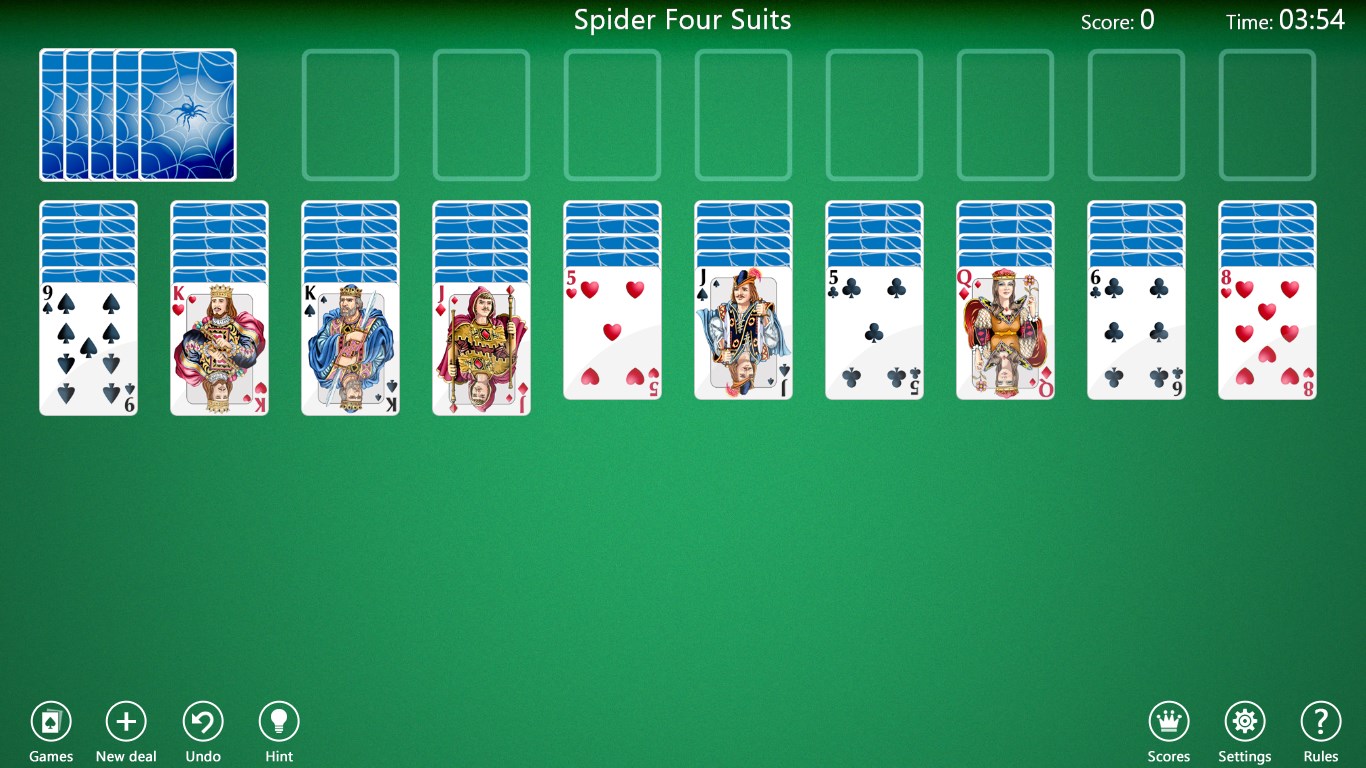
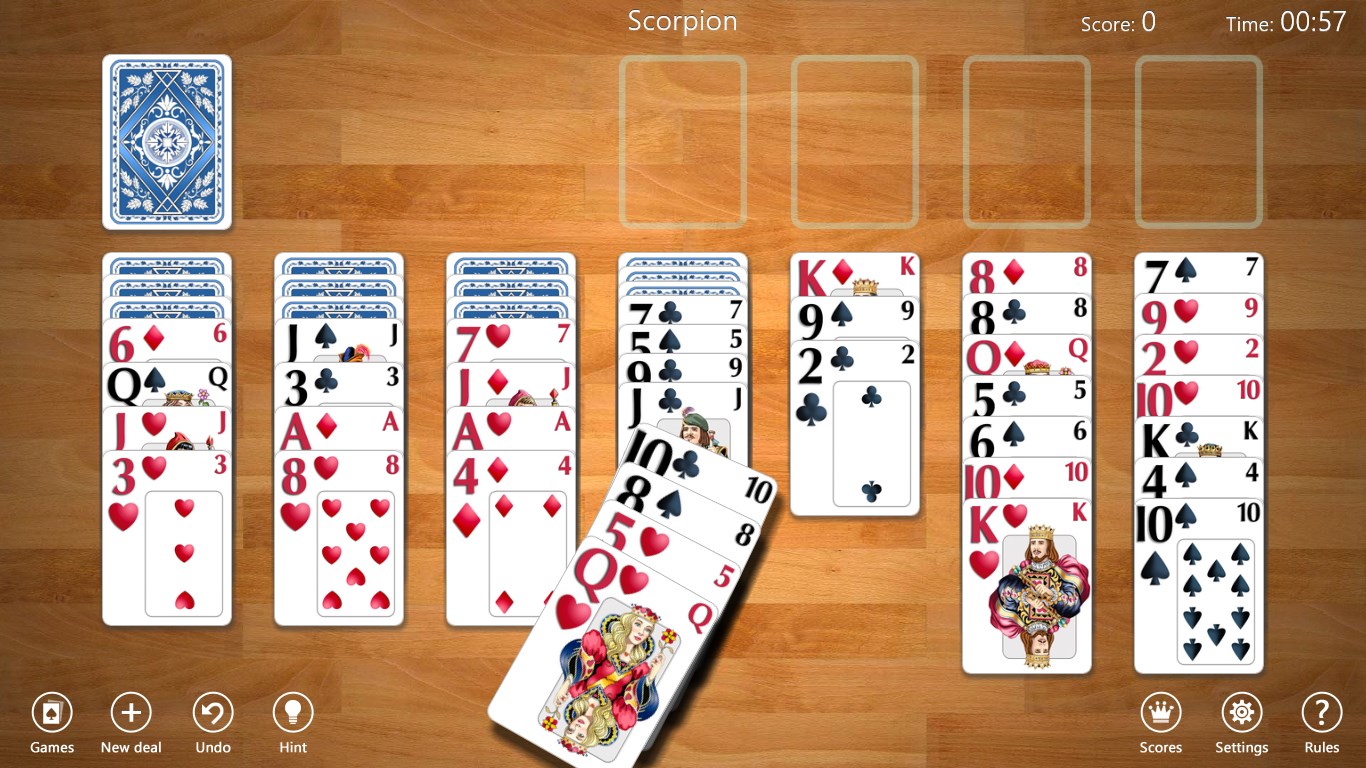
From the moment you launch Spider Solitaire Collection Free, you'll notice its clean and inviting interface—think of it as walking into a cozy, well-organized library filled with well-loved decks of cards. The game employs vivid visuals with a pleasing color palette that make the cards pop without overwhelming your senses. The smooth animations and responsive controls ensure that every shuffle, deal, and move feels fluid—as gentle as a breeze rustling through leaves.
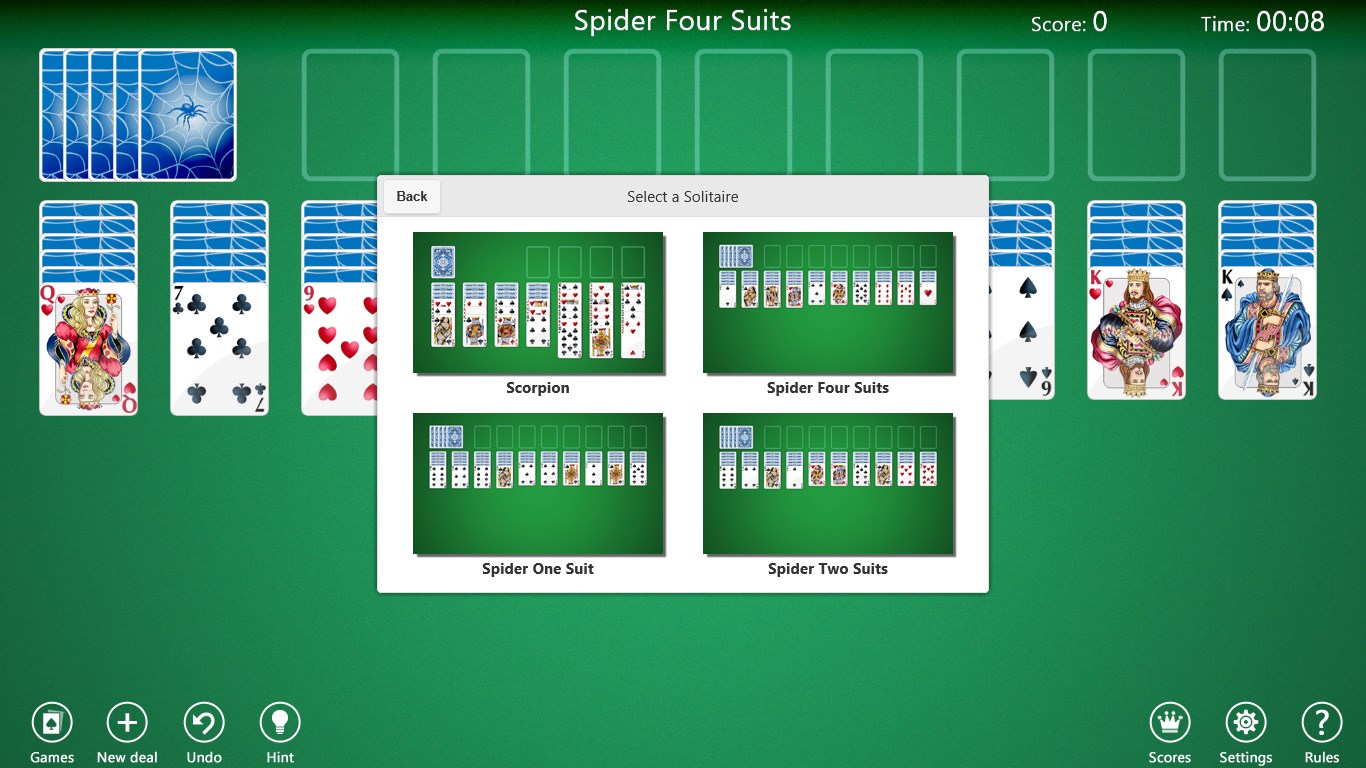
The interface is intuitively designed, allowing both newcomers and veterans to grasp gameplay quickly. The main menu keeps your options straightforward, with clearly labeled buttons leading to different game modes and customization choices. Playing the game resembles handling real cards—this tactile familiarity adds to the overall charm. Navigation feels seamless, with no lag or clunky menus disrupting the experience, even on lower-spec machines.
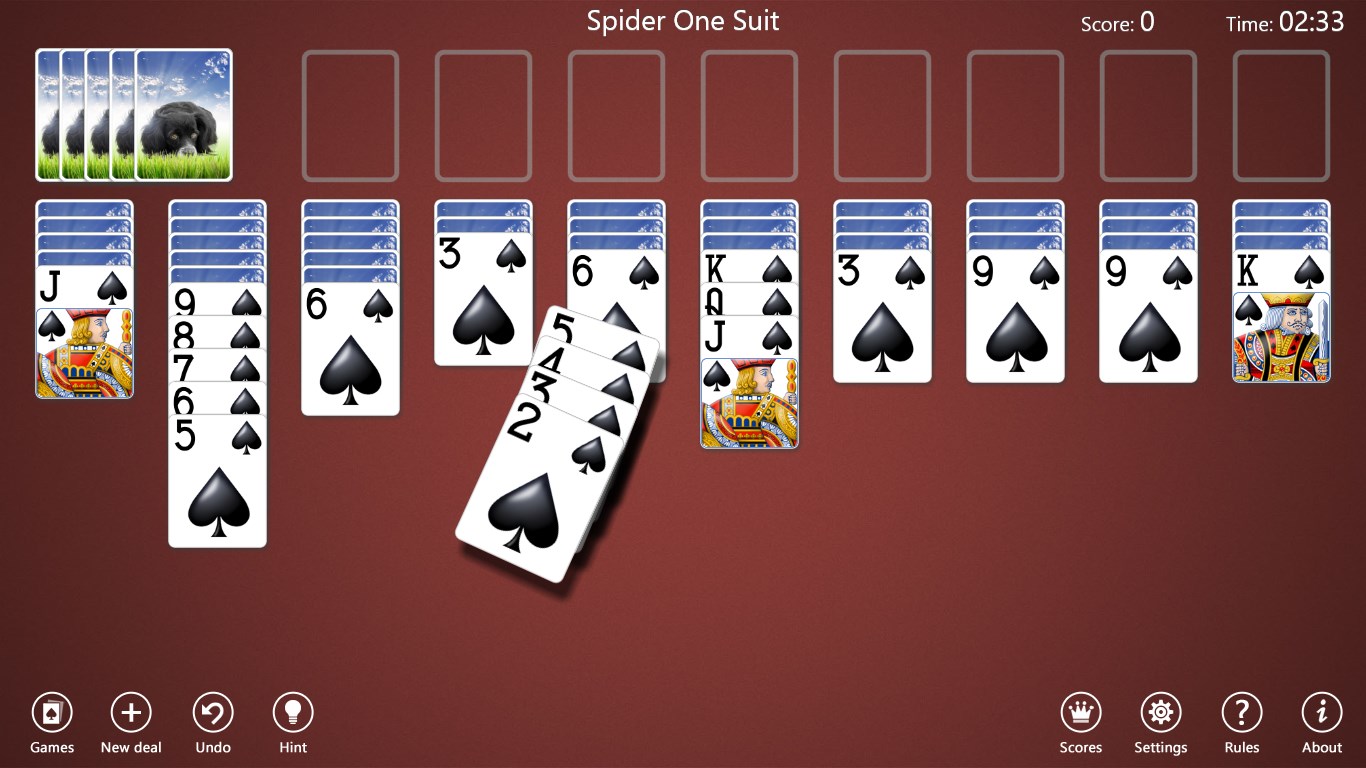
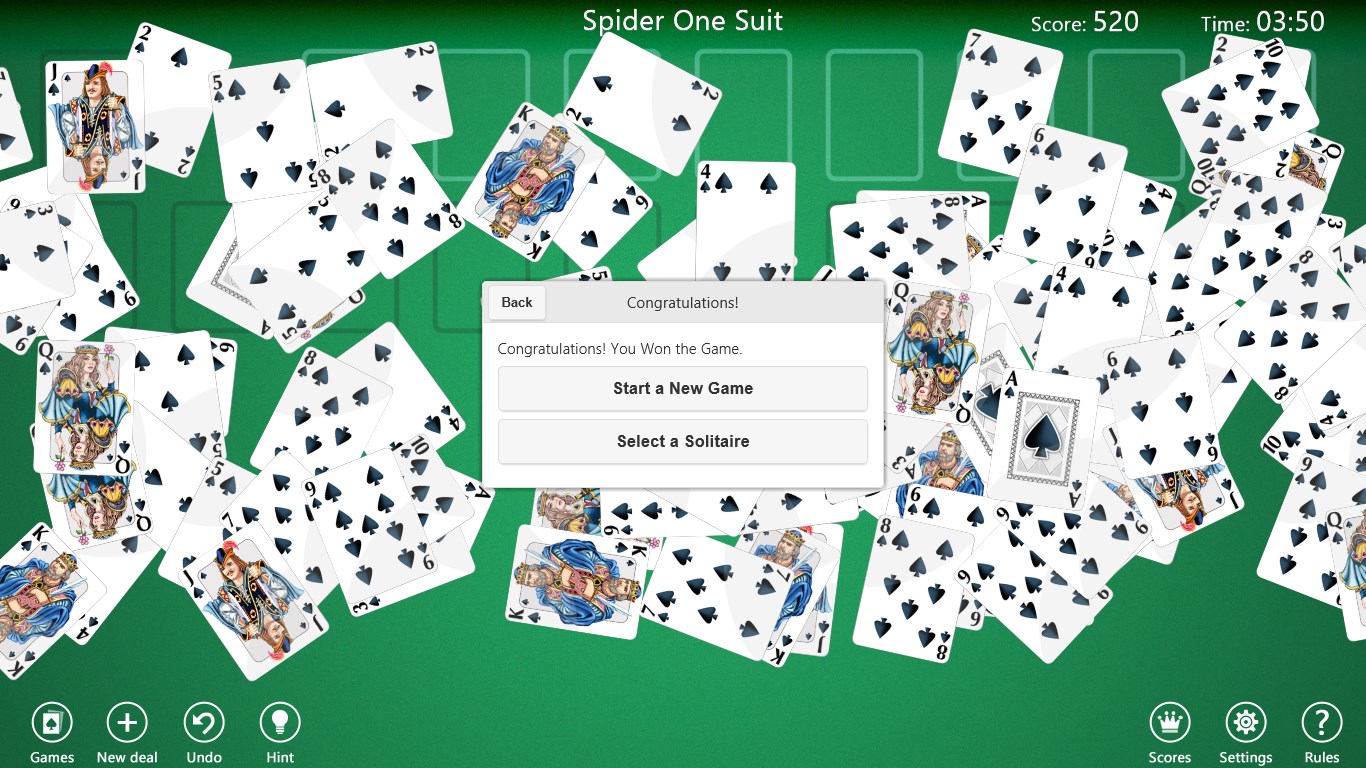
Specifications are simple: drag and drop, with optional hints available. For new players, a gentle learning curve starts with easy, one-suit games, gradually scaling up to more complex variations. Regular players will find enough depth to keep challenging themselves, especially with multiple difficulty settings. The game balances accessibility with depth—a perfect bridge for casual players and seasoned solvers alike.
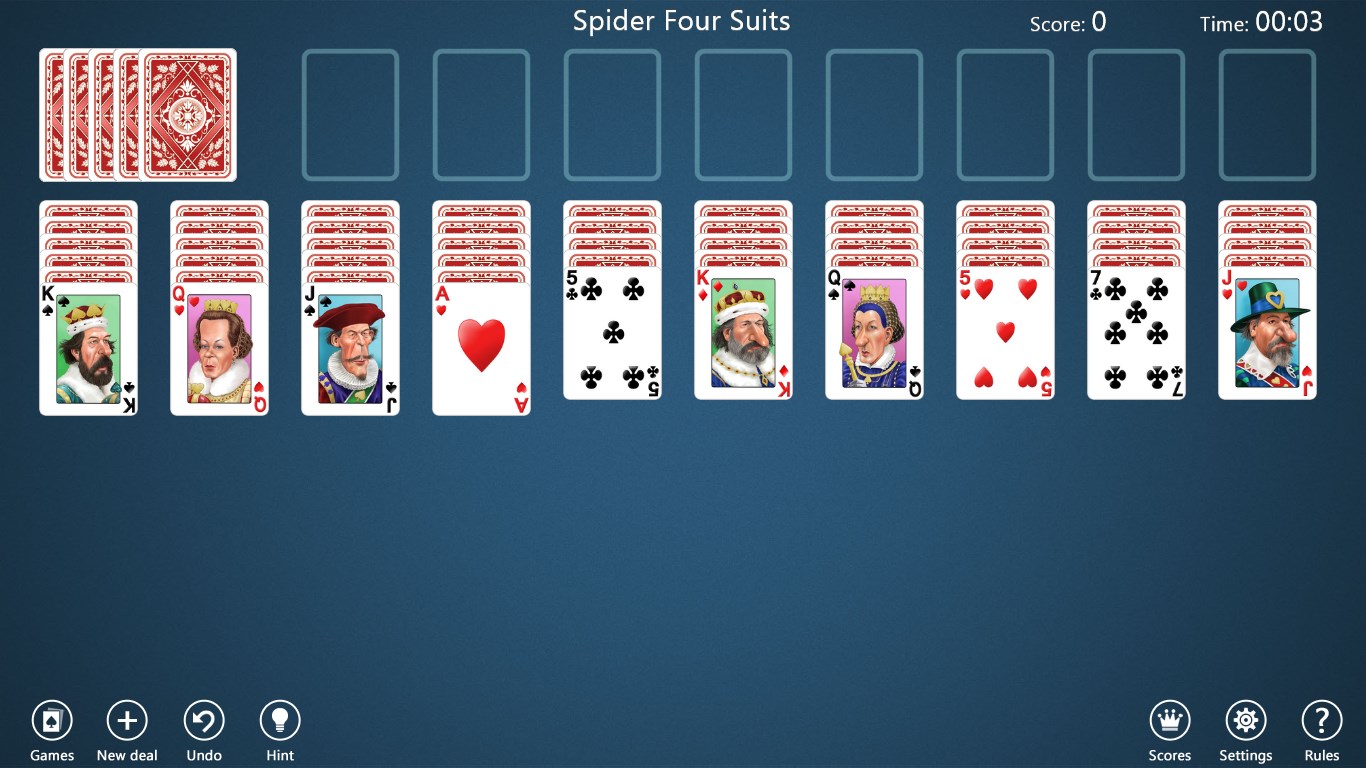
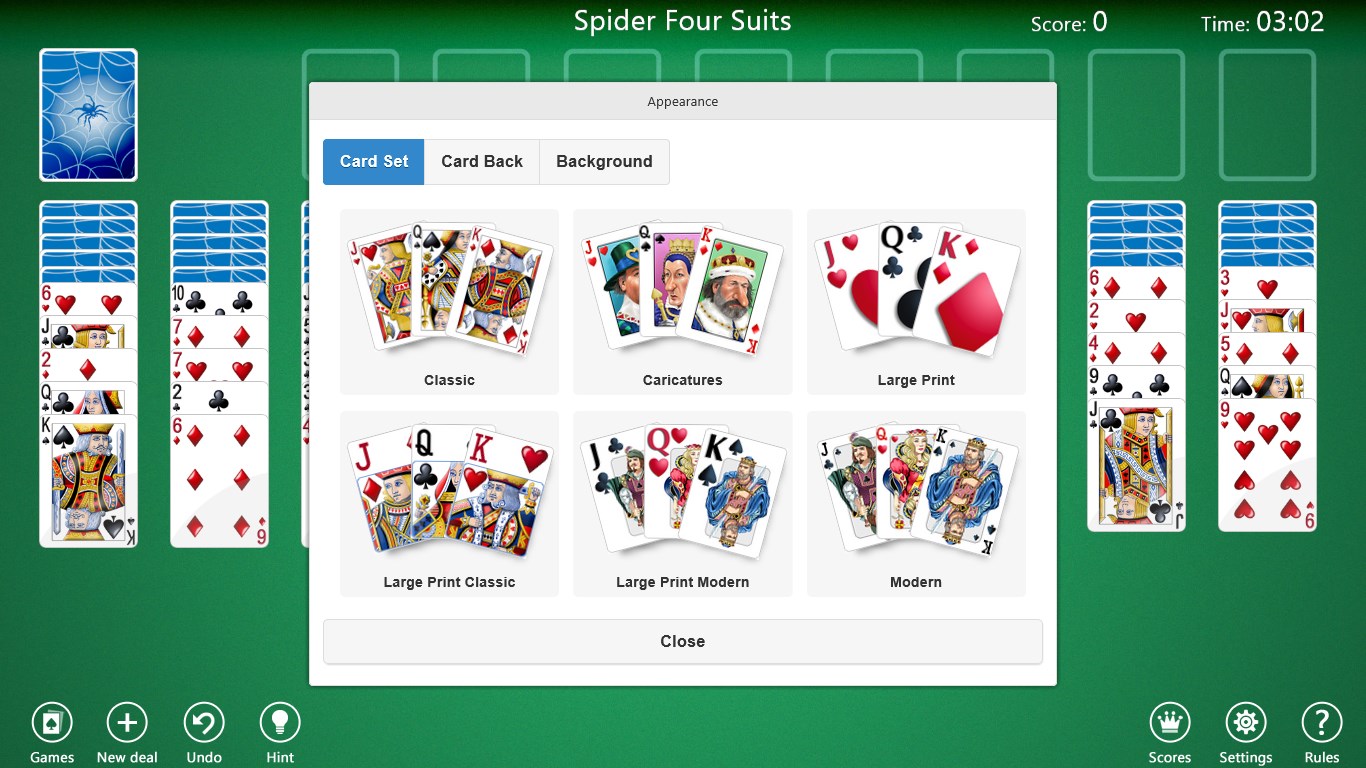
While many solitaire apps compete for attention with similar features, Spider Solitaire Collection Free distinguishes itself through its emphasis on customization and the breadth of difficulty levels. Its ability to switch between different deck styles and themes offers a fresh twist for players who might otherwise find standard solitaire a bit monotonous. Moreover, its unobtrusive assistance tools help players learn effective strategies without undermining the game's challenge, making it an ideal platform for skill-building over time.
Overall, Spider Solitaire Collection Free provides a solid, enjoyable experience wrapped in a user-friendly package. It's neither flashy nor overly complicated—just a well-crafted rendition of a timeless game. I recommend it to casual players seeking a relaxing diversion, as well as to those looking to sharpen their solitaire skills with a diverse set of challenges. Whether you're a dedicated solitaire enthusiast or a newcomer curious about the game, this collection offers enough variety and polish to keep you engaged.
User-Friendly Interface
Free Access with No Ads
Multiple Solitaire Variations
Auto-Save and Resume
Regular Updates and Support
Limited Customization Options
Lack of Difficulty Levels
No Social Sharing Features
Limited Undo Options
Minor Performance Fluctuations on Low-End Devices

for Windows
 4.9
4.9

for Windows
4.8

for Windows
4.8

for Windows
4.8

for Windows
4.8

for Windows
4.8

for Windows
4.8

for Windows
4.7
for Windows
4.7

for Windows
4.7

for Windows
4.7

for Windows
4.7

for Windows
5

for Windows
5

for Windows
5

for Windows
5

for Windows
5

for Windows
5

for Windows
5

for Windows
5

for Windows
5

for Windows
5