Strategy
Klondike Solitaire Game
PC, Mobile, Surface Hub, HoloLens
Windows 10 version 10240.0 or higher
Version 10
Chinese (Simplified), English (United States)
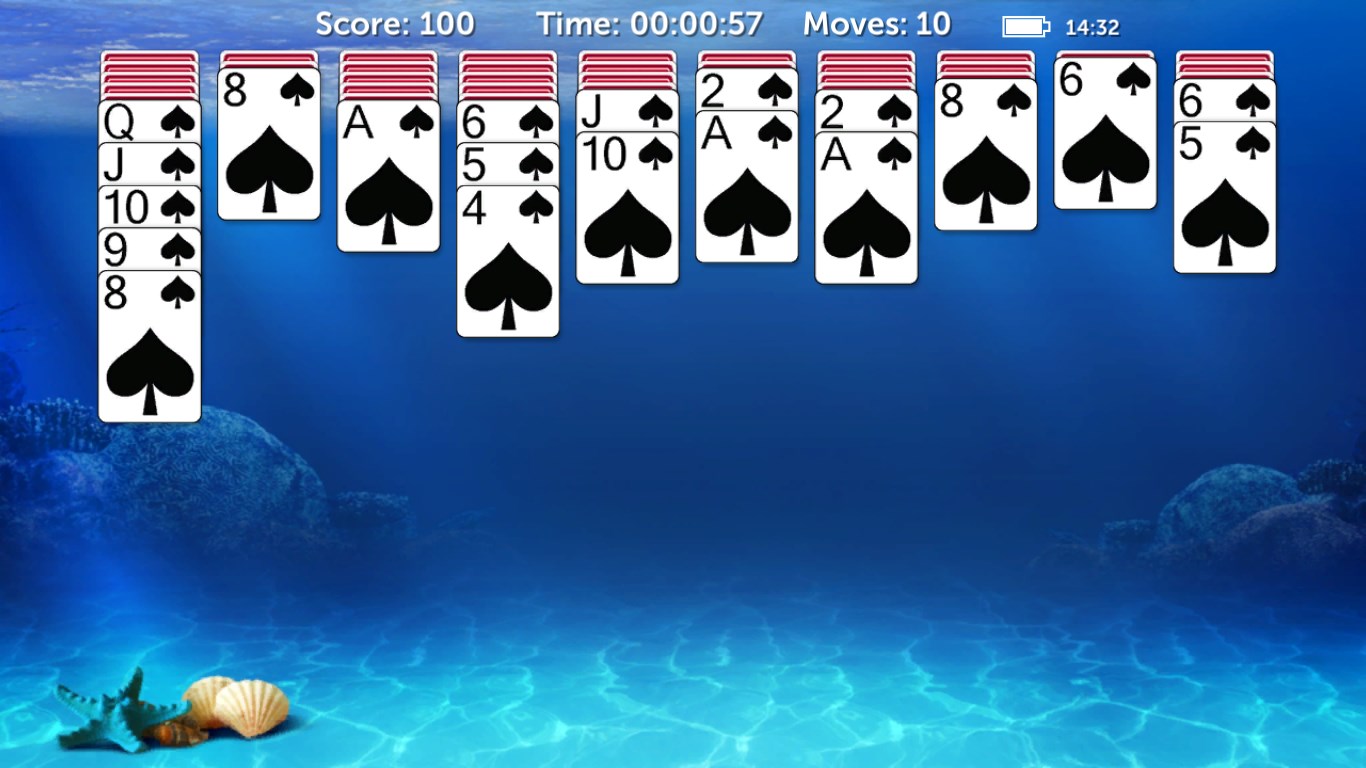
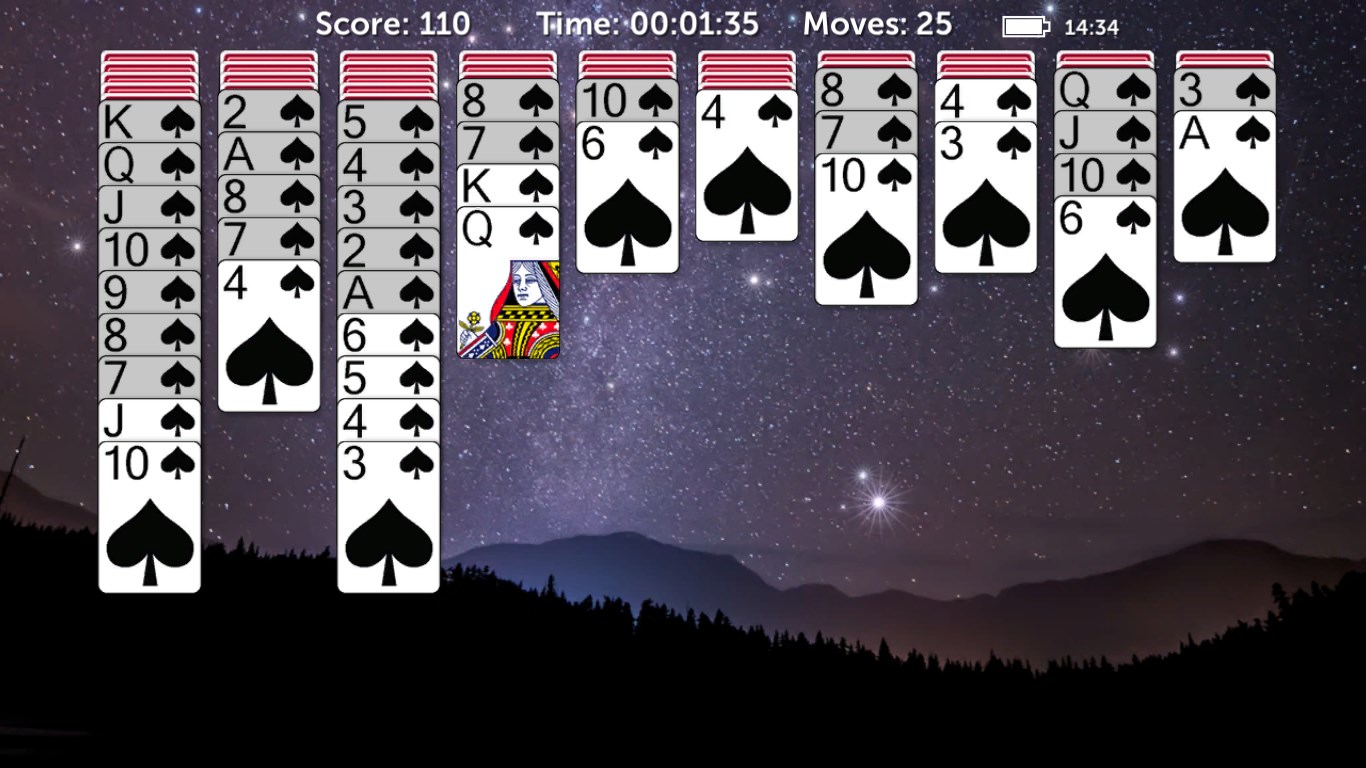
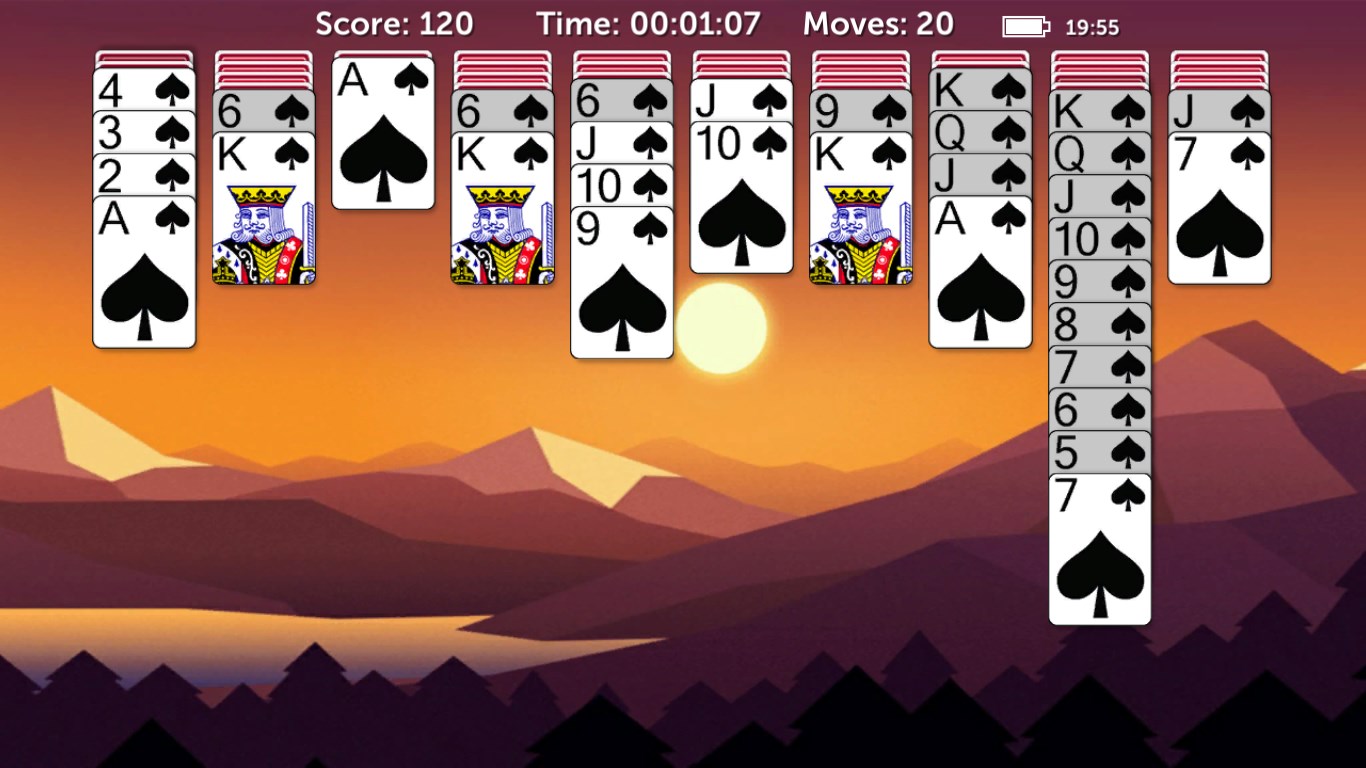
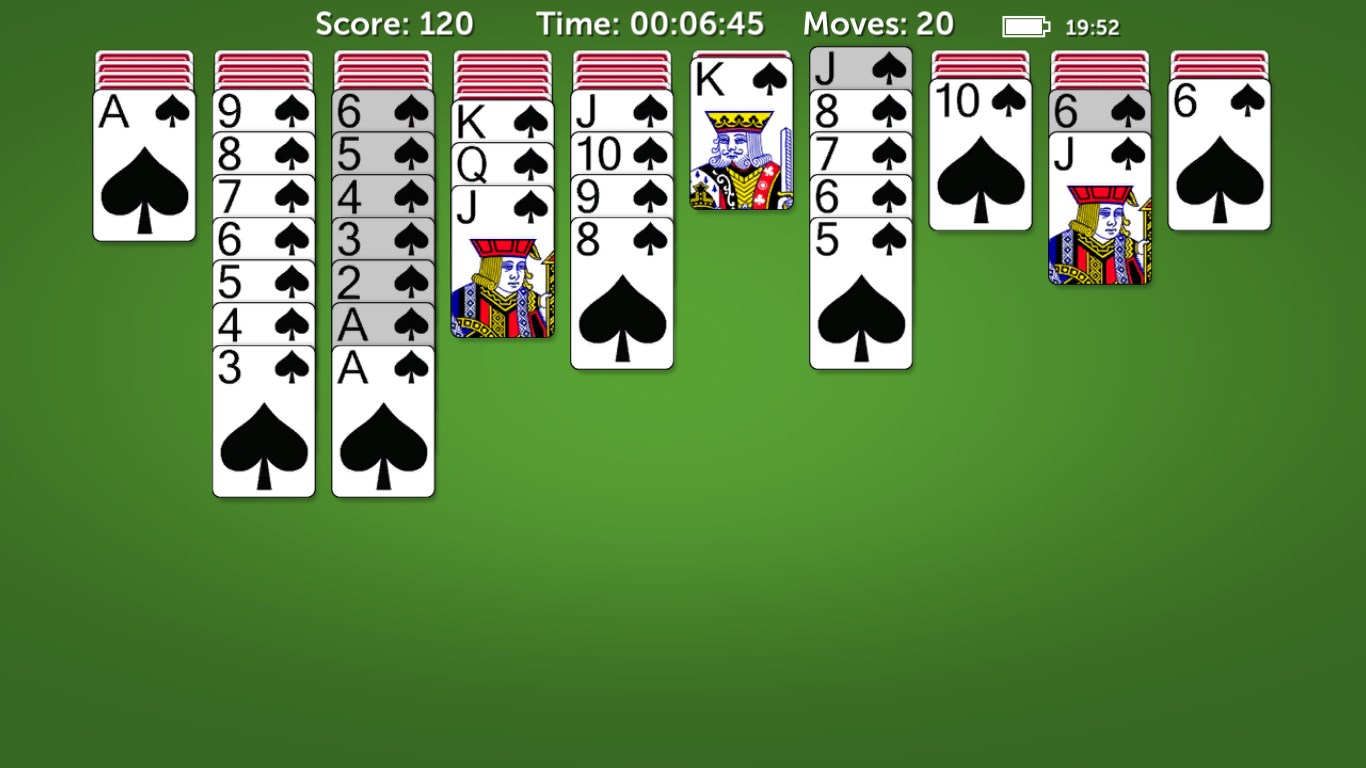
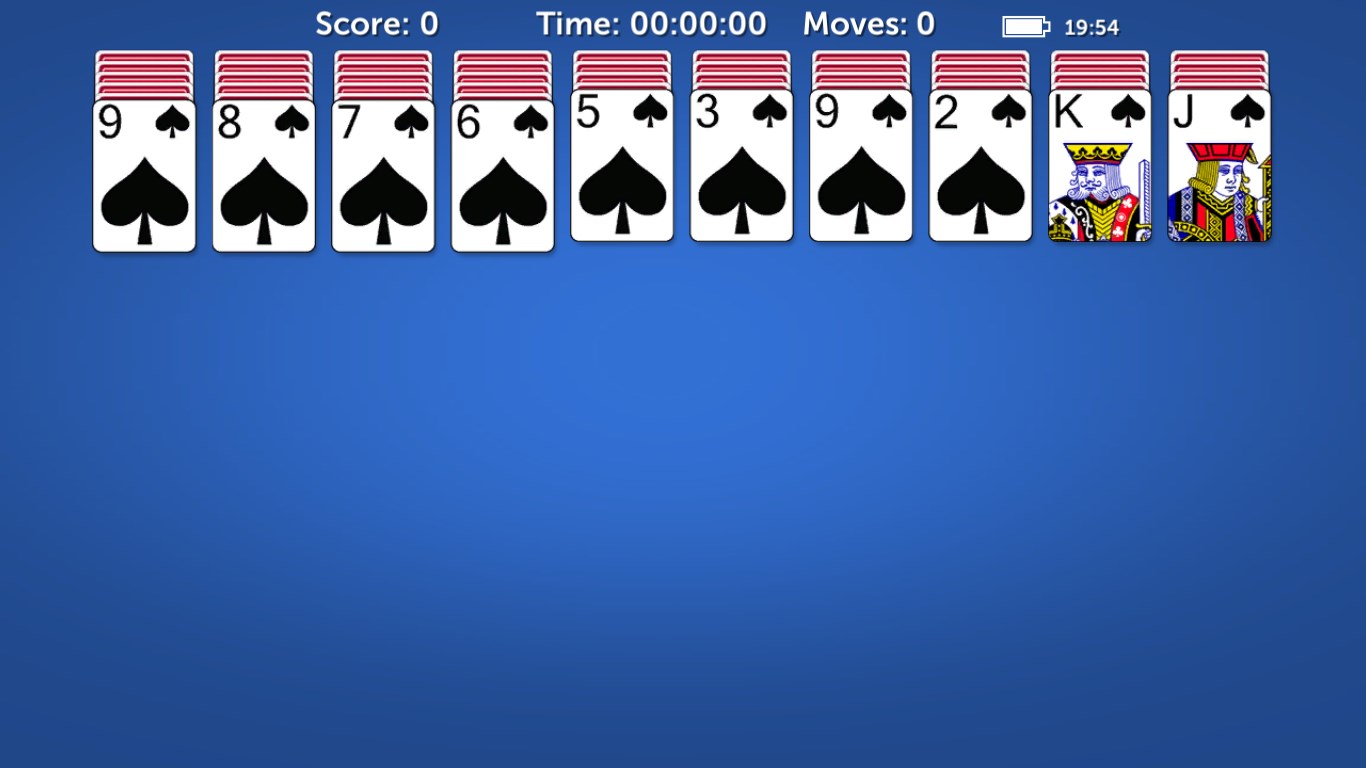
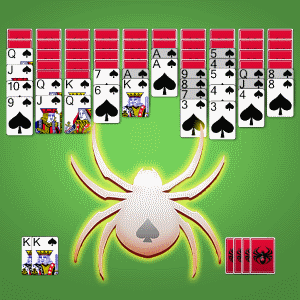
Spider Solitaire Classic 2022 for Windows offers a nostalgic card game experience infused with contemporary design and thoughtful features, making it both familiar and fresh for today's players.
Developed and published by Klondike Solitaire Game, this application centers on delivering a clean and accessible version of the timeless spider solitaire game. The main features include an intuitive interface that mimics traditional gameplay, multiple difficulty levels accommodating beginners to advanced players, and seamless gameplay optimized for Windows devices. Its purpose is to provide users with an engaging, stress-relief card game that's easy to pick up yet challenging enough to keep the interest alive.
Imagine settling into your cozy corner with a deck of cards, ready to unravel the enchanting puzzle of Spider Solitaire. The game's interface feels like a well-worn leather-bound book—familiar yet inviting. As you shuffle through suits and sequences, the app captures that timeless feeling of patience and strategic thinking, but it's presented through a sleek, modern lens. The background music and simplistic animations gently enhance the experience without distracting—a perfect balance of engagement and calm.
First, the game's adaptive difficulty settings stand out. Whether you're a novice just learning the ropes or a veteran seeking a tough challenge, the options allow you to customize your experience effortlessly. Unlike some versions that go too minimalistic or overly complex, this app strikes a harmony, letting you dive into the game with confidence or test your skills against tougher obstacles.
Another highlight is its intelligent move suggestion system. Unlike traditional solitaires that leave you to your wits, this feature gently guides players by highlighting potential moves or alerting when no moves are available—much like having a friendly companion whispering hints, making your game more engaging and less frustrating.
Finally, the app distinguishes itself with its clean design that minimizes clutter. While many card games skimp on aesthetic touches, here, each element has a purpose, delivering a visually pleasing experience that's easy to navigate. This clarity helps players focus on the game logic rather than struggling with confusing menus or cramped controls.
In terms of user experience, Spider Solitaire Classic 2022 impresses with its intuitive layout, smooth animations, and responsive controls—analogous to sliding cards effortlessly across a polished tabletop. Learning curve? It's gentle—beginners can comfortably learn the game within minutes, while seasoned players can appreciate the subtle complexities that unfold during strategic plays.
One of the app's most distinctive features lies in its custom decision-consequence visibility. Unlike some applications that hide the logical outcomes or depend solely on random chance, this game allows players to evaluate their moves based on potential future states, thus fostering better strategic thinking. This sense of visibility enhances understanding and reinforces game mastery.
Furthermore, the app effectively manages information overload. With clean visuals and optional hints, it enables players to focus on the essentials without feeling overwhelmed by a flood of options—a crucial advantage for maintaining engagement and avoiding frustration, especially for casual players.
Overall, Spider Solitaire Classic 2022 for Windows is a thoughtfully crafted adaptation of a beloved classic. Its standout features—particularly the move suggestions and clear decision visibility—make it accessible for newcomers while still offering enough depth to challenge expert players. The interface is inviting, and gameplay flows seamlessly, making it a relaxing yet stimulating pastime.
If you enjoy logic puzzles or are simply looking for an easy-to-learn classic card game that respects your intelligence, this app comes highly recommended. Casual players seeking a calming experience will appreciate its straightforward design and guided hints; hardcore strategists will love the layered decisions and strategic depth. Whether you're on a quick break or savoring a lazy afternoon, Spider Solitaire Classic 2022 is a dependable companion—quietly challenging and endlessly engaging, like a friendly game of cards by the fireside.
Intuitive and user-friendly interface
Smooth gameplay with minimal lag
Various game modes and difficulty levels
Free to download and play with optional ads
Regular updates adding new features and improvements
Limited customization options
Ads can occasionally disrupt gameplay
Lack of tutorial for new players
Performance issues on older devices
Limited analytics or progress tracking features

for Windows
 4.9
4.9

for Windows
4.8

for Windows
4.8

for Windows
4.7

for Windows
4.7
for Windows
4.7

for Windows
4.6
for Windows
4.6

for Windows
4.6

for Windows
4.6

for Windows
4.6

for Windows
4.6

for Windows
5

for Windows
5

for Windows
5

for Windows
5

for Windows
5

for Windows
5

for Windows
5

for Windows
5

for Windows
5

for Windows
5