Strategy
Klondike Solitaire Game
PC, Mobile, Surface Hub, HoloLens
Windows 10 version 10240.0 or higher
Version 10
English (United States)
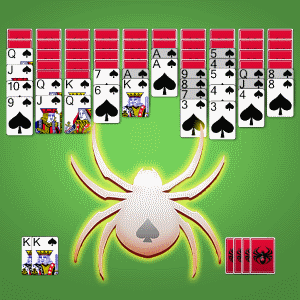
If you're someone who appreciates a good blend of strategic challenge and seamless gameplay, Spider Solitaire Classic! offers a refreshing take on the timeless card game. With its familiar rules but modern polish, it promises hours of engaging entertainment that's easy to pick up yet hard to put down.
Designed to deliver a traditional yet smooth solitaire experience, Spider Solitaire Classic! stands out as a go-to digital pastime for card game enthusiasts. Developed and published by Klondike Solitaire Game, this application aims to preserve the classic charm while adding thoughtful enhancements to elevate the user experience.
The game primarily targets casual players, puzzle lovers, and anyone looking to pass the time with a thoughtful challenge. Whether you're new to solitaire or a seasoned pro, Spider Solitaire Classic! aims to accommodate your preference for simplicity or complexity in gameplay.
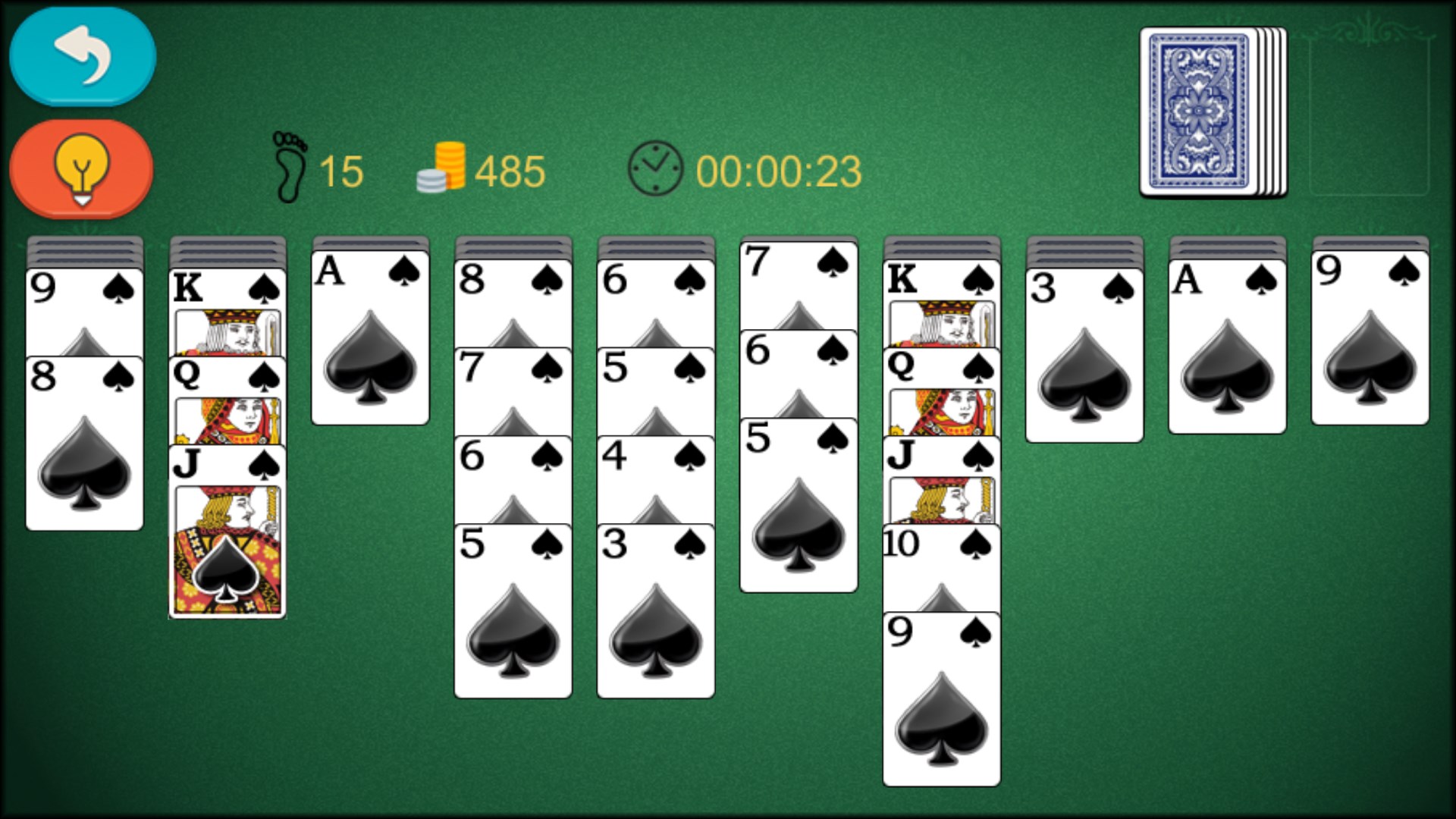
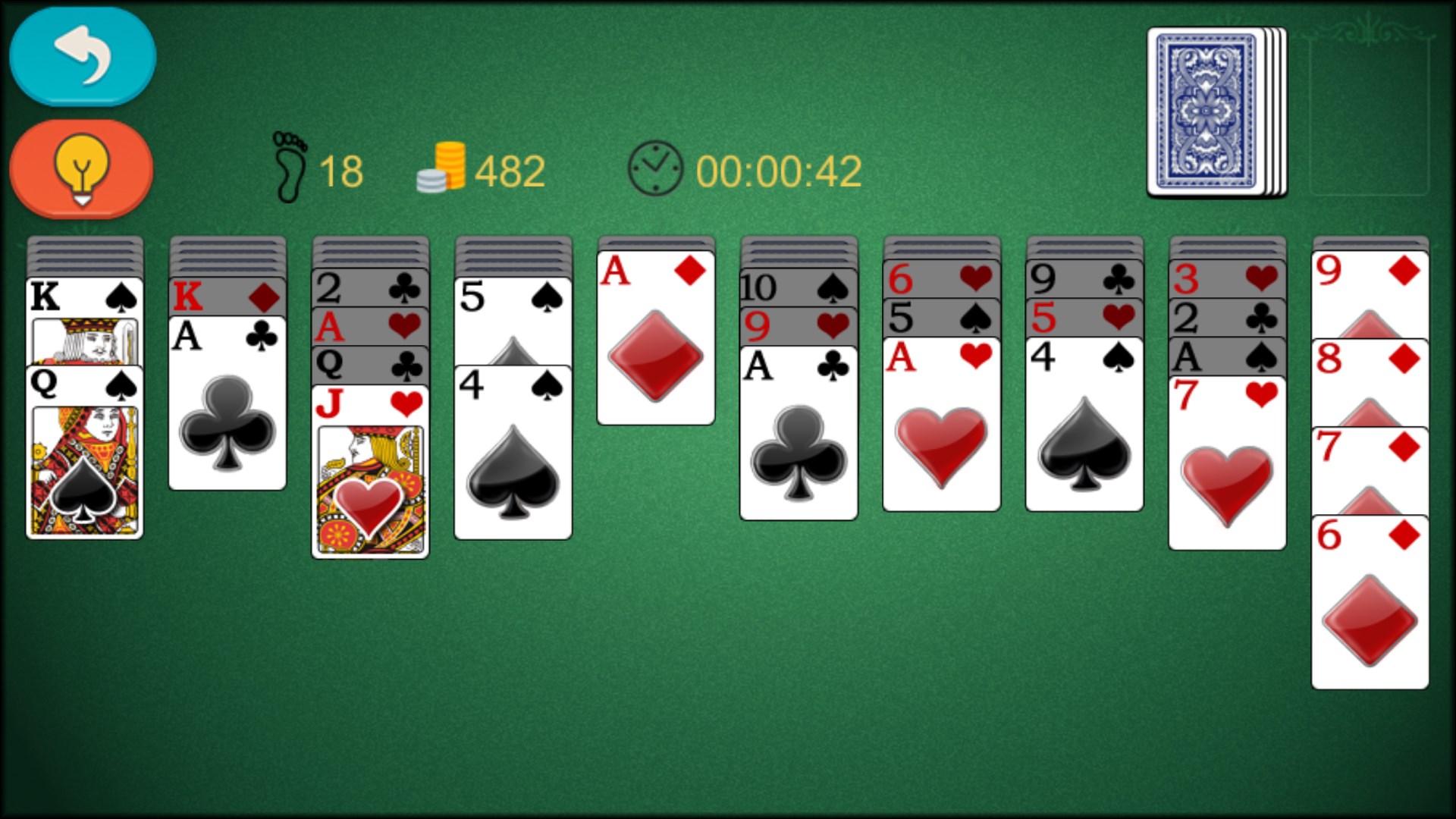
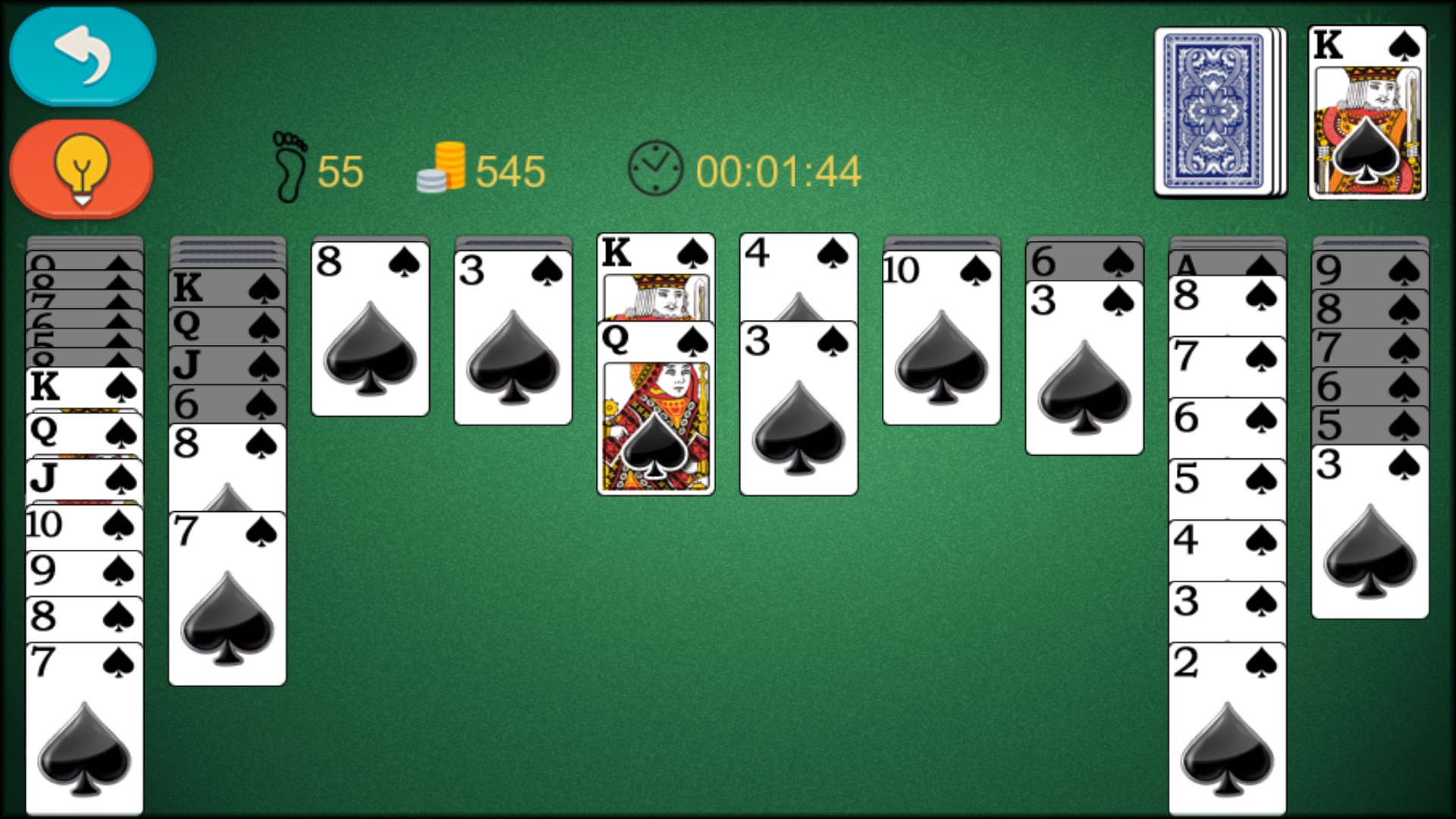
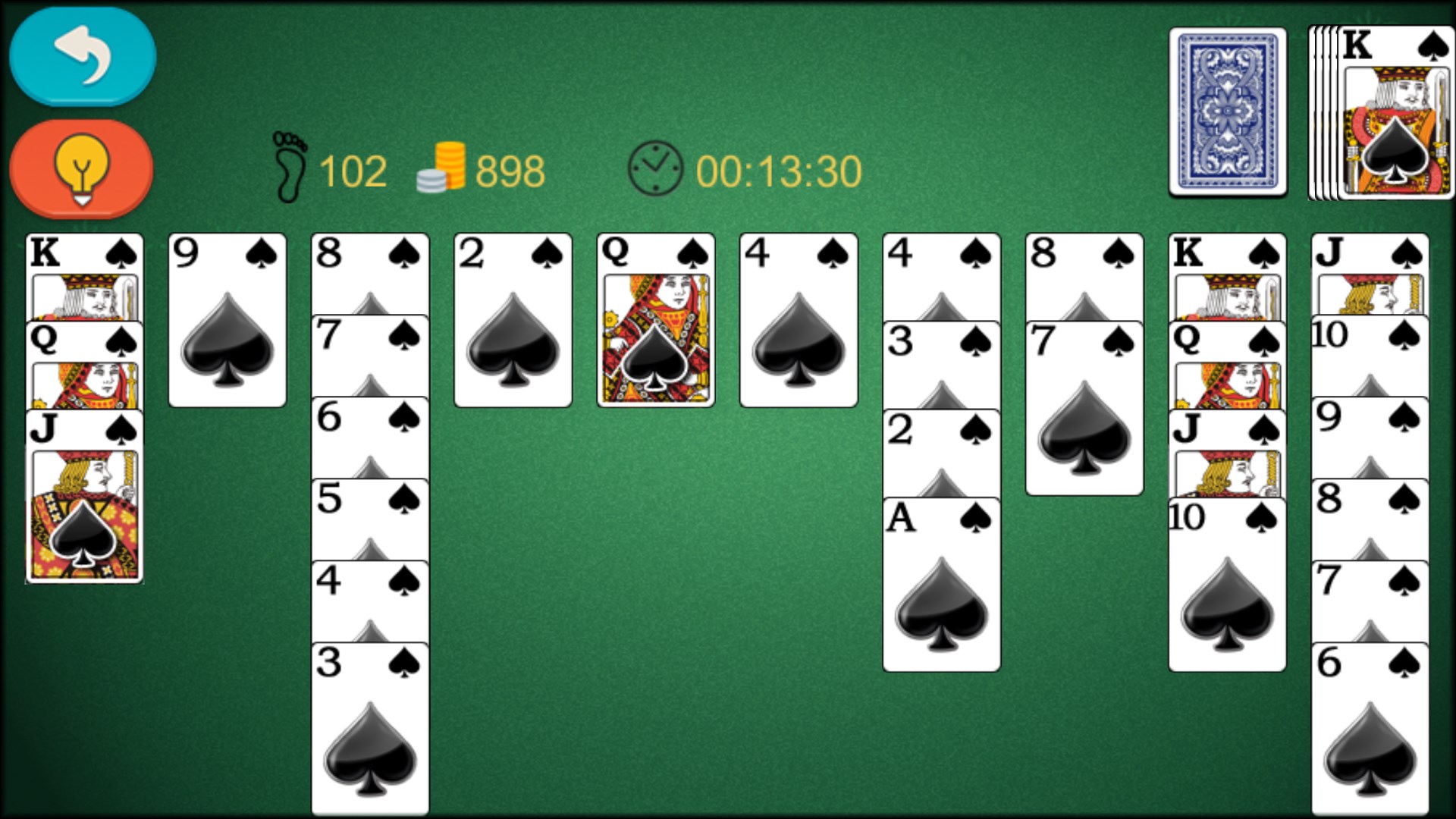
From the moment you launch Spider Solitaire Classic!, you're greeted with a crisp, familiar tableau that transports you right into a cozy corner of a traditional card room. The game's interface is clean, resembling a well-organized desktop, where each element is thoughtfully placed—cards are easy to read and move, and the background options add a personal touch without cluttering the screen. The design feels like a well-worn deck in your hands, inviting you to shuffle and deal anew.
The heart of Spider Solitaire Classic! lies in its straightforward yet carefully refined mechanics. The game offers multiple difficulty levels: a single suit mode for beginners to hone their skills, progressing to two or four-suit challenges for veteran players seeking complexity. This layered approach effectively caters to a broad spectrum of players, encouraging gradual mastery. The app's deck shuffles are seamless, ensuring quick dealing without lag, further immersing you in the game.
One of its standout features is the intelligent move suggestion system that assists in making strategic decisions without being intrusive. It's akin to having a friendly seasoned player whispering advice in your ear, guiding your hand while respecting your autonomy. Additionally, undo and redo functions allow players to experiment freely, fostering a risk-free environment for learning and enjoying the game.
Navigation within Spider Solitaire Classic! feels fluid and natural, with drag-and-drop operations responding swiftly and accurately—much like shuffling cards across a polished table. The game's layout is uncluttered, and the visual aesthetics—subtle card back designs and adjustable themes—invite personalization, making each session comfortable. Learning curve is gentle; even newcomers find it straightforward to understand rules and controls, while seasoned players appreciate the depth of strategic options available.
Compared to other digital solitaire apps, it excels in decision visibility, thanks to its clear indicators of possible moves and forthcoming consequences. This feature is particularly valuable for those aiming to develop better strategic foresight, transforming casual play into a subtle exercise in planning and outcome analysis. Furthermore, the app effectively manages information overload by maintaining a minimalistic design, ensuring players remain focused without unnecessary distractions.
While many solitaire apps mimic the classic experience, Spider Solitaire Classic! distinguishes itself with its thoughtful balancing of simplicity and strategic depth. The adjustable difficulty modes, combined with decision consequence visibility, help players improve their skills methodically. Unlike other apps, it emphasizes clear move options and immediate feedback, which significantly enhances learning and enjoyment.
This app is particularly well-suited for those who value quick, clean gameplay and enjoy evaluating each move's impact. If you seek a stress-free but intellectually stimulating card game, Spider Solitaire Classic! is a trusted choice. It's recommended for casual gaming, improving strategic thinking, or simply relaxing with a familiar pastime reimagined with modern touches.
In conclusion, Spider Solitaire Classic! for Windows offers a balanced blend of classic charm and thoughtful enhancements, making it a worthy addition to any digital card game collection. Whether you're a beginner or a strategy aficionado, it provides a compelling, well-crafted experience that's easy to pick up but challenging to master. Give it a try—you might find yourself drawing the king from the deck more often than not!
Intuitive and easy-to-navigate interface
Classic gameplay with multiple difficulty levels
Smooth animations and responsive controls
Achievements and daily challenges
Offline mode availability
Limited customization options
Ads occasionally interrupt gameplay
Lack of detailed statistics tracking
Limited social sharing features
No tutorial for new players

for Windows
 4.9
4.9

for Windows
4.8

for Windows
4.8
for Windows
4.7

for Windows
4.7
for Windows
4.7

for Windows
4.6
for Windows
4.6

for Windows
4.6

for Windows
4.6

for Windows
4.6

for Windows
4.6

for Windows
5

for Windows
5

for Windows
5

for Windows
5

for Windows
5

for Windows
5

for Windows
5

for Windows
5

for Windows
5

for Windows
5