Strategy
Klondike Solitaire Game
PC, Mobile, Surface Hub, HoloLens
Windows 10 version 10240.0 or higher
Version 10
Chinese (Simplified), English (United States)
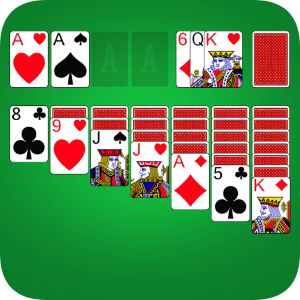
Solitaire Pro 2026 is a thoughtfully crafted digital version of the timeless card game, designed to bring fresh features and an intuitive experience to Windows users seeking casual yet engaging entertainment.
Developed and published by Klondike Solitaire Game, Solitaire Pro 2026 positions itself as a premium digital solitaire experience with a focus on smooth gameplay and user-friendly design. The app's primary features include adaptive difficulty settings, customizable themes, and detailed game analytics—aimed at both casual players and more dedicated enthusiasts who enjoy tracking their progress and improving their skills. Its target audience encompasses Windows users of all ages, from newcomers exploring basic solitaire rules to experienced players seeking a more refined interface and analytical tools to enhance their gameplay.
Imagine settling into your favorite armchair on a lazy Sunday afternoon, a steaming cup of coffee at hand, ready to dive into a game that feels surprisingly new despite its age. That's the kind of relaxed yet stimulating experience Solitaire Pro 2026 offers—combining familiar gameplay with modern touches that keep the digital solitaire experience vibrant and compelling. Its sleek graphics and thoughtful design invite players to immerse themselves without feeling overwhelmed, making it perfect for short breaks or extended gaming sessions alike.
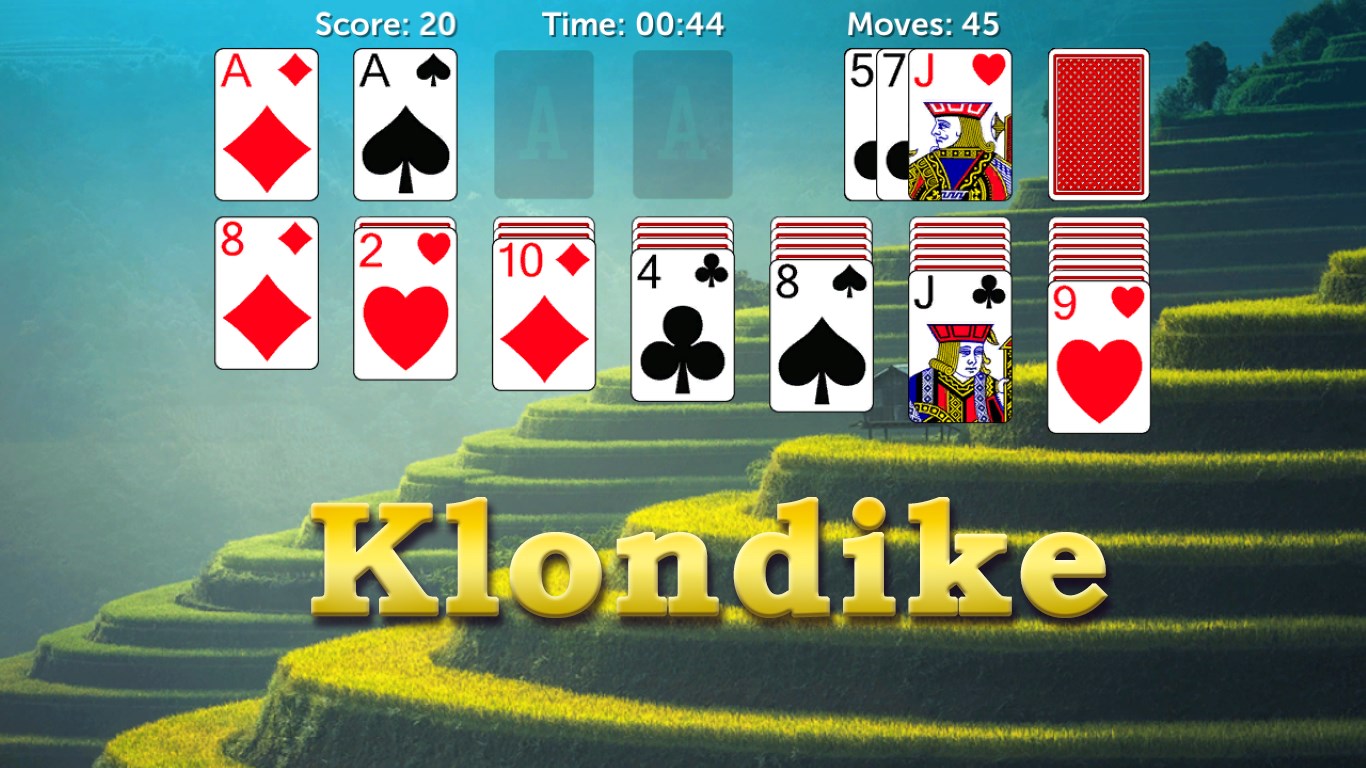
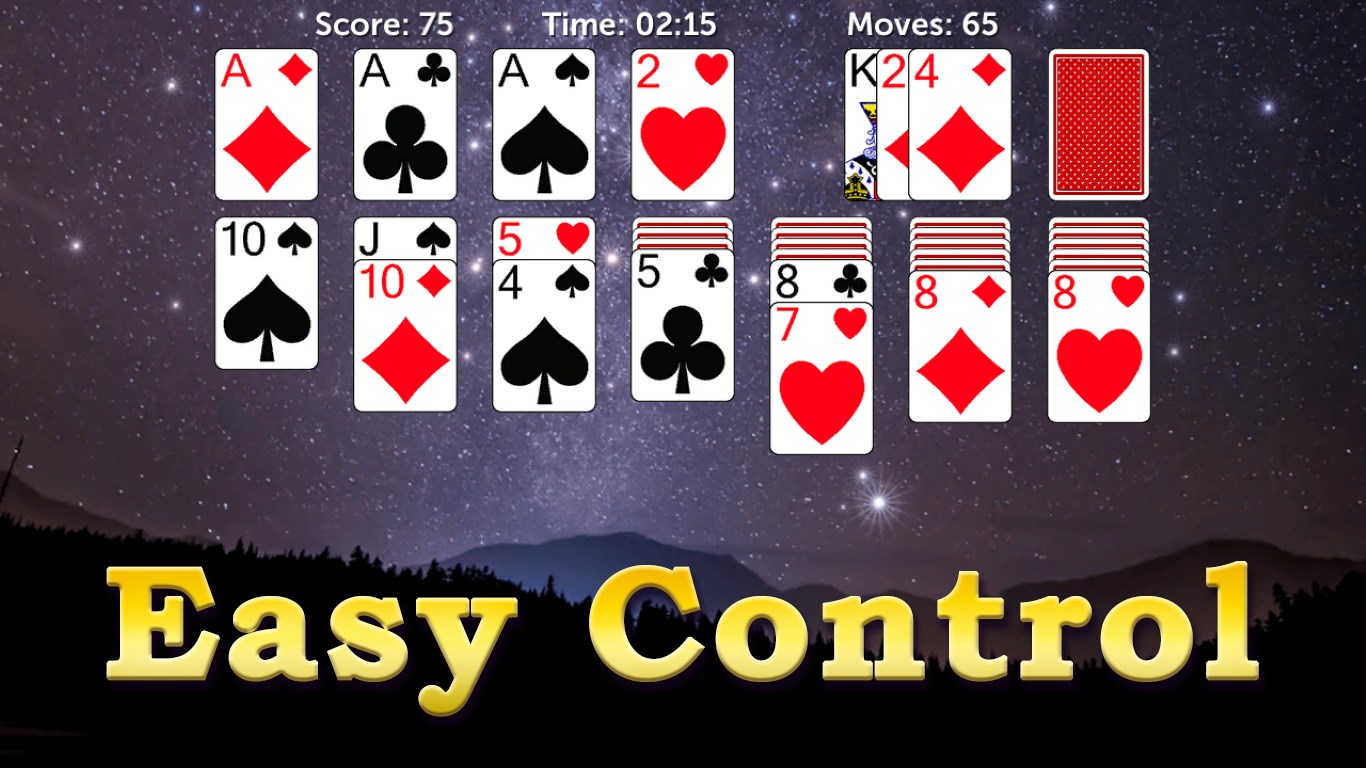
From the moment you launch the app, Solitaire Pro 2026 greets you with a clean, polished interface reminiscent of a well-organized card table—boards are neatly laid out, controls are accessible, and theme options are visually appealing without cluttering the screen. Transitioning between game modes or adjusting settings is seamless, thanks to clearly labeled buttons and minimalistic icons. This design not only improves aesthetic appeal but also enhances usability, allowing new players to pick it up quickly and seasoned players to navigate effortlessly.
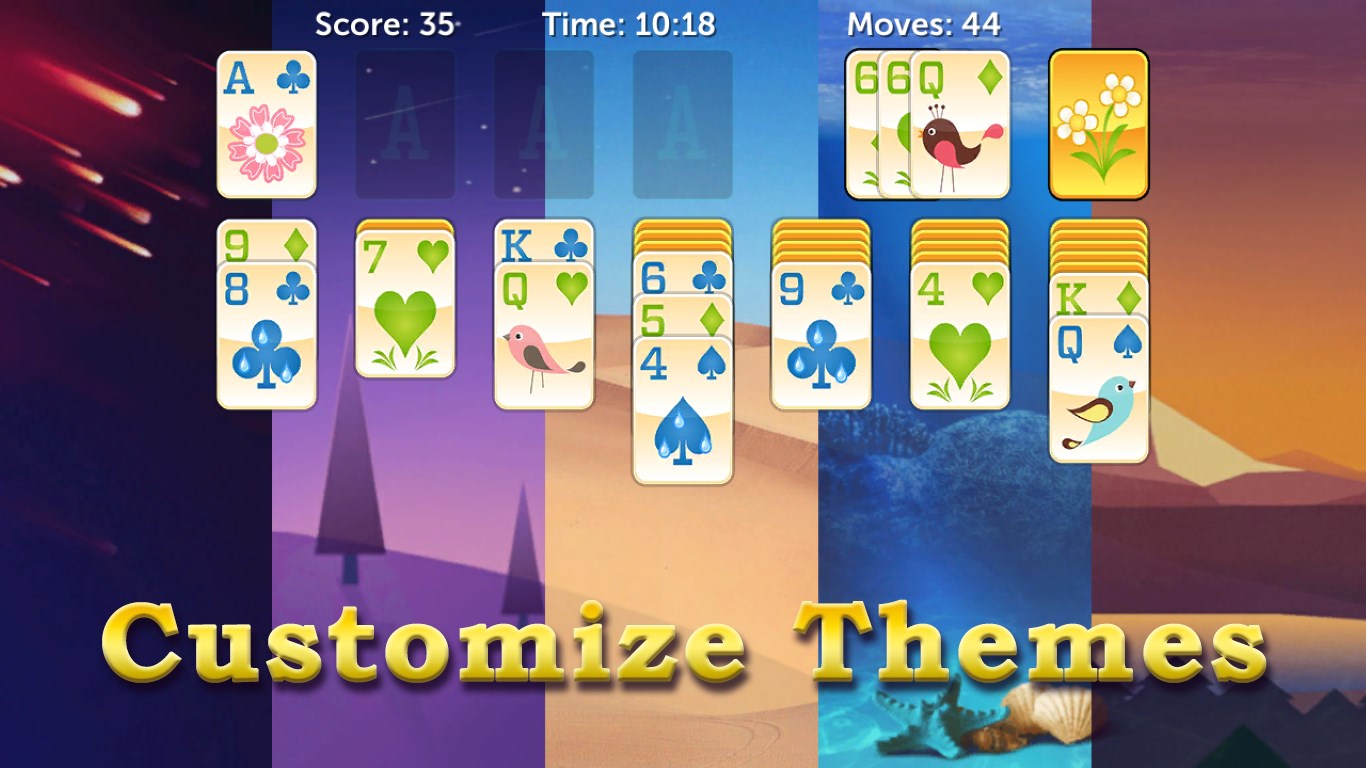
What sets Solitaire Pro 2026 apart from many free versions is its emphasis on providing detailed game analytics. Players can review their move history, success rates, and even predict outcomes based on decision patterns—bringing a strategic edge to the game. Additionally, the app offers extensive customization options, enabling users to select from various card designs, background themes, and even adjustable difficulty levels. This personalization ensures that each player can tailor their experience to fit their preferences, making every session uniquely enjoyable.
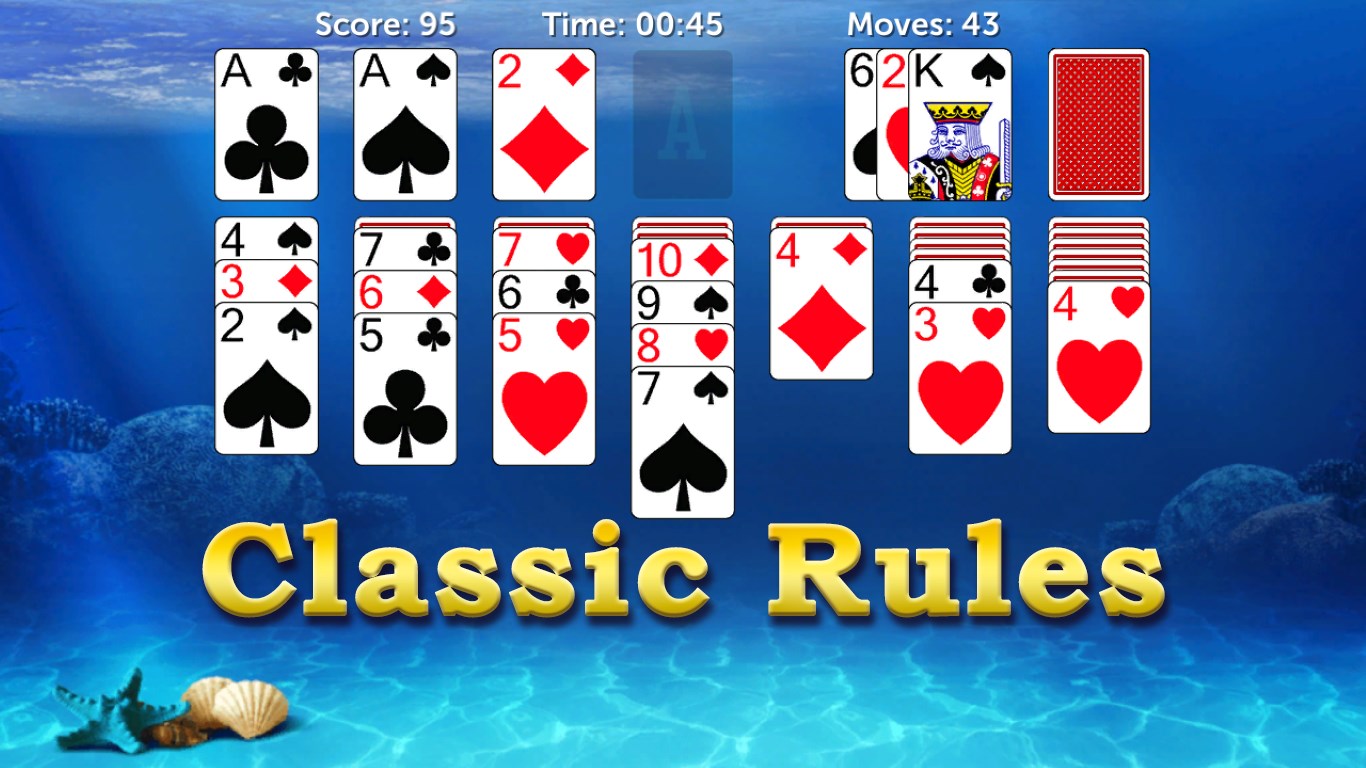
One of the app's highlights is its intelligent decision visibility system. It highlights possible moves, giving users a clear view of potential strategies without cluttering the screen with excessive hints—balancing guidance with autonomy. Moreover, the app effectively manages information overload by presenting relevant data in a streamlined manner, allowing players to analyze their options without feeling overwhelmed. This feature fosters better decision-making, especially for novice players who might otherwise find strategic planning daunting.
Compared to other solitaire apps, Solitaire Pro 2026's standout feature is its integration of gameplay analytics combined with decision consequence visibility. Unlike typical versions where players might guess or rely solely on intuition, this app offers a window into their decision process, promoting learning and strategic improvement. Additionally, its adept management of information overload ensures an optimal balance between guidance and challenge, making each move meaningful. These attributes position the app not just as a pastime but as a tool for developing patience, strategy, and analytical skills.
All things considered, Solitaire Pro 2026 is highly recommended for Windows users who appreciate both casual gameplay and strategic depth. Its well-designed interface, combined with insightful analytics and decision-making tools, makes it suitable for players seeking a refined solitaire experience that encourages improvement without sacrificing accessibility. Whether you're a newcomer looking to learn smarter moves or an experienced player aiming for a new challenge, this app offers enough features to keep your card shuffling interesting. Give it a try—let the cards fall where they may, and enjoy the subtle sophistication tucked within this classic game.
Intuitive User Interface
Various Solitaire Variants
Offline Play Support
Customizable Themes
Progress Tracking and Achievements
Limited Tutorial Features
Occasional Minor Glitches
Advertisement Interruptions
Limited Free Content
Graphics Could Be More Dynamic

for Windows
 4.9
4.9

for Windows
4.8

for Windows
4.8

for Windows
4.7

for Windows
4.7
for Windows
4.7

for Windows
4.6
for Windows
4.6

for Windows
4.6

for Windows
4.6

for Windows
4.6

for Windows
4.6

for Windows
5

for Windows
5

for Windows
5

for Windows
5

for Windows
5

for Windows
5

for Windows
5

for Windows
5

for Windows
5

for Windows
5