Card & board
PC, Surface Hub, HoloLens
Windows 10 version 10240.0 or higher
Version 10
English (United States)
Solitaire Epic+ for Windows is a thoughtfully crafted digital rendition of the timeless patience card game, designed to deliver both nostalgia and fresh features suitable for casual players and solitaire enthusiasts alike.
Developed by Kristanix AS, a reputable name in digital card game development, Solitaire Epic+ aims to provide a seamless and engaging solitaire experience on Windows platforms. The app's main attractions include intuitive interface design, a wide variety of solitaire patterns, and customizable themes, making it stand out from typical implementations. Its focus on smooth gameplay and user-friendly navigation caters to both newcomers and seasoned solitaires players, thus targeting a broad user base from casual gamers to puzzle lovers.
Picture settling into a cozy corner with a cup of coffee as the gentle tap of cards brings a soothing rhythm—this is the kind of calm, engaging experience Solitaire Epic+ hopes to offer. Whether you're commuting, taking a break at work, or winding down in the evening, this app transforms simple card solitaire into a relaxing digital retreat. Its polished aesthetics and thoughtfully designed features promise not just a game but a delightful pastime.
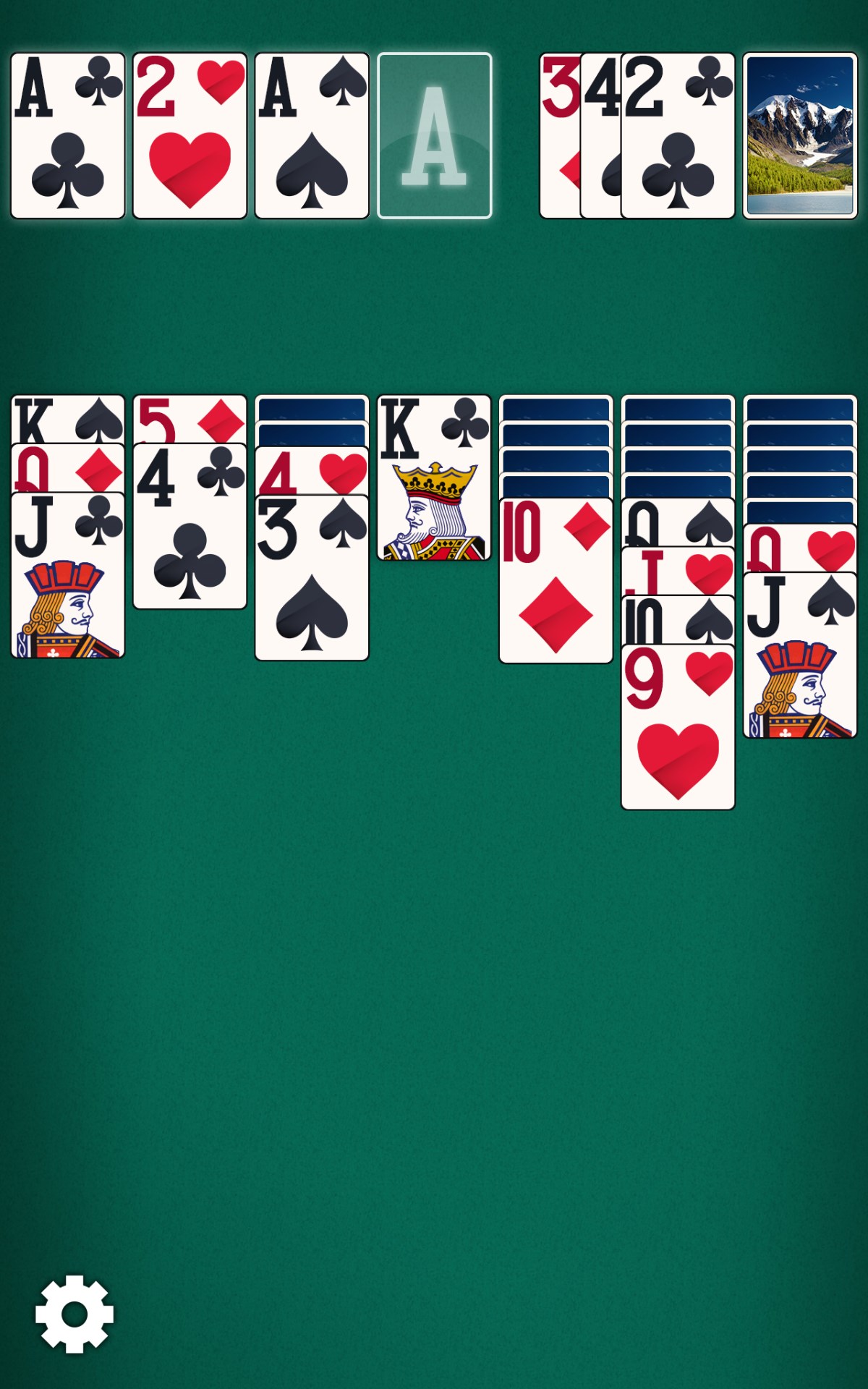
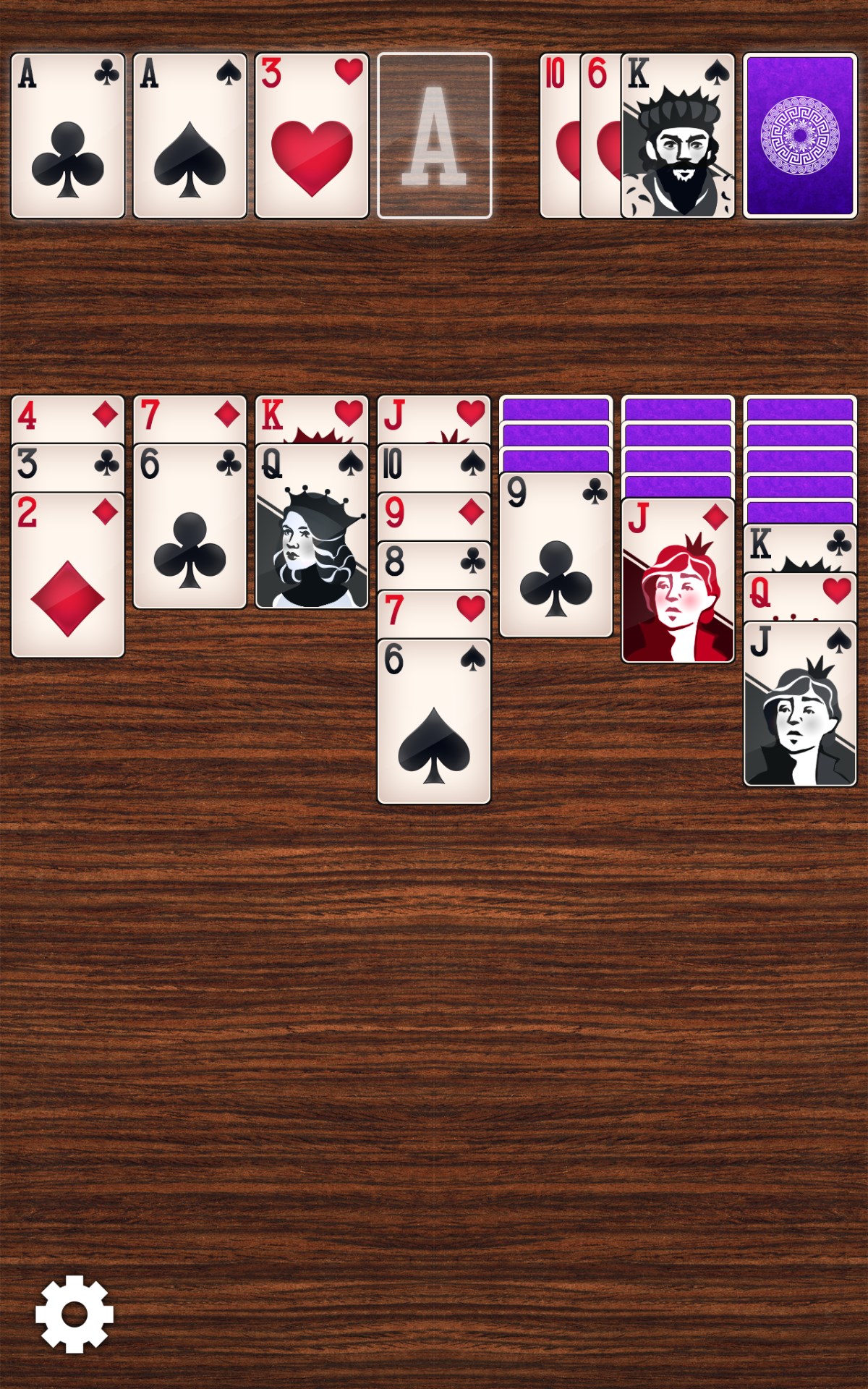
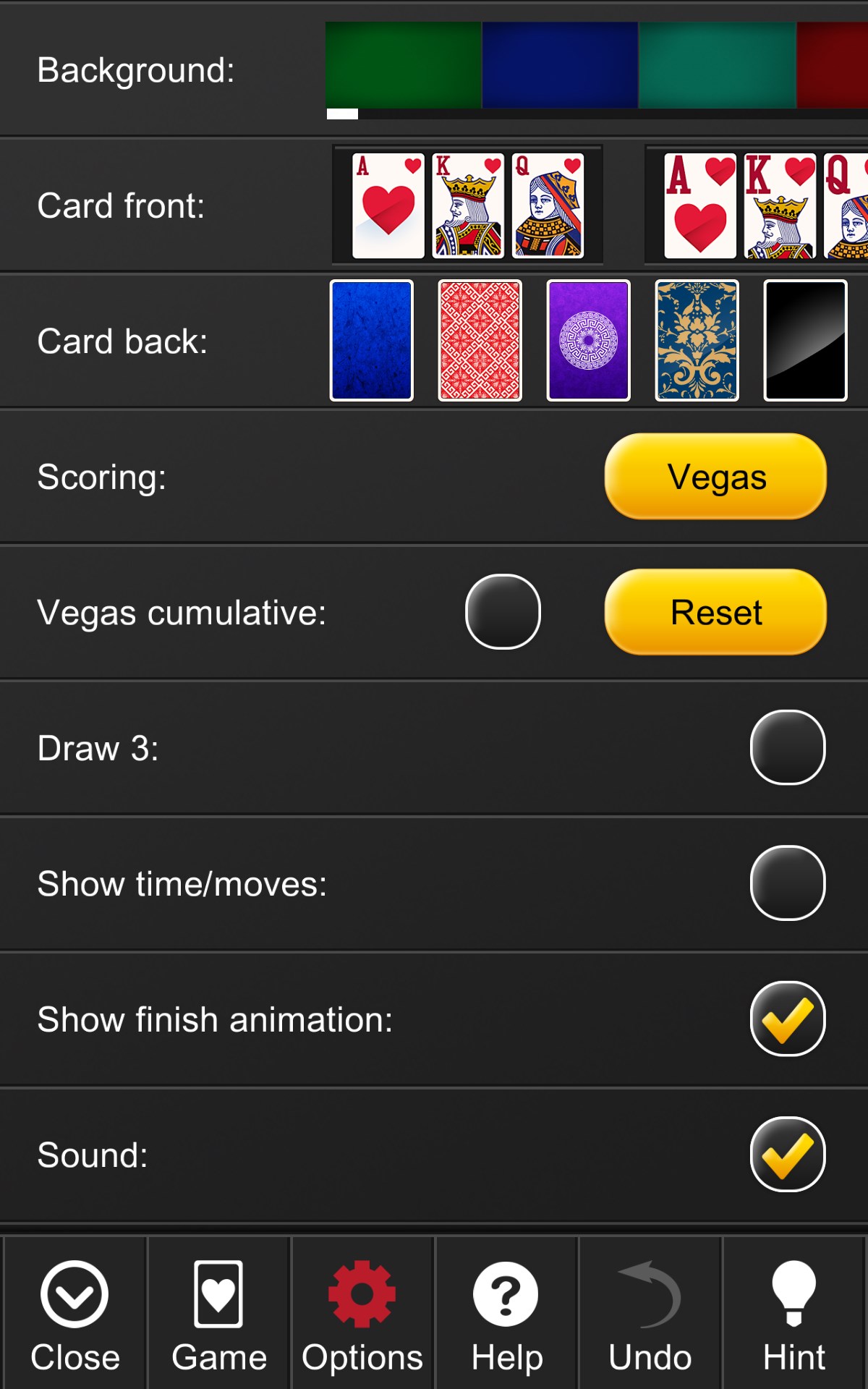
The highlight of Solitaire Epic+ is its extensive collection of solitaire variations—more than just Klondike. From classic FreeCell and Pyramid to unique twists like Accordion and Canfield, the app caters to players seeking diverse challenges. Moreover, extensive customization options allow users to modify backgrounds, card decks, and layouts, transforming the game environment into a personalized space that fits their mood and style.
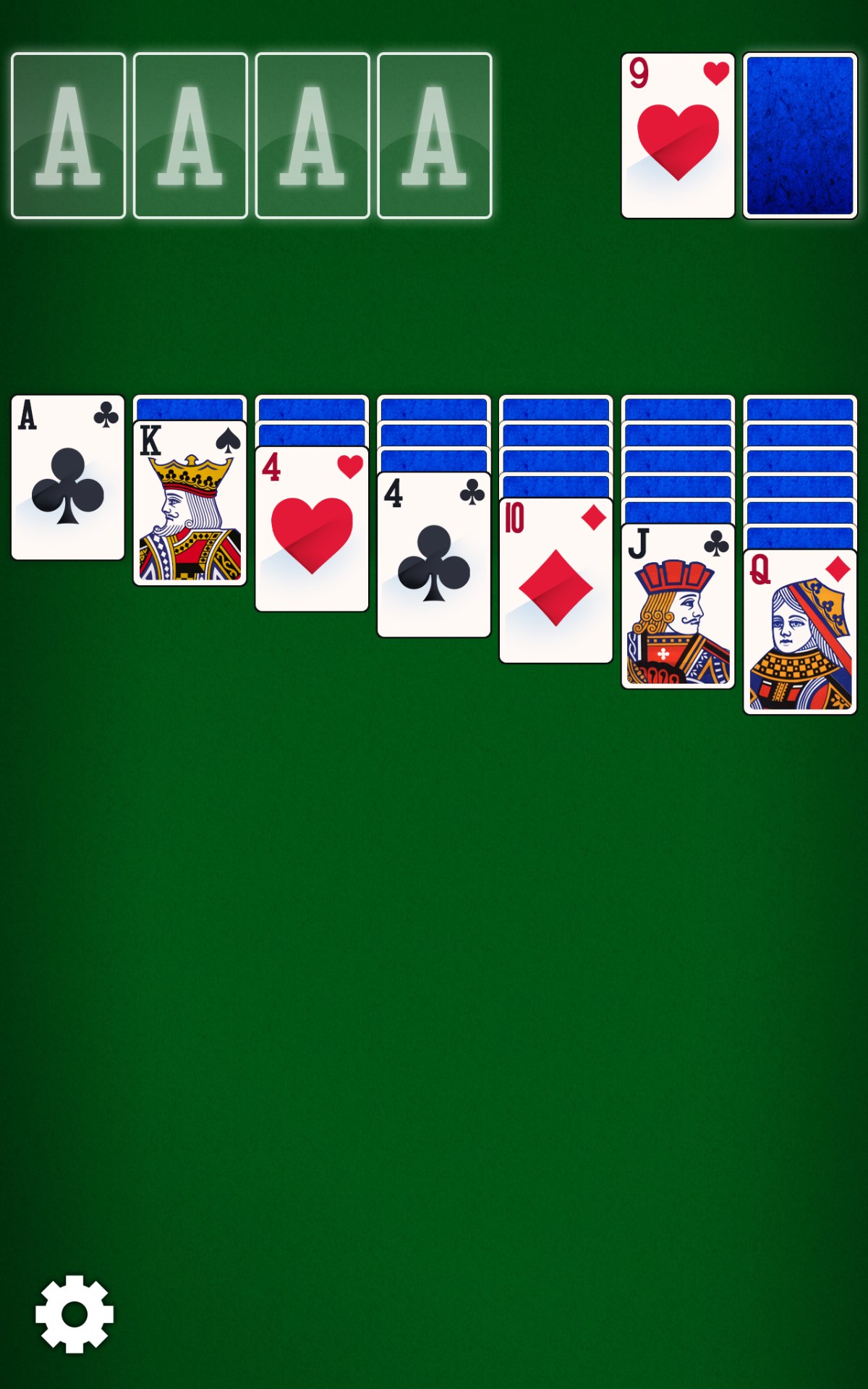
One of the core strengths of Solitaire Epic+ is its clean and modern interface, which resembles the tactile feel of a well-organized card table. The drag-and-drop mechanics are smooth and responsive, making gameplay feel natural and satisfying. Transition animations enhance the visual appeal without slowing down the experience, and the intuitive controls mean even newcomers can jump right in without a steep learning curve. The app supports keyboard shortcuts and touch interactions, ensuring adaptability across devices.
Compared to many other card apps, Solitaire Epic+ distinguishes itself with its sleek, customizable themes and elegant card designs. The interface is uncluttered yet rich in detail, fostering an immersive environment. The game introduces a gentle hint system and undo feature that assist rather than interfere, encouraging strategic thinking while reducing frustration. Its thoughtful UI design minimizes distractions, allowing players to focus on solving the layouts in a serene, distraction-free environment.
First, the extensive customization options are particularly impressive. Unlike typical solitaire apps that offer limited themes, Solitaire Epic+ enables users to choose from dozens of backgrounds, card styles, and difficulty settings, letting each player craft their own unique gaming ambiance. Second, the variety of solitaire variants means you're never stuck with just one flavor of the game; there's always a new twist to explore, keeping the experience fresh over time.
If you're seeking a polished, flexible, and visually soothing solitaire app for Windows, Solitaire Epic+ is a commendable choice. Its user-centric design, diverse game modes, and customization afford a rich experience—perfect for casual players wanting a relaxing pastime or card enthusiasts craving variety. While it maintains a modest approach without overly aggressive marketing, it stands out through its thoughtful features and elegant execution. I would recommend giving it a try, especially if you enjoy personalized gaming environments or a broad selection of solitaire types. Whether you're new to card games or a dedicated fan, Solitaire Epic+ offers a respectful, well-rounded digital card arena worth exploring.
User-friendly interface
Variety of game modes
Offline access
Progress tracking and leaderboards
Regular updates and new content
Ads can be intrusive
Limited customization options
Performance issues on older devices
Tutorials are basic for beginners
Occasional bugs affecting game progress

for Windows
 4.9
4.9

for Windows
4.8

for Windows
4.8

for Windows
4.8

for Windows
4.8

for Windows
4.8

for Windows
4.8

for Windows
4.7

for Windows
4.7

for Windows
4.7

for Windows
4.7

for Windows
4.7

for Windows
5

for Windows
5

for Windows
5

for Windows
5

for Windows
5

for Windows
5

for Windows
5

for Windows
5

for Windows
5

for Windows
5