Card & board
TreeCardGames
PC
Windows 10 version 17763.0 or higher
Chinese (Simplified), Chinese (Traditional Chinese), Czech, Danish, Dutch, English, English (United States), Finnish, French, German, Greek, Hebrew, Hindi, Hungarian, Italian, Japanese, Norwegian (Bokmål), Polish, Portuguese (Brazil), Portuguese (Portugal), Russian, Spanish, Swedish, Thai, Turkish, Ukrainian
If you're a fan of classic card games seeking a straightforward, enjoyable experience on your Windows device, Solitaire Collection Free by TreeCardGames offers a solid choice. Combining familiar gameplay with modern design, this app aims to bring the timeless charm of solitaire straight to your desktop with minimal fuss and maximum comfort.
Developed and published by TreeCardGames, this application emphasizes simplicity, accessibility, and a touch of elegance in gameplay. The main highlights of Solitaire Collection Free include:
The target audience for this app spans casual gamers seeking classic card fun, as well as more dedicated solitaire enthusiasts looking for a convenient, aesthetically pleasing version to enjoy daily.
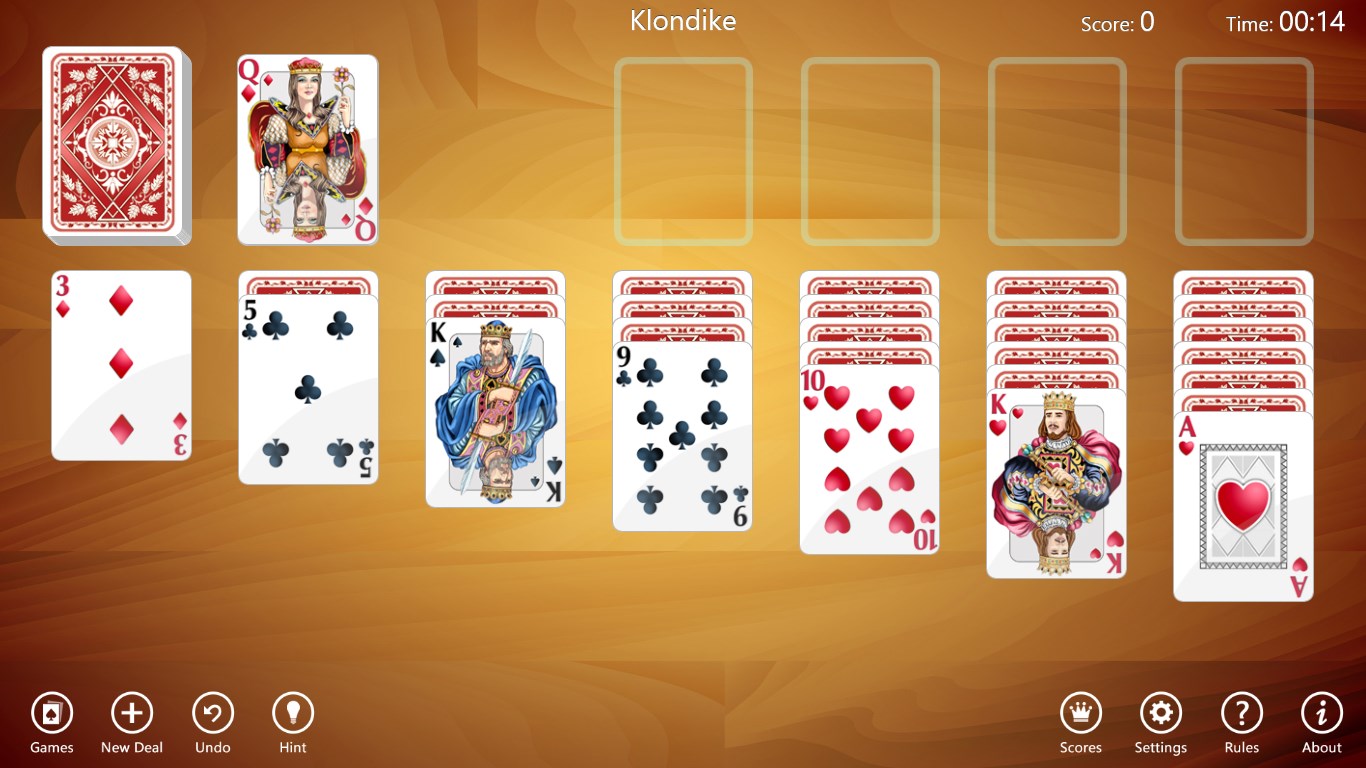
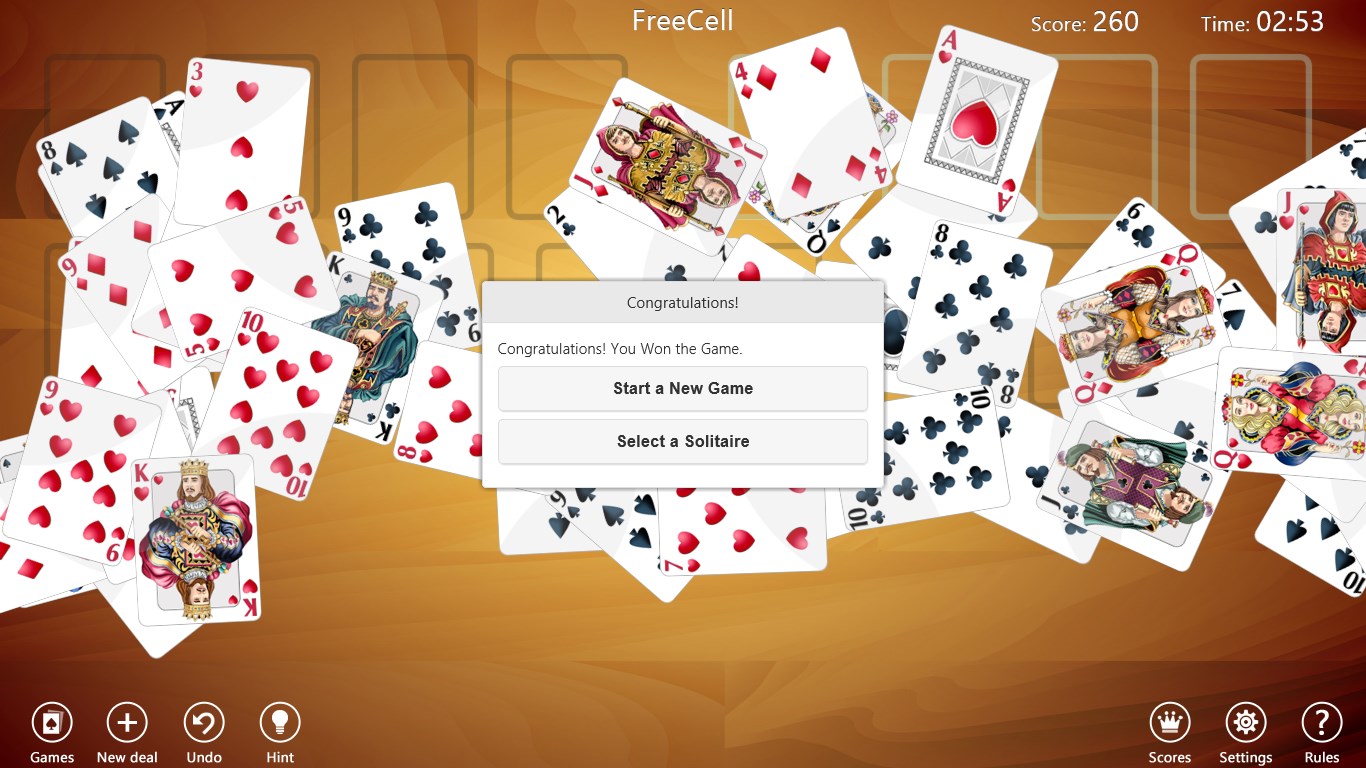
From the moment you launch Solitaire Collection Free, you're greeted with a sleek, clean interface reminiscent of a virtual card table nestled comfortably in your home office or cozy living room. The design strikes a perfect balance—simple enough for beginners but not dull for seasoned players. Navigating through variant menus feels intuitive; a few taps and you're deep into your favorite solitaire game. Animations are fluid and unobtrusive, making card movements feel natural, akin to shuffling a well-worn deck.
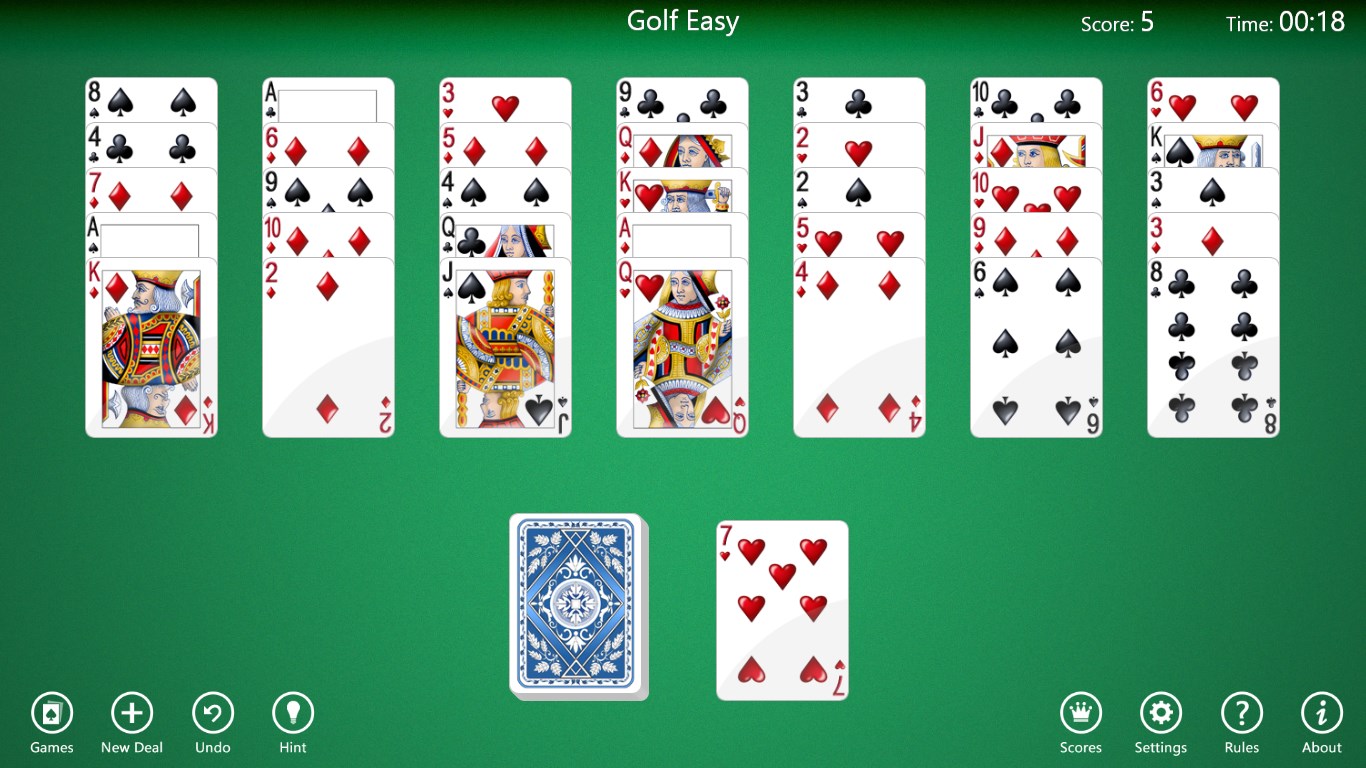
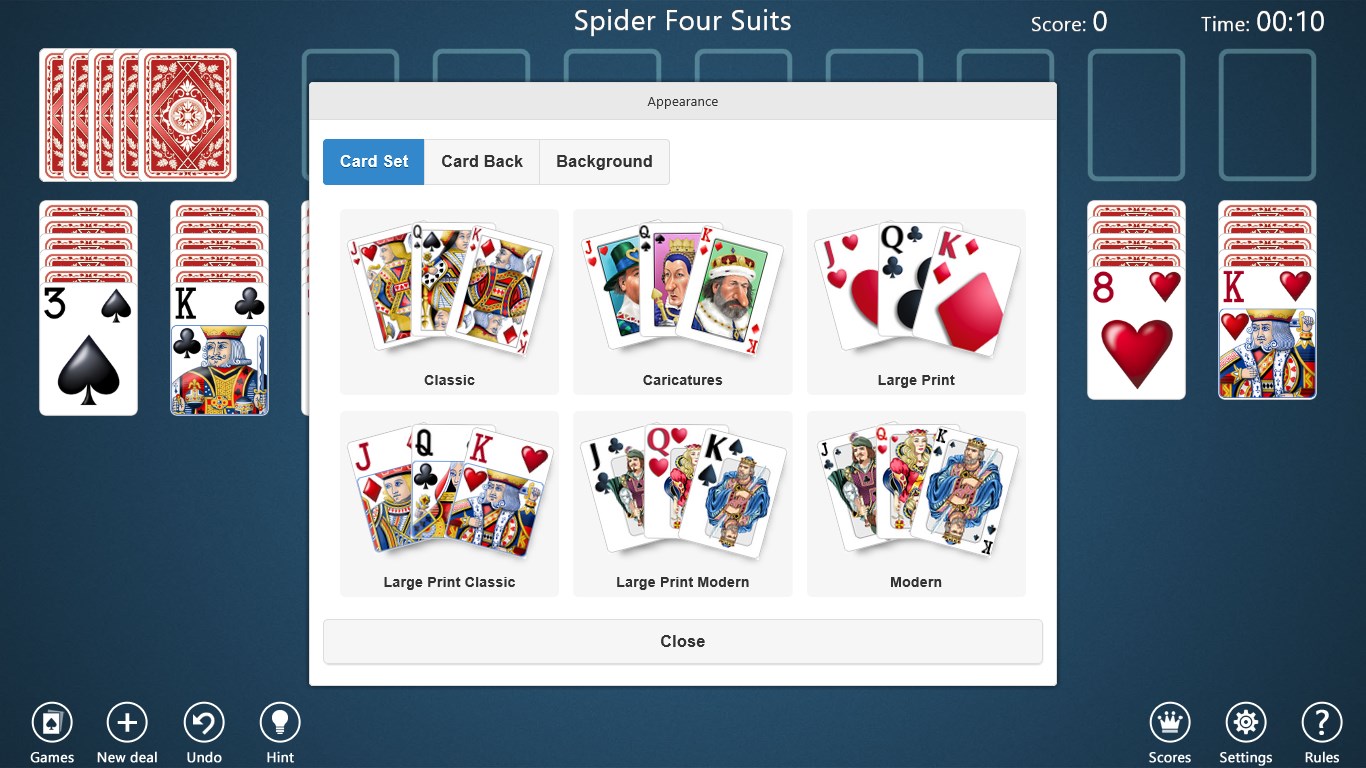
The interface is thoughtfully minimalistic, with soft background colors and sharp, clear card graphics. The customizable themes allow you to switch between classic green felt, elegant woodgrain, or playful backgrounds—enhancing the visual appeal without distracting from the gameplay. The controls, whether tapping, dragging, or double-clicking, respond swiftly. This ensures that your thought process isn't hindered by lag or confusing gestures, creating a smooth and satisfying user journey.
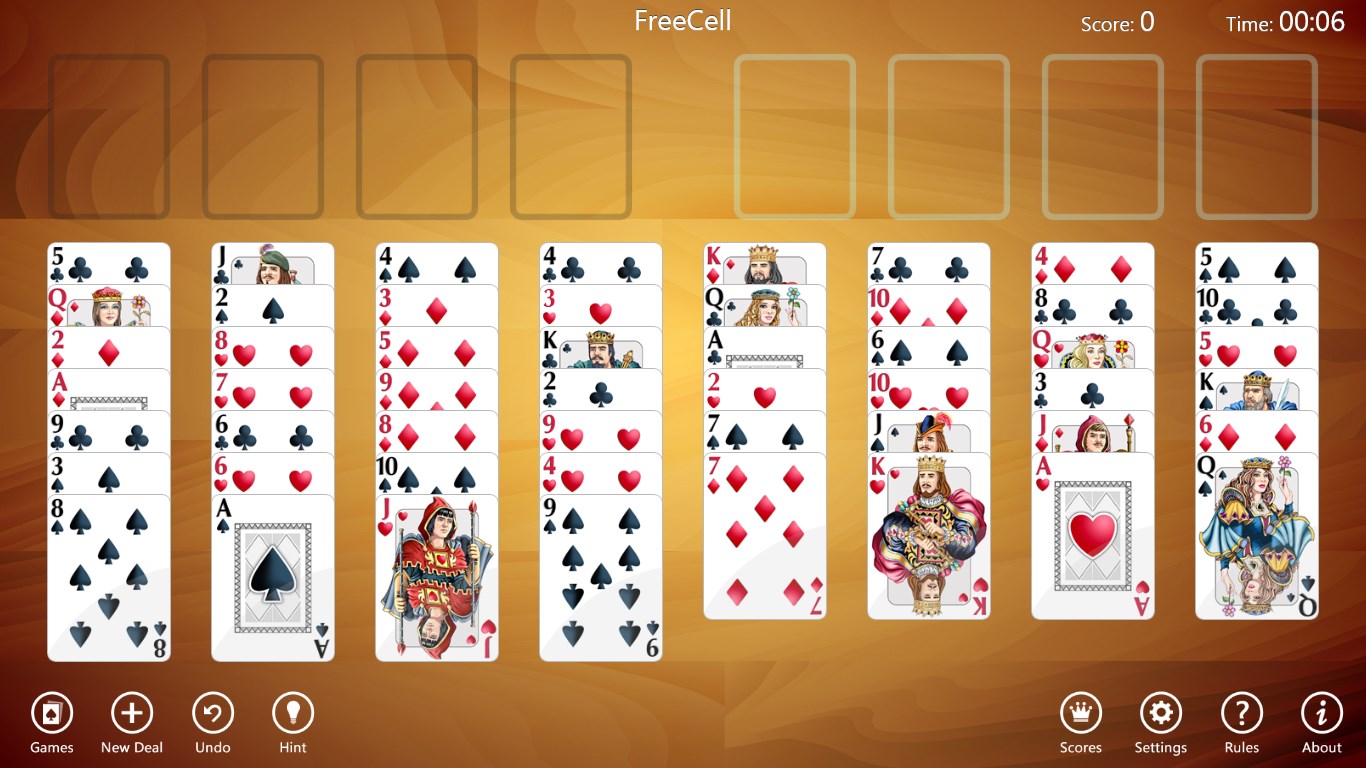
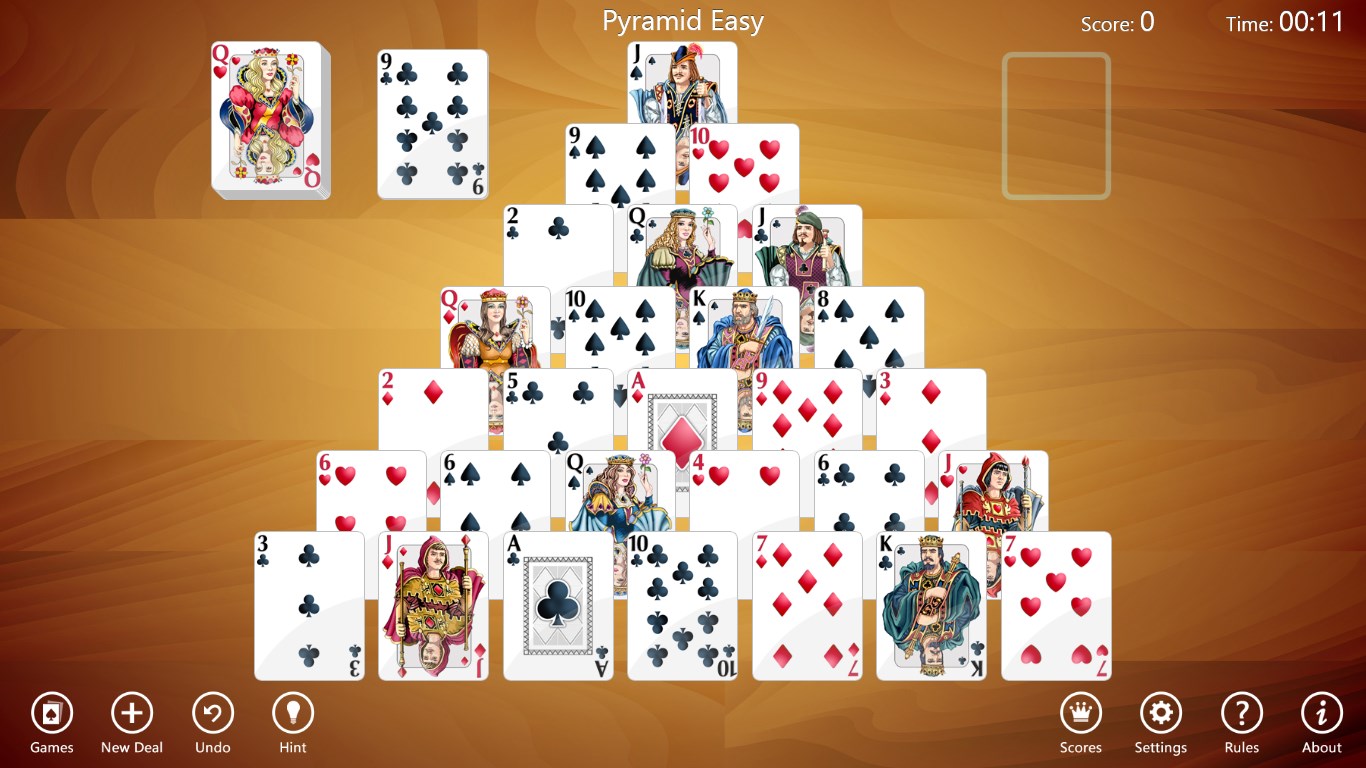
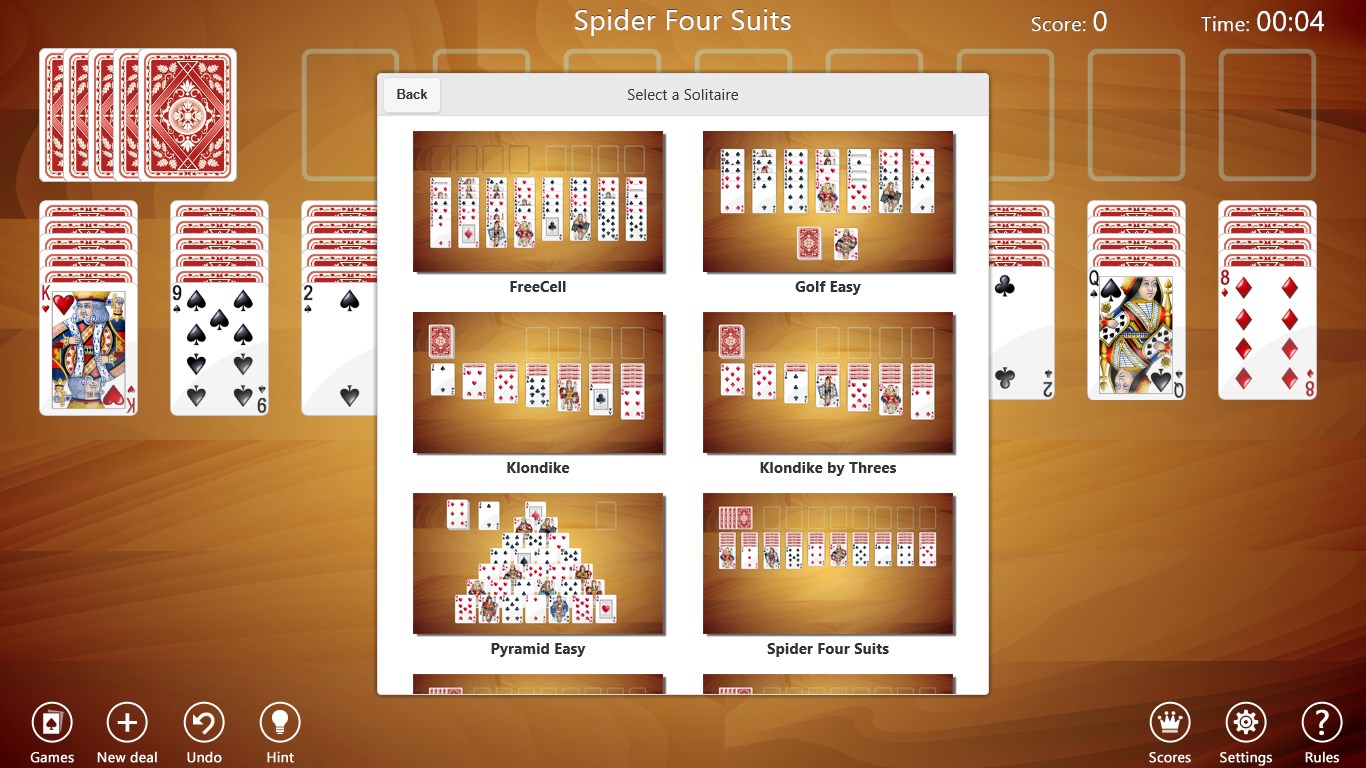
The app's standout feature is its variety of solitaire games. Unlike many single-variant apps, Solitaire Collection Free combines multiple popular versions, giving users the freedom to switch among them effortlessly. Each game has tailored rules and layouts, maintaining freshness and challenge. Additionally, the customization options are a noteworthy advantage—users can personalize cards and backgrounds, creating a gaming atmosphere that feels uniquely theirs. These features set the app apart from more generic solitaire offerings that often lock you into one game style or lack visual flexibility.
While many free solitaire apps flood the market, Solitaire Collection Free's key differentiator lies in its combination of variety, personalization, and fluidity. It's akin to having a deck that transforms to suit your mood—whether you prefer the classic elegance of Klondike or the strategic depth of FreeCell, all without clutter or confusing menus. Its emphasis on smooth interaction and customization options makes it especially appealing to users who value both form and function. Compared to other apps that may focus solely on playability or aesthetics, this app's balanced approach ensures a delightful experience for casual players and solitaire aficionados alike.
If you're searching for a free, reliable, and visually inviting solitaire app that covers many variants and respects your desire for personalization, Solitaire Collection Free is a commendable pick. Its user-friendly interface coupled with a focus on smooth gameplay makes it a suitable companion for your coffee breaks, commutes, or relaxing evenings. While it may not have the extensive bells and whistles of more elaborate game suites, it excels at providing a crisp, unobtrusive experience tailored for those who cherish the timeless card game. I recommend giving it a try if you're after a straightforward, adaptable, and aesthetically pleasing solitaire collection.
Intuitive interface
Variety of Solitaire games
Beautiful graphics and animations
Offline access available
Regular updates and new features
Limited customization options
Ads can be intrusive
Lack of detailed stats tracking
No multiplayer mode
Occasional loading delays on older devices

for Windows
 4.9
4.9

for Windows
4.8

for Windows
4.8

for Windows
4.8

for Windows
4.8

for Windows
4.8

for Windows
4.8

for Windows
4.7

for Windows
4.7

for Windows
4.7

for Windows
4.7

for Windows
4.7

for Windows
5

for Windows
5

for Windows
5

for Windows
5

for Windows
5

for Windows
5

for Windows
5

for Windows
5

for Windows
5

for Windows
5