Strategy
Klondike Solitaire Game
PC, Mobile, Surface Hub, HoloLens
Windows 10 version 10240.0 or higher
Version 10
English (United States)
If you're a fan of smooth, timeless Solitaire, Solitaire Classic 2024 for Windows offers a refined digital experience that balances traditional gameplay with modern usability. Developed by Klondike Solitaire Game, this application aims to bring the familiar pleasure of card stacking to your desktop with added polish and thoughtful features, making it a delightful companion for casual gamers and seasoned solitaire enthusiasts alike.
At its core, Solitaire Classic 2024 provides a seamless, intuitive interface coupled with engaging gameplay mechanics. Its standout features include optimized decision visibility, effective overload management, and user-friendly design—all tailored to elevate the classic card game experience, whether you're playing during a quick break or immersing yourself for longer stretches.
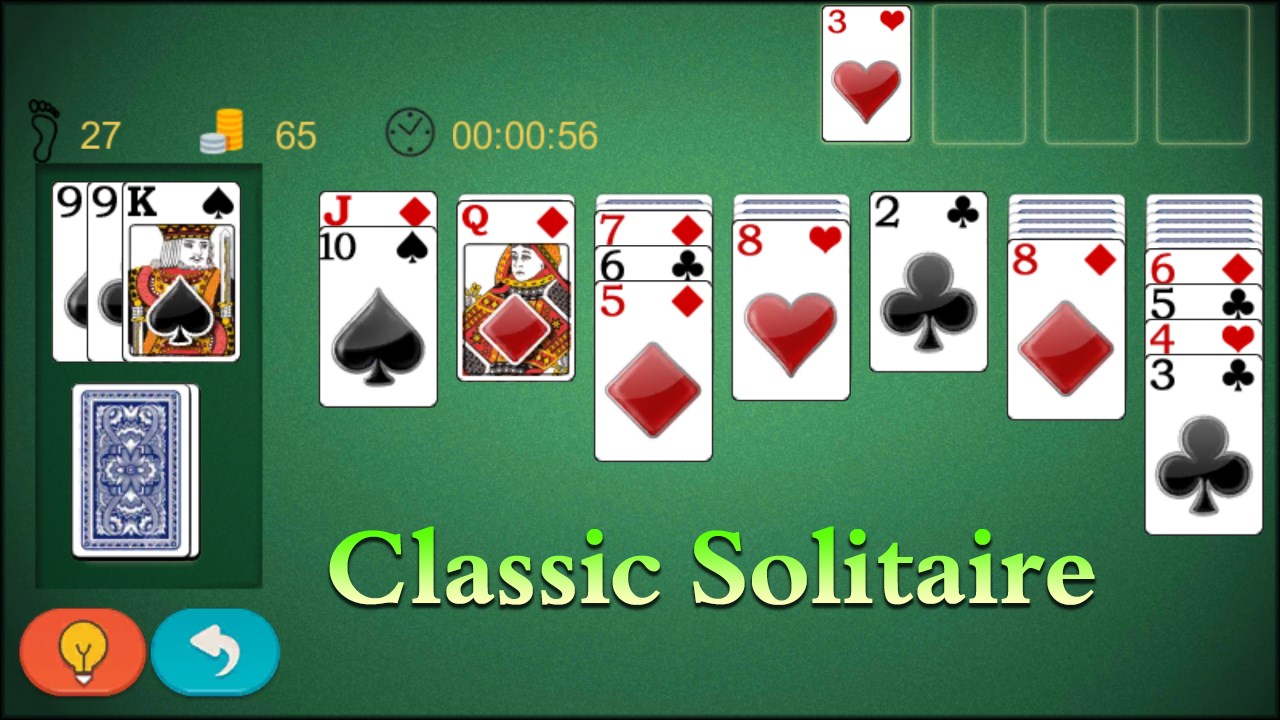
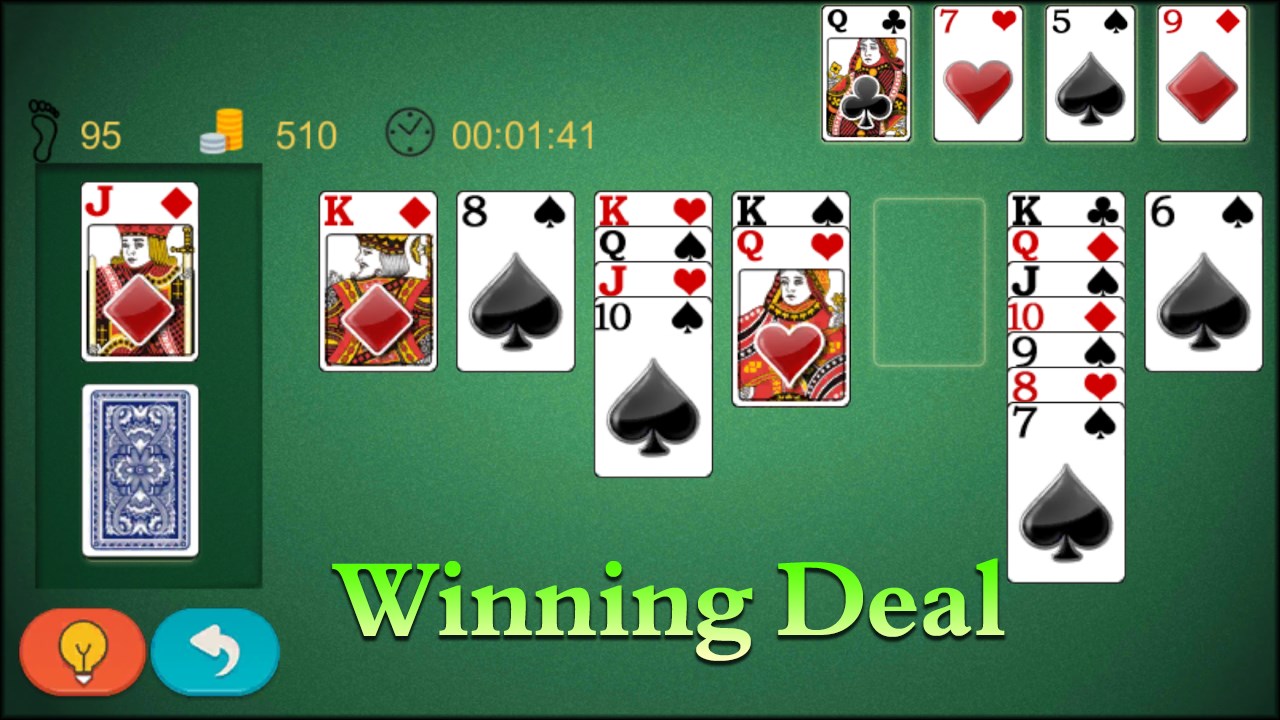
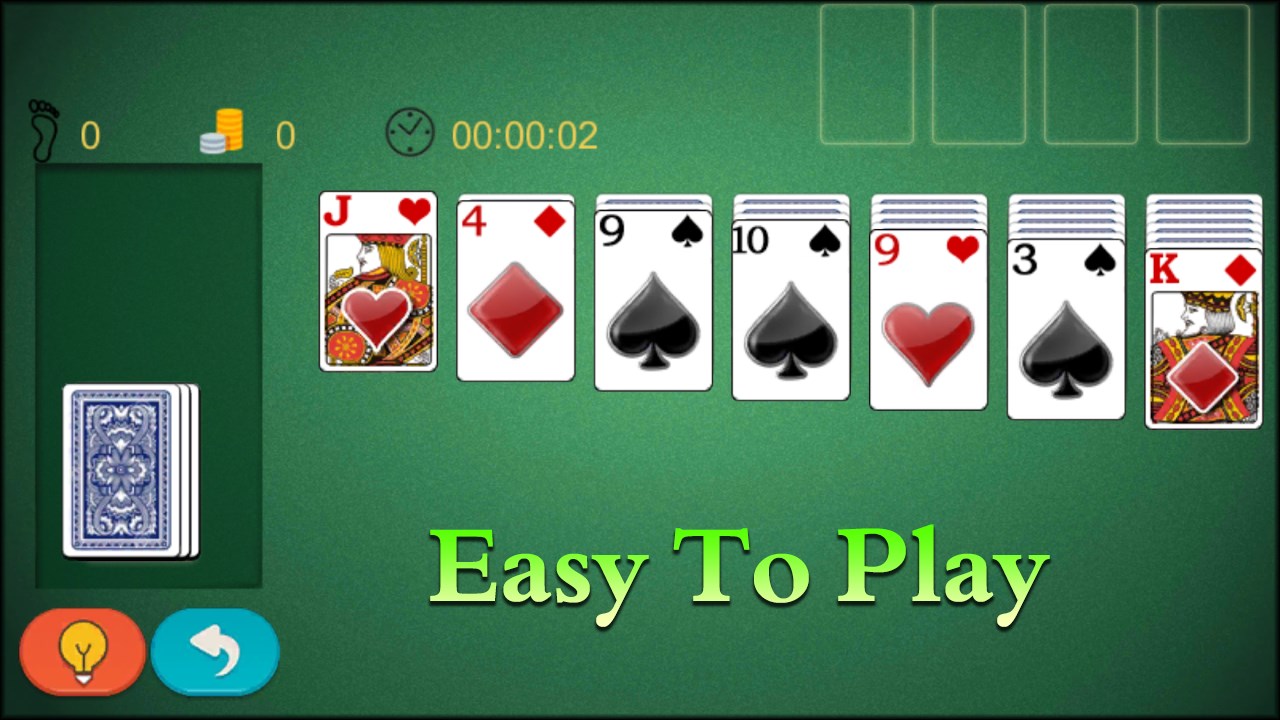
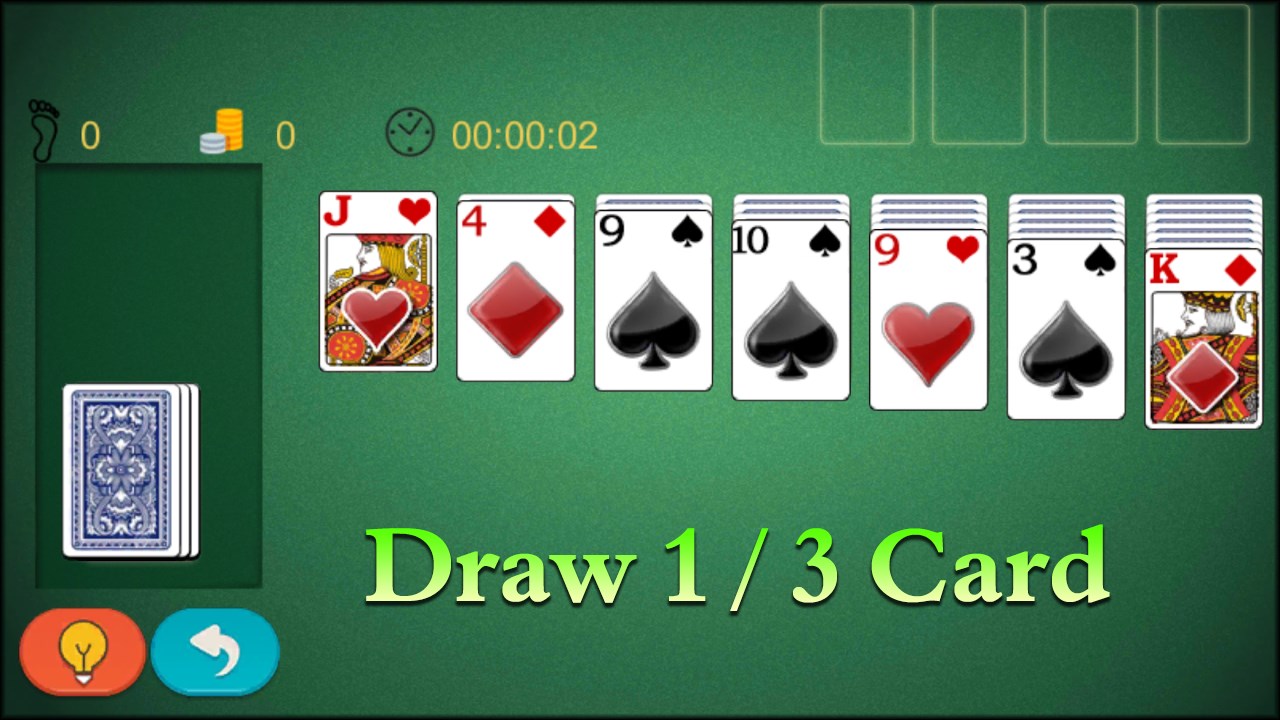
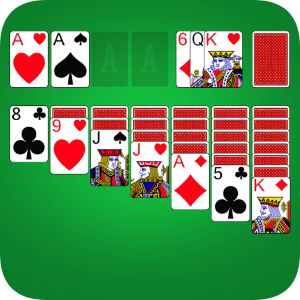
As soon as you launch Solitaire Classic 2024, you're greeted with a clean, visually appealing interface that resembles a sleek, modernized version of your favorite card table. The layout intuitively guides your eyes to the tableau, foundation piles, and draw deck, much like a well-laid original game but with a crisp digital clarity. The design eschews clutter, allowing players to focus solely on the cards without distractions, which enhances concentration and enjoyment. Customizable backgrounds and card themes further personalize the experience, making it feel tailor-made for every player's aesthetic taste.
Playing Solitaire Classic 2024 feels like shuffling a deck of physical cards—smooth, responsive, and satisfying. The app handles quick moves effortlessly, with minimal lag or stutter, ensuring a natural game flow that keeps your focus sharp. For new players, the learning curve is gentle; helpful hints and optional tutorials provide guidance without interrupting gameplay. Experienced players will appreciate the precise controls and the ability to undo moves, which encourages experimentation and strategic thinking without fear of losing progress.
One of the application's most compelling features is its approach to decision visibility—think of it as having a spotlight on your potential moves. The game subtly highlights legal moves and reveals the possible consequences of each action, helping players make informed decisions without the need for guesswork. This clarity transforms the game from mere chance to strategic mastery, especially attractive for players eager to improve. Moreover, the app excels at managing information overload: it keeps the screen uncluttered and filters out unnecessary distraction, allowing you to focus solely on the cards you need to see, much like a seasoned dealer guiding your hand behind the scenes.
Unlike many digital solitaire games that offer a treasure trove of options and flashy features, Solitaire Classic 2024 centers on delivering a pure and straightforward experience. Its emphasis on decision consequence visibility and overload management distances it from competitors that can sometimes overwhelm players with unnecessary complexity or superficial embellishments. Instead, it champions clarity and strategic insight, making it especially appealing for those who appreciate the thinking aspect of solitaire rather than just casual clicking.
Overall, Solitaire Classic 2024 stands out as a thoughtfully crafted digital rendition of a classic card game. It's particularly recommended for players who value strategic clarity and a smooth, clutter-free interface. Casual gamers seeking a relaxing pastime will find it enjoyable during short breaks, while enthusiasts aiming to improve their skills will appreciate its decision visibility features.
I would rate it as a solid 4 out of 5 stars. Its intuitive design, coupled with innovative features like move consequence highlighting, makes it a worthwhile download for both newcomers and seasoned solitaire fans. Whether you're looking to unwind or sharpen your strategic thinking, this app offers a refined, reliable experience worth trying—just be ready to shuffle your mental deck along with the cards!
Smooth and intuitive gameplay
Visually appealing design
Enjoyable daily challenges and rewards
Customizable themes and card styles
Offline mode available
Limited game modes
In-app advertisements
Lack of advanced statistics
Customization options are basic
Occasional minor glitches

for Windows
 4.9
4.9

for Windows
4.8

for Windows
4.8

for Windows
4.7

for Windows
4.7
for Windows
4.7

for Windows
4.6
for Windows
4.6

for Windows
4.6

for Windows
4.6

for Windows
4.6

for Windows
4.6

for Windows
5

for Windows
5

for Windows
5

for Windows
5

for Windows
5

for Windows
5

for Windows
5

for Windows
5

for Windows
5

for Windows
5