Card & board
PC, Mobile, HoloLens
Windows 10 version 10240.0 or higher
English (United States)
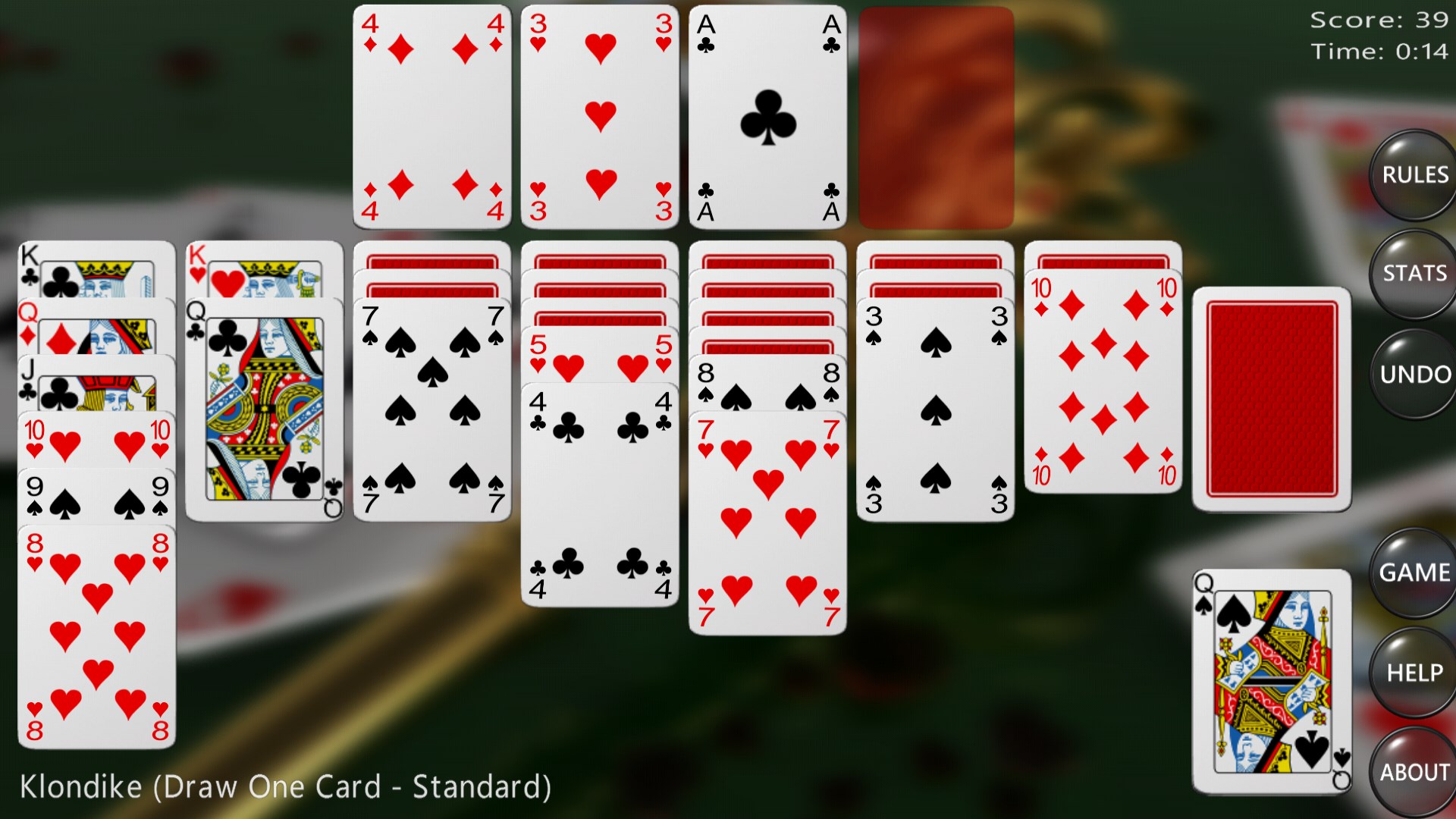
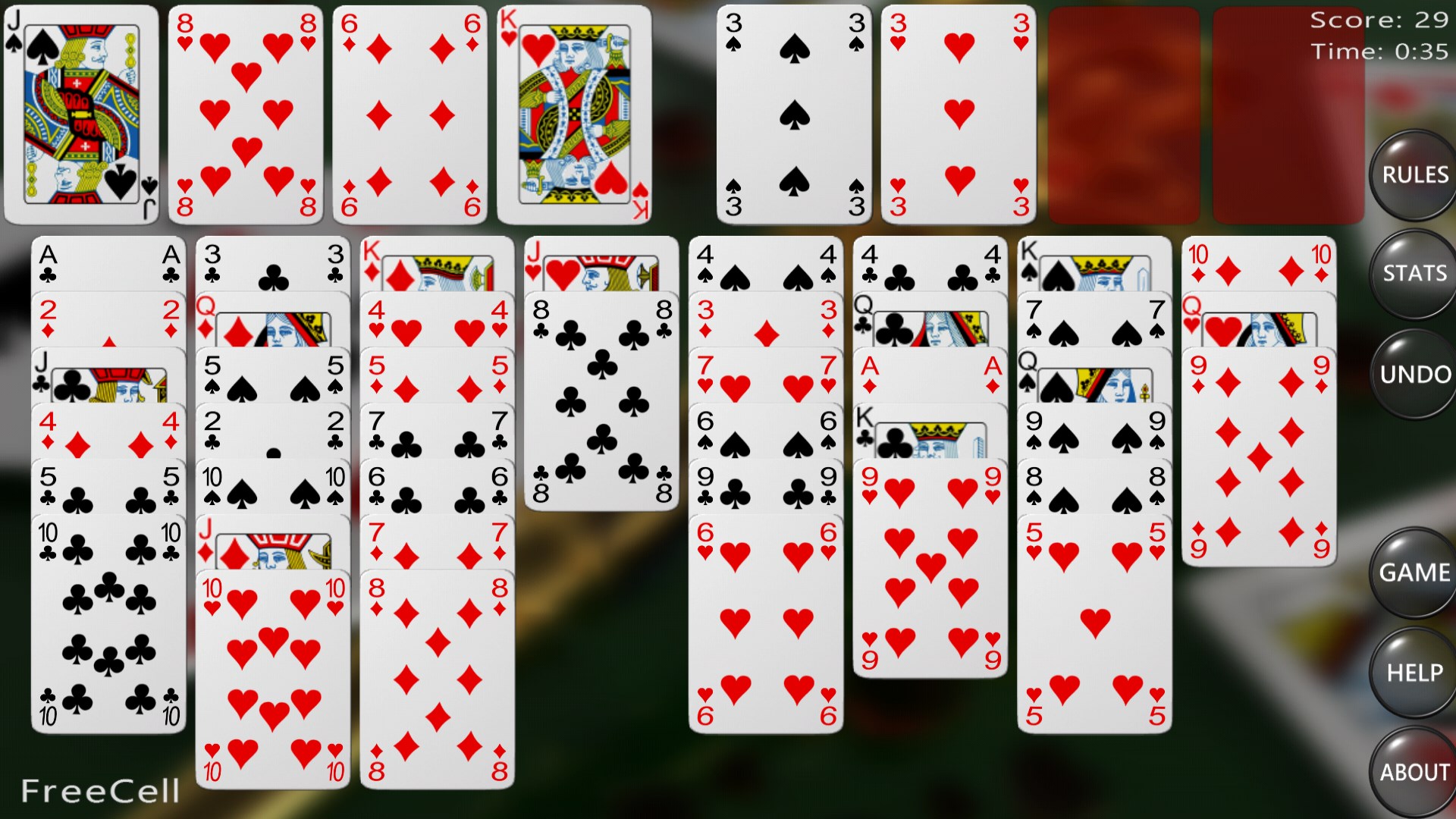
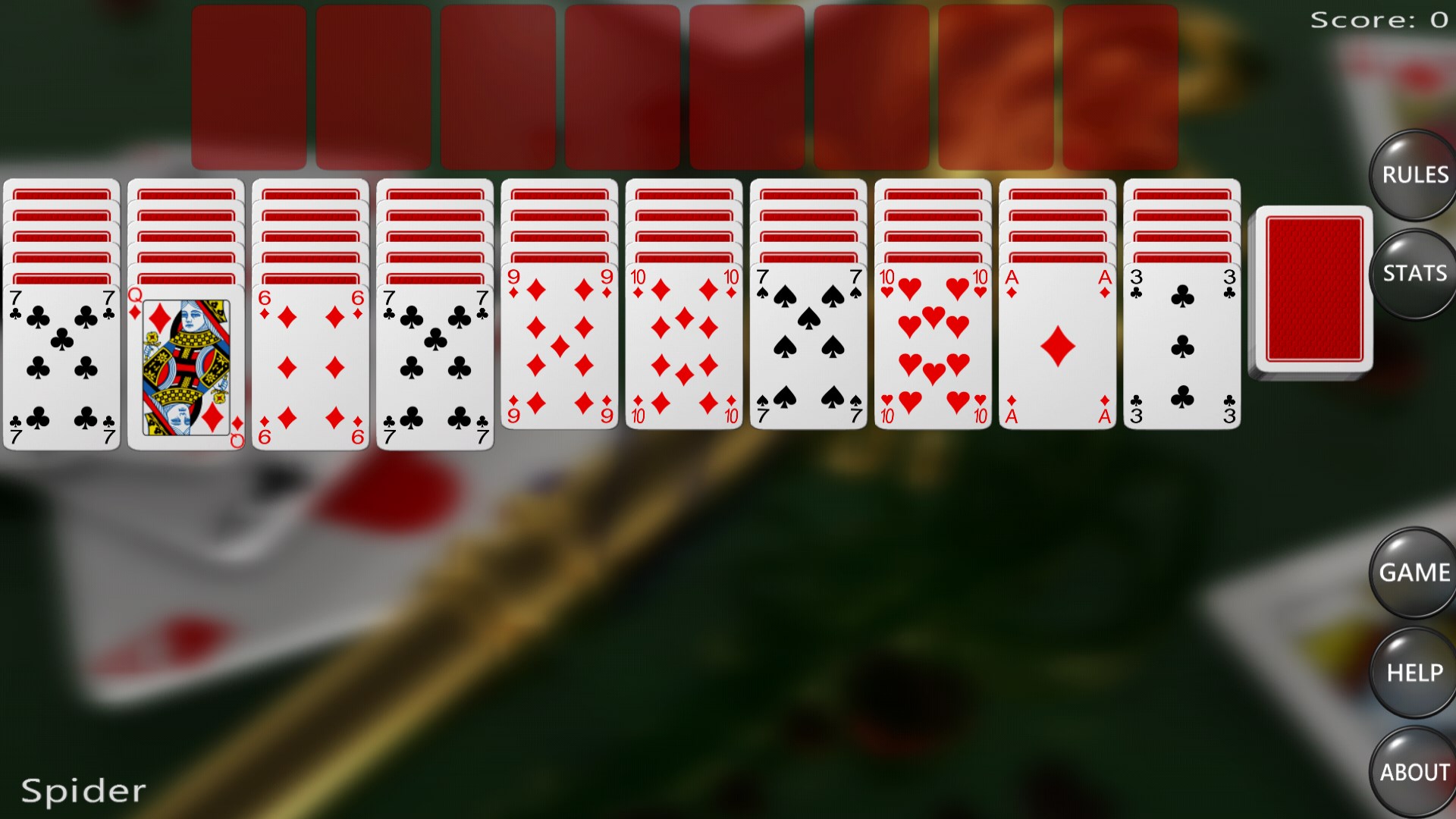
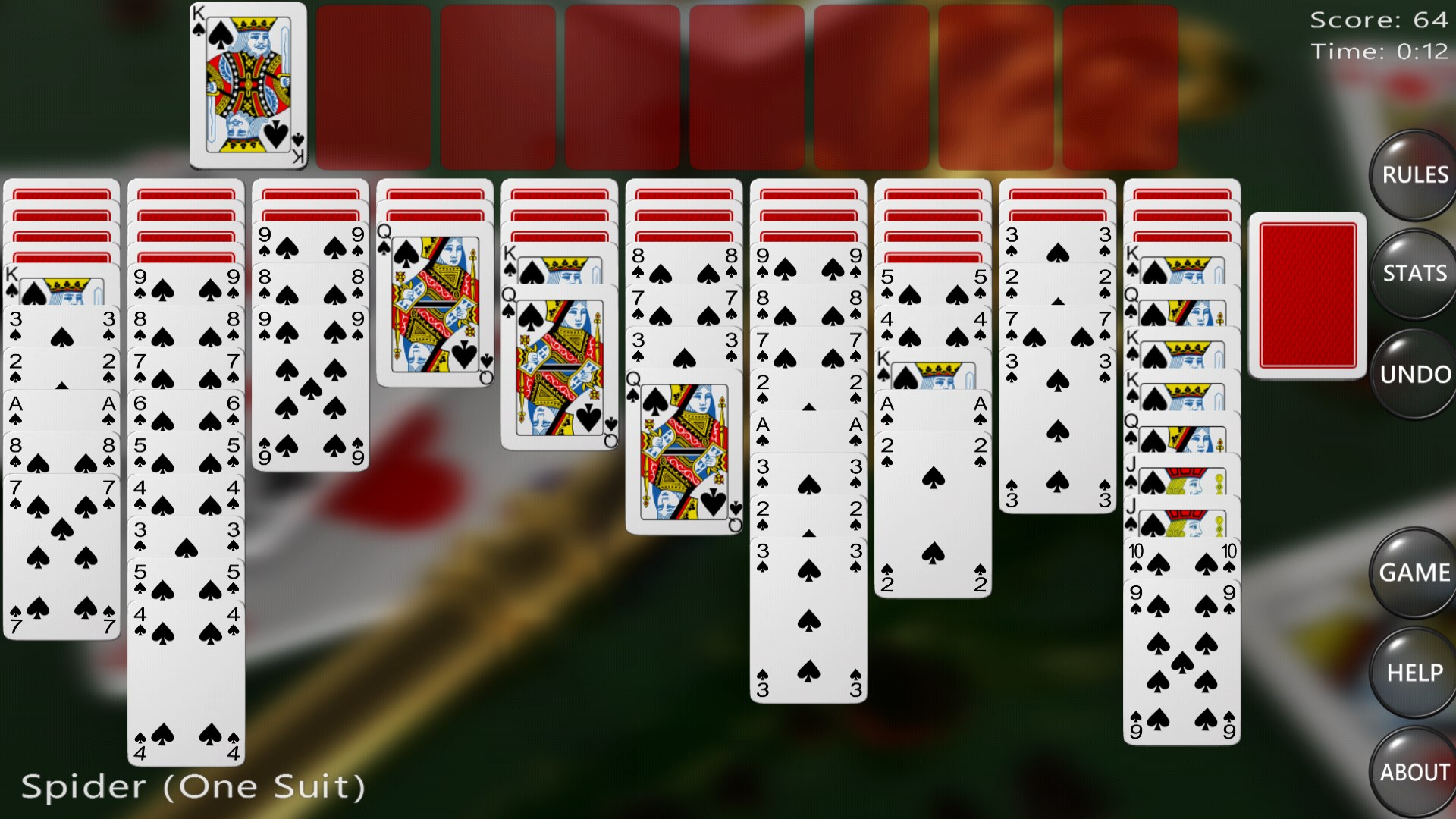
Solitaire Card Games for Windows by A Trillion Games Ltd offers a straightforward yet engaging digital take on the timeless card game, providing players with a relaxing way to pass the time on their PCs.
This application positions itself as a classic digital solitaire experience, aiming to bring the familiar card game to modern Windows users in a clutter-free, accessible interface.
Created by A Trillion Games Ltd, a developer team specializing in casual game adaptations and digital card games, known for their commitment to user-friendly interfaces and smooth gameplay experiences.
This app targets casual gamers, office workers seeking brief mental breaks, and solitaire enthusiasts who appreciate a clean, distraction-free experience on Windows PCs.
If you've ever enjoyed flipping cards in a cozy living room or during idle moments at work, this app recaptures that charm in a digital format. Its gentle color palette and intuitive layout make starting a game feel like reaching for your favorite deck on a lazy Sunday afternoon. The ability to pick up where you left off, with automatic saves, adds a comforting layer of convenience synonymous with the familiar solitaire routines.
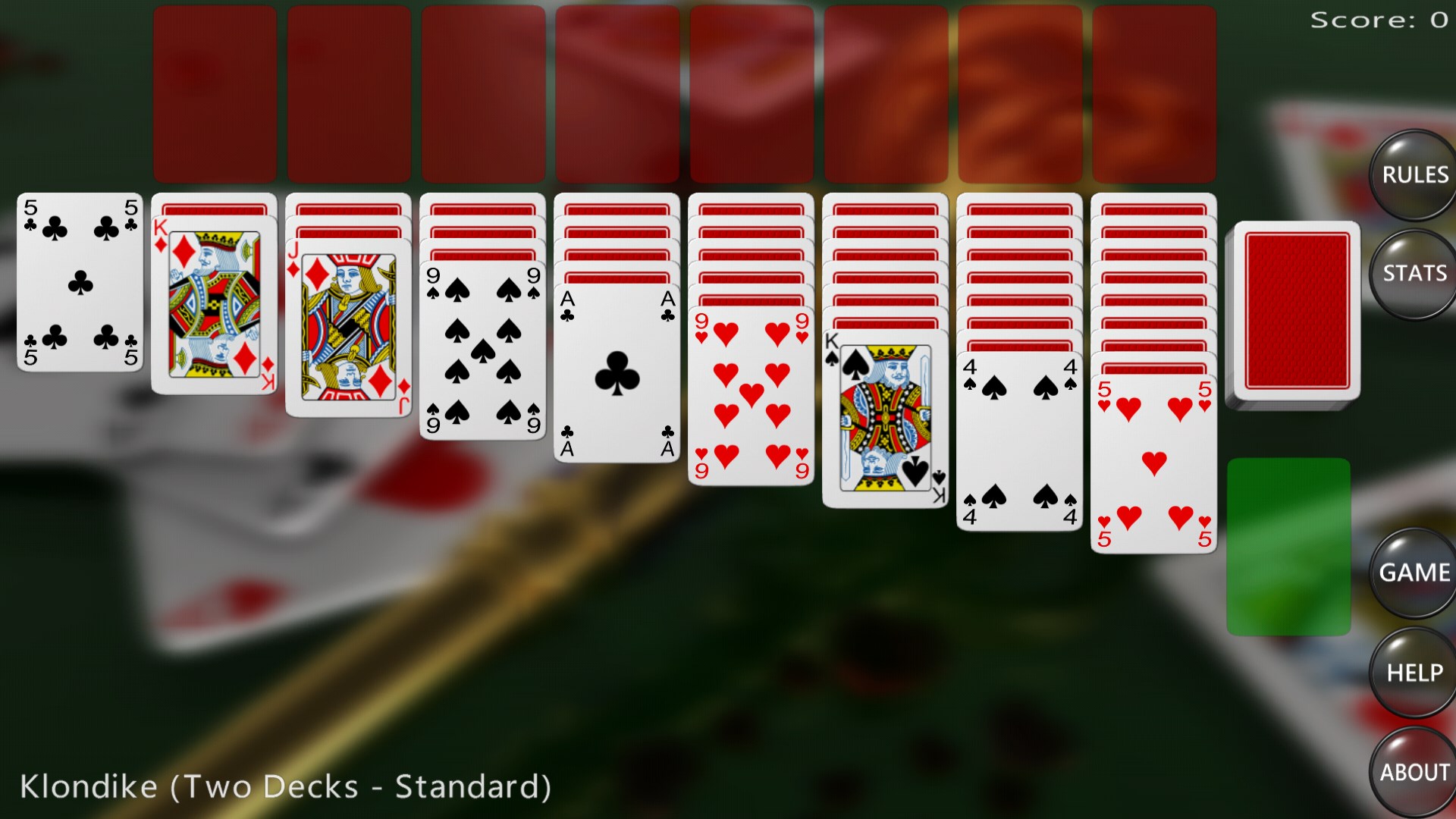
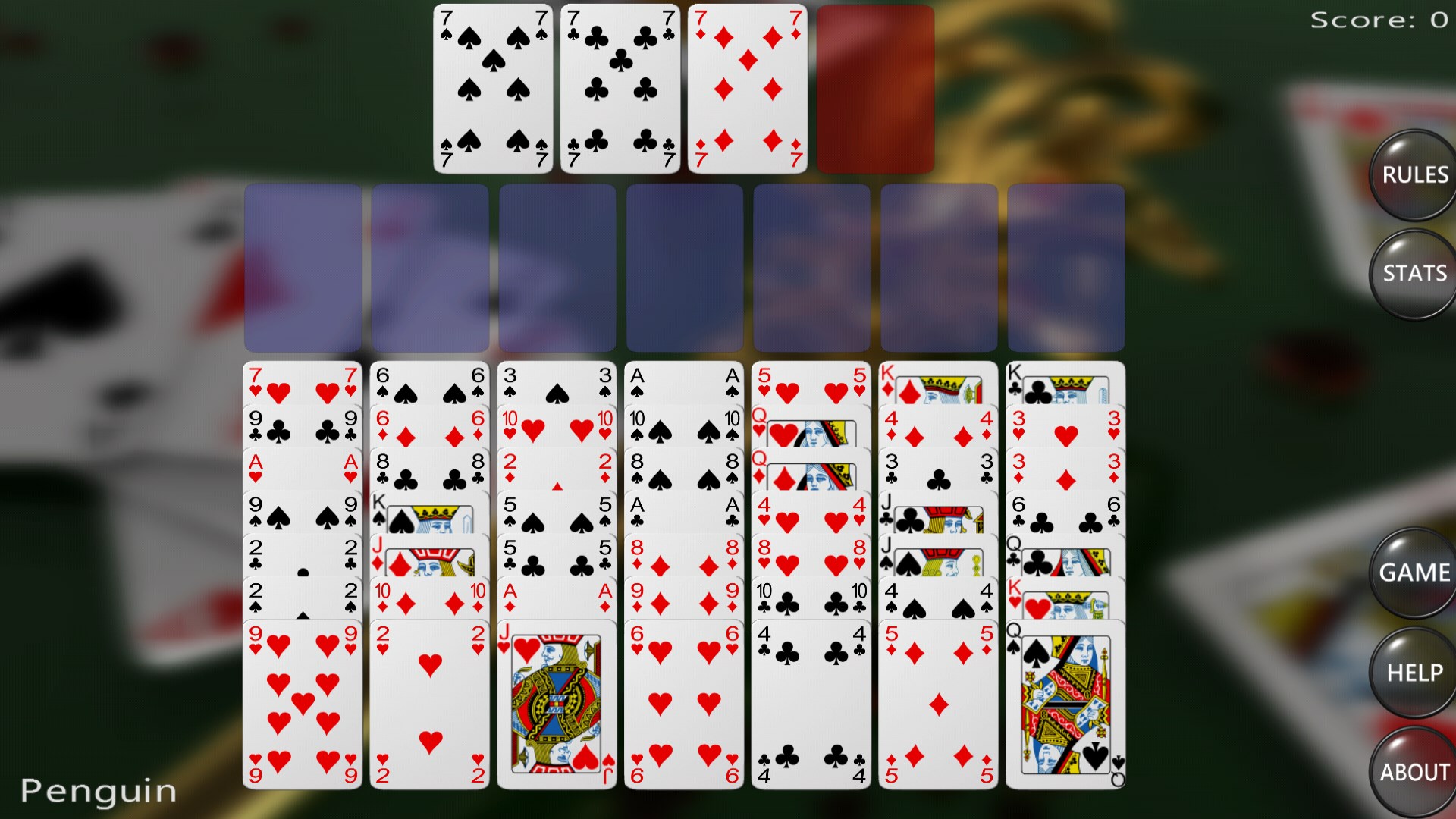
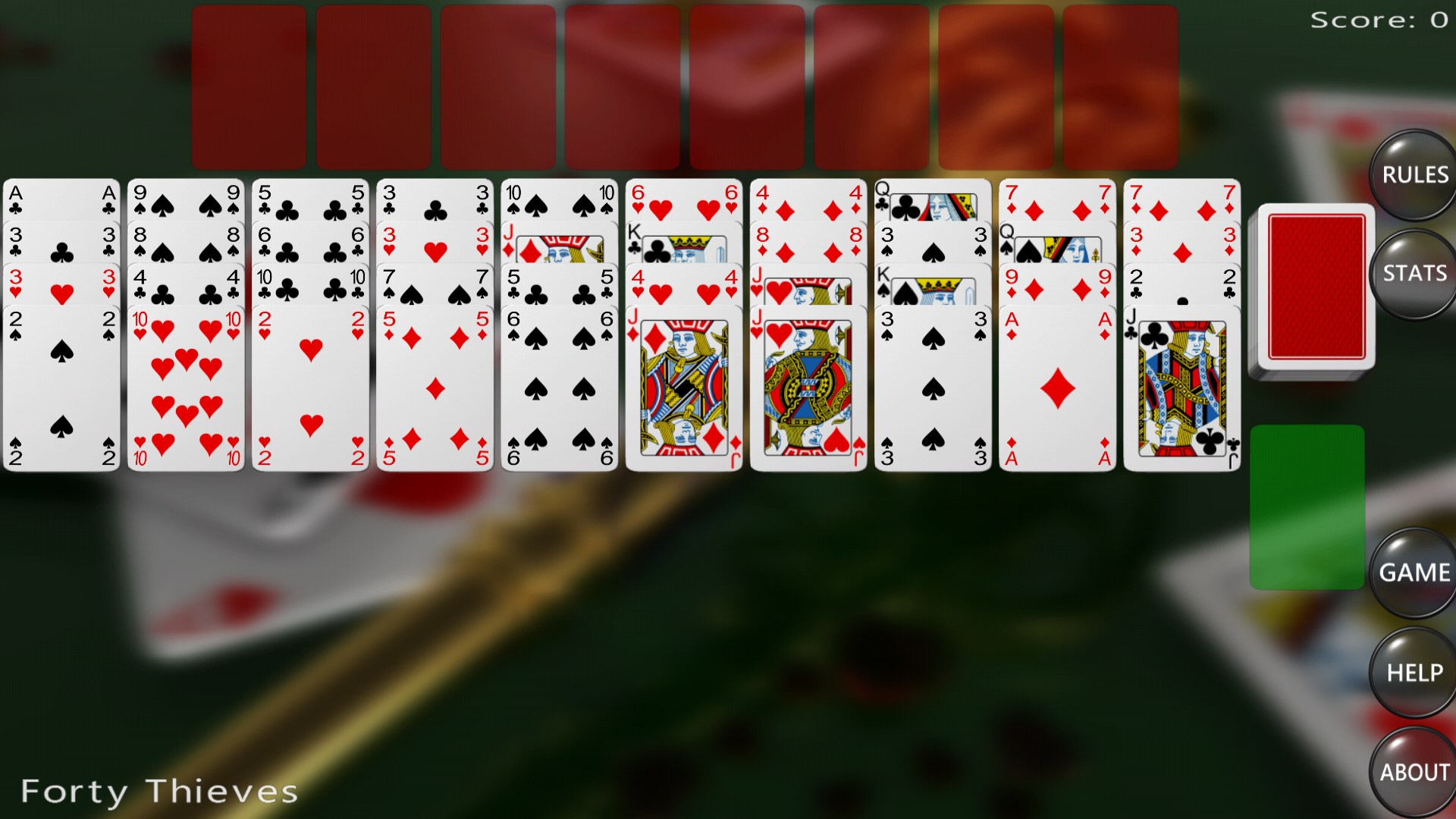
The app excels in delivering smooth, glitch-free gameplay thanks to its optimized design, ensuring no lag hampers your card shuffling. Players can personalize their experience with a variety of card backs and background images, turning everyday solitaire into a personalized aesthetic affair. These customization options are simple to access—just a few clicks, and your game environment transforms to your liking, making each session visually satisfying.
One of the standout features is its automatic save system. Forget about losing your progress—this app remembers your last game even if you close the window. Additionally, the interface is thoughtfully crafted with minimal buttons and a clean look that makes navigation an intuitive experience. Learning curves are negligible; even first-time players quickly grasp the straightforward controls, making it accessible for all ages.
Unlike many solitaire apps cluttered with advertisements or extraneous features, this application emphasizes simplicity and quick accessibility. Its key advantage lies in offering a distraction-free environment that emphasizes the core game itself. Moreover, the app's ability to support multiple solitaire variants within a lightweight package sets it apart—giving players variety without overwhelming them with options. The tasteful personalization options further enhance its appeal, making each game feel uniquely tailored to the user.
Overall, Solitaire Card Games for Windows is recommended for those seeking a reliable, clean, and personalized digital solitaire experience. Its strong suits—smooth performance, customization, and user-friendly design—make it suitable for quick casual play or longer relaxing sessions. If you value simplicity without sacrificing functionality, this app is a trustworthy companion for your Windows desktop. Ideal for casual players, office breaks, or anyone nostalgic for classic card games, this app silently earns its place as a solid choice in the crowded field of digital solitaire.
Intuitive gameplay with smooth animations
Multiple game modes and difficulty levels
Offline access supported
Daily challenges and achievements system
Customizable themes and backgrounds
Limited tutorial for new players
Occasional lag during animations on lower-end devices
In-app ads can be somewhat intrusive
Limited social sharing features
Scores are not always synchronized across devices

for Windows
 4.9
4.9

for Windows
4.8

for Windows
4.8

for Windows
4.8

for Windows
4.8

for Windows
4.8

for Windows
4.8

for Windows
4.7

for Windows
4.7

for Windows
4.7

for Windows
4.7

for Windows
4.7

for Windows
5

for Windows
5

for Windows
5

for Windows
5

for Windows
5

for Windows
5

for Windows
5

for Windows
5

for Windows
5

for Windows
5