Shooter
PC, Mobile, Surface Hub, HoloLens
Windows 10 version 17763.0 or higher
750 MB
Arabic, Chinese (Simplified), Chinese (Traditional Chinese), English (United States), French, German, Indonesian, Italian, Japanese, Korean, Portuguese, Russian, Spanish, Thai, Turkish
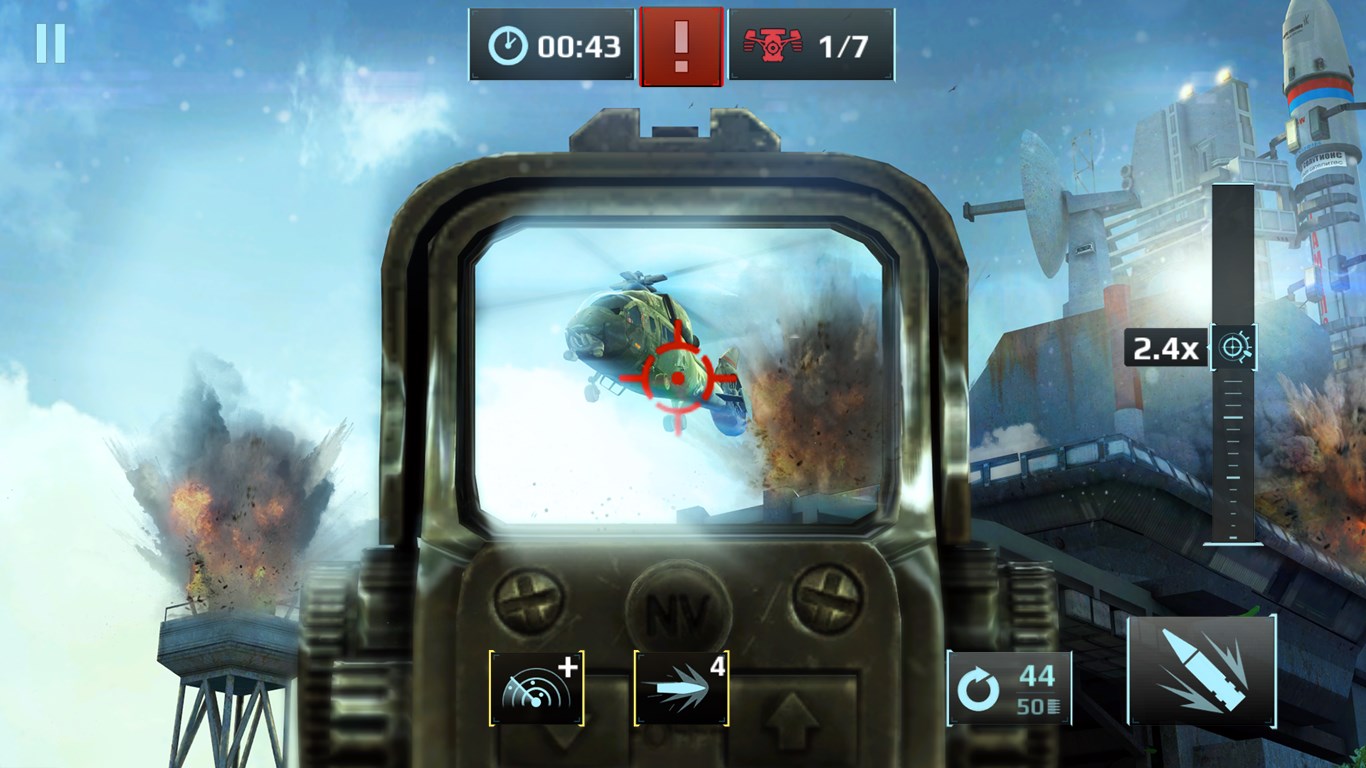
Sniper Fury for Windows, developed by Gameloft SE, is a first-person shooting game that emphasizes strategic sniping mechanics and immersive military-themed missions. It aims to provide players with a realistic sniper experience combined with compelling visuals and engaging gameplay.
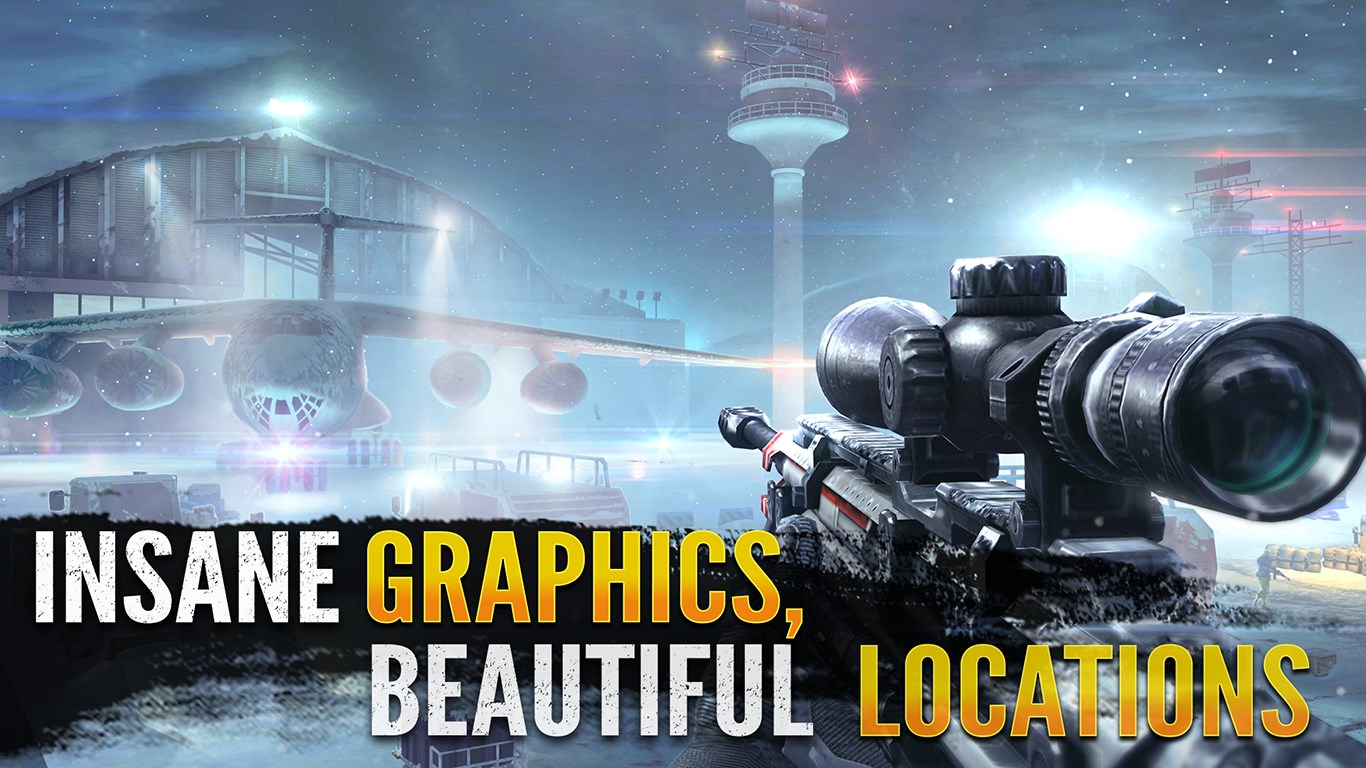
Imagine stepping into the boots of a shadowy sniper tasked with critical missions—Sniper Fury pulls you into that world with its cinematic presentation and gameplay depth. The game combines eye-catching visuals with gameplay that rewards patience and precision. As you line up shots across sprawling urban rooftops or dense forests, there's a satisfying sense of mastery when you pull off that perfect headshot.
Sniper Fury's mission structure emphasizes stealth, timing, and environmental awareness. Each operation feels like a mini puzzle—where to find the best vantage point, how to minimize noise, and when to make your move. The mechanics of aiming are smooth, with a realistic scope zooming that provides clear targeting, mimicking real-life sniper skills. The game's difficulty curve is well-balanced; early levels introduce basic mechanics while later missions challenge your judgment and adaptability.
The interface design is clean and intuitive, making navigation through menus, upgrades, and mission selection effortless—much like flipping through a high-tech dossier. The game runs smoothly on Windows devices, with responsive controls that translate well to mouse and keyboard setups. Learning curve is moderate; new players can quickly grasp aiming and shooting, while mastery requires honing patience and environmental analysis. The realistic sound effects—from distant gunfire to silent scope adjustments—add layers to the immersion.
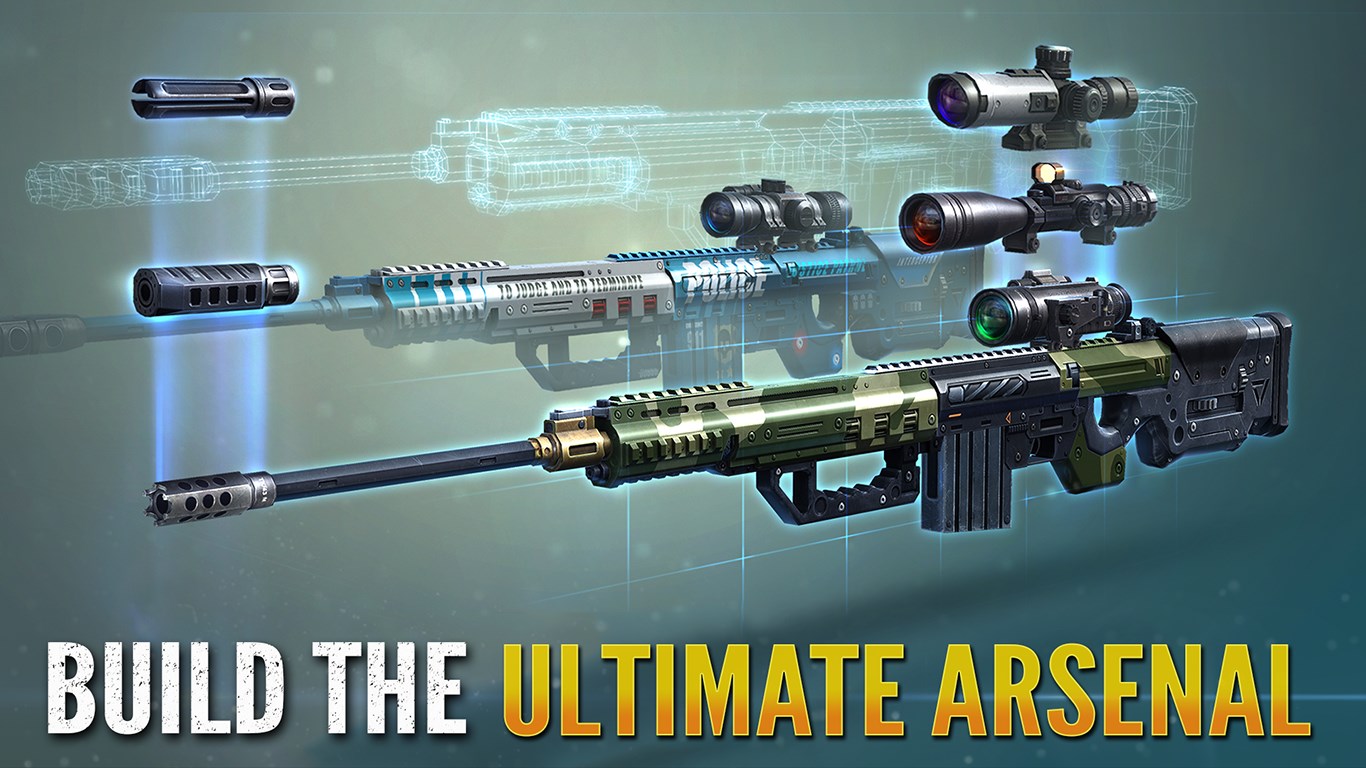
While many shooter games sometimes prioritize fast-paced chaos, Sniper Fury distinguishes itself through its emphasis on strategic patience and shot precision. Its most compelling feature is the realistic sniping experience married with customizable loadouts, allowing players to fine-tune their approach rather than just fire and forget. Additionally, the game's graphics and environmental diversity create a more immersive and tactile experience compared to more arcade-style shooters.
Sniper Fury stands out as a refined sniper simulation for Windows users looking for a game that balances realism with engaging gameplay. It's particularly suited for players who enjoy tactical thinking, detailed environments, and methodical gameplay rather than frantic FPS action. I recommend giving it a try if you appreciate the deliberate rhythm of sniping or want to test your patience and precision in a visually compelling setting. Its core strengths—realistic scope mechanics and versatile mission design—make it worthwhile for both casual players and sniper aficionados alike.
Engaging gameplay with realistic gun mechanics
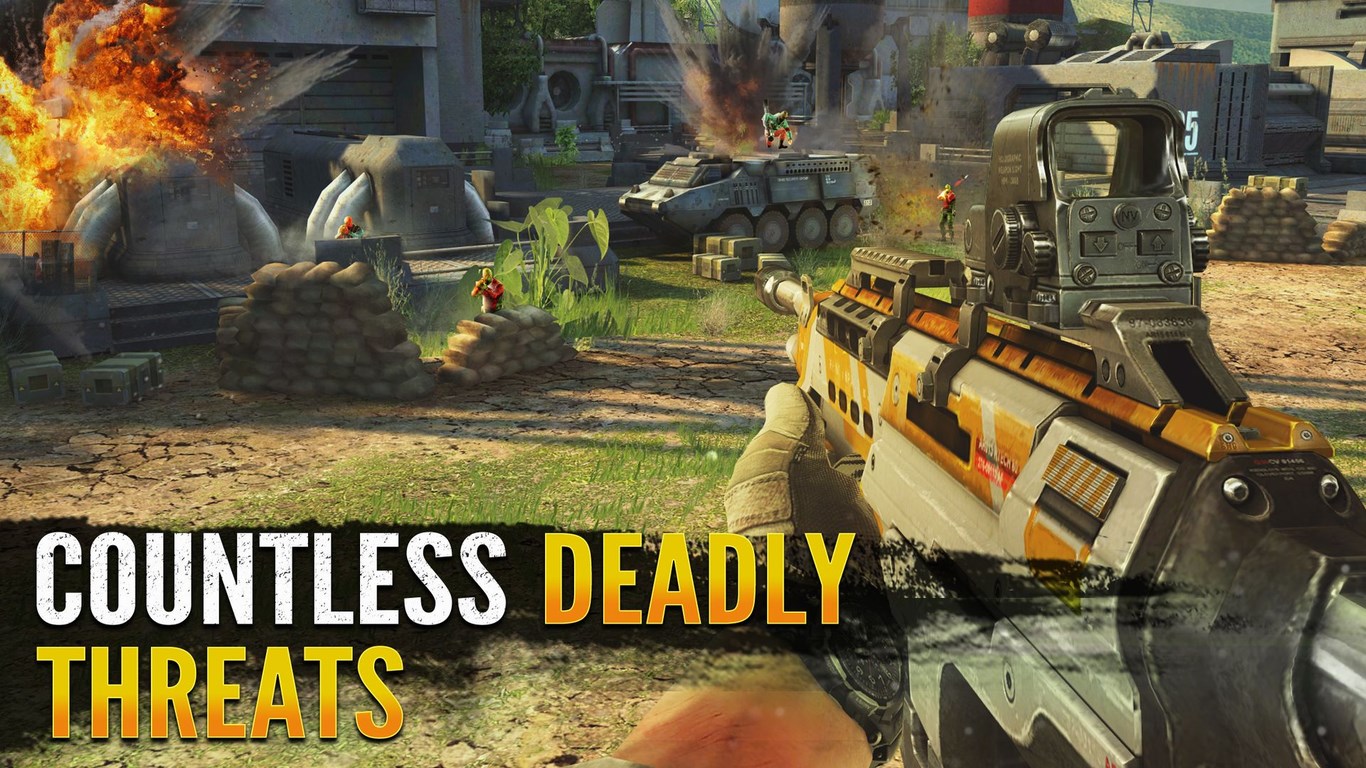
High-quality graphics and smooth animations
Wide variety of weapons and missions
Constant updates and new content
Simple intuitive controls for easy play
Battery-intensive gameplay
Occasional lag during intense scenes
Limited in-game tutorial for new players
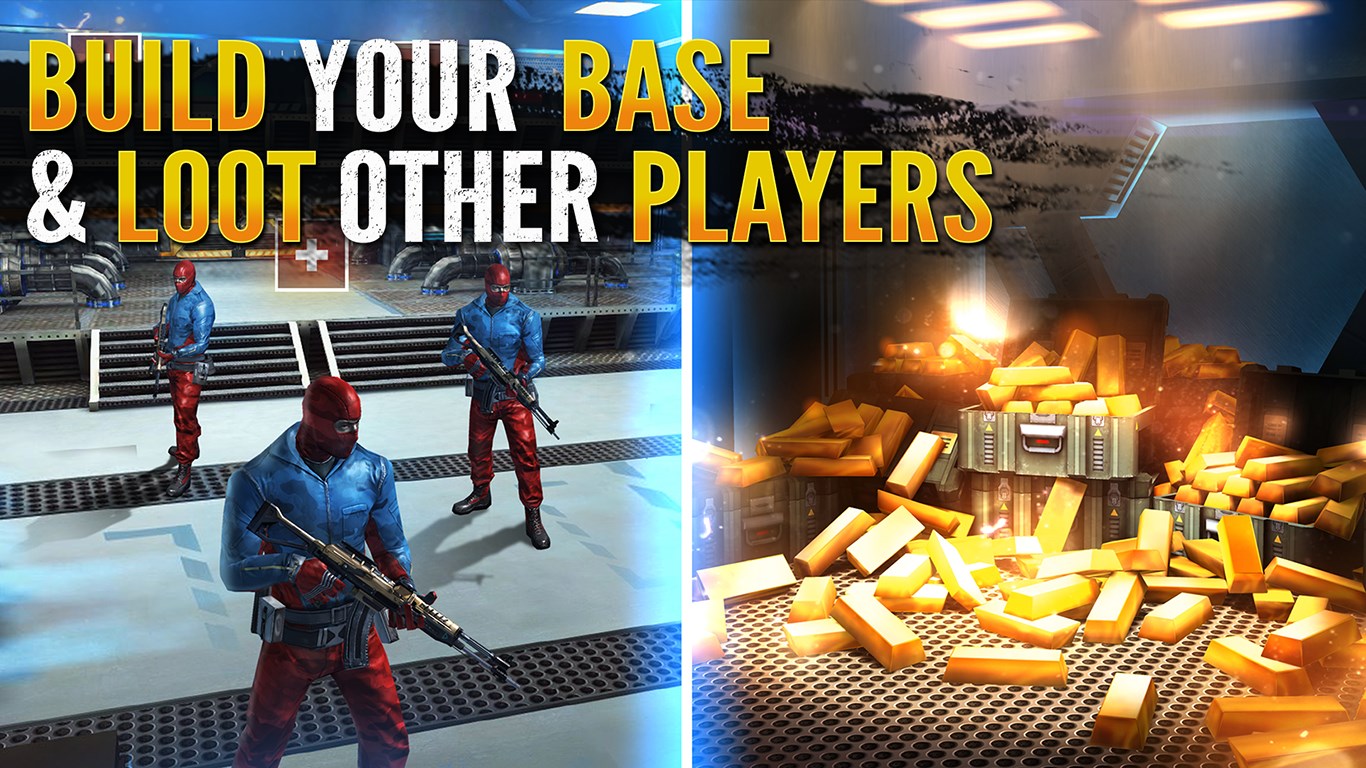
In-app purchases may feel necessary for progress
Occasional server connection issues
for Windows
 4.8
4.8

for Windows
4.7

for Windows
4.7

for Windows
4.7

for Windows
4.7

for Windows
4.7

for Windows
4.6

for Windows
4.6

for Windows
4.6

for Windows
4.6

for Windows
4.5

for Windows
4.5

for Windows
5

for Windows
5

for Windows
5

for Windows
5

for Windows
5

for Windows
5

for Windows
5

for Windows
5

for Windows
5

for Windows
5