Social
PC, HoloLens
Windows 10 version 19041.0 or higher
Integrated Keyboard
Integrated Mouse
Arabic, Chinese (Simplified), Chinese (Traditional Chinese), Danish, English (United Kingdom), English (United States), Finnish, French, German, Hindi, Italian, Japanese, Norwegian (Bokmål), Polish , Portuguese (Brazil), Spanish (Mexico), Spanish (Spain), Swedish, Turkish
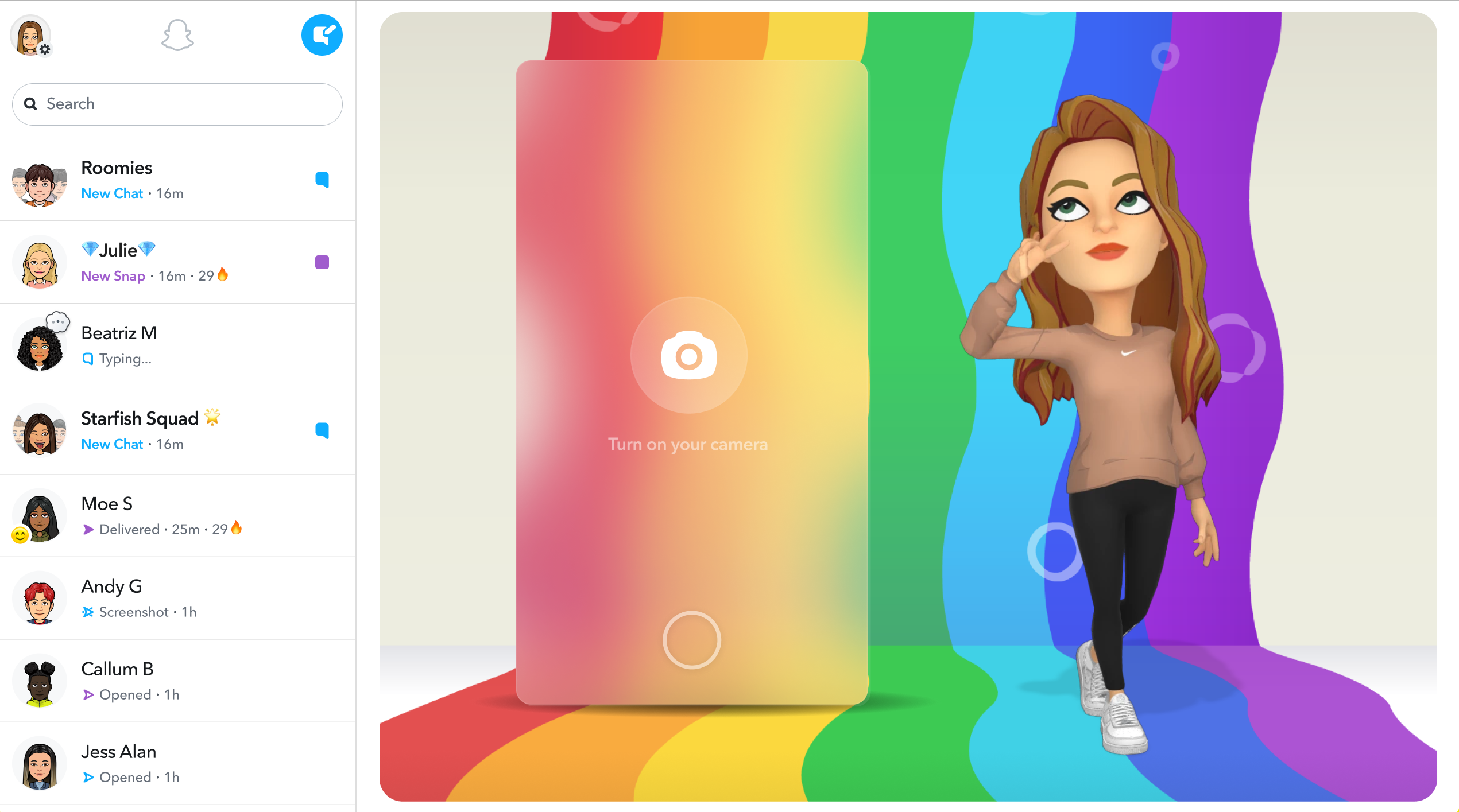
Snapchat for Windows brings the iconic photo-sharing app to your desktop, blending familiar social features with a tablet-like browsing experience. It's designed for users who want to stay connected and share moments seamlessly from their PC, offering a new dimension to the Snapchat universe beyond mobile devices.
Developed by Snap Inc., Snapchat for Windows is a dedicated desktop version of the wildly popular social media platform known for disappearing messages, AR filters, and authentic user interactions. With its core focus on multimedia sharing and connection, the app aims to offer convenience and additional engagement opportunities for existing Snapchat fans and newcomers alike.
Opening Snapchat for Windows feels like inviting a familiar friend into your digital space—familiar yet freshly minted for the larger screen. The interface exudes simplicity, with a clean, intuitive layout that encourages exploration without overwhelming. The app's design seamlessly bridges the mobile intimacy with the platform's new desktop convenience, making interactions feel natural—like chatting with friends over coffee, but through your screen. The responsiveness is smooth, with minimal lag, which hints at well-optimized performance even on moderate hardware.
The standout feature here is Snapchat's enhanced connection discovery. On desktop, the app leverages your existing address book and contacts to suggest friends, while also allowing you to explore new profiles with their verification badge system. This emphasis on authenticity helps curb impersonation issues prevalent on other social platforms. Custom profile options, including display preferences and status updates, allow users to craft a digital avatar that genuinely reflects their personality. It's like building a personal billboard that's both genuine and eye-catching, making it easier to connect with real people.
While Snapchat is renowned for Snap filters and AR effects, the Windows app optimizes these fun features for a larger screen, offering a richer preview experience. Uploading photos or videos from your PC is streamlined, and editing tools are easily accessible. You can also view your Snaps and Stories in a more immersive way, turning casual browsing into a mini media gallery. This makes content consumption feel more like flipping through a magazine than scrolling through a feed.
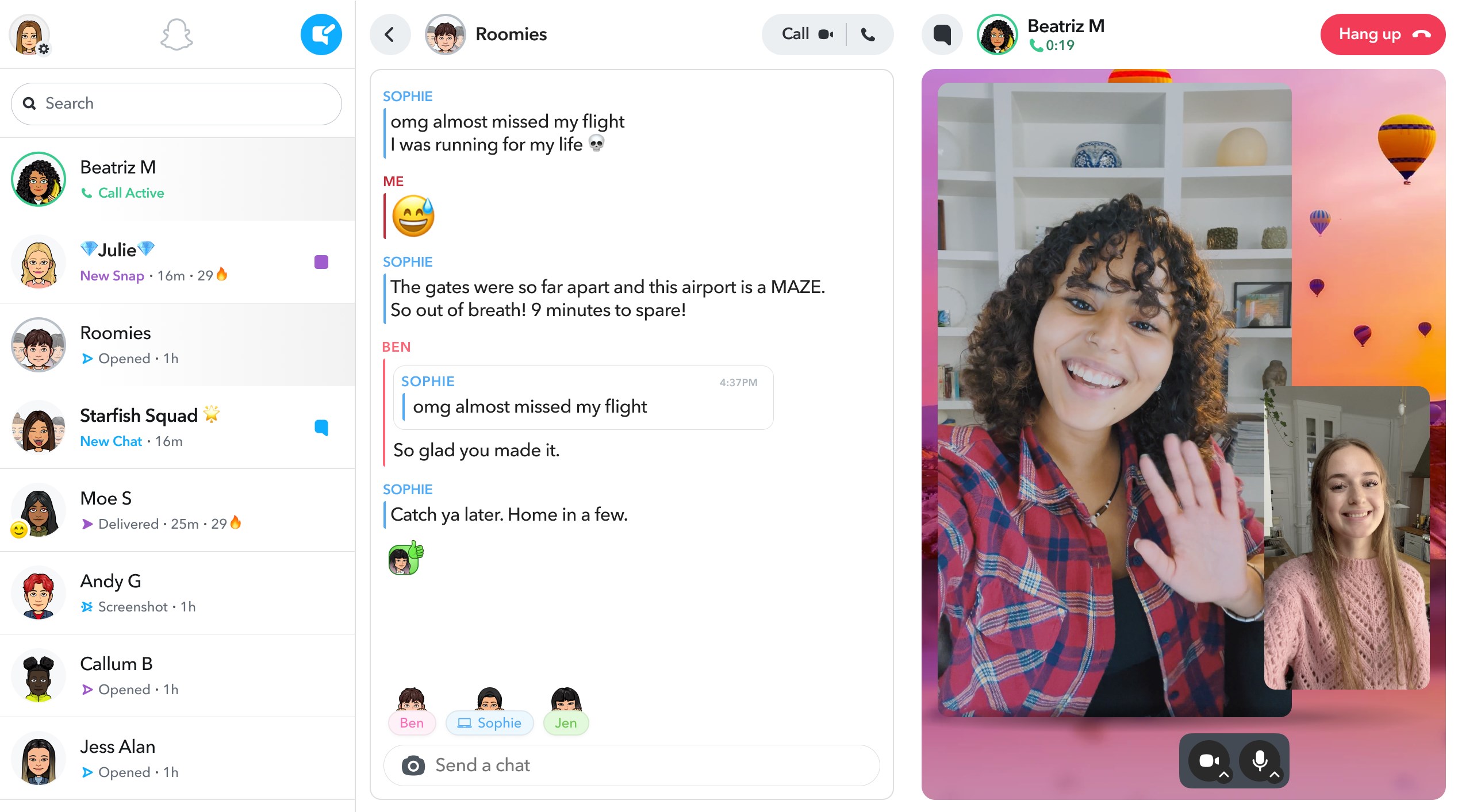
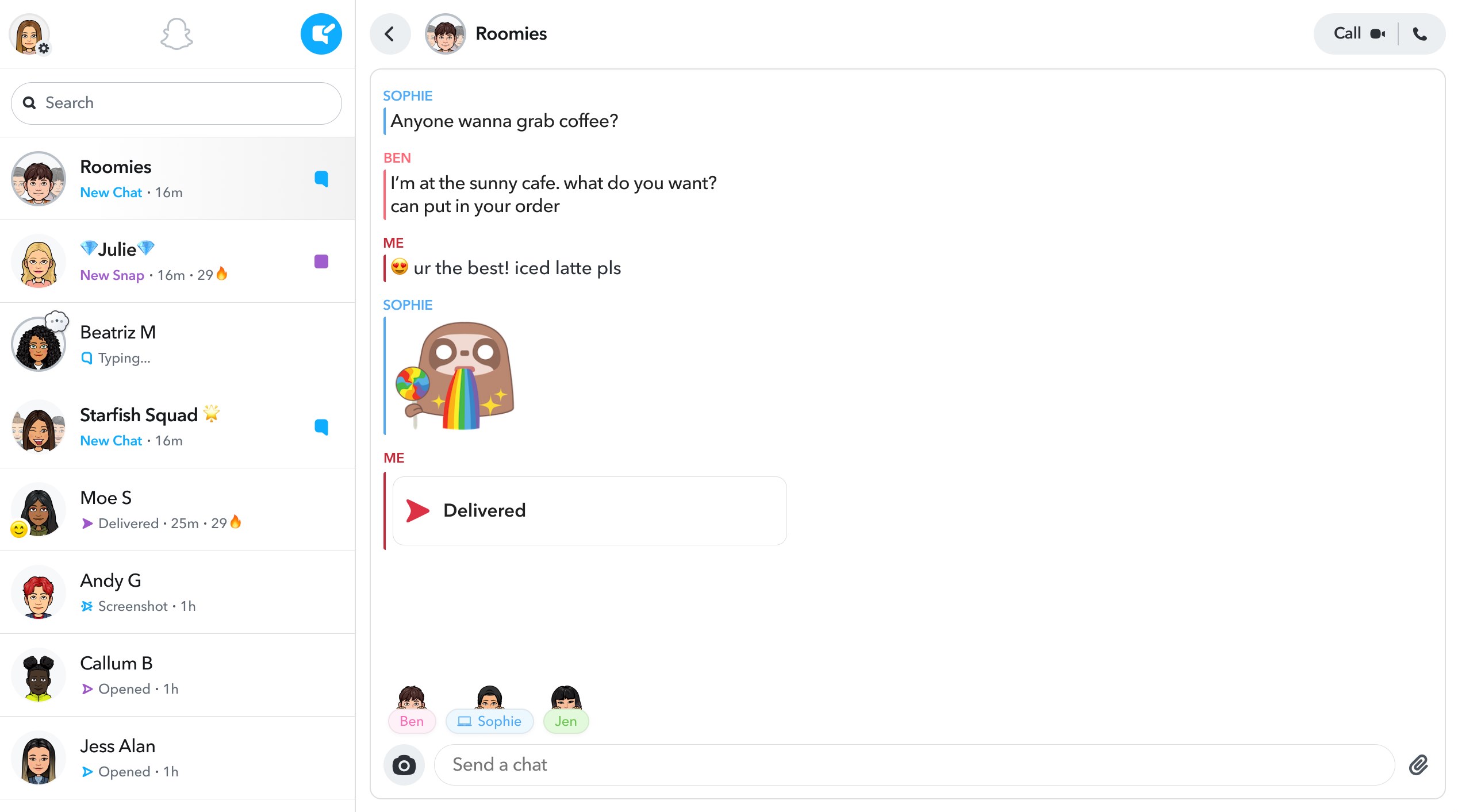
The app elevates chat interactions by supporting multiple chat windows, allowing simultaneous conversations without losing context. Voice and video calls are integrated smoothly, with clear audio and HD video quality. The group chat feature supports multimedia sharing, stickers, and reactions, transforming mundane text exchanges into a lively, multimedia-rich experience. It's like having a virtual hangout, but with the flexibility of working on your PC.
The interface strikes a fine balance between simplicity and functionality. Icons are intuitive, and navigation flows logically—clicking on a profile or chat opens the desired window swiftly. For users familiar with Snapchat on mobile, the transition is effortless; newcomers find the layout straightforward without unnecessary complexity. The learning curve is modest, thanks to helpful tooltips and a minimalistic design. Performance-wise, the app runs smoothly across many devices, with quick load times and seamless interactions, making it an enjoyable experience rather than a chore.
Beyond basic messaging, Snapchat for Windows emphasizes authenticity through verified profiles and a focus on genuine connections. Its connection discovery feature not only suggests friends but actively helps users find real people, not bots or fake accounts. Unlike many social apps that prioritize superficial metrics, Snapchat fosters a real-time, authentic social atmosphere. Additionally, its customization options allow users to tailor their profiles and media sharing exactly how they want—adding a personal touch that feels more genuine than the generic profiles seen elsewhere.
If you're already a Snapchat enthusiast or someone who appreciates multimedia storytelling and authentic connections, this app is worth adding to your desktop toolkit. It excels for casual chatting, media browsing, and staying connected in a more relaxed, screen-rich environment. However, for users seeking a heavily feature-rich or highly professional social platform, it might feel somewhat limited in scope.
My suggestion is to use Snapchat for Windows as a supplementary device—it's particularly handy when multitasking on your PC or when you want to view and share media more comfortably. The app's unique focus on verified connections and personalized profiles sets it apart, making it a compelling choice for those desiring authenticity in their social interactions.
Overall, Snapchat for Windows offers a well-crafted, thoughtful extension of an already popular mobile app. It's not revolutionary, but it's reliable, user-friendly, and thoughtfully designed—making it a wise addition for anyone looking to keep their Snapchat engagement going beyond their phone screen.
Intuitive user interface
Unique disappearing messages
Creative filters and lenses
Strong social networking features
Regular updates and new features
Limited content discoverability
Battery consumption issues
Occasional lag or crashes
Privacy concerns over data usage
Limited customization options for profiles

for Windows
 5
5

for Windows
4.9

for Windows
4.8

for Windows
4.7

for Windows
4.7

for Windows
4.6

for Windows
4.6

for Windows
4.5

for Windows
4.5

for Windows
4.5

for Windows
4.5

for Windows
4.4

for Windows
5

for Windows
5

for Windows
5

for Windows
5

for Windows
5
for Windows
5

for Windows
5

for Windows
5

for Windows
5

for Windows
5