Productivity
TechSmith Corporation
PC
Windows 10 version 0.0 or higher
Integrated Keyboard
Integrated Mouse
4 GB
English, French, German, Japanese, Portuguese, Spanish
Snagit by TechSmith is a versatile screen capture tool designed to streamline how you collect, annotate, and share visual information on Windows. It promises to turn mundane screenshots into dynamic visual content without the hassle.
Developed and published by TechSmith Corporation, a leader in screen capture and recording solutions, Snagit benefits from years of expertise in creating user-friendly and productivity-enhancing software for professionals, educators, and content creators alike.
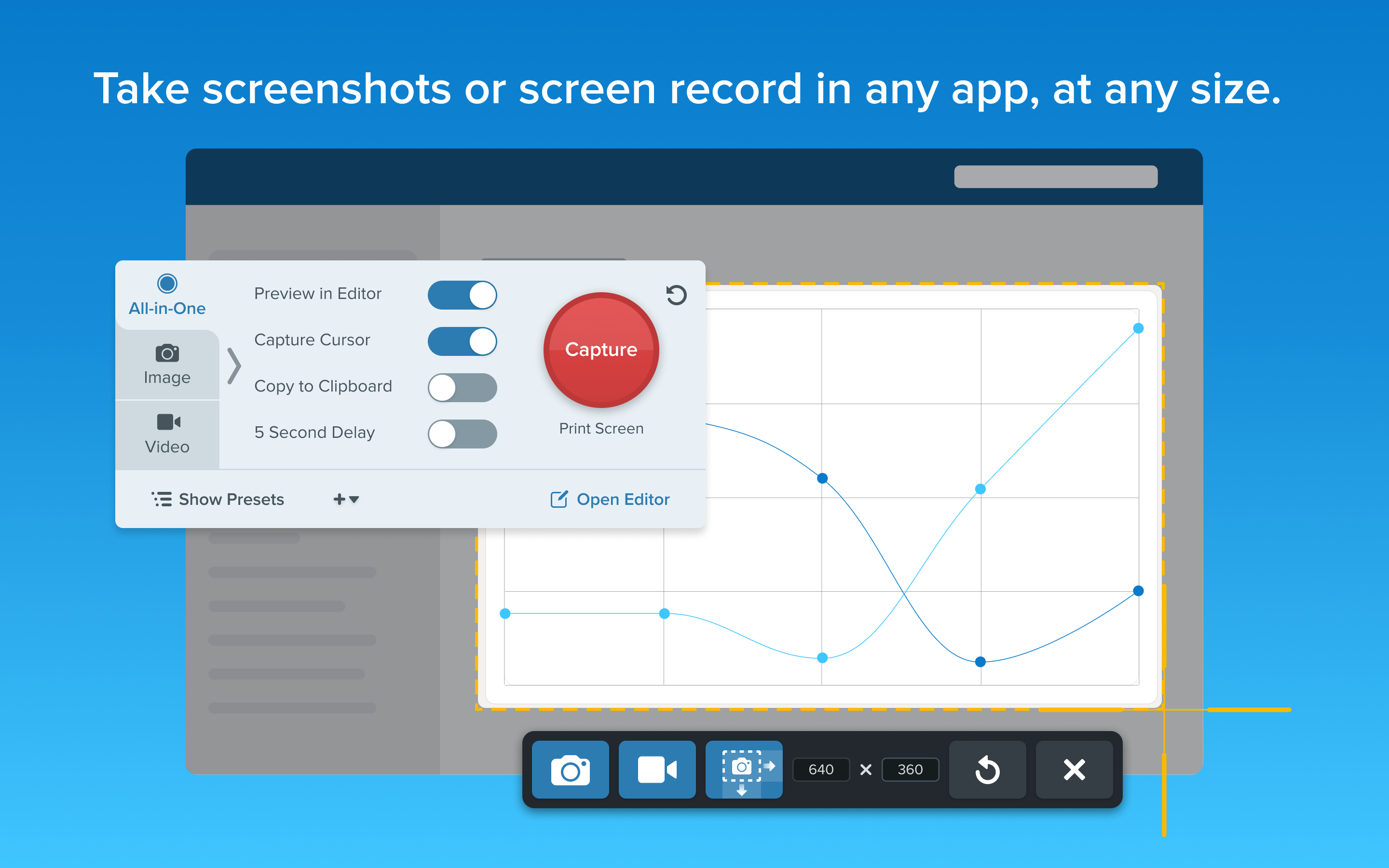
Imagine yourself sitting at your desk, ready to capture a tricky webpage that scrolls endlessly. Snagit's scrolling capture feature feels like a magic wand, effortlessly stitching together the entire page into a single image. Its interface is clean, with a ribbon of tools that's as approachable as a friendly assistant, guiding you through capturing, editing, and sharing without drowning you in options.
The app is notably smooth—clicking buttons and navigating menus feels responsive, almost as if the software anticipates your needs. Its intuitive layout minimizes the learning curve; even new users can produce professional-grade screenshots after just a few minutes of exploration. The minimal clutter and well-organized tools reduce cognitive load, so you can focus on capturing your message rather than battling the software.
Unlike many complex productivity tools that bloat with features leading to confusion, Snagit strikes a delicate balance—offering powerful functionalities without overwhelming users. Its standout aspect is how seamlessly it integrates into your workflow. For instance, capturing a screenshot is just a shortcut away, and sharing options are baked into the app, reducing steps and interruptions.
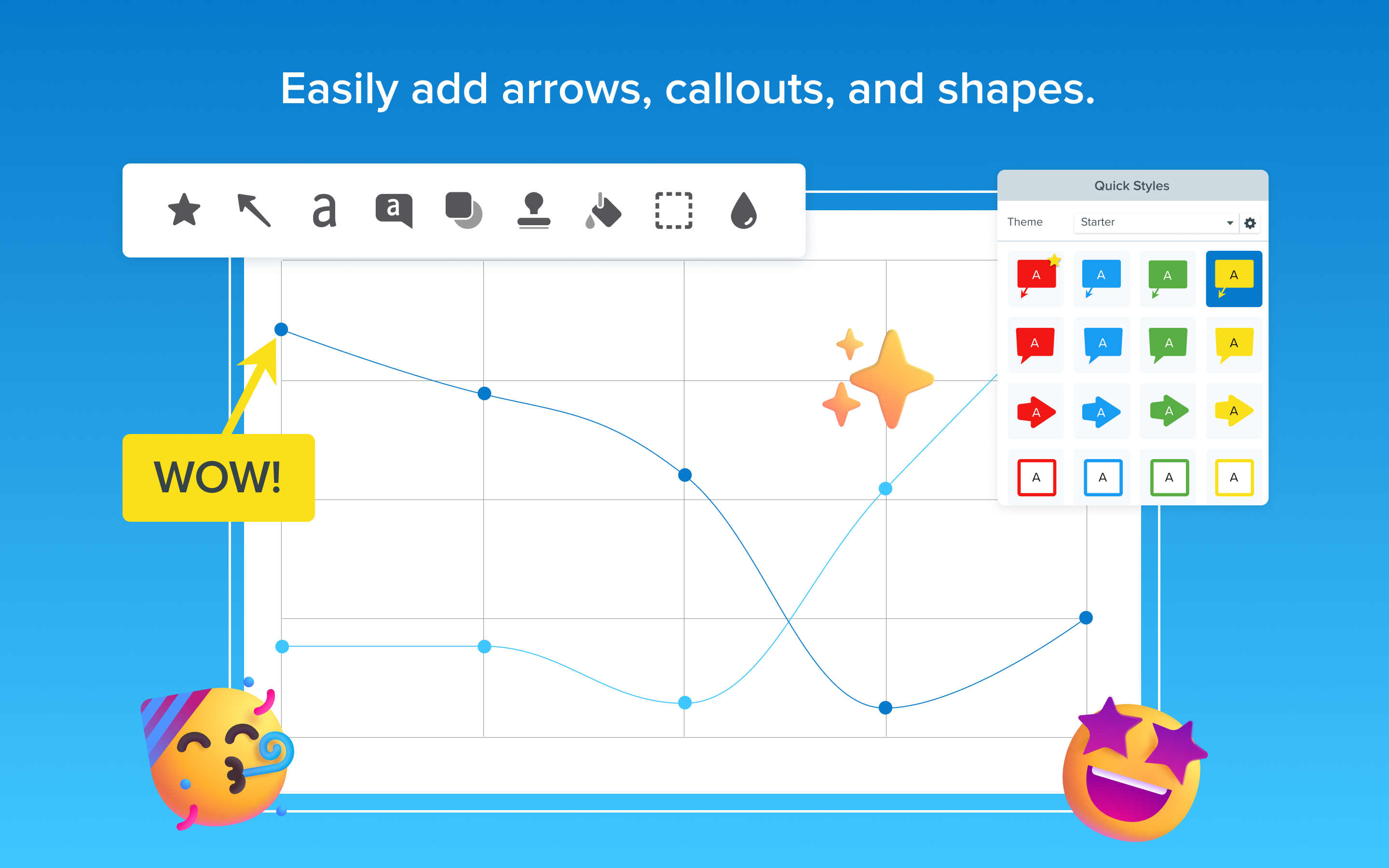
Another differentiator is its emphasis on reducing cognitive load. Instead of filtering through numerous tangled features, users engage with straightforward tools that enhance productivity—like the instant annotation tools that double as visual punchlines. This focus on feature simplicity helps professionals avoid mental fatigue, especially when dealing with time-sensitive tasks like flagging issues during meetings or creating quick tutorials.
Snagit for Windows earns a solid recommendation for anyone needing a reliable, efficient screenshot tool that is both powerful and user-friendly. Whether you're a teacher preparing quick tutorials, a developer documenting bugs, or a casual user capturing favorite moments online, Snagit provides a balanced suite of features that elevate your visuals without complicating the process.
While it might be considered an investment compared to free options, the productivity gains and ease of use justify the cost—especially for professionals who value efficiency and clarity. For those seeking an all-in-one solution that simplifies screen capturing and annotation while seamlessly fitting into existing workflows, Snagit is undoubtedly worth exploring.
Intuitive User Interface
Powerful Annotation Tools
Advanced Screen Capture Capabilities
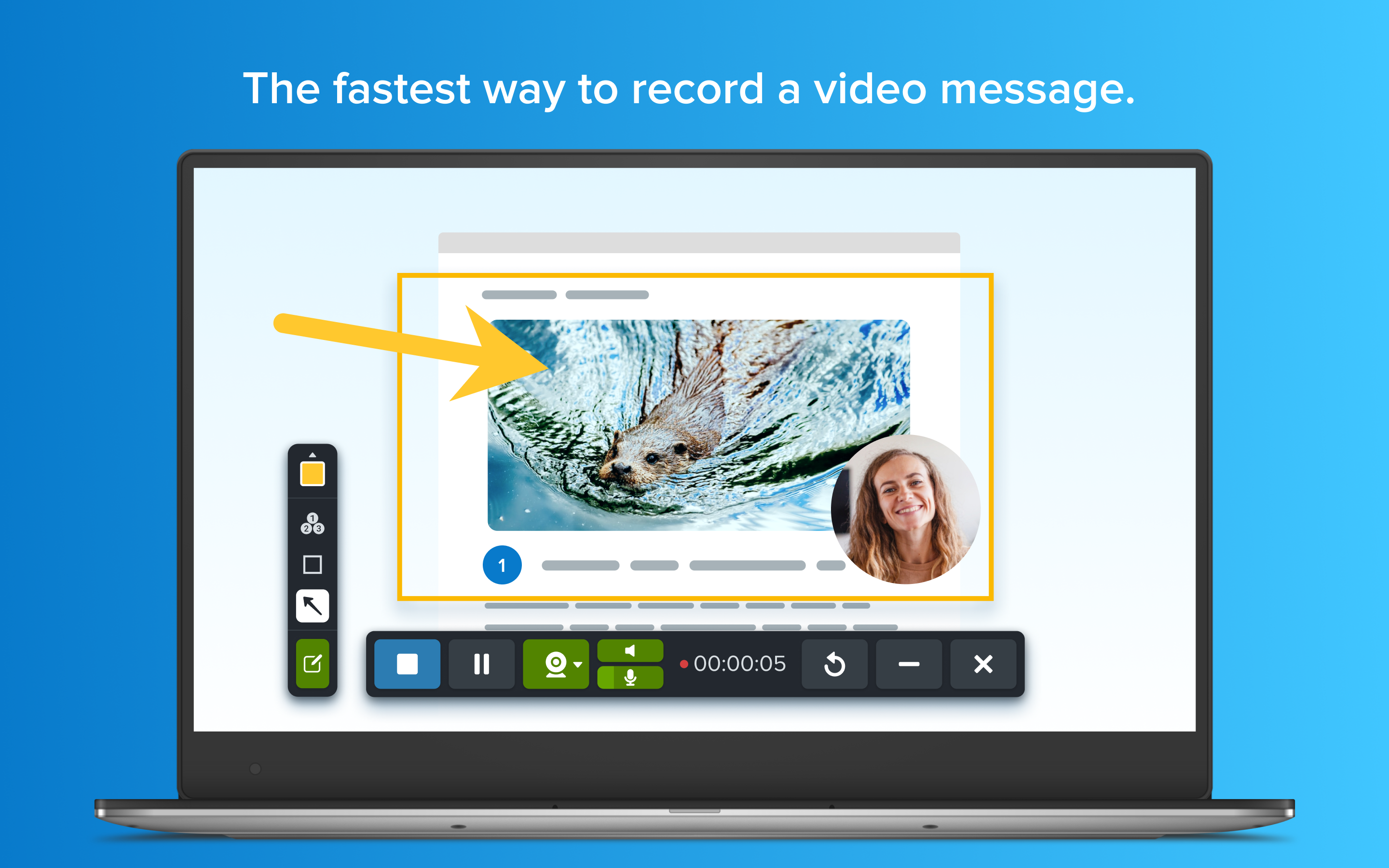
Robust Video Recording Features
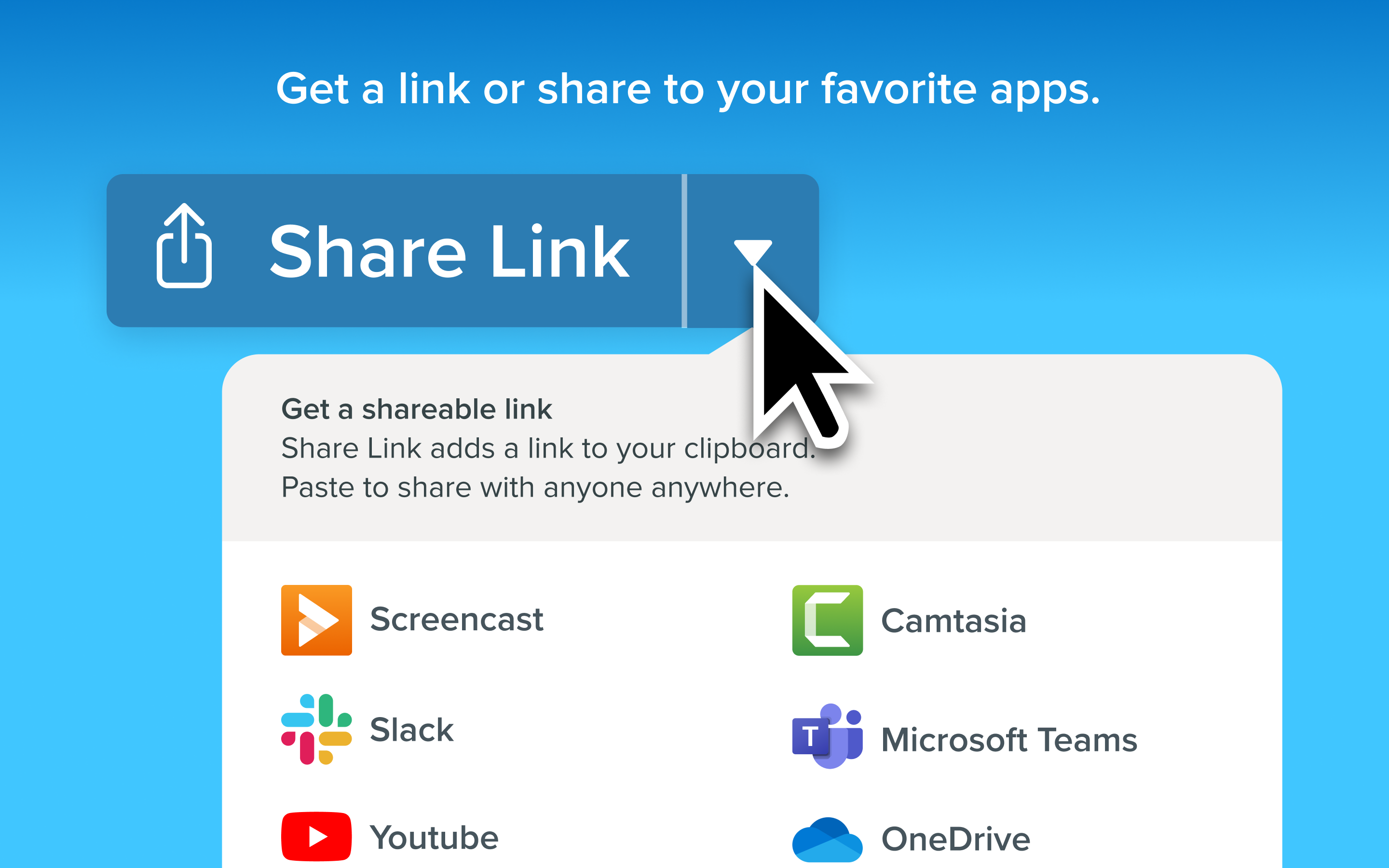
Seamless Integration and Export Options
High Licensing Cost
Occasional Stability Issues
Limited Free Trial Duration
Learning Curve for Advanced Features
Limited Cloud Storage Integration

for Windows
 5
5

for Windows
5

for Windows
4.9

for Windows
4.9

for Windows
4.9

for Windows
4.8

for Windows
4.8

for Windows
4.8

for Windows
4.8

for Windows
4.8

for Windows
4.8

for Windows
4.8

for Windows
5
for Windows
5

for Windows
5

for Windows
5

for Windows
5

for Windows
5

for Windows
5

for Windows
5

for Windows
5
for Windows
5