Productivity
FlickApp
PC, Mobile, Surface Hub, HoloLens
Windows 10 version 14393.0 or higher
English (United States)
In today's digital workspace, managing printing devices can often feel like juggling flaming torches—challenging and fraught with technical hurdles. The Smart Printer & Drivers app by FlickApp steps into the scene as a streamlined solution designed to make printer management on Windows devices more intuitive and less stressful. Whether you're a busy professional, student, or home user, this app aims to convert printer frustrations into a seamless, hassle-free experience.
Developed and published by FlickApp, a company known for creating user-centric utility apps, Smart Printer & Drivers is tailored specifically for Windows systems. Its primary mission: to help users manage their printers efficiently without the cumbersome need for manual driver updates or complex configurations. If you've ever spent more time troubleshooting printer issues than actually printing, this app promises to be a breath of fresh air.
The app is ideal for professionals in offices, students who need quick access to printing tools, and home users managing multiple devices.
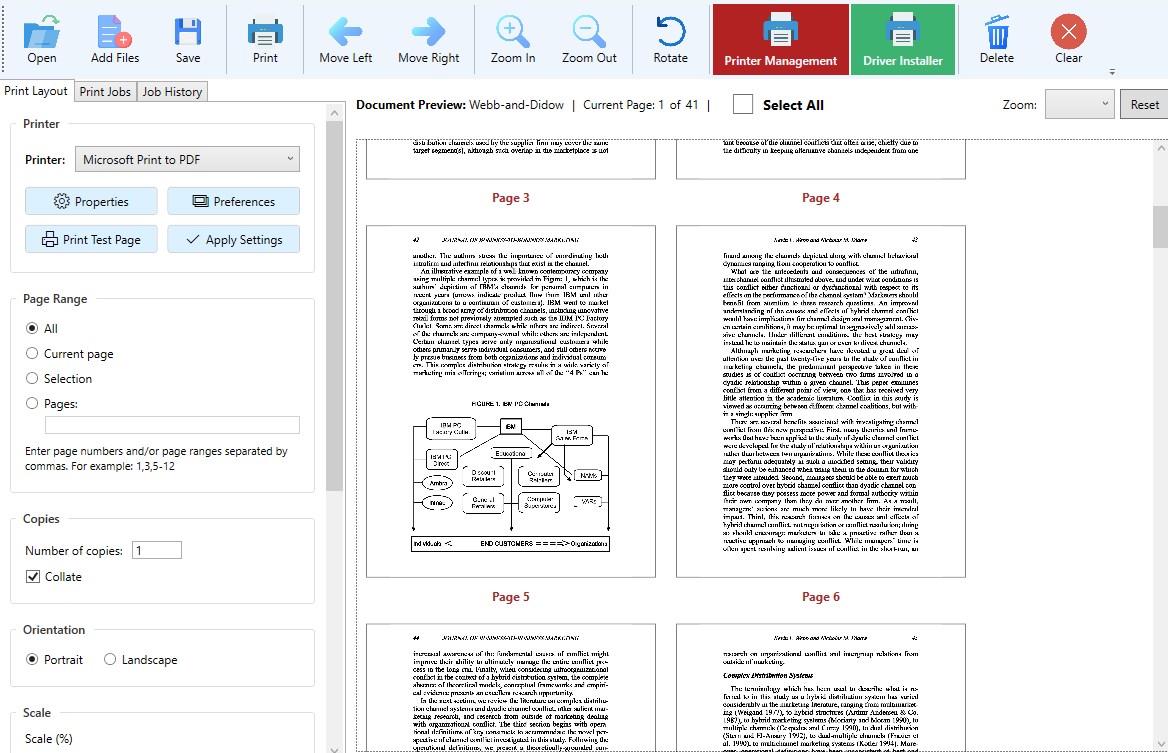
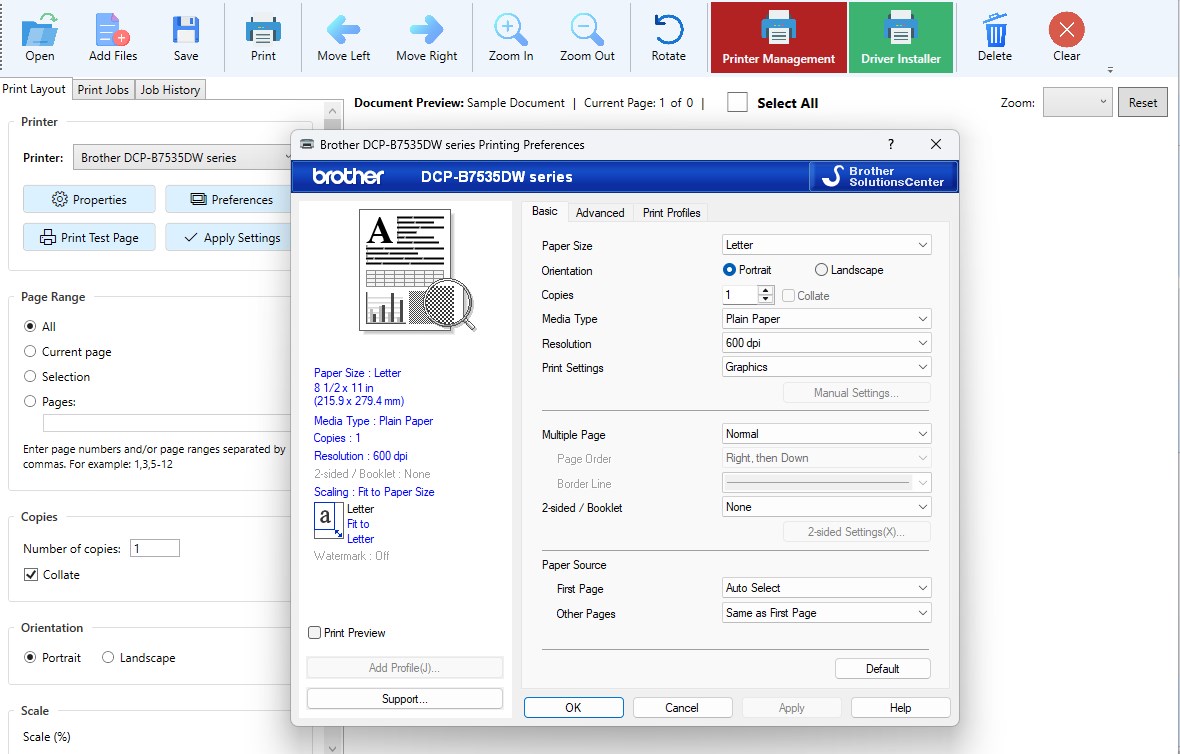
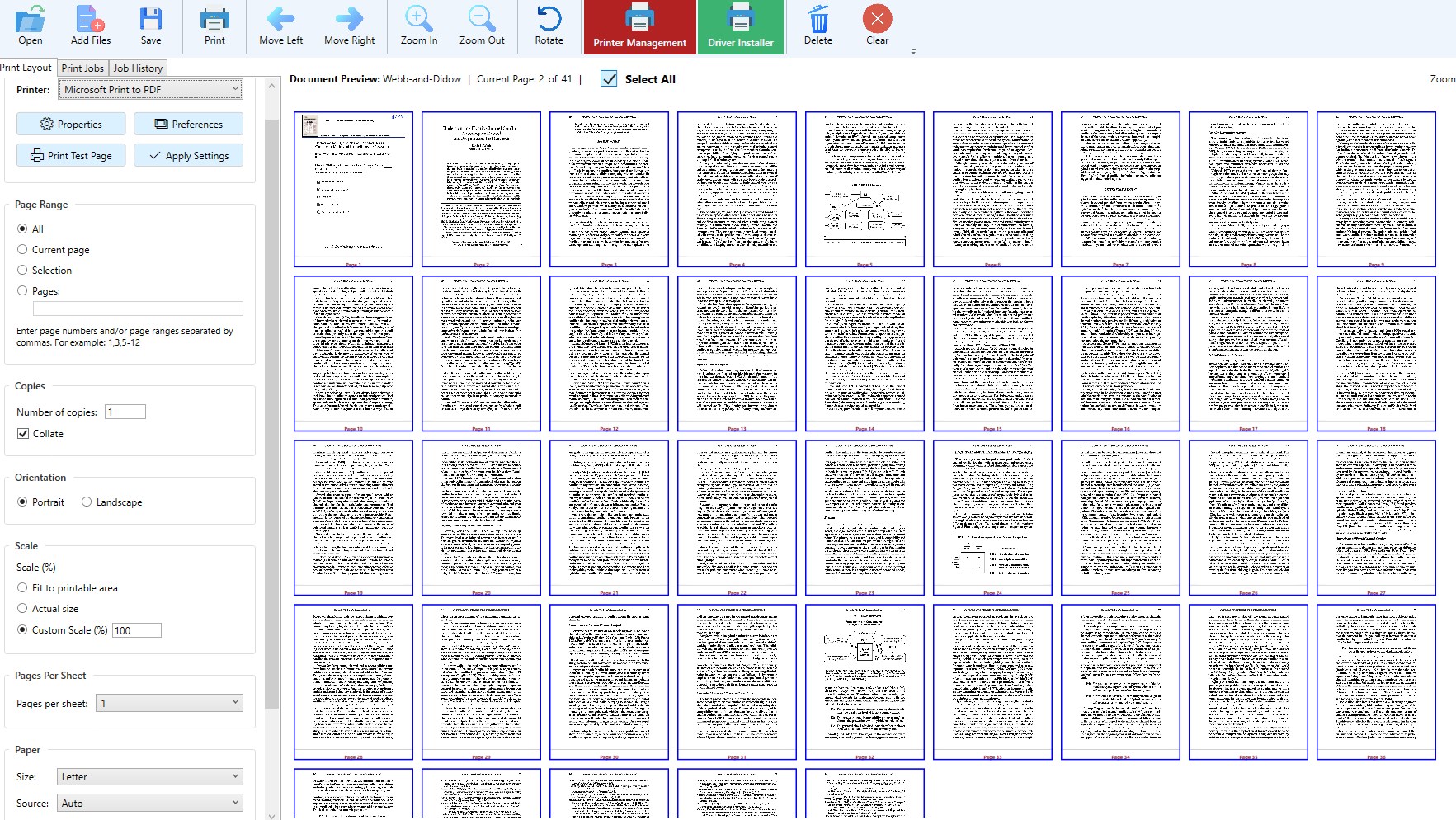
From the moment you launch Smart Printer & Drivers, it feels like walking into a well-organized workshop. The interface sports a clean, uncluttered layout, reminiscent of a well-organized toolbox—each function neatly tucked away but easily accessible. The dashboard provides clear, visual status updates on connected printers, drivers, and any pending updates. The overall design minimizes cognitive load, guiding users smoothly through their tasks without overwhelming them with options. Even less tech-savvy users will find it a breeze to navigate, thanks to minimalist icons and guided prompts.
One of the standout qualities of this application is its low cognitive load. Instead of presenting a maze of options, it condenses essential tasks into straightforward actions, making printer management feel as effortless as flipping a switch. Its thoughtful design minimizes the cognitive effort required, freeing users to focus on actual work instead of battling printer issues.
Compared to more feature-heavy alternatives, FlickApp's Smart Printer & Drivers distinguishes itself by prioritizing workflow efficiency. It reduces the mental burden typical of printer maintenance tasks, akin to having a helpful librarian who automatically sorts out your printing needs without fuss.
Moreover, its ability to swiftly detect multiple devices and keep drivers updated without user intervention makes it particularly appealing in environments where multiple printers are in use, such as offices or educational institutions.
Overall, I recommend Smart Printer & Drivers for Windows to anyone seeking a lean, efficient solution for printer management. If your current setup involves frequent driver updates, device troubleshooting, or managing multiple printers, this app can significantly streamline your workflow. Its intuitive interface and automatic features reduce the usual frustrations associated with printer management, making it especially valuable for users with limited technical expertise or those who prefer to automate routine tasks.
While it may not boast as many bells and whistles as some enterprise solutions, its focus on core functionality—automatic detection, updates, and easy management—makes it an excellent choice for everyday users. For those looking to declutter their device management routines and boost productivity, this app is a practical, no-nonsense companion.
Intuitive user interface
Broad device compatibility
Automatic driver updates
Seamless wireless setup
Stable connection quality
Occasional Bluetooth connectivity issues
Limited customization options
Slow initial scanning for printers
Minor bugs in driver installation prompts
Limited troubleshooting guidance

for Windows
 5
5

for Windows
5

for Windows
4.9

for Windows
4.9

for Windows
4.9
for Windows
4.8

for Windows
4.8

for Windows
4.8

for Windows
4.8

for Windows
4.8
for Windows
4.8

for Windows
4.8

for Windows
5
for Windows
5

for Windows
5

for Windows
5

for Windows
5

for Windows
5
for Windows
5

for Windows
5

for Windows
5
for Windows
5