Business
PC
Windows 10 version 17763.0 or higher
Chinese (Simplified), Chinese (Traditional), English, French, German, Italian, Japanese, Korean, Portuguese (Brazil), Spanish
Imagine a virtual office where colleagues from different corners of the globe can gather, chat, share files, and coordinate effortlessly — that's exactly what Slack for Windows aims to deliver. As a popular communications platform, it has transformed the way teams collaborate, and its Windows desktop app brings these capabilities right to your fingertips with a sleek, integrated experience. Whether you're managing quick conversations or diving deep into project channels, this app seeks to be your central hub for workplace communication.
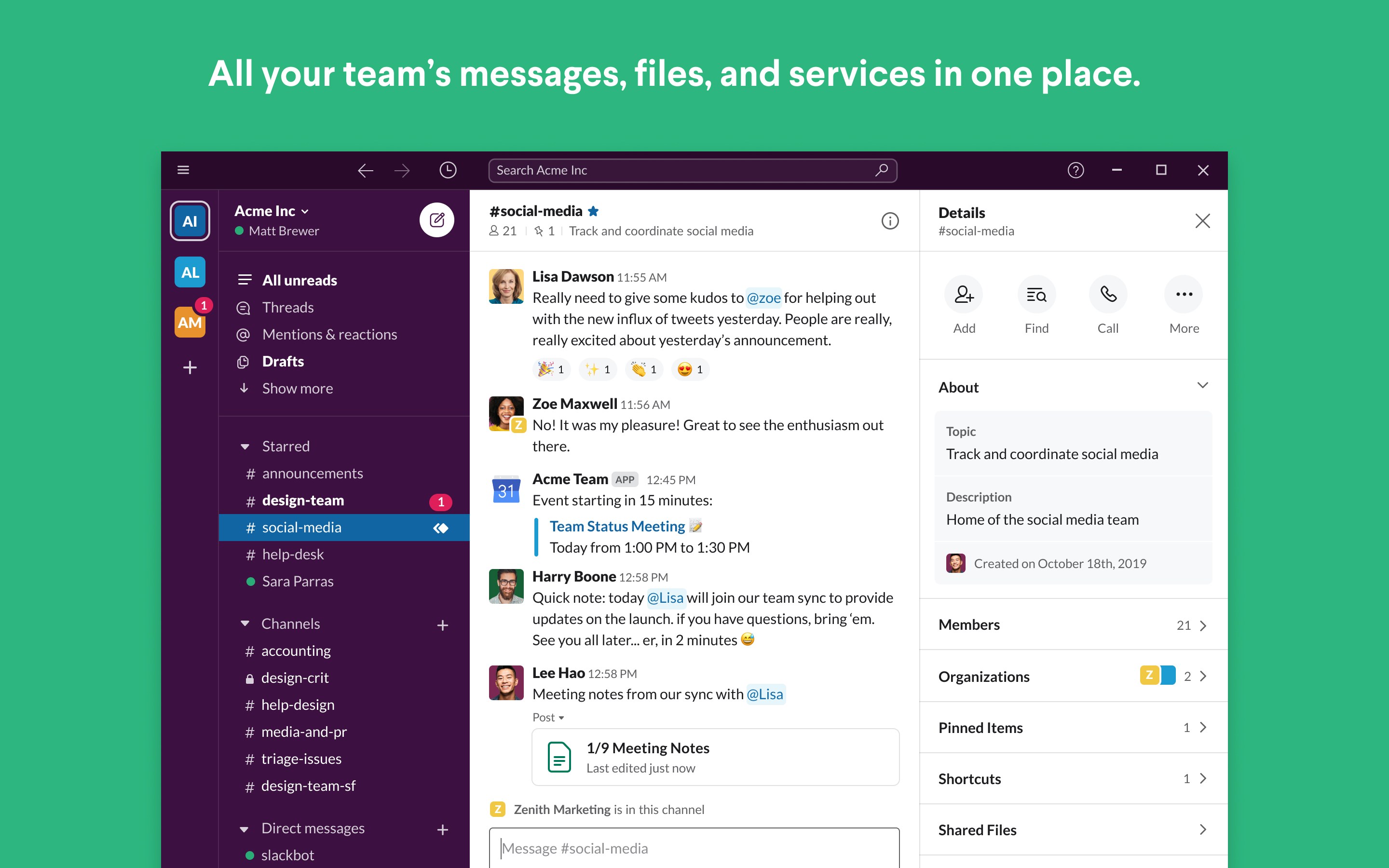
Slack's hallmark lies in its organized messaging architecture. Channels—dedicated spaces for specific teams, projects, or topics—allow for tidy, focused discussions, much like a dedicated conference room. Private messages enable one-on-one or small group conversations that stay discreet. The Windows app ensures these conversations are instant and accessible at a tap, supporting real-time collaboration without the clutter or chaos often found in email threads or multiple apps.
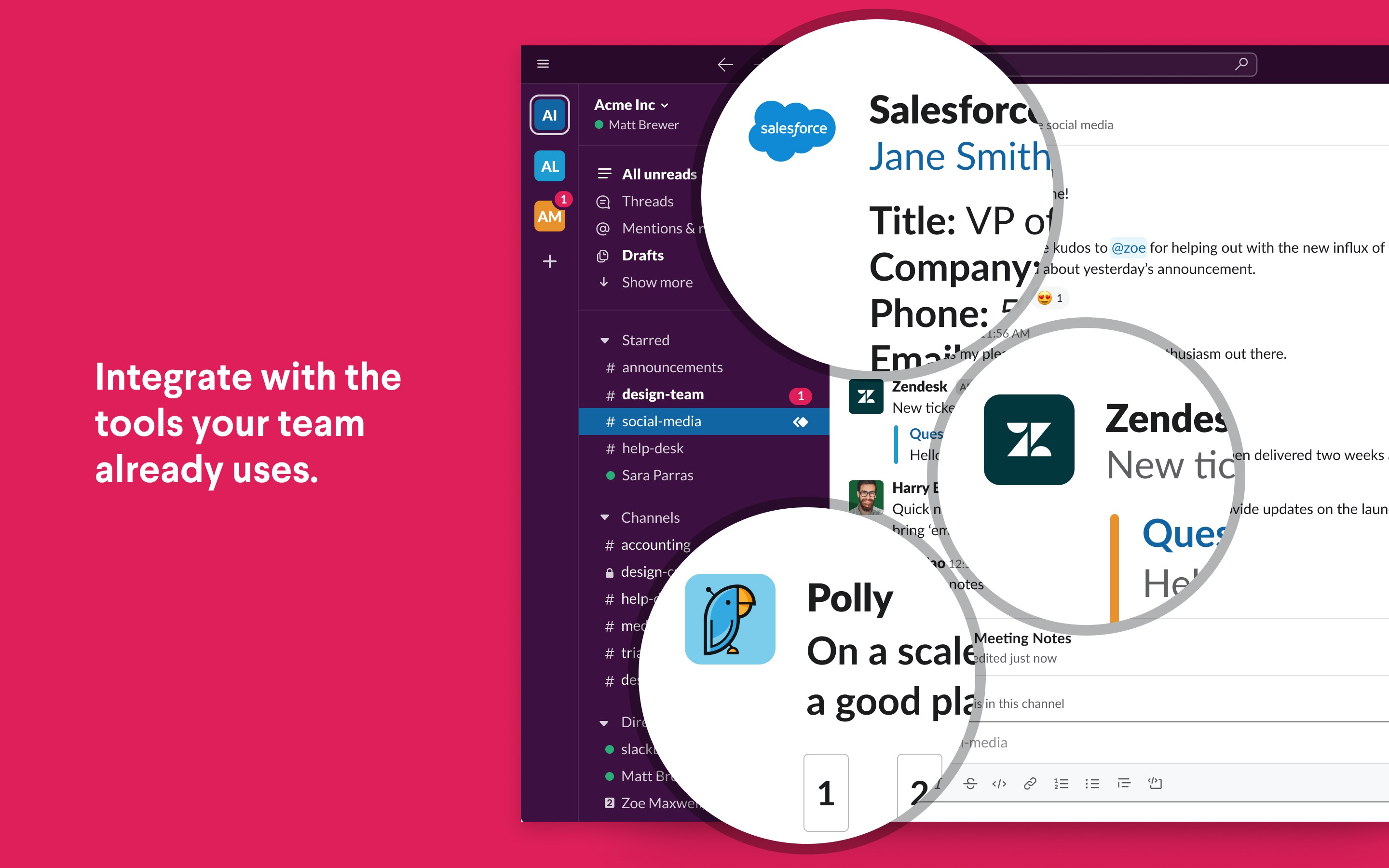
Sharing documents, images, or even code snippets becomes a breeze—drag and drop functionality seamlessly uploads files directly into chats. Beyond simple sharing, Slack's strength lies in its integrations. It supports a vast array of third-party tools like Google Drive, Office365, and project management apps, creating a unified workspace where messages, files, and tasks coexist. This interconnectedness simplifies workflows, reducing context switching and boosting productivity.
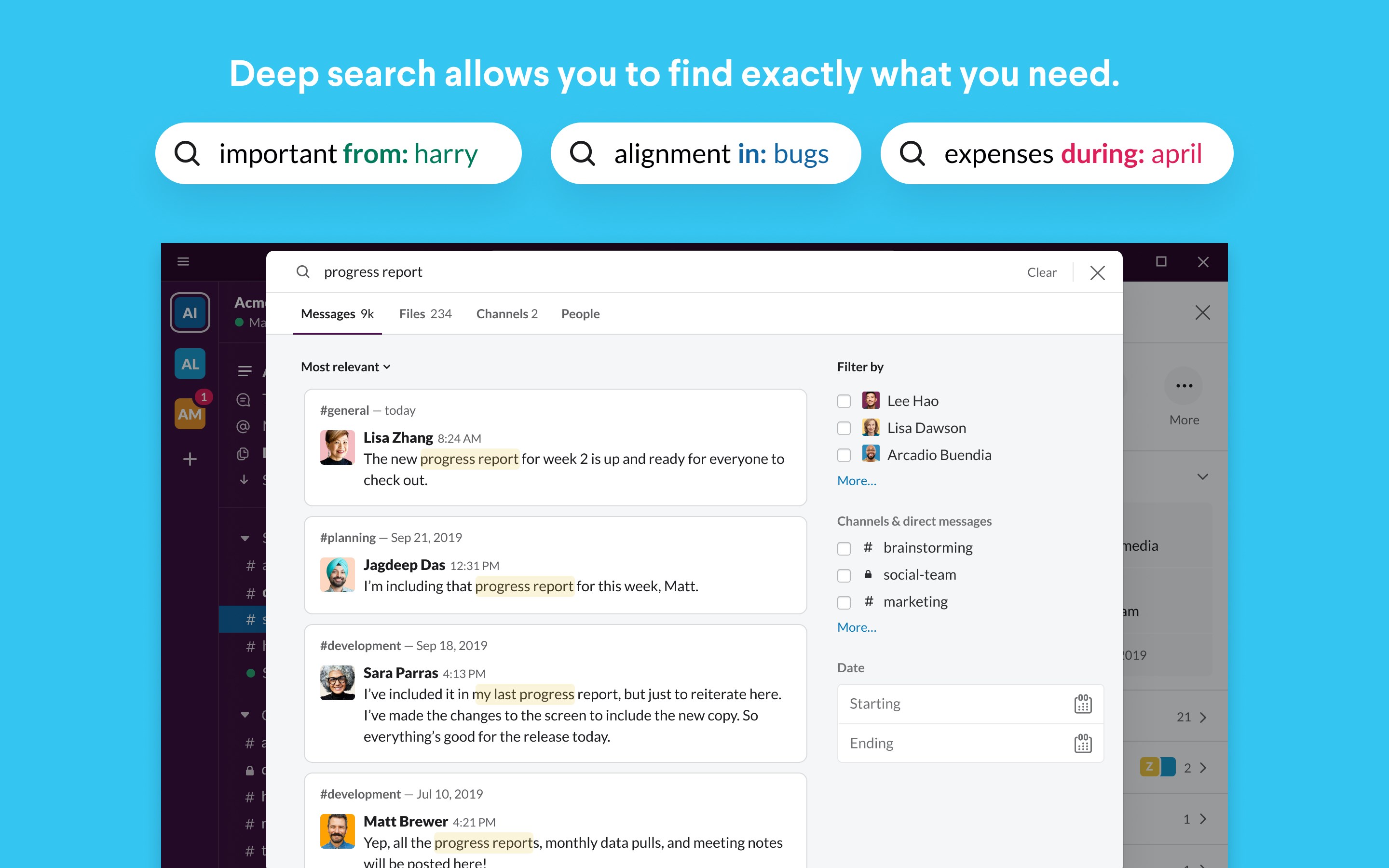
Keeping track of past conversations can be a challenge, especially in busy teams. Slack's powerful search capability acts like a trusty detective, swiftly locating keywords, files, or even specific users. Additionally, features like pinned messages and customizable notifications help users prioritize and stay organized. All these elements are thoughtfully designed to make navigation intuitive, turning what used to feel like a chaotic inbox into a well-ordered digital workspace.
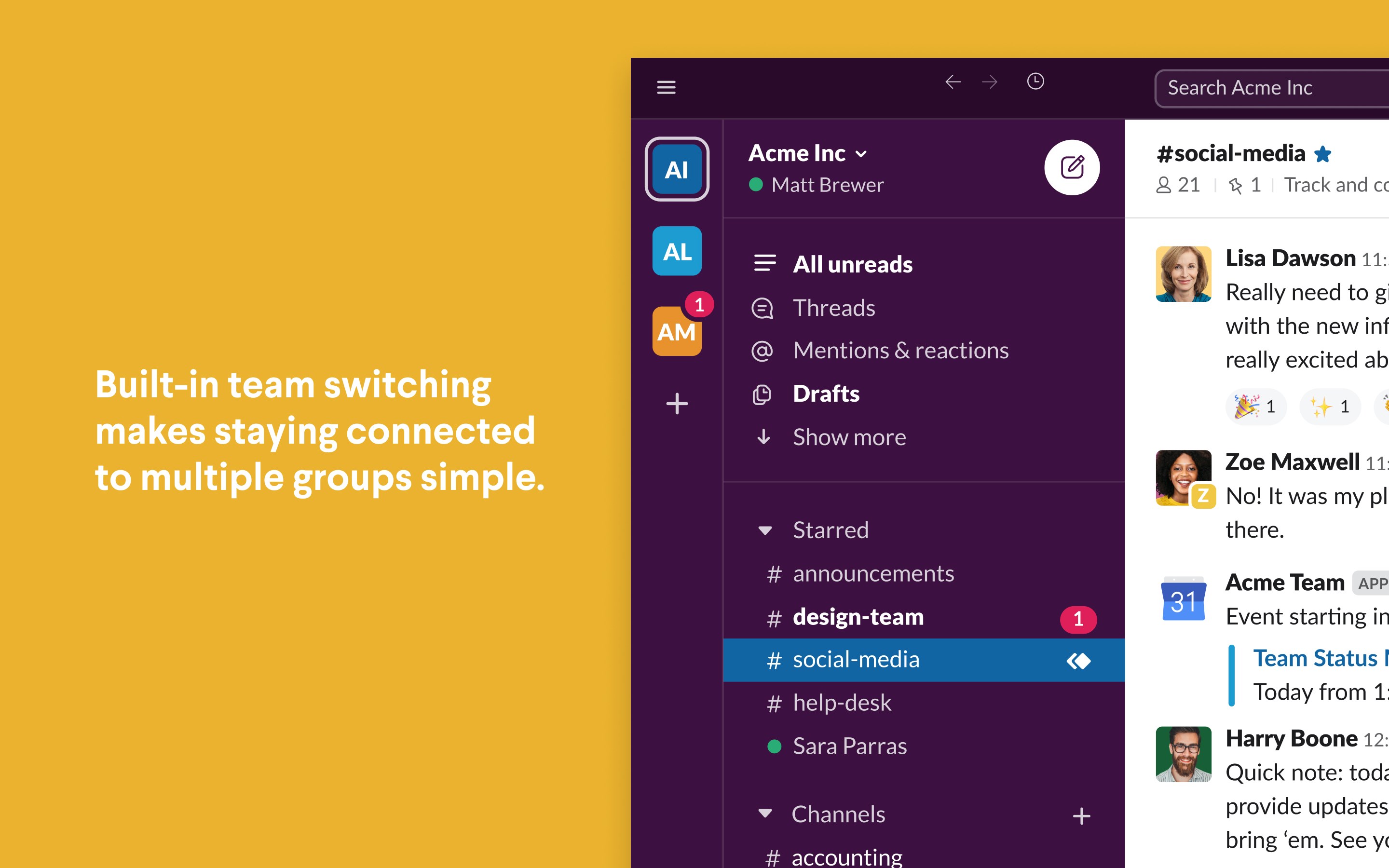
The Slack for Windows app boasts a clean, modern interface that resembles a well-organized digital workspace—think of it as a well-lit, tidy office where everything has its place. Its layout is straightforward, with side panels for channels, direct messages, and spaces for integrations—making it easy for both newcomers and seasoned users to get started without a steep learning curve.
Operationally, the app feels responsive and fluid, with minimal lag even when handling multiple conversations or file uploads simultaneously. Moving from one chat to another is as smooth as flipping through a well-loved notebook, encouraging users to stay engaged and productive.
For new users, the intuitive design minimizes the training required, while power users will appreciate shortcut options and customizable settings that let them tailor the experience to their workflow.
Compared to many other business communication tools, Slack's standout feature is its deep integration and collaborative work focus. Its ability to combine messaging with task management—allowing users to create, assign, and monitor tasks directly within conversations—sets it apart. This tight coupling means teams don't need to switch between multiple apps; instead, Slack becomes an integrated hub for conversation, file sharing, and task execution.
This integration-driven approach fosters a culture of transparency and accountability, where progress updates, deadlines, and discussions occur in a unified space, much like having a shared digital whiteboard that everyone can see and contribute to simultaneously.
All in all, Slack for Windows is a highly capable communication tool that shines in its collaborative features and seamless integrations. It is well-suited for teams seeking to streamline communication, coordinate tasks, and maintain a clear overview of ongoing projects. For small to medium-sized enterprises, startups, or remote teams, this app provides an accessible and efficient platform to keep everyone connected.
My advice? Bring it into your team if you value organized, real-time communication with robust task and file management capabilities. While it may require some initial familiarization, the long-term gains in clarity and collaboration are well worth the investment. As a friend might say: it's like having a digital office assistant that keeps your team connected and productive, all within a friendly, familiar interface.
Intuitive User Interface
Seamless Integration with Microsoft Ecosystem
Robust Notification System
Cross-Platform Compatibility
Strong Search Functionality
Occasional Sync Delays
Limited Customization Options
Offline Access Limitations
Performance on Older Devices
Occasional Crashes

for Windows
 5
5

for Windows
5

for Windows
4.9

for Windows
4.9

for Windows
4.9

for Windows
4.9

for Windows
4.8

for Windows
4.8

for Windows
4.8

for Windows
4.8

for Windows
4.7

for Windows
4.7

for Windows
5

for Windows
5

for Windows
5

for Windows
5

for Windows
5

for Windows
5
for Windows
5

for Windows
5

for Windows
5

for Windows
5