Multimedia design
Sketchbook, Inc.
PC
Windows 10 version 17763.0 or higher
Not specified
Chinese (Simplified), Chinese (Traditional), English (United States), French, German, Italian, Japanese, Korean , Portuguese (Brazil), Russian, Spanish (Spain)
Imagine holding a versatile sketchbook that's always ready at your fingertips, whether you're doodling in a coffee shop or working on a complex project. Sketchbook Pro for Windows offers artists an intuitive digital canvas packed with powerful features, bridging the gap between traditional sketching and digital versatility. Developed by Sketchbook, Inc., this application stands out as a reliable and artist-friendly tool designed to elevate your creative process.
Positioned as a professional-grade digital drawing application, Sketchbook Pro for Windows emphasizes accessibility and robust functionality for artists of all levels. The development team behind this app, Sketchbook, Inc., boasts a focused commitment to providing high-quality drawing tools that cater to both amateurs and seasoned professionals alike. Its main features include an expansive brush library, highly customizable tools, and seamless layer management—making complex compositions straightforward. Targeted at illustrators, concept artists, students, and hobbyists, this app aims to serve anyone eager to translate their ideas into digital art with ease.
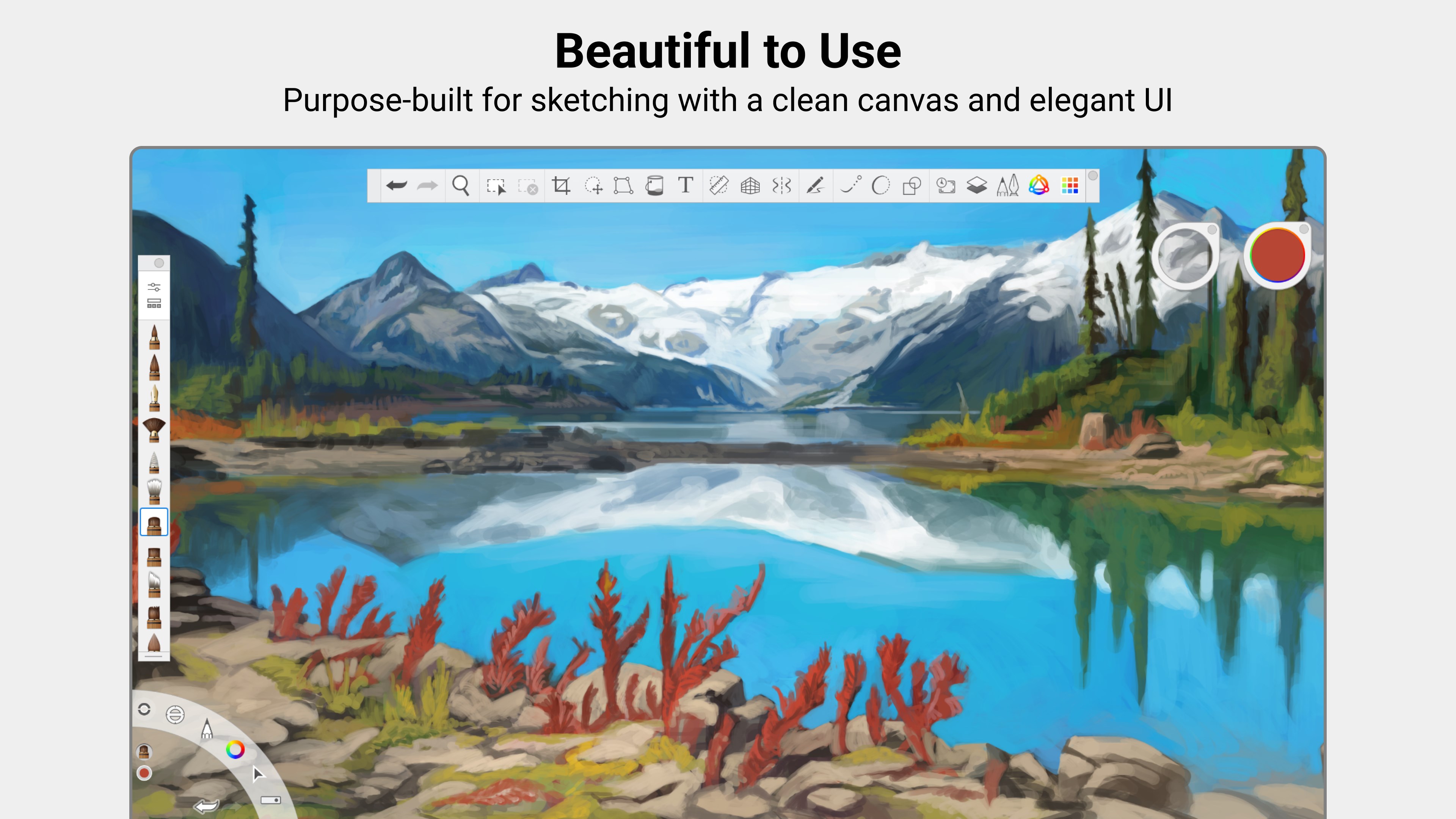
Stepping into Sketchbook Pro for Windows feels a bit like entering an artist's cozy studio—bright, inviting, and full of endless possibilities. The interface is thoughtfully designed, balancing simplicity with functionality, allowing you to focus on your art without being overwhelmed by clutter. Whether you're sketching rough concepts or adding fine details, the app responds swiftly, making the creative flow feel natural and uninterrupted. Its learning curve is gentle enough for beginners but packed with advanced options for experienced users, offering room to grow and experiment.
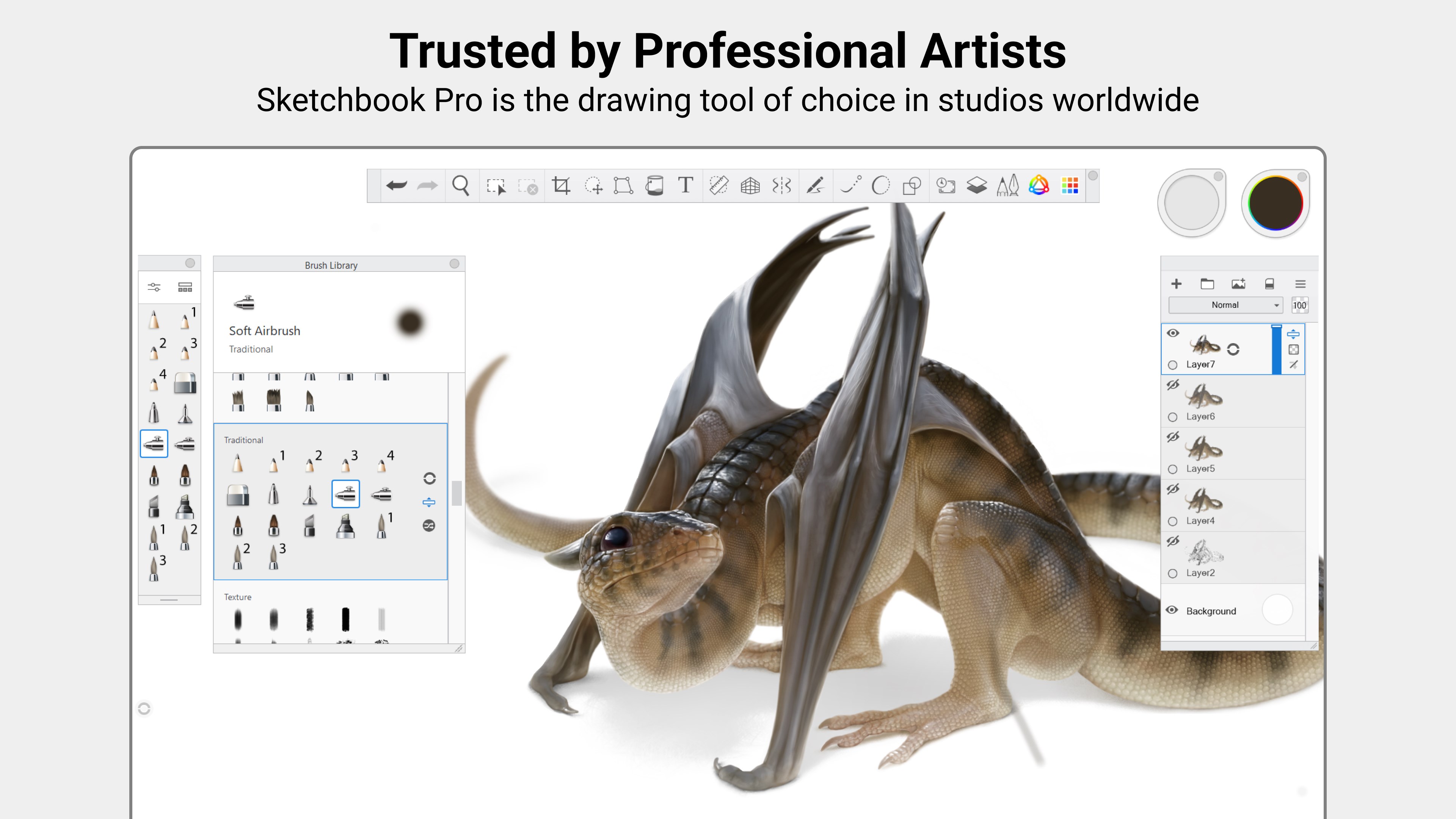
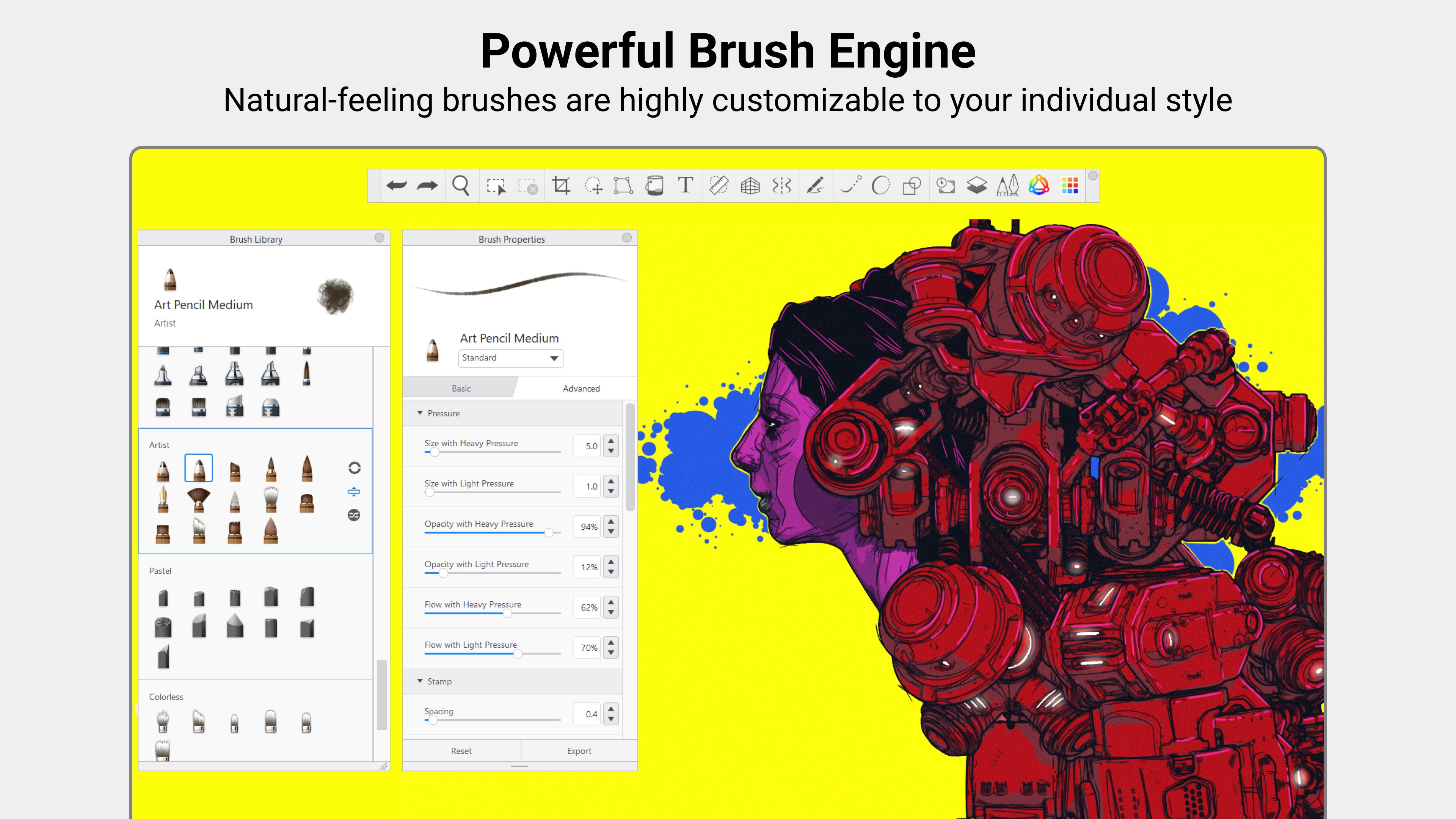
An artwork is only as good as its tools, and Sketchbook Pro excels here by providing an extensive selection of brushes—from realistic pencils and inks to textured watercolor effects. What makes it truly stand out is the remarkable ability to customize brushes to match your style—adjusting size, opacity, flow, and texture parameters. This feature turns your digital workspace into a personalized studio tailored to your artistic voice.
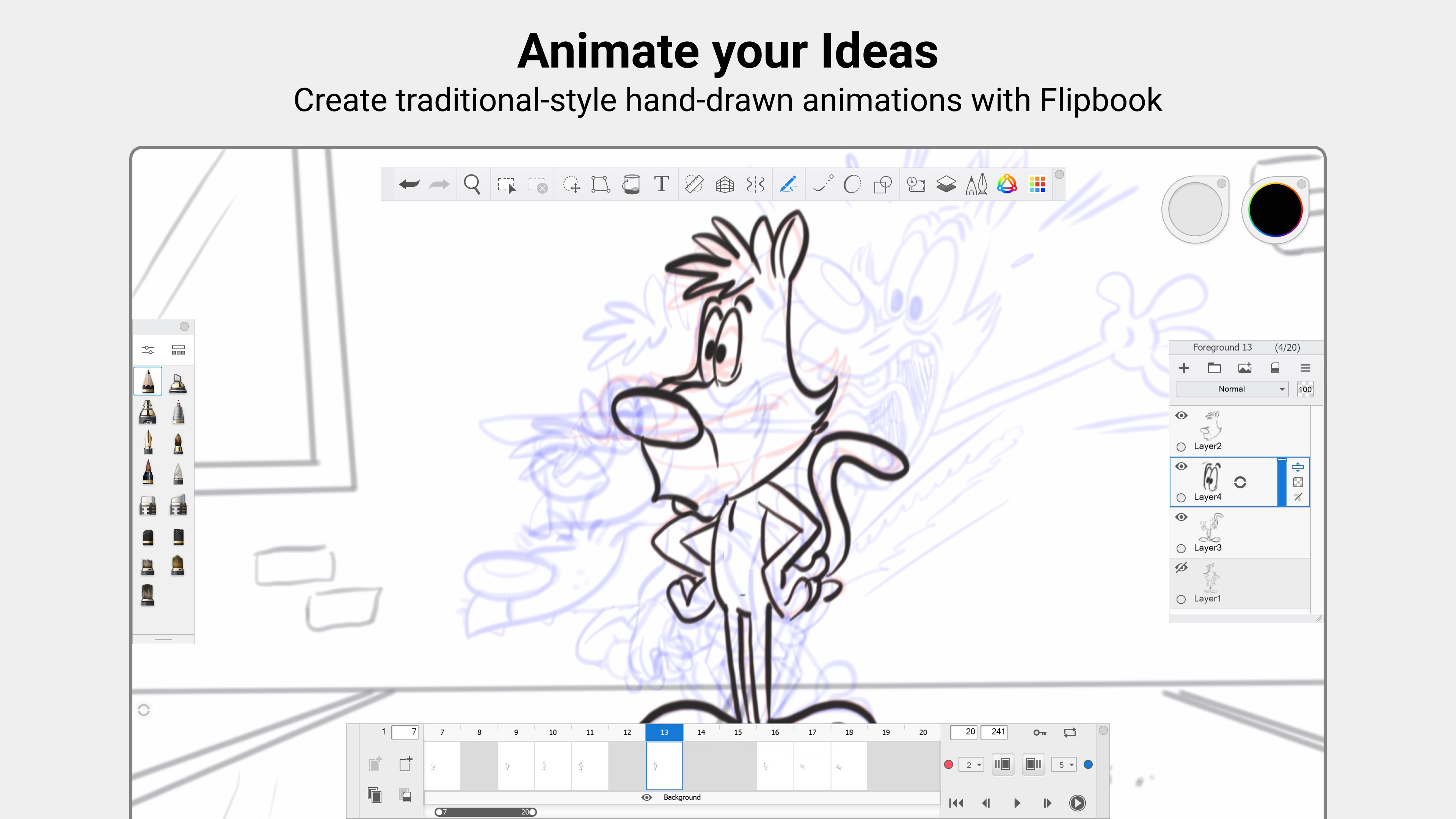
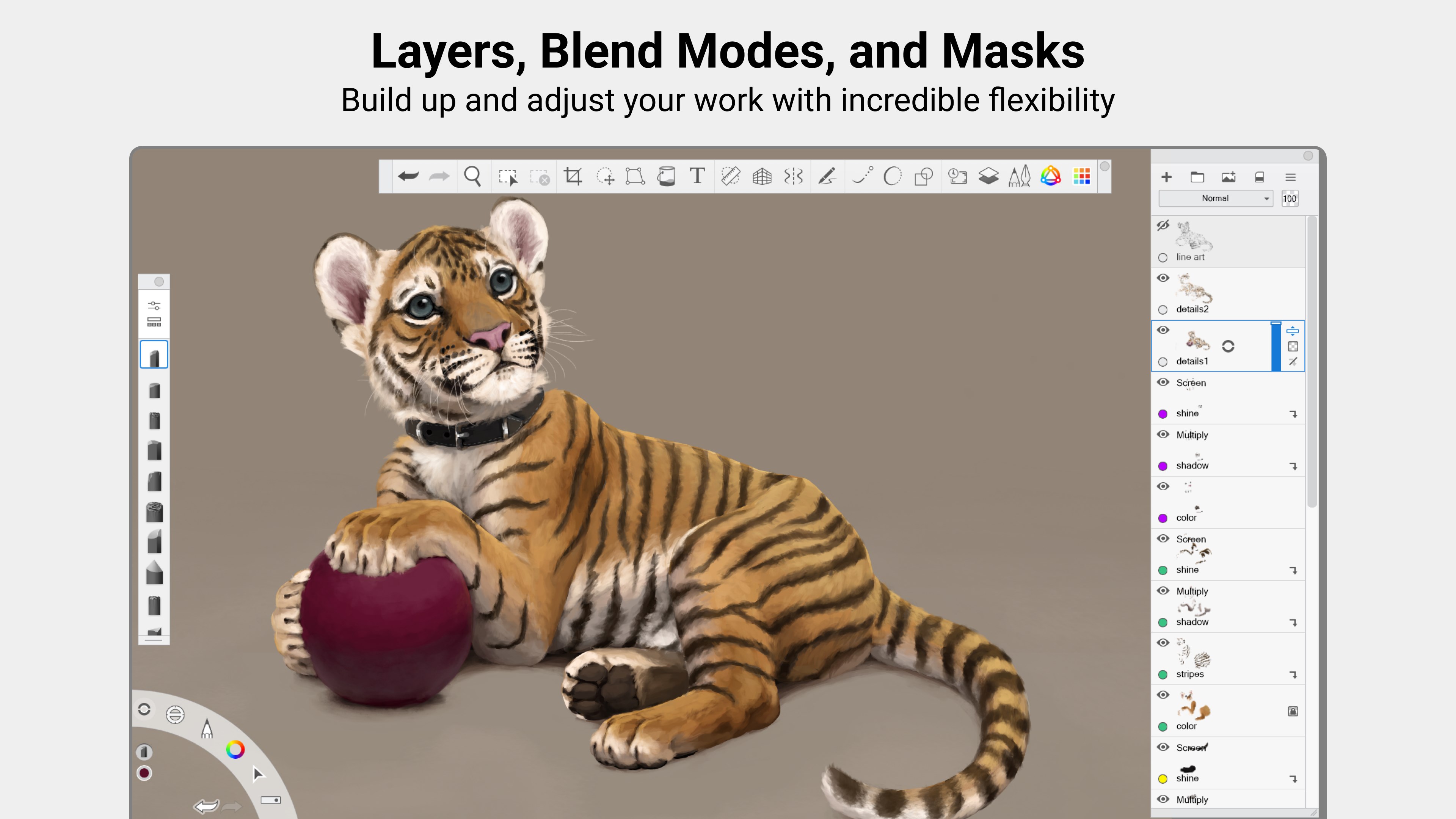
Layer handling in Sketchbook is akin to having a clear glass palette—transparent, flexible, and easy to work with. You can easily add, merge, duplicate, and organize layers, facilitating complex compositions without confusion. The app supports layer blending modes and transparency controls, empowering you to experiment with shading and effects seamlessly. This capability is particularly beneficial when working on detailed illustrations or concept art that require multiple adjustments.
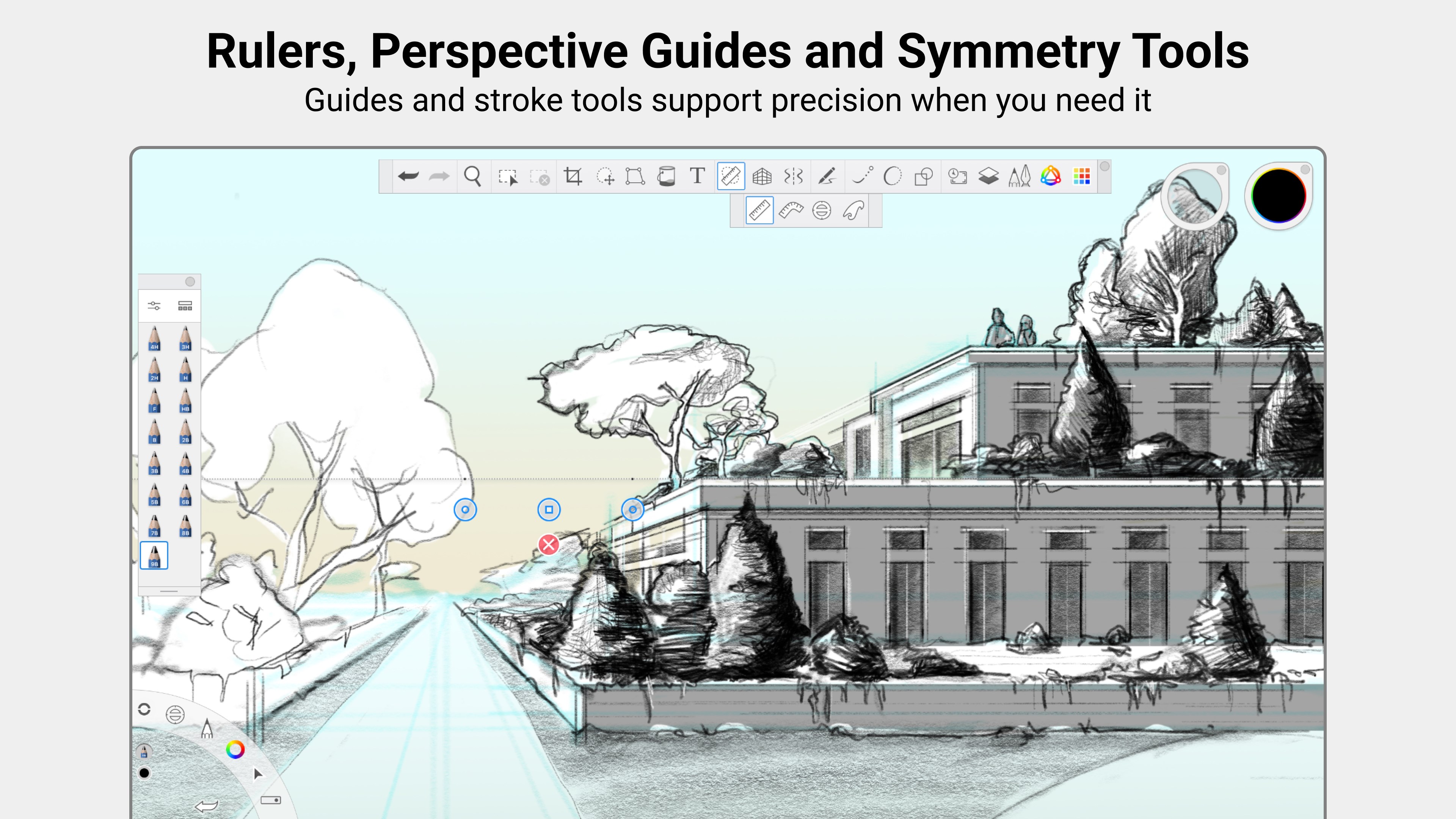
One of Sketchbook Pro's remarkable features is its symmetry and perspective guides, which act like your digital artist's assistant. Whether you're drawing perfectly symmetrical faces or architectural structures, these tools help maintain accuracy and harmony in your work. They significantly streamline the process of creating balanced compositions, akin to having an assistant who ensures every line aligns perfectly.
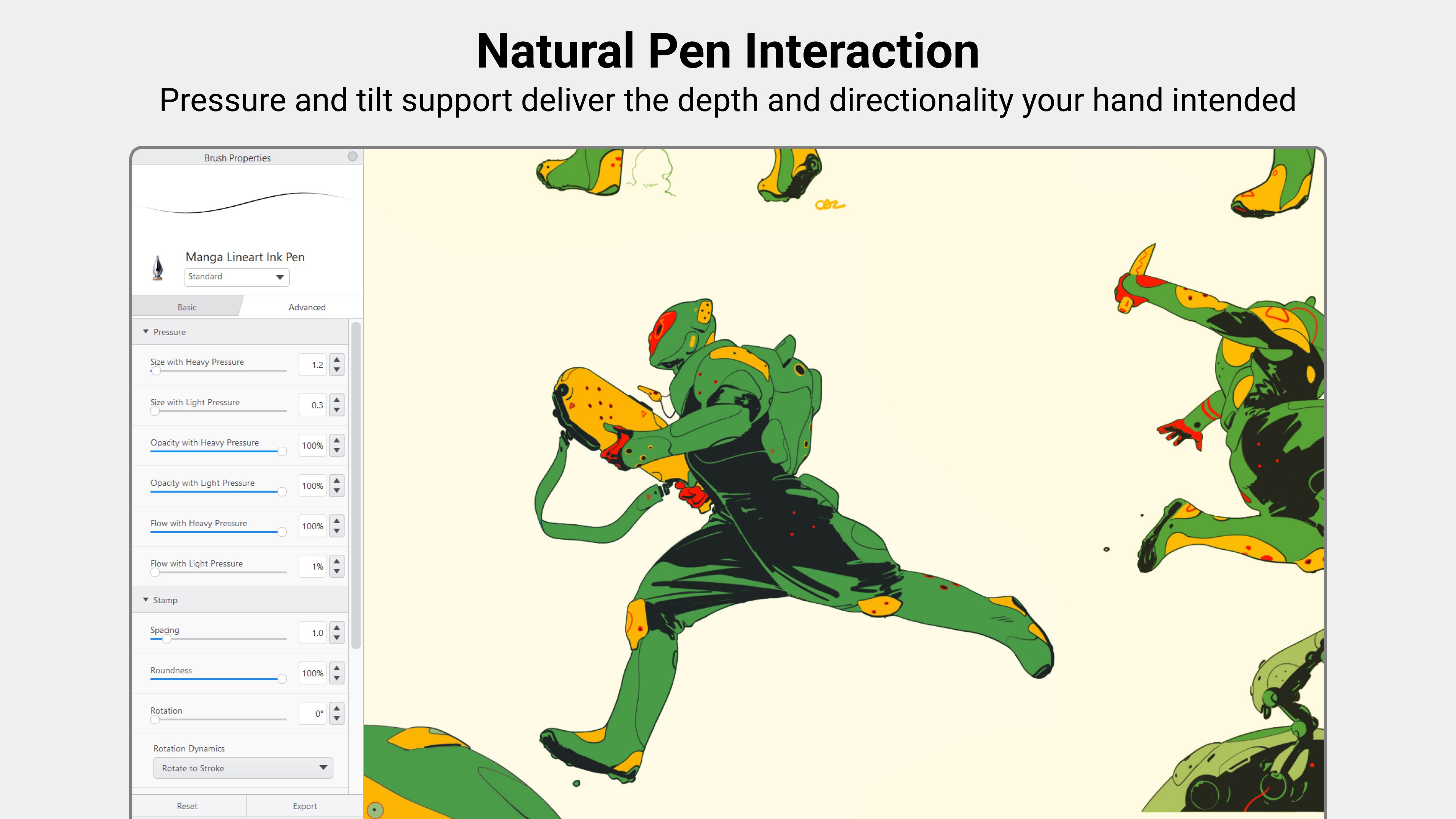
The app's interface is thoughtfully curated with a minimalist aesthetic, presenting essential tools upfront while hiding complex features behind intuitive menus. The touch and stylus responsiveness are notably smooth, giving users a feeling of drawing directly on paper. Navigating through features is straightforward, thanks to organized toolbars and context-sensitive menus, making the transition from traditional to digital smoother than ever.
For newcomers, the app offers helpful tutorials and a friendly learning curve, making it approachable. Experienced artists will appreciate the depth of customization and advanced tools that allow for refined control—similar to having a full art studio in a portable device.
While many digital art applications offer similar tools, Sketchbook Pro's standout features are its highly intuitive brush customization system and powerful symmetry tools. Unlike some apps that treat brushes and guides as optional add-ons, Sketchbook makes these features core to the workflow, enabling artists to work more efficiently and creatively. Its balance of simplicity and depth allows users to focus on their art without getting bogged down by overly complex interfaces or limited capabilities.
Considering its feature set, user-friendly design, and professional-grade tools, I recommend Sketchbook Pro for Windows to both aspiring and trained artists seeking a reliable digital sketchbook. It's particularly suitable for those who value precision and customization in their workflow. Whether you're working on quick sketches, detailed illustrations, or conceptual designs, this app adapts well to your needs. Its free availability on the Microsoft Store further lowers the barrier to entry, enabling anyone to give it a try.
For best results, I suggest exploring the customizable brushes and symmetry tools early on—they are the app's two most powerful features that can truly enhance your creative productivity. Overall, Sketchbook Pro for Windows presents a balanced mix of accessibility and professional depth, making it a commendable addition to any digital artist's toolkit.
Intuitive User Interface
Wide Range of Brushes and Tools
High-Resolution Export Options
Layer Management Features
Synchronization Across Devices
Limited Advanced Editing Features
Performance Issues on Low-End Devices
Steep Learning Curve for Beginners
Limited Export Formats
Free Version Has Watermark or Restrictions

for Windows
 4.8
4.8

for Windows
4.8

for Windows
4.7

for Windows
4.7

for Windows
4.6

for Windows
4.6

for Windows
4.6

for Windows
4.6

for Windows
4.5

for Windows
4.5

for Windows
4.5

for Windows
4.5

for Windows
5

for Windows
5

for Windows
5

for Windows
5

for Windows
5

for Windows
5

for Windows
5

for Windows
5

for Windows
5

for Windows
5