Word
PC, Mobile, Surface Hub
Windows 10 version 17763.0 or higher
Dutch, English (United States), French, German, Italian, Polish, Portuguese, Russian, Spanish
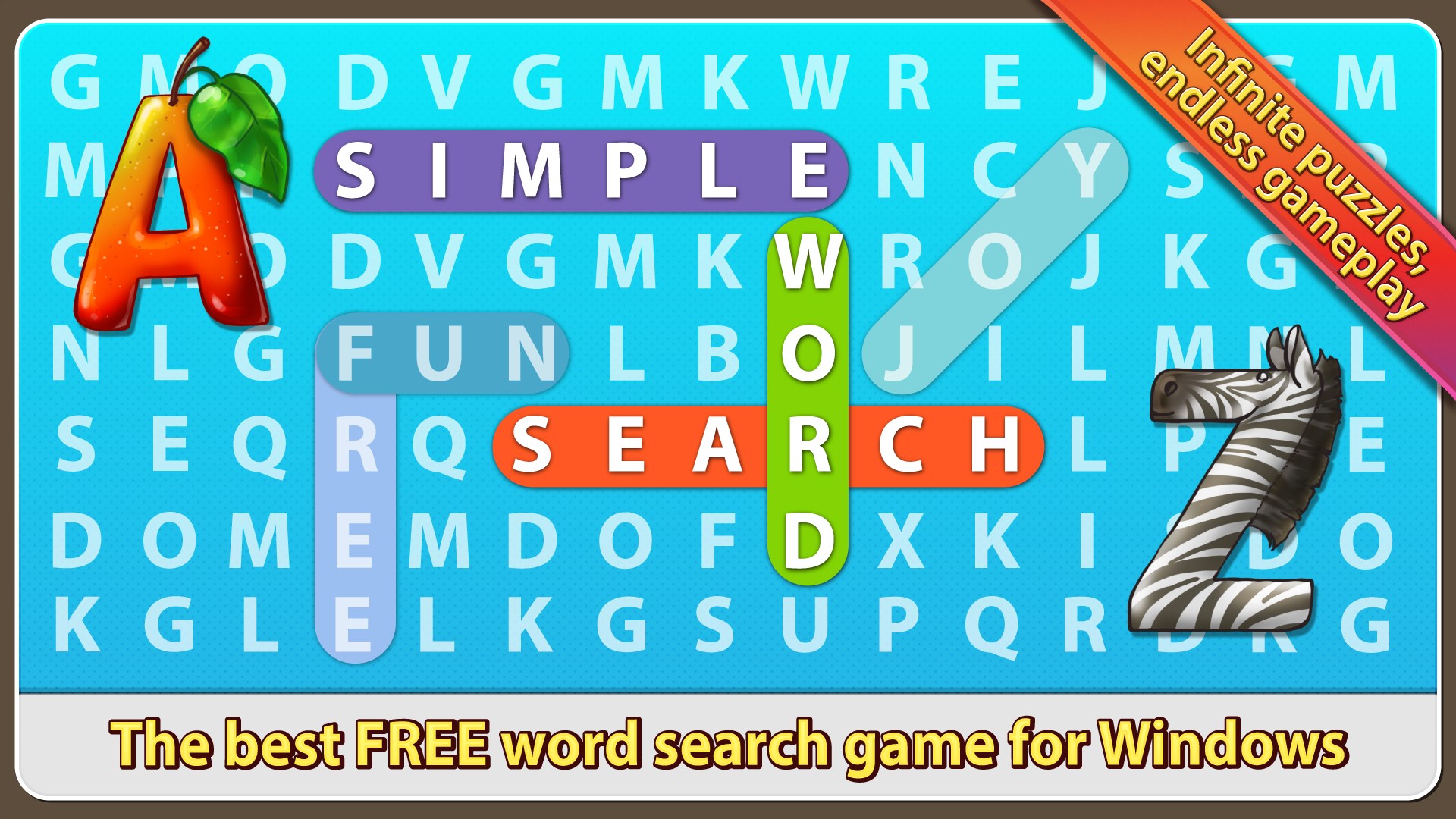
If you're a fan of word puzzles that blend simplicity with a pinch of challenge, Simple Word Search offers an inviting digital playground that's easy to pick up but hard to put down. It brings together the nostalgia of traditional word searches with a modern, user-friendly interface, making it perfect for quick brain breaks or focused puzzle sessions.
Developed by Random Salad Games LLC, this team specializes in creating engaging, accessible mobile and desktop puzzle experiences. Their focus on intuitive design and smooth gameplay ensures that players of all ages can enjoy their creations without frustration or steep learning curves.
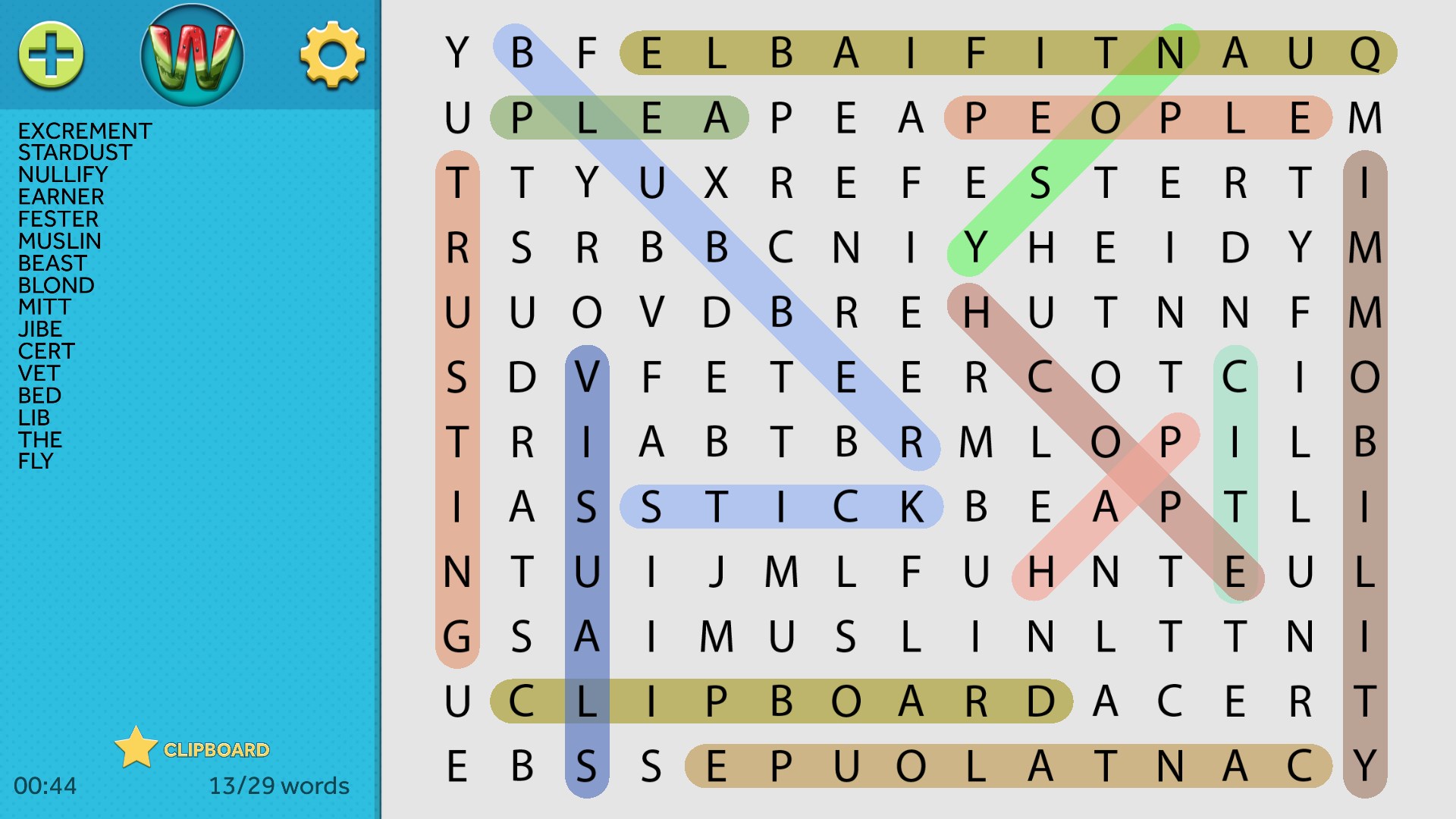
Imagine curling up with your favorite warm beverage, opening Simple Word Search, and feeling a wave of calm wash over you as the colorful grid materializes on your screen. Each letter glimmers like tiny puzzle treasures waiting to be uncovered. Whether you're winding down after a long day or taking a quick mental refresh, this app transforms a simple pastime into an engaging retreat. Its charming presentation invites you to dive in, encouraging you to challenge yourself or simply enjoy the soothing flow of finding words amidst the chaos of letters.
One standout feature of Simple Word Search is its flexible difficulty settings. Players can modify the size of the puzzle grid—from a cozy 5x5 for quick searches to a sprawling 20x20 for a hefty challenge. The app also allows users to select specific word categories or generate random word lists, tailoring each game to individual preferences and skill levels. This adaptive design ensures that both young learners and seasoned puzzle veterans find suitable levels of challenge, keeping the game fresh and engaging over repeated plays.
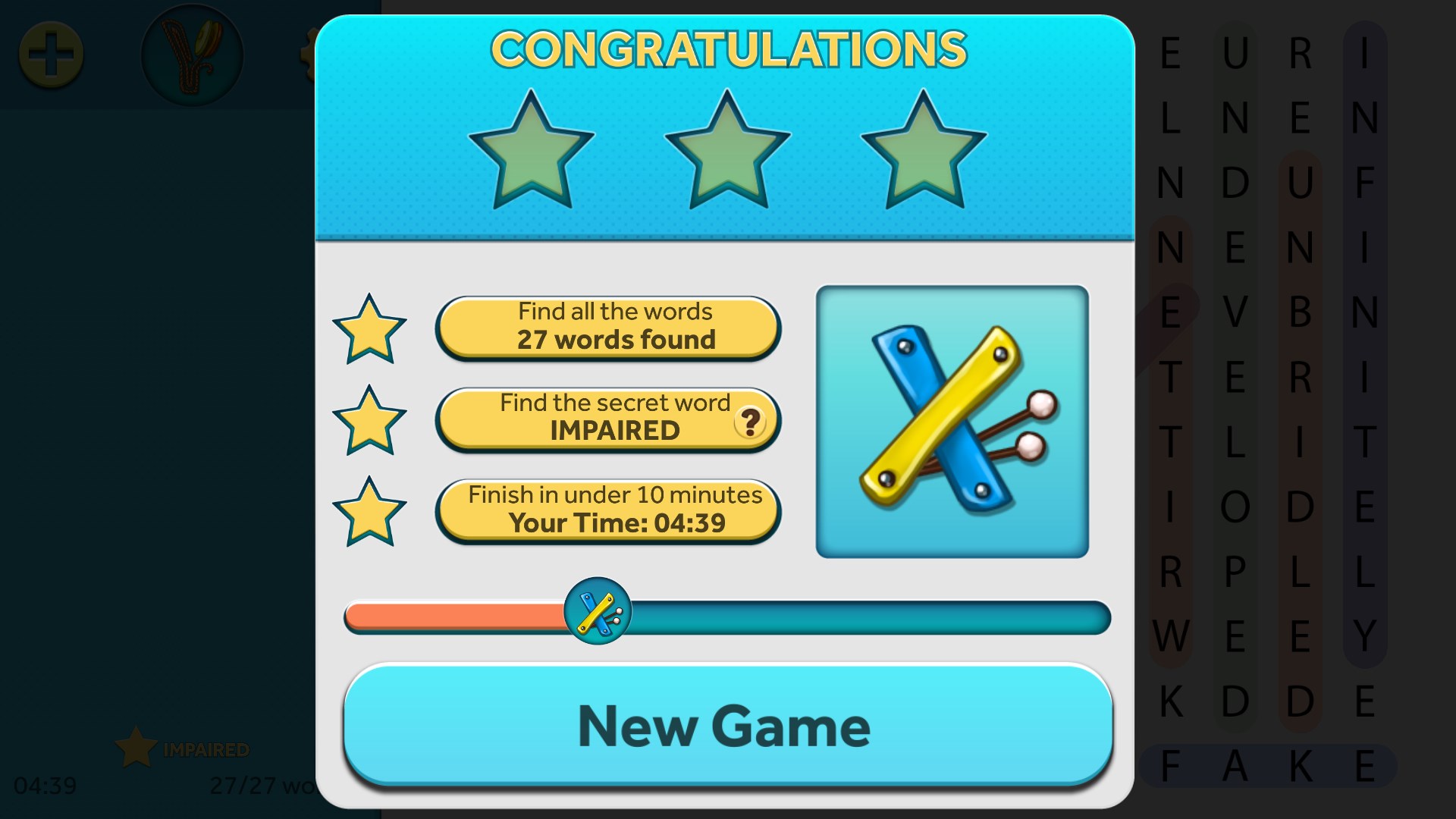
What sets this app apart from many traditional word searches is its scoring algorithm, which assesses not just speed but also the efficiency of your word-finding strategies. This encourages players to develop their vocabulary and optimize their searches—a subtle, yet powerful, learning benefit. Additionally, the integrated social features transform solitary puzzle solving into a communal activity. Players can share their high scores, challenge friends, or compare progress via leaderboards, fostering a sense of friendly competition and social gratification without compromising the relaxing nature of the game.
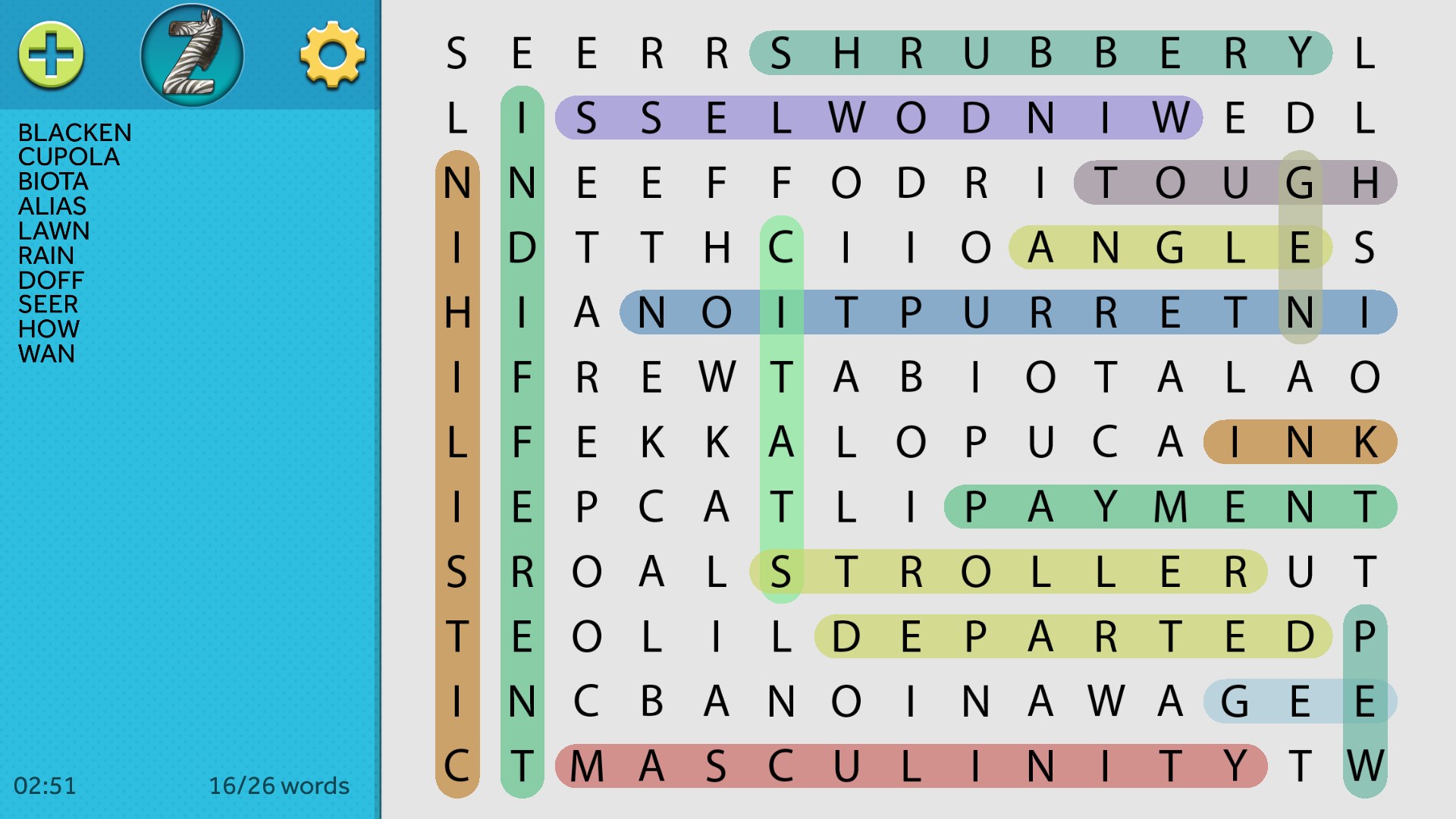
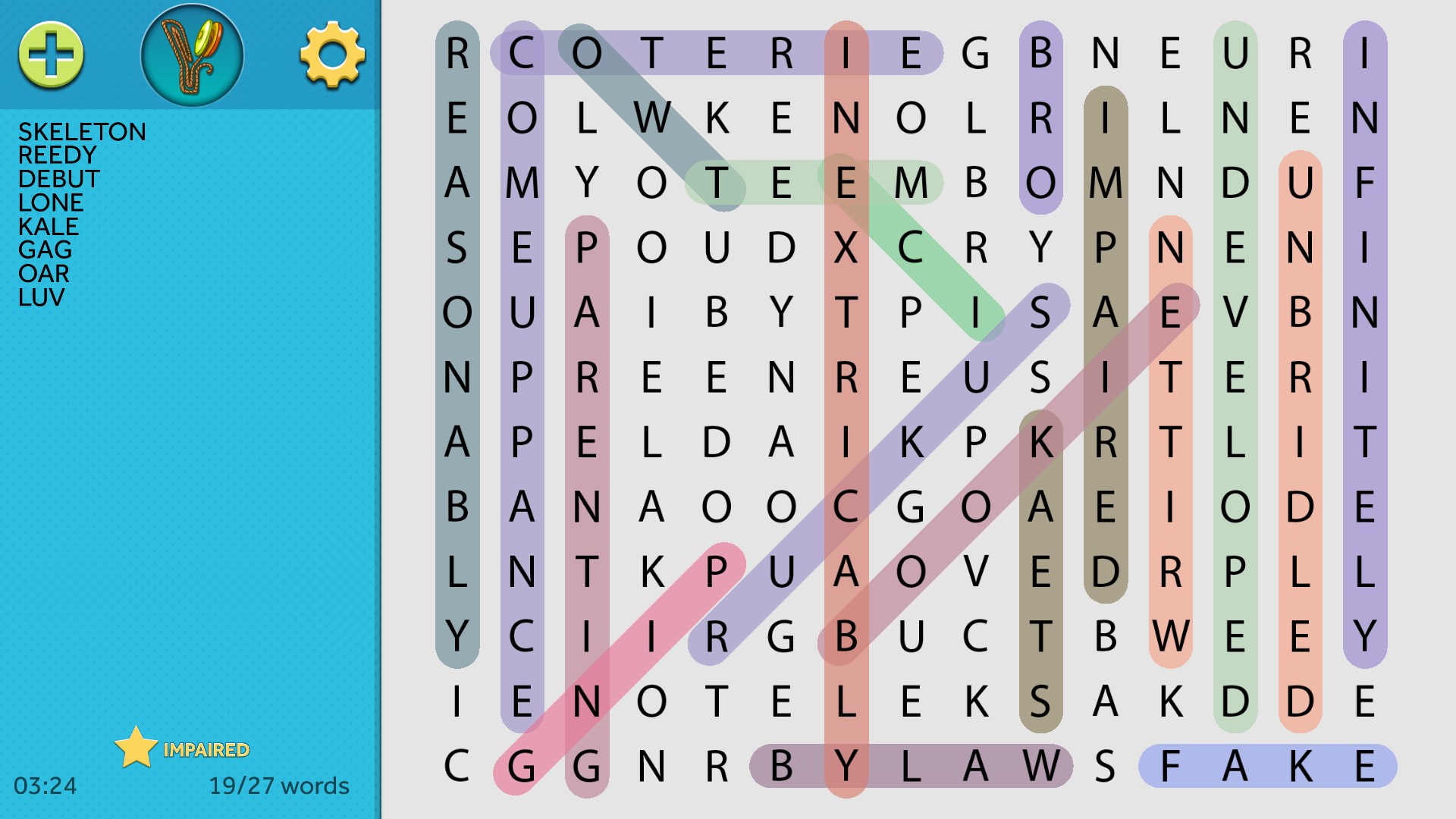
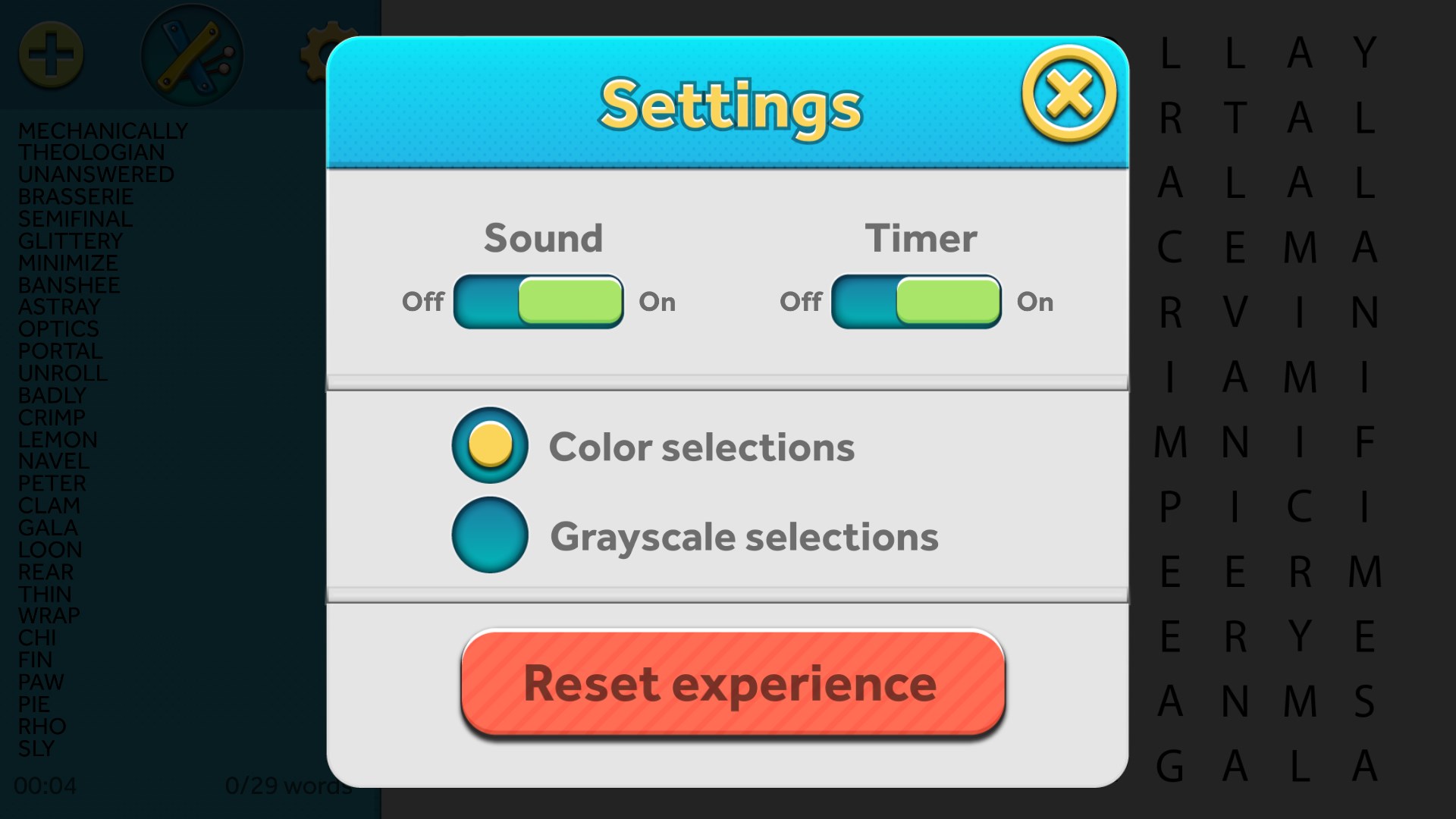
Visually, Simple Word Search adopts a sleek, uncluttered layout reminiscent of a well-organized paper puzzle, but with the convenience of digital interaction. The interface employs intuitive touch or mouse controls, enabling smooth dragging to highlight words or tap-to-select, making it accessible even to first-time users. Its learning curve is gentle; new players quickly grasp the mechanics within seconds, while advanced options cater to seasoned players seeking depth. The app's responsiveness and clear visual cues contribute to a satisfying user experience that keeps players immersed without confusion or frustration.
Compared to other word search applications, Simple Word Search's integration of adaptive scoring and social sharing algorithms serve as its flagship innovations. The scoring system not only motivates players to improve their skills but also subtly incorporates vocabulary assessment, similar to test vocabulary scaling algorithms that adjust difficulty based on user performance. Meanwhile, the balanced social interaction ensures that the puzzle remains enjoyable in solo or multiplayer modes, unlike other apps that focus solely on solitary play. This blend of personalized challenge and community engagement offers a holistic puzzle experience that stands out in the crowded word game genre.
Overall, Simple Word Search for Windows is a thoughtfully crafted puzzle app that appeals to a broad audience, from casual players to dedicated word enthusiasts. Its intuitive design, adaptive difficulty, and social features make it a compelling choice for anyone looking to relax or sharpen their vocabulary skills. I recommend it for users who appreciate a well-balanced, low-pressure word game that seamlessly combines classic gameplay with modern enhancements. Whether for a quick mental jog or a longer, more strategic puzzle session, Simple Word Search is a reliable and charming companion.
Simple and intuitive interface
Wide range of difficulty levels
Variety of themes and word categories
Progress tracking and scoring system
Offline functionality
Limited customization options
Ads may interrupt gameplay
Small font size for some text elements
Limited sound effects and music options
No multiplayer mode

for Windows
 5
5

for Windows
5

for Windows
5

for Windows
5

for Windows
5

for Windows
5

for Windows
5

for Windows
5

for Windows
5

for Windows
5