Photo & video
Rambax, LLC
PC
Windows 10 version 14316.0 or higher
English (United States)
In today's fast-paced digital world, transferring photos and videos between devices should be effortless and reliable. Simple Transfer aims to eliminate the hassle, offering a straightforward solution for Windows users to move their precious media files swiftly and securely. Developed by Rambax, LLC, this app positions itself as a user-friendly tool that bridges the gap between devices with minimal fuss, making media management more accessible for everyone—from casual smartphone photographers to content creators.
Rambax, LLC brings its expertise to the forefront with Simple Transfer, a Windows app designed for quick and secure media transfer. Its core strength lies in simplifying what used to be a cumbersome process involving multiple steps and software. The application's snappy performance ensures users spend less time waiting, and more time enjoying their media. Whether you're moving a batch of vacation photos or videos from your mobile device to your desktop, Simple Transfer makes it feel like a breeze—almost like having your digital assistant ready at your fingertips.
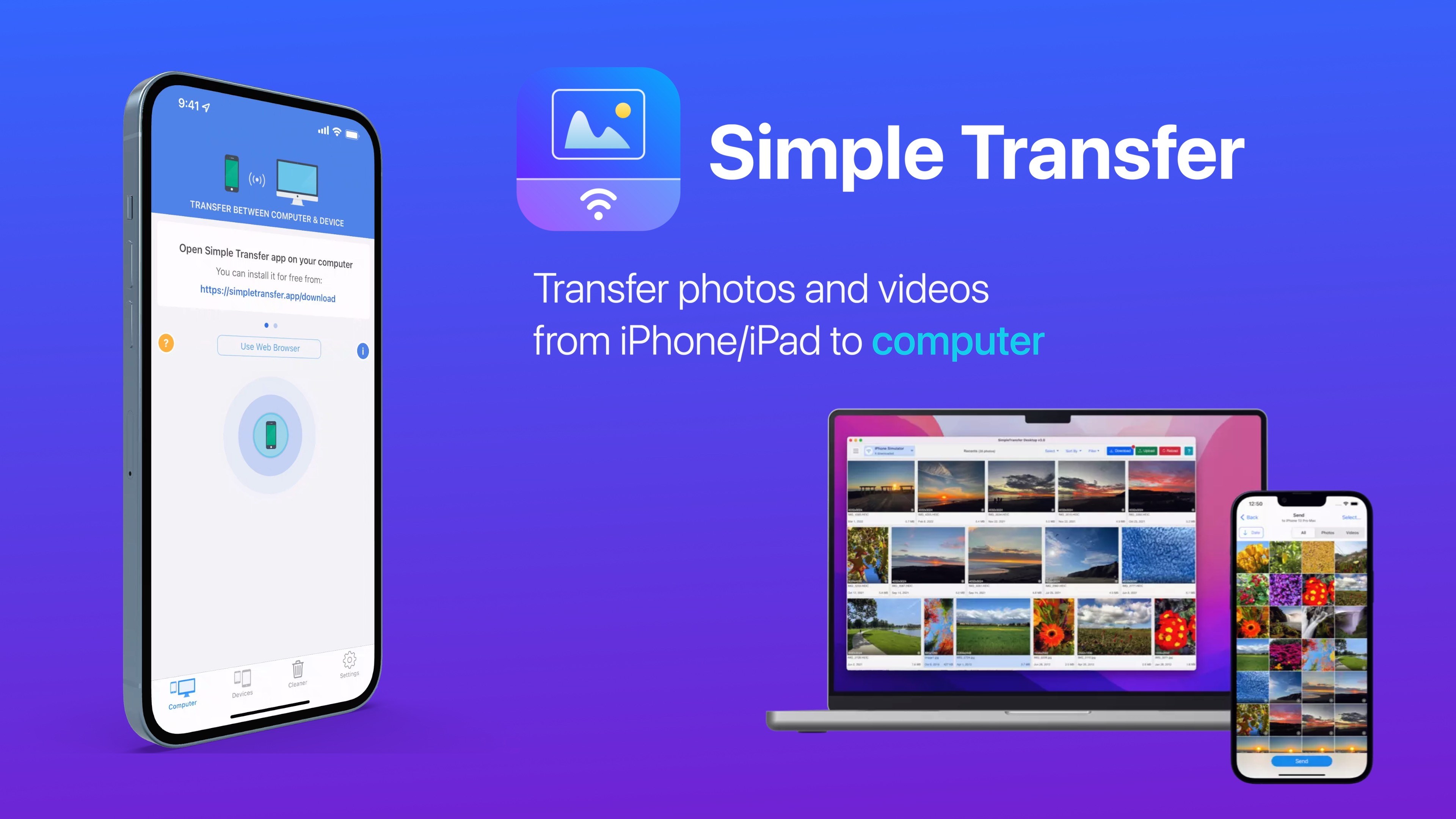
The primary highlight of Simple Transfer is its streamlined media transfer process. With just a few clicks, users can connect their devices—be it smartphones, tablets, or even other computers—and initiate transfers without the chaos of cable management or complicated setup procedures. The app supports both photos and videos, catering to a wide range of media types, and employs encryption protocols to safeguard your files during transit—giving peace of mind along with convenience.
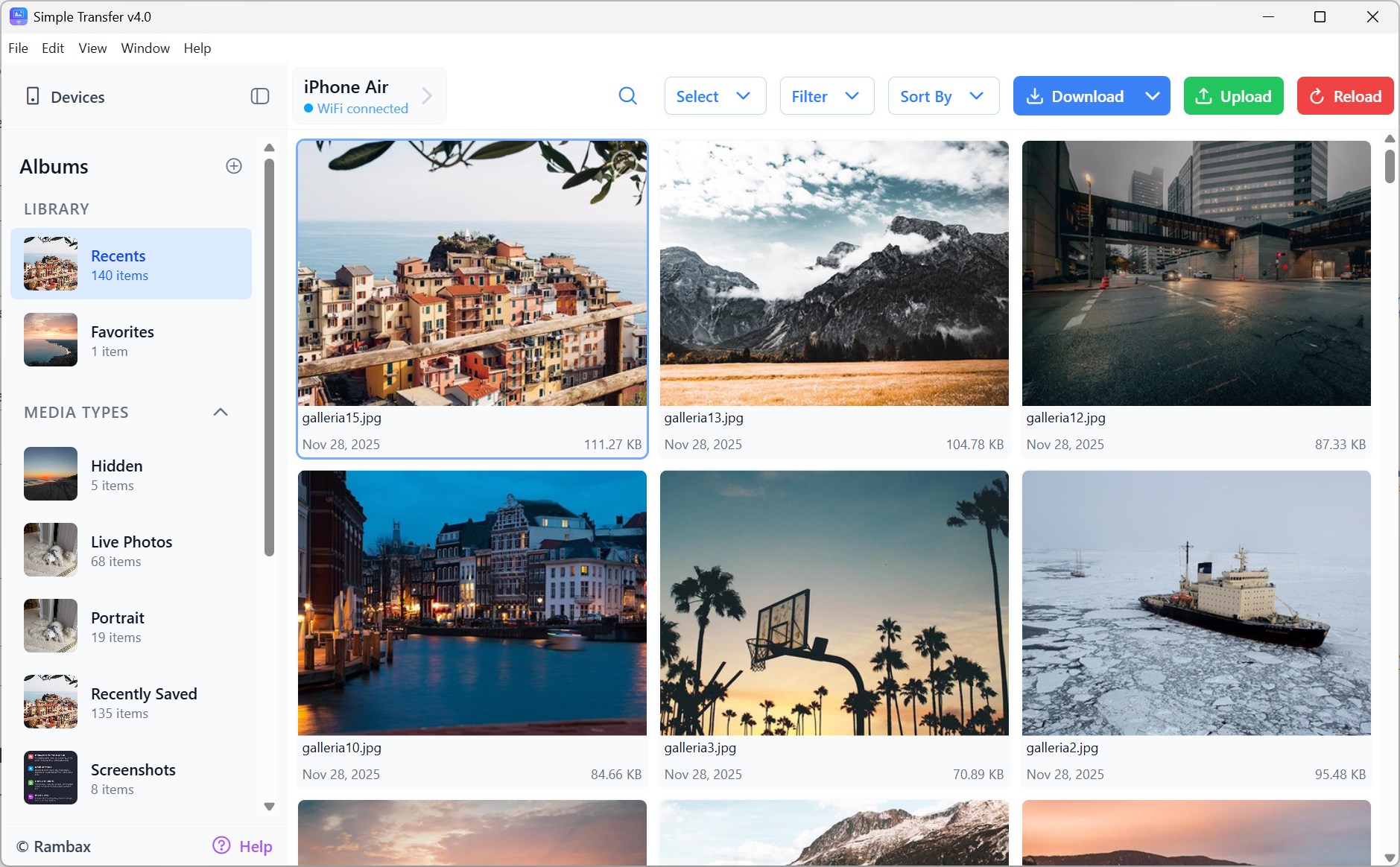
From the moment you open Simple Transfer, it's clear that user experience was a top priority for Rambax. The interface adopts a clean, minimalistic design—think of it as the modern cockpit of an aircraft: efficient, accessible, and clutter-free. The layout guides users intuitively through connecting devices and selecting media, minimizing the learning curve. Transferring files is quick and effortless, with animated progress indicators that keep you in the loop. The app's responsiveness is noteworthy; even large media files transfer smoothly without noticeable lag or crashing, adding to its reliability.
Unlike traditional media transfer applications that often rely on cable connections or complicated setups, Simple Transfer emphasizes wireless, fast, and secure transfer capabilities. Its standout feature is the ability to handle multiple files simultaneously—think of it as a digital conveyor belt, quickly batching your files without hassle. Another unique feature is the automatic discovery of devices on the same network, which simplifies pairing, especially in household or office environments. This gives it an edge over more cumbersome apps that require manual IP entry or complicated configurations. In addition, its robust encryption protocol distinguishes it as a safer alternative amidst rising concerns about data security.
All in all, Simple Transfer deserves a nod for its straightforward approach and thoughtful design. It's particularly suitable for users who frequently move media files between devices and want a dependable, easy-to-use solution without a steep learning curve. While its minimalist interface might lack some advanced features of high-end media management tools, its core strengths lie in simplicity, speed, and security.
For casual users, families, or content creators looking to streamline their workflow, I'd recommend giving this app a try. Its unique ability to effortlessly connect devices and transfer multiple files at once makes it a valuable addition to your toolkit. As long as you're seeking a practical, no-fuss solution for media transfer—Simple Transfer is well worth considering, and it may just be the companion you need for seamless digital sharing on Windows.
User-Friendly Interface
Fast Transfer Speeds
Wide Device Compatibility
Multiple Transfer Options
No Data Loss
Limited Editing Features
Occasional Connectivity Issues
Large File Transfer Limitations
Limited Language Support
Battery Consumption

for Windows
 5
5

for Windows
4.9
for Windows
4.8

for Windows
4.8

for Windows
4.8

for Windows
4.7

for Windows
4.7

for Windows
4.7

for Windows
4.7

for Windows
4.7

for Windows
4.7

for Windows
4.7

for Windows
5

for Windows
5

for Windows
5

for Windows
5

for Windows
5

for Windows
5

for Windows
5

for Windows
5

for Windows
5

for Windows
5