Card & board
PC, Surface Hub, HoloLens
Windows 10 version 18362.0 or higher
Chinese (Simplified), Dutch, English (United States), French, German, Italian, Japanese, Polish, Polish , Portuguese, Portuguese (Brazil), Portuguese (Portugal), Romanian, Russian, Spanish, Spanish (Spain), Turkish
Imagine a timeless game like Solitaire brought into the modern age with a sleek interface, smooth gameplay, and thoughtful design—Simple Solitaire for Windows aims to do just that. Perfect for both casual players and classic card aficionados, this app promises an accessible yet engaging experience that revitalizes the beloved tile of patience and strategy.
Created by Random Salad Games LLC, a developer known for crafting straightforward yet delightful casual games, Simple Solitaire leverages their expertise in making easy-to-use, enjoyable apps that cater to a broad user base. Their focus is on providing clean, functional gaming experiences devoid of unnecessary clutter.
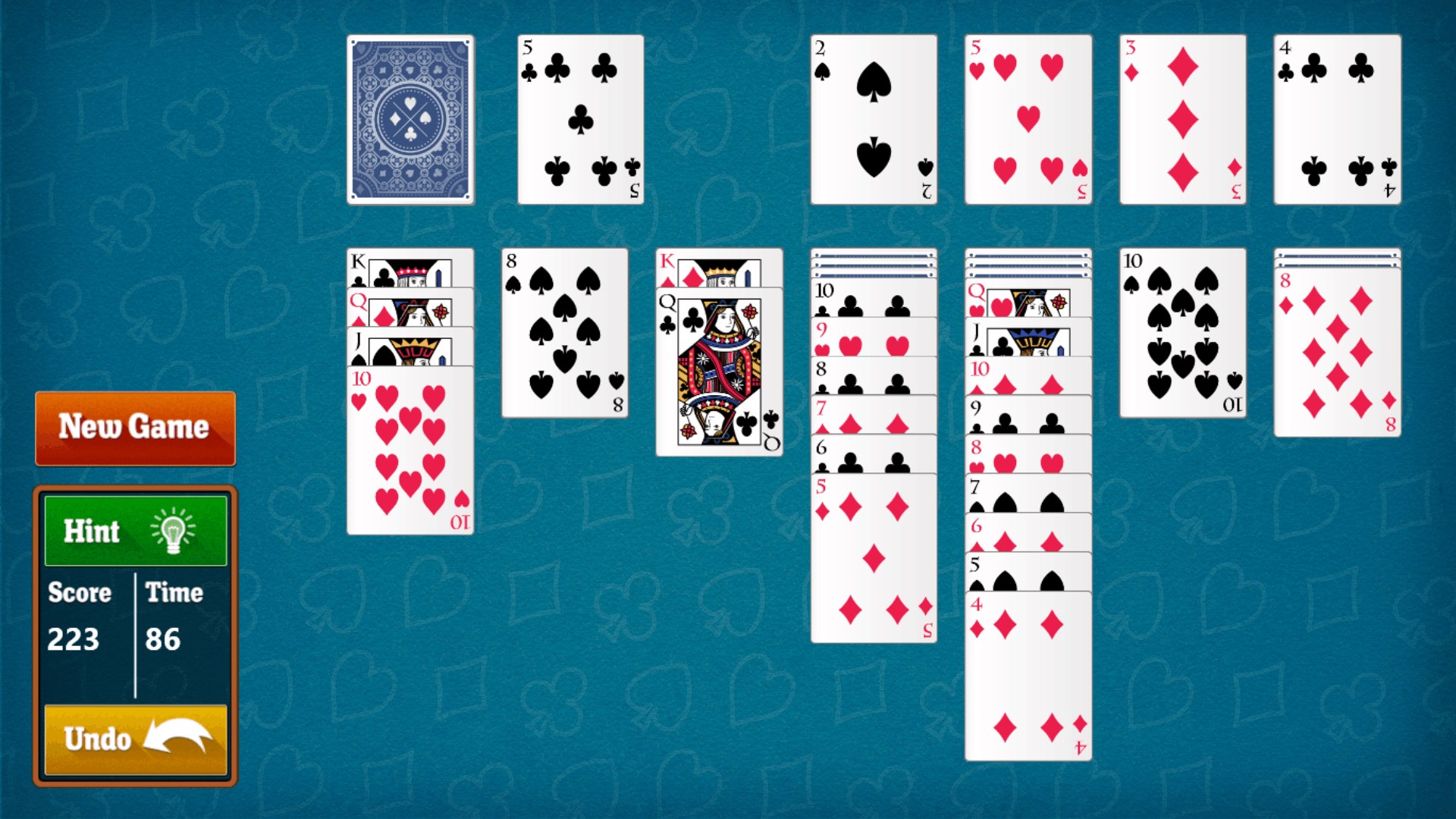
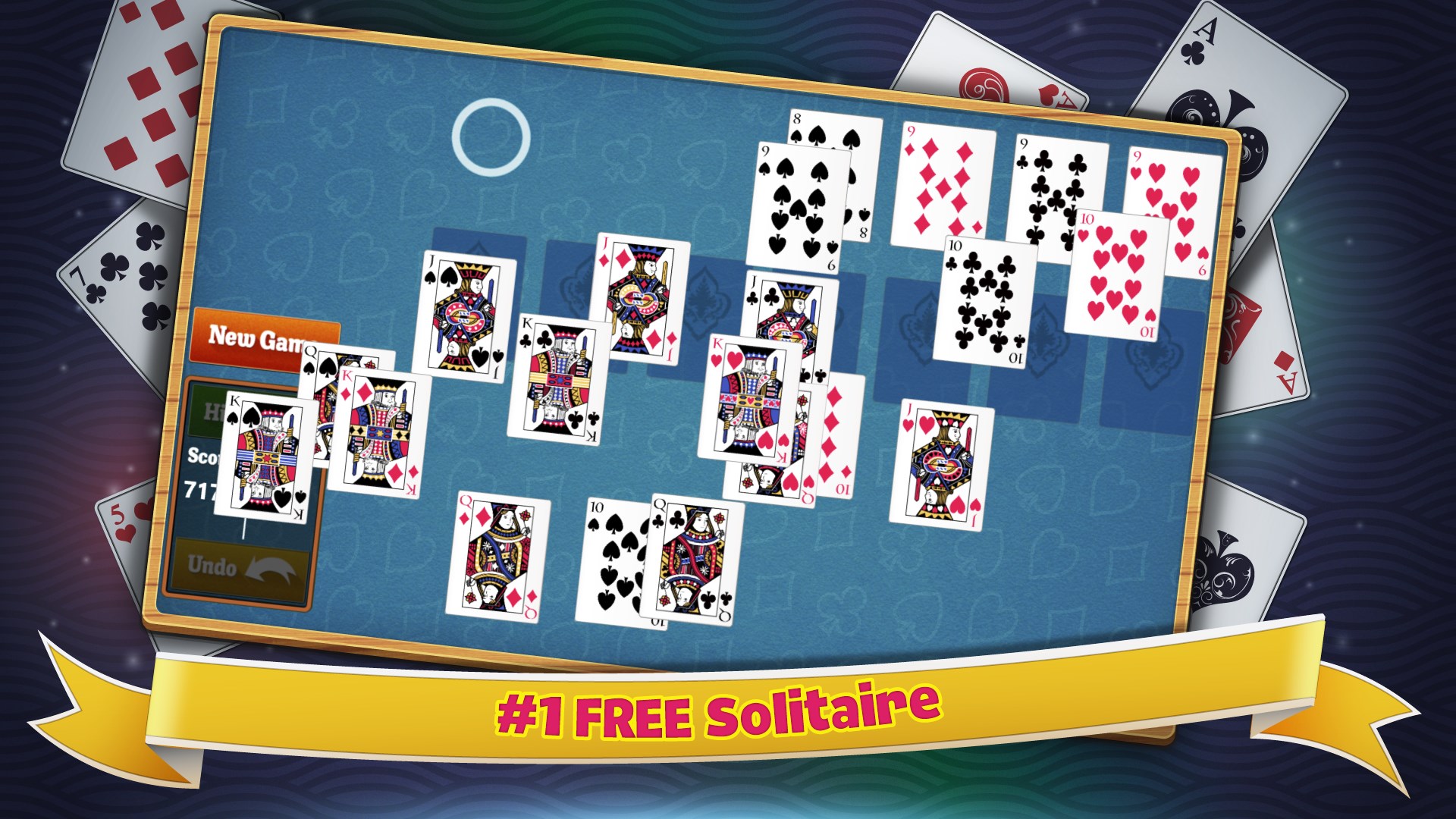
Playing Simple Solitaire feels like slipping into a well-worn pair of slippers—familiar yet refreshed. The game introduces a lively yet unobtrusive background music and gentle sound effects that evoke a cozy atmosphere, perfect for quick breaks or extended sessions. The interface is remarkably user-friendly, with drag-and-drop card movements that are fluid and natural, akin to shuffling a deck with your fingers.
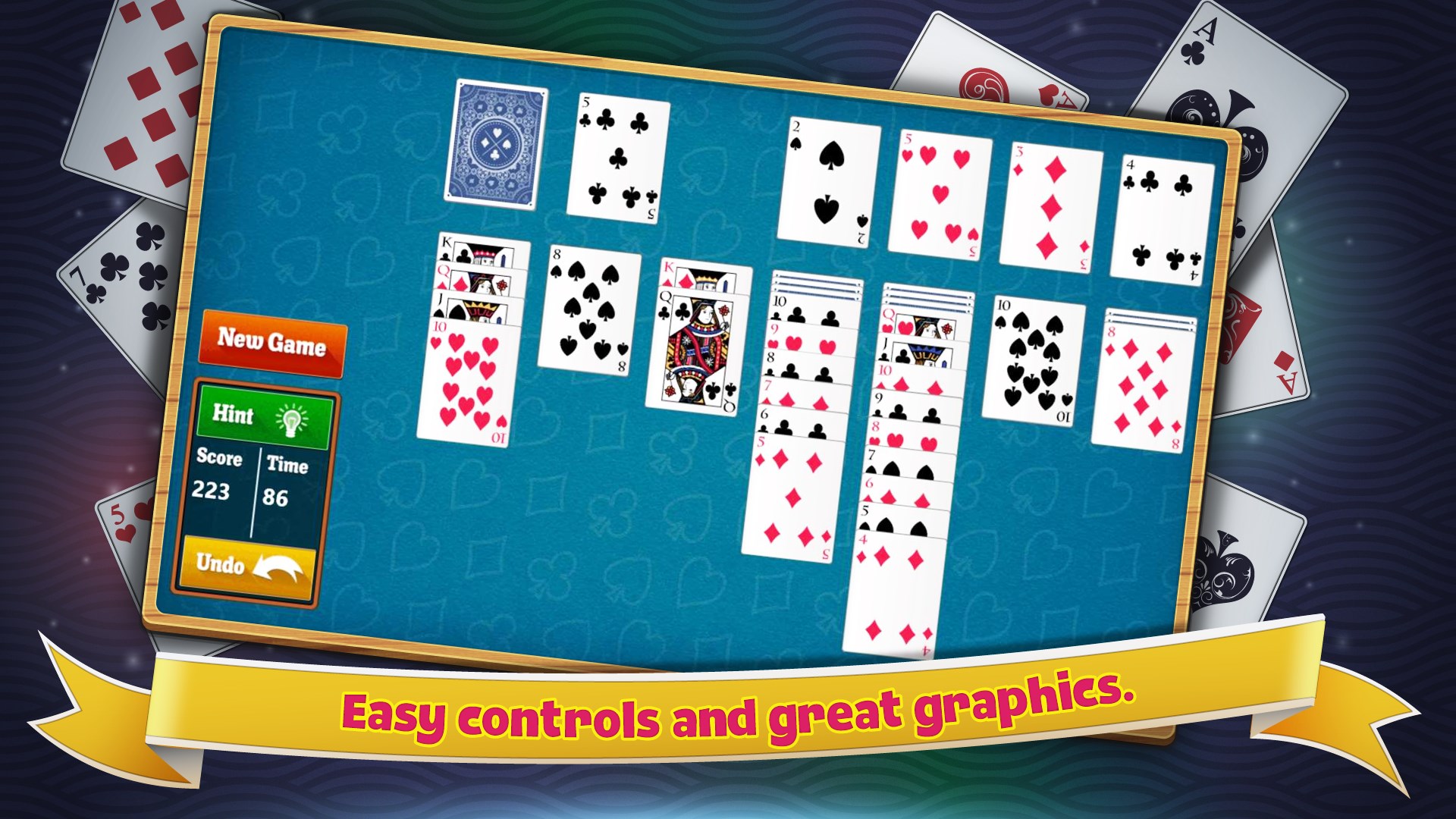
The design is minimalist but thoughtful, with easy-to-understand icons and clear visual cues guiding you through each move. From opening the game to making your first move, the experience flows seamlessly, reflecting high responsiveness even on less powerful machines. The game's learning curve is gentle—new players can jump right in, while seasoned solitaire lovers appreciate the depth in multiple game modes and customization options.
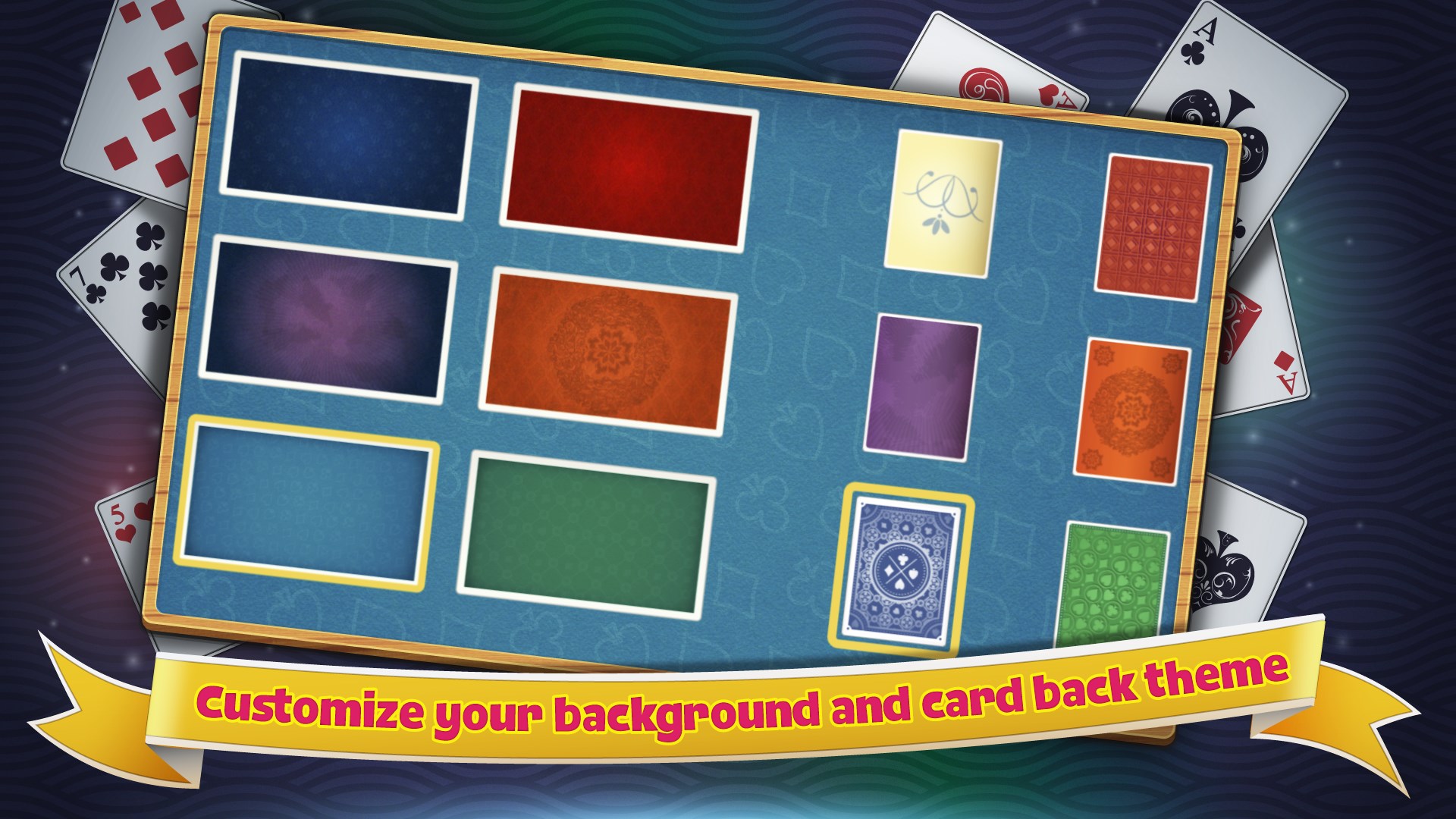
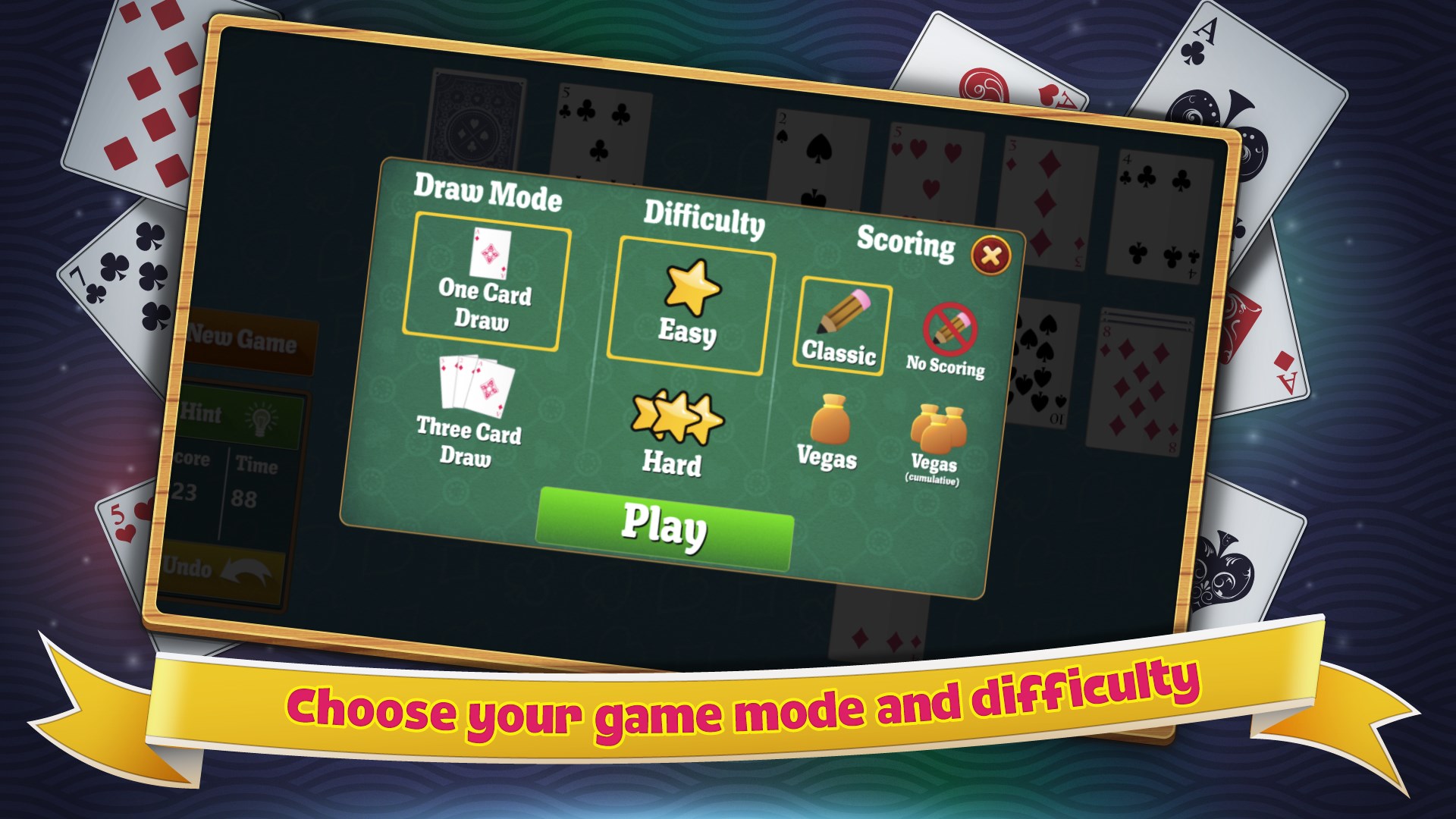
What sets Simple Solitaire apart from countless other card apps? Its focus on simplicity paired with optional enhancements is key. Unlike some apps bogged down with intrusive ads or cluttered interfaces, this app keeps a clean, distraction-free environment. Its standout feature is the variety of solitaire modes, allowing players to explore different rules without switching apps. Moreover, the theme personalization offers a level of user engagement that's often missing in more generic implementations.
Overall, Simple Solitaire for Windows stands as a commendable choice for all those seeking a straightforward, elegant solitaire experience. Its balance of simplicity, customization, and smooth gameplay makes it suitable for casual players, beginners, and even seasoned enthusiasts who appreciate a clean interface. I would recommend this app to anyone looking for a relaxing yet engaging card game that respects your time and your eye for aesthetics.
User-friendly interface
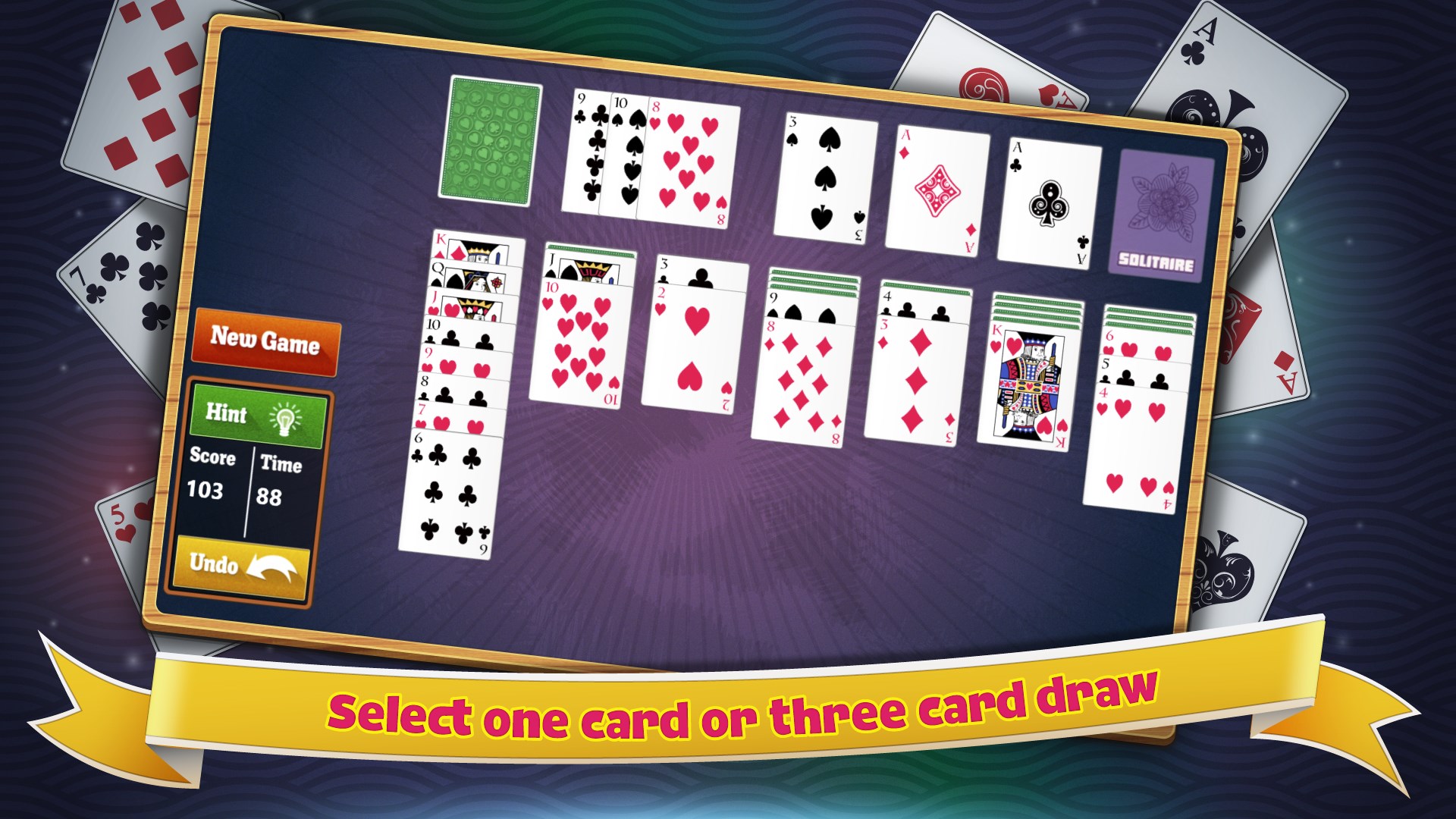
variety of solitaire modes
Seamless gameplay
Customizable themes
Offline accessibility
Limited hints feature
Basic graphics
Lack of daily challenges
No multiplayer options
Limited customization options

for Windows
 4.9
4.9

for Windows
4.8

for Windows
4.8

for Windows
4.8

for Windows
4.8

for Windows
4.8

for Windows
4.8
for Windows
4.7

for Windows
4.7

for Windows
4.7

for Windows
4.7

for Windows
4.7

for Windows
5

for Windows
5

for Windows
5

for Windows
5

for Windows
5

for Windows
5

for Windows
5

for Windows
5

for Windows
5

for Windows
5