Puzzle & trivia
PC, Mobile, Surface Hub, HoloLens
Windows 10 version 17763.0 or higher
Chinese (Simplified), Dutch, English (United States), French, German, Italian, Japanese, Polish, Portuguese, Portuguese (Brazil), Portuguese (Portugal), Russian, Spanish, Spanish (Spain)
If you're a fan of classic puzzle games aiming for a fresh, visually appealing experience, Simple Minesweeper offers a delightful blend of nostalgia and modern design, making it an ideal pick for casual gamers and longtime fans alike.
Simple Minesweeper is a refined take on the traditional minesweeper game, delivering straightforward gameplay with a clean, minimalist interface. Developed by Random Salad Games LLC, this application is designed to bring the timeless puzzle to your PC with enhanced visual clarity and user-friendly controls.
Imagine sitting at a cozy desk with a steaming cup of coffee, reviving childhood memories with a classic game, but with a sleek, contemporary twist—this is what Simple Minesweeper aspires to. It captures the essence of the traditional puzzle while introducing subtle enhancements that make gameplay smoother and more inviting. Whether you're taking a quick break or settling in for a focused session, this app delivers a satisfying mental workout wrapped in visually pleasing packaging.
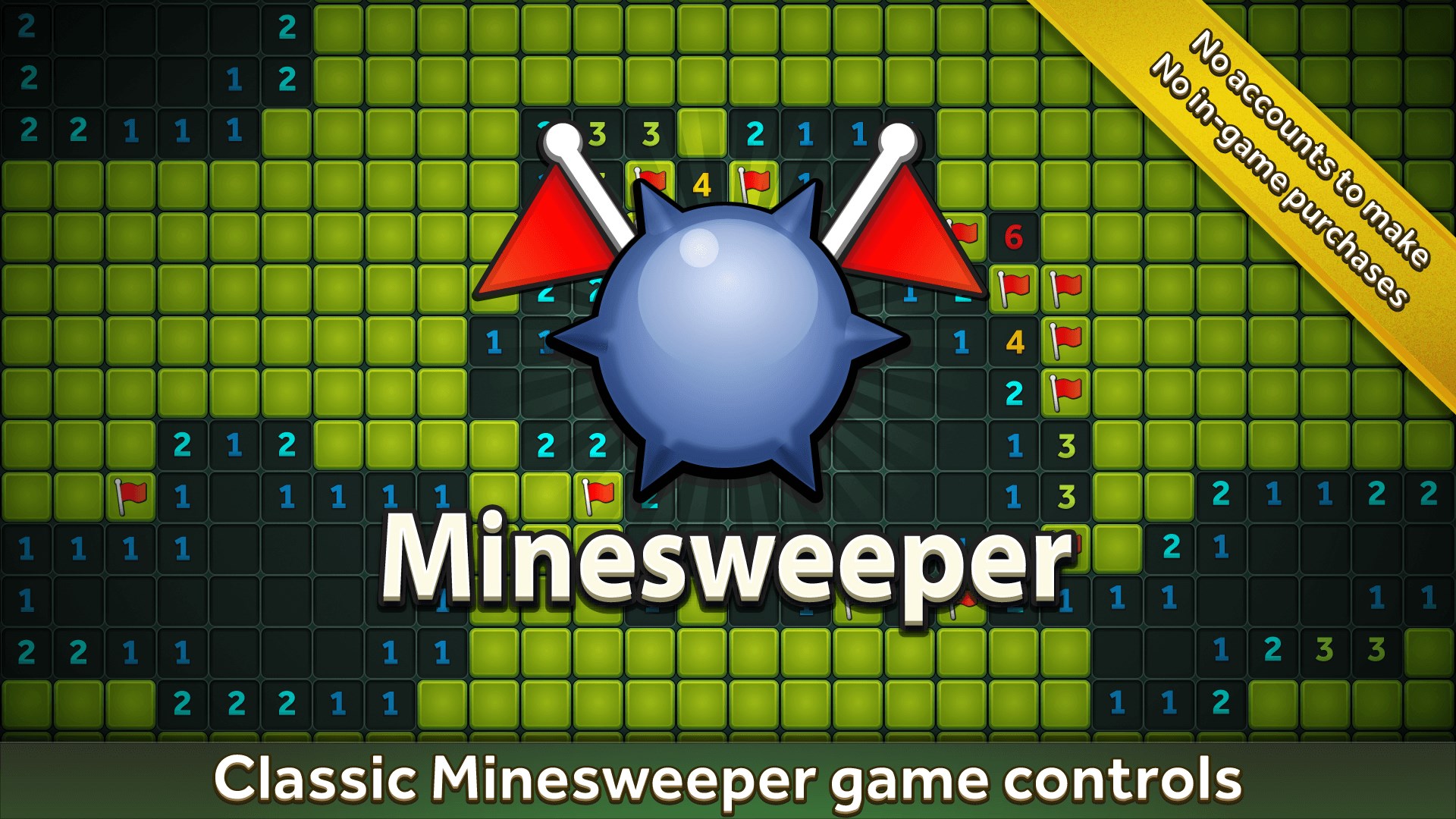
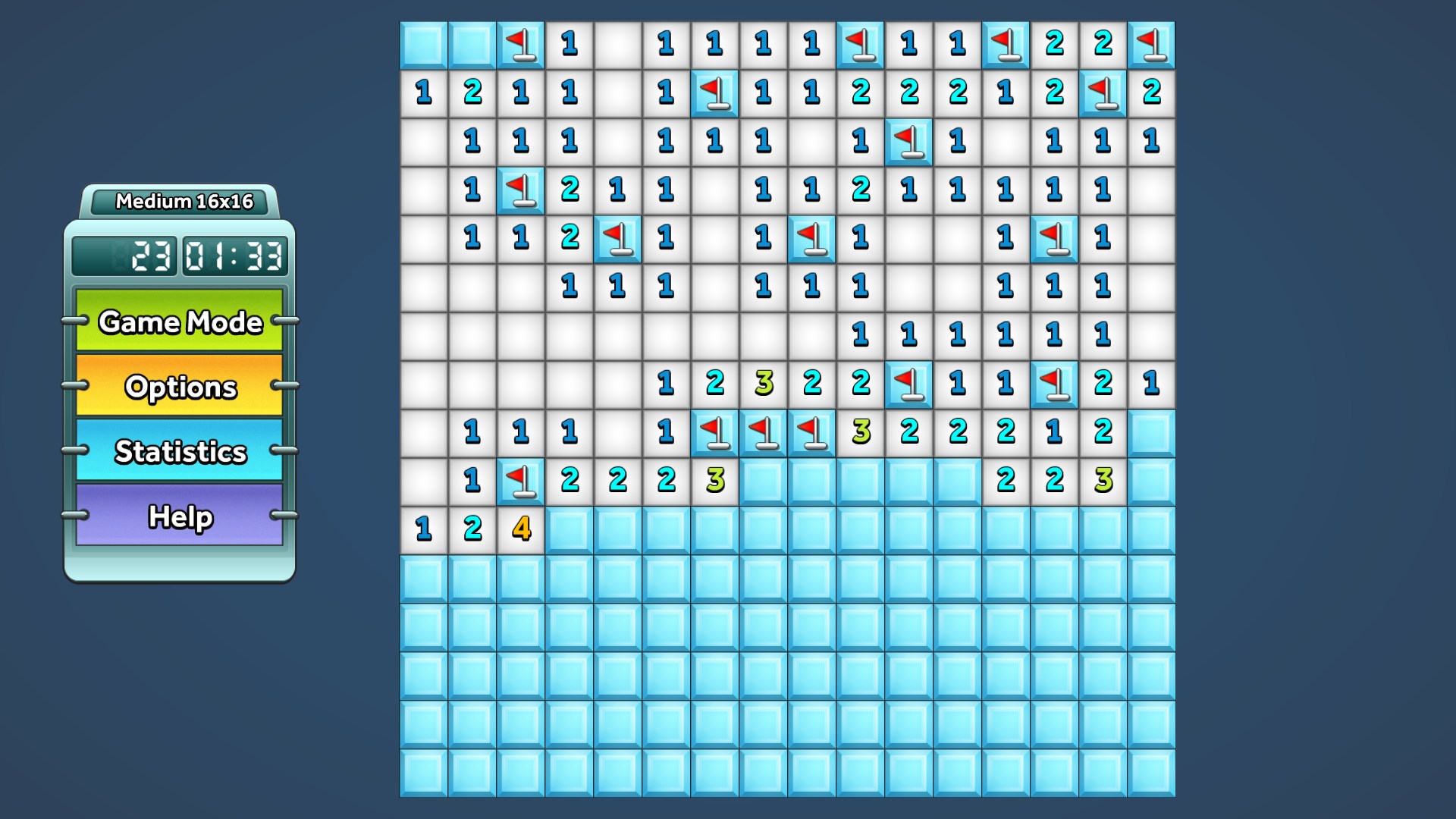
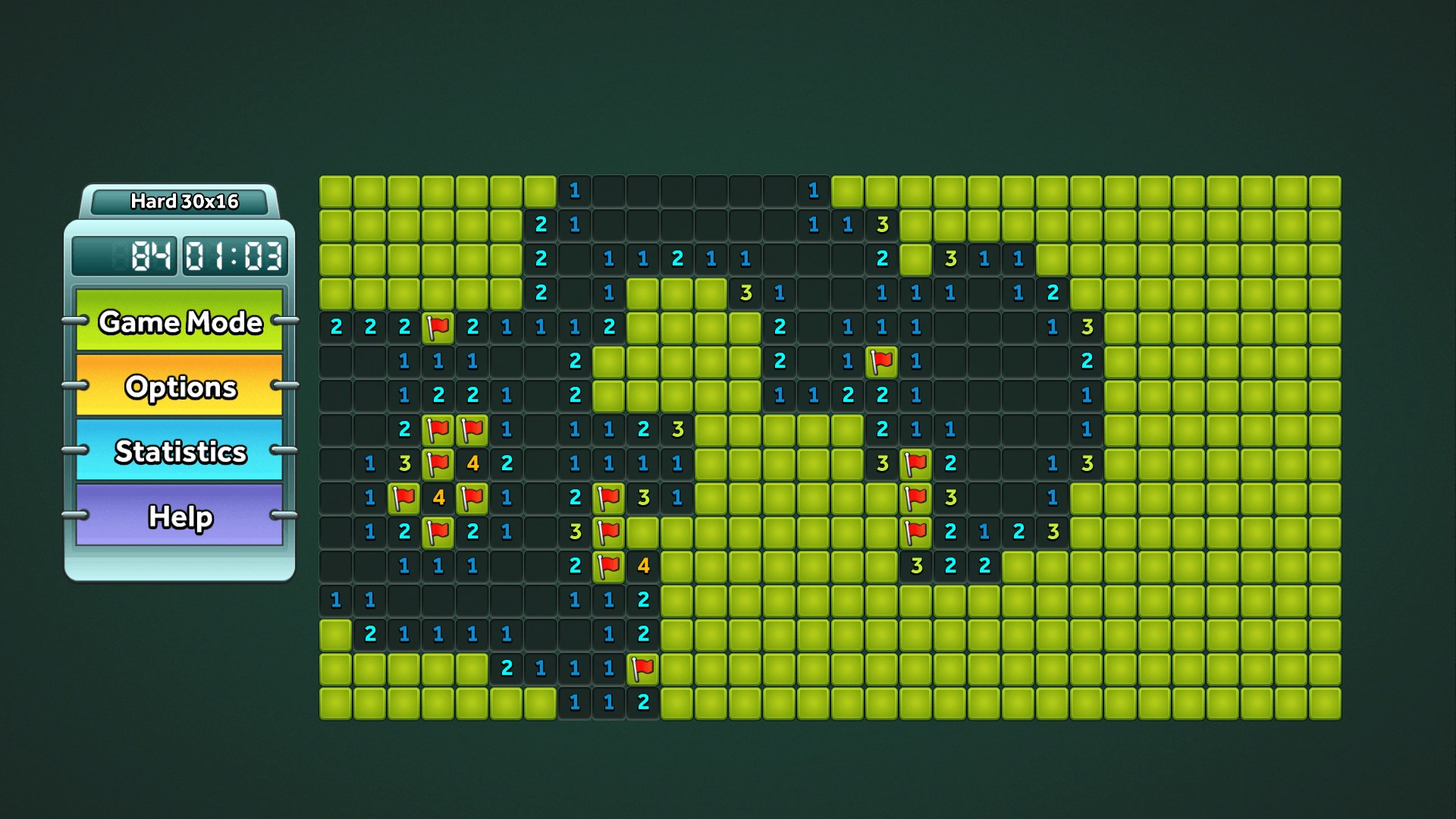
The first thing you notice upon launching Simple Minesweeper is its uncluttered, minimalist interface. The game employs a pleasing color palette that denotes mines, cleared tiles, and numbers unmistakably, reducing eye strain and making gameplay accessible even in low-light environments. Controls are responsive and intuitive; clicking, flagging, or revealing tiles feels seamless—almost like flipping through a well-organized physical puzzle board.
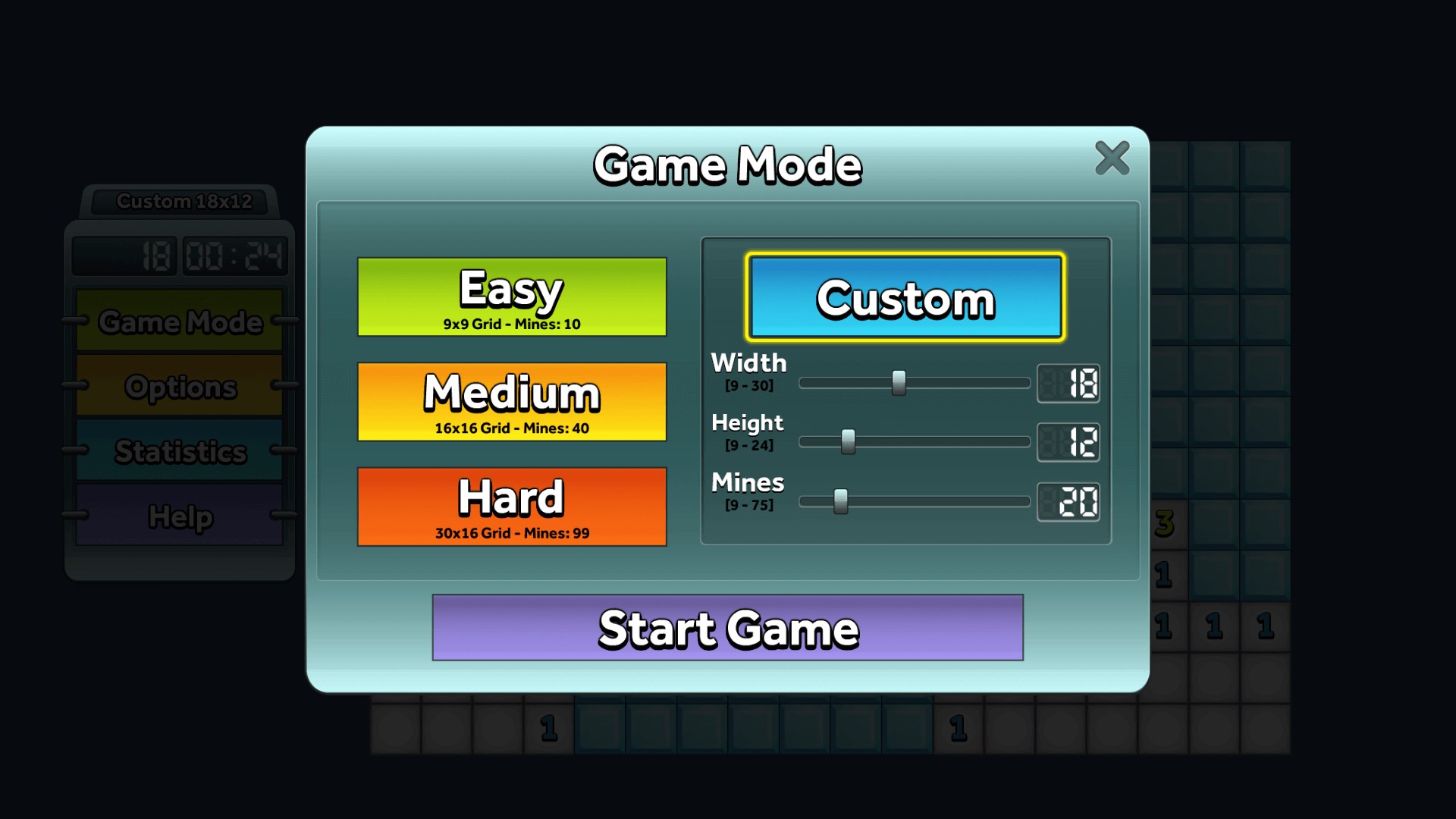
The app provides multiple challenge settings—from beginner levels that ease new players in, to expert modes for veterans who crave a more intense brain teaser. This adaptability ensures that the game remains engaging over time, encouraging players to refine their solving skills. Additionally, optional game modes such as timed puzzles or larger boards introduce new layers of challenge, boosting replayability.
What truly sets Simple Minesweeper apart is its collection of game variations beyond the classic mode. For example, certain modes introduce non-standard board arrangements or special rules, offering fresh puzzles that test different strategies. These modes are carefully designed to complement the traditional gameplay without overcomplicating it, making the app stand out amidst a sea of similar puzzle offerings.
The game's flow is remarkably smooth; animations are swift, and transitions between modes are fluid, ensuring minimal frustration. Learning curves are gentle—players familiar with minesweeper will navigate effortlessly, while newcomers can pick up rules quickly thanks to concise tutorials. The overall experience emphasizes clarity and ease, making it appealing to casual players seeking quick fun or more dedicated puzzle fans searching for a well-designed challenge.
Compared to other puzzle or trivia apps, Simple Minesweeper's focus on simplicity and visual clarity makes it a standout. While many apps clutter the interface with flashy elements, this game leverages minimalism to elevate usability and focus. Its unique modes introduce variety without sacrificing the core experience, positioning it as a versatile yet straightforward brain teaser.
If you're in search of a clean, reliable minesweeper experience that respects the game's roots while offering subtle modern enhancements, Simple Minesweeper is a commendable choice. Its intuitive controls, tasteful design, and varied difficulty options cater to a broad audience—whether you're sharpening your logical skills or just looking for a relaxing puzzle to pass the time.
Overall, I would recommend this app for casual puzzle lovers and anyone craving a well-crafted, no-nonsense minesweeper. It's perfect for quick sessions or extended play, and its unique modes ensure the game remains fresh over multiple sessions. Give it a try if you appreciate thoughtful design and classic gameplay—this little gem might surprise you with its understated sophistication.
Intuitive user interface
Smooth gameplay with responsive controls
Customizable difficulty levels
Ad-free experience
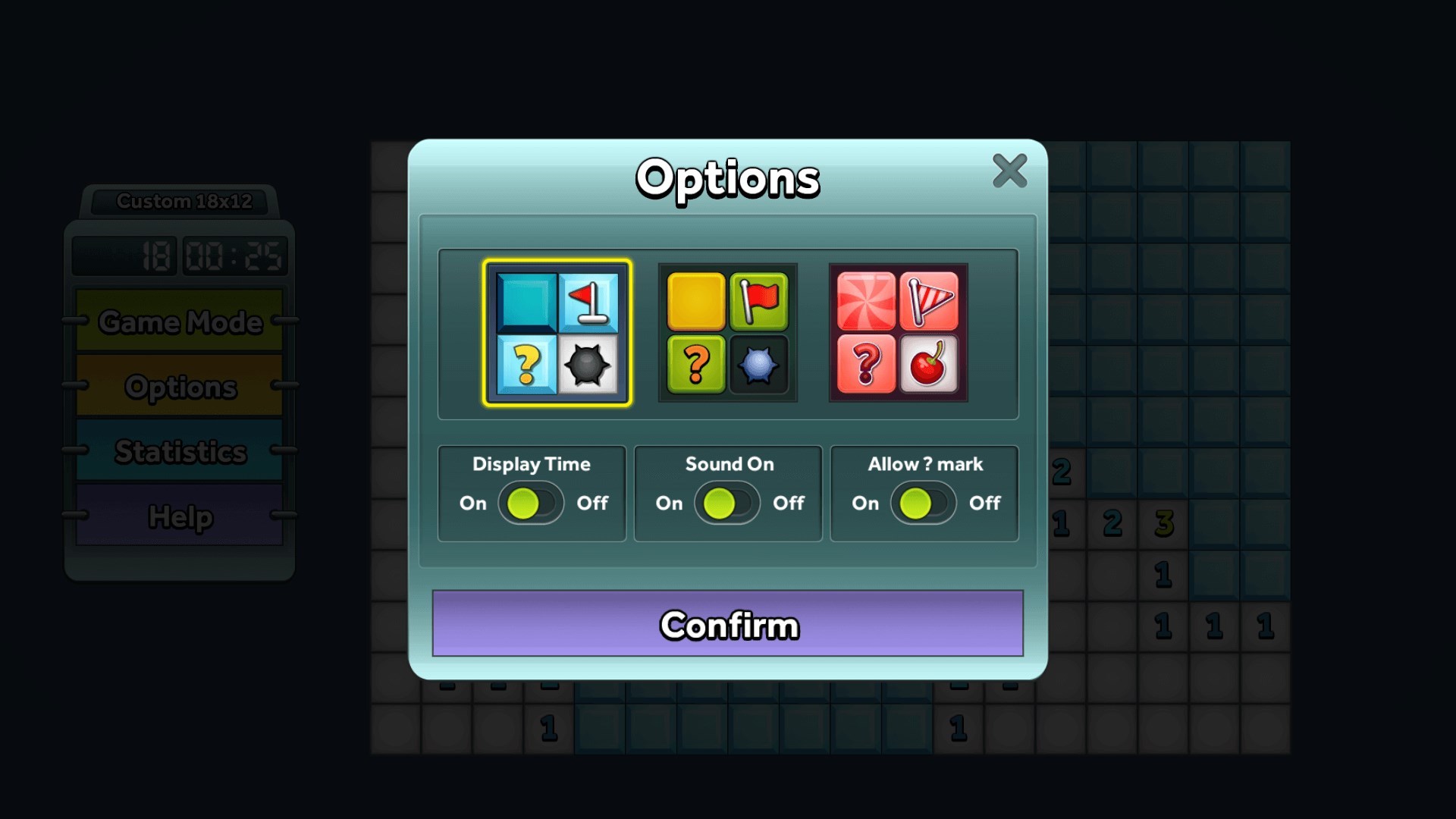
Minimalist design
Limited customization options
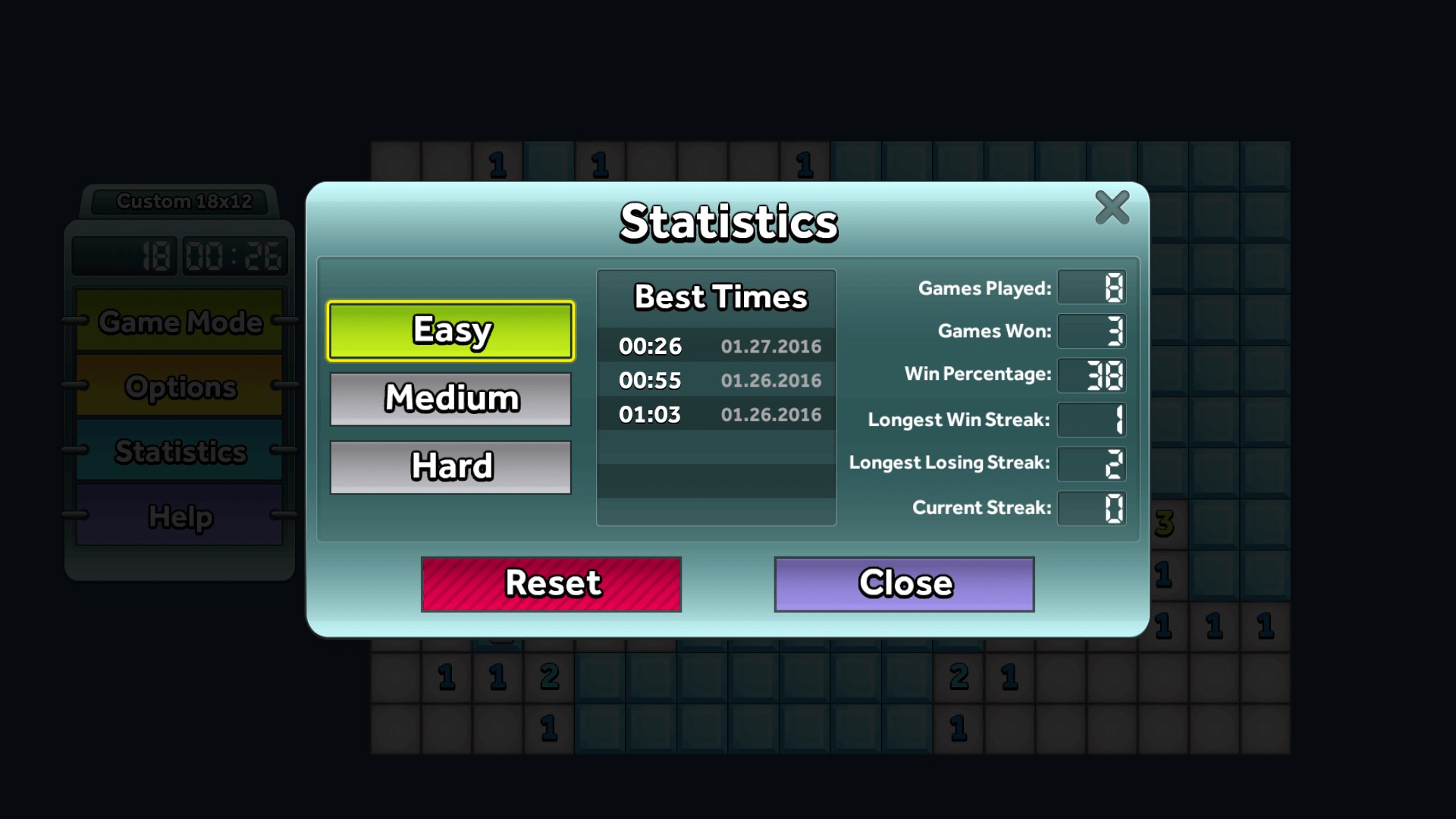
Lack of detailed statistics
No undo feature
Limited instruction guidance
Small font size for timers and scores
for Windows
 4.8
4.8

for Windows
4.8

for Windows
4.8
for Windows
4.8

for Windows
4.8

for Windows
4.8

for Windows
4.8
for Windows
4.8

for Windows
4.7

for Windows
4.7

for Windows
4.7
for Windows
4.7

for Windows
5

for Windows
5

for Windows
5

for Windows
5

for Windows
5

for Windows
5

for Windows
5

for Windows
5

for Windows
5

for Windows
5