Multimedia design
PC
Windows 10 version 14393.0 or higher
4 GB
Not specified
Not specified
Not specified
Catalan, Chinese (Simplified), Chinese (Traditional), Czech, Danish, Dutch, English, English (United Kingdom), Estonian, Finnish, French, German, Greek, Hungarian, Italian, Japanese, Nepali, Norwegian (Bokmål), Norwegian (Nynorsk), Polish, Portuguese (Brazil), Portuguese (Portugal), Russian, Slovak, Slovenian, Spanish, Swedish, Turkish, Ukrainian
Shotcut is a versatile, open-source video editing tool designed to empower both casual and semi-professional creators with powerful features and an intuitive interface. Developed by Meltytech, it stands out as a free alternative that doesn't compromise on quality, making it ideal for users seeking serious editing capabilities without a steep price tag.
Shotcut is developed and maintained by Meltytech, a dedicated team committed to providing accessible, high-quality multimedia tools. With a focus on open-source principles, Meltytech ensures that the software remains free, reliable, and adaptable to a broad user base.
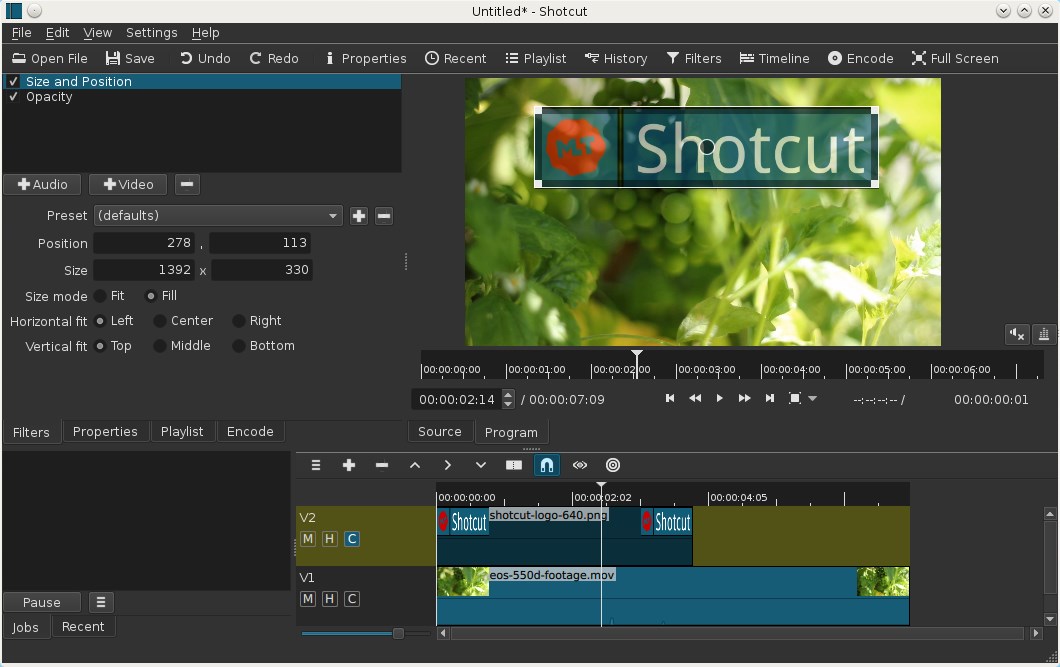
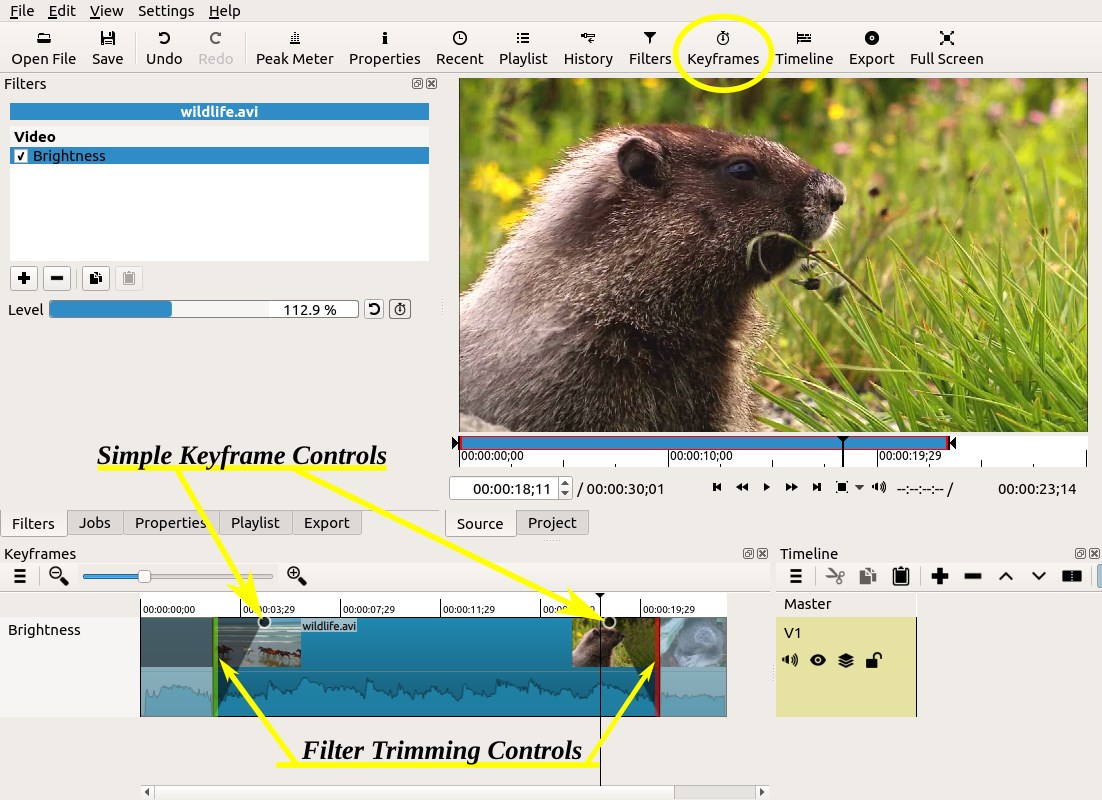
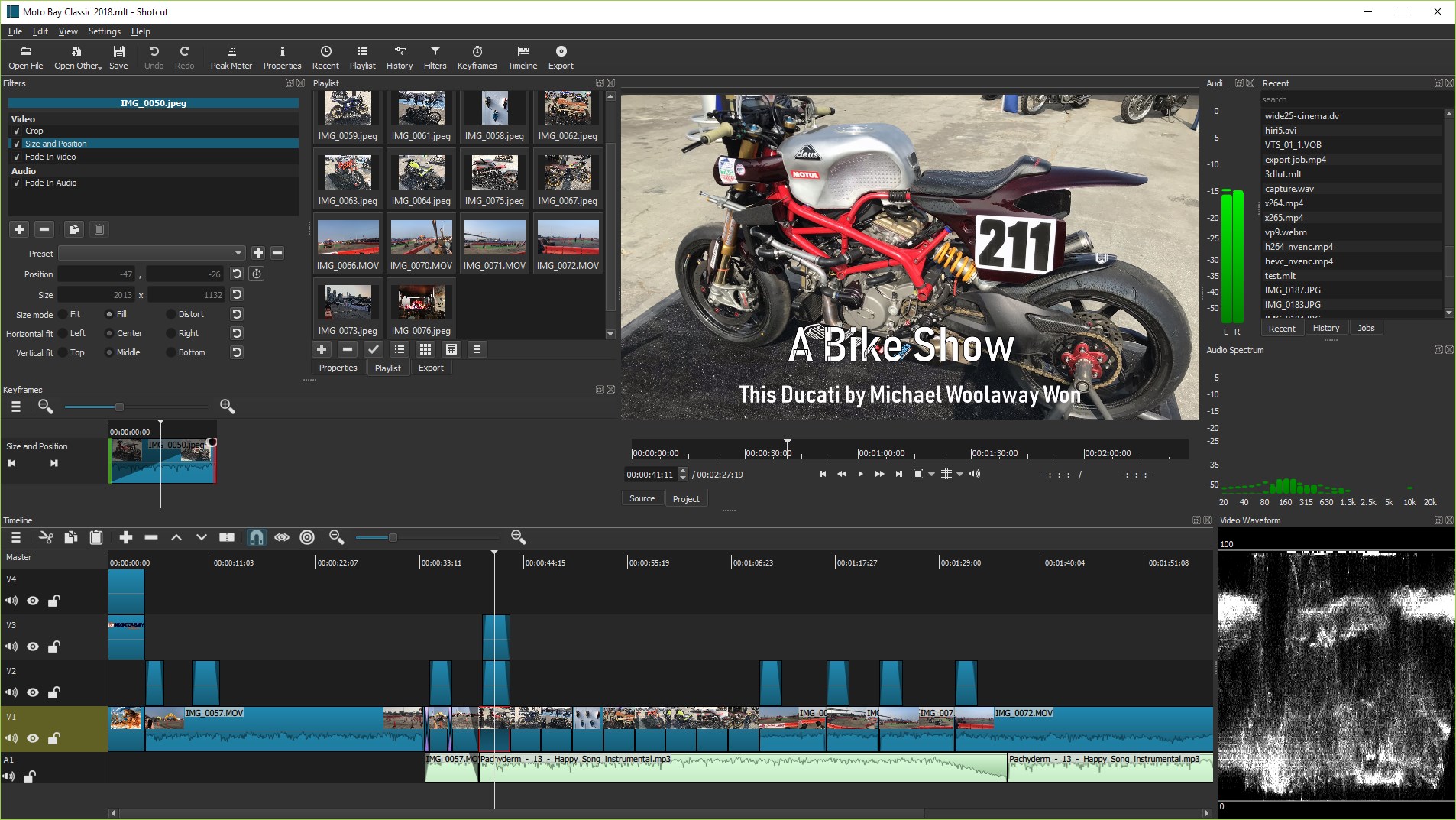
Remember the first time you encountered a new gadget? That's how opening Shotcut feels—inviting, yet surprisingly feature-packed. Its interface, painted in a clean and straightforward layout, demystifies professional editing. Whether you're dragging in clips or applying filters, the process flows intuitively, making editing less of a chore and more of a creative journey.
One of Shotcut's standout features is its flexible timeline, which allows users to stack video and audio tracks effortlessly. Imagine layering transparent sheets—each representing different media streams—creating complex compositions with ease. This multilayer approach makes editing intricate scenes possible without feeling overwhelmed. The timeline responds smoothly, even when handling multiple tracks, thanks to optimized performance that feels more like painting than engine troubleshooting.
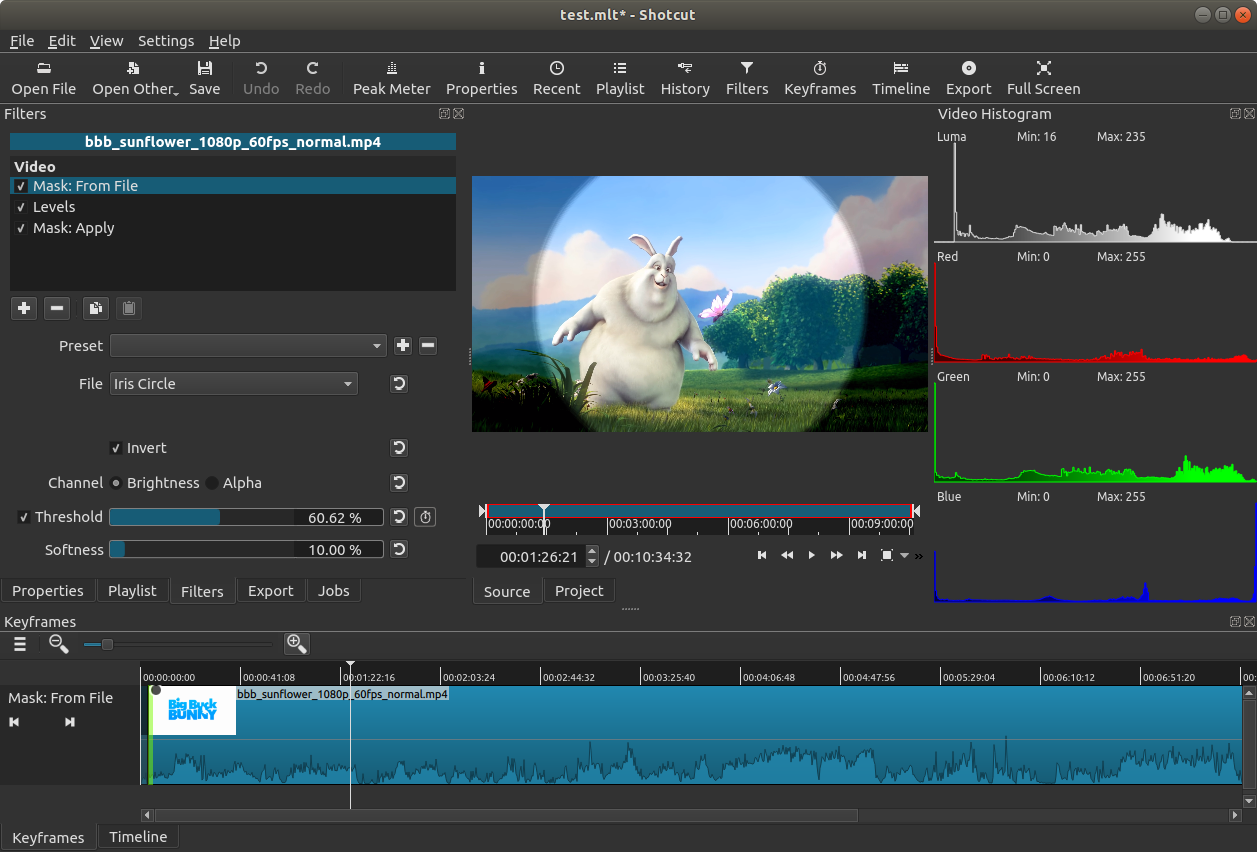
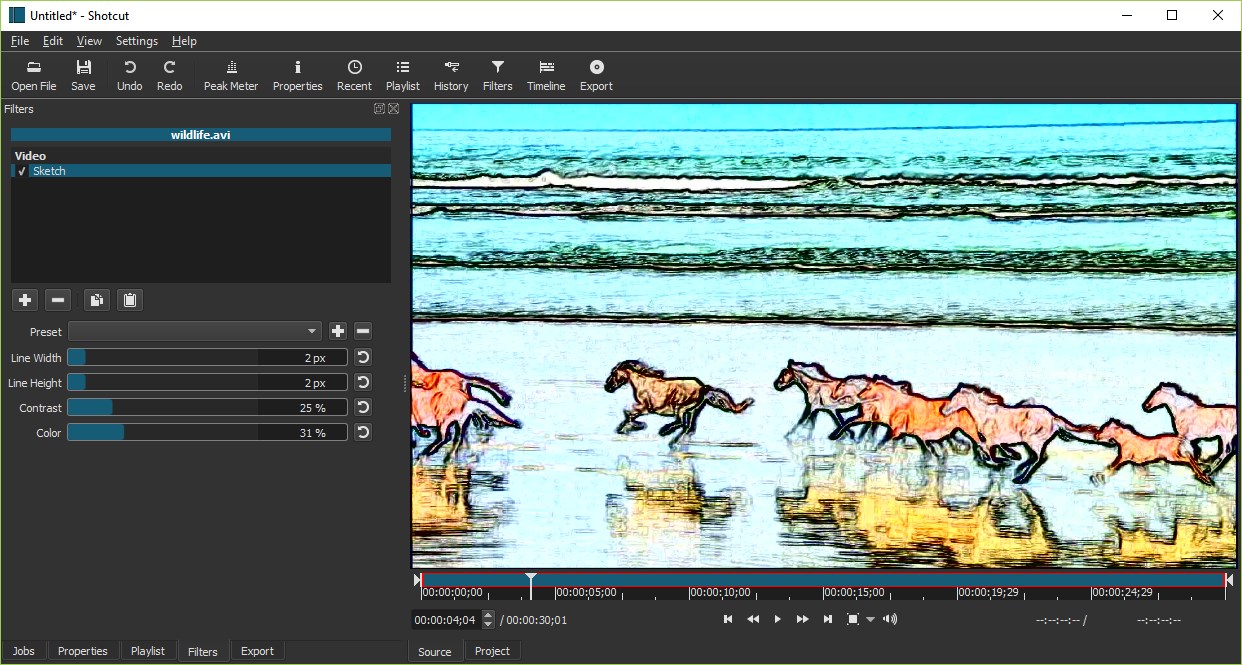
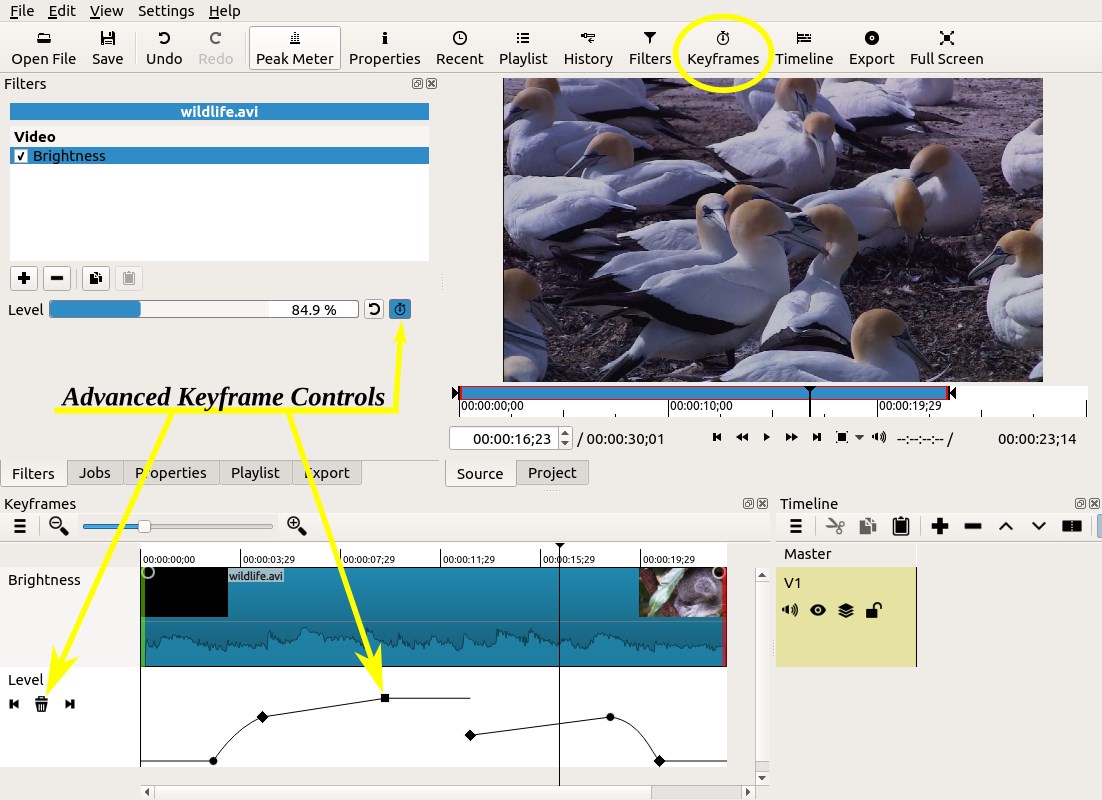
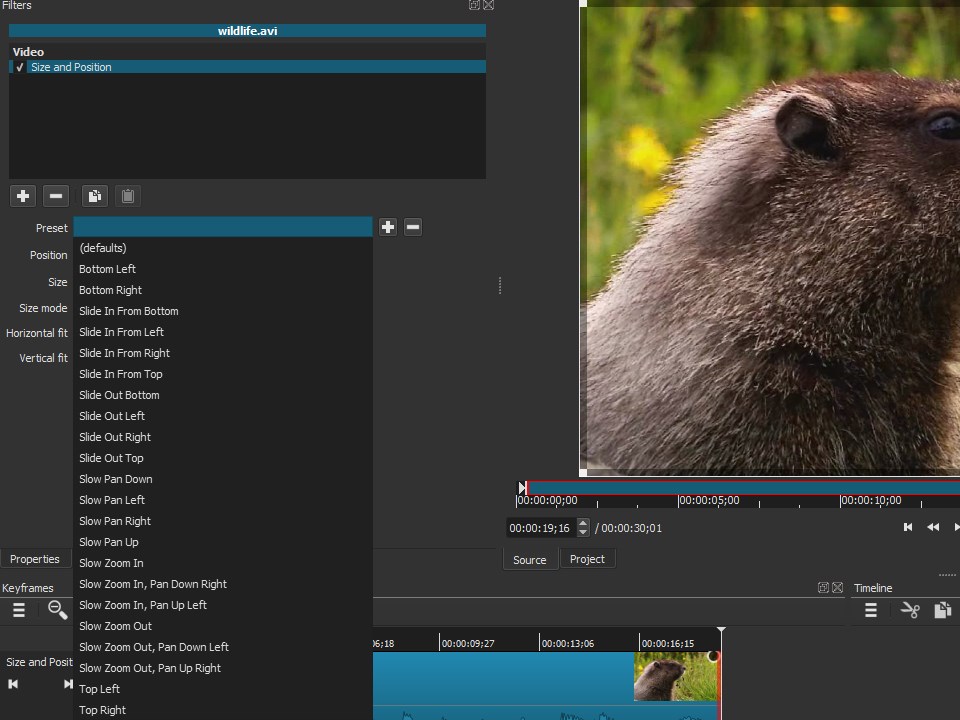
Shotcut offers a treasure trove of filters—from simple color adjustments to stunning visual effects. The real highlight is its advanced color grading tools, which allow users to fine-tune hues and tones, akin to adjusting the mood lighting in a theater before showtime. Applying effects is straightforward: select your clip, choose from the intuitive filter menu, and tweak parameters in real-time, making experimentation both fun and educational.
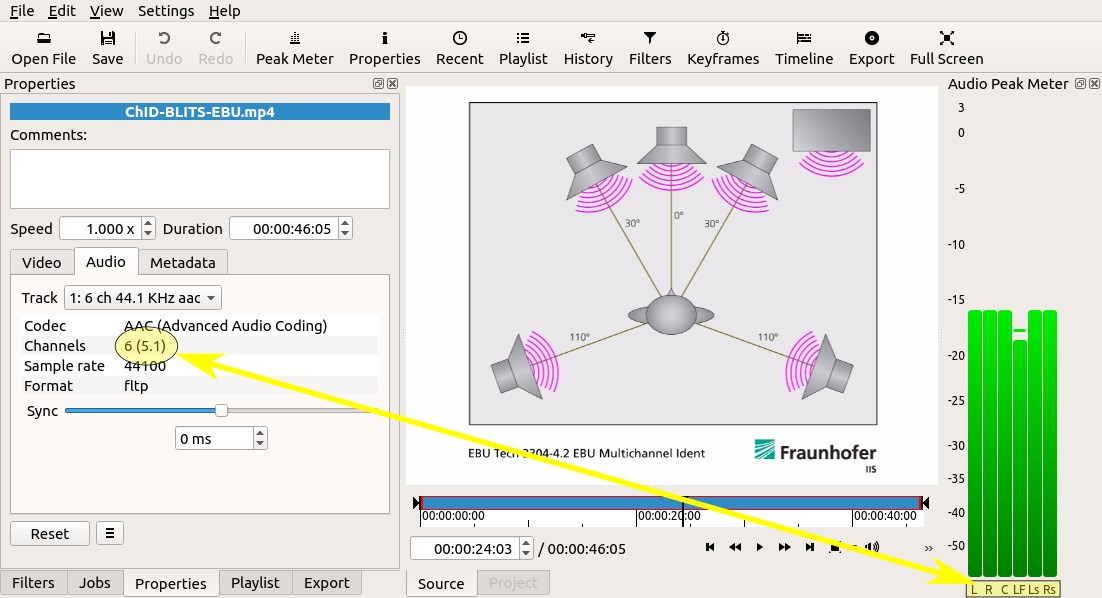
Beyond video, Shotcut delivers solid audio editing capabilities. You can easily trim, fade, normalize, or add effects to your audio tracks, making audio-visual synchronization a breeze. Imagine syncing a soundtrack with perfectly timed transitions—that's where Shotcut's real strength lies. Its audio meters and real-time playback ensure you never lose sync or clarity, giving your project that polished professional feel.
Shotcut's design philosophy centers on accessibility without sacrificing power. Its straightforward interface packs a punch—think of it as a Swiss Army knife with just the right tools easily accessible. The learning curve is gentle enough for beginners, yet the depth of features satisfies seasoned editors. Responsiveness is impressive; even when handling large files or complex edits, it operates smoothly, thanks to thoughtful performance optimization.
Compared to other multimedia editors like Adobe Premiere or DaVinci Resolve, Shotcut's biggest fortes are its open-source nature and lightweight architecture. It's like having a high-performance sports car that runs on regular fuel—powerful yet accessible. Its modular interface allows tailored workflows, and its plugin support provides room for growth. Additionally, its robust format support eliminates media conversion headaches, giving users more time for creativity than troubleshooting technical issues.
Overall, I'd recommend Shotcut to anyone looking for a free, reliable, and feature-rich video editor. It's particularly well-suited for hobbyists, educators, and semi-professional content creators who need a balance of power and simplicity. While it might lack some of the advanced AI-driven features found in premium tools, its strength lies in being open, adaptable, and straightforward. For those willing to invest a little time mastering its interface, Shotcut offers a highly capable editing experience—without the cost or steep learning curve of more complex software.
User-Friendly Interface
Wide Format Compatibility
Advanced Editing Features
Open Source and Free
Regular Updates
Learning Curve for Advanced Features
Limited Audio Editing Capabilities
Occasional Stability Issues
Lack of Mobile Version
Limited Effects Library

for Windows
 4.8
4.8

for Windows
4.8

for Windows
4.7

for Windows
4.7

for Windows
4.6

for Windows
4.6

for Windows
4.6

for Windows
4.6

for Windows
4.5

for Windows
4.5

for Windows
4.5

for Windows
4.5

for Windows
5

for Windows
5

for Windows
5

for Windows
5

for Windows
5

for Windows
5

for Windows
5

for Windows
5

for Windows
5

for Windows
5