Educational
PC, Mobile
Windows 10 version 17763.0 or higher
French
If you're a fan of word puzzles that blend nostalgia with modern gameplay, Scrabble US for Windows offers a compelling digital rendition of the beloved board game. It promises to challenge your vocabulary skills while providing a sleek, accessible platform for casual players and dedicated wordsmiths alike.
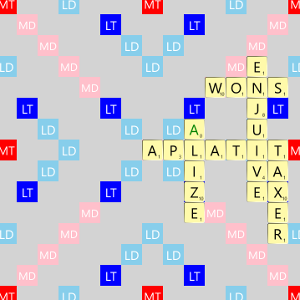
Scrabble US for Windows is a digital adaptation of the timeless Scrabble game, developed by On Air. Its primary aim is to bring the classic word-building fun straight to your desktop, utilizing a user-friendly interface and engaging features.
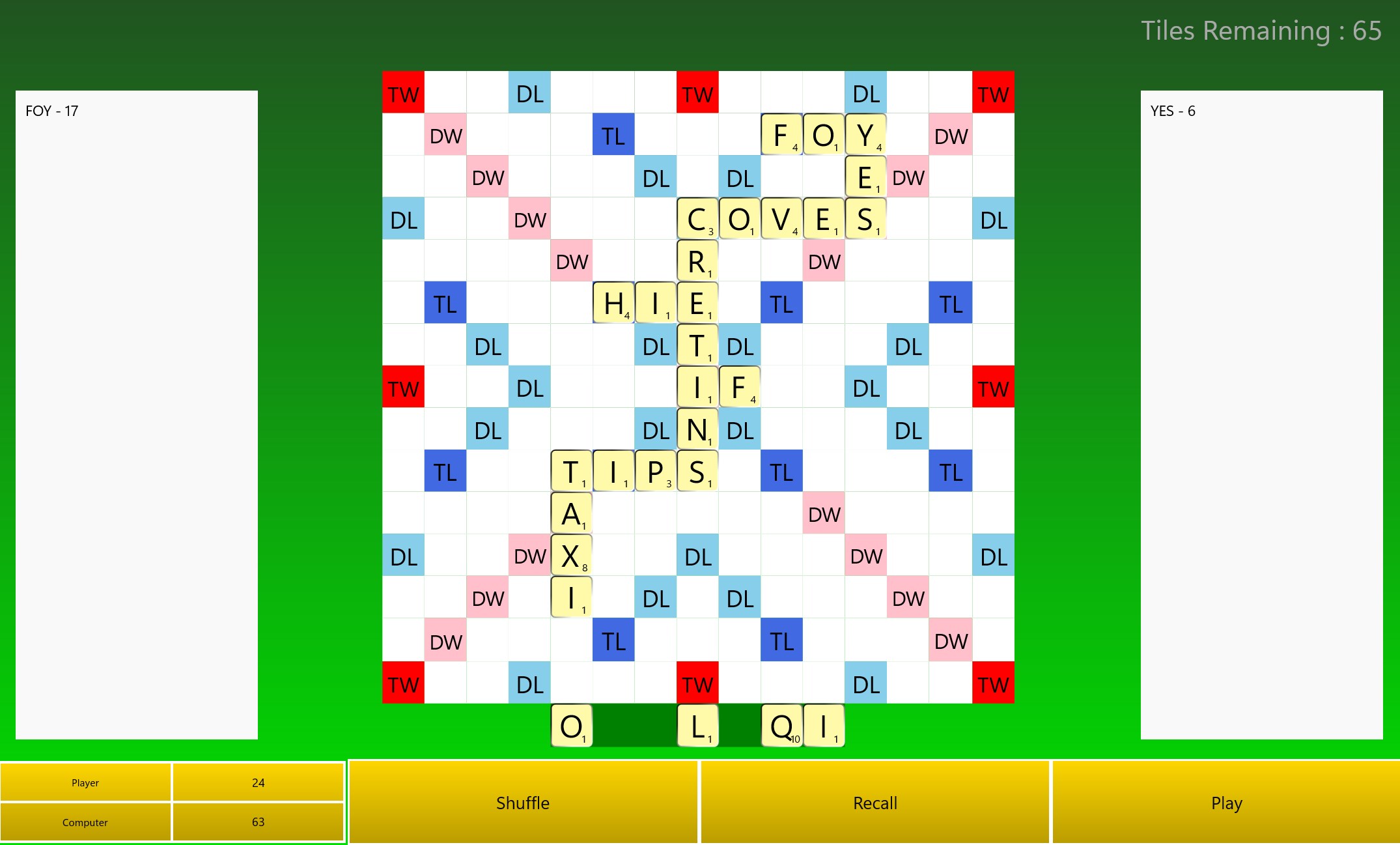
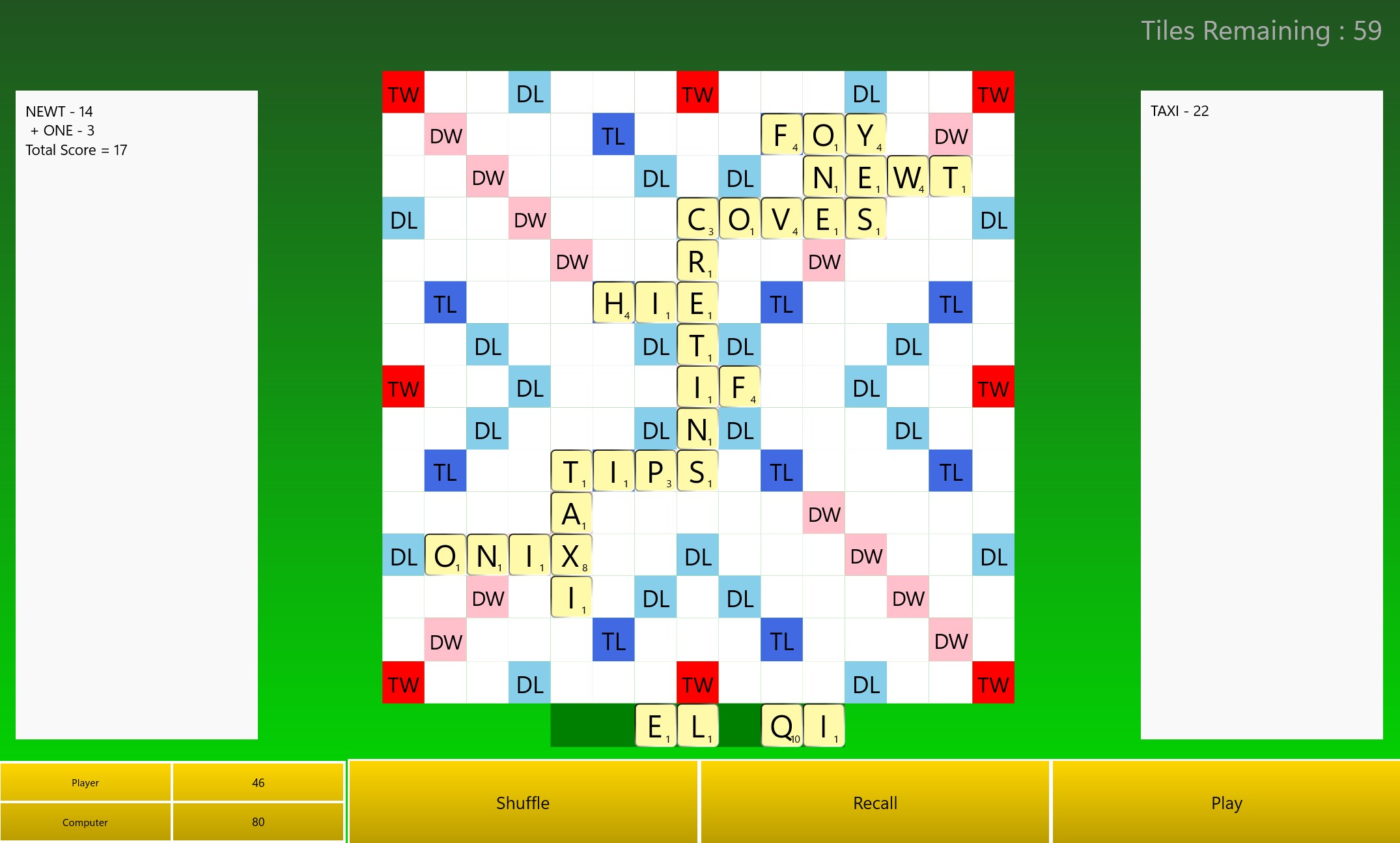
The game shines through its essential functionalities: an intuitive multiplayer experience, smart AI opponents of varying skill levels, and a comprehensive dictionary to support meaningful gameplay. These highlights make it suitable for both beginners eager to learn and seasoned players aiming to sharpen their skills.
Designed mainly for casual gamers and Scrabble enthusiasts, the app caters to a broad target audience—from students and educators to adult fans of word puzzles—encouraging learning through play and mental exercise.
Imagine sitting back with a warm cup of coffee on a lazy Sunday afternoon, the familiar click of tiles waiting to be placed, as the digital Scrabble board lights up with possibilities. Scrabble US for Windows seamlessly captures that nostalgic essence with a dashboard that feels both comfortable and inviting. It's more than just a game—it's like having a friendly crossword companion ready to challenge or assist you at any moment, all wrapped in a sleek, modern interface that makes every move satisfying and intuitive.
The app excels in offering both multiplayer capabilities and intelligent AI opponents. Whether you prefer battling friends or testing yourself against computer mind-benders, Scrabble US adapts effortlessly. The multiplayer mode supports online or local play, fostering social engagement or solo practice. Meanwhile, the AI players come with adjustable difficulty levels, ensuring everyone from novices to experts can find the right challenge, making the game's pace flexible and inclusive.
One of the app's standout features is its built-in dictionary, which not only validates words but also educates players about their meanings and spellings. This focus on learning transforms the game into an educational experience, helping users expand their vocabulary naturally through gameplay. It effectively balances entertainment with knowledge retention, giving users measurable progress as they master new words and strategies over time.
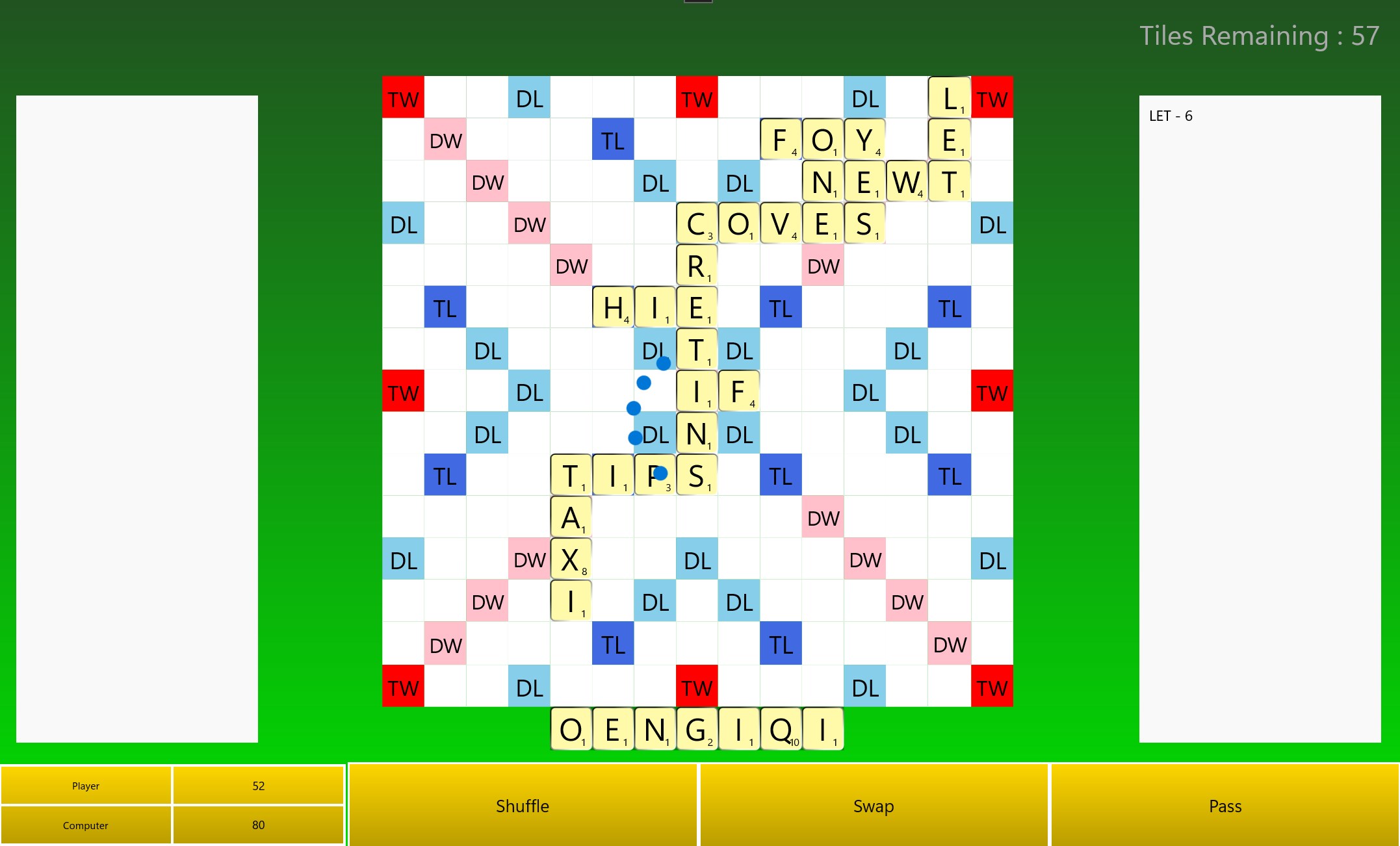
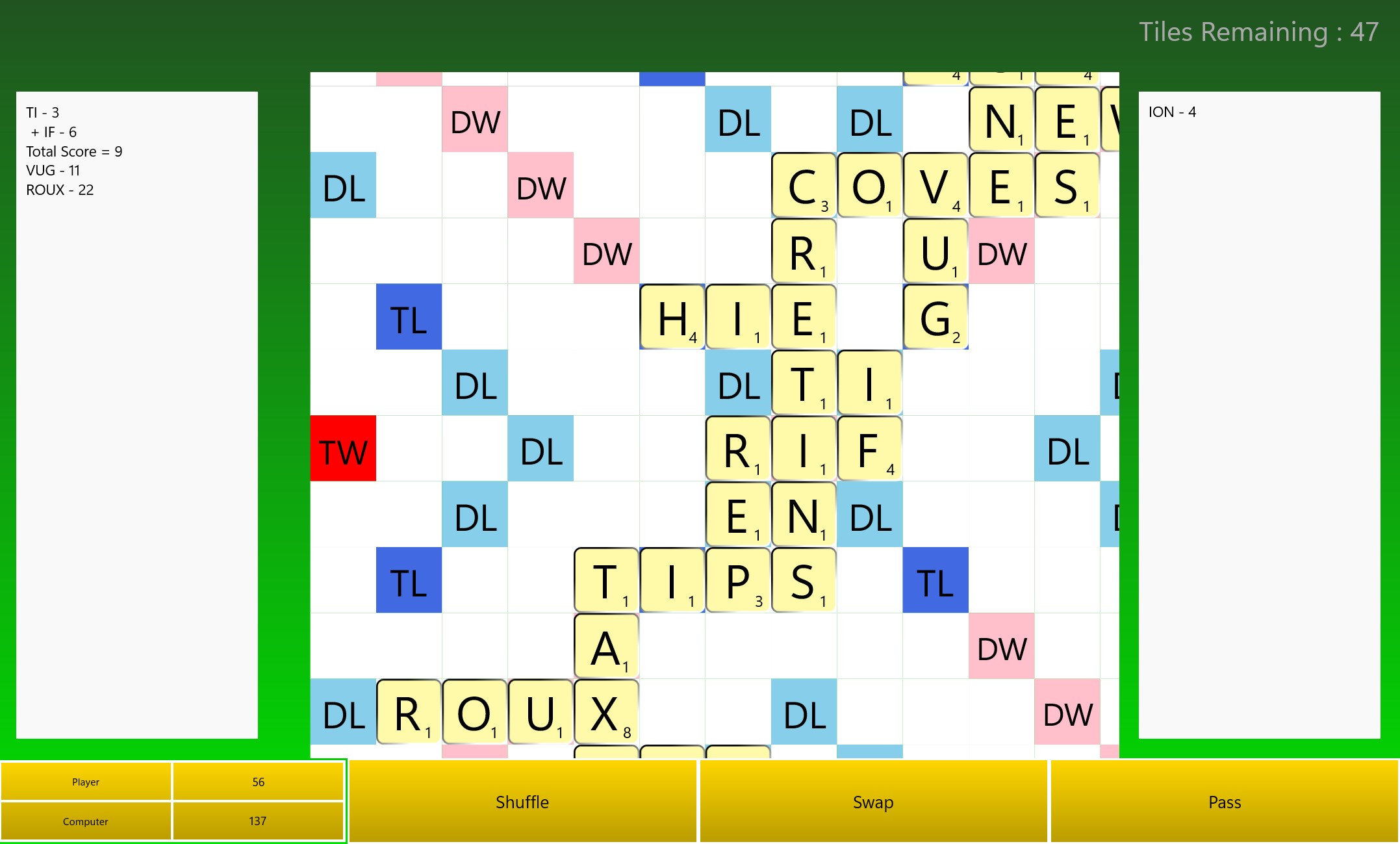
The game boasts a clean, minimalistic interface—think of it as a well-organized library where every book (or tile) is easy to find. The smooth animations and responsive controls make gameplay fluid and enjoyable, reducing frustrations often associated with sluggish interfaces. The learning curve is gentle; even new players quickly grasp the mechanics thanks to helpful tutorials and straightforward menu navigation. This accessibility encourages repeated play and ongoing engagement.
In the crowded world of educational or word puzzle apps, Scrabble US for Windows distinguishes itself with a few compelling features. Notably, its emphasis on measuring knowledge retention through gameplay analytics and progress tracking elevates it beyond simple entertainment. Unlike many apps that focus solely on score chasing, this game encourages strategic learning by showing you how your vocabulary improves over time, blending engagement with objective assessment.
Furthermore, its balanced approach—prioritizing learning objectives without sacrificing fun—makes it stand out. It isn't just about racking up points; it's about fostering a genuine love for words and the satisfaction of seeing your language skills grow, much like nurturing a garden that blooms with each new vocabulary flower.
Scrabble US for Windows is a thoughtfully crafted digital version of a timeless game. It offers a smooth, engaging, and educational experience, making it suitable for casual gamers, educators, or anyone looking to expand their word knowledge. Its unique focus on measuring learning progress alongside gameplay makes it particularly valuable for those wanting more than just entertainment—they want growth.
If you enjoy word puzzles and wish to have a versatile, user-friendly platform with strong learning support, this game is highly recommended. It's a reliable partner in your vocabulary journey that makes every new word uncovered feel like a small victory. Give it a try—it might just become your new favorite way to exercise your brain without even realizing it!
Engaging gameplay and classic Scrabble experience
Offline mode availability
User-friendly interface
Regular updates and bug fixes
Supports multiple dictionaries and game modes
Limited tutorial for new players
Some ads can be intrusive during gameplay
Waiting times for multiplayer matches
Inconsistent scoring feedback
Limited customization options

for Windows
 4.8
4.8

for Windows
4.7

for Windows
4.6

for Windows
4.5

for Windows
4.4

for Windows
4.4

for Windows
4.4

for Windows
4.4
for Windows
4.3
for Windows
4.2
for Windows
4.2
for Windows
1.5

for Windows
5

for Windows
5

for Windows
5

for Windows
5

for Windows
5

for Windows
5

for Windows
5

for Windows
5

for Windows
5

for Windows
5