Card & board
Fons Sonnemans
PC
Windows 10 version 17763.0 or higher
Dutch, English (United States)
If you're a fan of classic card and board games but crave a modern, streamlined digital experience, Rummi for Windows offers just that—a fresh, user-friendly take designed to keep you engaged whether you're at home or on the go. Developed by Fons Sonnemans and published by Reflection IT, this app aims to bring the timeless joy of Rummikub and similar games to your desktop with a neat, intuitive interface that doesn't sacrifice depth for simplicity.
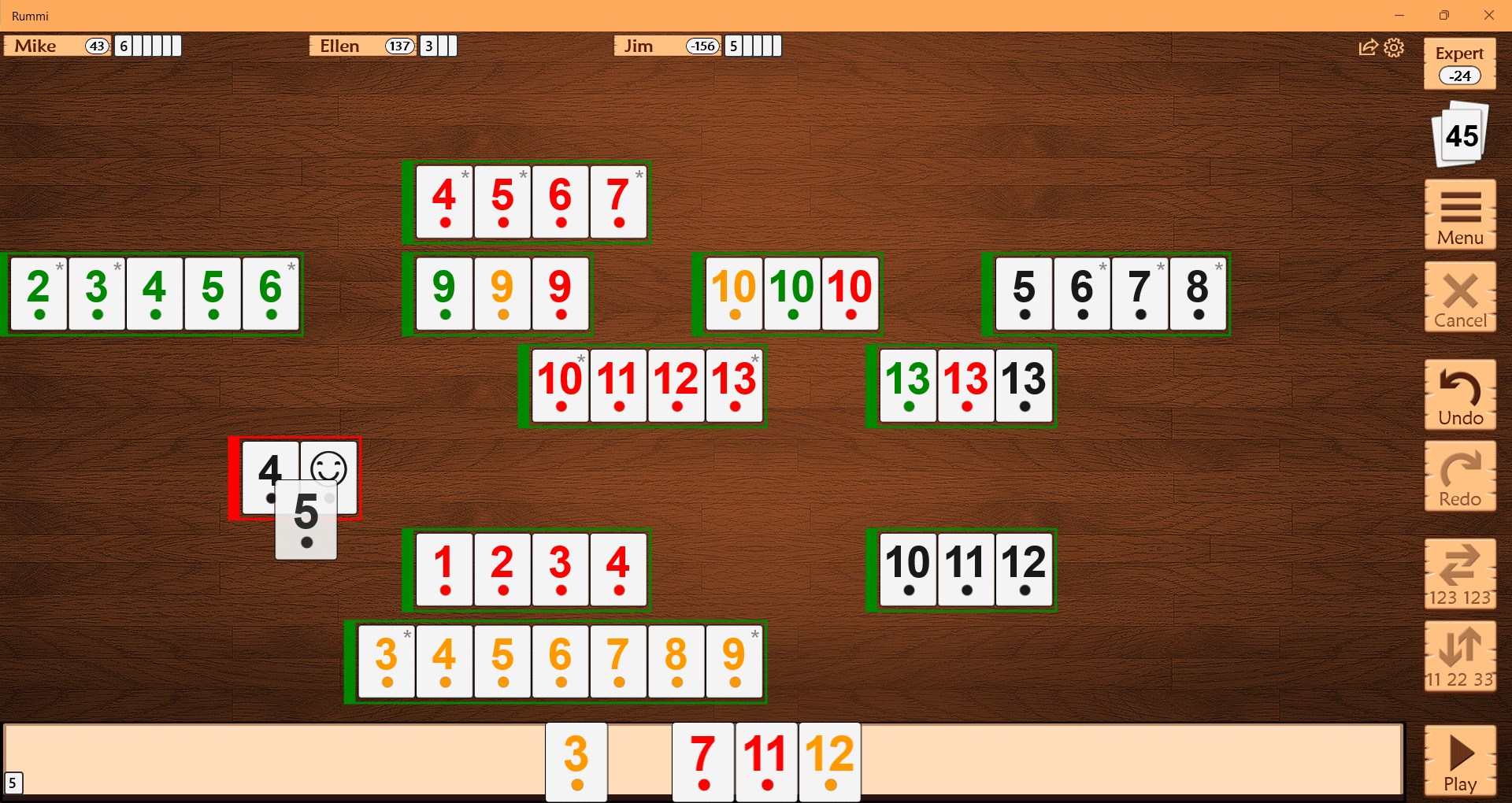
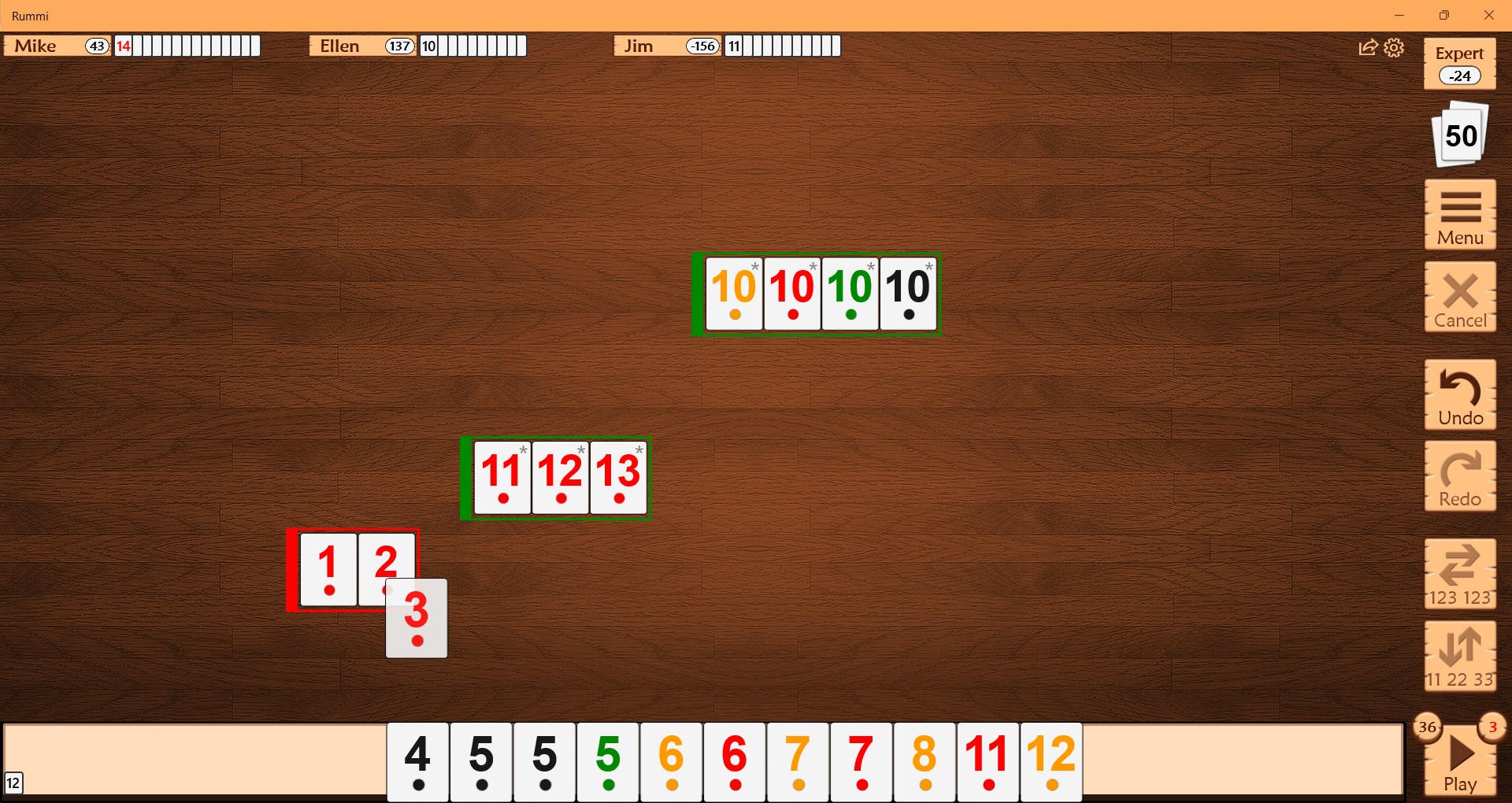
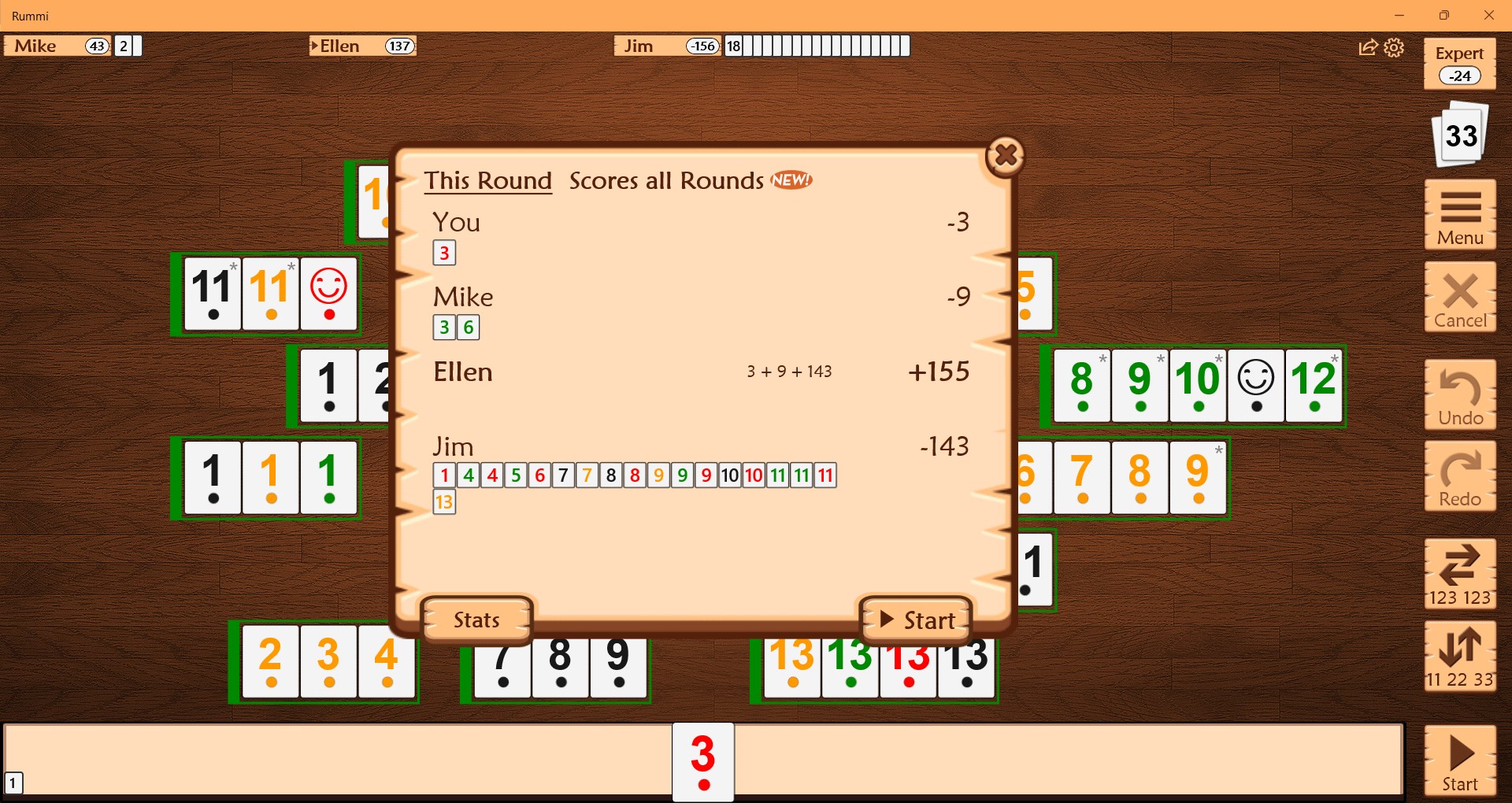
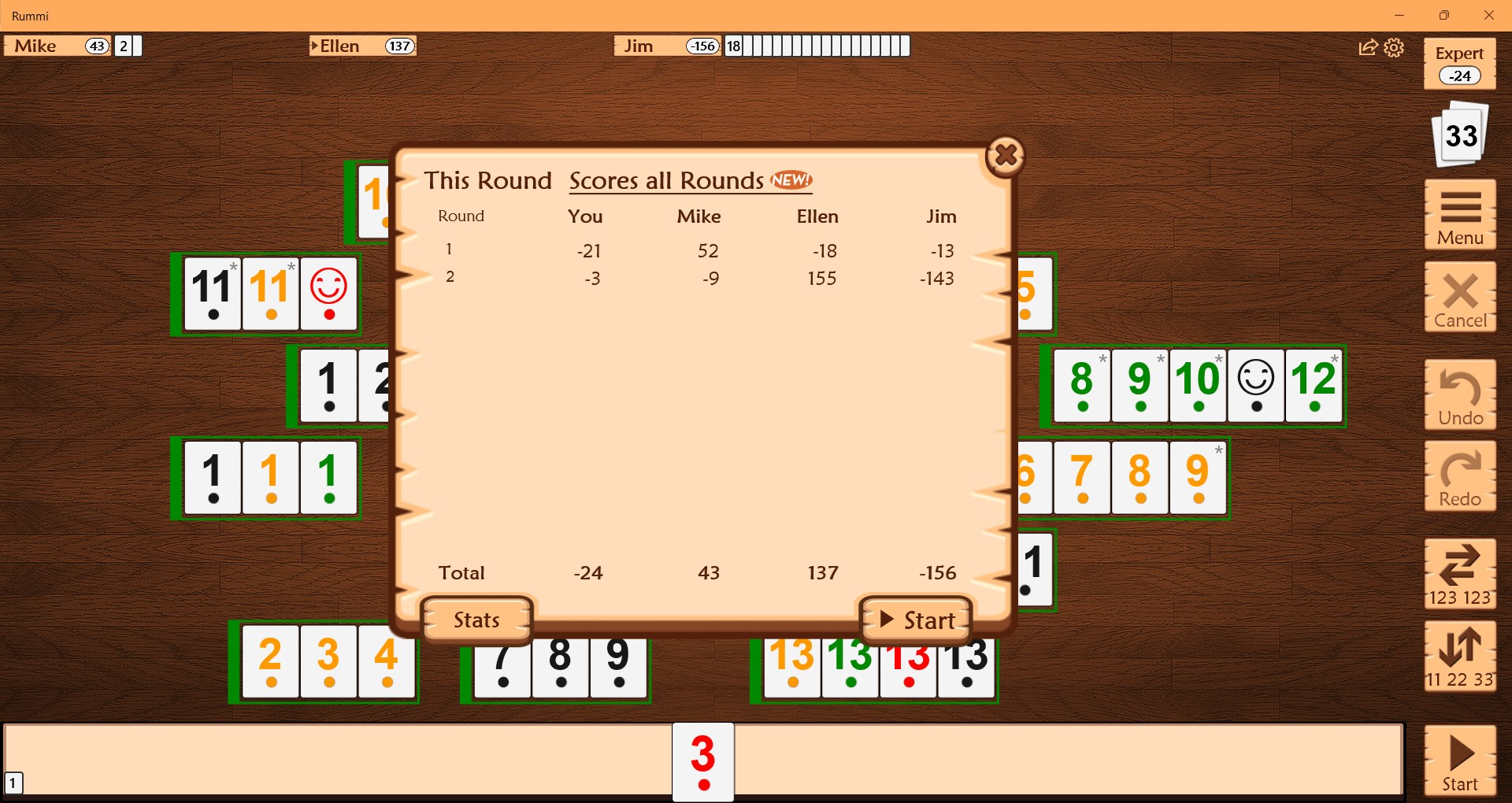
Rummi for Windows is a digital adaptation of the popular tile-collecting, number-matching game, Rummikub, and other similar card and board games. It's crafted to deliver smooth gameplay with a focus on easy accessibility, making it perfect for both casual players and seasoned strategists. The app's key strengths lie in its clean interface, seamless operation, and thoughtful game mechanics that stay true to traditional gameplay while adding digital convenience.
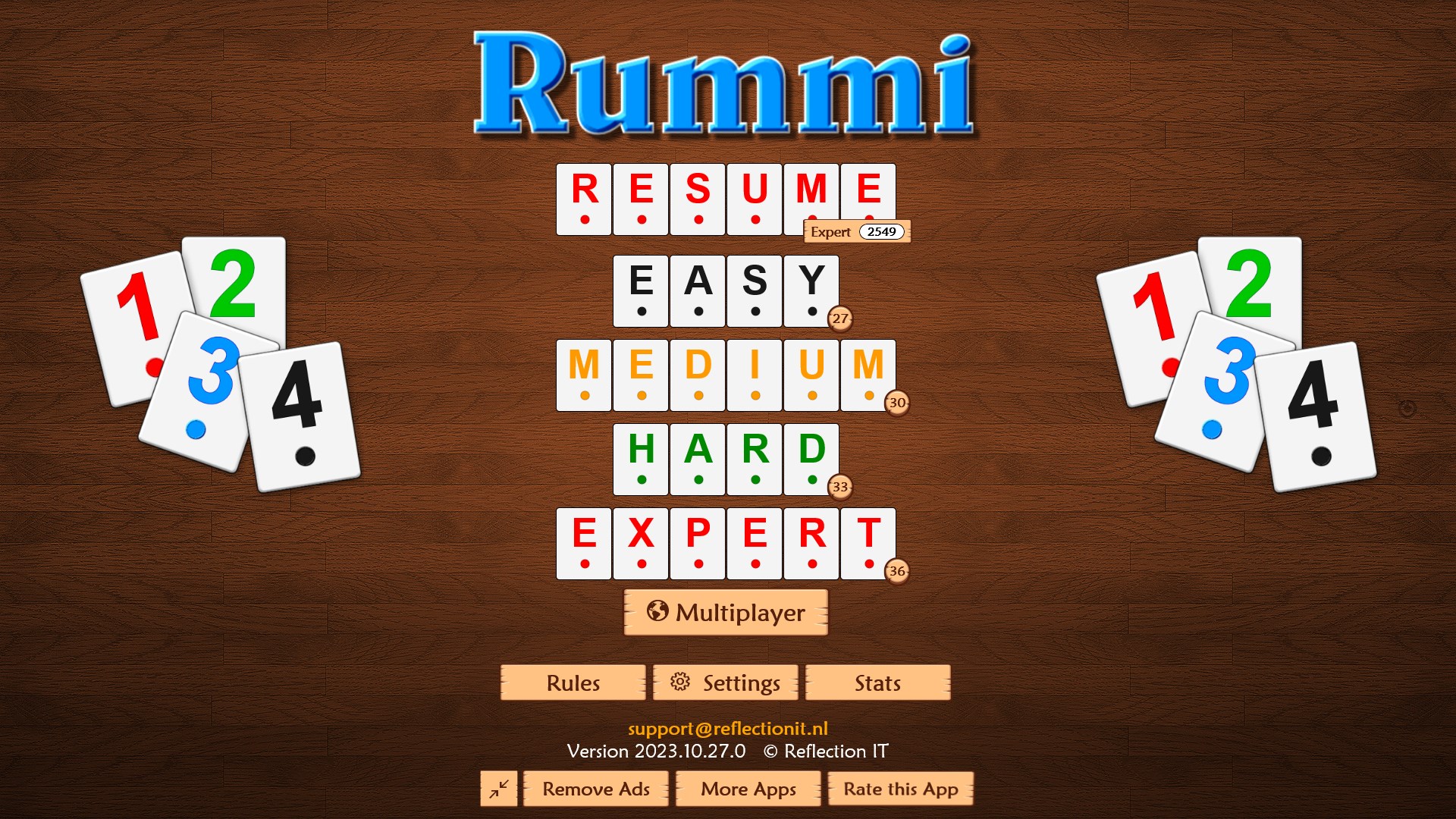
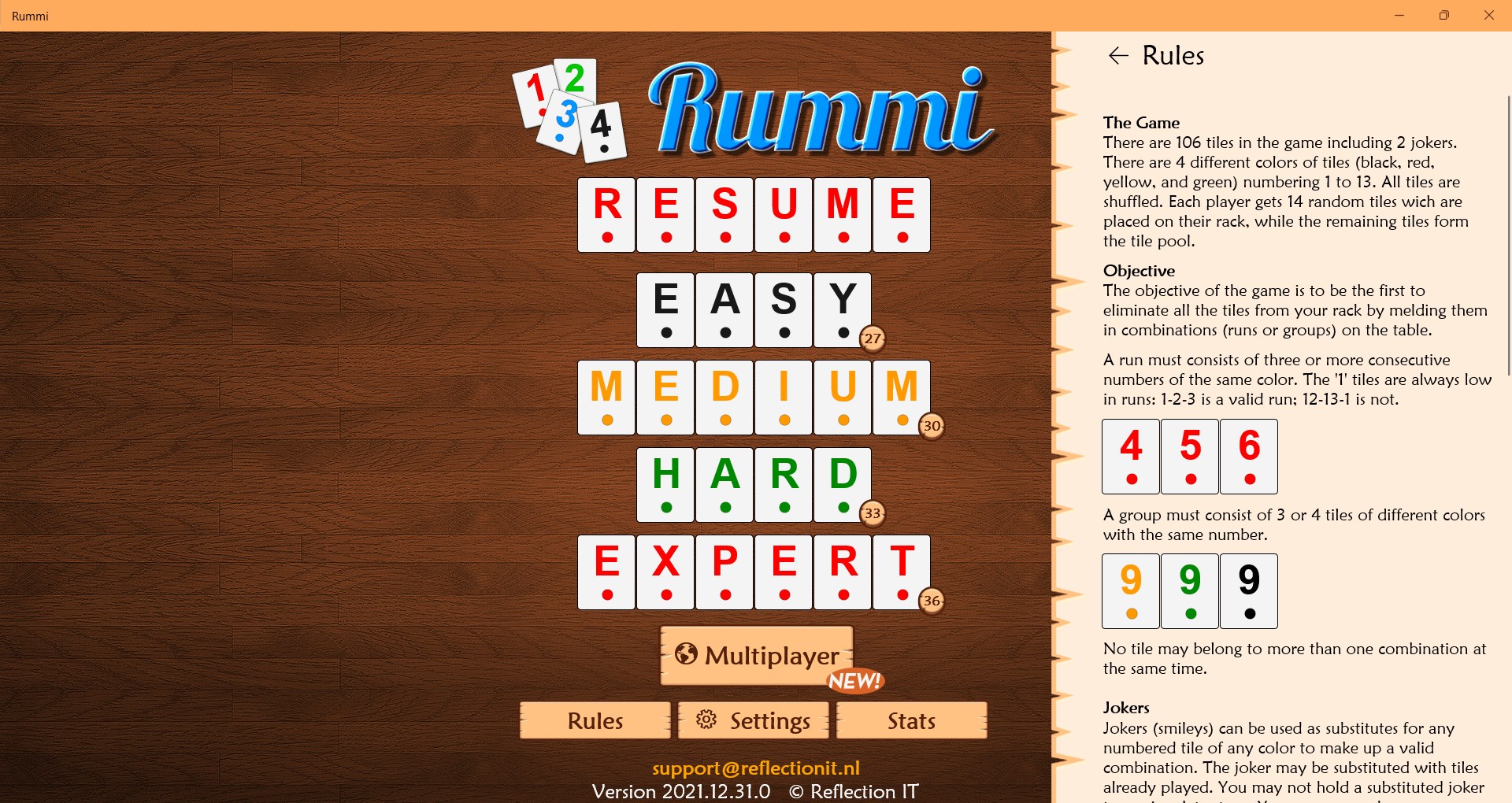
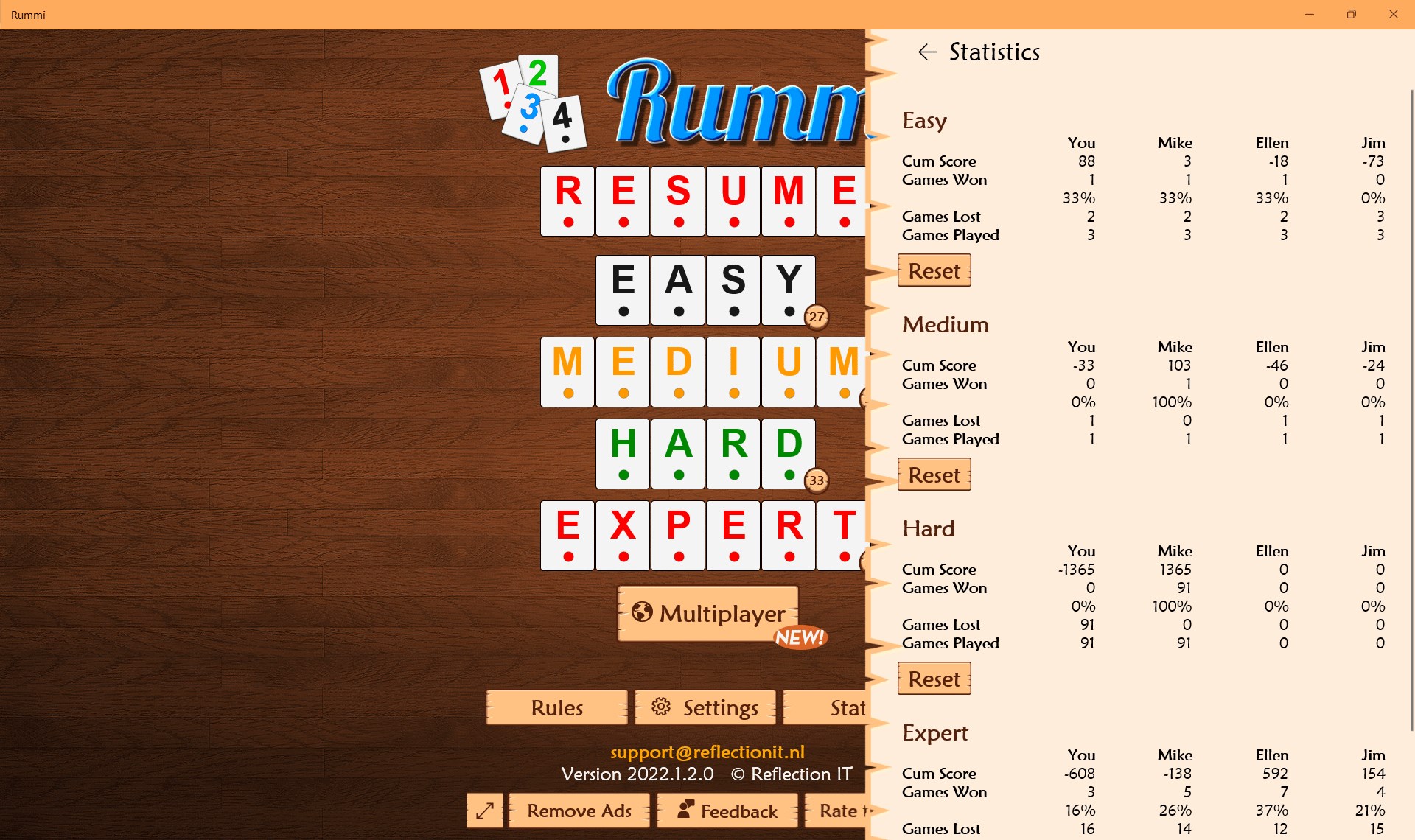
From the moment you open Rummi for Windows, you're greeted with a sleek, minimalist layout that feels like flipping through the pages of a well-loved strategy book. The interface balances visual clarity with vibrant tile designs that make gameplay enjoyable without overwhelming the eye. Navigating options and game modes is straightforward—think of it as a clear pathway through a familiar game room, where everything is just within reach.
Performance-wise, Rummi for Windows impresses with its fluid animations and quick response times. Moves are registered instantly, which keeps the game flowing smoothly—no lag, no fuss, just pure focus on your next strategic move, much like a well-rehearsed game of chess played on a pristine table. Even during longer sessions, the app maintains stability, ensuring uninterrupted enjoyment.
What sets Rummi apart is its thoughtful onboarding process. If you're new to Rummikub or similar games, helpful tips and brief tutorials are readily accessible, easing you into core mechanics. For veterans, advanced options and customizable settings give a bit of flex to tailor gameplay. Overall, the learning curve is gentle, making this app accessible for all ages and skill levels—think of it as a welcoming game night where everyone can join in the fun easily.
One of the most compelling features is the intelligent tile management system that emulates real-life moves, providing a challenging environment whether you're playing against AI or friends. The AI opponents are designed to adapt to your level, offering a variety of strategies so you stay on your toes—think of it as playing against a seasoned player who learns your tricks while still keeping the game fair and fun.
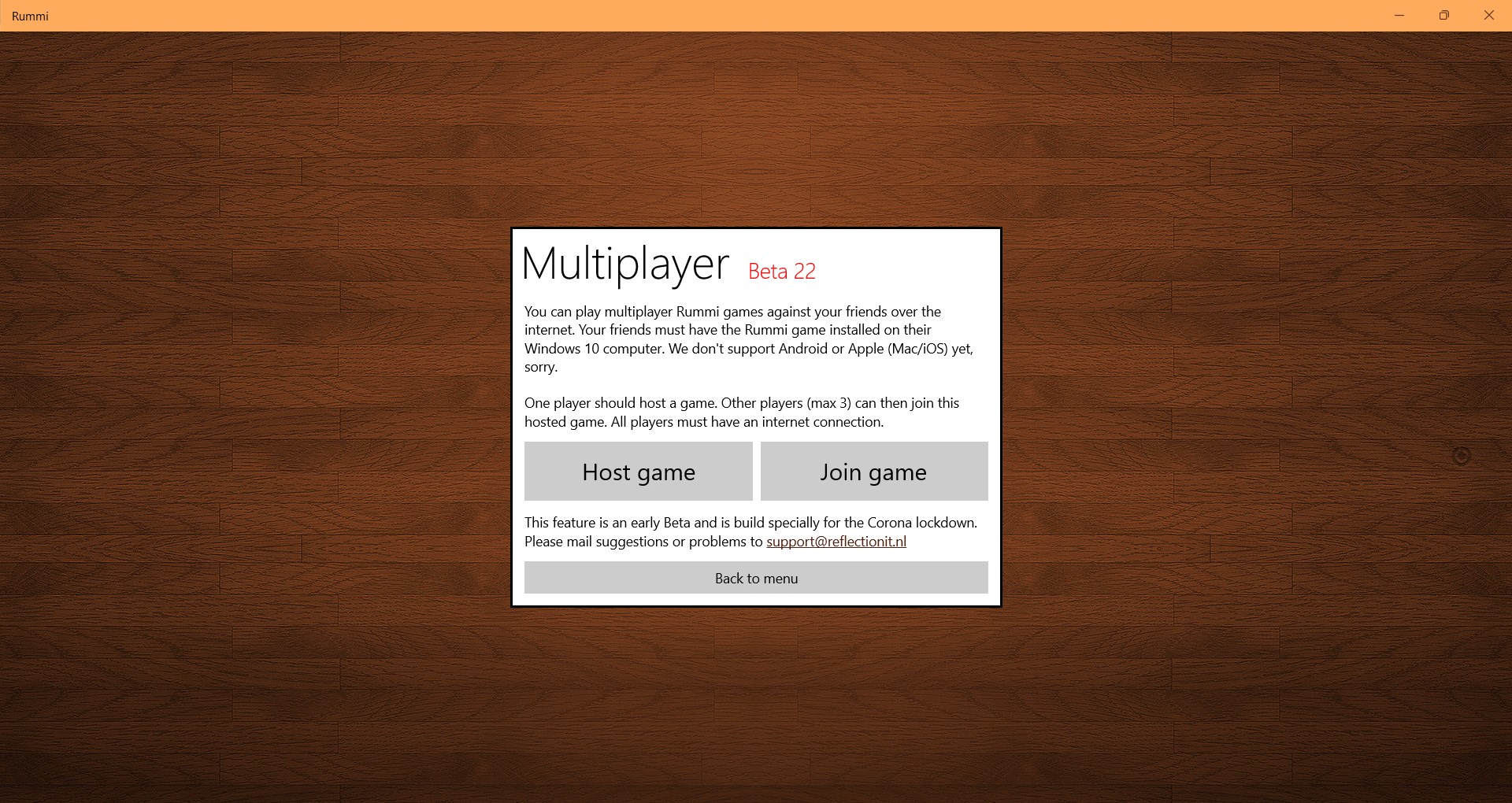
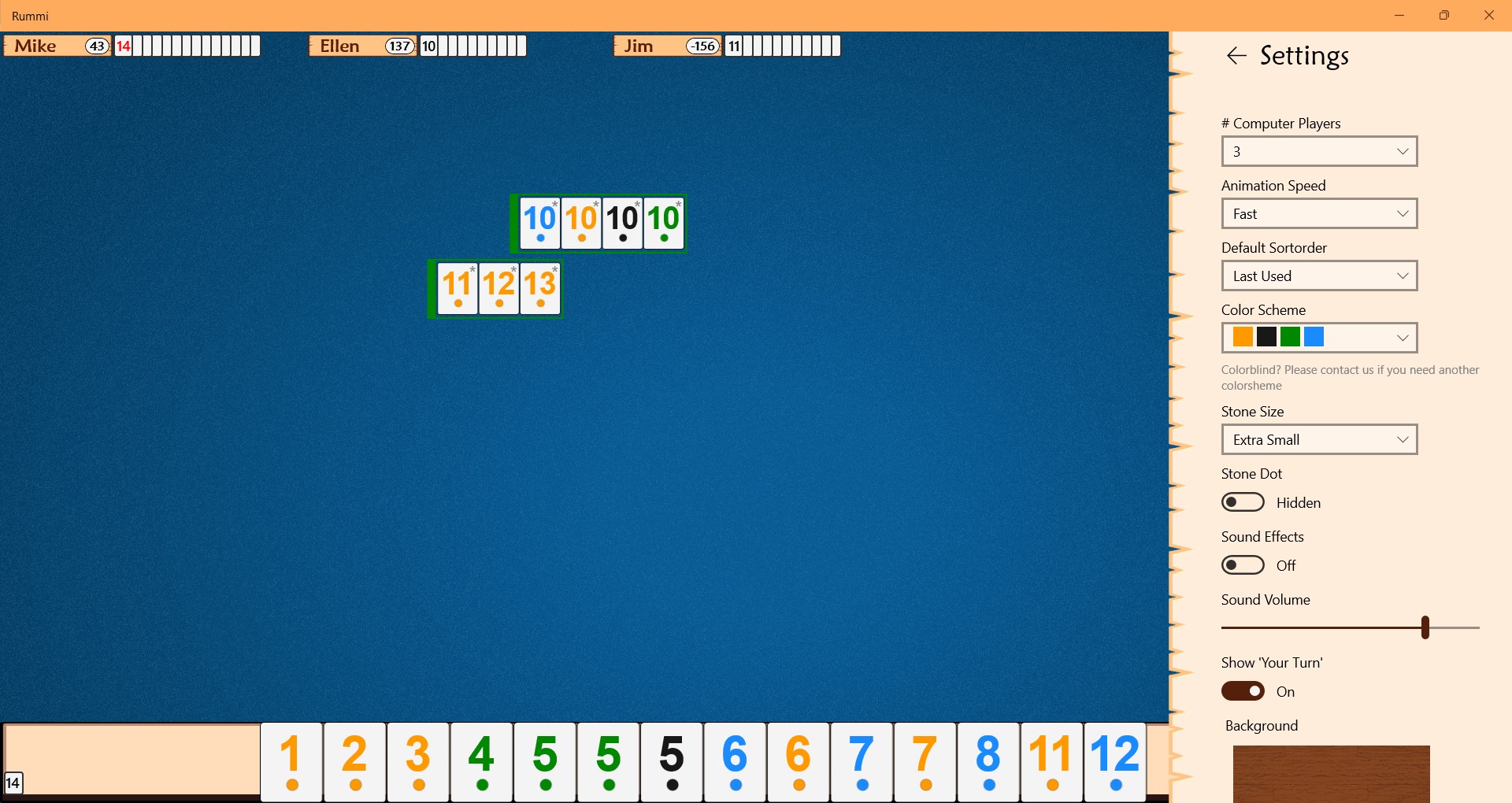
Rummi's multiplayer mode is straightforward to set up, allowing you to quickly jump into online matches or create private tables for your friends. Customization options like tile sets and backgrounds can enhance personal enjoyment, transforming your digital game space into a virtual game room that reflects your style. These features distinguish Rummi from many other digital card and board apps that often lack such personalization, giving it a touch of home comfort amid the digital realm.
Rummi for Windows delivers a clean, accessible experience for lovers of tile and card games. While it may not revolutionize digital tabletop gaming, its strengths lie in its thoughtful design, smooth gameplay, and approachability. If you're seeking a no-fuss, reliable way to indulge in Rummikub and similar games on your PC, this app deserves a spot in your digital collection.
We recommend it for casual players who appreciate a straightforward, well-executed version of classic games, and for enthusiasts eager to enjoy these timeless games anytime, anywhere. Its user-friendly interface and smart AI opponents make it a compelling choice and a good gateway for newcomers to digital tabletop gaming. Overall, Rummi strikes a fine balance—not overly flashy, but certainly dependable for hours of engaging play.
Intuitive User Interface
Multiple Game Modes
Offline Play Support
Good Performance and Stability
Regular Updates and Improvements
Limited Customization Options
Ads During Gameplay
Inexperienced Tutorial System
Limited Social Features
Device Compatibility Issues on Older Phones

for Windows
 4.9
4.9

for Windows
4.8

for Windows
4.8

for Windows
4.8

for Windows
4.8

for Windows
4.8

for Windows
4.8

for Windows
4.7

for Windows
4.7

for Windows
4.7

for Windows
4.7

for Windows
4.7

for Windows
5

for Windows
5

for Windows
5

for Windows
5

for Windows
5

for Windows
5

for Windows
5

for Windows
5

for Windows
5

for Windows
5