Utilities & tools
VS Revo Group Ltd.
PC
Windows 10 version 0.0 or higher
Integrated Keyboard
Integrated Mouse
1 GB
Albanian, Arabic, Armenian, Azerbaijani, Bangla, Bulgarian, Chinese (Simplified), Chinese (Traditional Chinese), Czech, Dutch, Danish, English, Estonian, Finnish, French, German, Gujarati, Greek, Hebrew, Hindi, Hungarian, Croatian, Indonesian, Italian, Japanese, Korean, Kurdish, Macedonian, Norwegian, Polish, Persian/Farsi, Portuguese (Portugal), Portuguese, Portuguese (Brazil), Russian, Romanian, Serbian (Cyrillic), Serbian (Latin), Slovak, Slovenian, Spanish, Swedish, Thai, Turkish, Ukrainian, Vietnamese
If you've ever felt overwhelmed by stubborn programs lingering on your Windows system, Revo Uninstaller Pro steps in as a reliable guide — like a meticulous gardener clearing out weeds to let your PC breathe freely. Designed to offer more than just a basic uninstall, it promises streamlined performance and thorough cleanup, making it a favorite among tech enthusiasts and everyday users alike.
Developed by VS Revo Group Ltd., Revo Uninstaller Pro stands out in the crowded utility landscape with its focus on precision and depth. Its main features include advanced scanning for leftover files and registry entries, powerful junk file cleaning, and real-time monitoring of installations. These elements combine to give users a comprehensive tool to maintain a healthy and efficient Windows environment.
Targeted at users who seek more control than Windows offers out-of-the-box, such as power users, IT professionals, and anyone frustrated by remnants left after uninstalling software, the application caters to a broad spectrum of tech-savvy and casual users seeking peace of mind about their system cleanliness.
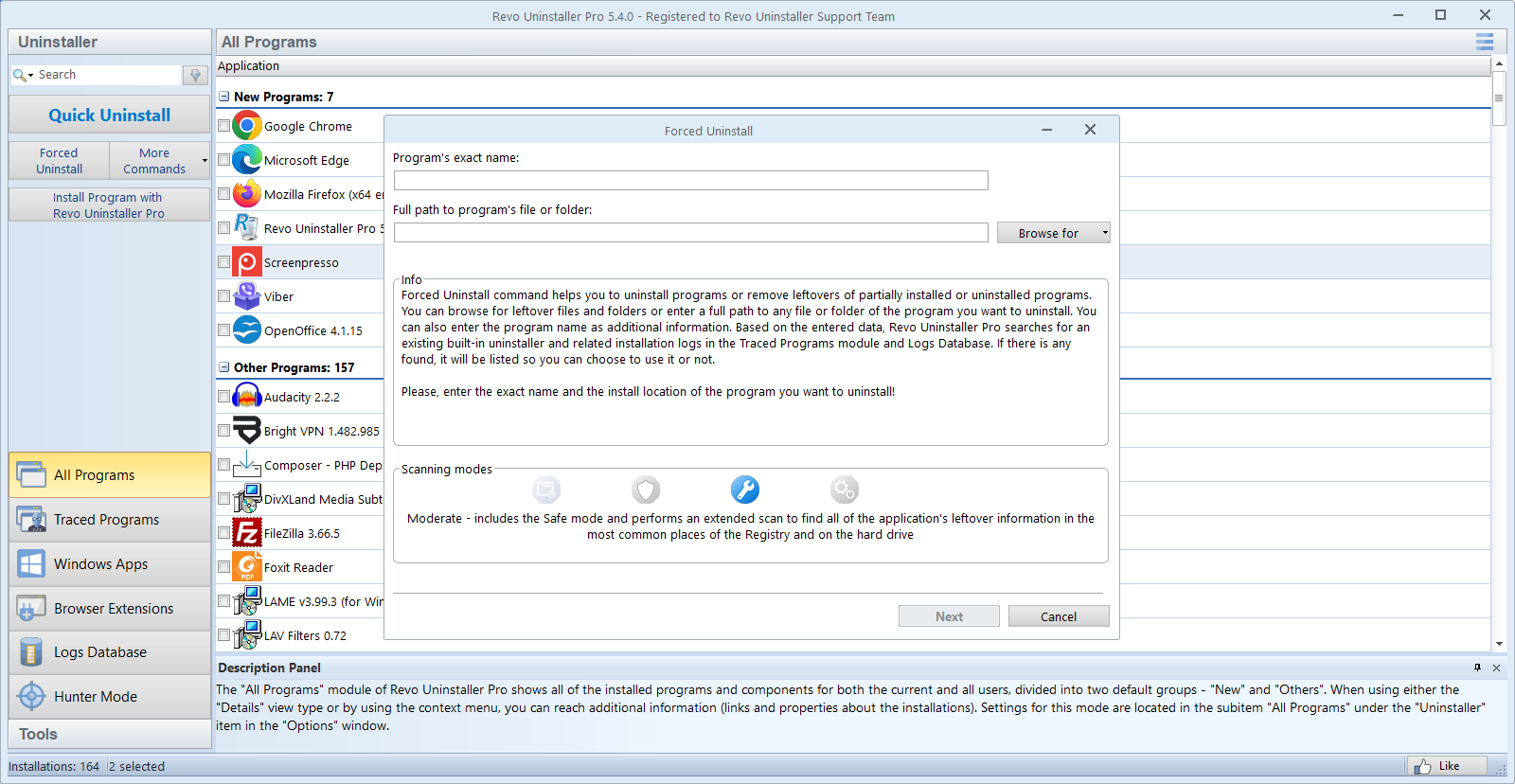
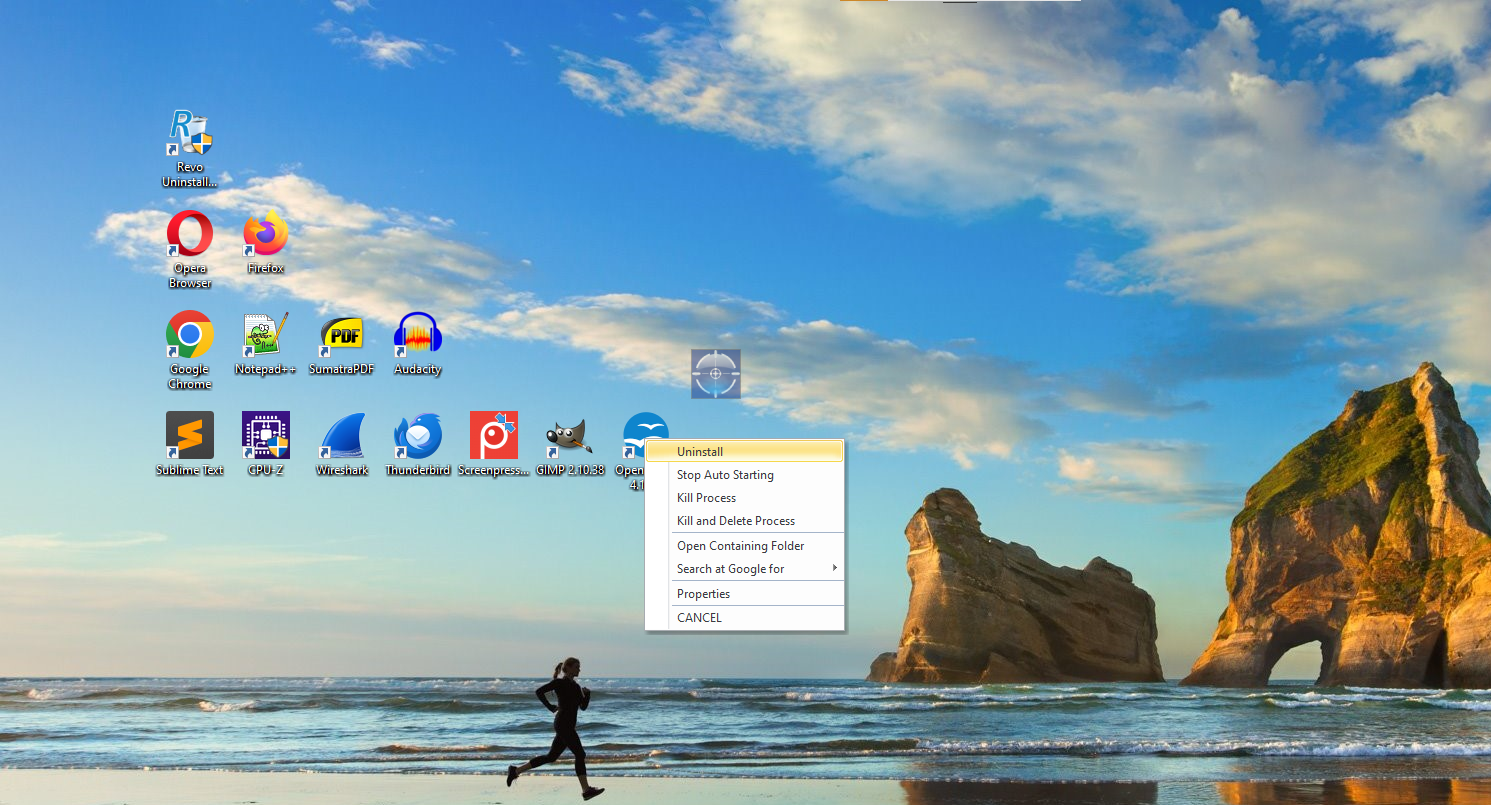
Imagine trying to remove a stubborn sticker from your favorite gadget — you want to peel it off completely without leaving any residue. Revo Uninstaller Pro excels in this analogy; it not only eliminates unwanted programs but also surgically cleans residual files and registry entries that often hide behind the scenes. The built-in 'Hunter Mode' makes this process intuitive: simply drag a target icon onto the application you wish to remove, and the software handles the rest, offering options for forced uninstallation and removal of associated files.
This core feature ensures that leftover clutter doesn't bog down your system over time, maintaining optimal performance and freeing up disk space. Its powerful scanning algorithms are especially valuable when dealing with stubborn or partially uninstalled programs, making it a standout in uninstall management tools.
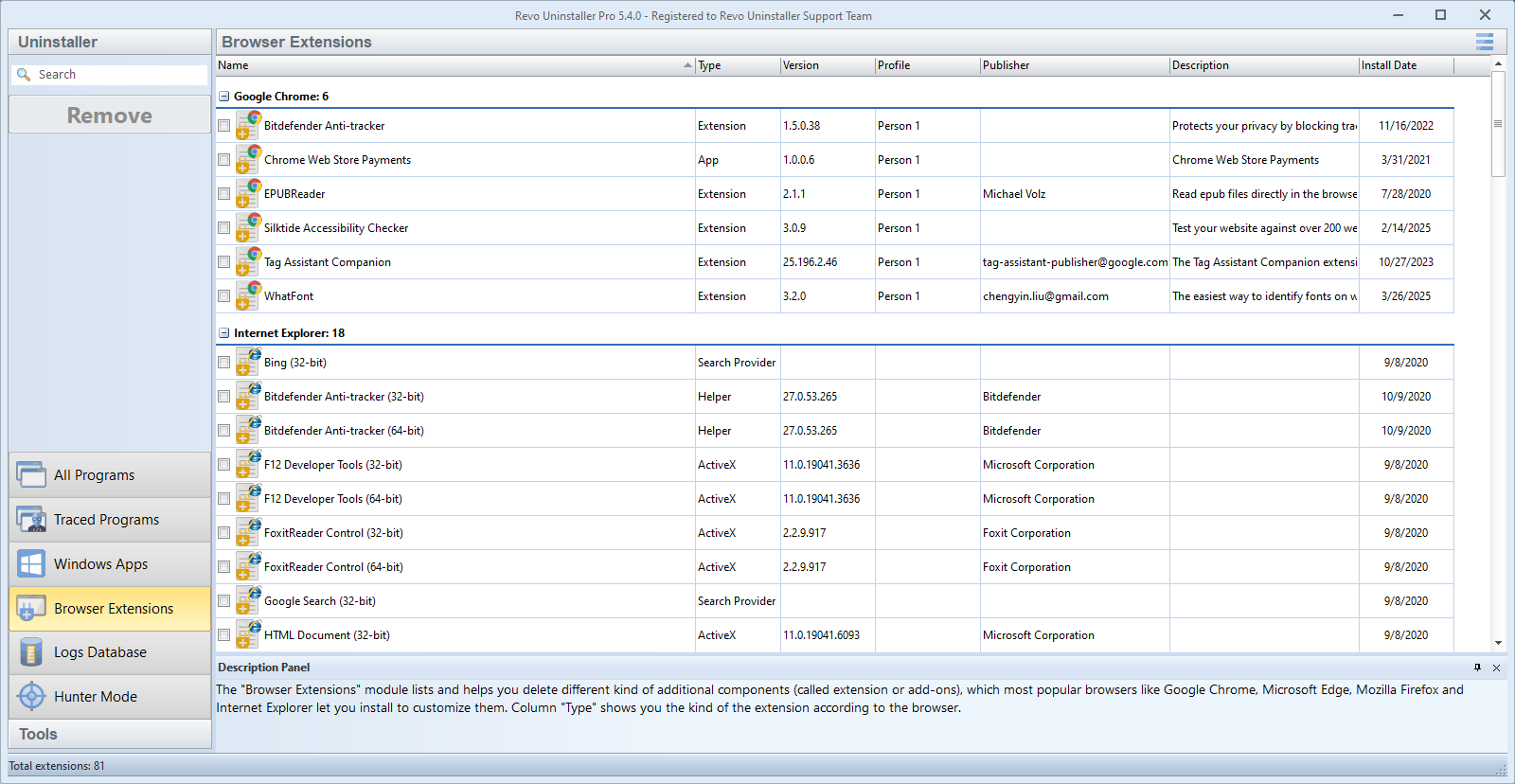
Beyond uninstallation, Revo Uninstaller Pro offers a robust junk file cleaner that scans for obsolete data, temporary files, and browser traces — the digital equivalent of decluttering your desktop or drawer. Its sophisticated scanning engine ensures thoroughness without sacrificing speed, which means less waiting and more efficient cleaning.
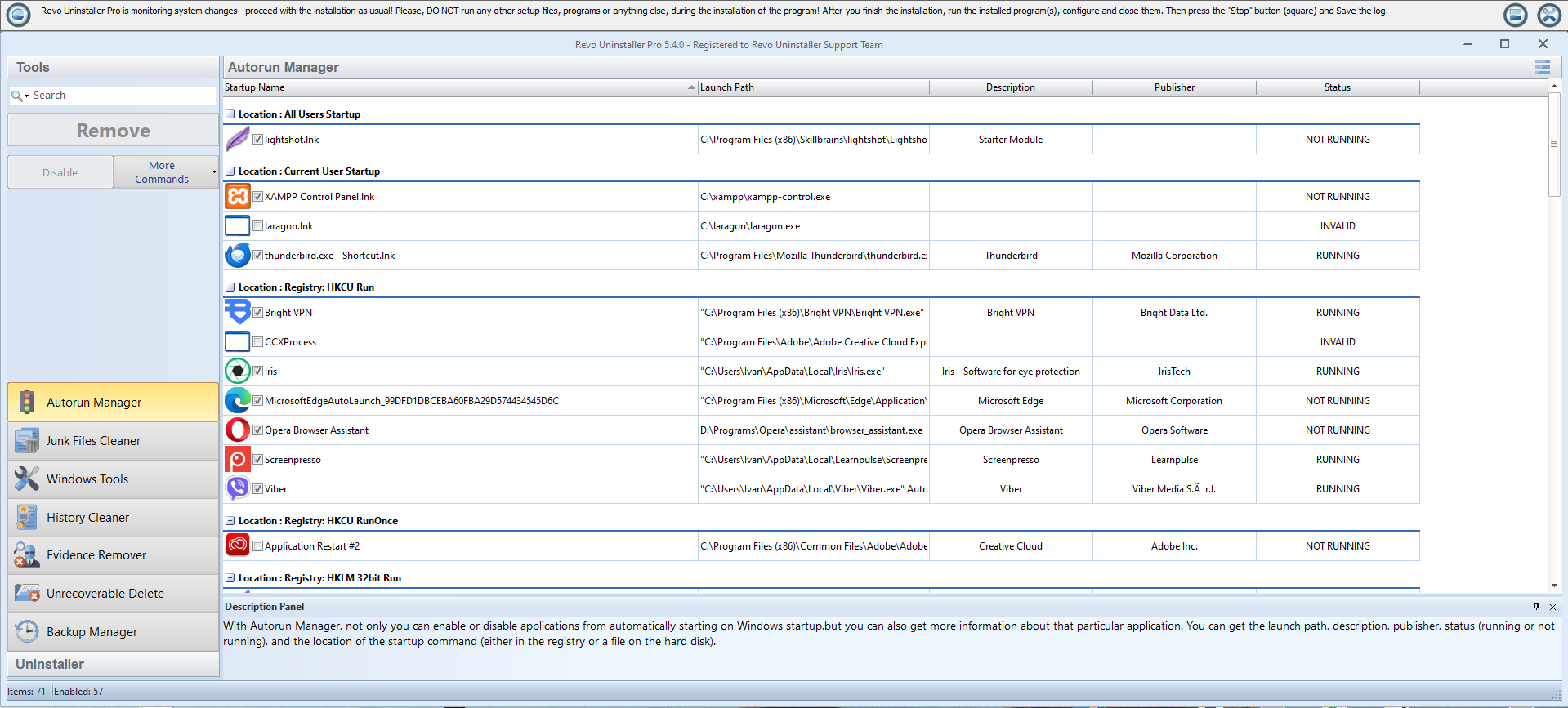
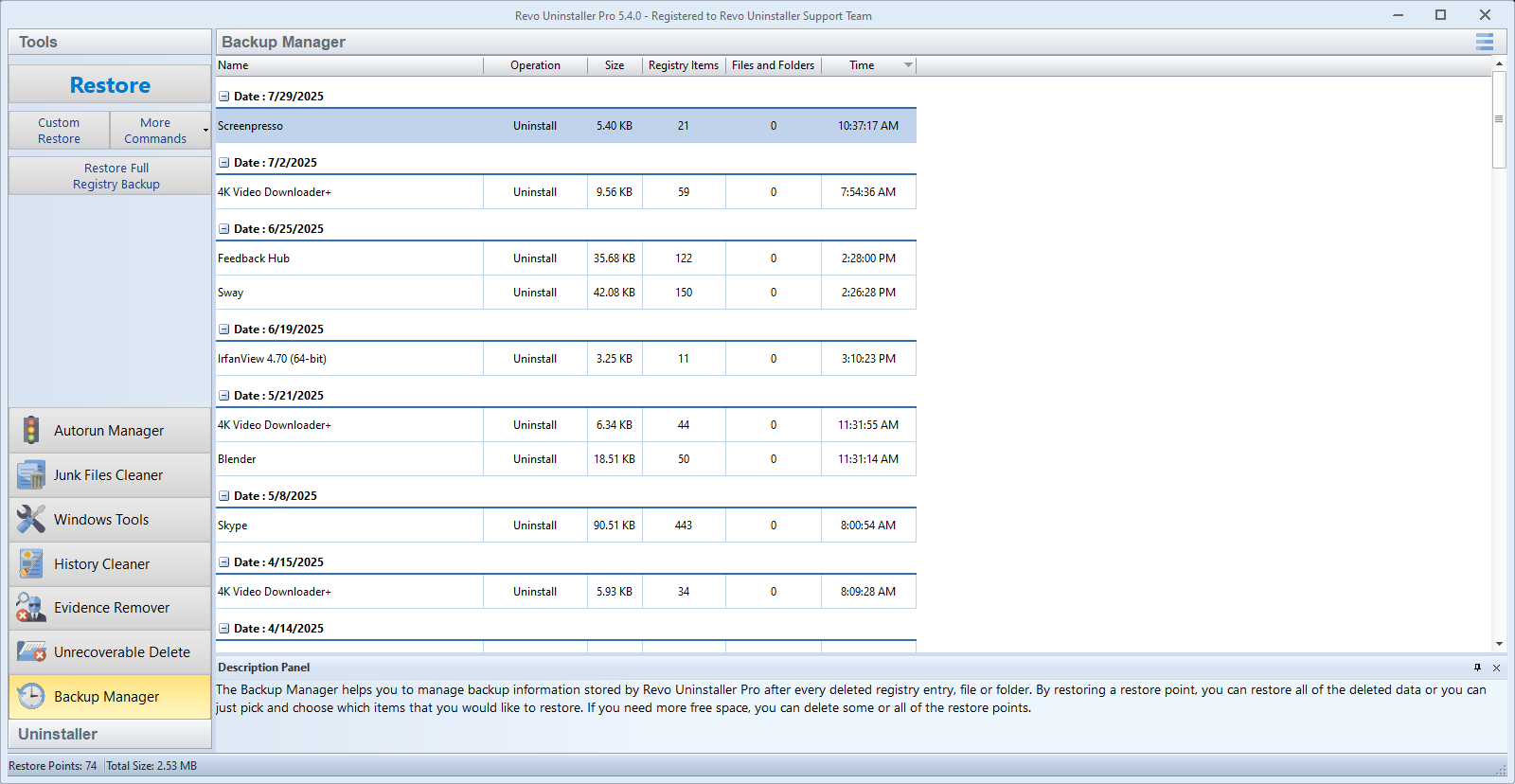
Another highlight is its real-time installation monitoring feature. Think of it as having a super-smart assistant who watches every change your system makes during software installations. By doing so, it creates comprehensive undo points that allow you to revert changes easily, reducing the risk of unintended consequences. This feature is particularly useful for system administrators and power users who regularly test or deploy software updates.
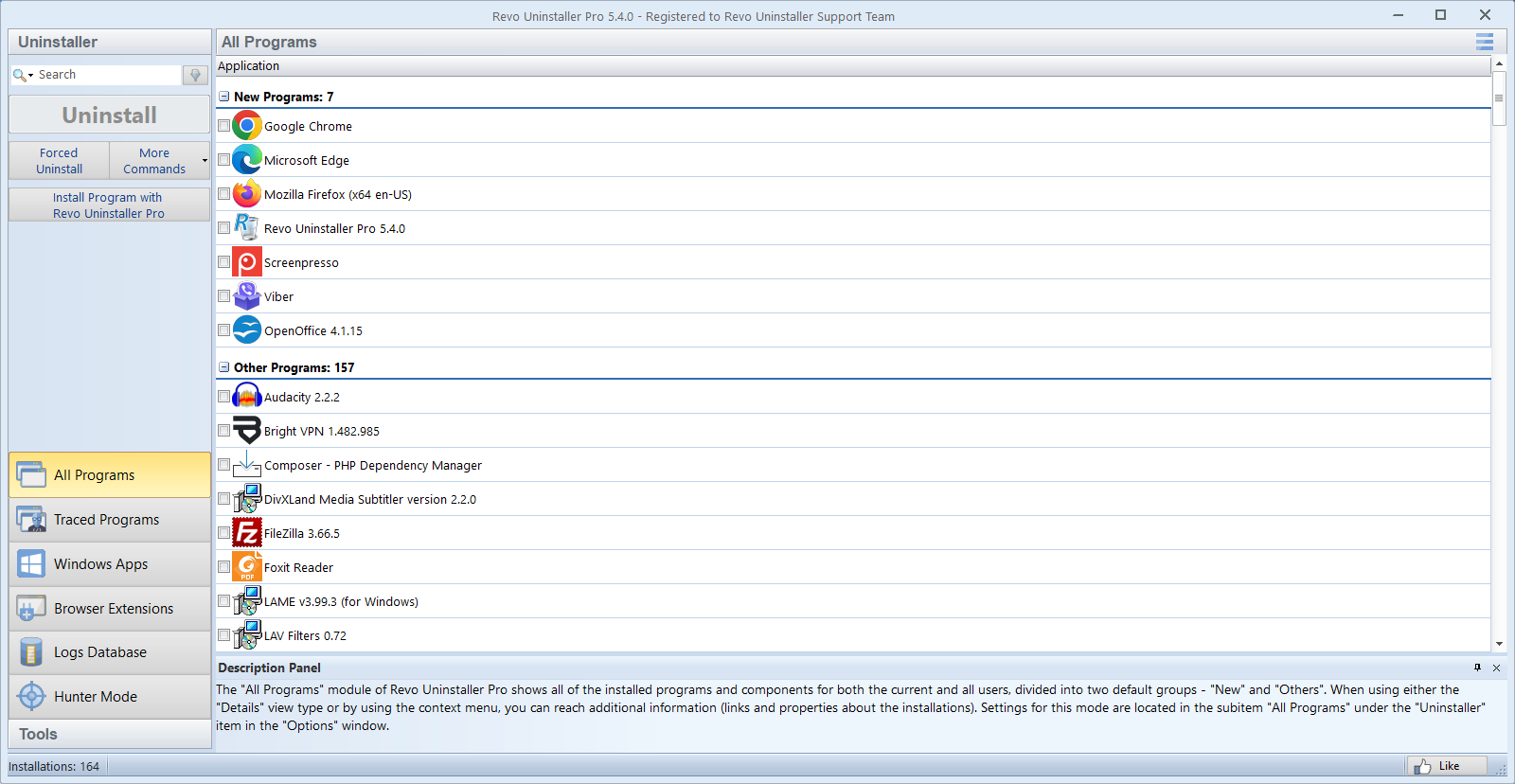
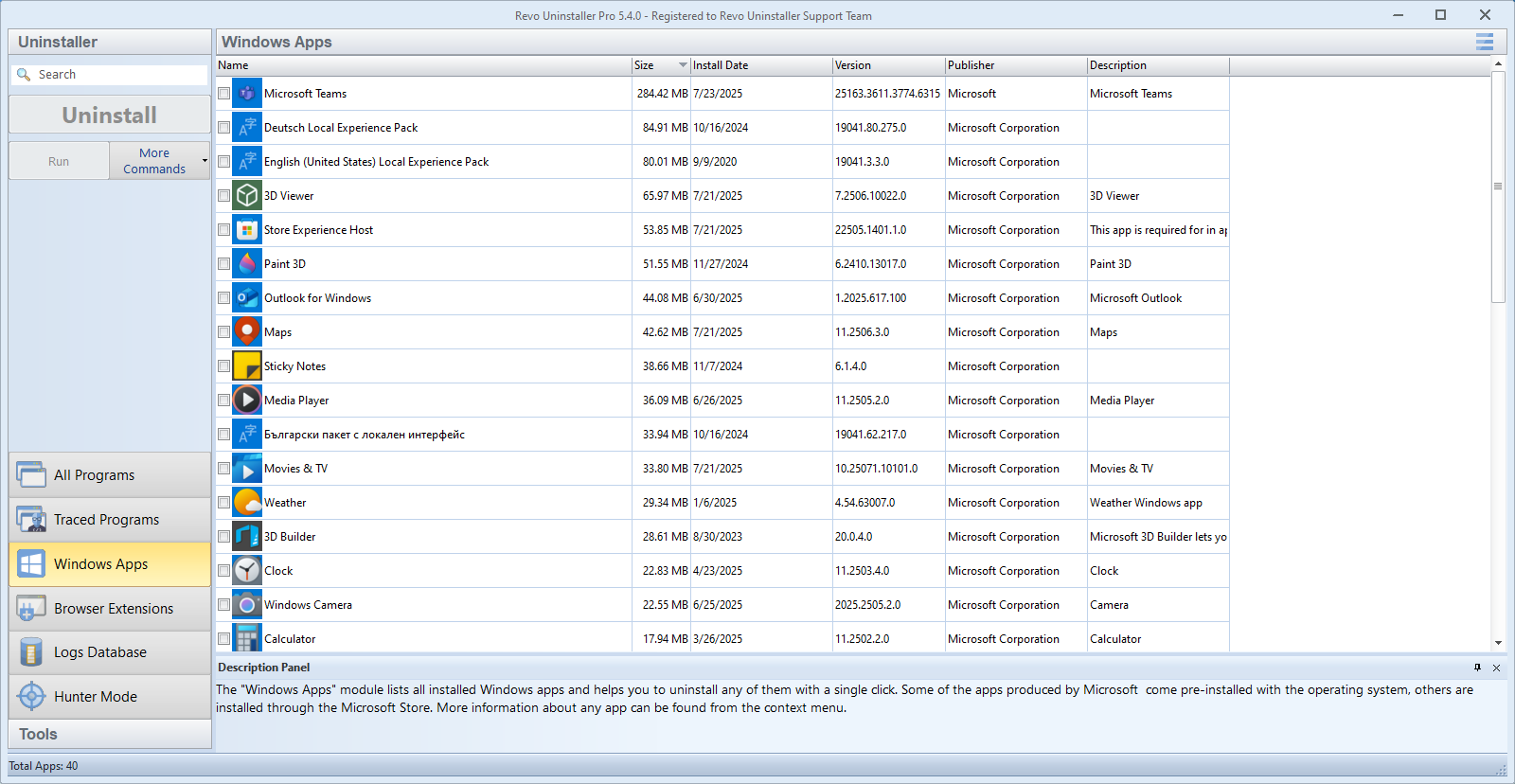
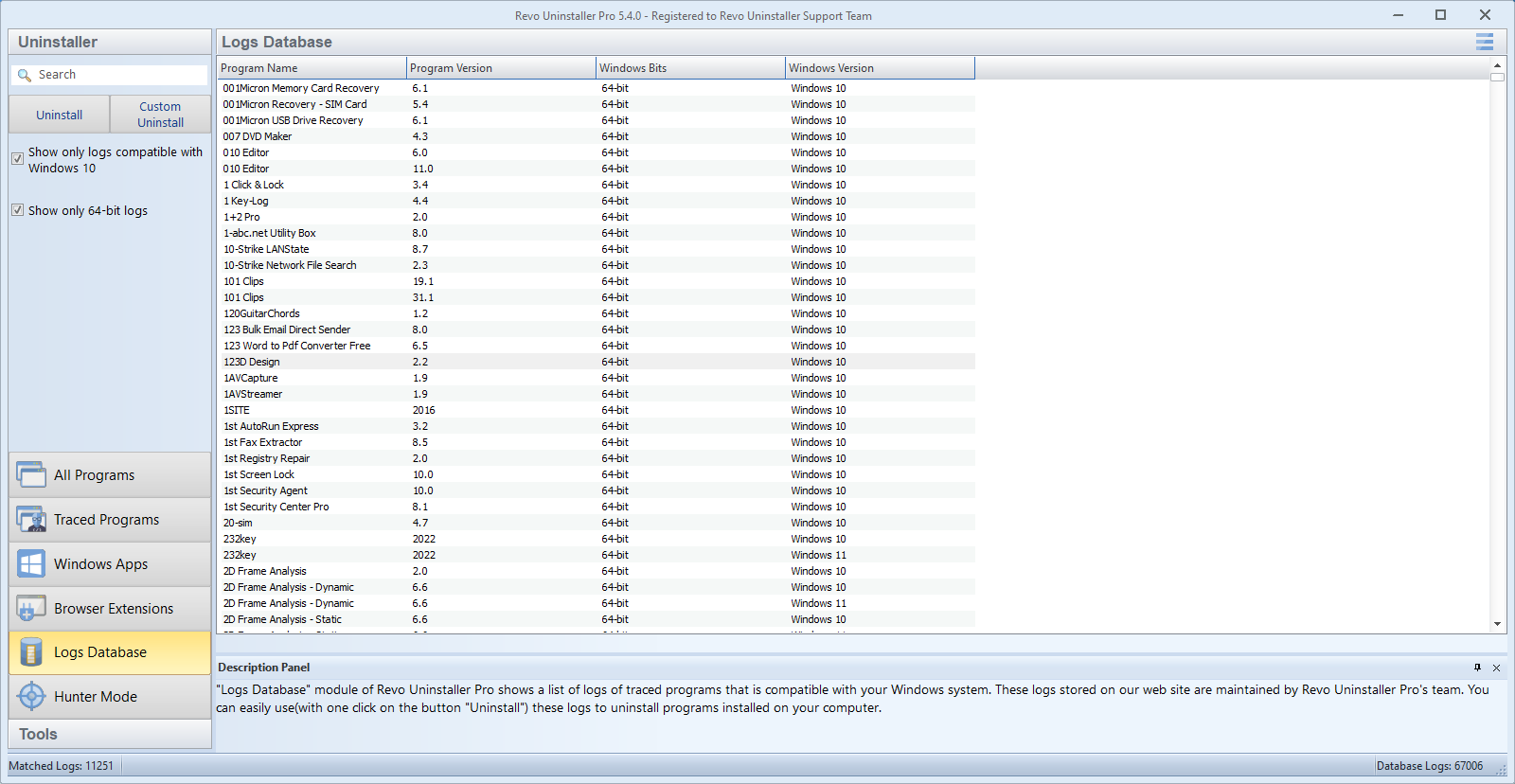
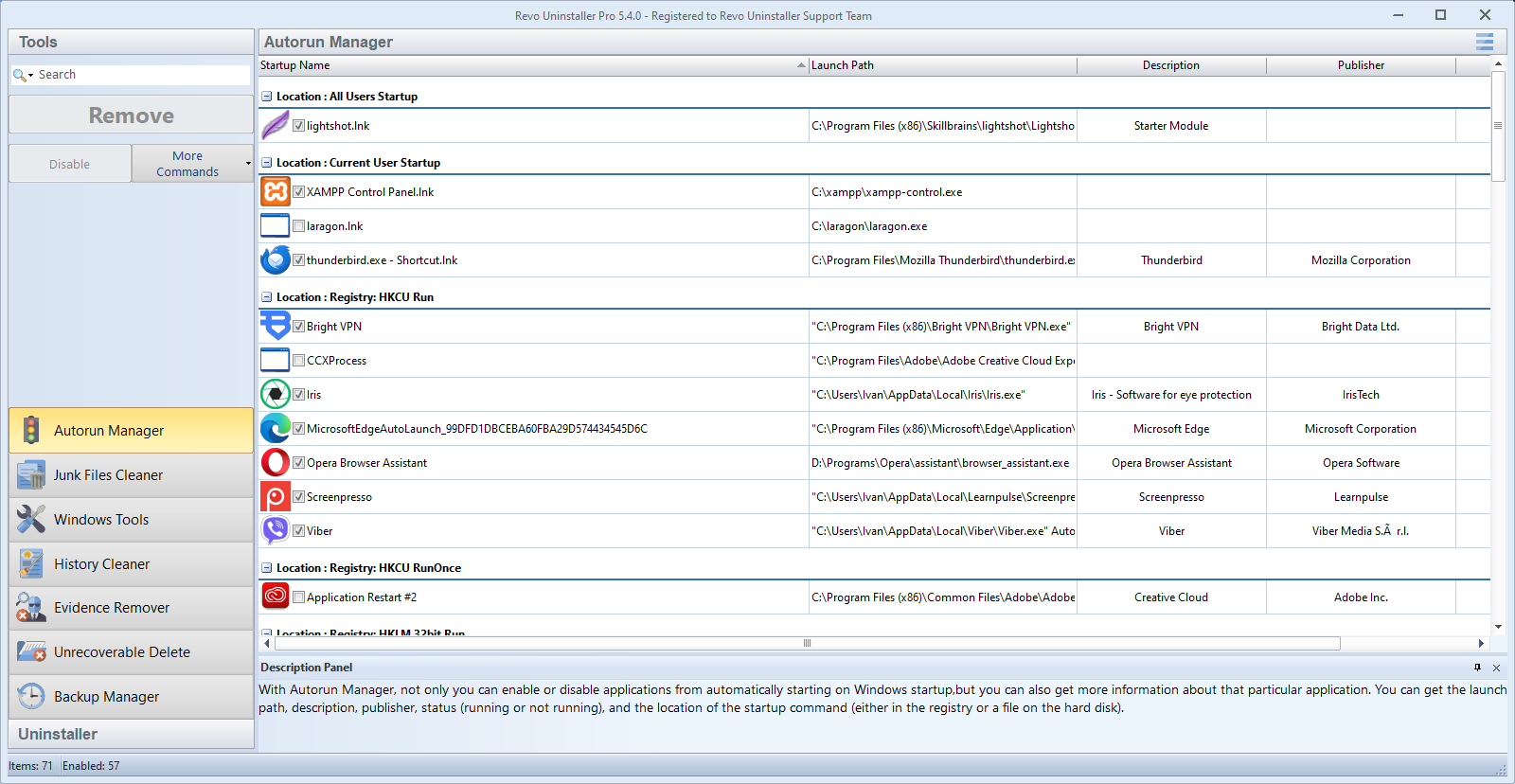
Regarding user interface, Revo Uninstaller Pro adopts a clean, intuitive design resembling a well-organized toolbox — each tool accessible, no clutter in sight. It's easy to navigate, and its learning curve is gentle enough for newcomers while offering advanced options for veterans. The responsiveness of commands and smooth performance further elevate the overall experience.
What sets Revo Uninstaller Pro apart from similar utilities? Its core selling points are its unparalleled scanning depth and its proactive monitoring system. While many uninstallers merely delete programs, Revo digs deeper to eliminate hidden leftovers, ensuring your system remains clutter-free. Its real-time monitoring acts like a security camera for software changes, giving users peace of mind that nothing slips through unnoticed.
Considering all these strengths, I would confidently recommend Revo Uninstaller Pro for those seeking a trustworthy and thorough system maintenance tool. It's particularly useful for users who frequently install and uninstall software, want to keep their system lean, and prefer a tool that offers both simplicity and advanced control.
Comprehensive Uninstallation Cleaning
User-Friendly Interface
Real-Time Monitoring
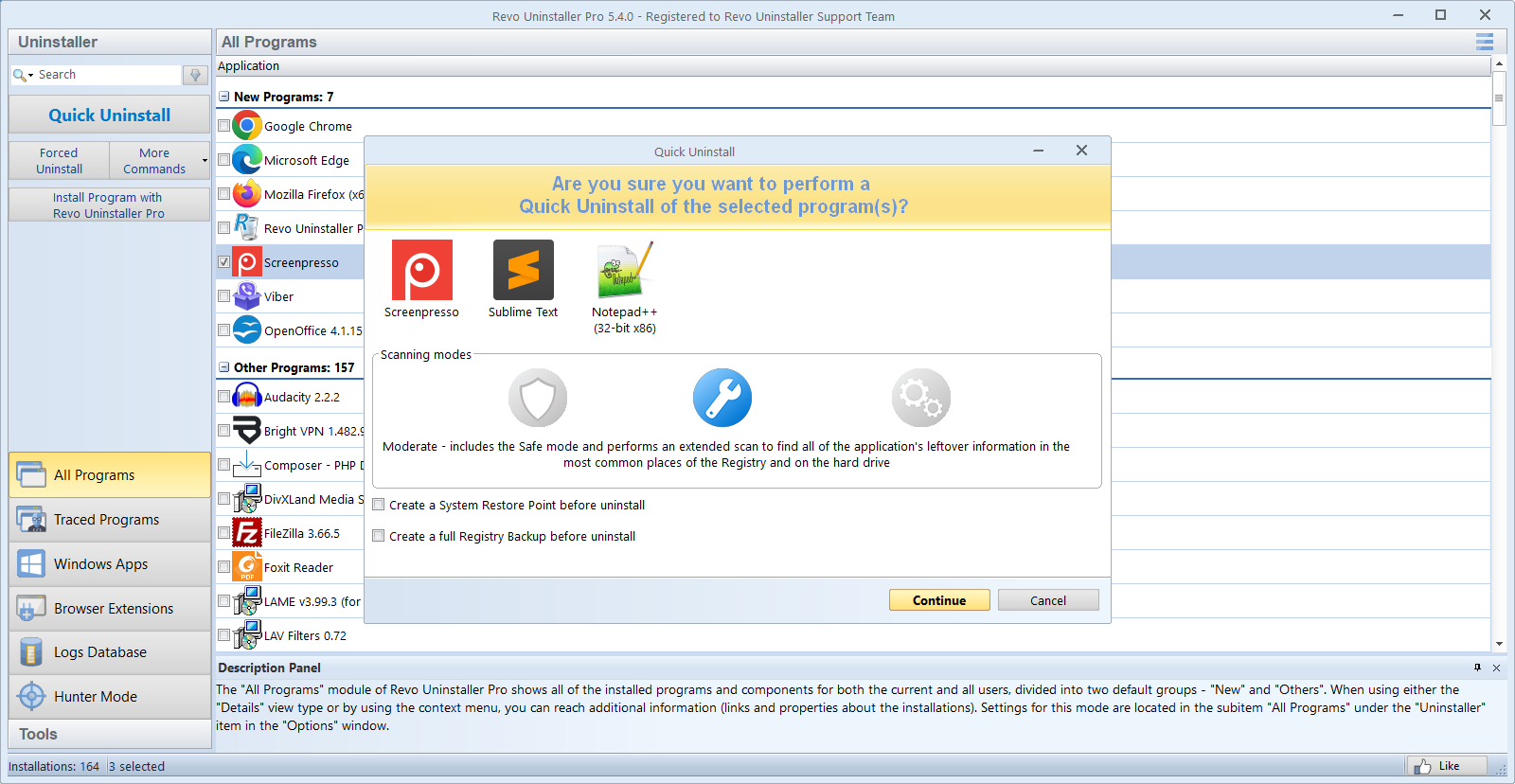
Batch Uninstallation Support
Additional Tools for Deep Cleaning
High Resource Usage During Deep Scans
Limited Free Features
Occasional False Positives
Learning Curve for Advanced Features
Automatic Updates Could Be Improved

for Windows
 5
5

for Windows
5

for Windows
5

for Windows
5

for Windows
5

for Windows
4.9

for Windows
4.9

for Windows
4.9

for Windows
4.9

for Windows
4.9

for Windows
4.9

for Windows
4.9

for Windows
5

for Windows
5

for Windows
5
for Windows
5

for Windows
5

for Windows
5

for Windows
5

for Windows
5

for Windows
5

for Windows
5