Social
Reddit, Inc.
PC, Mobile, Surface Hub
Windows 10 version 19003.0 or higher
Integrated Keyboard
Integrated Mouse
English (United States)
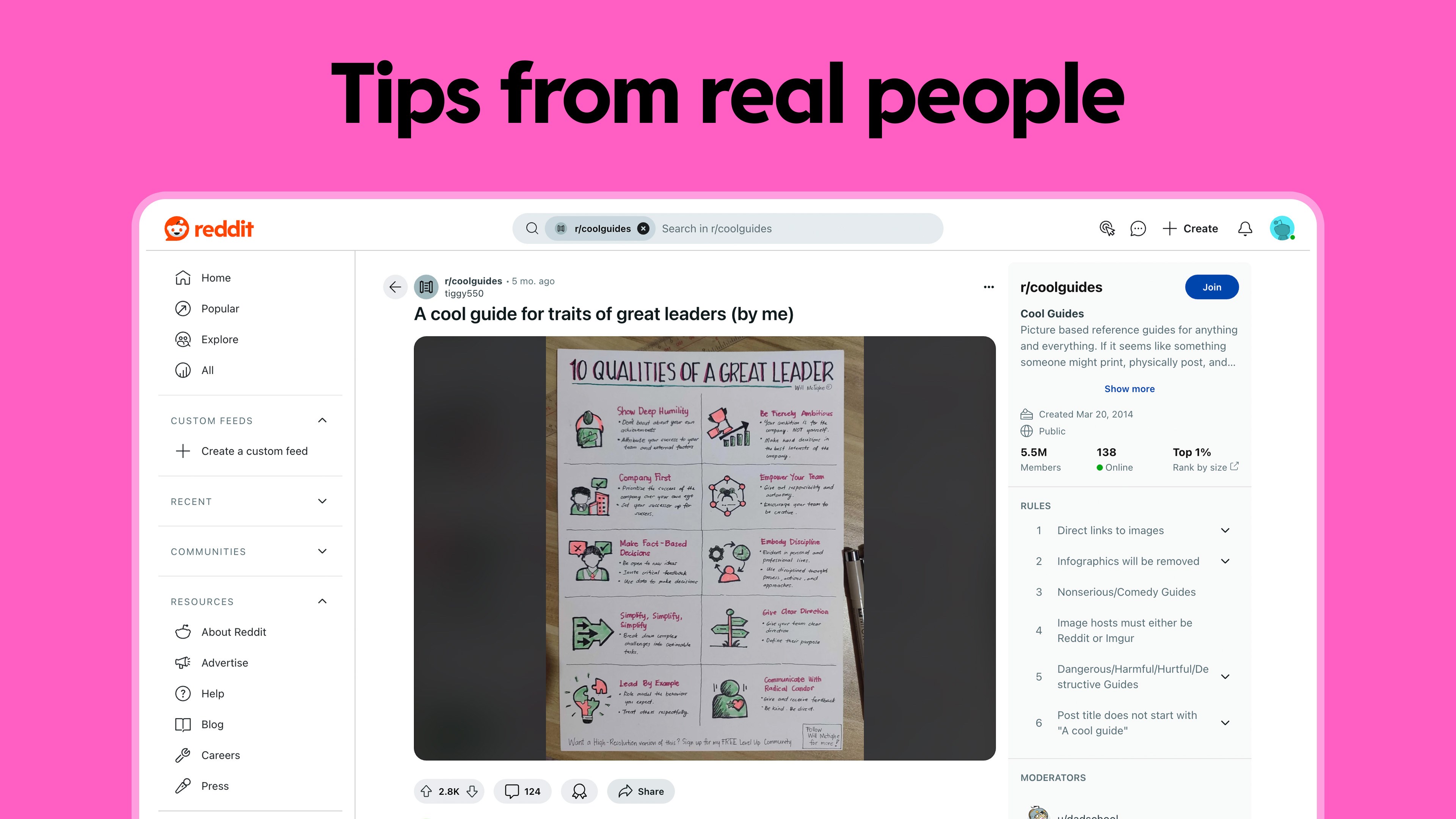
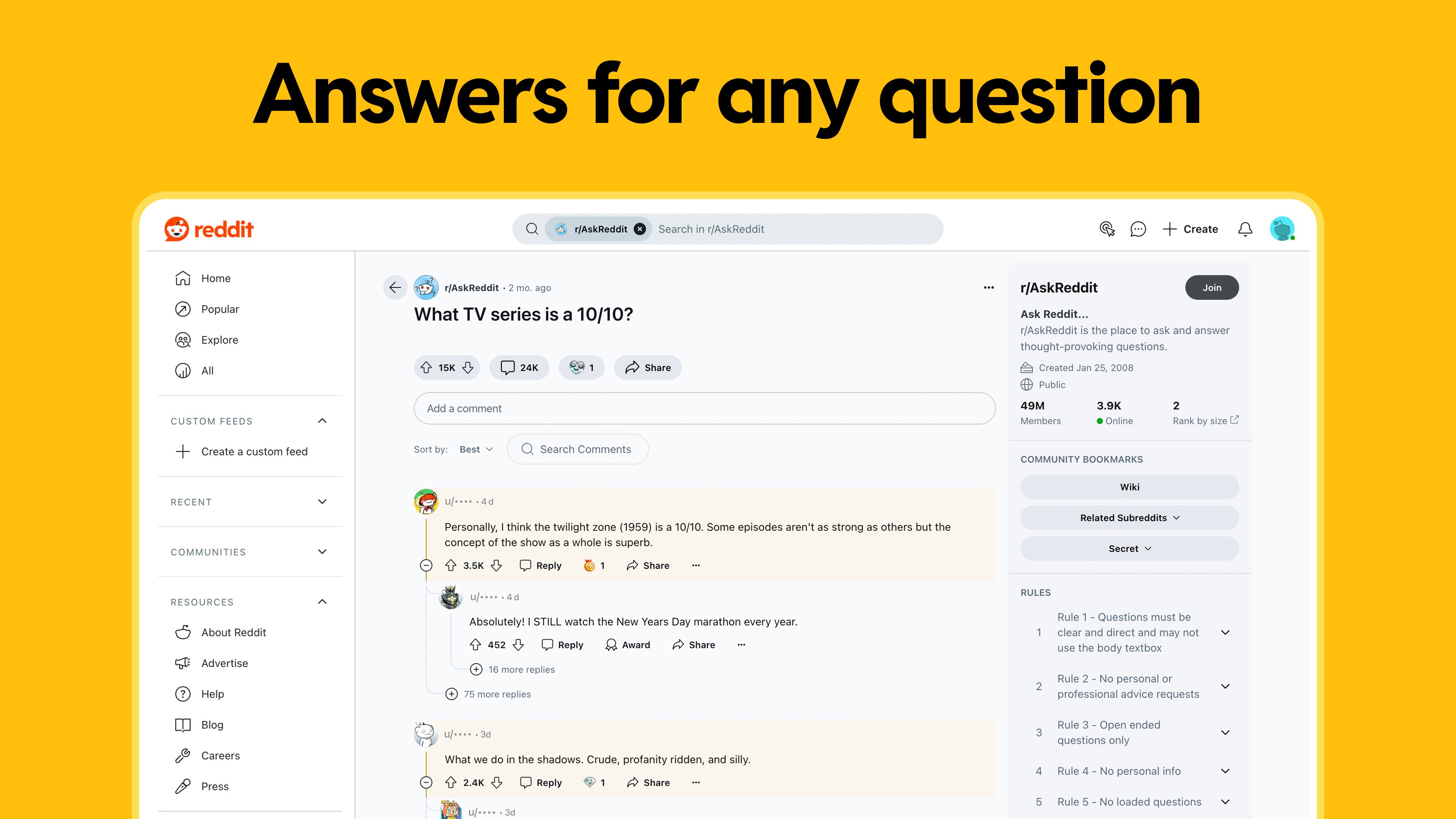
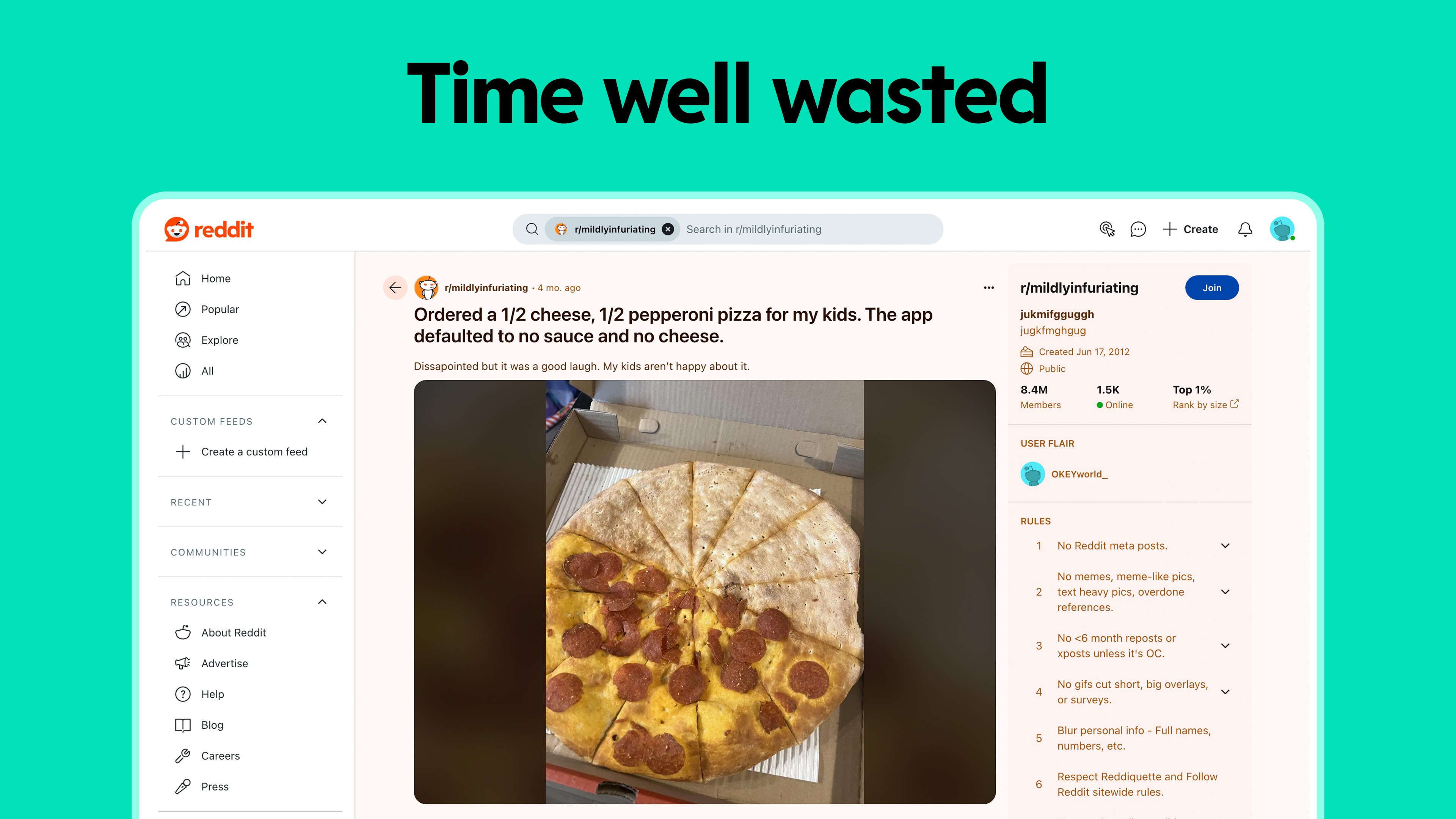
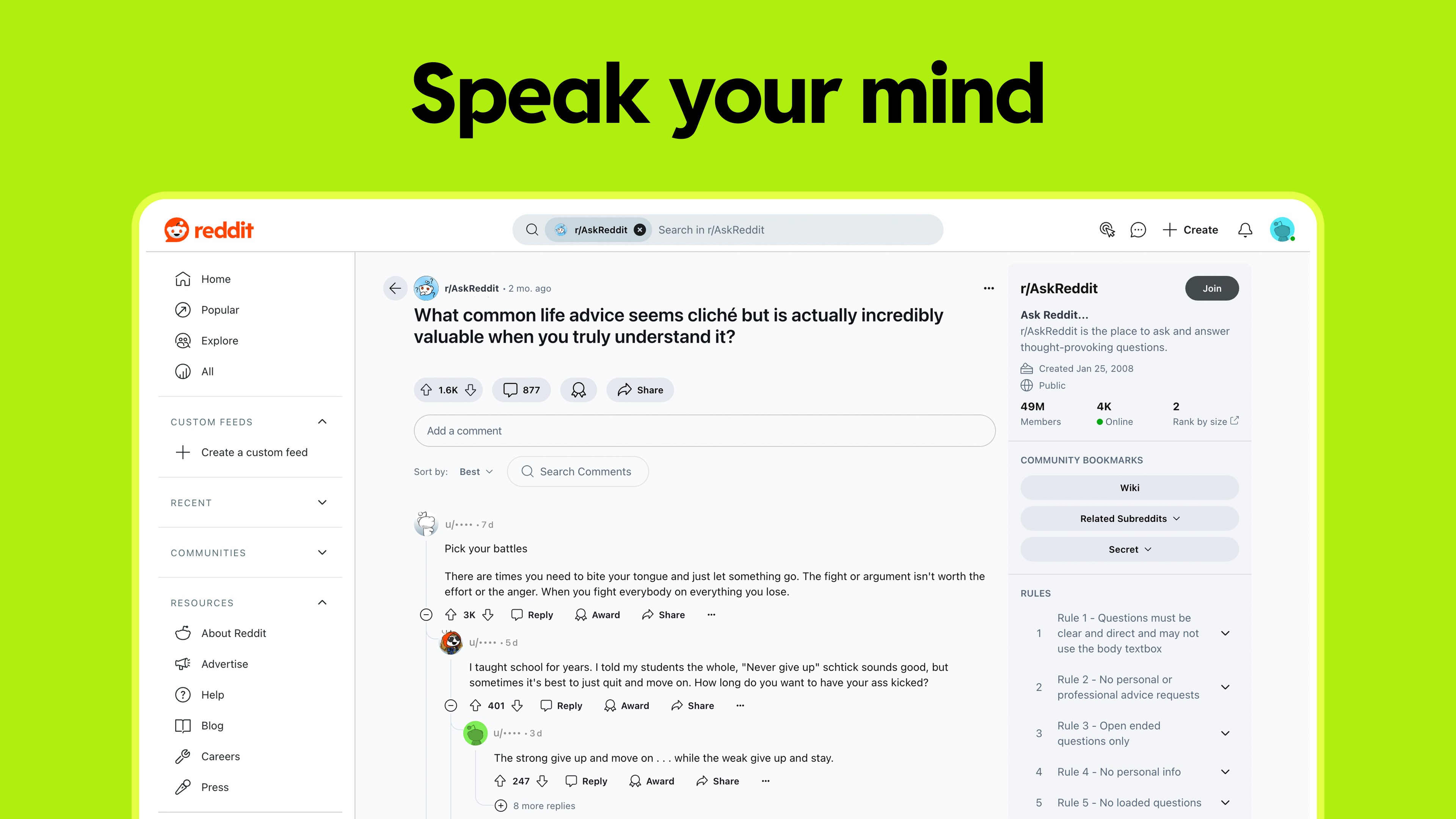
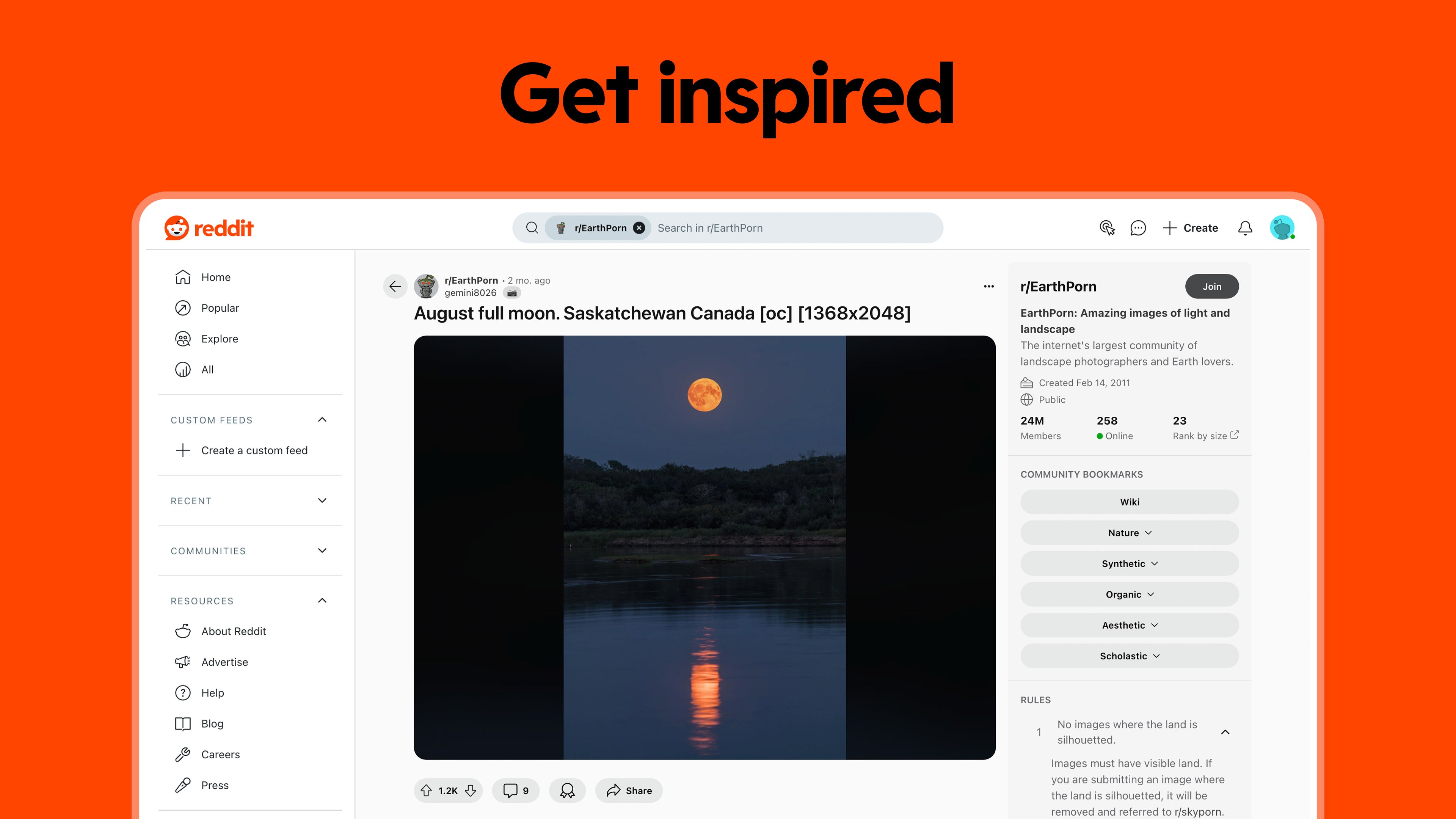
Reddit for Windows aims to streamline your social browsing experience, bringing the vibrant world of Reddit directly to your desktop with a user-friendly interface and tailored features. Designed by Reddit Inc., this app promises to offer a more personalized and connected way to explore the vast communities on Reddit, whether you're a casual lurker or an active contributor.
One of the app's most compelling features is its emphasis on user authenticity and profile customization. Users can fine-tune their profiles, showcase badges, and verify their identities, fostering a more genuine community environment. This stands in contrast to many social apps where anonymity often leads to less accountability, offering Reddit users a sense of trustworthiness and identity confirmation that's especially valuable in niche or high-stakes discussions.
The app's connection discovery feature works like a sophisticated matchmaking service for Reddit communities. It suggests relevant subreddits based on your interests and browsing habits, making it easier to find new communities without endless searching. This personalized content curation turns the desktop Reddit experience into a curated voyage, akin to having a knowledgeable friend introduce you to hidden gems in your favorite hobby.
The design of Reddit for Windows strikes a balance between minimalism and functionality. The interface feels polished and modern, with clear navigation menus and responsive interactions that make browsing feel seamless—almost like flipping through a well-organized magazine. Despite its feature-rich nature, the app remains lightweight, ensuring quick load times and smooth operation even when handling media-rich posts or multiple tabs, providing a frustration-free user experience.
The app's interface is laid out in a way that feels welcoming without overwhelming. Its homepage showcases top posts and personalized recommendations, while sidebar navigation allows quick access to your favorite subreddits, messages, and notifications. Navigating through threads is intuitive, and content loading is quick, resembling a smooth scroll through a well-curated digital library. For new users, the learning curve isn't steep—the layout echoes familiar social media paradigms—yet power users will appreciate the depth of customization options.
Unlike many social platforms that focus on broad connectivity or multimedia sharing, Reddit for Windows emphasizes profile authenticity and personalized discovery. Its verification feature stands out, providing a layer of trustworthiness that is often absent in other social apps. Moreover, its connection discovery system is second to none—it actively suggests communities based on your interests, making the process of finding meaningful content feel like having a dedicated guide rather than a random scroll through endless feeds.
Reddit for Windows is a solid choice for anyone wanting a more tailored Reddit experience on their desktop. Its emphasis on profile authenticity and community connection sets it apart from more generic social apps. If you value genuine interactions, personalized content discovery, and a clean, responsive interface, this app deserves a spot on your desktop. For casual Redditors and power users alike, I'd recommend giving it a try—it's like upgrading from standard radio to HD stereo: you might not realize how much you needed it until you experience the difference.
Intuitive User Interface
Fast Content Loading
Robust Notification System
Customizable Feed
Enhanced Media Support
Limited Customization Options
Occasional App Crashes
Delayed Content Updates
Restricted Offline Access
Notification Overlap Issues

for Windows
 5
5

for Windows
4.9

for Windows
4.8

for Windows
4.7

for Windows
4.7

for Windows
4.6

for Windows
4.6

for Windows
4.5

for Windows
4.5

for Windows
4.5

for Windows
4.5

for Windows
4.4

for Windows
5

for Windows
5

for Windows
5

for Windows
5

for Windows
5
for Windows
5

for Windows
5

for Windows
5

for Windows
5

for Windows
5