Music
Glauco
PC, Mobile, Surface Hub
Windows 10 version 14393.0 or higher
750 MB
Arabic, Chinese (Simplified), Chinese (Traditional Chinese), English, French, German, Hindi, Italian, Japanese, Korean, Korean , Norwegian (Bokmål), Portuguese, Russian, Spanish
Recording Studio Pro for Windows is a versatile digital audio workstation designed to cater to both amateur and semi-professional music producers seeking a straightforward yet powerful recording environment.
Created and published by Glauco, a developer known for crafting user-friendly audio applications, Recording Studio Pro aims to offer an accessible platform for music creation, editing, and mixing on Windows PCs.
Imagine walking into a cozy, well-lit studio where every knob and button feels intuitive—Recording Studio Pro for Windows offers just that, transforming your PC into a reliable creative hub. Its straightforward workflow allows musicians to focus on the art, not the technicalities, making every session feel rewarding, almost like collaborating face-to-face with a seasoned producer.
The standout feature of Recording Studio Pro is its ability to assess your rhythm accuracy by analyzing pattern variety and input latency tolerance. Unlike traditional DAWs that only record and edit, this app actively evaluates your timing precision—crucial for genres like jazz or electronic music where groove is everything. It provides real-time feedback, highlighting inconsistency points, and guides you toward more stable performances. This focus on rhythm fidelity empowers users to develop tighter timing habits, effectively elevating their musicianship without needing expensive hardware or complex configurations.
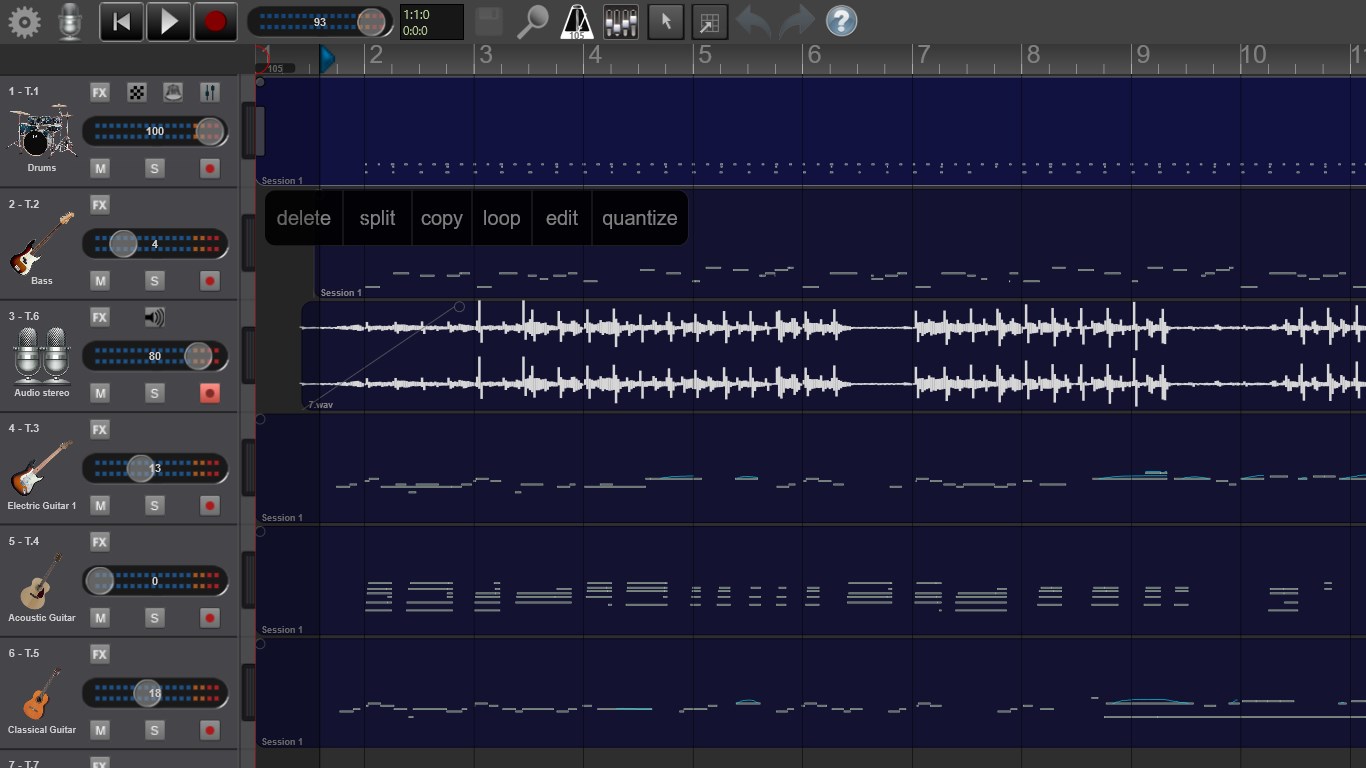
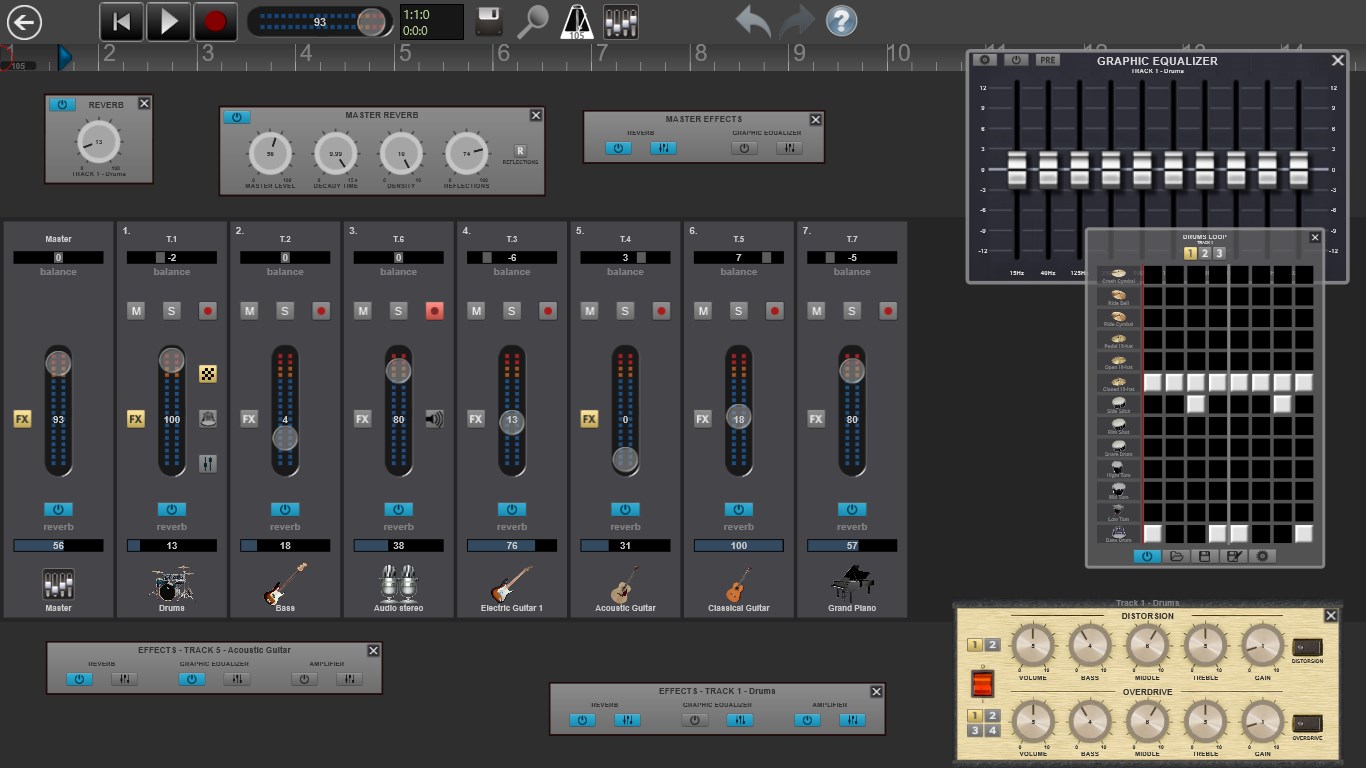
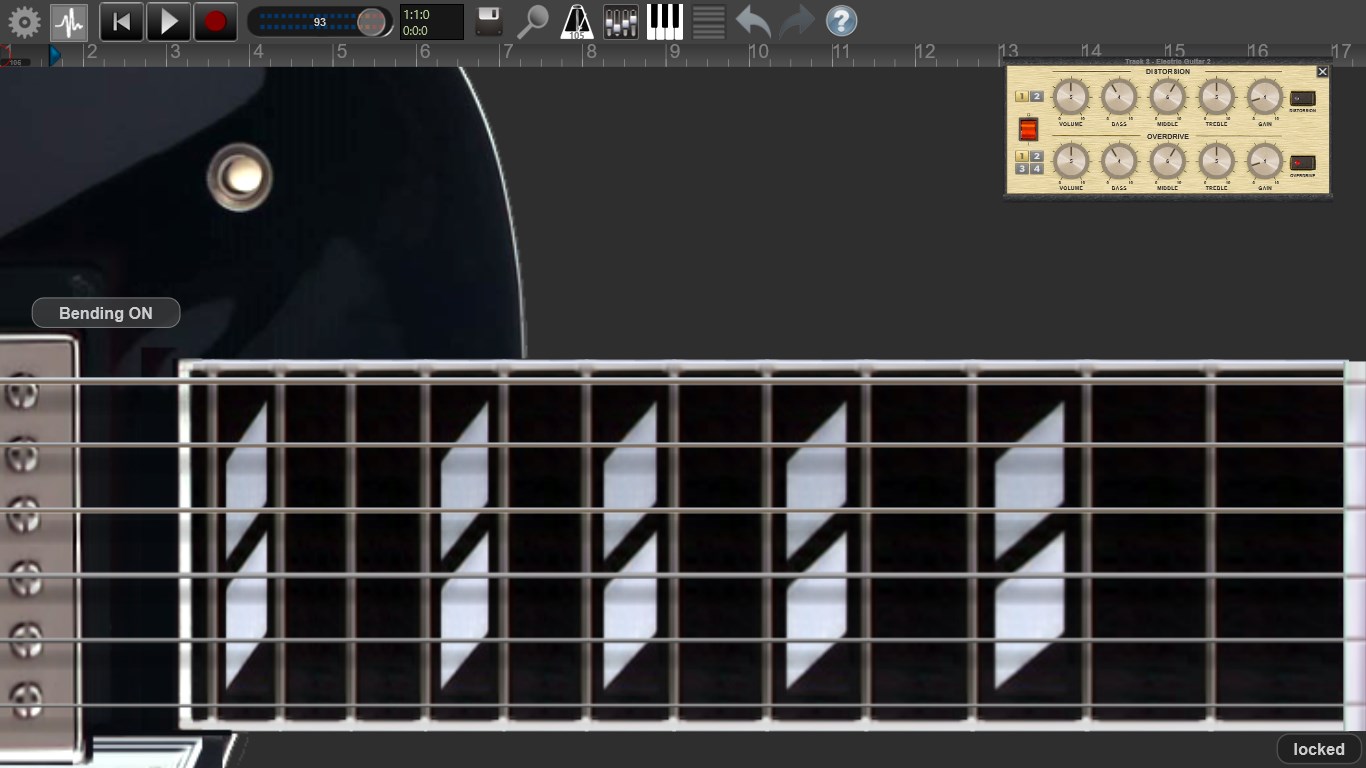
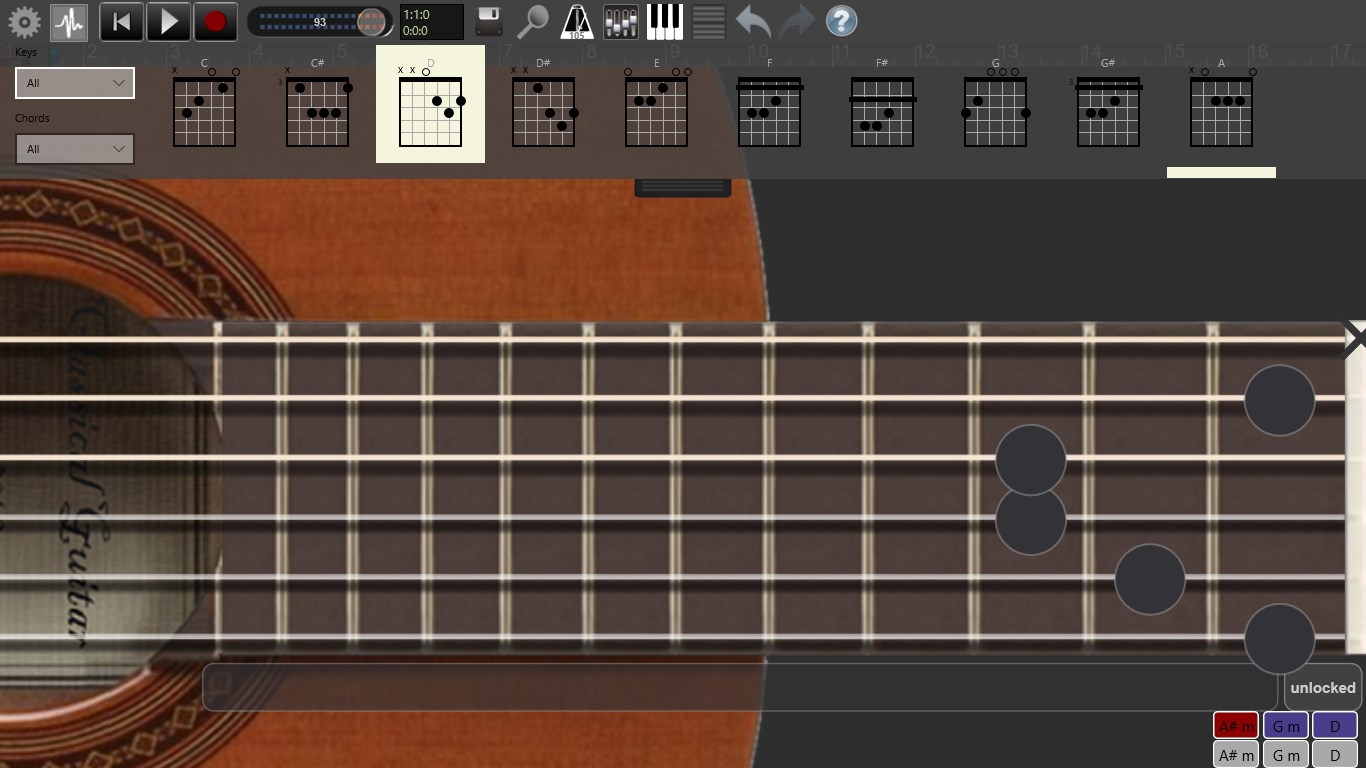
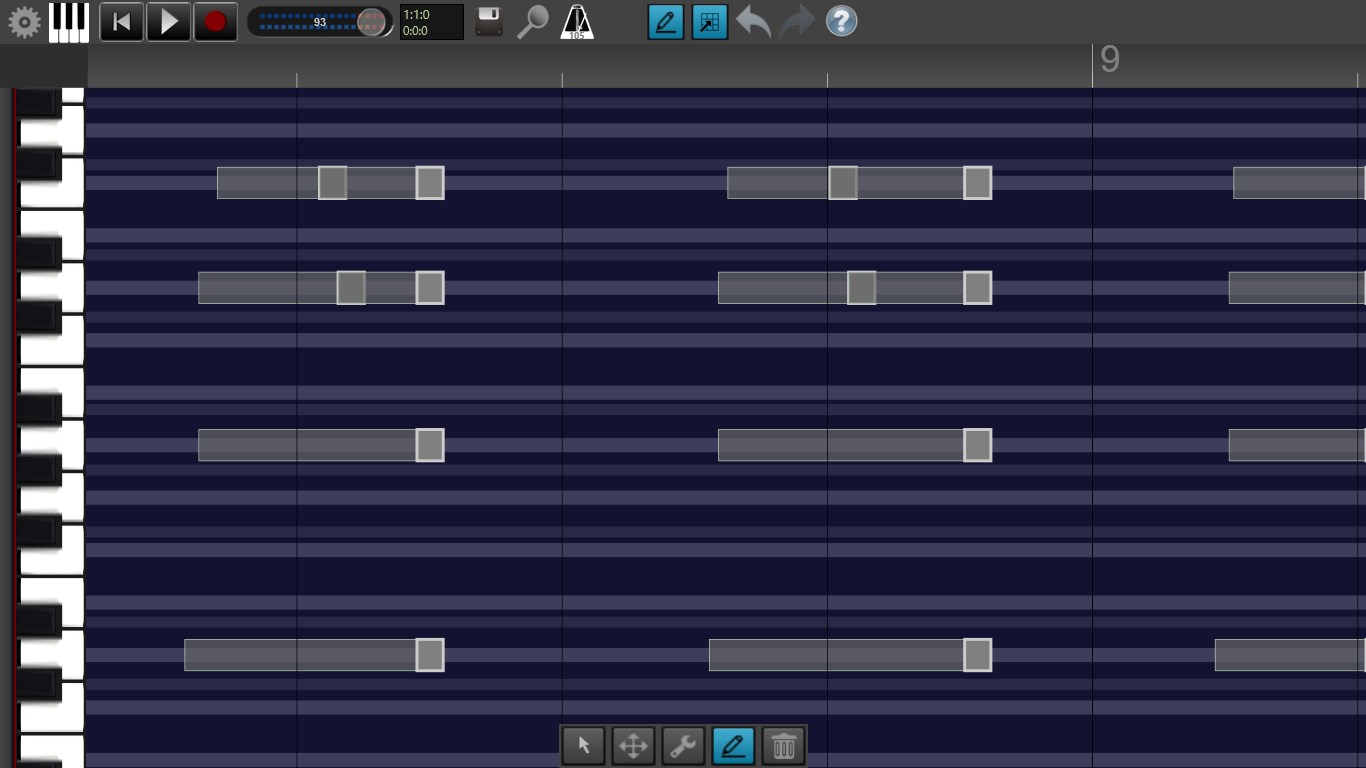
The core of any studio is its capability to layer sounds. Recording Studio Pro excels here with a clean, uncluttered interface that makes multi-track recording effortless. Drag in your microphone or instrument inputs, and start capturing performances with minimal delay. During mixing, the app offers basic yet essential editing tools—cut, paste, fade, normalize—allowing you to polish recordings within a single workspace. The real-time monitoring and undo features further enhance user confidence, especially those new to digital production.
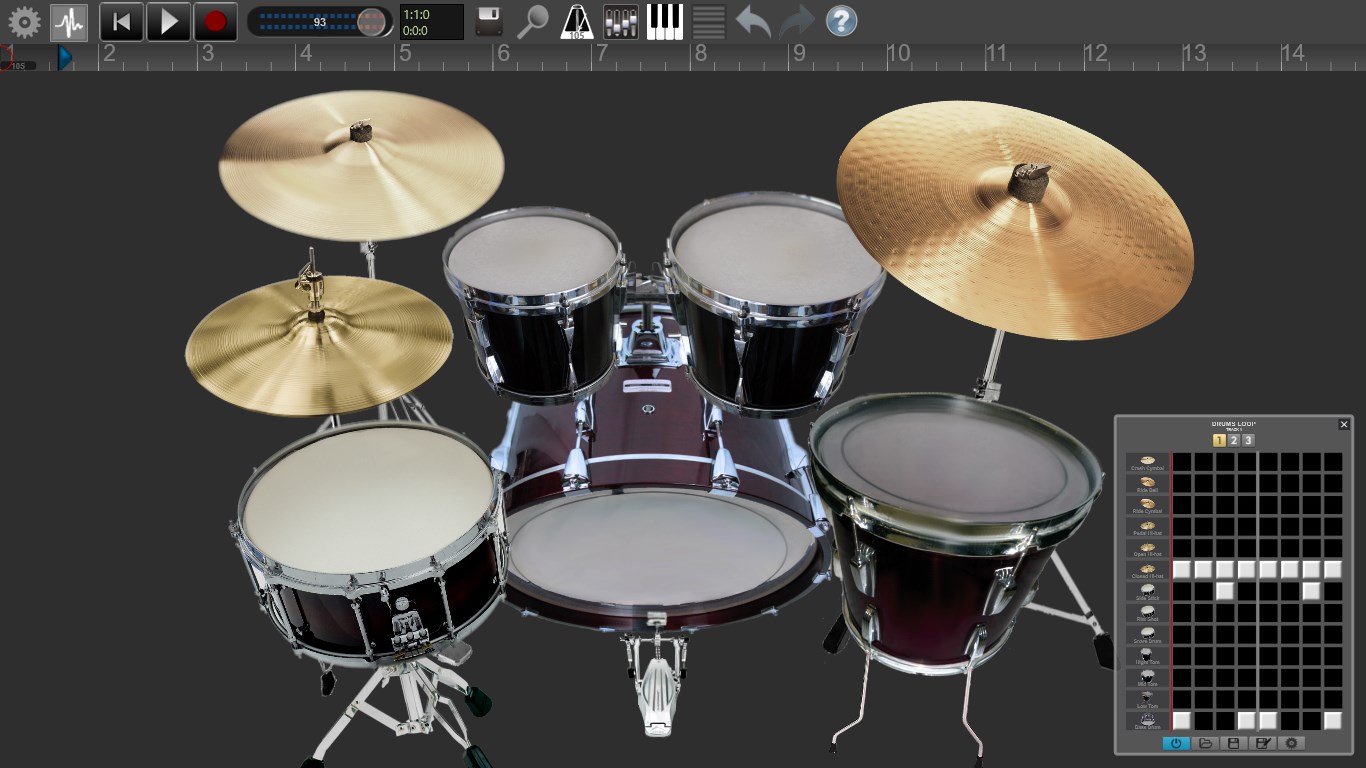
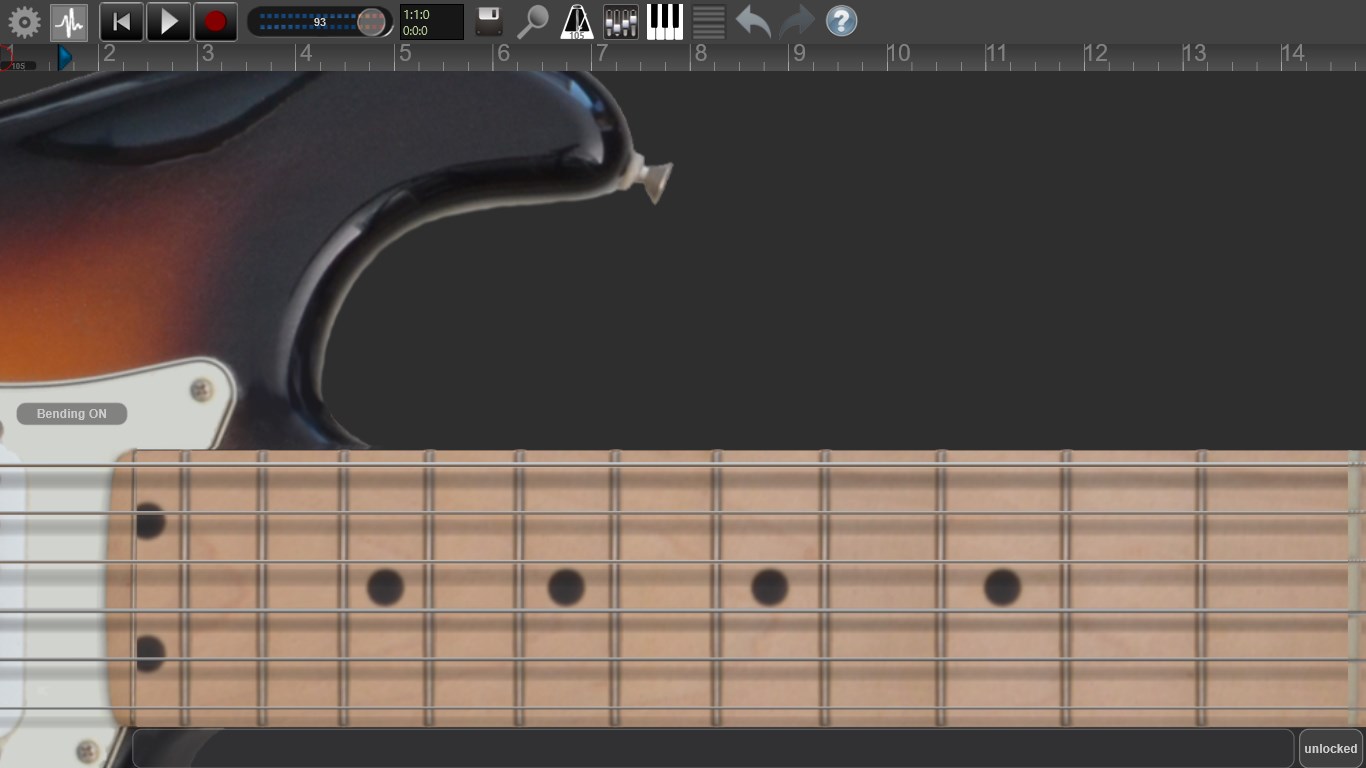
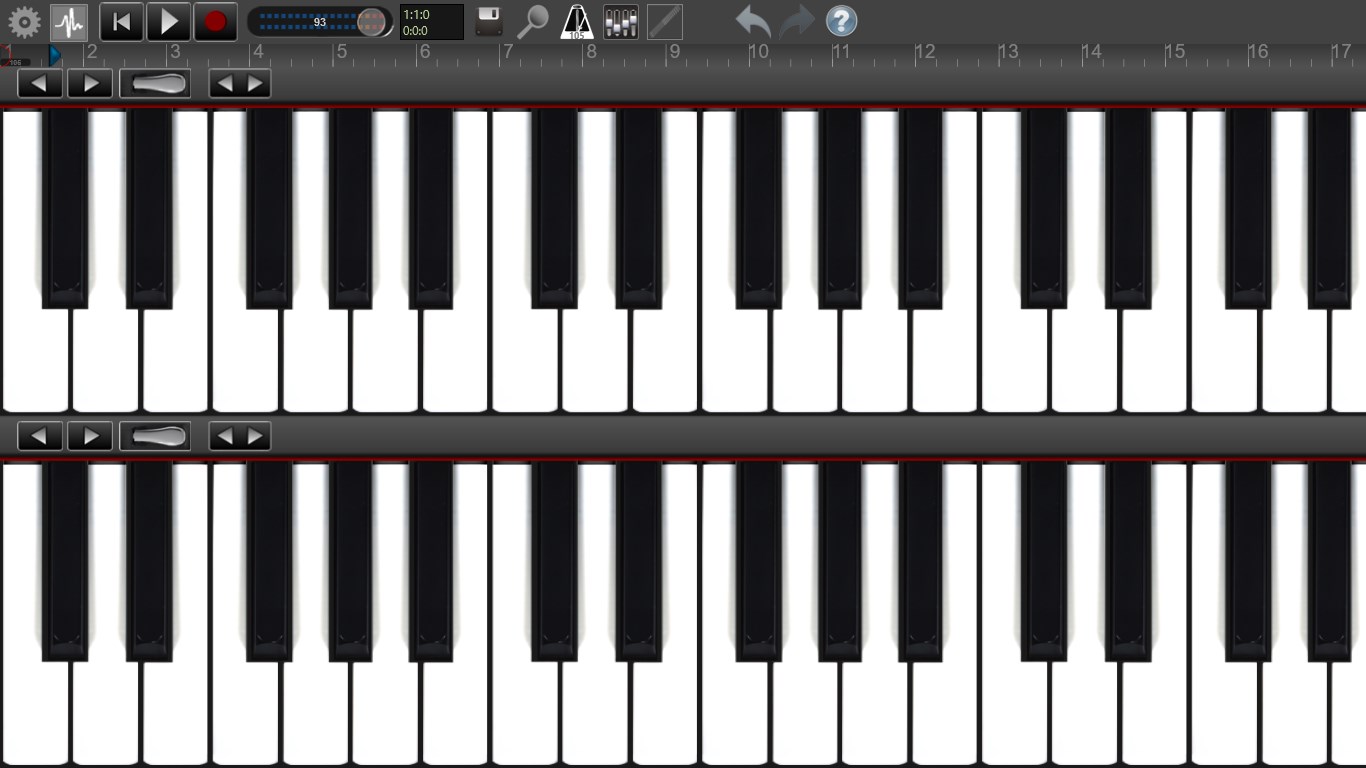
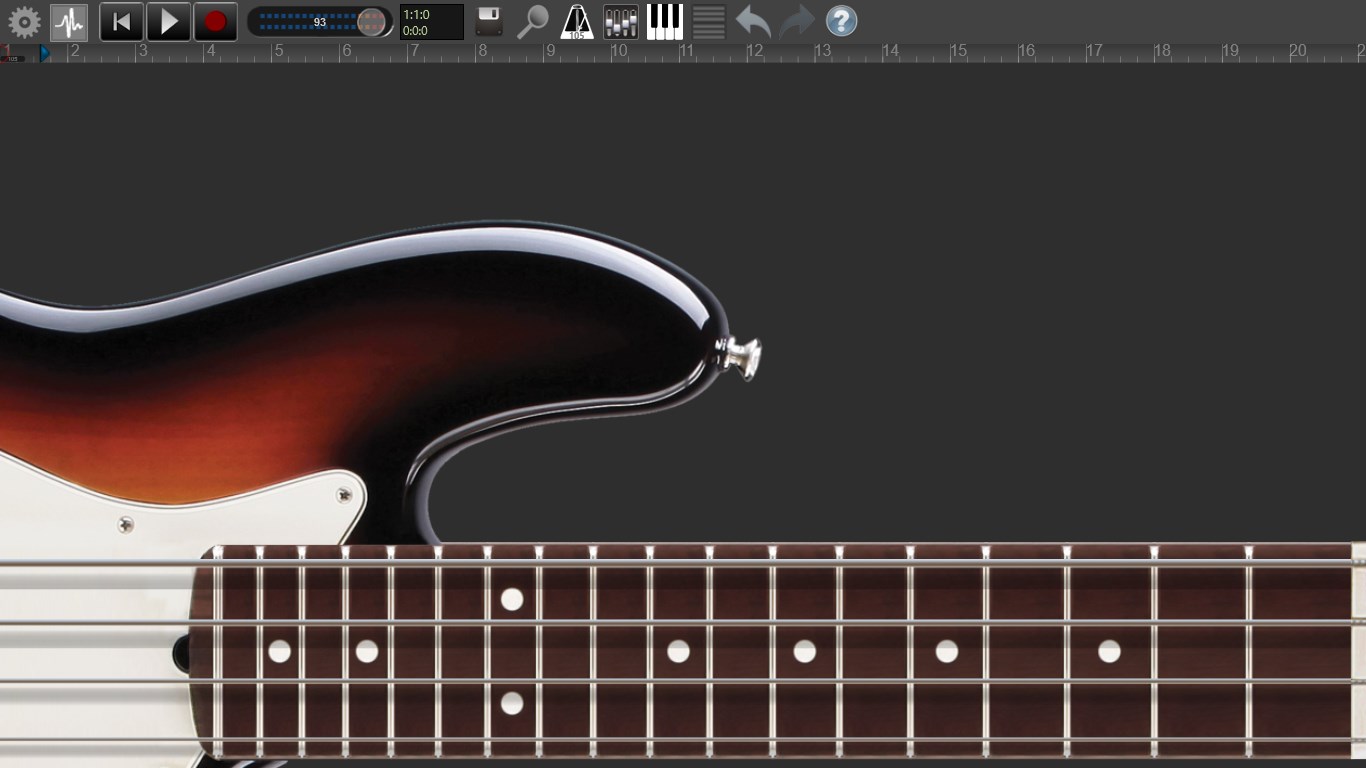
A well-designed interface is like a good playlist—smooth and inviting. Recording Studio Pro embraces minimalism, with clear icons and logical layout that reduces the learning curve. Beginners can pick up the app quickly, while seasoned users appreciate its quick access to advanced features without clutter. The operational flow feels natural, with sound controls and editing functions logically arranged—making navigation feel almost second nature. Performance is consistently smooth, thanks to optimized coding, even on modest hardware setups.
What sets Recording Studio Pro apart from other music apps is its emphasis on rhythm analysis—a feature rarely found in typical DAWs. It addresses a common challenge among creators: mastering timing. By assessing rhythm pattern variety and input latency tolerance, the app provides a nuanced understanding of your timing aptitude. This focus makes it particularly appealing to musicians eager to tighten their groove, whether you're recording jazz improvisations or electronic beats. Compared to competitors that prioritize sound effects or loop libraries, this app's core strength lies in refining your foundational timing skills.
For budding musicians or hobbyists looking for an accessible yet insightful recording tool, Recording Studio Pro is a solid choice. Its rhythm assessment features can be especially beneficial for performers wanting to improve timing accuracy in a supportive environment. However, those needing highly advanced editing or mixing capabilities may find it somewhat limited, as it favors simplicity over complex production workflows. Overall, I recommend giving it a try if you're interested in a straightforward platform that helps you understand and improve your rhythm, making your recordings more consistent and professional sounding.
Intuitive User Interface
High-Quality Recording Tools
Built-in Editing Features
Wide Compatibility
Regular Updates and Support
Limited Export Options
Occasional Lagging on Low-End Devices
Basic Effects Library
Learning Curve for Advanced Features
Minor Stability Issues

for Windows
 4.9
4.9

for Windows
4.9

for Windows
4.8

for Windows
4.8

for Windows
4.7

for Windows
4.7

for Windows
4.6

for Windows
4.6

for Windows
4.5

for Windows
4.5

for Windows
4.5

for Windows
4.5

for Windows
5

for Windows
5

for Windows
5

for Windows
5

for Windows
5

for Windows
5

for Windows
5

for Windows
5

for Windows
5

for Windows
5