Food & dining
PC
Windows 10 version 17763.0 or higher
Chinese (Simplified), Chinese (Traditional Chinese), Danish, Dutch, English, English (United States), Finnish, French, German, Italian, Japanese, Korean, Norwegian (Bokmål), Portuguese, Spanish, Swedish
For home cooks and culinary enthusiasts alike, managing countless recipes can often feel like juggling ingredients in a busy kitchen. Enter Recipe Keeper Pro for Windows—a tool that promises to organize your favorite recipes with ease and finesse. But does it truly deliver on its promise? Let's take a closer look at what makes this app a noteworthy contender in the recipe management realm.
Recipe Keeper Pro for Windows is a user-centric application aimed at simplifying the organization of your culinary creations. Developed by Tudorspan Limited, a company with a growing reputation for practical productivity apps, this software offers a suite of features tailored for both amateur cooks and seasoned chefs.
Designed primarily for home cooks, food bloggers, and culinary hobbyists, Recipe Keeper Pro harmonizes simplicity with powerful organizational tools to enhance your cooking experience.
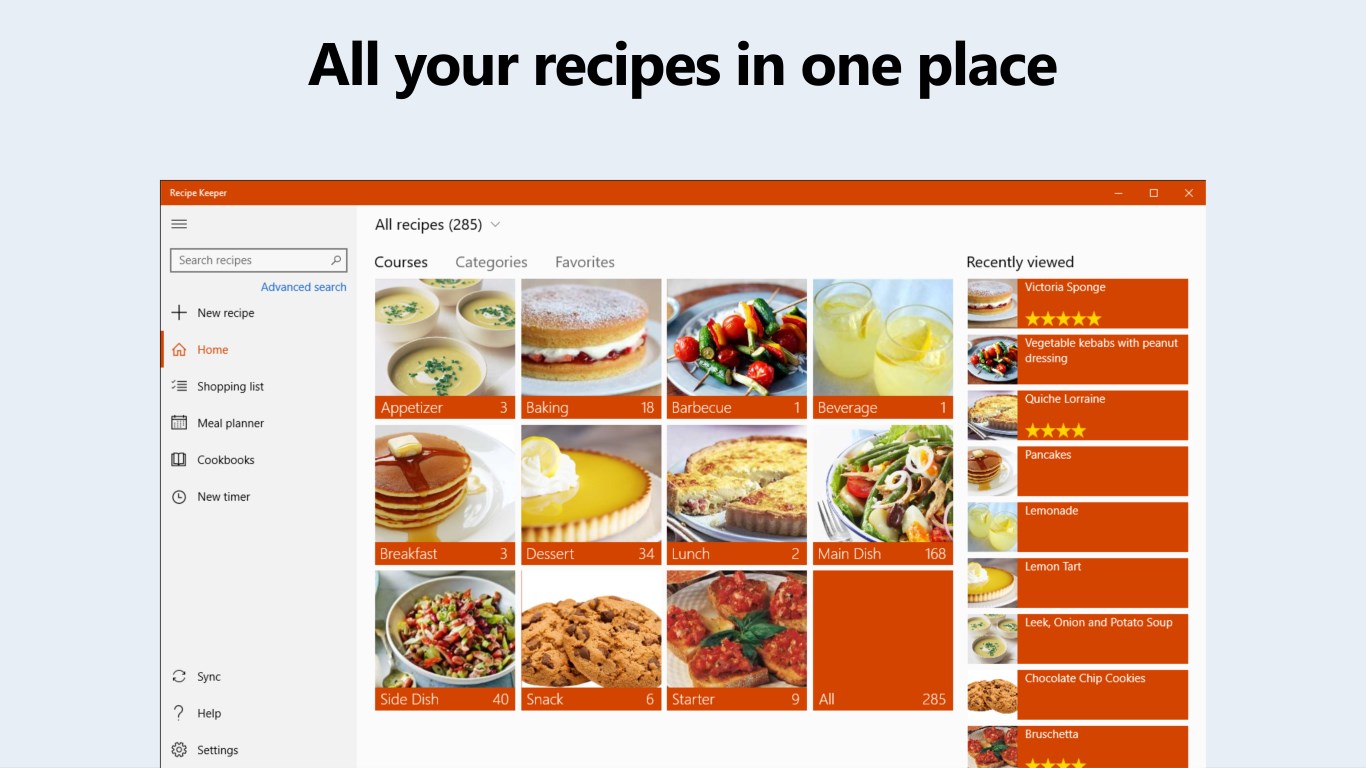
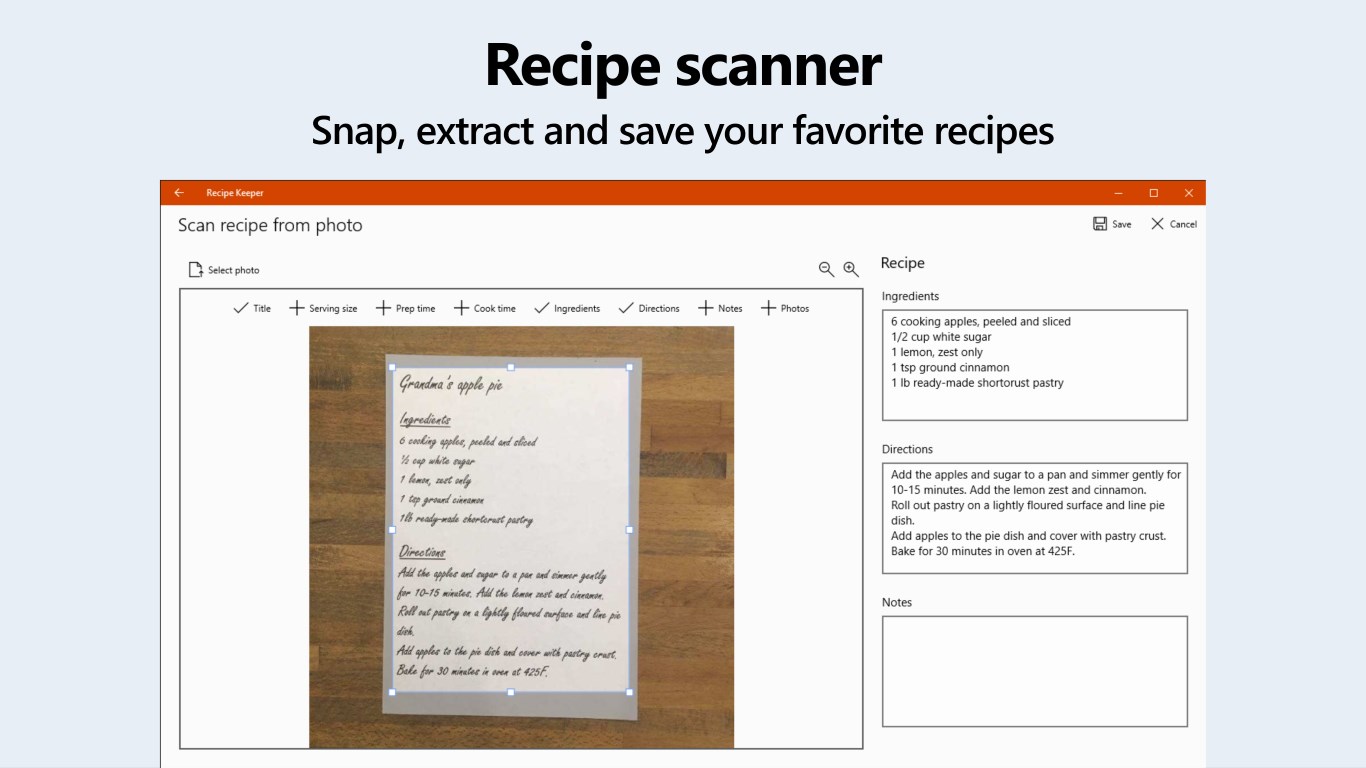
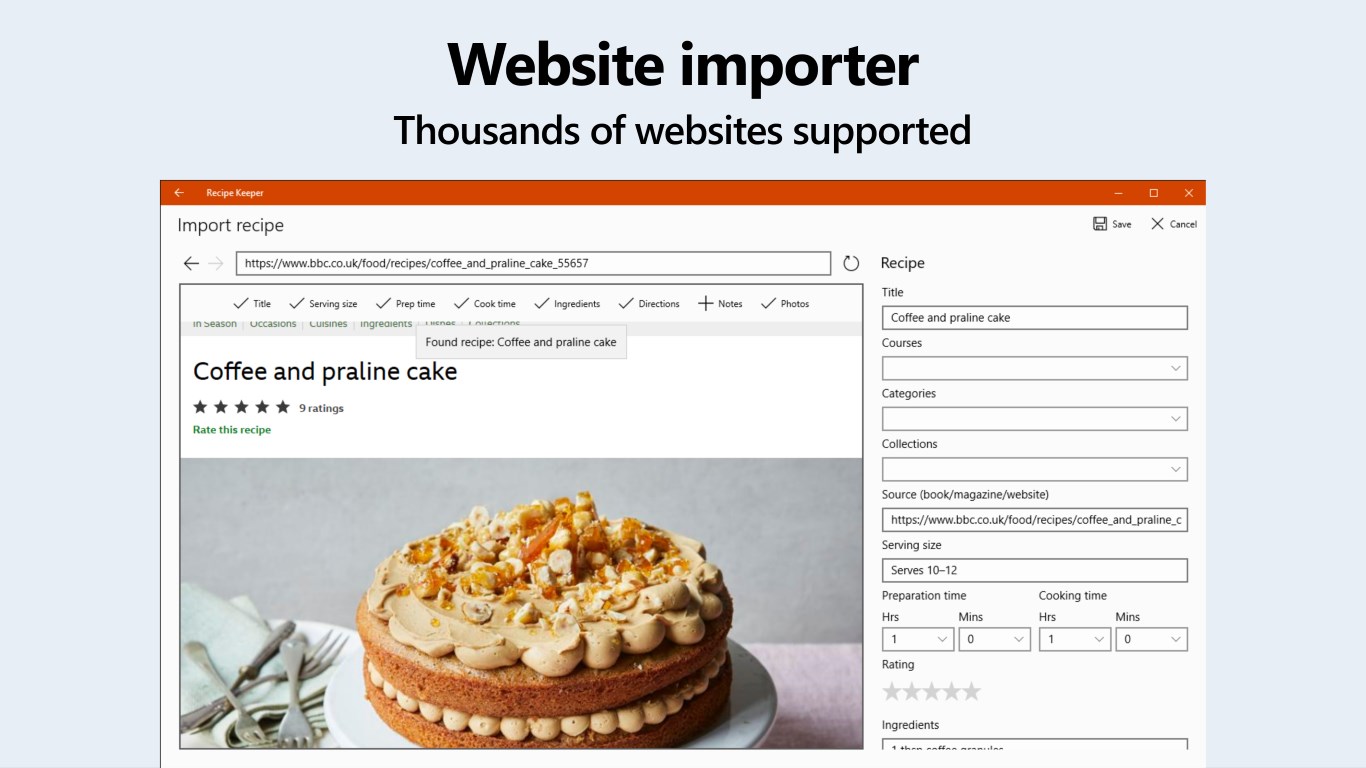
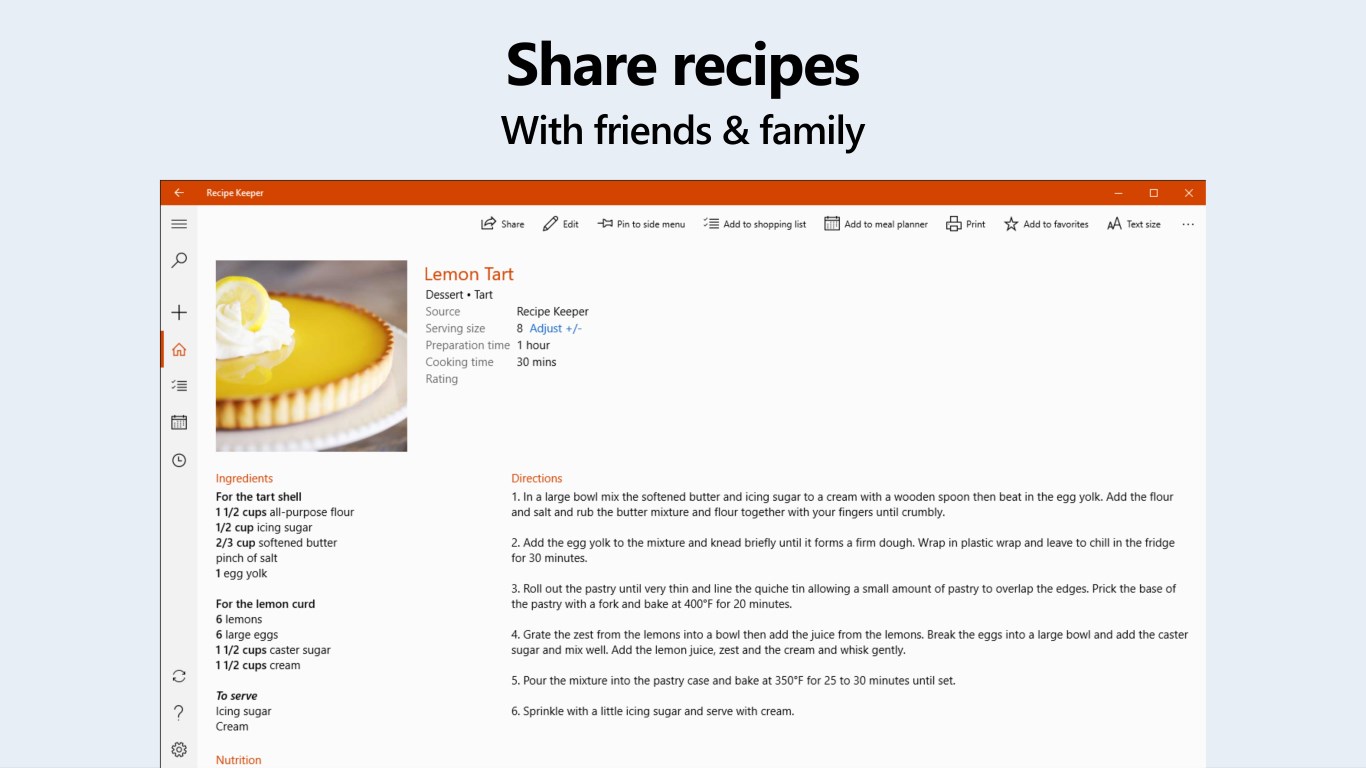
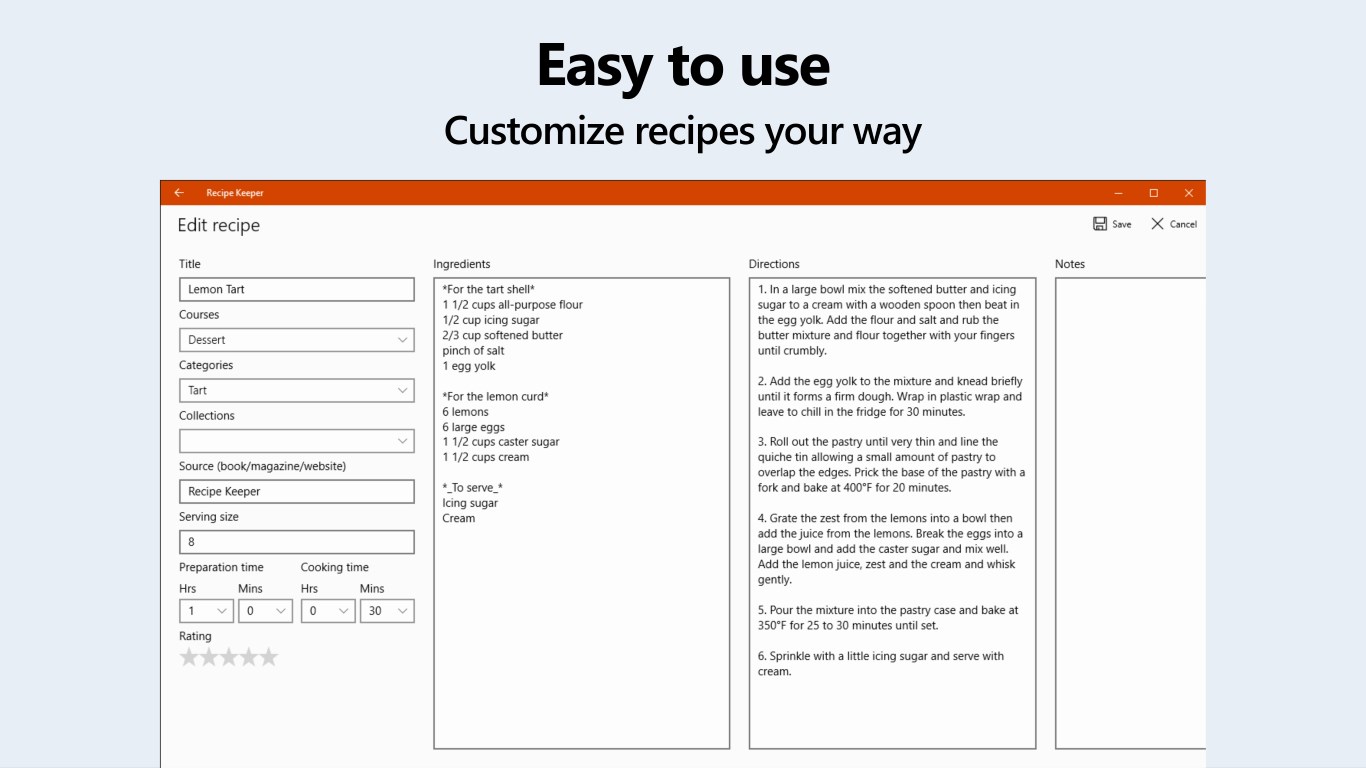
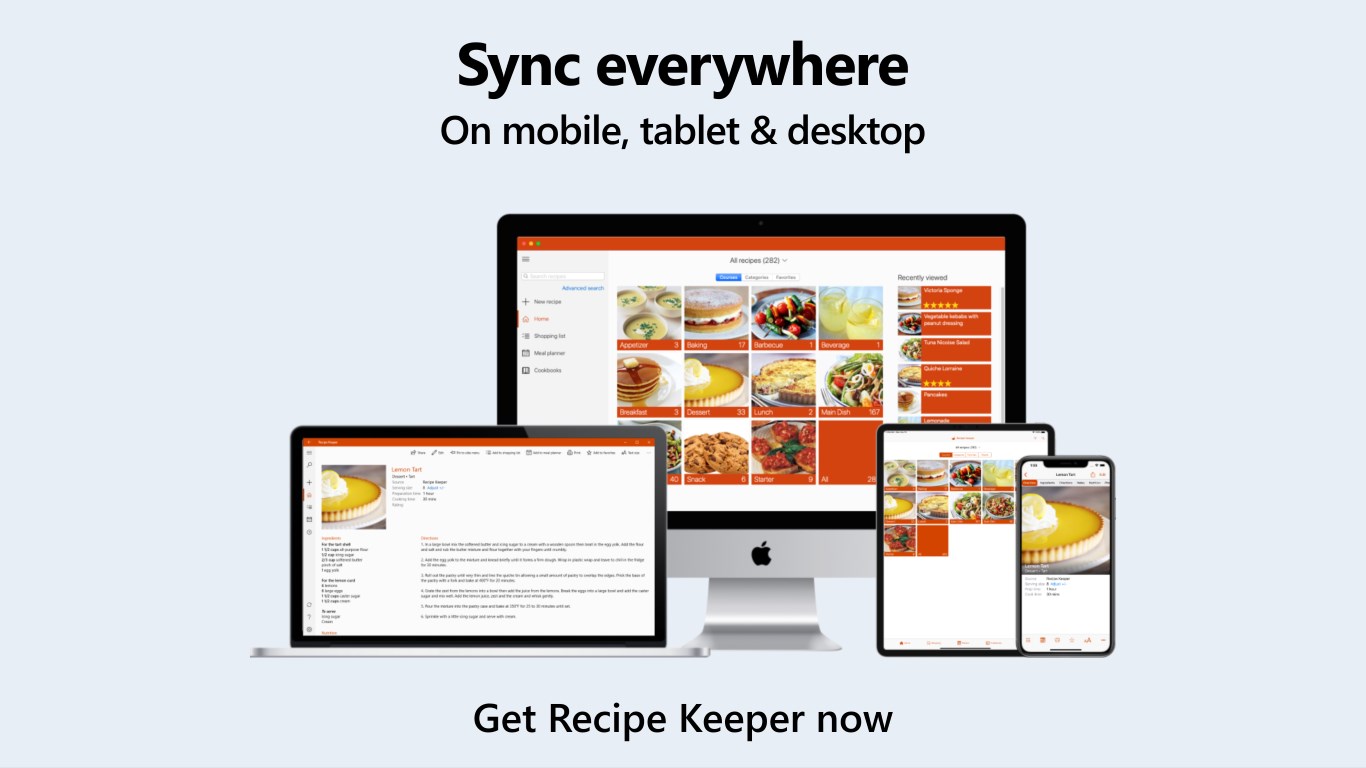
Imagine having a beautifully organized cookbook that's always with you—Recipe Keeper Pro makes this possible. Its adaptive interface allows users to input recipes seamlessly, whether you're snapping quick photos of your latest creation or typing out detailed instructions. The app supports multimedia, enabling you to embed high-quality images or videos directly into each recipe, making it feel like flipping through a gourmet magazine. The search functions are robust—filter recipes by ingredients, tags, or meal types—cutting down the time spent hunting for that perfect apple pie or weekend brunch idea.
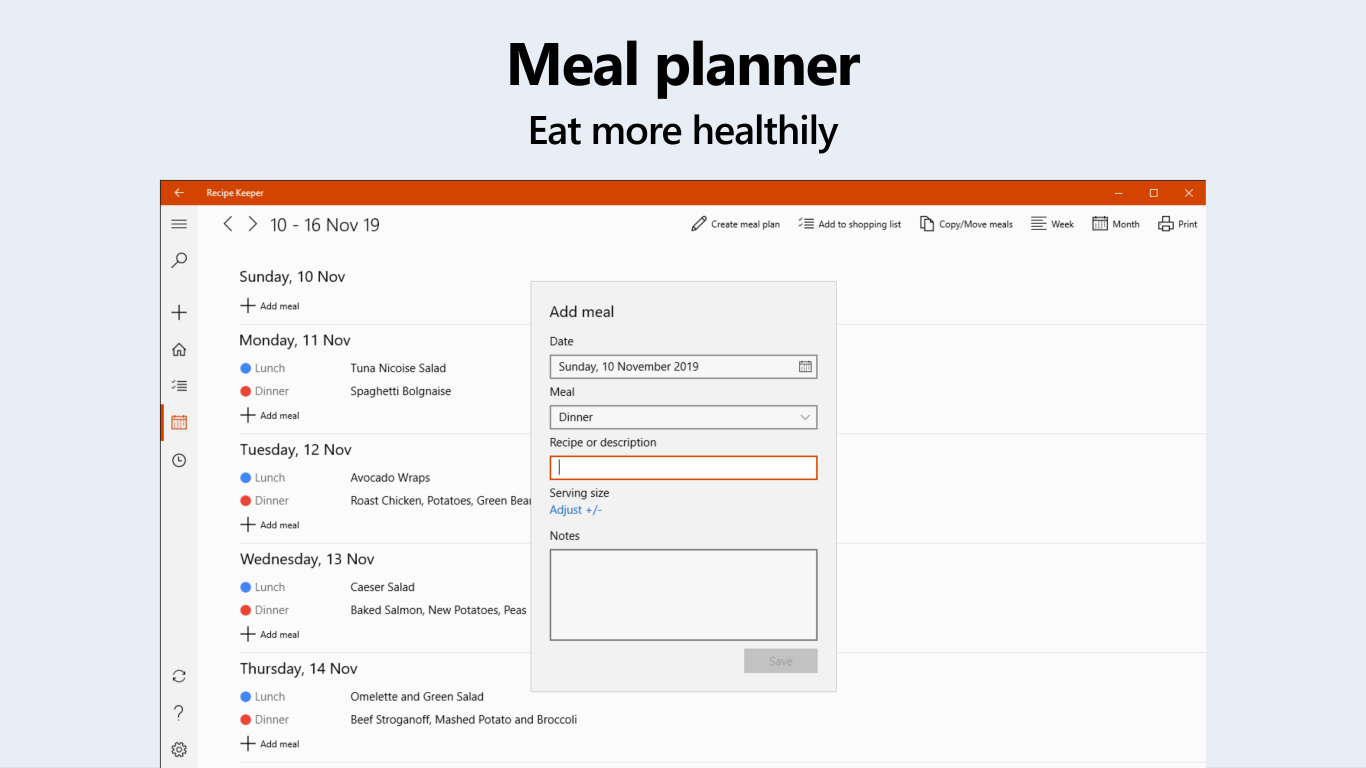
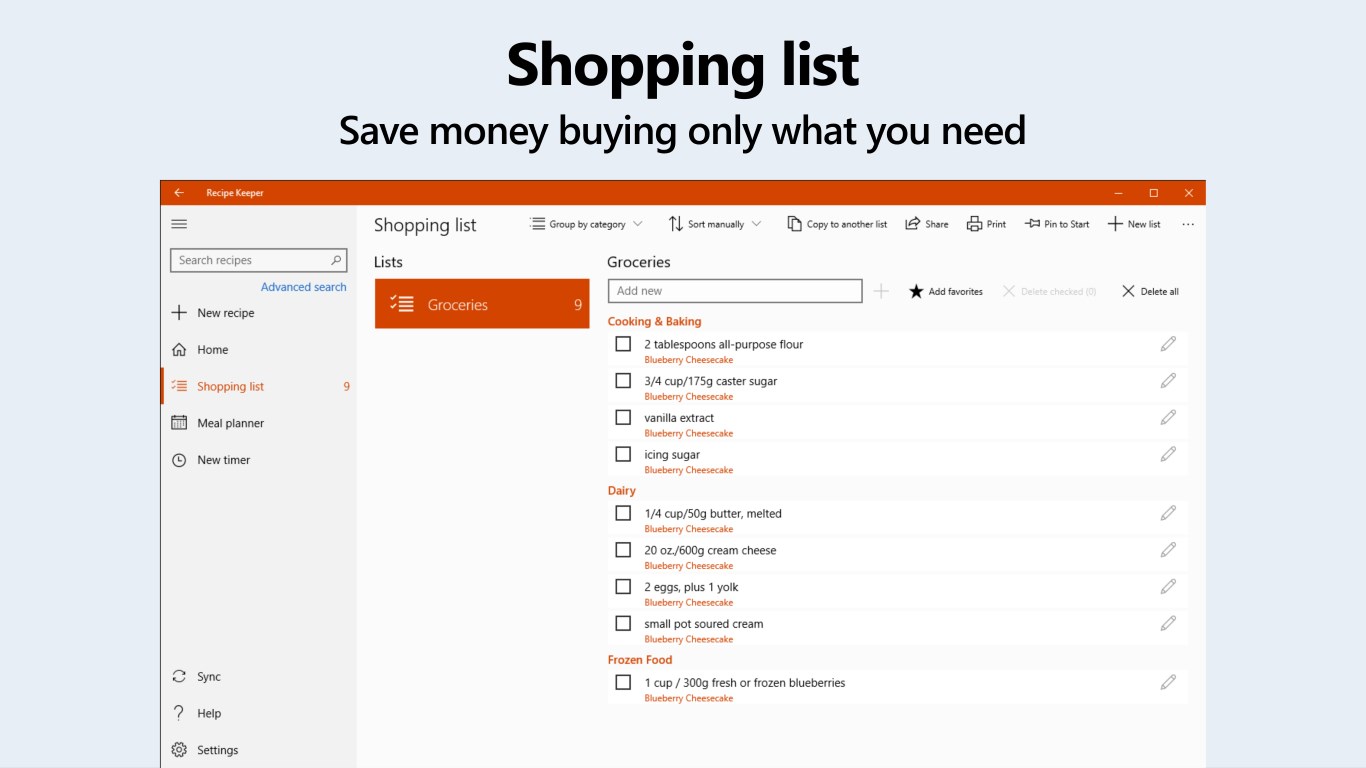
One of the app's standout features is its comprehensive meal planning tool. Visualize planning an entire week's worth of dinners with a tap—dragging and dropping recipes into your calendar. The integrated grocery list automatically compiles all ingredients needed, with options to check off items while shopping, making your grocery runs more efficient. This integration reduces the typical chaos of meal prep and simplifies the often-overlooked step of shopping, turning it into a straightforward task rather than a stressful chore.
Upon launching Recipe Keeper Pro, the overall aesthetic is clean, modern, and friendly—think of entering a well-organized pantry. Navigating between tabs and features feels natural, thanks to a well-thought-out interface layout. The app performs smoothly without noticeable lag, even when managing large recipe collections—an important factor for users who love to experiment with many dishes. The learning curve is gentle; most features are accessible within minutes, making it suitable for users of varying tech-savviness. Whether you're a seasoned home cook or just starting out, you'll find this app approachable and helpful.
Compared to other food and recipe apps, Recipe Keeper Pro distinguishes itself through its blend of simplicity and depth. Its strongest differentiator lies in its multimedia-rich recipe entries combined with robust search capabilities—imagine a digital cookbook where each page is vibrant, interactive, and easy to navigate. Moreover, its offline accessibility ensures that your recipes survive power outages or internet mishaps, a feature often overlooked elsewhere.
While many apps serve as digital storage bins, Recipe Keeper Pro transforms into a practical cooking companion, guiding you from recipe discovery to grocery shopping seamlessly. Its intuitive meal planner and grocery integration are particularly helpful, turning complex weekly planning into a straightforward chore.
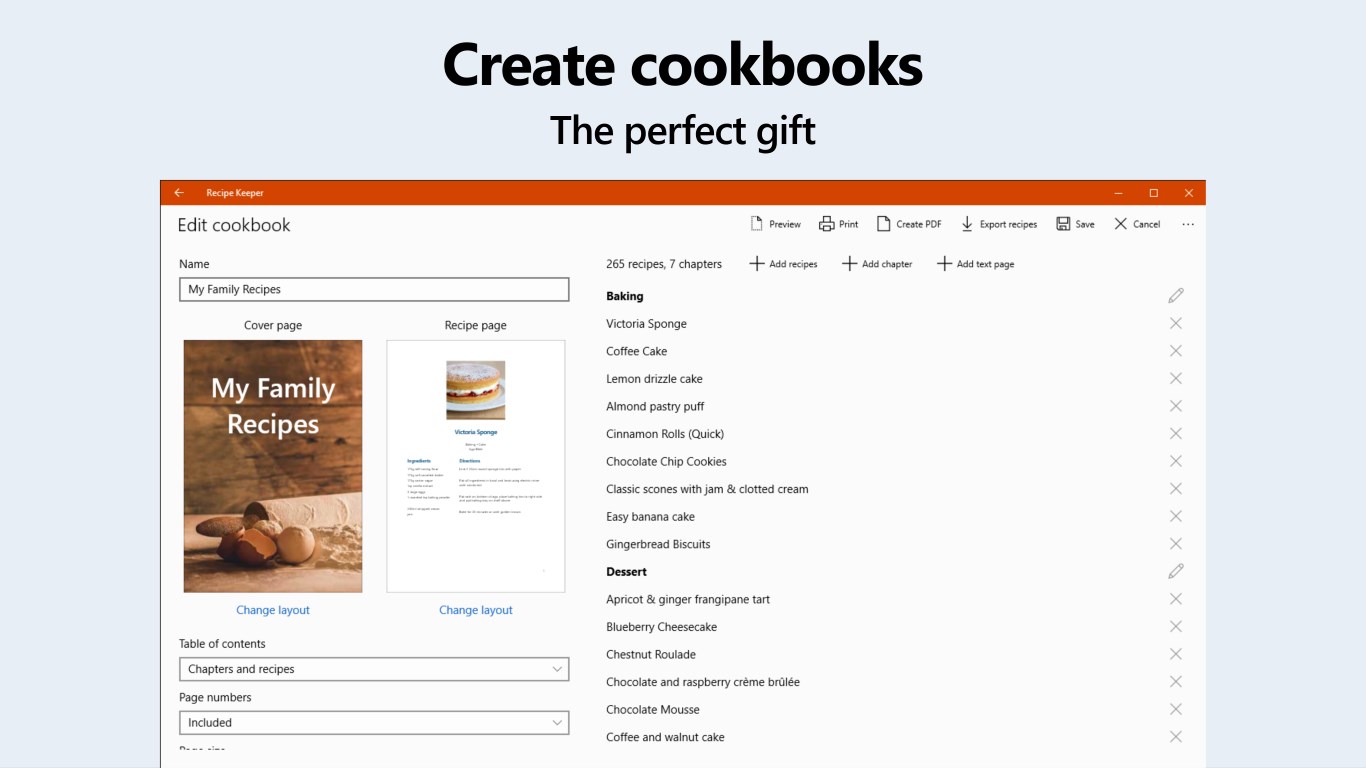
Overall, I recommend Recipe Keeper Pro for Windows to anyone seeking a straightforward yet powerful recipe management solution. It's especially suitable for those who value multimedia capabilities and integrated meal planning. For casual cooks or even small-scale food bloggers, this app offers enough depth without overwhelming complexity. Its noteworthy features and user-friendly design make it a valuable addition to the digital kitchen toolkit. Whether you're cataloging cherished family recipes or experimenting with new dishes, Recipe Keeper Pro will enhance your culinary adventures with organization and ease.
User-friendly interface
Extensive recipe database
Customizable meal planning
Offline access
Regular updates and improvements
Limited export options
Occasional sync issues across devices
Premium features require subscription
Limited customization for recipes
Interface could be more modern

for Windows
 5
5

for Windows
5

for Windows
5

for Windows
5

for Windows
5

for Windows
5

for Windows
5

for Windows
5

for Windows
5

for Windows
5